ibis Paint X: Drawing and Animation App
ibis Paint X is an art and design app by ibis inc. that lets users create illustrations and frame-by-frame animations on Android phones and tablets.
ibis Paint X is a free art and design app from ibis inc. that has been installed more than 100 million times, with a rating of 4.48 from about 3 million ratings. It suits beginners as well as experienced illustrators, offering over 130,000 brushes, 30,000 materials, 86 image filters and 27 layer blending modes, plus vector tools and animation features.
Gallery
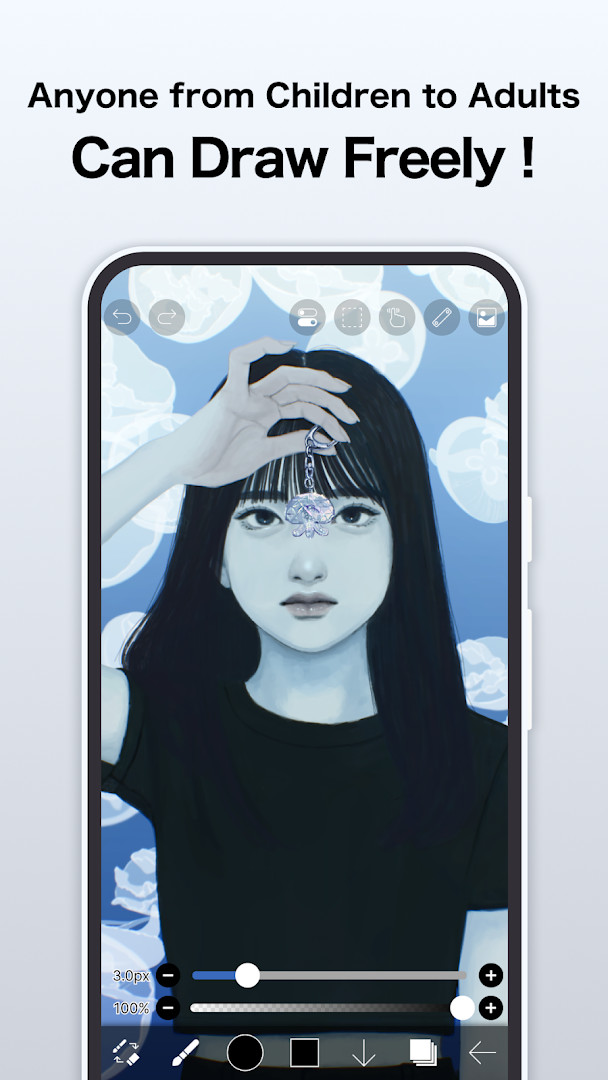
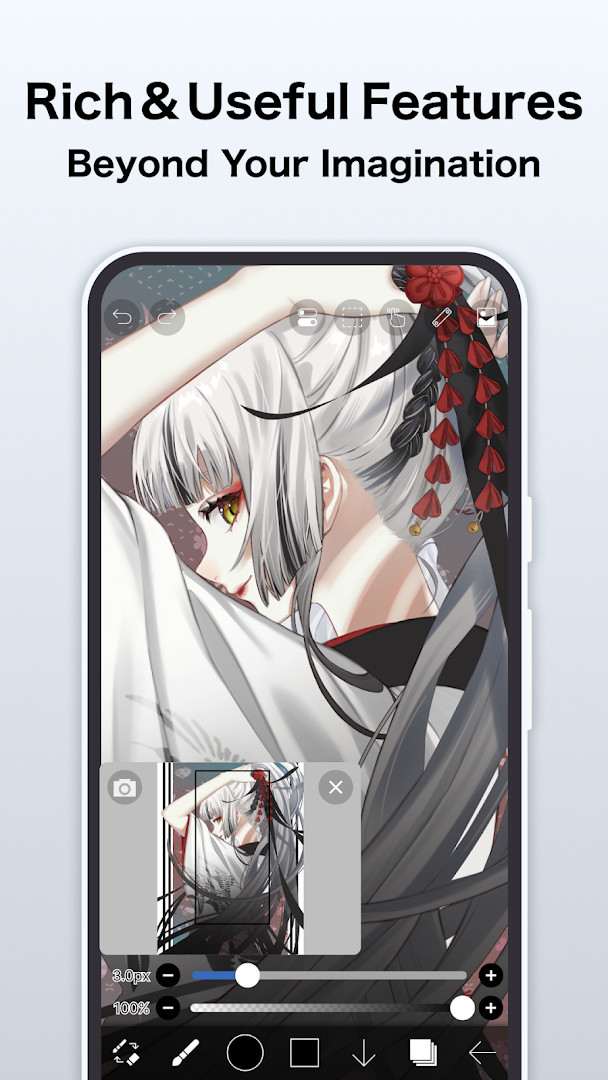
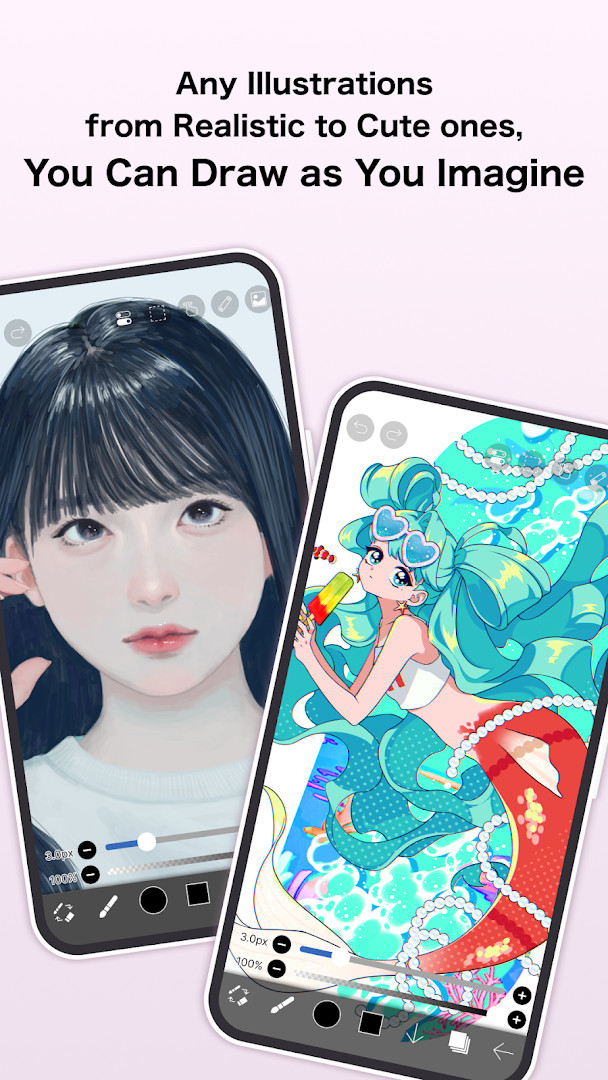
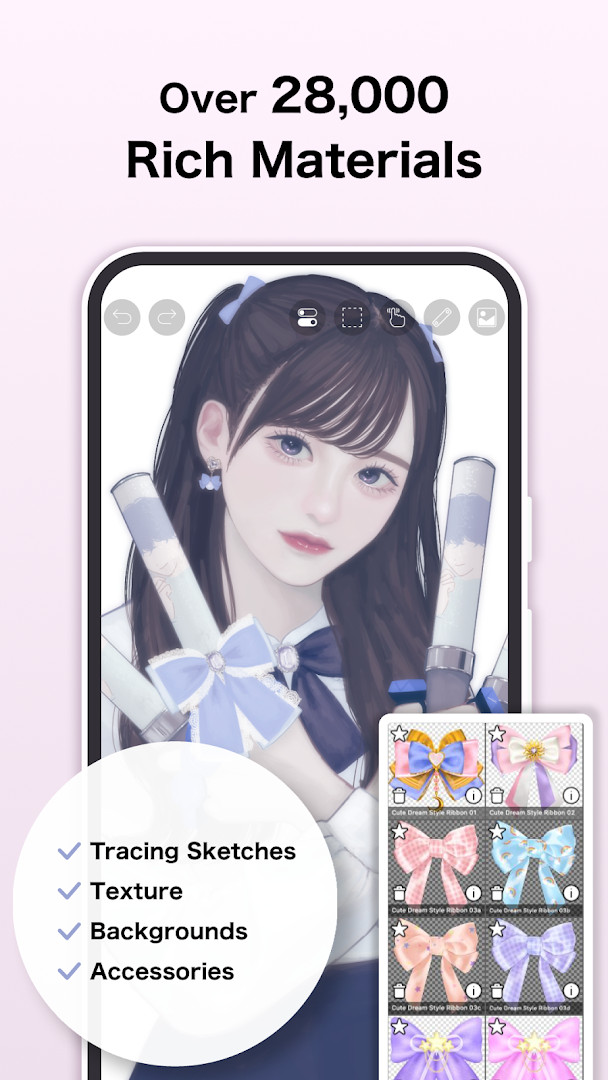
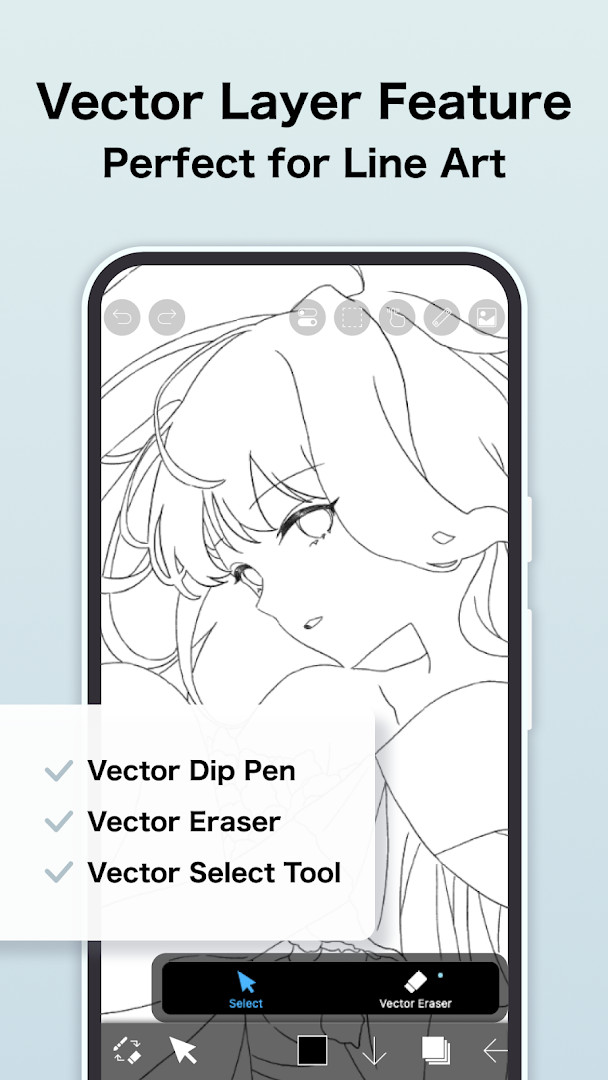
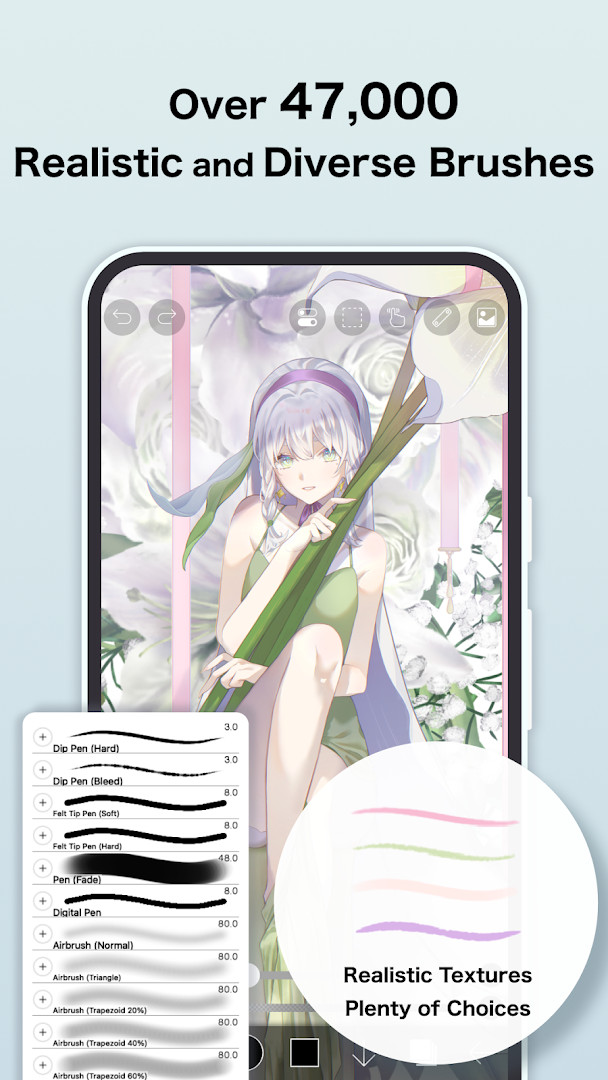
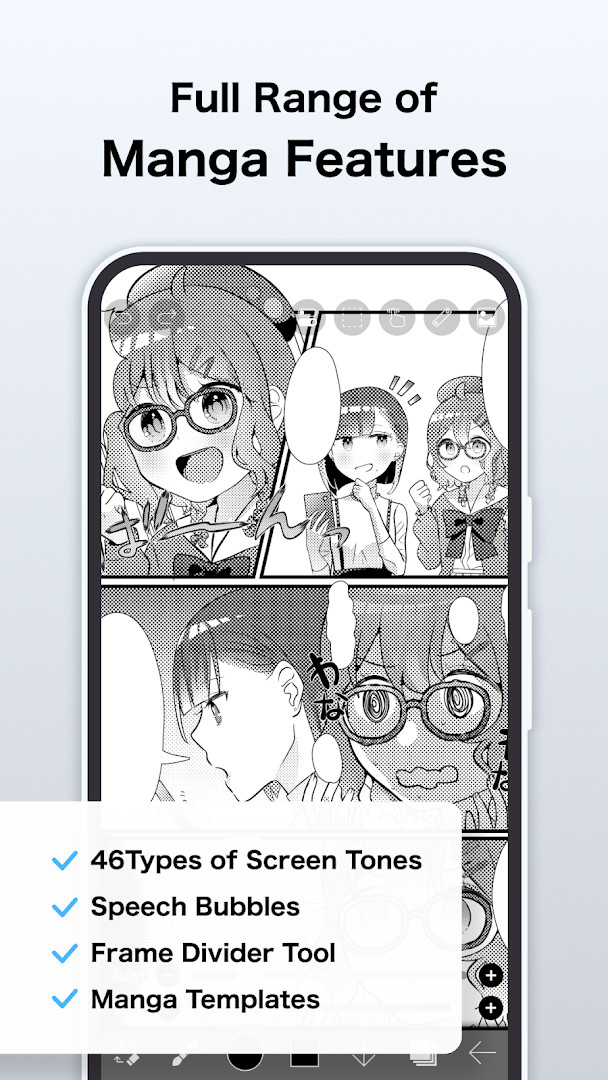
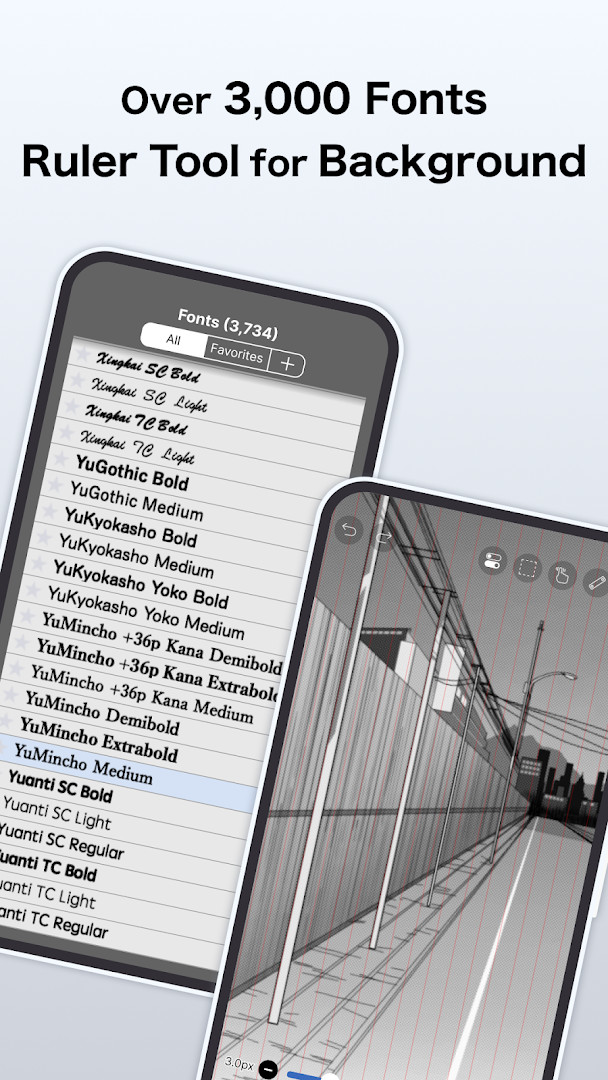
ibis Paint X is an illustration and animation app by ibis inc. that provides drawing, painting, and frame-by-frame animation tools on phones and tablets. It is positioned as an approachable entry point for people who assume drawing on a mobile device is difficult, while still offering a deep toolset for experienced artists.
The app covers a wide range of creative work. You can sketch and paint with a large brush library, organize artwork on layers, apply filters and screentones, use vector tools, rulers, and a reference window, and then move into animation or record your process as a time-lapse video. The series has passed 500 million cumulative downloads, and the current build is version 14.1.2, released on 2026-09-25.
On the privacy side, the app's access permissions are described as optional. Photos and media access is used to import artwork and images and to save the files and videos you create; microphone input supports communication with peripherals such as supported digital styluses; and notifications relate to your artwork, app updates, and announcements. Declining any of these leaves the core features usable, though related functions may be limited. Wi-Fi connection information and storage access also appear in the permission list, and the app is free with ads and in-app purchases.
Key features
- Large brush collection with adjustable parameters such as starting and ending thickness, opacity, and brush angle, plus real-time brush previews
- Unlimited layers with individual settings for opacity and blending, along with clipping masks and layer commands like duplication, import, flip, rotate, move, and zoom
- 86 image filters, 46 screentones, and 27 layer blending modes for finishing artwork
- Vector tools, a reference window, and ruler options including radial and symmetry rulers
- Frame-by-frame animation support, animated filters, and an AI Disturbance feature
- Recording of the drawing process for time-lapse video, with options to add background music and audio
- Extensive material and font libraries: over 130,000 brushes, 30,000+ materials, and 3,000+ fonts
- Works with supported digital styluses for more precise input
How to install
- Tap the download button on this page to get the APK file. The file size is listed as n/a.
- If Android asks, allow your browser or file manager to install apps by enabling the "Install unknown apps" setting for that app.
- Open the downloaded APK file from your notifications or file manager.
- Tap Install and wait for the process to finish.
- Open the app. It requires Android 7.0 or later.
Pros
- Free to use, with ads and optional in-app purchases
- All listed access permissions are optional; core features still work if you decline them
- Very large library of brushes, materials, and fonts
- Supports both illustration work and frame-by-frame animation
- Can record your drawing process as a time-lapse video
- High user rating of 4.48 from over 3 million ratings
Cons
- Contains ads
- Offers in-app purchases, including subscription-style plans
- Some features are limited if you decline optional permissions
- The breadth of tools may feel overwhelming at first
- Access to photos and media is needed to import and save artwork
Fresh Updates · 14.1.2
The 14.1.2 update, dated September 25, 2026, focuses on bug fixes. A problem where a shape drawn with Smart Shape on a Vector Layer could become distorted after being applied when a Selection Area was present has been resolved. The app could also crash when returning to My Gallery via a keyboard shortcut while a tutorial was on screen, and that issue has been fixed as well.
Older Releases
| Version | Size | Requires Android | Updated |
|---|---|---|---|
| 14.1.2 | — | 7.0 | 25.09.2026 |
| 9.2.3 | 28 MB | 4.1 | 15.01.2025 |
| 4.2.3 | 28 MB | 4.0 | 20.01.2017 |
It suits beginners who want a forgiving way to start drawing on a phone or tablet, as well as hobbyists and more experienced artists who want layers, filters, vector tools, rulers, and animation in one app. Anyone who prefers to control which device features an app can access will find the optional-permission model relevant.
Review the permission prompts when they appear and grant only what you need; you can still draw, save, and animate without approving everything. If you plan to import reference images or export finished artwork, photo and media access will be necessary. Microphone access is only relevant if you use supported peripherals such as a digital stylus. Since the app includes ads and in-app purchases, check the purchase plans before subscribing, and note that a free trial renews automatically unless cancelled at least 24 hours before it ends.
Access Permissions
Common Queries
Is ibis Paint X free to download and use?
Yes, ibis Paint X is a free app. It includes ads and offers optional in-app purchases, but you can download and start using its core features at no cost.
What Android version do I need to install ibis Paint X?
The app requires Android 7.0 or higher. If your device runs on this version or a newer one, you should be able to install and run it.
What permissions does ibis Paint X request, and are they mandatory?
The app may request access to your photos, media, files, storage, microphone, and Wi-Fi connection information. All permissions are optional — you can decline them and still use the core features, though some functions like importing or saving artwork may be limited.
Do I need to create an account to use ibis Paint X?
No, creating an account is not required to use the app. You can start drawing and animating right after installation without signing in.
How do I update ibis Paint X to the latest version?
To update, simply download the newest version available on this page and install it over your current installation. The latest version listed here is 14.1.2, updated on 2026-09-25.
What is the file size of ibis Paint X?
The file size is not specified in the available information. You can check the download details on this page for the exact size before installing.
ibis Paint X combines a broad drawing and animation toolset with an optional-permission approach, making it a practical choice for artists at many levels. Check that your device runs Android 7.0 or higher, then install it from this page and start with a simple sketch.
Related Apps


Updated: 24.10.2026