S bike mode: riding communication manager
S bike mode is an auto and vehicles app by Samsung R&D Institute India Noida that filters incoming calls for two wheeler riders.
S bike mode is a free Samsung feature for two wheeler motorists, with no ads and no in app purchases. It answers incoming calls automatically, asks callers to press 1 for urgent matters and uses Motion lock to keep the device unusable until the rider stops. The app requires Android 9 or later and takes up 15 MB, and it has been installed more than 100 million times.
Gallery
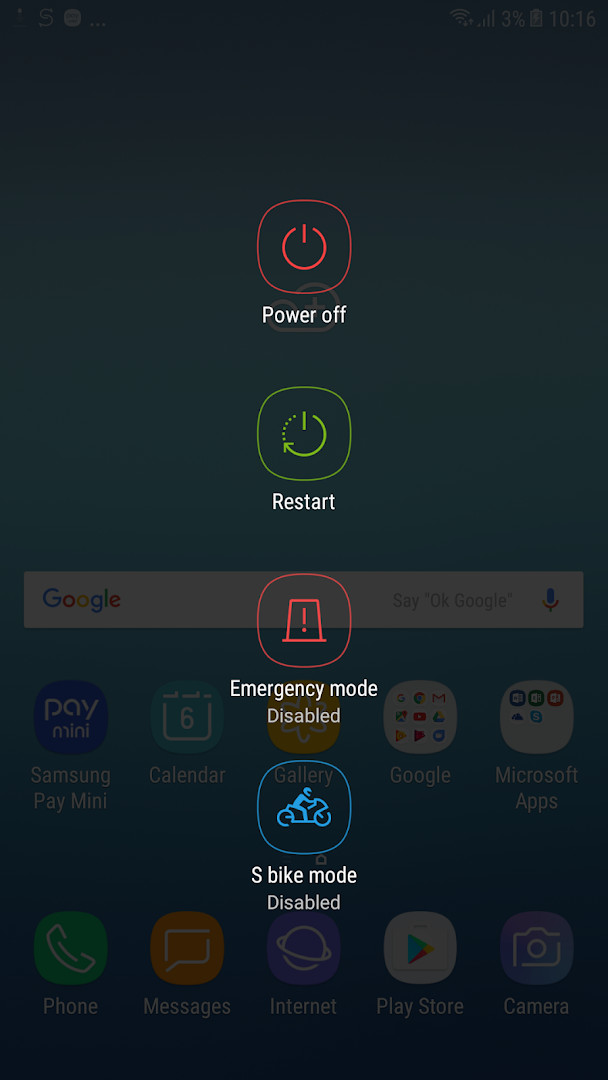
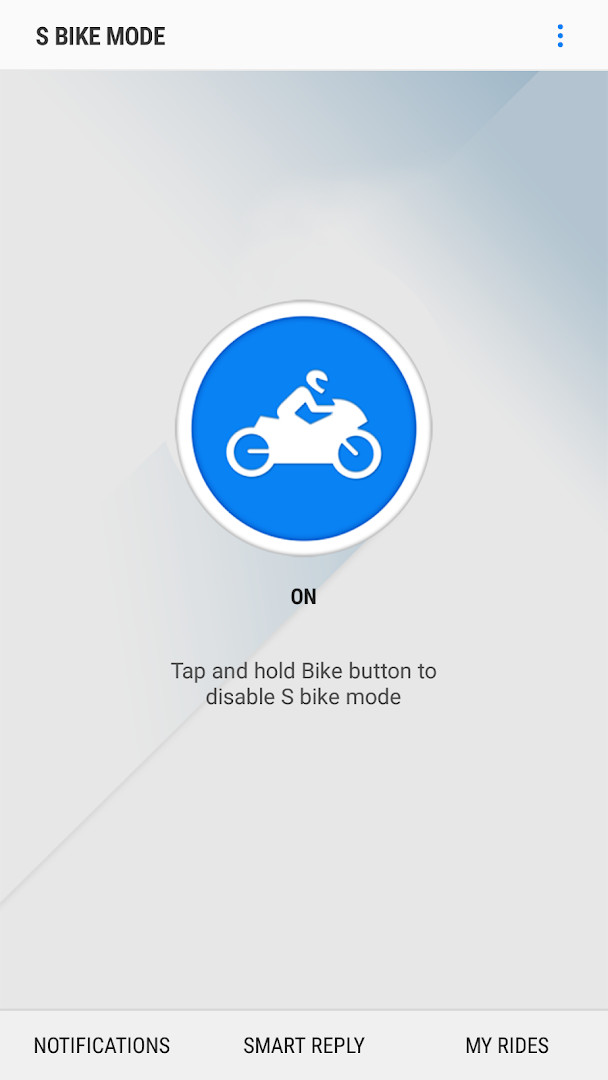
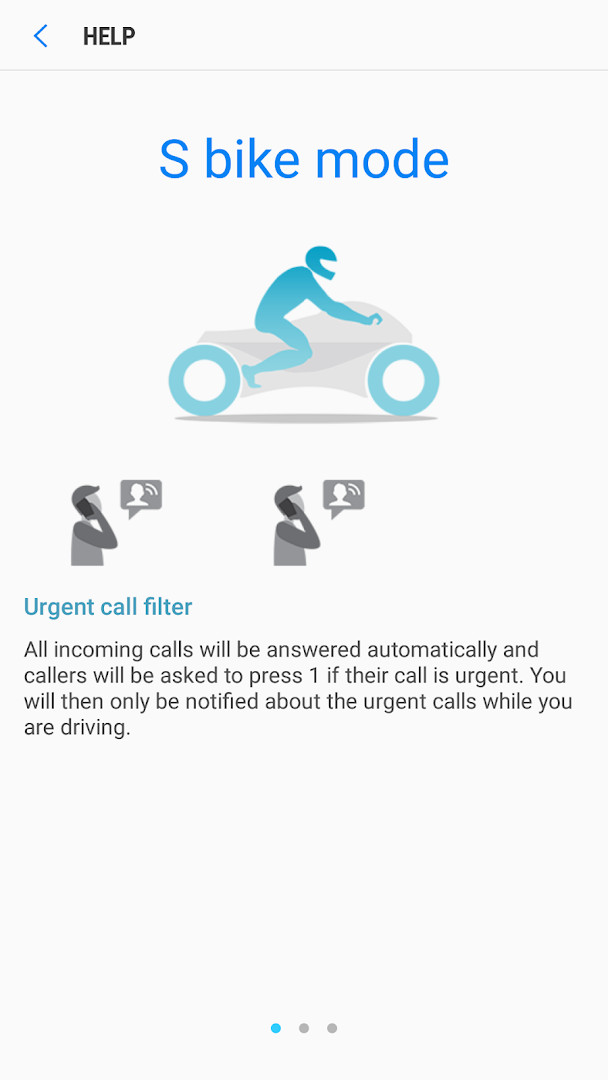
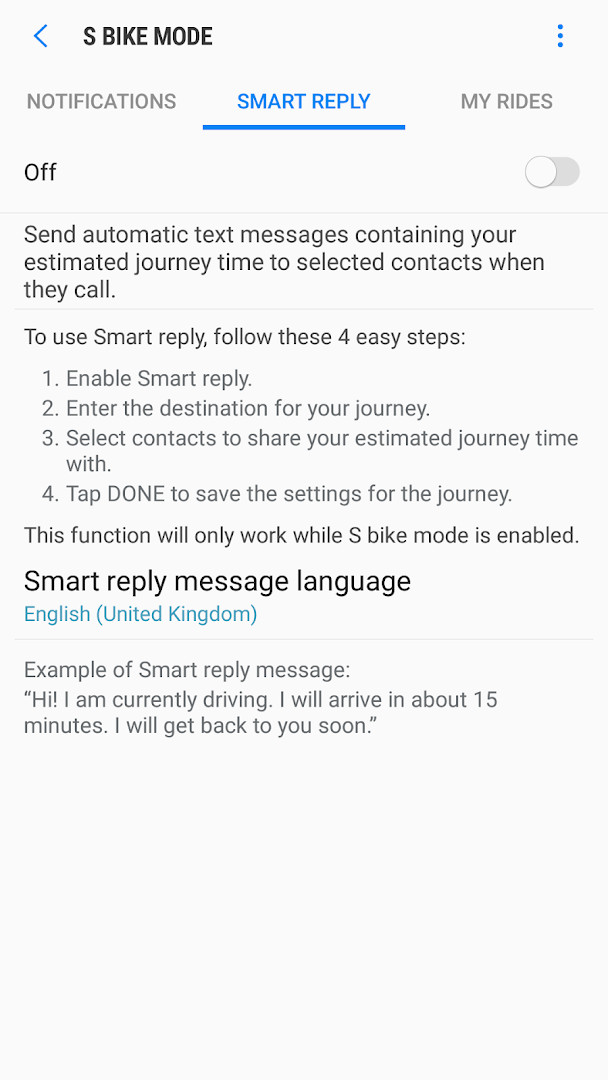
S bike mode is a two-wheeler communication assistant by Samsung R&D Institute India Noida that filters incoming calls and lets riders stay focused on the road. It is a free, ad-free companion app that has been installed over 100 million times and holds a 4.09 rating based on more than 12,000 reviews. Instead of silencing your phone completely, it takes over call handling while you ride, so only genuinely urgent conversations reach you.
Key features
- Urgent call filter that blocks routine calls while you ride
- Automatic answering message that asks callers to press 1 if the call is urgent
- Motion lock that blocks phone use until you come to a complete halt
- Priority notifications for missed calls, sorted by urgency and time
- Smart reply that sends your estimated time of arrival to selected contacts
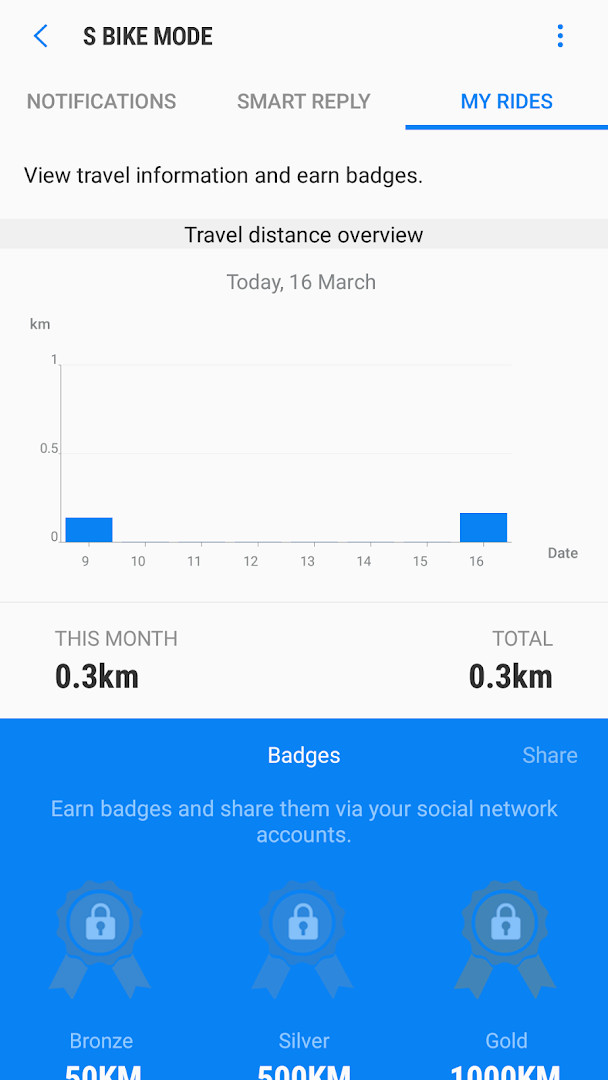
- My rides section showing travel time details and rewarding continued use with badges
How to install
- Tap the download button on this page to save the APK file (about 15 MB) to your device.
- When your browser asks for permission, enable the 'Install unknown apps' setting for that browser or your file manager.
- Open the downloaded APK file from your notifications or your Downloads folder.
- Tap 'Install' and wait for the process to finish, then tap 'Done'.
- Open the app and follow the on-screen prompts to grant the permissions it needs to work on Android 9 or newer.
Pros
- Completely free, with no ads and no in-app purchases
- Effectively blocks spam and non-urgent calls while riding
- Motion lock removes the temptation to look at the screen
- Smart reply keeps frequent callers informed without any rider input
- Compact 15 MB download that runs on Android 9 and up
Cons
- Requests a broad set of permissions, including contacts, SMS, location, and microphone
- Callers must understand the instruction to press 1 to get through to you
- Smart reply uses standard text message and mobile data charges
- The screen stays locked until you have fully stopped, which may feel restrictive
Fresh Updates
The update adds support for Q OS (Android 10). This allows S Bike mode to run on devices with that operating system version. The app's functionality remains focused on filtering calls, auto-answering with an urgent call prompt, motion lock, smart reply with estimated arrival times, and ride tracking with badges.
Older Releases
| Version | Size | Requires Android | Updated |
|---|---|---|---|
| 3.0.19 | 15 MB | 9 | 10.02.2025 |
| 1.4.75 | 10 MB | 5.0 | 23.11.2016 |
Scooter and motorcycle commuters who ride daily, delivery riders who receive calls while on the move, and anyone who wants to cut down on phone distraction during two-wheeled trips.
Before you leave, set up Smart reply with your destination and the contacts who often call about arrival times; this way they get your ETA automatically. Remember that Motion lock only releases when you have stopped completely, so pull over safely before checking any missed notification.
Access Permissions
Common Queries
How does S bike mode handle incoming calls while I'm riding?
When S bike mode is turned on, every incoming call is answered automatically. The caller hears an audio message in the language you selected, asking them to press 1 if the call is urgent. If they do, you get notified; otherwise, the call is filtered out and you're not disturbed.
What is the Motion lock feature and how does it work?
Motion lock is a safety feature that blocks you from using your device while you are moving. You must bring your vehicle to a complete stop before you can interact with your phone, check notifications, or respond to urgent calls.
Can I let selected contacts know my estimated arrival time without answering calls?
Yes. The Smart reply feature lets you choose a journey, enter your destination, and pick specific contacts. When any of those contacts call you while you're riding, S bike mode automatically sends them a text message with your estimated travel time to the destination. Standard text and data charges may apply.
What does the 'My rides' section show?
The 'My rides' section displays details about your travel time and allows you to earn badges for using S bike mode consistently while driving. It's a way to track your usage and get recognition for riding safely.
Does S bike mode have a special ringtone for urgent calls?
Yes, S bike mode includes a signature ringtone that is designed to stand out even in noisy traffic conditions, so you can hear urgent call notifications more easily while on the road.
For two-wheeler riders, S bike mode turns a normally distracting phone into a hands-off safety companion. The wide permission list and the need for callers to press a key are real trade-offs, but urgent call filtering, motion lock, and automatic ETA replies make it a practical and well-tested choice for daily commutes and longer rides alike.
Related Apps

Updated: 24.10.2026