Invitation Maker: Cards & RSVP - Create Custom Invites
Invitation Maker: Cards & RSVP is a free event invitation app by Greetings Island that lets you design personalized invitations and cards for any occasion.
Invitation Maker: Cards & RSVP offers over 5,000 premium templates, with ad-supported free use and in-app purchases. The app requires Android 7.0 or higher and has received a 4.86 rating from 191,803 users. It is designed for anyone planning events like weddings, birthdays, and baby showers who wants to create and share digital invitations with RSVP tracking.
Gallery
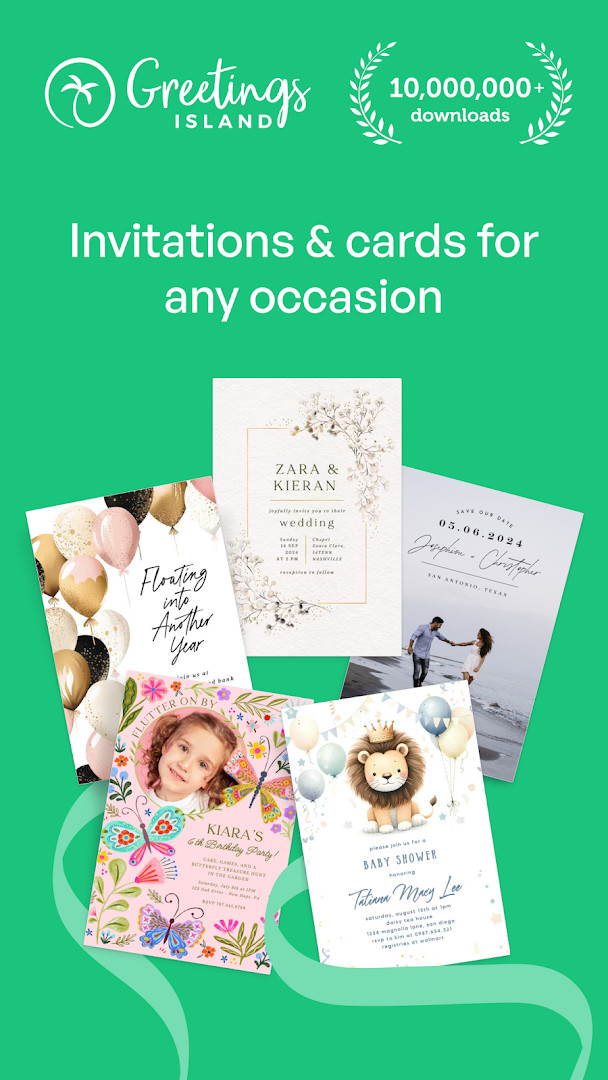
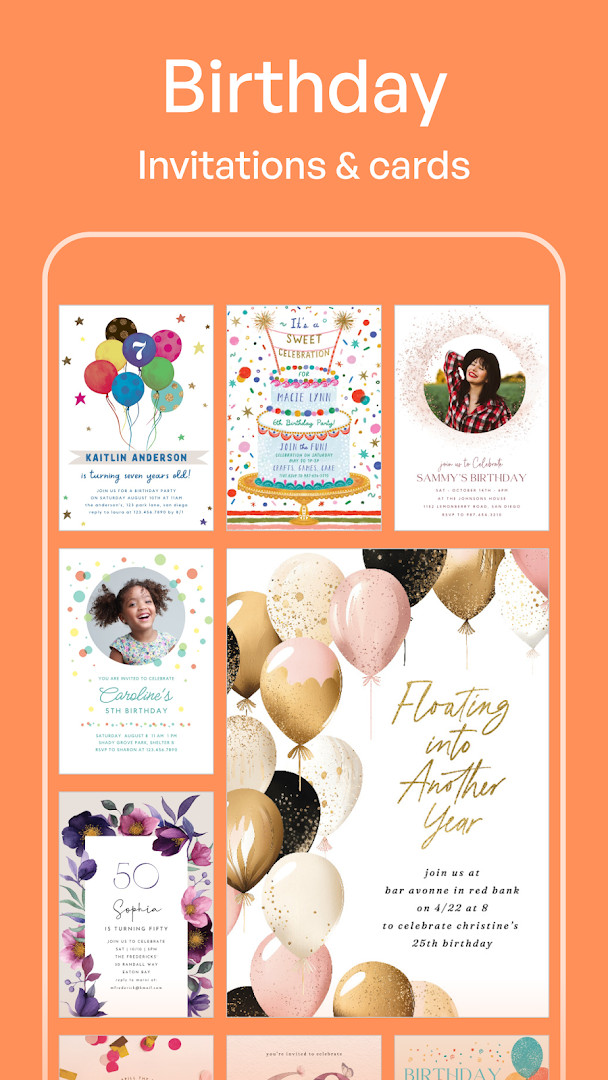
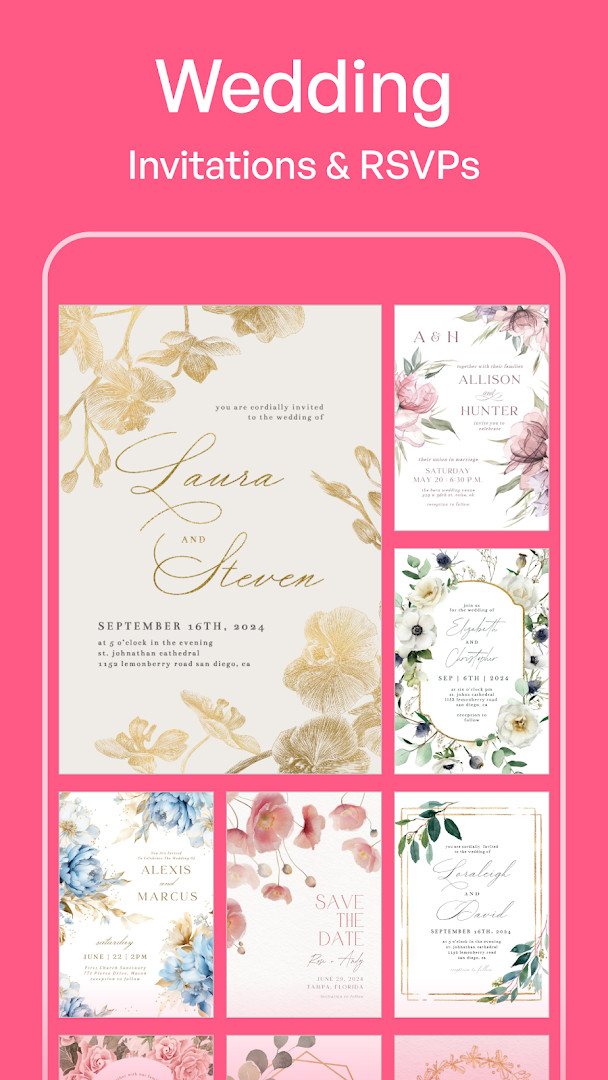
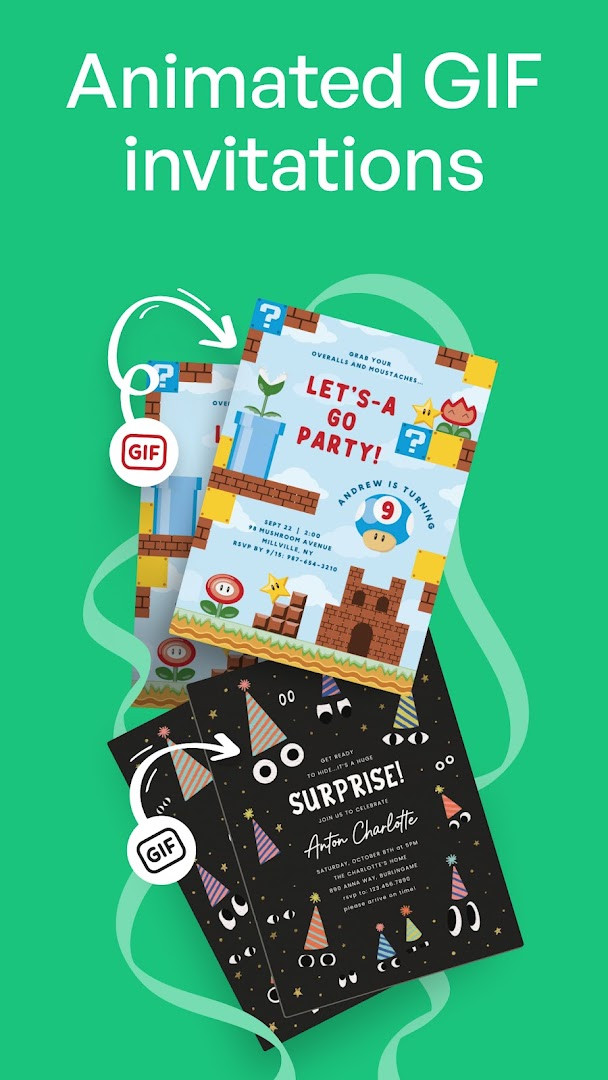
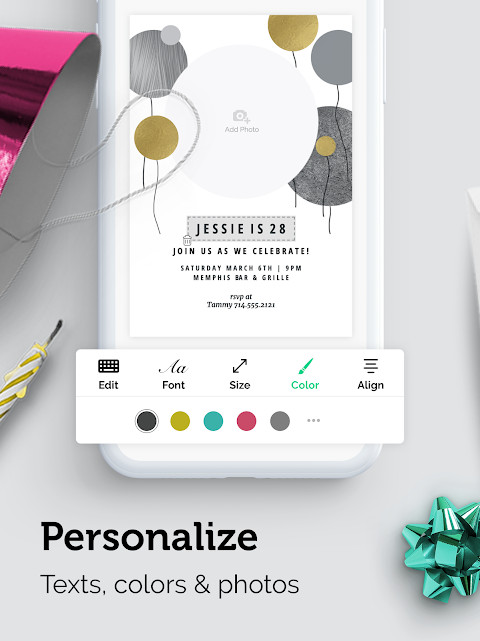
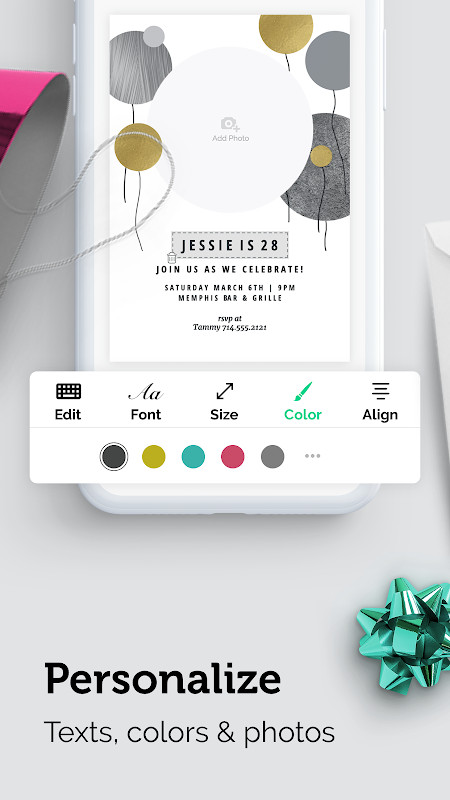
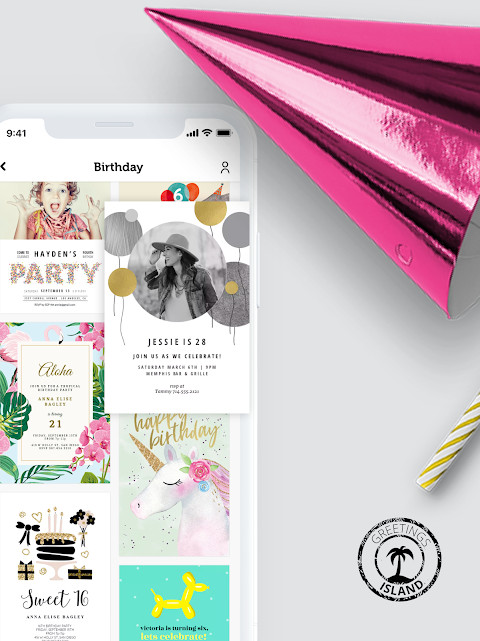
Invitation Maker: Cards & RSVP is an events app by Greetings Island that lets you design digital invitations and greeting cards for occasions such as weddings, birthdays, baby showers, and parties. It focuses on templates and simple editing tools rather than general graphic design, so you can put together a card without prior design experience.
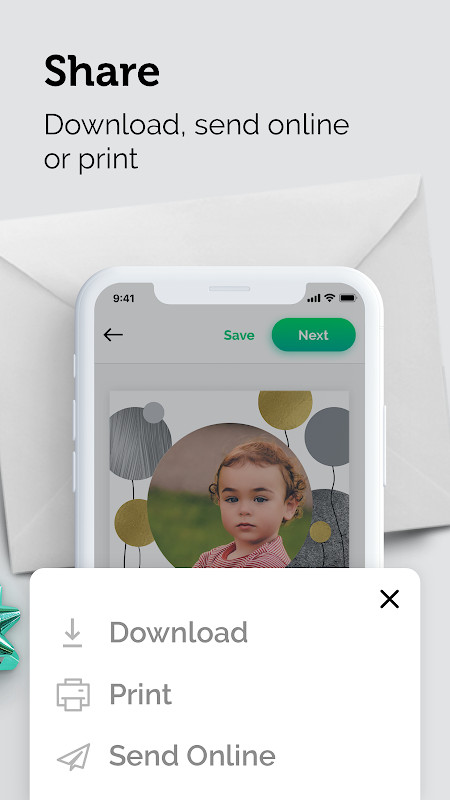
The app covers more than invitations: it also handles RSVPs, save the dates, flyers, and greeting cards, which means one tool can serve several parts of planning an event. You pick a template, then personalize the text, colors, and photos to match your occasion. Finished cards can be shared digitally through email or social media, so guests receive them without any printing.
The RSVP side has grown more useful over time. The latest update lets you add extra event details such as dress code, parking, or gift information, and it introduces a comment wall where guests can leave messages and good wishes directly on the invitation. You can also upload your own artwork using any shape or ratio, and the app builds the invite around it instead of forcing a crop.
The app is free to use and supported by ads, with optional in-app purchases. It has a large existing audience: the listing shows more than 10 million installs and a rating of 4.86 based on 191,803 ratings. It requires Android 7.0 or later, and the current version is 3.11.0, updated on October 6, 2026. The app has been available since May 15, 2018.
Key features
- A wide variety of professionally designed templates for many event types
- Full customization of text, colors, and photos on every design
- One platform for invitations, RSVPs, save the dates, flyers, and greeting cards
- Paperless sharing of digital cards via email or social media
- Upload your own design in any shape or ratio without cropping or fixed templates
- Add extra event details such as dress code, parking, and gift info to RSVPs
- Comment wall where guests can leave messages and good wishes on the invitation
- Premium option with access to 5,000+ designs, an ad-free experience, and no watermarks
How to install
- Tap the download button on this page to get the APK file for Invitation Maker: Cards & RSVP.
- If Android asks, allow your browser or file manager to install apps by enabling the "Install unknown apps" setting for that app.
- Open the downloaded APK file from your notifications or your file manager.
- Tap Install and wait for the process to finish. The file size is not specified in the listing.
- Open the app once installation completes. Your device needs Android 7.0 or later.
Pros
- Free to download and use, with ads and optional in-app purchases
- Large template library covering many occasions and card types
- RSVP features include extra event details and a guest comment wall
- You can upload your own artwork in any shape or ratio without cropping
- High user rating of 4.86 from 191,803 ratings
- Long track record, available since May 15, 2018, with over 10 million installs
Cons
- Contains ads unless you upgrade
- Some designs and features require in-app purchases
- Watermarks appear on creations in the free version
- Only requests Photos/Media/Files and Storage permissions, so features depend on local files
- Requires Android 7.0 or later, so very old devices are not supported
Fresh Updates · 3.12.0
Version 3.11.0 lets you upload your own artwork and use any shape or ratio, with no cropping or fixed templates—the invitation is built around your design. RSVPs have been improved with options to add event details like dress code, parking, and gift information, plus a new Comment Wall where guests can leave messages and well wishes. Bug fixes are also included for a smoother, faster experience.
Older Releases
| Version | Size | Requires Android | Updated |
|---|---|---|---|
| 3.12.0 | — | 7.0 | 21.10.2026 |
| 3.11.0 | — | 7.0 | 06.10.2026 |
| 1.1.40 | 27 MB | 4.4 | 25.06.2026 |
This app suits people who need to send invitations or greeting cards without design skills: hosts planning weddings, birthdays, baby showers, baptisms, graduations, or parties, and anyone who wants to share a card digitally by email or social media. It is also useful for organizers who want RSVPs, event details, and guest messages collected around a single invitation.
Start from a template that is close to your occasion and adjust the text and colors rather than building from scratch. If you have your own artwork, use the upload option, since it accepts any shape or ratio without cropping. Fill in the extra RSVP fields such as dress code or parking early so guests see them with the invitation, and check whether a design carries a watermark before you share it.
Access Permissions
Common Queries
Is the app free to download and use?
Yes, the app is free to download and use. It includes ads and offers optional in-app purchases for a premium version that unlocks additional designs, removes ads, and removes watermarks.
Which Android version do I need?
The app requires Android 7.0 or higher. The current version is 3.11.0, updated on October 6, 2026.
Do I need an account to use the app?
No, you do not need to create an account to download or use the app. You can start designing invitations and cards right away.
What permissions does the app request?
The app asks for access to Photos/Media/Files and Storage. These permissions allow you to add your own images and save your designs to your device.
How do I update the app?
To update, simply download the newest version from this page and install it over your current version. The latest available version is 3.11.0, released on October 6, 2026.
Can I use my own artwork or design?
Yes, the latest update lets you upload your own design using any shape or ratio, with no cropping or fixed templates. The app builds the invitation around your artwork.
Invitation Maker: Cards & RSVP packs invitation design, digital delivery, and RSVP collection into one free app, with premium upgrades if you want more designs and no ads or watermarks. If you are organizing an event and want cards out quickly, it is a practical place to start.
Related Apps

Updated: 26.10.2026