Home Workout - No Equipment: Fitness Training
Home Workout - No Equipment is a free health and fitness app by Leap Fitness Group that lets you exercise at home with bodyweight routines.
Home Workout - No Equipment has over 100 million installs and a 4.86 rating from about 4 million ratings. It requires Android 6.0 or higher, contains ads, and offers in-app purchases. The app suits anyone seeking short, guided workouts for muscle building, fat loss, or stretching at home.
Screen gallery

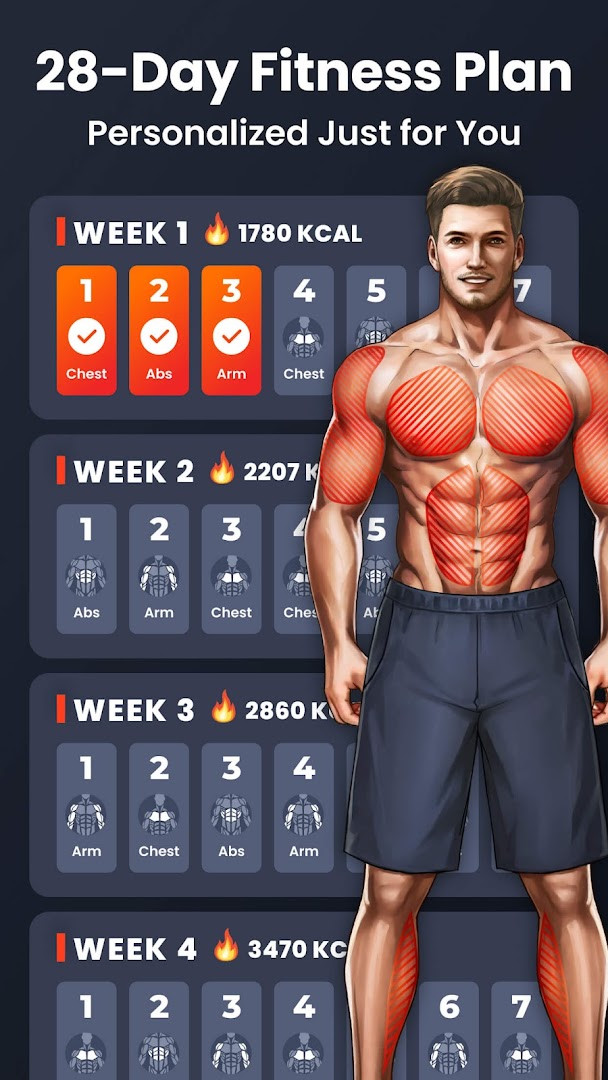
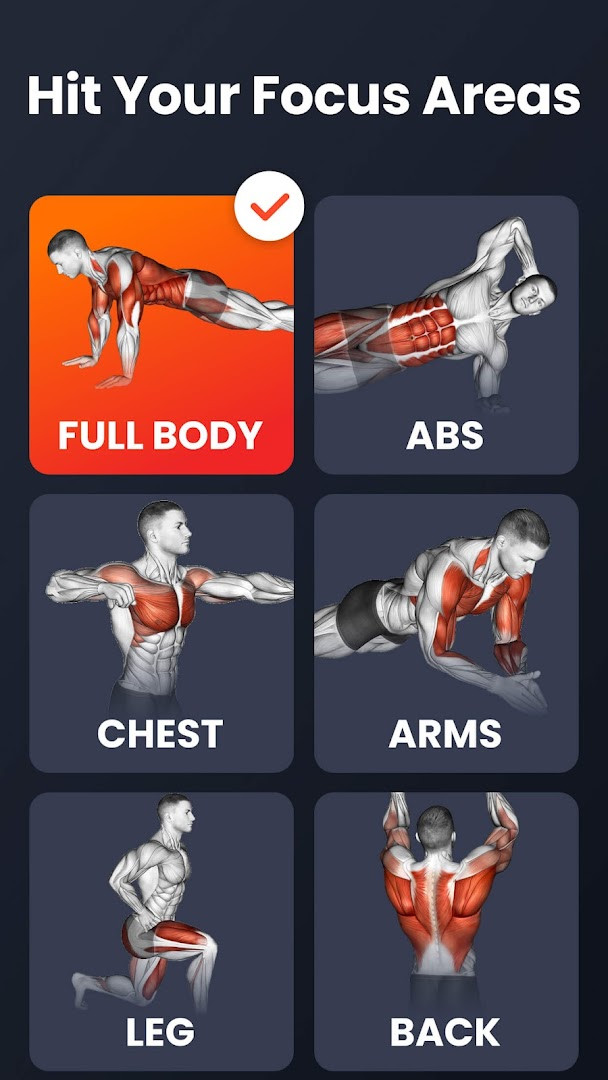
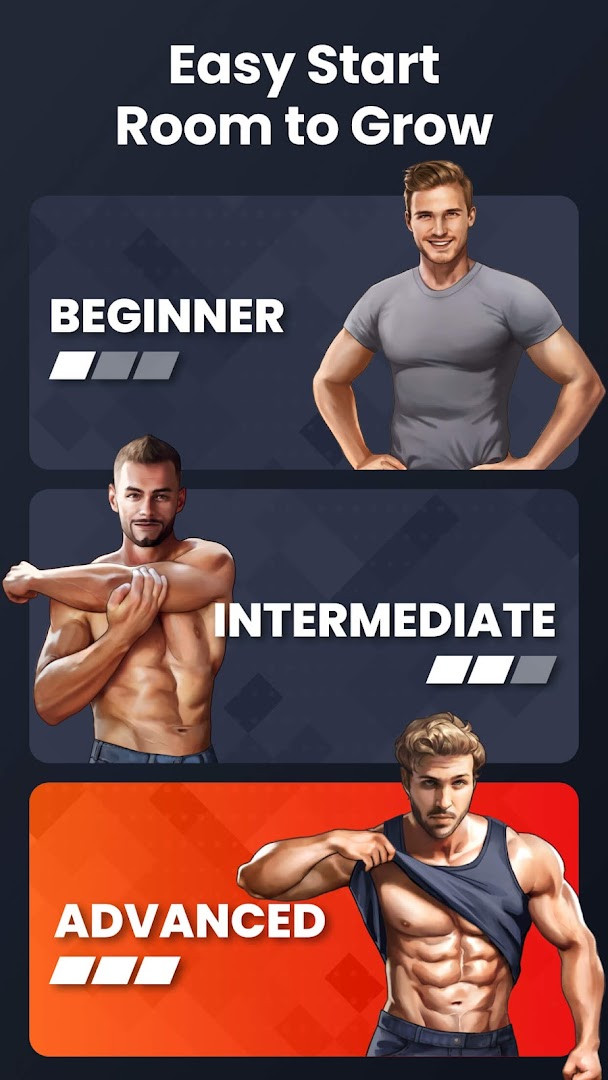
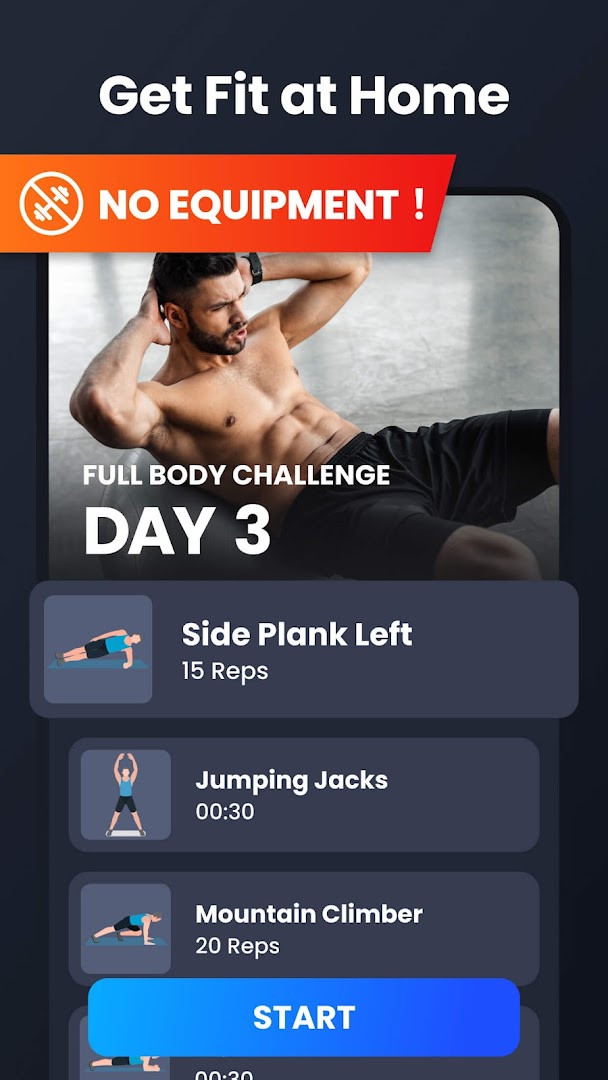
Home Workout - No Equipment is a health and fitness app by Leap Fitness Group that delivers guided bodyweight workout routines you can follow at home without any gym equipment. It addresses a common problem: many people want to train regularly but lack time, equipment, or a clear plan. Instead of leaving you to improvise, the app organizes exercises into structured sessions covering the abs, chest, legs, arms, butt, and the full body, with routines such as HIIT, calisthenics, Pilates, six-pack training, and height-focused exercises. Sessions are short enough to fit into a busy day, and each movement is supported by video or animation guidance so you can check your form and reduce the risk of injury. Warm-up and stretching routines frame each workout, and automatic tracking plus weight-loss tracking let you see how consistent effort adds up over weeks rather than days.
Key features
- Customized workout plans tailored to your goals and current fitness level
- Height increase routines aimed at kids, teens, and adults
- Automatic fitness and workout tracking that logs each exercise
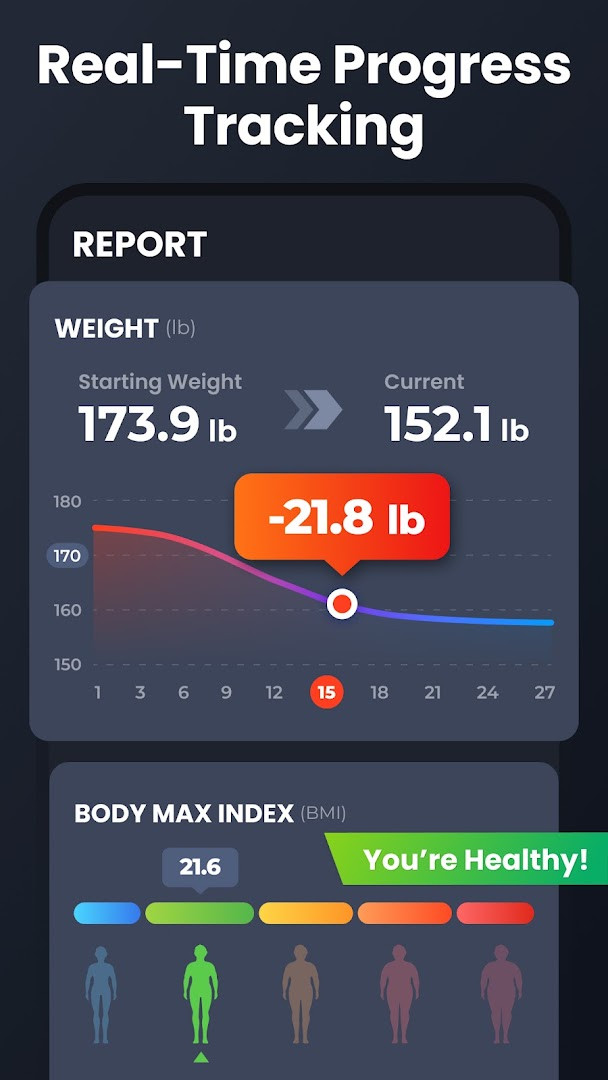
- Weight loss tracking with a chart of your weight trend
- Smart reminders that help you build a regular workout habit
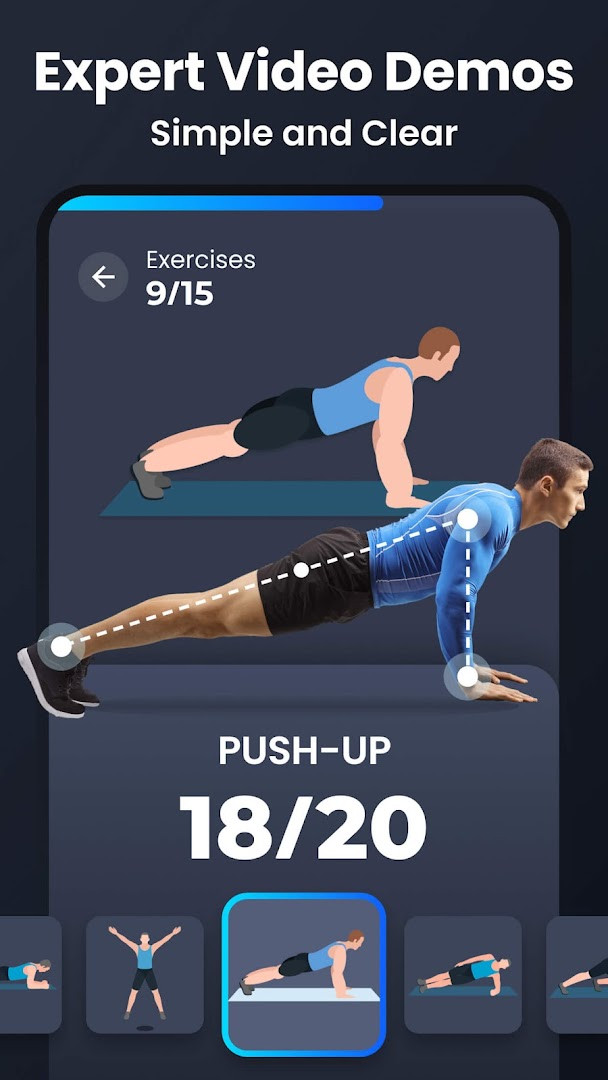
- Video and animation guides for every exercise
- Warm-up and stretching routines built on a science-first approach
- Option to share fitness progress on social media and train with friends
How to install
- Tap the download button on this page to get the APK file.
- If Android asks, allow your browser or file manager to install apps by enabling the Install unknown apps setting for that app.
- Open the downloaded APK file from your notifications or file manager.
- Tap Install and wait for the process to finish; the file size is not specified in the available data.
- Open the app and start with a beginner routine; Android 6.0 or newer is required.
Pros
- No equipment needed, so it works in a small room or while traveling
- Covers many muscle groups with short daily sessions
- Clear video and animation guidance suits beginners
- Automatic tracking removes the need to log exercises manually
- Reminders help maintain a consistent routine
- Free to download, with a large user base and a high average rating
Cons
- Contains ads
- Offers in-app purchases
- Requests access to photos, media, and files plus storage
- Requires Android 6.0 or later
Latest changes · 1.7.9
Version 1.7.9 of Home Workout - No Equipment is now available. This update includes a bug fix to improve overall stability. The app continues to offer personalized, equipment-free workout plans covering abs, chest, legs, arms, and full-body routines, with video and animation guidance to help you maintain proper form.
Version history
| Version | Size | Requires Android | Updated |
|---|---|---|---|
| 1.7.9 | — | 6.0 | Sep 28, 2026 |
| 1.1.8 | 18 MB | 4.4 | Dec 21, 2025 |
| 1.3.2 | 19 MB | 5.0 | Nov 6, 2025 |
This app suits people who want to exercise at home without buying equipment or committing to a gym membership. It works well for beginners who need guidance on form, for busy users who can only spare a few minutes a day, and for anyone following a fat-loss, muscle-building, or general fitness goal. It also appeals to users interested in stretching, posture correction, and height-focused routines, including younger users and adults.
Pick a realistic schedule rather than the longest plan available, and treat the warm-up and stretching blocks as part of the session, not optional extras. Review your logged progress once a week to adjust difficulty, and keep reminders on so a missed day does not turn into a missed month.
Permissions
FAQ
How long does a typical daily workout session take with Home Workout - No Equipment?
The app is designed around short daily sessions of about 7 minutes. Each routine focuses on bodyweight exercises that target major muscle groups, so you can complete a workout quickly at home without needing any gym equipment.
What specific exercise types are included beyond basic strength training?
The app includes HIIT, calisthenics, Pilates, six-pack focused routines, and dedicated height increase exercises. There are also warm-up and stretching routines, plus targeted stretching for posture correction and spine alignment.
Does the app provide guidance for proper exercise form?
Yes, every exercise comes with both video and animation guides. These are meant to help you maintain correct form and reduce the risk of injury, making it easier for beginners to follow along.
How does the app track fitness progress?
It includes an automatic exercise log that records every session, a weight loss tracker to monitor changes, and a fitness tracker to show your progress over time. You can also customize workout reminders to help you stay consistent.
Are the height increase routines suitable for different age groups?
Yes, the app offers science-backed height increase programs designed for kids, teens, and adults. These routines combine daily stretches, posture correction exercises, and strengthening moves that can be done at home.
Home Workout - No Equipment turns a small amount of daily time into a structured, guided training habit with no equipment required. It is a practical choice for anyone who wants clear routines, visible tracking, and the flexibility to train at home.
Similar apps


Updated: Nov 3, 2026