SmartThings
SmartThings is a lifestyle app from Samsung Electronics Co., Ltd. for connecting and controlling smart home devices in one place.
SmartThings is for people who want to manage compatible smart TVs, appliances, speakers, and devices from brands like Ring, Nest, and Philips Hue through a single interface. The app is free with no ads or in-app purchases, requires Android 12 or higher, and takes up about 227 MB.
Screen gallery
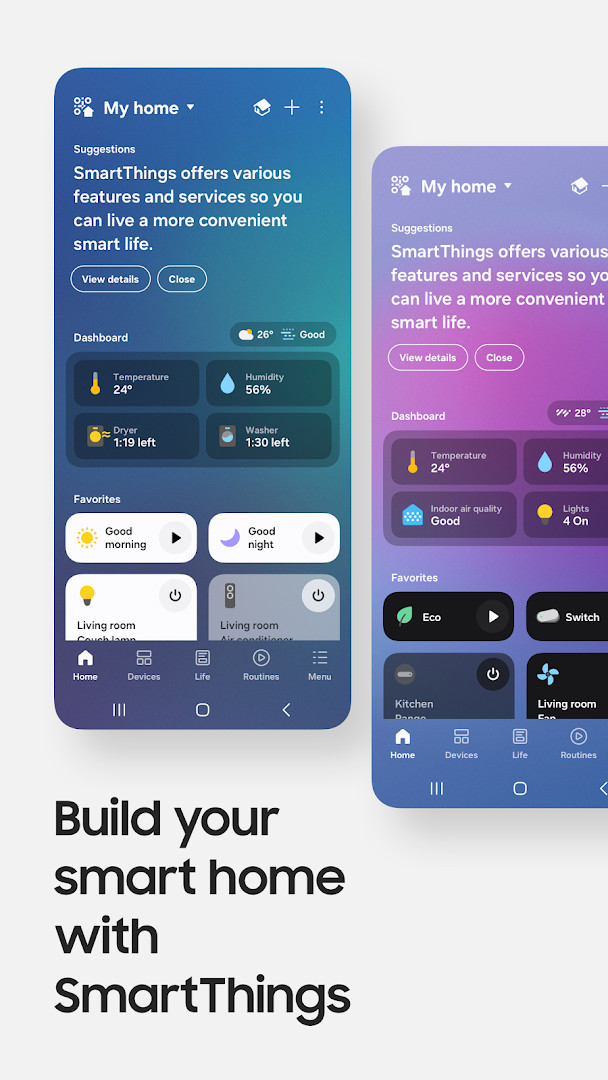
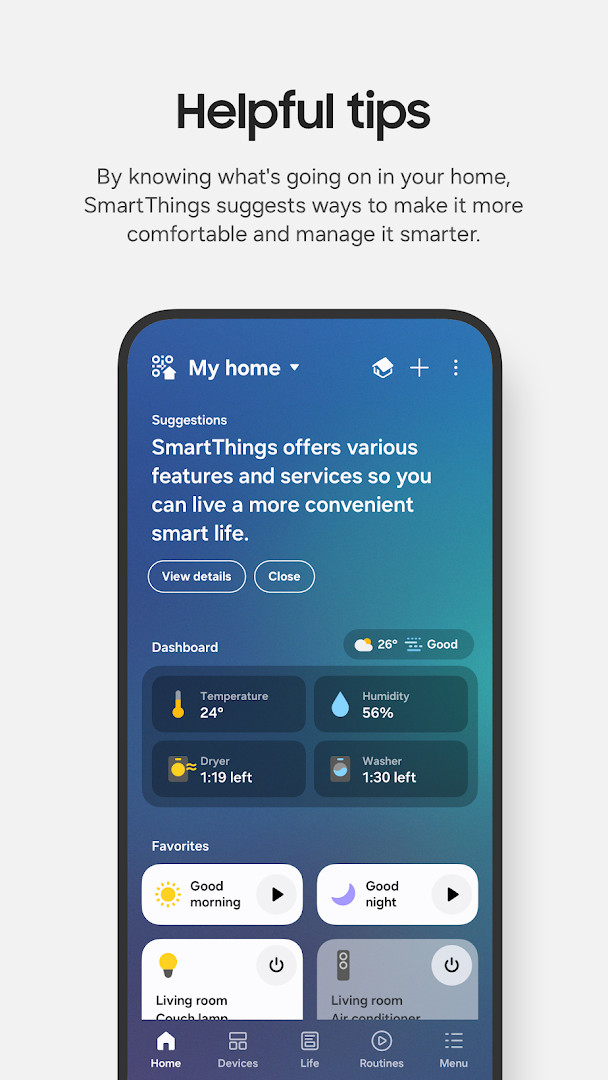
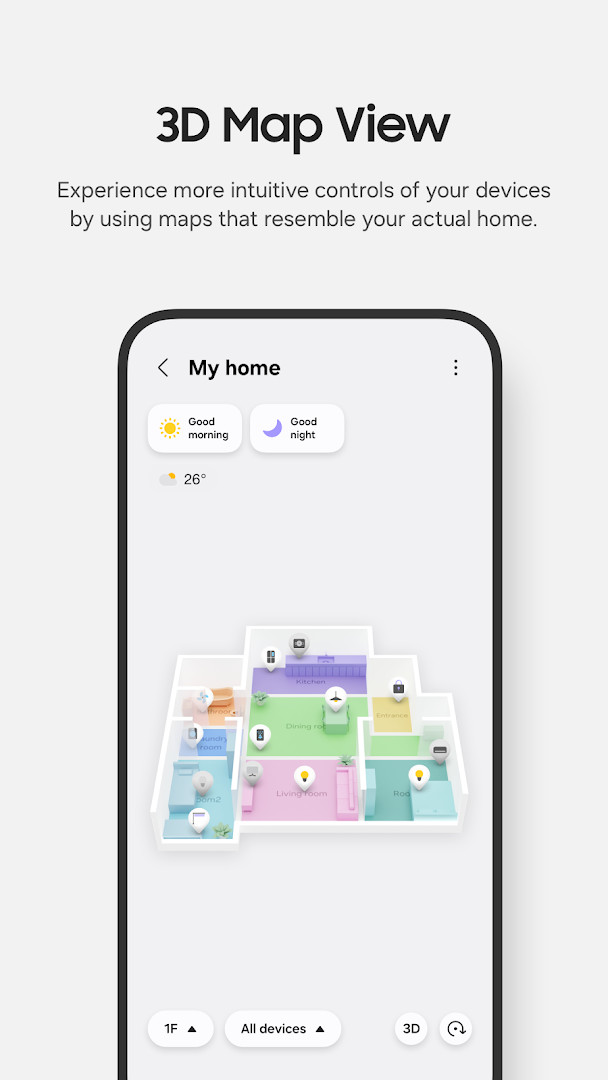
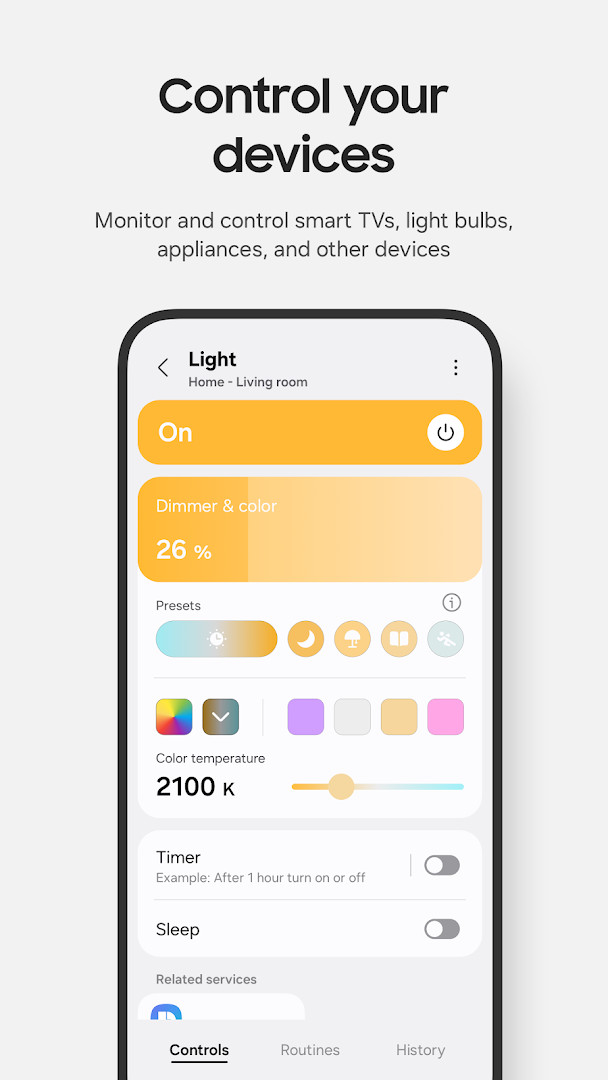
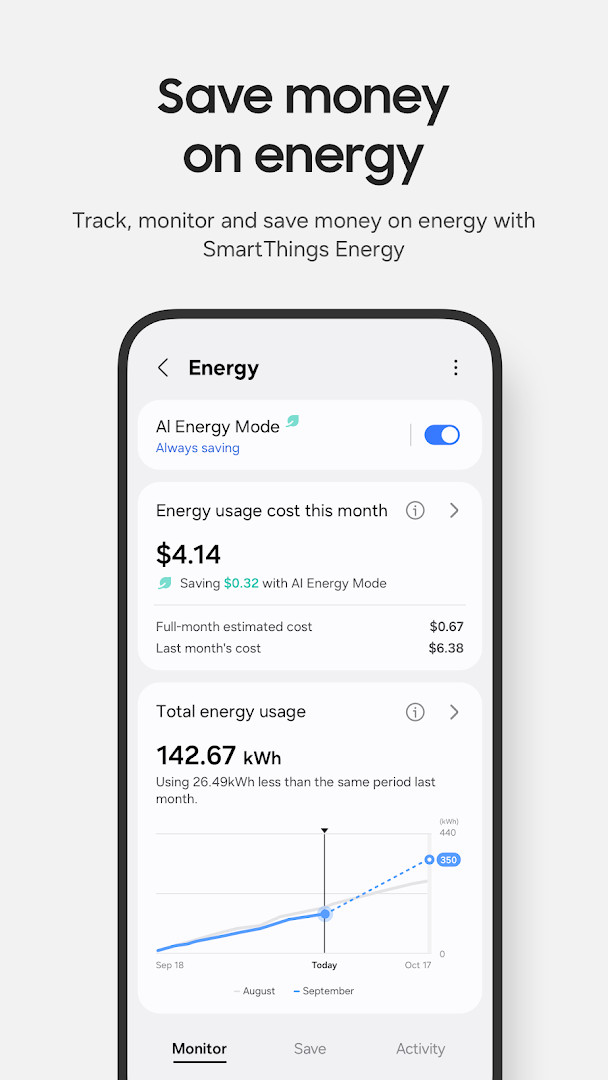
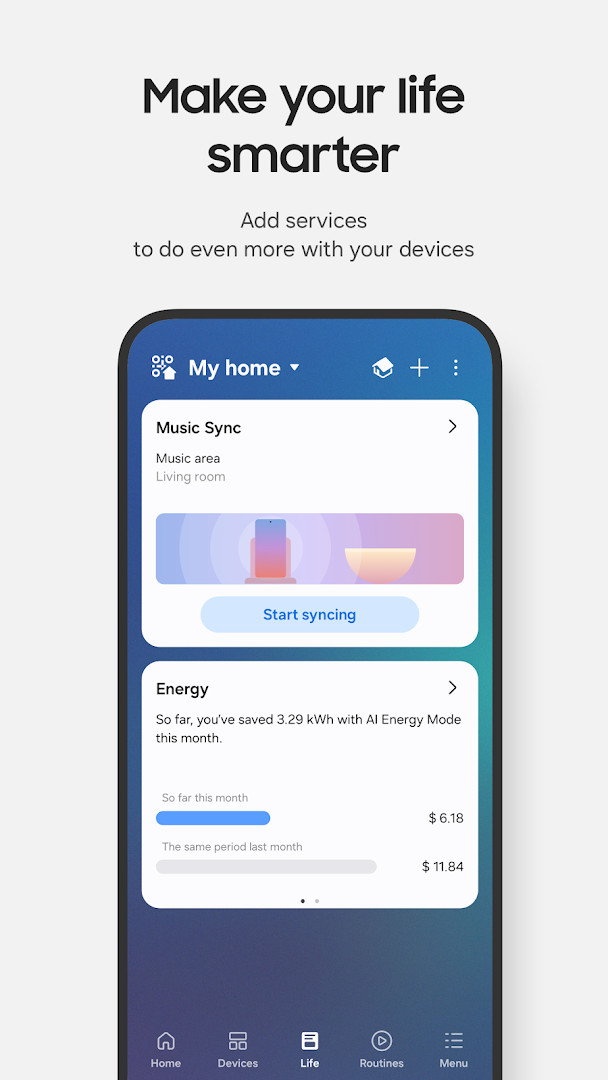
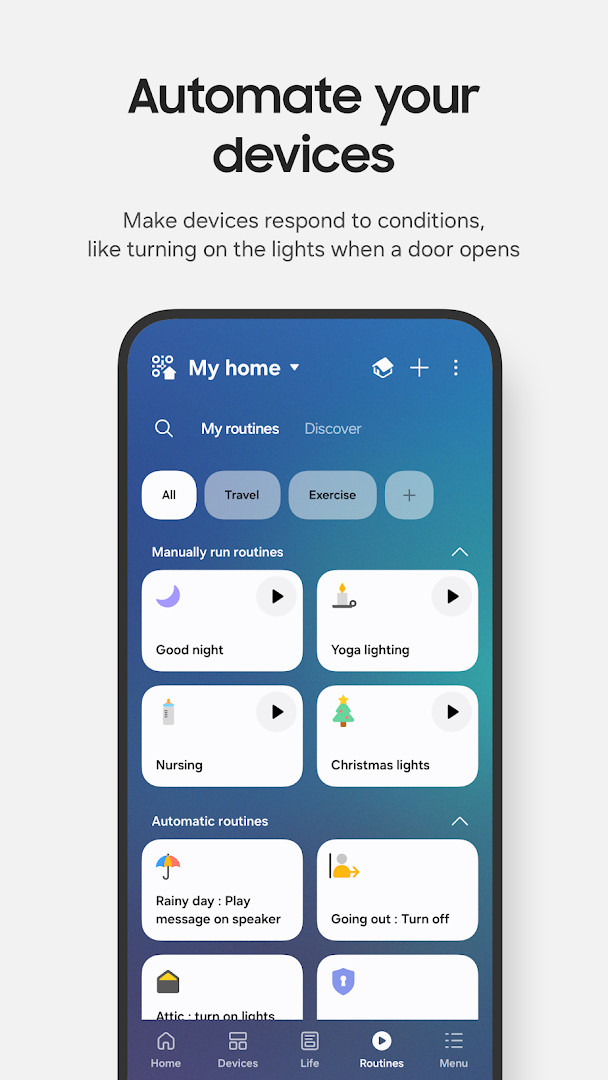
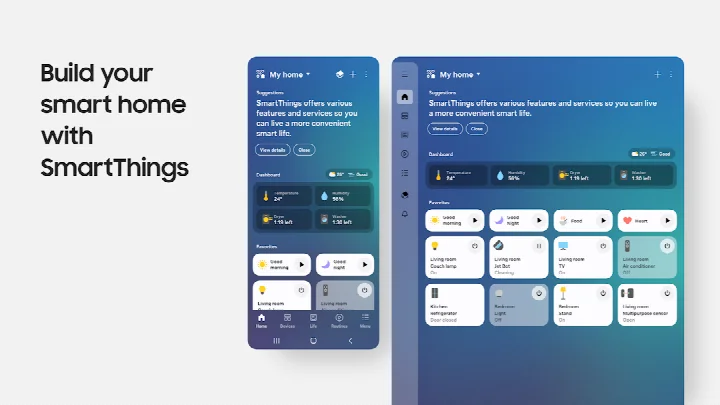
SmartThings is a lifestyle app by Samsung Electronics Co., Ltd. that lets you connect, monitor, and control smart home devices from a single place on your phone. It brings together Samsung smart TVs, smart appliances, smart speakers, and devices from hundreds of compatible smart home brands so that everyday control does not require juggling multiple apps.
The app is built around remote control and awareness. You can check in on your home from wherever you are, build routines that trigger on time, weather, or device status, share control with other users, and receive automated notifications about what your devices are doing. Voice assistants such as Alexa, Bixby, and Google Assistant can be used to operate connected devices, so the app is not the only way to interact with your setup.
SmartThings is optimized for Samsung smartphones, and some features may be limited on phones from other vendors. Availability of certain features also varies by country. The app can additionally be installed on Wear OS-based watches, where it works when the watch is connected to a mobile phone, offering quick access to routines and device control through a tile and watch face complications.
With version history extending back to 2017 and updates continuing into 2026, SmartThings has matured into a broad hub-style control layer rather than a single-purpose remote. The current package is 227 MB and requires Android 12 or newer, with a recommended memory size of 3 GB or more.
Key features
- Connect and control hundreds of smart home brands, including Samsung Smart TVs, smart appliances, smart speakers, and brands such as Ring, Nest, and Philips Hue
- Check in on and control your home remotely from wherever you are
- Build routines triggered by time, weather, and device status so the home runs in the background
- Share control by granting access to other users
- Receive automated notifications with status updates about your devices
- Operate devices through voice assistants including Alexa, Bixby, and Google Assistant
- Use a Wear OS watch for quick access to routine runs and device control via a tile, plus complications that open the app from a watch face
How to install
- Tap the download button on this page to get the SmartThings APK (227 MB).
- When Android asks, allow your browser or file manager to install apps; this is the 'Install unknown apps' setting for the app you are using to open the file.
- Open the downloaded APK file from your notification shade or file manager.
- Tap Install and wait for the package to be verified and copied.
- Open SmartThings once installation finishes; note that the app requires Android 12 or newer and works best with 3 GB of memory or more.
Pros
- Very broad device support across hundreds of smart home brands, not just Samsung products
- Routine engine can automate based on time, weather, and device status
- Shared access makes it practical for households with multiple users
- Optional permissions mean you can install and use the core app without granting everything upfront
- No ads and no in-app purchases reported
Cons
- Optimized for Samsung smartphones, so some features may be limited on other vendors' devices
- Some features may not be available in all countries
- Needs Android 12 or newer and 3 GB of memory or more, which rules out older or low-RAM phones
- Optional permissions such as location, nearby devices, camera, microphone, contacts, and physical activity unlock specific functions but add privacy considerations
Latest changes
The latest update introduces a redesigned Home tab, making frequently used features and key information accessible directly from the main screen. Hub-connected devices now respond faster when the phone and hub share the same Wi-Fi network. A dedicated diagnostics screen helps users check and recover offline devices. Additionally, Routine Insights displays your top three most-used routines along with recent activity.
Version history
| Version | Size | Requires Android | Updated |
|---|---|---|---|
| 1.8.51.30 | 227 MB | 12 | Oct 4, 2026 |
| 1.8.47.24 | 231 MB | 12 | Sep 29, 2026 |
| 1.8.45.24 | 235 MB | 12 | Sep 6, 2026 |
| 1.8.37.23 | 234 MB | 11 | Jun 16, 2026 |
| 1.8.41.23 | 233 MB | 12 | Feb 22, 2026 |
| 1.8.00.22 | 107 MB | 8.0 | Nov 5, 2025 |
| 1.8.21.28 | 119 MB | 10 | Oct 31, 2024 |
| 1.8.14.26 | 115 MB | 9 | Apr 8, 2024 |
| 1.7.60.23 | 78 MB | 7.0 | Jan 27, 2021 |
| 1.6.00-45 | 30 MB | 6.0 | May 4, 2017 |
This app suits experienced users who already own several smart home devices and want one control layer instead of several apps. It is a natural fit for Samsung TV and appliance owners, but the wide brand compatibility makes it equally relevant for households mixing Ring, Nest, Philips Hue, and similar products. It is less useful for someone with a single device, and users on non-Samsung phones or older Android versions should expect some limitations.
Grant permissions selectively rather than all at once: location is needed for location-based routines and nearby device scans, nearby devices for Bluetooth Low Energy discovery, and camera or microphone only if you plan to scan QR codes or add devices by high-frequency sound. If you use a Wear OS watch, remember it only works while paired to a phone. On phones that are not Samsung models, test the features you rely on before building routines around them.
Permissions
FAQ
How do I install the SmartThings APK on my Android device?
Download the APK file from this page and open it. Your device must run Android 12 or newer and have at least 3 GB of memory. If prompted, allow installation from unknown sources, then follow the on-screen steps.
What is the current version of SmartThings?
The latest version is 1.8.51.30, released on October 4, 2026. It was preceded by version 1.8.47.24, which came out on September 29, 2026.
Does SmartThings contain ads or in-app purchases?
No. The app is free to download and use, with no advertisements and no in-app purchases.
Can I use SmartThings offline?
The app is designed for remote control and monitoring, so it typically needs an internet connection. However, the latest update adds offline device diagnostics, letting you check and recover offline devices from a dedicated screen.
Are there alternative apps for controlling smart home devices?
Yes, many other smart home controller apps exist in the Lifestyle category. They vary in device compatibility and feature sets, so you can compare options to find one that fits your setup.
What can I control with SmartThings?
You can connect and manage Samsung Smart TVs, appliances, smart speakers, and devices from brands like Ring, Nest, and Philips Hue. It also supports voice assistants such as Alexa, Bixby, and Google Assistant.
SmartThings remains one of the broadest ways to bring smart home gear under a single interface, with routines, shared access, and voice control in one package. At 227 MB on Android 12 or newer, it asks for a reasonably modern phone, but for a mixed-brand setup it is a strong candidate to compare against single-brand alternatives.
Similar apps

Updated: Oct 24, 2026