Microsoft SwiftKey AI Keyboard with AI-powered typing
Microsoft SwiftKey AI Keyboard is a free personalization app by SwiftKey that lets you type faster with AI predictions, swipe gestures, emoji, GIFs, and themes.
Microsoft SwiftKey AI Keyboard has over 1 billion installs and a 4.29 rating from about 4.6 million ratings. The app requires Android 8.0 or higher and contains ads, but no in-app purchases. It is suitable for users who want a customizable keyboard with multilingual support for over 700 languages and AI-assisted features.
Gallery
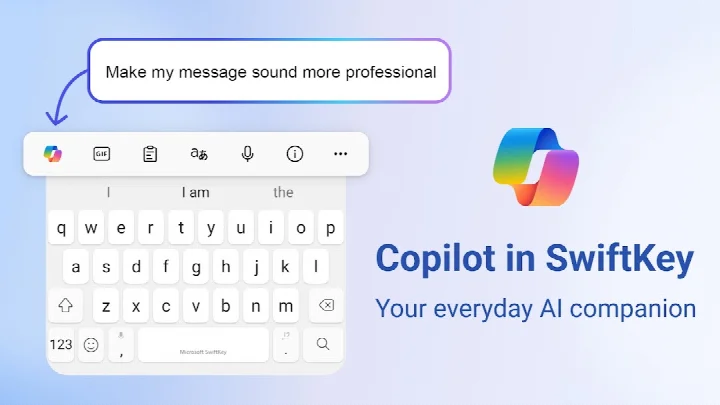
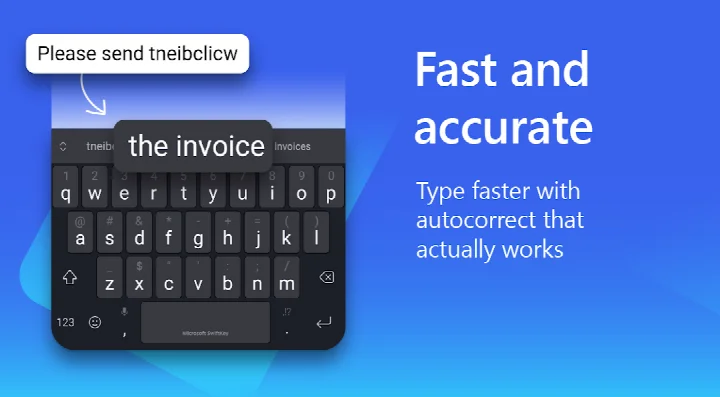
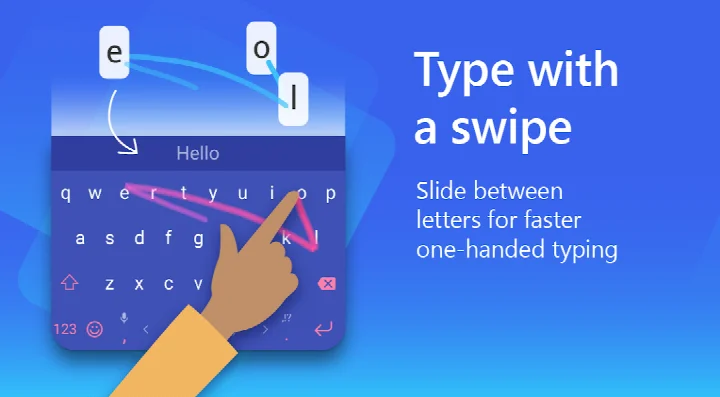
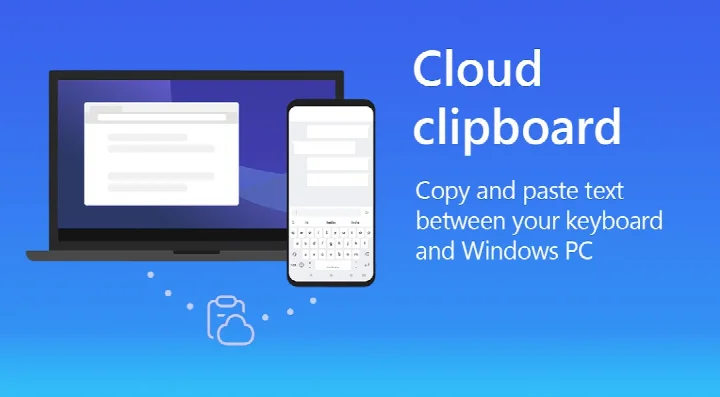
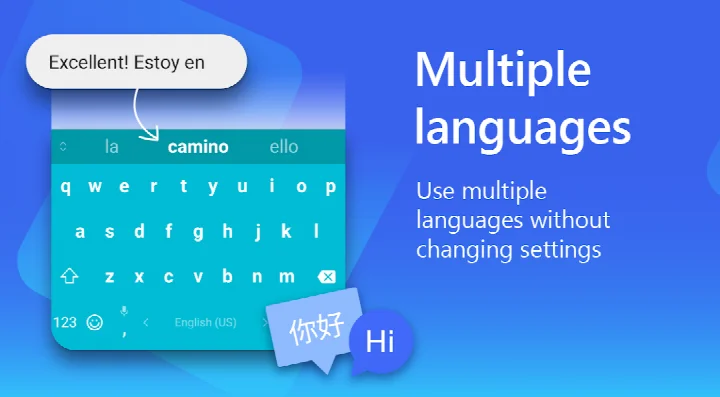
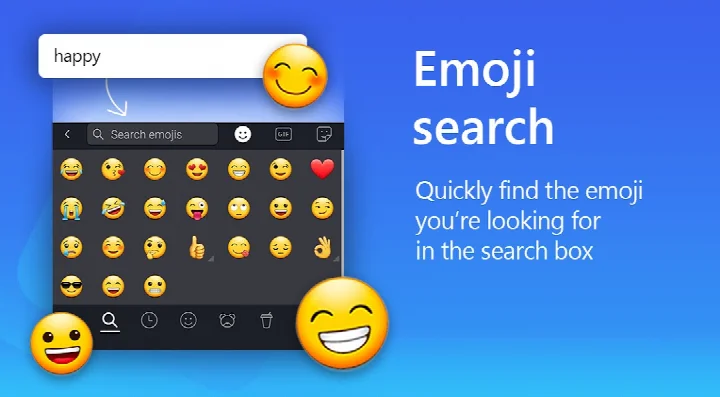
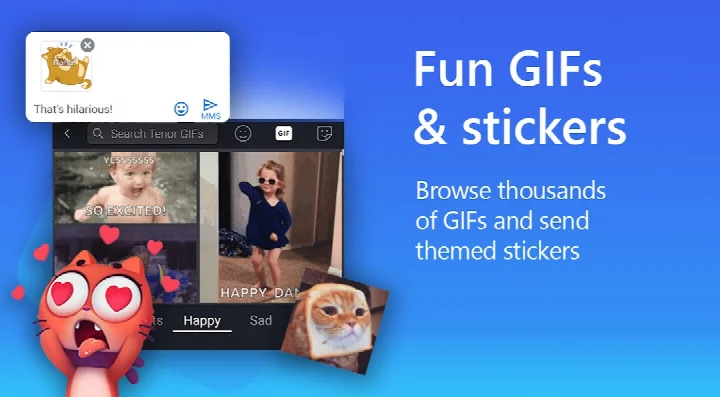
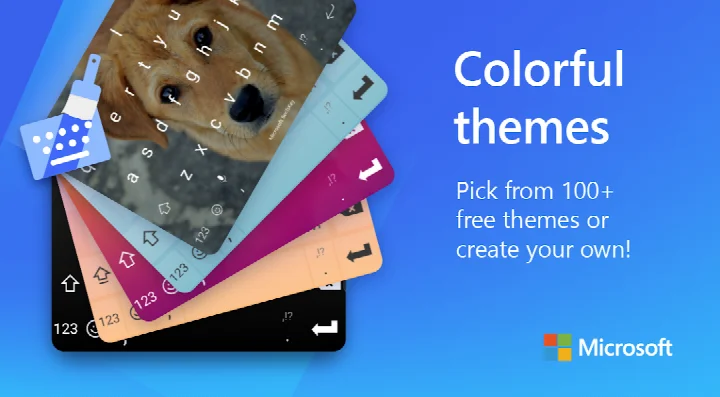
Microsoft SwiftKey AI Keyboard is a personalization keyboard app by SwiftKey that adapts to your writing habits and offers AI-assisted text tools. The core problem it addresses is the friction of typing on a touchscreen: clumsy autocorrect, repeated corrections, and slow input in mixed-language conversations. SwiftKey approaches this by building a prediction model from how you actually type — your slang, nicknames and emoji habits — and layering swipe-to-type, tap-to-type, a spell checker and AI-powered predictions on top. It also bundles Copilot, described in the listing as an everyday AI companion you can query from within other apps, plus AI tools that rewrite text in a different tone or turn rough ideas into polished drafts. Beyond typing, it handles rich content such as emoji, GIFs and stickers, with an adaptive emoji keyboard and search for both emoji and GIFs, and it can generate AI-powered images and memes. Customization runs deep: more than a hundred themes, the option to build a theme from your own photo, and adjustable keyboard size and layout. Multilingual users can keep up to five languages active at once, out of support for over 700 languages. The app is free, carries ads, and reports no in-app purchases. It lists version 9.13.17.6, updated 2026-10-13, requires Android 8.0 and up, and has a content rating of Everyone.
Key features
- Swipe-to-type and tap-to-type input modes in a single keyboard
- Spell checker and auto text driven by AI-powered predictions
- Custom keyboard toolbar with an expandable menu of quick shortcuts
- Copilot integration for asking AI questions while working in other apps
- AI rewriting to change the tone of your text and AI composing to turn ideas into drafts
- Adaptive emoji keyboard that learns and predicts your favorite emoticons, with searchable emoji and GIFs
- AI-powered image and meme creation for sharing in conversations
- More than 100 themes, custom photo-based themes, and adjustable keyboard size and layout
- Support for up to five enabled languages at once across a catalog of over 700 languages
How to install
- Tap the download button on this page to get the APK file.
- If Android prompts you, allow your browser or file manager to install apps by enabling the Install unknown apps permission for that app.
- Open the downloaded APK file from your notifications or file manager. The file size is not available, and the app requires Android 8.0 or newer.
- Tap Install and wait for the package to finish installing.
- Open the app, then enable it as your input method and grant the optional permissions you are comfortable with.
Pros
- Very large established user base, with over 1 billion installs and a 4.29 rating from roughly 4.6 million ratings
- Long track record, first released in 2010 and still updated — version 9.13.17.6 arrived 2026-10-13
- Genuinely broad language coverage: over 700 languages supported, with five active at once
- Deep customization, including 100+ themes and custom photo backgrounds
- AI features for rewriting, composing, and generating images and memes
- Free to use with no in-app purchases reported
Cons
- Ads are present in the app
- Requests sensitive permissions including Photos/Media/Files, Storage, Camera, Microphone and Wi-Fi connection information, though they are optional and can limit features if denied
- At roughly 1 billion installs and millions of ratings, it is a mainstream default rather than a niche pick, which may not suit users wanting something minimal
- Older Android versions below 8.0 are not supported
- AI features may be less useful to people who prefer a keyboard that stays entirely offline
Fresh Updates · 9.13.17.6
This update focuses on general improvements to help ensure the Microsoft SwiftKey Keyboard continues to run smoothly. It aims to provide a more stable and reliable typing experience for users.
Older Releases
| Version | Size | Requires Android | Updated |
|---|---|---|---|
| 9.13.17.6 | — | 8.0 | 13.10.2026 |
| 9.13.14.5 | 229 MB | 8.0 | 24.08.2026 |
| 7.0.7.28 | 42 MB | 6.0 | 11.11.2025 |
| 9.10.61.36 | 73 MB | 7.0 | 17.06.2025 |
| 6.7.7.17 | 37 MB | 4.1 | 28.02.2018 |
| 6.6.6.26 | 39 MB | 4.0.3 | 11.09.2017 |
| 6.0.0.162 | 31 MB | 4.0 | 16.11.2015 |
This suits experienced Android users who type a lot and want a keyboard that adapts rather than one they must fight. If you switch between several languages daily, rely on swipe input, or want AI help to rephrase and draft text without leaving the app you are in, the feature set lines up well. It is also a reasonable choice for anyone who cares about visual customization, since themes and layout can be tuned in detail. Users who want a stripped-down keyboard, avoid ads entirely, or are unwilling to grant camera, microphone or media permissions should weigh the trade-offs before switching.
If you deny the optional permissions, the keyboard still works but voice input, inserting photos, contact suggestions and camera capture will be limited or unavailable — grant only what you need. Set up your languages early, since enabling several at once is where the prediction model pays off most. Give the keyboard some time to learn before judging autocorrect; its accuracy depends on the writing it has seen from you.
Access Permissions
Common Queries
What AI features does Microsoft SwiftKey AI Keyboard include?
The keyboard ships with Copilot, described as an everyday AI companion that lets you ask AI questions inside the apps you already use. It also offers AI-powered predictions and auto text, plus tools to rewrite your text in a different tone and to compose text that turns rough ideas into polished drafts.
How many languages can I keep active at the same time?
You can enable up to five languages simultaneously, while the keyboard as a whole covers more than 700 languages. Among the supported ones are English in its US, UK, Australian and Canadian variants, Spanish, Portuguese, German, Turkish, French, Arabic, Russian, Italian and Polish.
Can I personalize the look of the keyboard?
Yes. There are more than 100 colorful themes to choose from, and you can also build a custom theme using one of your own photos as the background. The keyboard size and layout can be adjusted as well.
What can I do with emoji, GIFs and stickers in this keyboard?
You can send emoji, GIFs and stickers, and search for emoji or GIFs to find the right reaction. The emoji keyboard is adaptive, learning and predicting the emoticons you use most, and there are AI-powered tools for creating images and memes.
Which permissions may the app request and are they required?
The app may ask for microphone access for voice-to-text, photos and videos to insert or share images from your device, contacts to make entering message recipients easier, and camera access to take photos for messages. These permissions are optional and require your consent; you can keep using the app without granting them, though some features may then be limited or unavailable.
Microsoft SwiftKey AI Keyboard combines mature prediction and swipe typing with a broad AI toolset, backed by a long update history and unusually wide language support. For experienced users comparing keyboards, it is a strong all-rounder, provided you accept ads and the optional permissions its richer features depend on.
Updated: 24.10.2026