Weather for Android
Weather is a weather app from ColorOS for checking current conditions and forecasts in any location.
Weather app from ColorOS is for people who want current conditions and forecasts for any place, with coverage of more than 700,000 cities. The app shows hour-by-hour and 15-day forecasts, precipitation, air quality, and clothing advice, and it is free with ads. Weather runs on Android 9 and above, and its latest version is 16.45.2.
Screen gallery
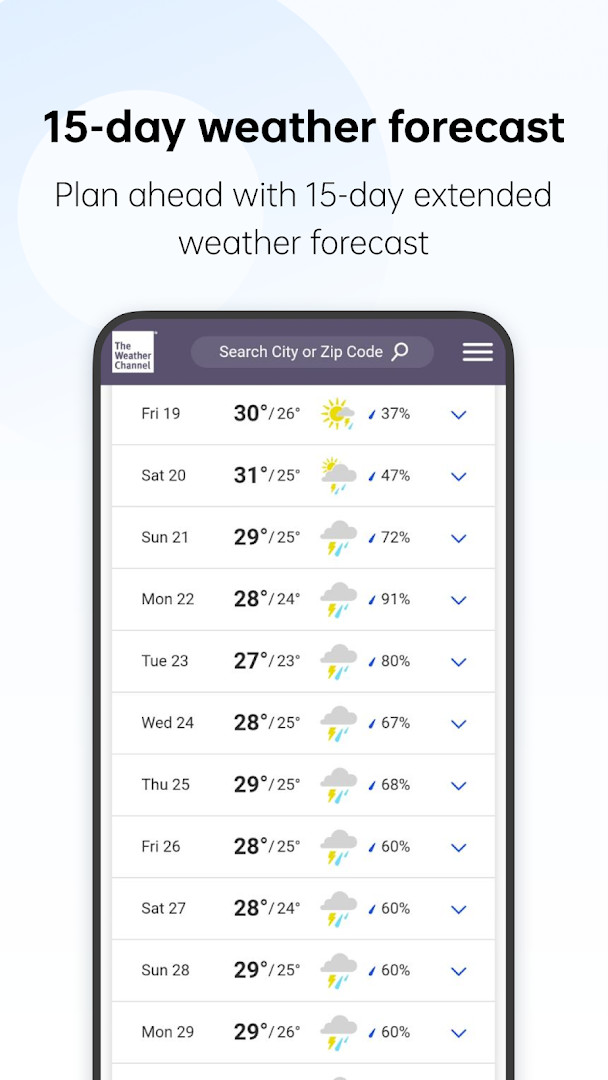
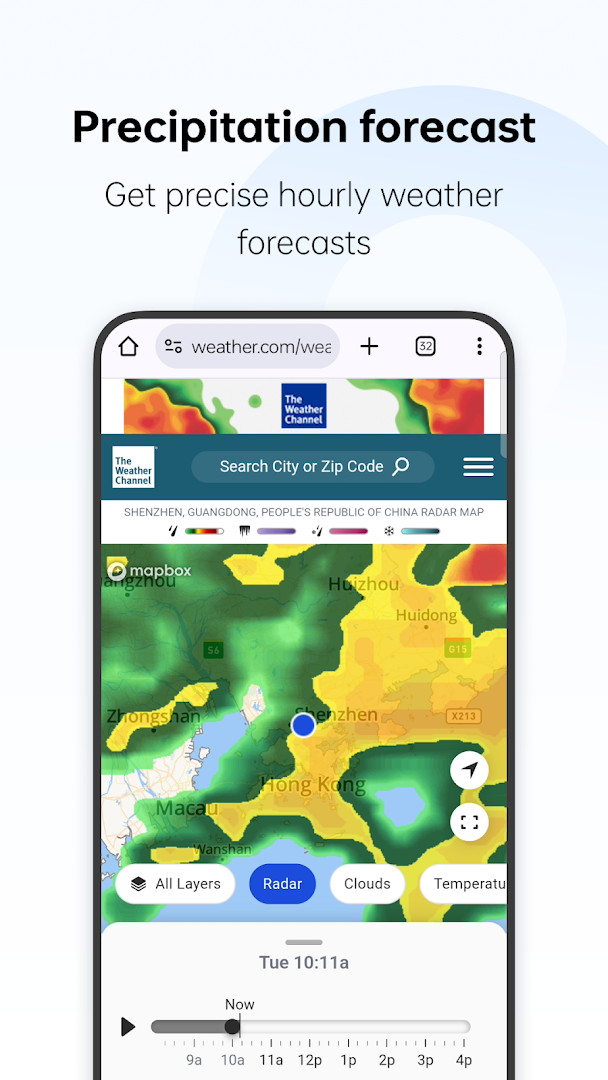
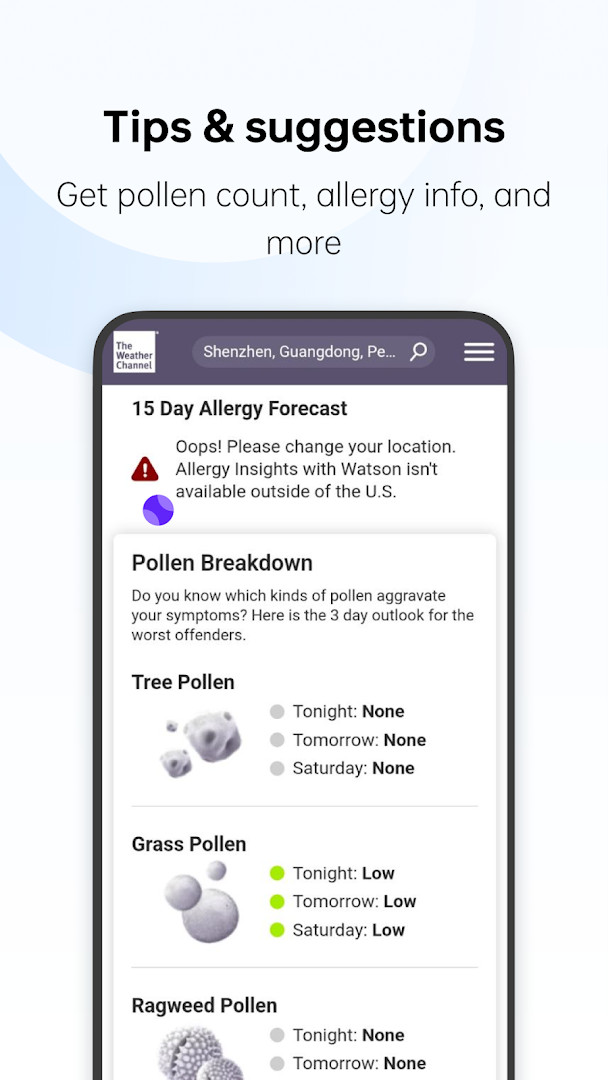
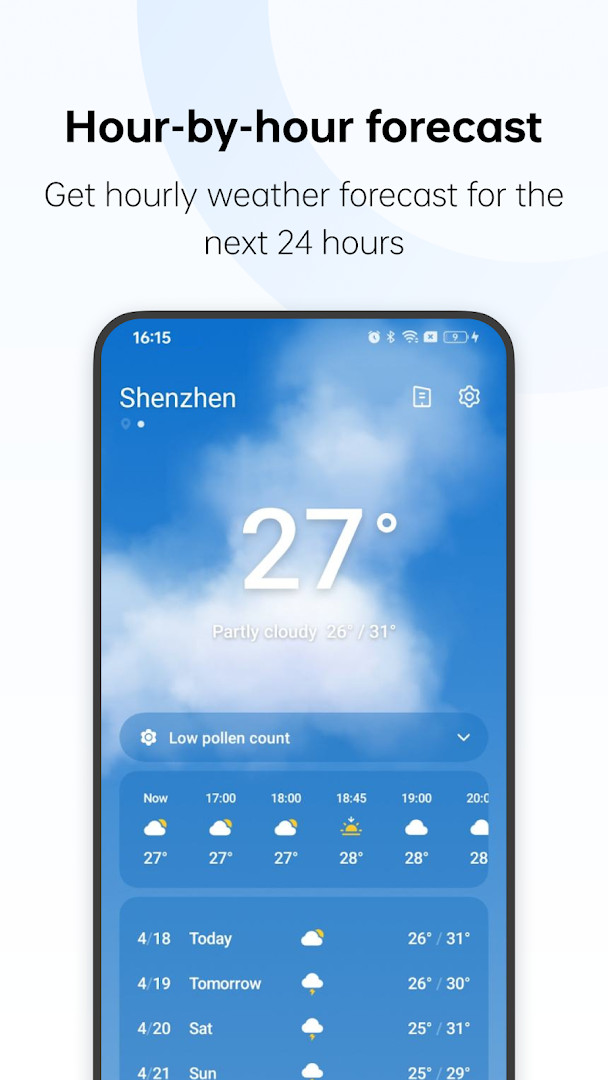
Weather is a weather app by ColorOS that provides current conditions and forecasts for over 700,000 cities worldwide. It aggregates a broad range of meteorological data into a single, straightforward interface, making it a practical choice for users who want a reliable daily weather companion without the clutter of social features or complex customization.
The app covers the essentials: real-time temperatures, hour-by-hour predictions, and a 15-day outlook. Beyond the basics, it includes precipitation details, air quality indices, and even clothing recommendations based on the forecast. Severe weather warnings are also integrated, helping you stay informed when conditions turn hazardous. The interface is clean and navigation is intuitive, so finding your city or checking the week ahead takes only a few taps.
Version 16.45.2, updated in September 2026, focuses on fixing known issues to improve overall user experience. While there is no major new feature listed, the update aims to polish performance and reliability. The app has been downloaded over a billion times and carries a 3.85 rating from roughly 74,000 reviews, indicating widespread usage but also some mixed feedback—likely related to ad frequency or forecast accuracy. Despite the ads, there are no in-app purchases, meaning all features are free to use.
Key features
- Current weather and forecasts for 700,000+ cities globally
- Hour-by-hour and 15-day forecast views
- Precipitation details and air quality information
- Weather-based clothing advice
- Severe weather warnings and alerts
- Location and Wi-Fi based updates (permissions required)
- Free to use with no in-app purchases, supported by ads
How to install
- Tap the download button on this page to get the APK file (file size not specified).
- When Android prompts, allow your browser or file manager to install apps by enabling the 'Install unknown apps' setting.
- Open the downloaded APK file from your notification bar or Downloads folder.
- Tap 'Install' and wait for the installation to finish.
- Open the app. It requires Android 9 or higher.
- Grant location and Wi-Fi permissions when asked to get the most accurate local data.
Pros
- Extensive city coverage—over 700,000 locations
- All core weather data in one place (forecast, air quality, warnings)
- No in-app purchases; all features are free
- Simple, user-friendly interface
- Regular updates with bug fixes
Cons
- Contains ads, which may interrupt the experience
- Requires location permission, which some users may find intrusive
- User rating is moderate (3.85), suggesting mixed feelings about reliability
- Limited to Android 9 and above, excluding very old devices
Latest changes · 16.46.2
This update for Weather resolves several known issues to enhance the overall user experience. It aims to make the app run more smoothly and reliably for everyday use.
Version history
| Version | Size | Requires Android | Updated |
|---|---|---|---|
| 16.46.2 | — | — | Sep 21, 2026 |
| 16.45.2 | — | — | Sep 21, 2026 |
| 15.16.19 | 27 MB | 9 | May 22, 2026 |
| 15.16.10 | 41 MB | 9 | Jun 9, 2025 |
| 14.4.2 | 28 MB | 10 | Dec 25, 2023 |
| 13.10.6 | 32 MB | 11 | Jul 18, 2023 |
This app suits frequent travelers who need forecasts for many cities, outdoor enthusiasts who want air quality and weather warnings before heading out, and casual users who prefer a simple, no-frills weather app without paying for premium features.
For the most accurate local readings, grant location access and keep Wi-Fi on, as the app uses both to refine data. If ads bother you, consider using the app in airplane mode when you only need cached forecasts.
Permissions
FAQ
How do I install the Weather APK on my Android device?
To install the APK, allow installation from unknown sources in your device settings, then open the downloaded file and follow the on-screen prompts. The app requires Android 9 or higher.
What is the current version of the Weather app?
The latest version is 16.45.2, released on September 21, 2026. It includes fixes for known issues to improve the user experience.
Does the Weather app contain ads or in-app purchases?
The app is free to download and does not offer in-app purchases. It does display ads, which help support the app.
Can I use the Weather app offline?
The app requires location and Wi-Fi connection information to provide accurate forecasts, so it needs an internet connection for most features. Offline data is not specified.
What are some alternatives to the Weather app?
There are many other weather apps available that offer similar features such as current conditions, forecasts, and alerts. You can explore other options in the same category to find one that suits your needs.
Weather by ColorOS is a competent, free utility that covers the essentials and then some, with a huge city database and useful extras like clothing advice. Its main drawbacks are the ads and a lukewarm user rating. If you can tolerate interruptions and want a straightforward, feature-complete weather app without recurring fees, it's worth a try; otherwise, you might look elsewhere.
Similar apps

Updated: Oct 26, 2026