Real Drum electronic drums set: drum learning app
Real Drum electronic drums set is a drum learning app by Kolb Apps that offers lessons, loops, and a sequencer for creating rhythms.
Real Drum electronic drums set is a free app with ads and in-app purchases, designed for drummers, percussionists, and beginners of all ages. It includes over 100 drum lessons, customizable drum kits, and studio-quality audio, with support for MIDI and MP3 export.
Screen gallery
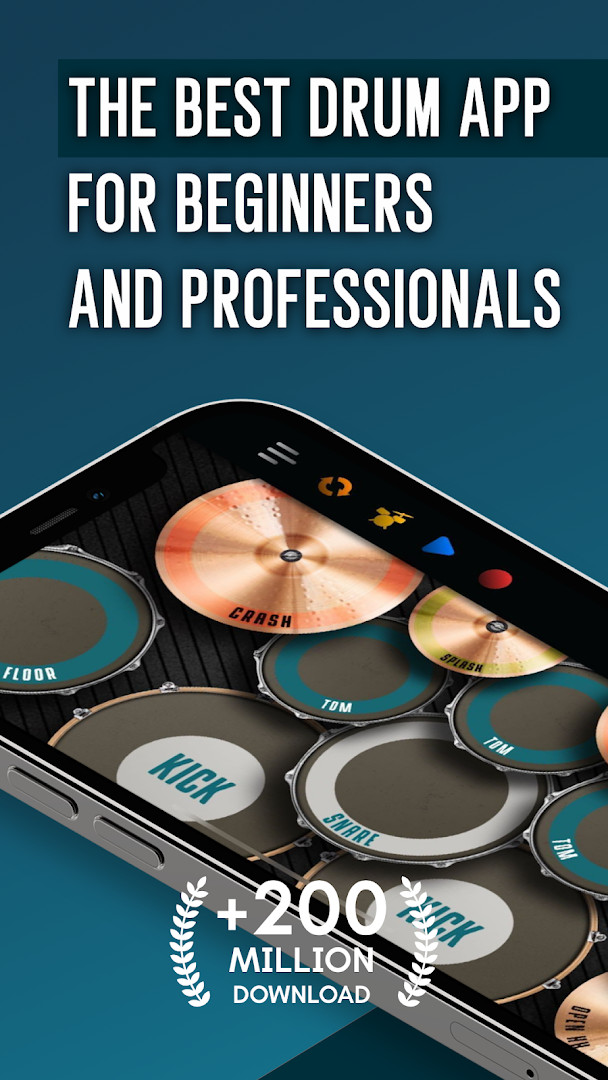
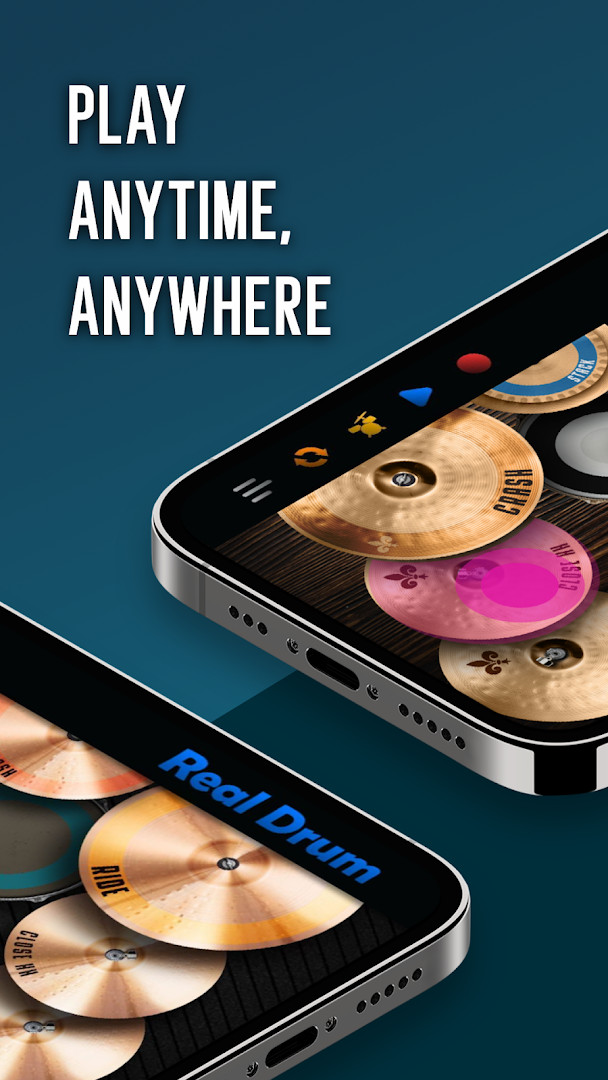
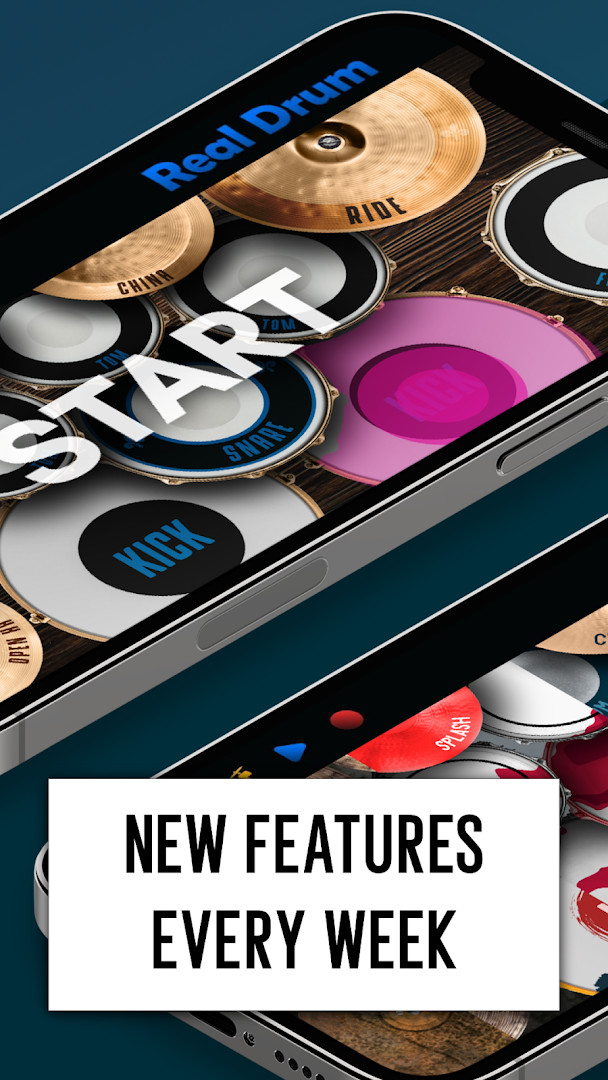
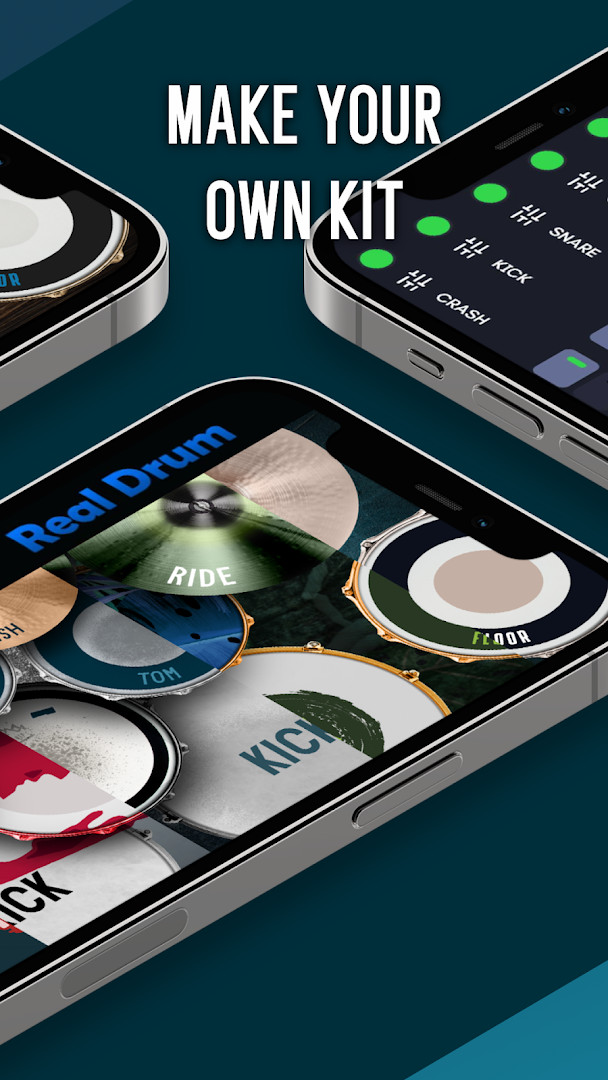
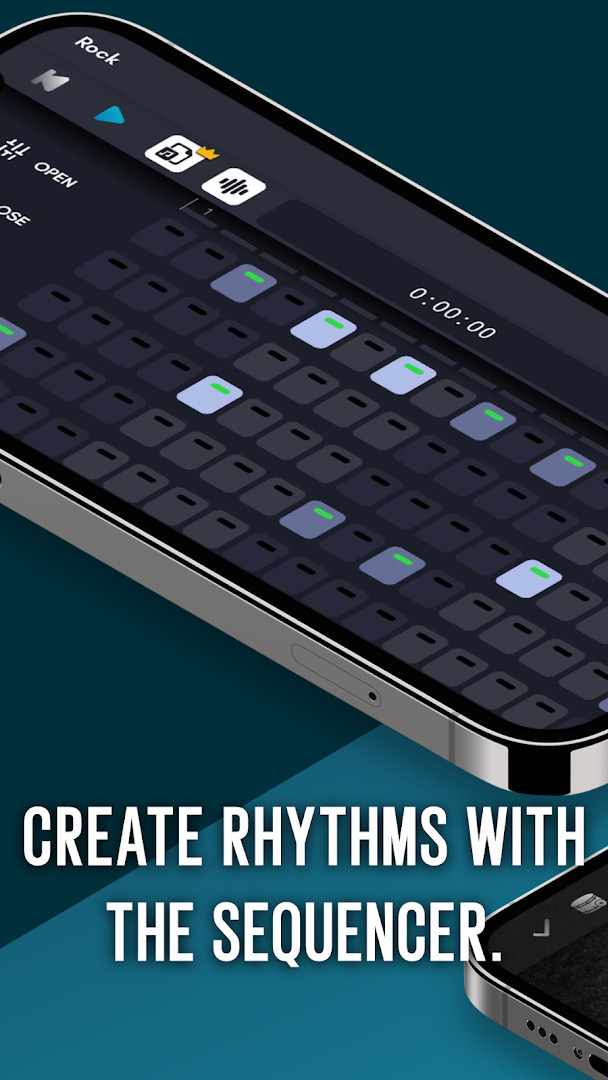
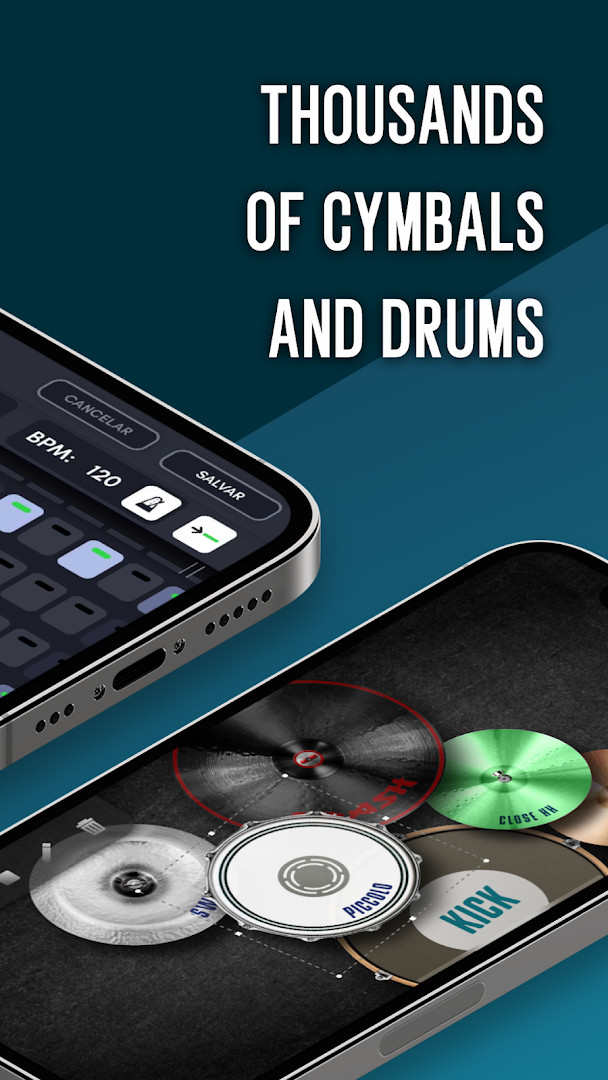
Real Drum electronic drums set is a music education and simulation app by Kolb Apps that turns a smartphone or tablet screen into a playable drum kit. The app solves the problem of not having access to an acoustic or electronic drum set by providing a portable, touch-based alternative that works anywhere. It combines a realistic playing surface with structured learning tools, so users can practice quietly, build rhythm skills, and even create original beats without needing physical hardware. The core approach is to let fingers act as drumsticks, with customizable pads and cymbals, studio-quality audio, and a step sequencer for composing loops. Beyond basic play, it includes a large library of lessons and weekly content updates, aiming to serve everyone from curious beginners to experienced percussionists. The app also supports recording and exporting performances, making it useful for sharing progress or just keeping a personal archive of practice sessions.
Key features
- Over 100 drum lessons to learn drumming techniques step by step
- Various drum kits including realistic 3D drums with high-quality sounds
- Customizable drum set: adjust the number, size, and placement of pads and cymbals
- Upload your own images and sounds to create a personalized drum kit
- Built-in sequencer to activate steps, combine drum sounds, and build repeating beats
- Loops for playing along with studio-quality audio
- Export recordings to MP3 format and share them on social media
- MIDI support for connecting external instruments or controllers
How to install
- Tap the download button on this page to get the APK file.
- When Android prompts, allow your browser or file manager to install apps by enabling the 'Install unknown apps' setting for that app.
- Open the downloaded APK file from your notifications or file manager.
- Tap Install and wait for the installation to complete.
- Open the app from your app drawer or home screen. Note the file size is not specified, and the minimum Android version required is 7.0.
Pros
- Free to download and use with no upfront cost
- Extensive lesson library for structured learning
- High degree of customization for pads, sounds, and visuals
- Portable and quiet practice option compared to real drums
- Regular content updates with new kits, lessons, and loops
- Supports MIDI for advanced setups
Cons
- Contains ads that may interrupt the experience
- In-app purchases are available, which may limit some features without payment
- Requests permissions for storage, microphone, and Wi-Fi information, which may raise privacy concerns for some users
Version history
| Version | Size | Requires Android | Updated |
|---|---|---|---|
| 11.17.29 | — | 7.0 | Oct 16, 2026 |
This app is suited for anyone interested in learning or practicing drums without owning physical equipment. It works well for beginners who want structured lessons, as well as hobbyists and even professional musicians looking for a portable practice tool. Children and adults can both benefit, as the interactive nature helps develop motor and cognitive skills. It is also a good fit for people who need a quiet way to play at home, in apartments, or while traveling, and for those who enjoy creating their own rhythms and sharing performances online.
To get the most out of the app, start with the built-in lessons to build a solid foundation, then experiment with the sequencer to create your own patterns. Customize the drum kit layout to match your natural hand positions for better comfort and accuracy. If you plan to export recordings, check the app's settings for output format options, and be mindful that ads and in-app purchases are part of the experience.
Permissions
FAQ
Is Real Drum electronic drums set free to download and use?
Yes, the app is free to download and use. It does include ads and offers optional in-app purchases, but the core drumming features are available at no cost.
What Android version do I need to install the app?
The app requires Android 7.0 or higher. It is compatible with both phones and tablets across various screen resolutions.
Does the app require an account or registration to use?
No, you do not need to create an account to install or use the app. You can start playing drums and exploring lessons right away.
What permissions does the app request?
The app asks for access to photos, media, and files; storage; the microphone; and Wi-Fi connection information. These are used for features like uploading custom images and sounds, recording audio, and sharing content.
How do I update Real Drum to the latest version?
To update, simply download the newest version from this page when it becomes available. The current version is 11.17.29, released on October 16, 2026.
Can I use the app without an internet connection?
While the app can be used offline for many features, it requests Wi-Fi connection information and may need an internet connection for downloads, updates, and sharing content on social media.
Real Drum electronic drums set offers a versatile and accessible way to learn and play drums on mobile devices, backed by a large library of lessons and customization options. It is a practical choice for those who want a portable, quiet drumming solution, though users should be aware of the ads and permission requests.
Similar apps


Updated: Nov 6, 2026