eFootball™ Soccer Simulation
eFootball™ is a free sports game by KONAMI that lets you enjoy realistic soccer matches and player development.
eFootball™ is a free soccer game requiring Android version 7.0 or higher. It features in-app purchases and ads, offering online multiplayer modes and regular updates. The app is suitable for soccer fans and players interested in team building and seasonal gameplay.
Screen gallery

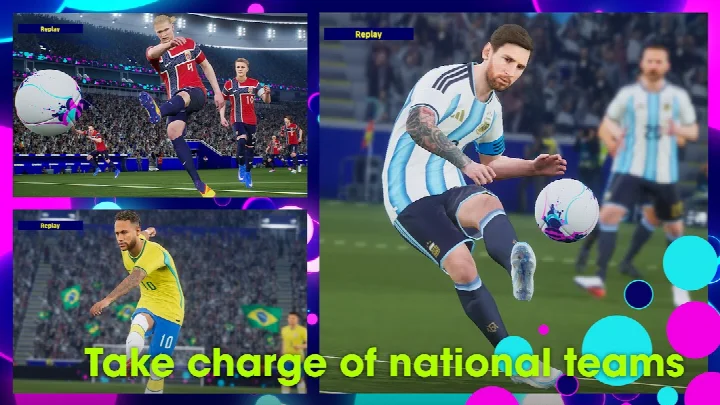


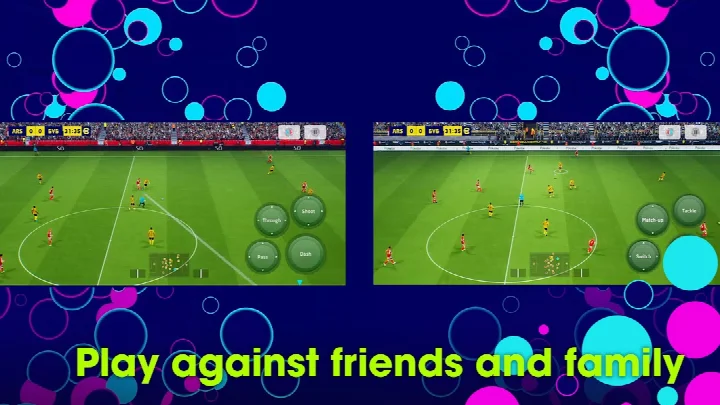
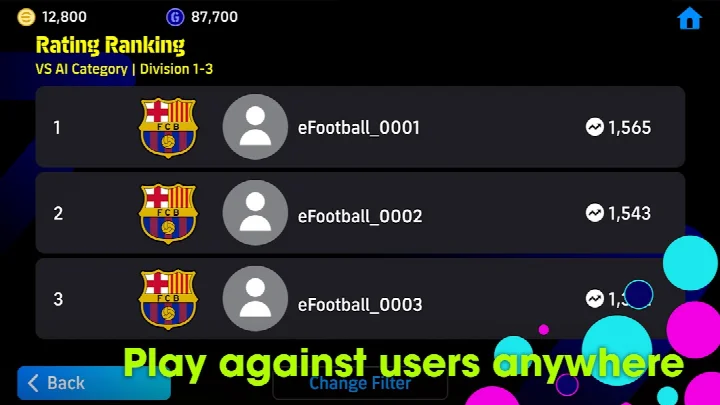
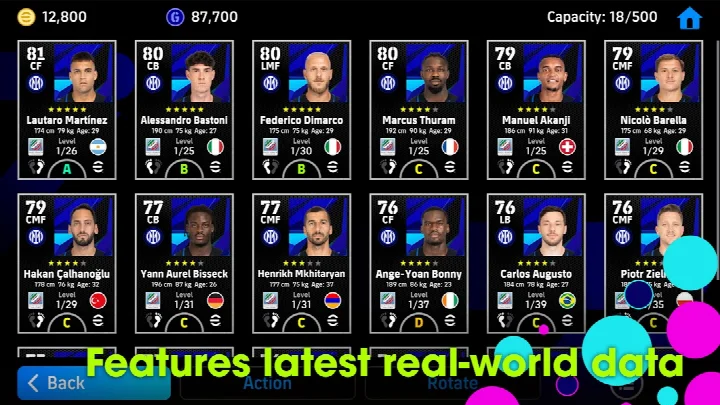
eFootballTM is a free-to-play soccer game by KONAMI that lets players build and manage teams and compete online against users worldwide. It represents the modern evolution of the PES series, moving the franchise into a new digital-soccer era while keeping match play as the core focus. The main challenge it solves is making realistic football accessible to newcomers: a step-by-step tutorial with practical demonstrations teaches the basic controls and rewards completion with Lionel Messi, and a Smart Assist setting reduces complex command input so dribbling, passing, and shooting can be enjoyed right away. Beyond that, the game keeps the experience fresh by syncing with the real soccer season through weekly data updates that reflect actual transfers and match results, and it deepens the long-term loop with player development, stadium customization, and a range of online modes including Friend Matches and Co-op Matches with up to three a side.
Key features
- Step-by-step tutorial with practical demonstrations that teaches basic controls and rewards completion with Lionel Messi
- Smart Assist setting that simplifies commands for dribbling, passing, and shooting to help newcomers enjoy matches
- Friend Matches and Co-op Matches supporting up to three players per side for group play
- Player development through matches and special items, with an Auto Select option for automatic progression
- Weekly data downloads reflecting real-life player transfers and match achievements to keep the game current
- Stadium customization using Stadium Elements such as Tifos and Giant Props to personalize the venue
- Loot boxes that use eFootballTM Coins, with regional access restrictions for certain countries and age groups
- Requires an internet connection and approximately 3.1 GB of free storage space for download and installation
How to install
- 1. Tap the download button on this page to get the APK file (the app requires about 3.1 GB of free storage, so make sure you have enough space).
- 2. When Android asks for permission, allow your browser or file manager to install apps by enabling the 'Install unknown apps' setting.
- 3. Open the downloaded APK file from your notifications or Downloads folder.
- 4. Tap Install and wait for the process to finish; the app requires Android 7.0 or higher.
- 5. Open eFootballTM from your app drawer, grant the requested permissions, and complete the initial setup.
Pros
- Free to download and play with no upfront cost
- Newcomer-friendly tutorial and Smart Assist option make it easy to get started
- Live weekly data keeps player transfers and match form current
- Multiple online modes allow matches with friends and co-op play
- Deep progression through player training and stadium customization
- Regular updates keep adding modes, events, and gameplay improvements
Cons
- Contains ads that can interrupt the experience
- Includes in-app purchases for items and currency, notably eFootballTM Coins for loot boxes
- Requires a stable internet connection at all times to play
- Asks for Storage and Photos/Media/Files permissions, likely for game data
- Large download footprint of about 3.1 GB may be a hurdle for devices with limited space
Latest changes · 11.1.1
Version 11.1.1 of eFootballTM arrived on October 13, 2026, about a week after 11.1.0. The release notes say the update resolves a number of issues; specific fixes are not itemized in the available notes. For details, the in-game News section is the designated place to check. The app remains free to download, requires Android 7.0 or later, and needs roughly 3.1 GB of free space plus an internet connection.
Version history
| Version | Size | Requires Android | Updated |
|---|---|---|---|
| 11.1.1 | — | 7.0 | Oct 13, 2026 |
| 11.1.0 | — | 7.0 | Oct 6, 2026 |
eFootballTM suits people who want a realistic, competitive soccer game on Android but may not have deep experience with the genre. Casual players benefit from the tutorial and Smart Assist, while more committed users can pursue player development, team building, and weekly live data tied to the real season. It is also a good pick for groups of friends who want co-op matches, provided they have reliable internet and enough free storage on their device.
Download the base game and updates over Wi-Fi to avoid heavy mobile data usage, clear free storage well beyond 3.1 GB before installing, and check the in-game News section regularly since fixes and events are announced there.
Permissions
FAQ
How do I install the APK on Android?
Make sure your device runs Android 7.0 or newer and has about 3.1 GB of free storage. Download the APK, then open it and follow the on-screen prompts. A Wi-Fi connection is recommended for the base download and any updates.
What is the current version and when was it updated?
The current version is 11.1.1, released on October 13, 2026. It includes fixes for a number of issues; details are available in the in-game News section.
Does the game show ads or offer in-app purchases?
Yes, the game contains ads and offers in-app purchases. Some loot boxes that require eFootball Coins are restricted in certain regions, and users in some countries need parental consent to access them.
Can I play offline?
No, an internet connection is required to play eFootballTM. For the best experience, a stable connection is strongly recommended.
How much data does the game need to download?
Approximately 3.1 GB of free storage space is needed to download and install the game. Ensure you have enough space before starting, and use Wi-Fi if possible.
Are there similar sports games available?
Yes, there are other sports games in the same category, but this one focuses on realistic soccer with online multiplayer, weekly data updates, and stadium customization.
eFootballTM delivers a full-featured football experience that balances accessibility for beginners with depth for regular players. If you have a stable connection and the storage space, it is worth trying as a free way to enjoy live, community-focused soccer matches.
Similar apps




Updated: Nov 14, 2026