Sketchbook for Android
Sketchbook is a drawing and painting app from Sketchbook for creating art on your Android device.
Sketchbook is for anyone who wants to draw or paint digitally, from casual doodlers to professional illustrators. It offers a professional-grade toolkit with customizable brushes, layers, blend modes, guides, and rulers, all in a clean interface. The app is free to download, requires Android 5.0 or higher, and takes up about 69 MB of space.
Screen gallery
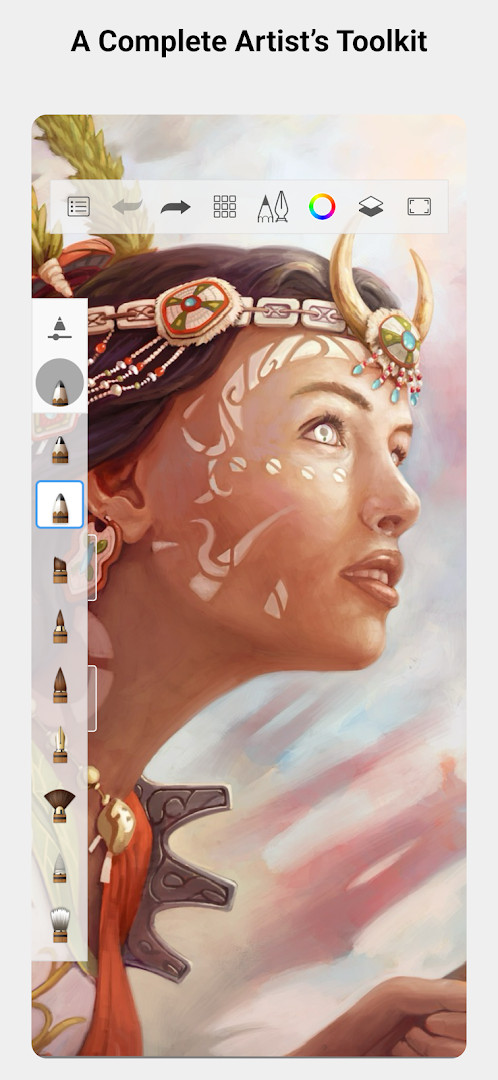
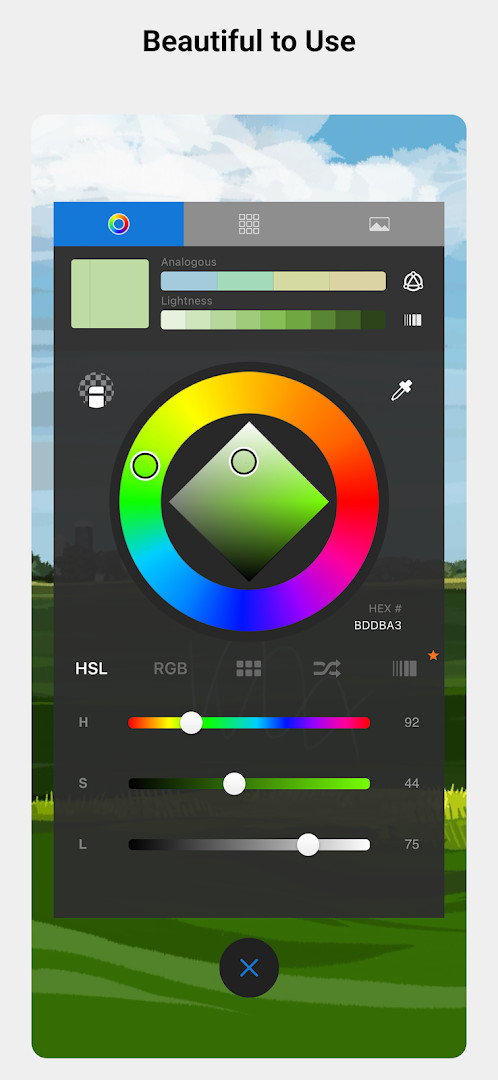
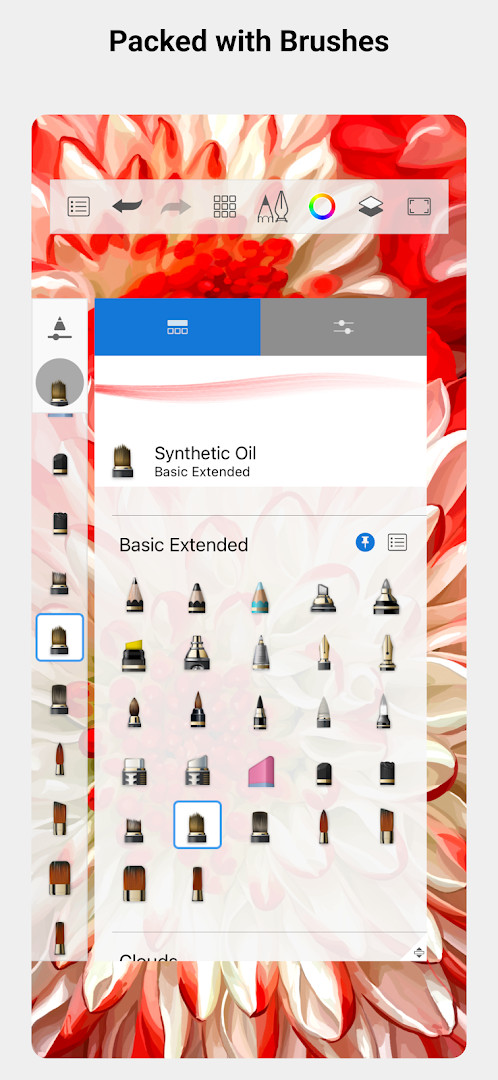
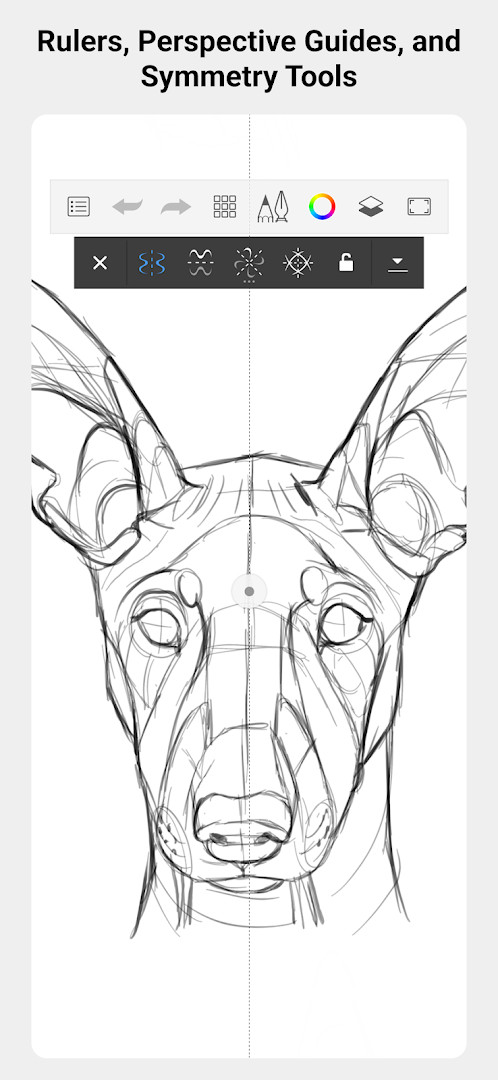
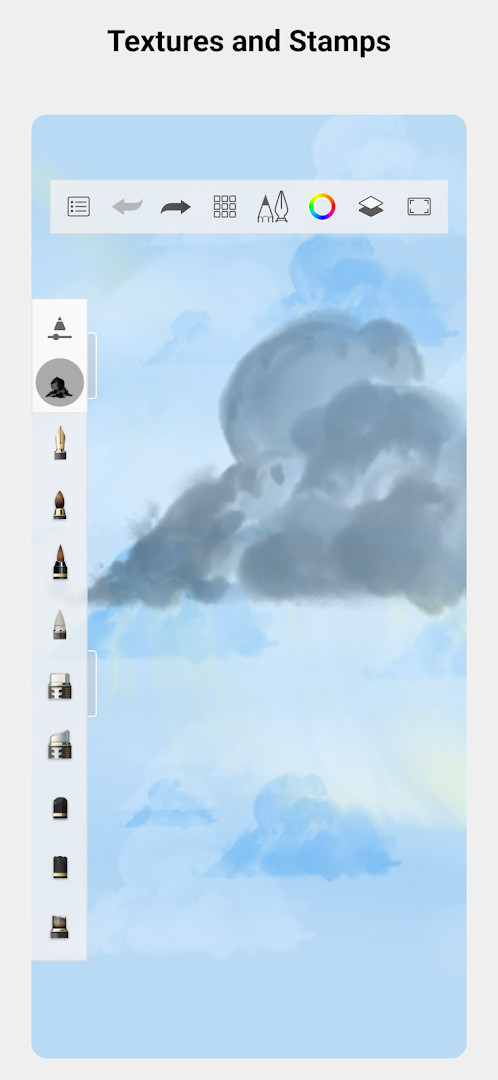
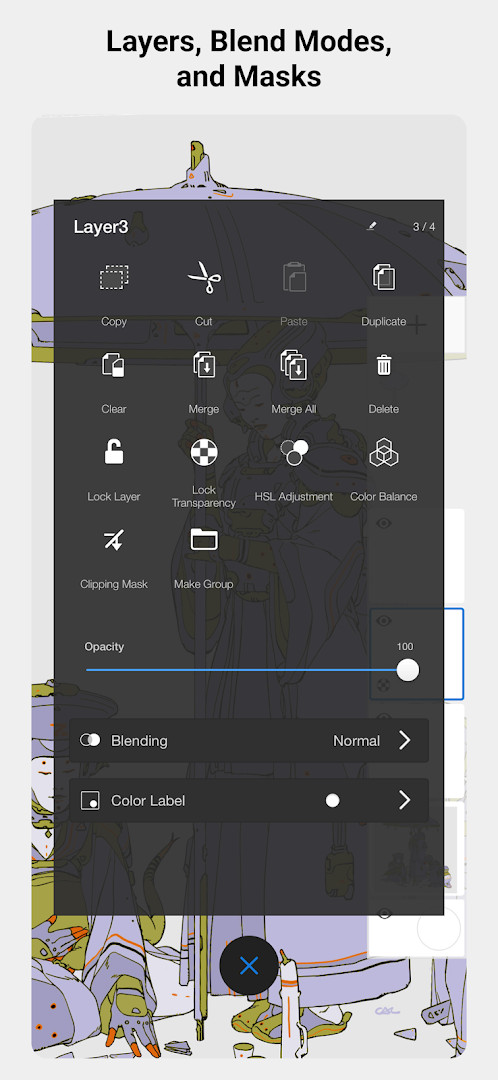
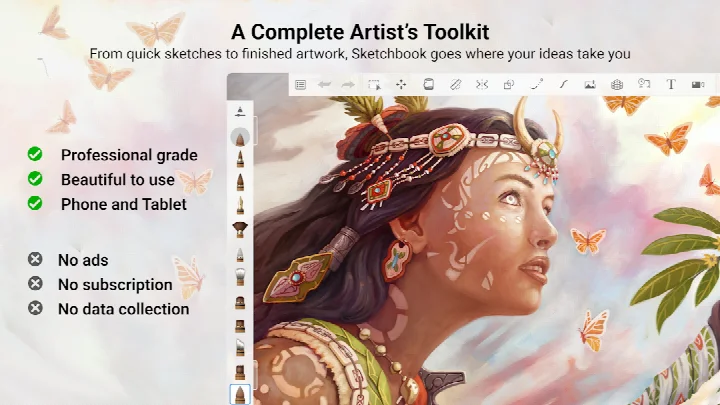
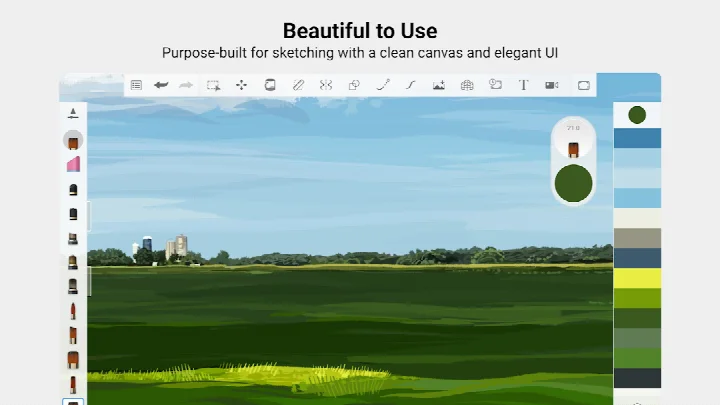
Sketchbook is a drawing and painting application by Sketchbook that provides a complete artist's toolkit for creating digital art on Android devices. Designed for both quick conceptual sketches and fully finished artwork, the app positions itself as a professional-grade tool while keeping the interface approachable for casual users. With over 100 million installs and a long history dating back to 2014, it has become a staple in the mobile art community, offering a distraction-free environment where users can focus purely on capturing and expressing their ideas.
At its core, Sketchbook delivers a natural drawing experience through a full complement of brush types—including pencils, markers, airbrushes, and smearing tools—that are engineered to feel like their physical counterparts. The brushes are highly customizable, allowing artists to fine-tune strokes to achieve exactly the look they want. For precision work, the app includes guides, rulers, and stroke tools, while a robust layer system with a full range of blend modes gives users the flexibility to build up complex compositions and experiment with color. The interface is purpose-built for sketching, remaining clean and unobtrusive so the creative process stays uninterrupted.
This version of the app requires Android 5.0 or higher and occupies about 69 MB of storage. It is free to download, contains no ads, and offers in-app purchases for additional features. The app requests access to photos, media, files, storage, and the camera, which are typically used to import reference images or export finished work. While it has received a mixed average rating of 4.07 from over 700,000 reviews, its massive user base and enduring popularity suggest it remains a go-to choice for many mobile artists. The latest update, released in May 2026, focuses on bug fixes and performance improvements, ensuring smoother operation on modern devices.
Key features
- A full complement of brush types: pencils, markers, airbrushes, smear and more that look and feel just like their physical counterparts
- Brushes are highly customizable so you can create just the look you want
- Guides, rulers and stroke tools support precision when you need it
- Layers with a full complement of blend modes deliver the flexibility to build up and explore drawings and color
- Purpose-built for sketching, the interface is clean and unobtrusive so you can focus on drawing
How to install
- Tap the download button on this page to obtain the APK file for Sketchbook, which is approximately 69 MB in size.
- When Android asks for permission, allow your browser or file manager to install apps by enabling the 'Install unknown apps' setting for that source.
- Open the downloaded APK file from your notifications or file manager.
- Tap 'Install' when prompted, and wait for the installation to complete.
- Open the app from your app drawer. Note that Sketchbook requires Android 5.0 or higher to run properly.
Pros
- Professional-grade brush engine with realistic feel
- Highly customizable tools for personalized workflows
- Clean, unobtrusive interface that reduces distractions
- Layers with blend modes for advanced composition
- Free to download with no ads
- Large user base and long development history
Cons
- Average rating of 4.07 suggests mixed experiences for some users
- In-app purchases may be required for full feature access
- Requests permissions for storage and camera, which some users may find intrusive
Latest changes
This update focuses on bug fixes and performance improvements to make the drawing experience smoother and more reliable. The developer did not publish specific details about the changes in this release.
Version history
| Version | Size | Requires Android | Updated |
|---|---|---|---|
| 5.0.2 | 69 MB | 5.0 | Jul 29, 2019 |
| 4.1.14 | 82 MB | 5.0 | Apr 6, 2019 |
| 4.1.7 | 77 MB | 4.0.3 | May 4, 2018 |
Sketchbook is ideal for experienced digital artists and illustrators who want a professional-grade drawing tool on their Android device, as well as for hobbyists who appreciate a clean, distraction-free interface for quick sketches and detailed paintings alike.
For best results, customize your brush presets to match your drawing style, and use the layer blend modes to experiment with lighting and color effects without permanently altering your base artwork. Since the app requests storage and camera permissions, be mindful of what you grant and consider using it primarily for importing reference images.
Permissions
FAQ
How do I install the Sketchbook APK on an Android device?
To install Sketchbook on Android, download the APK file and open it from your file manager. You may need to enable installation from unknown sources in your device settings if you are not using the standard installation method. The app requires Android 5.0 or higher.
What is the current version of Sketchbook?
The latest version listed is 5.0.2, which was released on July 29, 2019. The most recent update includes bug fixes and performance improvements.
Does Sketchbook contain ads or require purchases?
Sketchbook is free to download and does not display ads. However, the app does offer in-app purchases for additional features or content.
Can I use Sketchbook offline?
Yes, Sketchbook is designed for drawing and painting without needing an internet connection. You can sketch, use tools, and work on your artwork offline, though some features may require connectivity if purchased.
What permissions does Sketchbook request?
Sketchbook requests access to photos and media files, storage, and the camera. These permissions allow you to save your artwork, import images, and use camera-based features.
Are there alternatives to Sketchbook in the Art & Design category?
Yes, the Art & Design category includes other drawing and painting apps with similar toolkits. You can explore options that offer different brush engines, layer systems, or interfaces to find one that matches your workflow.
What Android version do I need for Sketchbook?
Sketchbook requires Android 5.0 or higher. It is compatible with a wide range of devices running that version or newer, and the app size is about 69 MB.
Sketchbook remains a strong contender in the mobile art space, offering a comprehensive toolkit that balances professional features with ease of use. Despite a middling rating and some permission concerns, its free, ad-free model and extensive brush options make it a worthwhile download for anyone serious about digital drawing on Android.
Similar apps


Updated: Nov 5, 2026