YouTube Video Streaming App
YouTube is a free video streaming app by Google LLC that lets you watch, share, and create videos on your Android device.
YouTube is a free video player with ads and in-app purchases, requiring Android 10 or higher and occupying 199 MB. It offers over 10 billion installs and has a Teen content rating. The app suits viewers who want to watch trending videos, subscribe to channels, and upload their own content.
Gallery
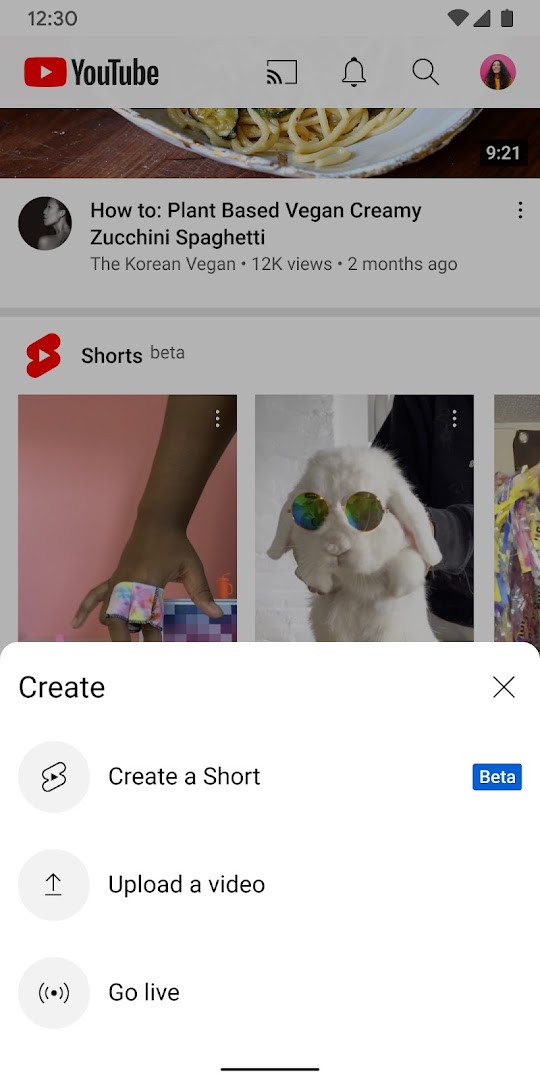
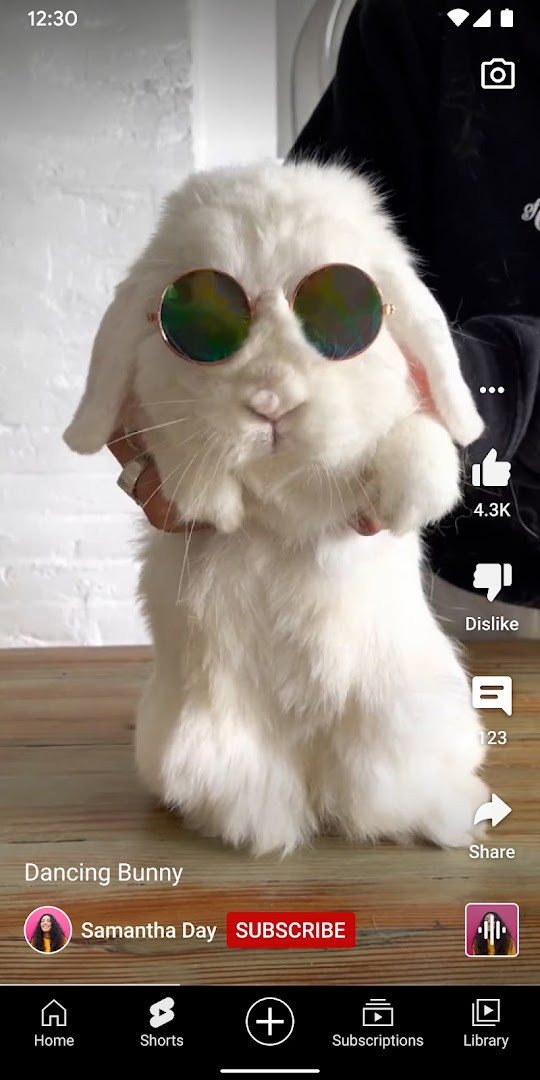

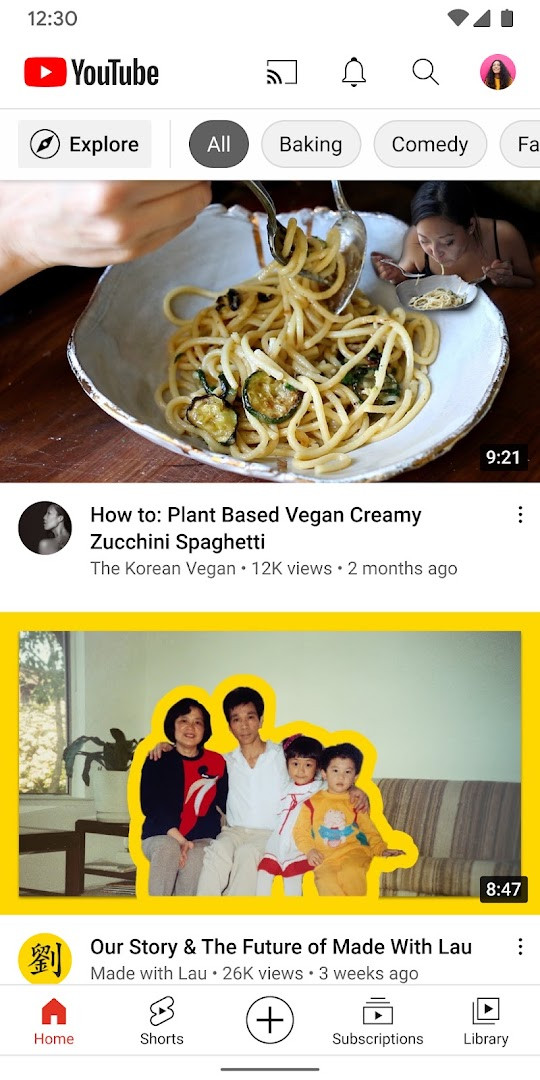
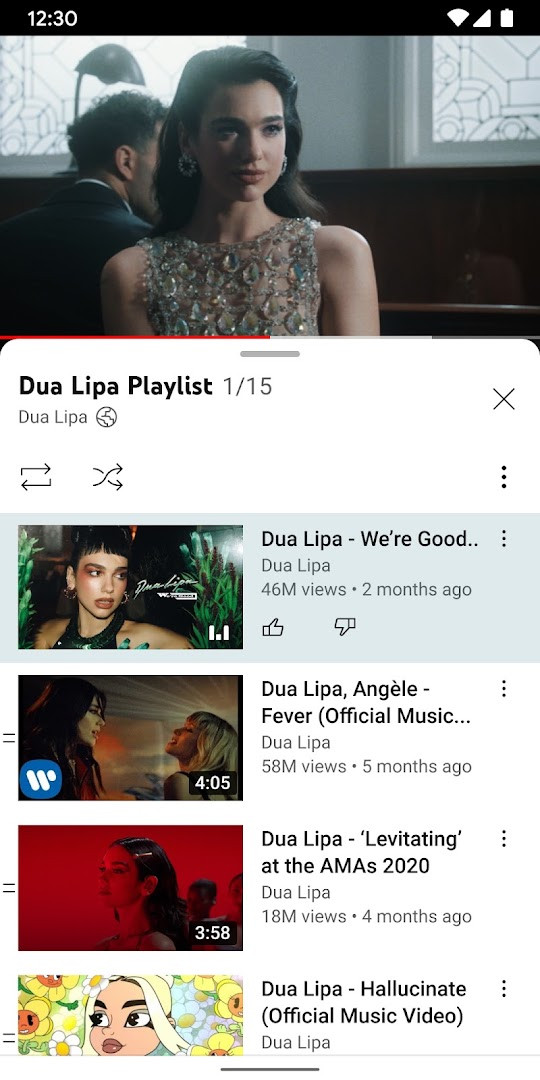
YouTube is a video streaming and sharing application by Google LLC that lets users watch, discover, and upload videos. As the official client for the world’s largest video platform, it brings the vast catalog of user-generated and professional content to Android phones and tablets, with features for subscribing to channels, commenting, and live streaming. The app has been a staple on Android since its release in 2010, and while the core experience remains familiar, recent updates have focused on in-product education and notifications to introduce new features directly to users, rather than bundling major changes into a single release.
For experienced users, the app offers a comprehensive set of tools to manage their viewing habits. The Home tab provides personalized recommendations based on watch history, while the Subscriptions feed aggregates the latest uploads from channels you follow, giving you a centralized way to stay current. The Library section organizes your watched videos, liked items, and watch-later queue, making it easy to return to content you’ve previously engaged with. Beyond passive viewing, the app supports active participation: you can post comments, interact with creators through Posts and Stories, and even go live directly from your device, turning your phone into a broadcasting tool.
The current version, 21.41.525, was updated on October 11, 2026, and requires Android 10 or higher. The app is free to install but includes advertisements and in-app purchases, such as channel memberships and Premium subscriptions. With over 10 billion installs and a rating of 3.83 based on more than 172 million ratings, it’s one of the most widely used apps on the platform. However, its permissions are extensive, covering identity, contacts, location, phone, media, camera, microphone, and more, which may raise privacy considerations for some users. The app also offers a Teen content rating, reflecting its broad user base and the diversity of content available.
Key features
- Personalized recommendations on the Home tab based on your viewing history and preferences
- Subscriptions feed to keep up with the latest uploads from channels you follow
- Library section to access watched, liked, and saved-for-later videos
- Explore tab to discover trending content and what’s popular across music, gaming, beauty, and more
- Support for comments, Posts, Stories, Premieres, and live streams to engage with creators
- Create and upload your own videos directly from the app, including live streaming
- Channel memberships with exclusive perks and loyalty badges for supporting creators
- YouTube Premium integration for ad-free viewing, background play, and offline downloads (where available)
How to install
- Tap the download button on this page to get the APK file (199 MB in size).
- When prompted, allow your browser or file manager to install apps by enabling the 'Install unknown apps' setting in your device's security settings.
- Open the downloaded APK file from your notifications or file manager.
- Tap 'Install' on the installation screen and wait for the process to complete.
- Open the app from your home screen or app drawer. Ensure your device runs Android 10 or higher for compatibility.
Pros
- Vast content library with billions of videos across every imaginable topic
- Robust personalization and recommendation algorithms
- Integrated tools for creators, including upload and live streaming
- Regular updates with new features introduced via in-app notifications
- Free to use with optional premium tiers for ad-free experience
Cons
- Includes ads, which can interrupt viewing without a Premium subscription
- Requires extensive permissions that may concern privacy-focused users
- App size is relatively large at 199 MB
- Content rating is Teen, so some material may not be suitable for younger users without supervision
Fresh Updates
The release notes for this update do not list specific changes. Instead, they say new features are announced through in-product education and notifications that explain what a feature does and how to use it. The current version is 21.41.525, dated 2026-10-11, following 21.39.522-SECONDARY from 2026-09-28. The app was last updated 2026-10-10 and is about 199 MB.
Older Releases
| Version | Size | Requires Android | Updated |
|---|---|---|---|
| 21.41.525 | 199 MB | 10 | 11.10.2026 |
| 21.39.522-SECONDARY | 195 MB | 10 | 28.09.2026 |
| 20.26.46 | 156 MB | 8.0 | 31.12.2025 |
| 17.34.35 | 134 MB | 6.0 | 29.05.2025 |
This app is ideal for video enthusiasts who want a comprehensive platform for watching and discovering content, content creators who need a mobile tool to upload and live stream, and families seeking a single app to manage diverse viewing preferences with parental controls.
To minimize data usage, adjust the video quality settings in the app's playback settings, especially when streaming on mobile networks, and consider downloading videos for offline viewing when on Wi-Fi.
Access Permissions
Common Queries
When was the YouTube app first released and what is its current version?
The YouTube app was initially released on October 20, 2010. The current version is 21.41.525, which was updated on October 11, 2026.
How large is the YouTube app and what is the minimum Android version required?
The YouTube app requires about 199 MB of storage space and works on Android devices running version 10 (Android 10) or higher.
What are some of the key features included in the YouTube app?
The app lets you browse personalized recommendations on Home, see the latest from channels in Subscriptions, and access watch history, likes, and saved videos in Library. You can also create or upload videos, go live from the app, and join paid channel memberships for exclusive perks and loyalty badges.
Does the YouTube app include advertising and in-app purchases?
Yes, the app is free to download and includes ads. It also offers in-app purchases, such as paid monthly channel memberships and an upgrade to YouTube Premium, which provides ad-free viewing, background play, and access to YouTube Music Premium (available in select countries).
What permissions does the YouTube app request and what is its content rating?
The app requests permissions related to identity, contacts, location, phone, photos/media/files, storage, camera, microphone, Wi-Fi connection information, and device ID & call information. Its content rating is set to Teen.
YouTube remains the definitive video app for Android, offering unmatched content depth and creator tools, though its permissions and ads are trade-offs. For experienced users, it’s a powerful all-in-one solution, but you’ll need to weigh the privacy implications and consider whether Premium is worth the cost for an ad-free experience.
Related Apps
Other Apps by Developer


Updated: 24.10.2026