Google Wallet for Android
Google Wallet is a finance app from Google LLC for tap to pay, passes, tickets, and digital IDs on Android.
Google Wallet is built for Android users who want their payment cards, transit passes, tickets, and digital IDs in one place instead of a physical stack. It is free, has no ads and no in-app purchases, requires Android 9 or later, and takes about 16 MB.
Gallery
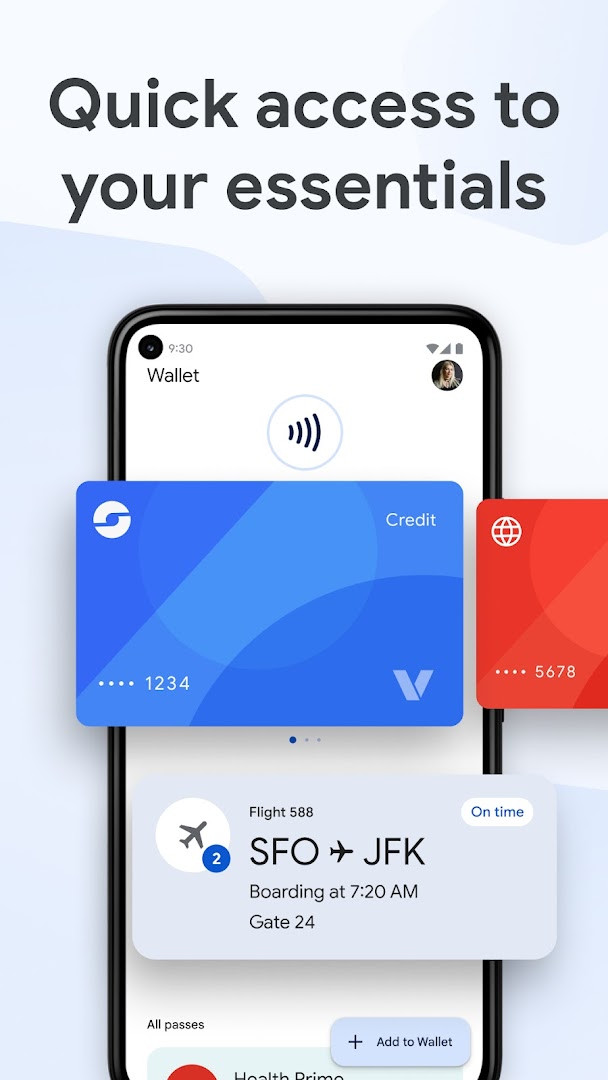
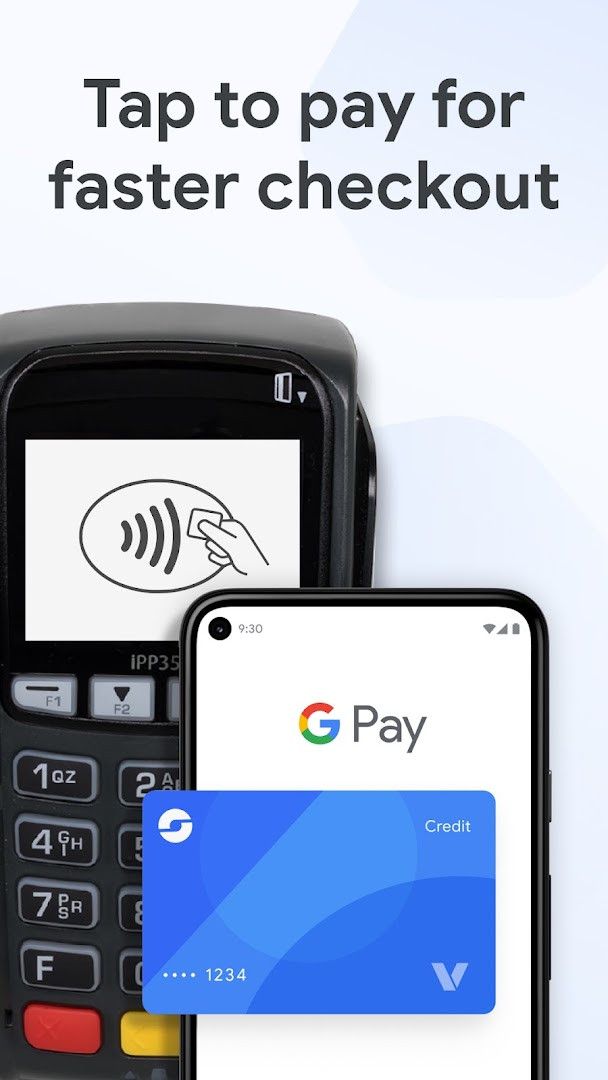
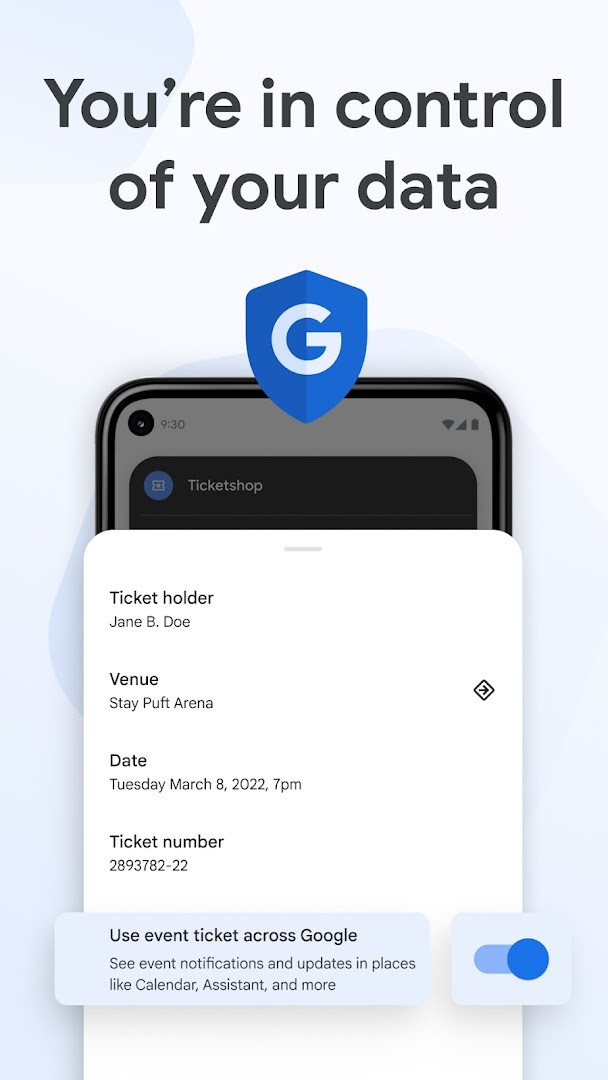
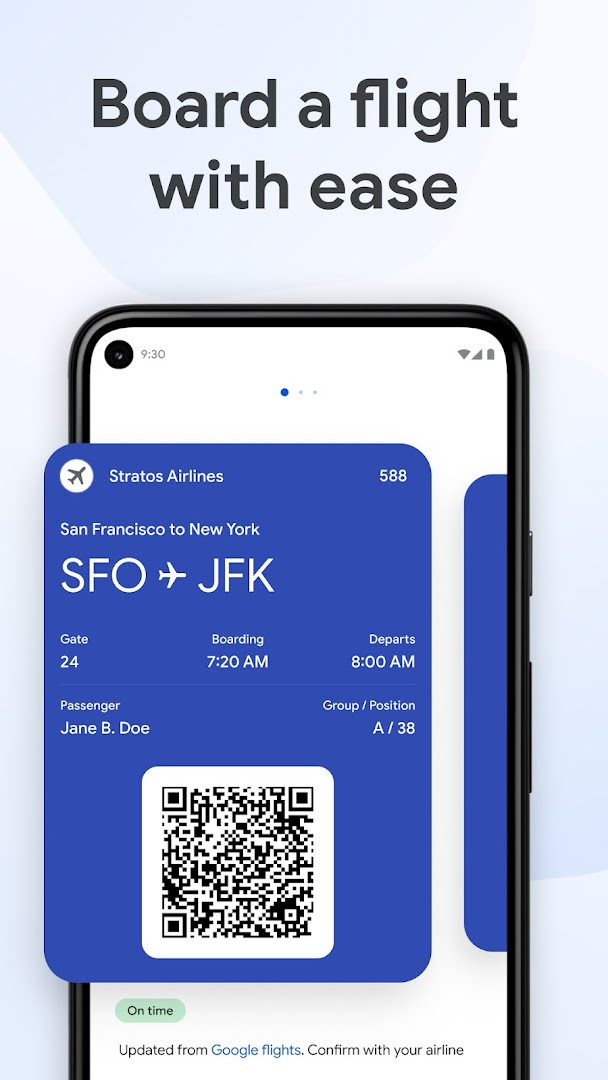
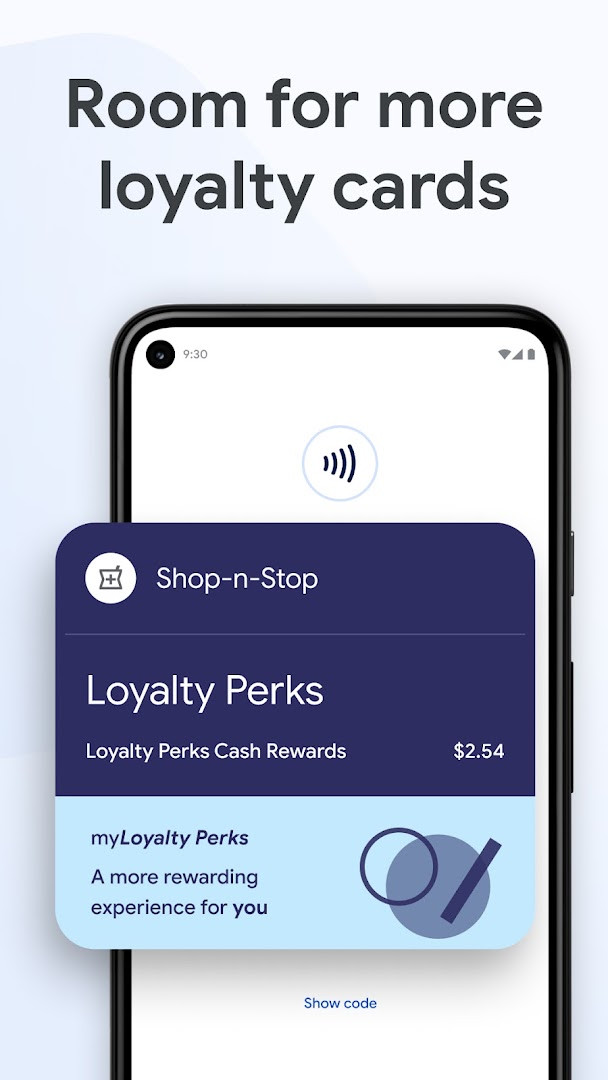
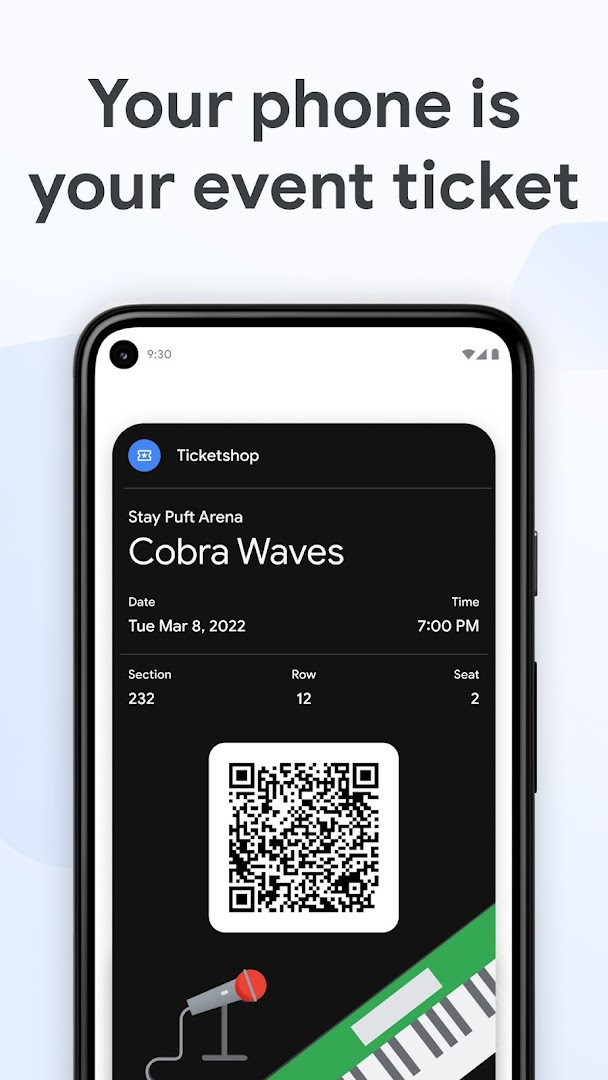
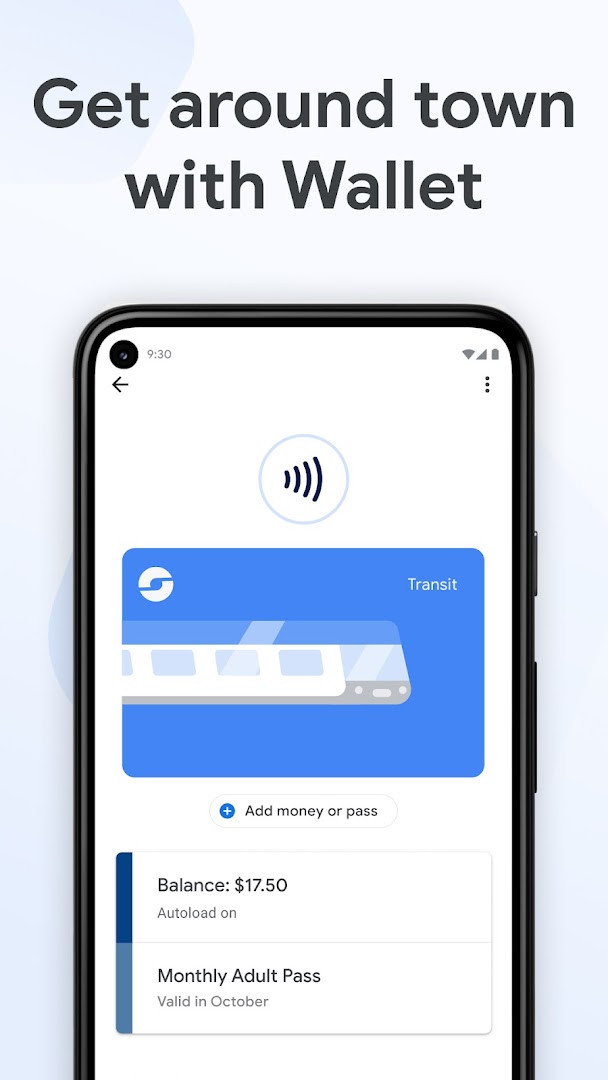
Google Wallet is a digital wallet application by Google LLC that securely stores payment cards, passes, tickets, and digital IDs on your Android device, enabling contactless payments and streamlined access to everyday essentials. It addresses the inconvenience of carrying multiple physical cards and documents by consolidating them into a single, protected app. The app leverages NFC technology for tap-to-pay transactions, uses virtual card numbers to safeguard your actual card details during purchases, and integrates with Gmail to track online orders, all while offering tools like remote data erase for enhanced security.
Key features
- Tap to pay with Google Pay (GPay) using a unique virtual card number instead of your actual card details
- Store and manage loyalty cards, gift cards, event tickets, and concert passes for easy access and automatic updates
- Add airline boarding passes and receive real-time flight updates, including gate changes and departure times
- Keep transit passes in the wallet and pay fares with a simple tap
- Speed through online checkout using the GPay button or Chrome autofill with saved cards
- Link to Gmail to view order status and expected delivery dates for online purchases (US only)
- Access digital versions of your driver's license, student ID, and other eligible IDs
- View receipts from both online and in-store transactions in one place
How to install
- Tap the download button on this page to get the APK file (16 MB).
- When prompted, allow your browser or file manager to install apps by enabling the 'Install unknown apps' setting.
- Open the downloaded APK file from your notifications or file manager.
- Tap Install and wait for the installation to complete (requires Android 9.0 or higher).
- Open the app from your home screen or app drawer and follow the setup prompts.
Pros
- Free to download and use with no ads or in-app purchases
- Strong security features include virtual card numbers and remote data erase
- Wide range of supported items: payments, tickets, IDs, and transit passes
- Integration with Gmail for order tracking adds convenience
- Regular updates with version 2.0-R163-v18-RELEASE released in June 2026
Cons
- Requires Android 9.0 or later, which excludes older devices
- Requests access to many permissions, including location, contacts, and camera, which may raise privacy concerns
- Order tracking feature is only available in the US
- Some features may not work on supervised accounts
Fresh Updates
The latest Google Wallet update makes it easier to keep everything you need protected in one place while you're on the go. You can now enjoy fast, simple, and secure access to your payment cards, loyalty cards, digital IDs, concert tickets, transit passes, and more, all from your Android phone or smartwatch.
Older Releases
| Version | Size | Requires Android | Updated |
|---|---|---|---|
| 2.0-R163-v18-RELEASE | 10 MB | 4.0 | 12.06.2026 |
| 1.35.172486414 | 9.8 MB | 4.4 | 09.02.2026 |
| 2.161.481659905 | 16 MB | 5.0 | 27.10.2022 |
This app is ideal for Android users who frequently use contactless payments, travel by air or public transit, attend events, or want to reduce the number of physical cards they carry. It suits anyone looking for a centralized digital wallet that combines payment methods, loyalty programs, tickets, and digital IDs in one place. Experienced users will appreciate the integration with Google services, such as Gmail and Chrome, for a seamless experience, as well as the robust security measures that protect sensitive financial and personal information.
Enable NFC in your device settings before using tap-to-pay, and ensure your phone is unlocked when holding it near a payment terminal. For added security, set up 2-Step Verification and use the Find My Phone feature to remotely erase data if your device is lost.
Access Permissions
Common Queries
How does Google Wallet protect my card number when I tap to pay?
When you tap to pay with your Android device, Google Wallet uses a unique virtual card number to share with the store instead of your actual card number, making it safer than swiping your physical card.
Can I use Google Wallet to track online orders?
Yes, if you link Google Wallet to Gmail, you can view the status and expected delivery date of your orders in one place. Note that this feature is available only in the US.
What digital IDs can I store in Google Wallet?
You can store digital versions of your driver's license, student ID, and other supported IDs for quick and reliable access.
Which Android devices are compatible with Google Wallet?
Google Wallet is available on all Android phones running Android 9.0 (Pie) or later, as well as on Wear OS and Google Fitbit devices.
Are there any in-app purchases or ads in Google Wallet?
No, Google Wallet is free to download and use, and it contains no ads and no in-app purchases.
Google Wallet is a comprehensive digital wallet that effectively consolidates payments, passes, and IDs with strong security and integration with Google services. It is a practical choice for Android users seeking a reliable, all-in-one solution for everyday transactions and travel needs.
Related Apps

Other Apps by Developer


Updated: 24.10.2026