Fever: Events & Tickets for discovering events
Fever: Events & Tickets is a free events app by Fever Labs that lets you discover and book local events, experiences, and exclusive pop-ups.
Fever: Events & Tickets has no ads and no in-app purchases, with a minimum Android version of 7.0. The app includes ticket transfers, a rewards system, and personalized recommendations. It serves audiences in New York, Los Angeles, Chicago, and many other US cities.
Screen gallery

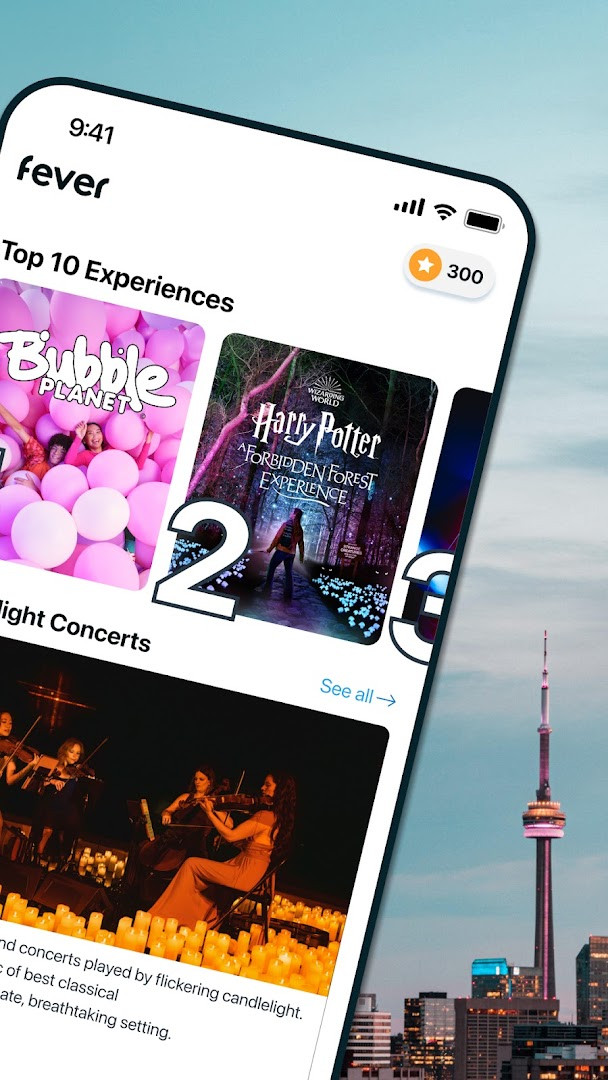
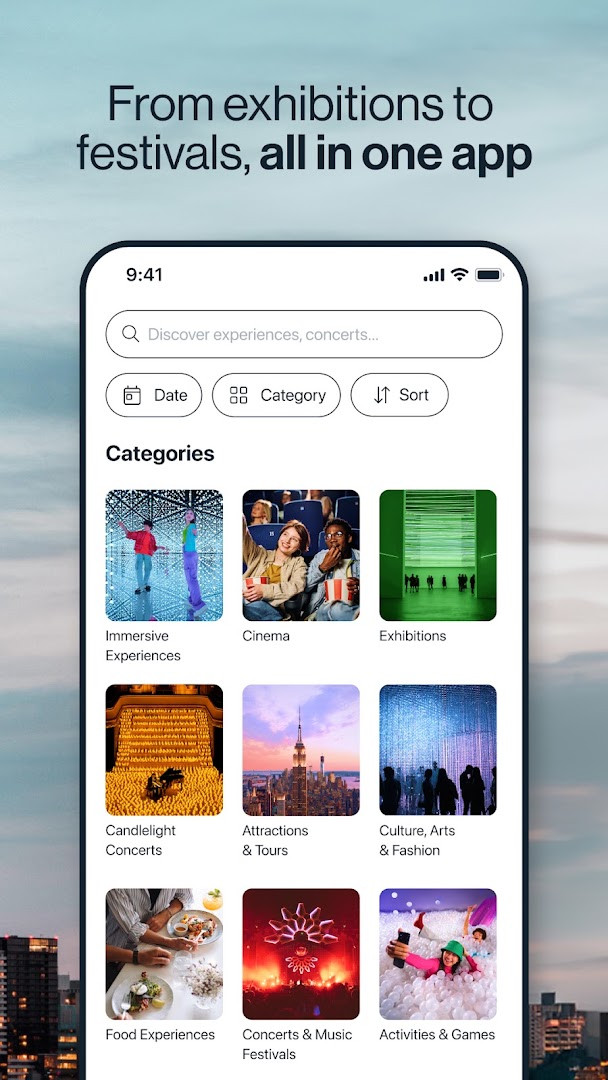
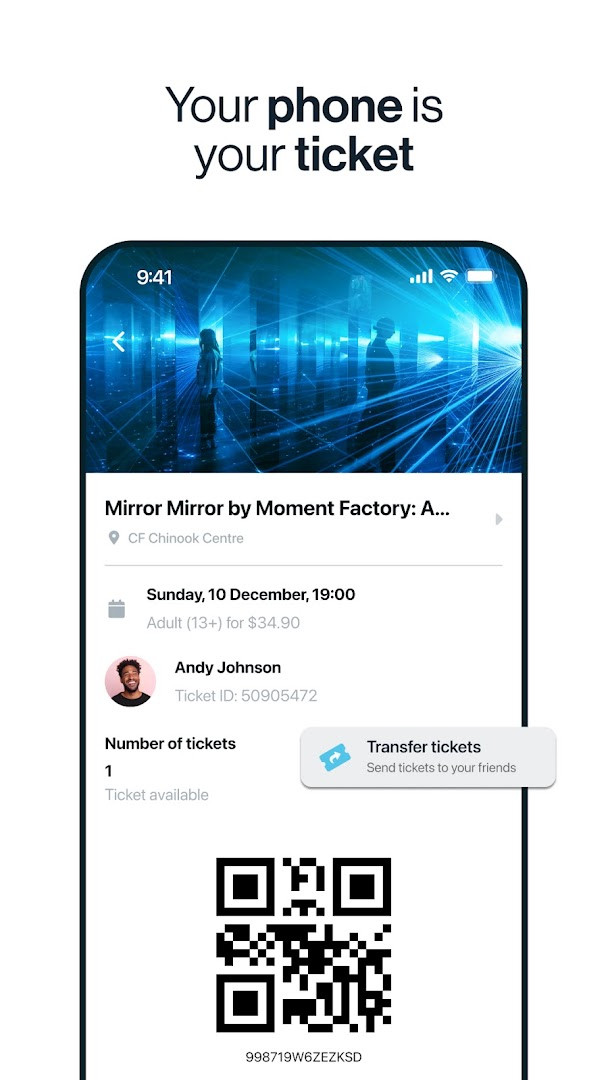
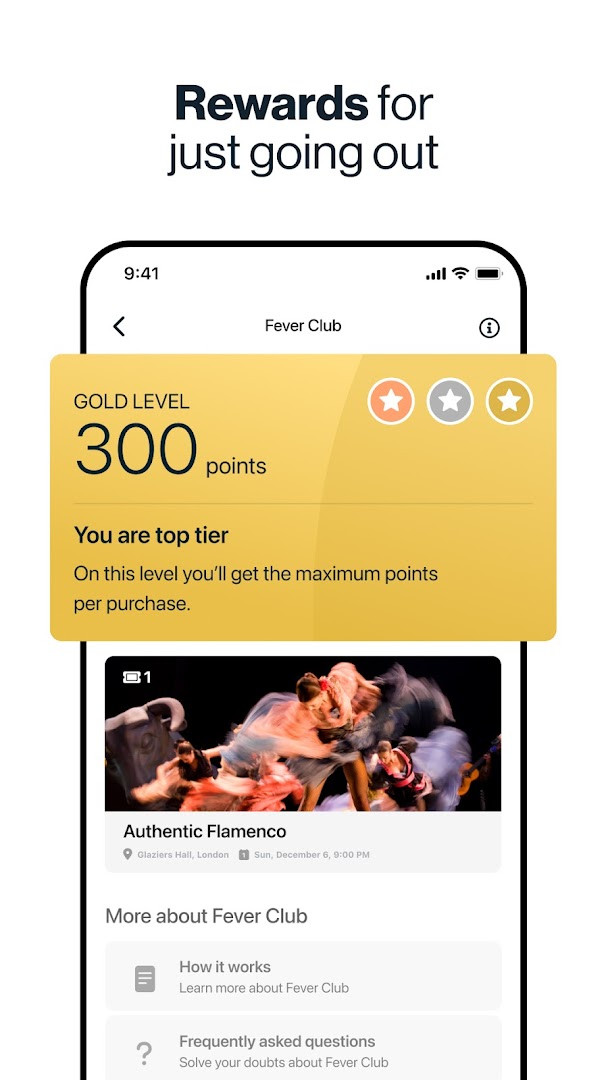
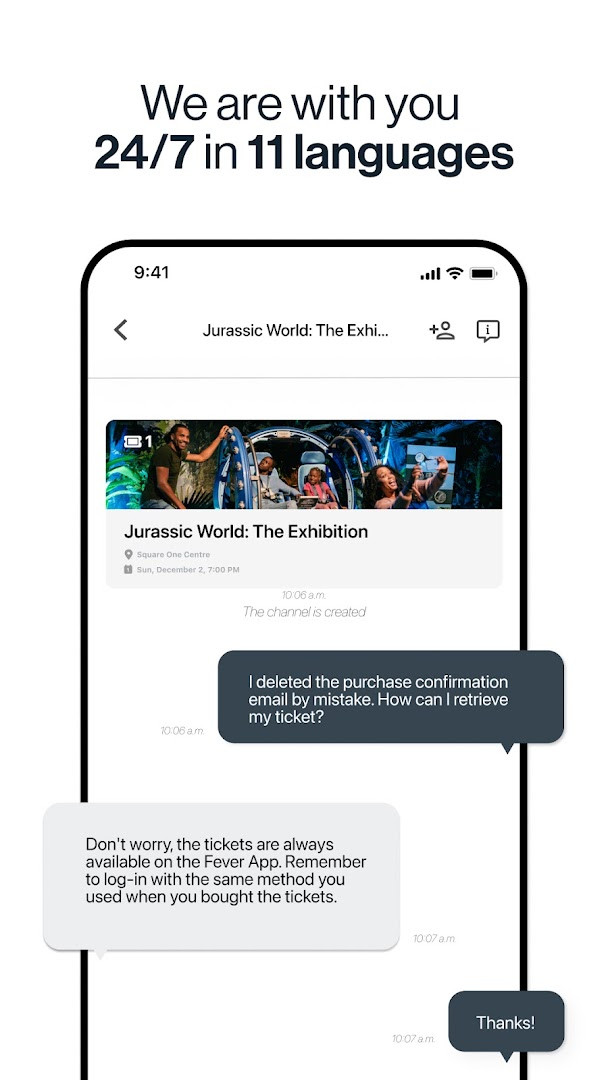
Fever: Events & Tickets is an event discovery and ticketing app by Fever Labs that helps users find and book local experiences, from immersive exhibitions and concerts to dining and nightlife. The app aggregates a broad range of activities across major US cities such as New York, Los Angeles, Chicago, Miami, Washington DC, and Boston, with a focus on both well-known attractions and exclusive pop-ups available only through the platform. Users can browse curated recommendations, search by date and time using filters, save favorite events, and transfer tickets to friends or family directly within the app. The service also includes a rewards program tied to a Fever wallet, and all tickets are fully mobile and paper-free, scanned directly from your device.
Beyond simply listing events, the app aims to personalize discovery by learning from your preferences and showing what your friends are attending. Categories span tours and adventure, arts and museums, concerts and festivals, theater, comedy, cinema, food tastings, and nightlife parties, making it suitable for a wide range of interests. The app includes a map of event locations to help you see what is happening nearby, and customer support is available 24/7 in eight languages. With a content rating of Teen and no ads or in-app purchases, it is designed as a straightforward utility for exploring and booking live experiences.
Fever is particularly useful for residents and visitors in large metropolitan areas who want to stay updated on both mainstream and niche happenings. The app requires Android 7.0 or higher and requests access to contacts, location, photos, storage, camera, and microphone—permissions that support features like sharing events, uploading media, and scanning tickets. It has been available since 2014 and continues to be updated regularly, with the latest version introducing a revamped authentication screen for a more immersive browsing experience.
Key features
- Exclusive events available only on the Fever platform
- Fever Club rewards system on all ticket purchases via your Fever wallet
- Filters to search events by date and time
- Favorite events list for quick access to liked experiences
- Easy ticket transfer system to send tickets to friends and family
- Up-to-date map showing events near you and in your city
- Personalized recommendations based on your likes
- Fully mobile, paper-free tickets scanned from your device
- 24/7 customer support with chat, available in eight languages
How to install
- Tap the download button on this page to get the APK file (size n/a).
- When Android prompts, allow your browser or file manager to install apps by enabling the 'Install unknown apps' setting.
- Open the downloaded APK file from your notifications or file manager.
- Tap Install and wait for the process to complete.
- Open the app from your home screen or app drawer.
- Ensure your device runs Android 7.0 or higher before installing.
Pros
- No ads and no in-app purchases
- Exclusive events not found elsewhere
- Mobile tickets eliminate printing
- 24/7 customer support in eight languages
- Personalized event recommendations
- Rewards system on ticket purchases
Cons
- Requires access to sensitive permissions like contacts, location, camera, and microphone
- May be overwhelming for users in smaller cities with fewer events
- Some features may require creating an account and logging in
Latest changes · 5.247.1
Version 5.247.1 of Fever: Events & Tickets was released on 2026-10-13. The main change is a redesigned authentication screen with more immersive visual elements, intended to make browsing the available inventory feel different. The update notes encourage getting the latest version to keep up with current events. This release follows 4.5.21 from 2026-06-20. The app requires Android 7.0 or later.
Version history
| Version | Size | Requires Android | Updated |
|---|---|---|---|
| 5.247.1 | — | 7.0 | Oct 13, 2026 |
| 4.5.21 | 22 MB | 4.4 | Jun 20, 2026 |
This app is for event enthusiasts and city explorers in major US metropolitan areas who want to discover and book a diverse range of live experiences, from exclusive pop-ups and immersive exhibitions to concerts, dining, and nightlife. It also suits groups and families who need easy ticket sharing and paper-free entry.
To get the most out of the app, enable location permissions to see accurate nearby events and use the filters to narrow down by date and time. You can also create a favorites list to quickly revisit events you are interested in, and take advantage of the ticket transfer feature to send tickets to friends without hassle.
Permissions
FAQ
How do I install the Fever app on my Android device?
Download the APK file from the download button on this page and open it on your Android device. The app requires Android 7.0 or higher. If prompted, allow installation from unknown sources in your device settings, then follow the on-screen instructions to complete the setup.
What is new in version 5.247.1?
Version 5.247.1, released on October 13, 2026, introduces a redesigned authentication screen with more immersive visuals, making it easier to browse events. It is the latest update and includes general improvements to help you find live entertainment in your city.
Does the app contain ads or in-app purchases?
No, the app is free to download and does not show ads. It also does not offer in-app purchases, so you can browse events and buy tickets without encountering extra costs or advertising within the app.
Can I use the app offline to view events?
The app is designed for online use, as it requires an internet connection to browse live events, check availability, and manage tickets. While some saved or favorited items may be cached, the core features depend on a network connection to stay up to date.
What permissions does the app request and why?
The app requests access to contacts, location, photos and media, storage, camera, and microphone. These permissions help personalize event recommendations, show events near you, and enable features like ticket scanning and transferring tickets to friends.
Are there alternatives to this app in the events category?
Yes, several other apps in the events and ticketing category offer similar services, such as discovering local experiences, buying tickets, and getting recommendations. However, Fever stands out with exclusive events like immersive exhibitions and a rewards program through Fever Club.
How does the ticket transfer feature work?
The app includes an easy ticket transfer system that lets you send tickets to friends and family without hassle. You can select a ticket from your account and send it digitally, and the recipient can use it directly from their mobile device since tickets are paper-free and scanned on screen.
Fever: Events & Tickets offers a comprehensive way to find and book live experiences across many US cities, with a strong emphasis on exclusive events and personalized discovery. While it requires several permissions and works best in larger urban areas, its paper-free tickets, rewards system, and 24/7 support make it a solid choice for anyone looking to explore their city's entertainment scene.
Similar apps


Updated: Nov 3, 2026