Amazon Alexa: Voice Assistant Companion App
Amazon Alexa is a lifestyle app by Amazon Mobile LLC that lets you set up devices, play music, and manage daily tasks by voice.
Amazon Alexa, developed by Amazon Mobile LLC, is a free lifestyle app for controlling Alexa-enabled devices, creating routines, and connecting music services like Spotify. It suits smart home owners and Echo users who want voice control, lists, and intercom features.
Screen gallery
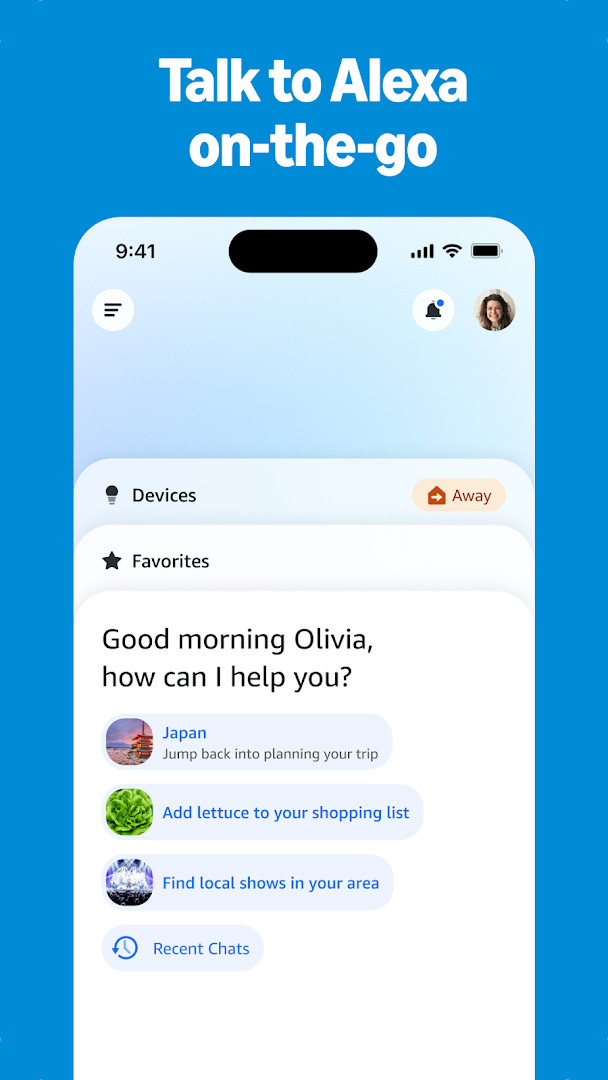
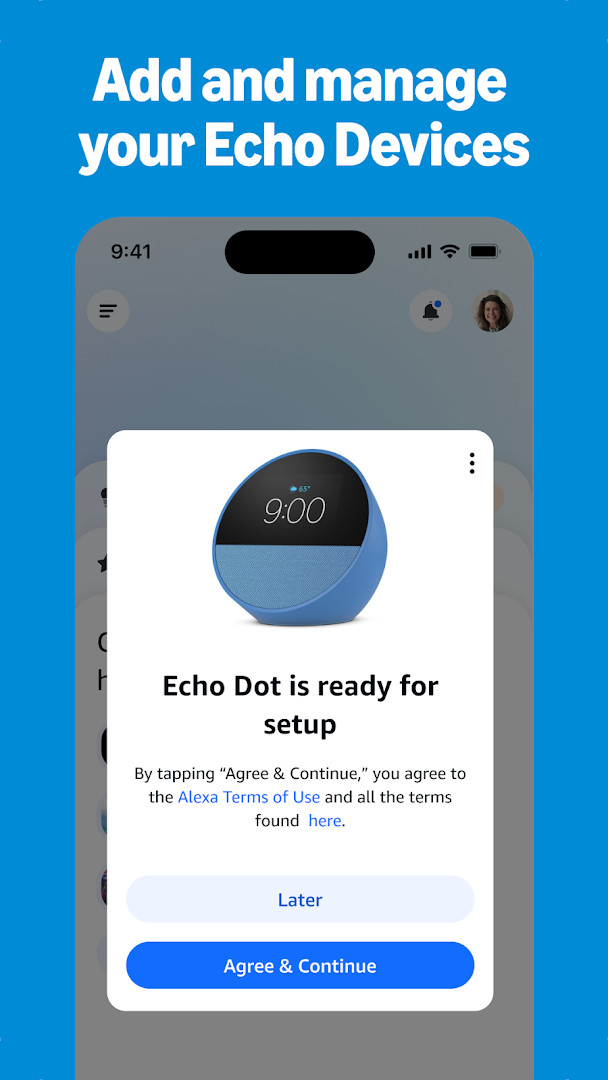


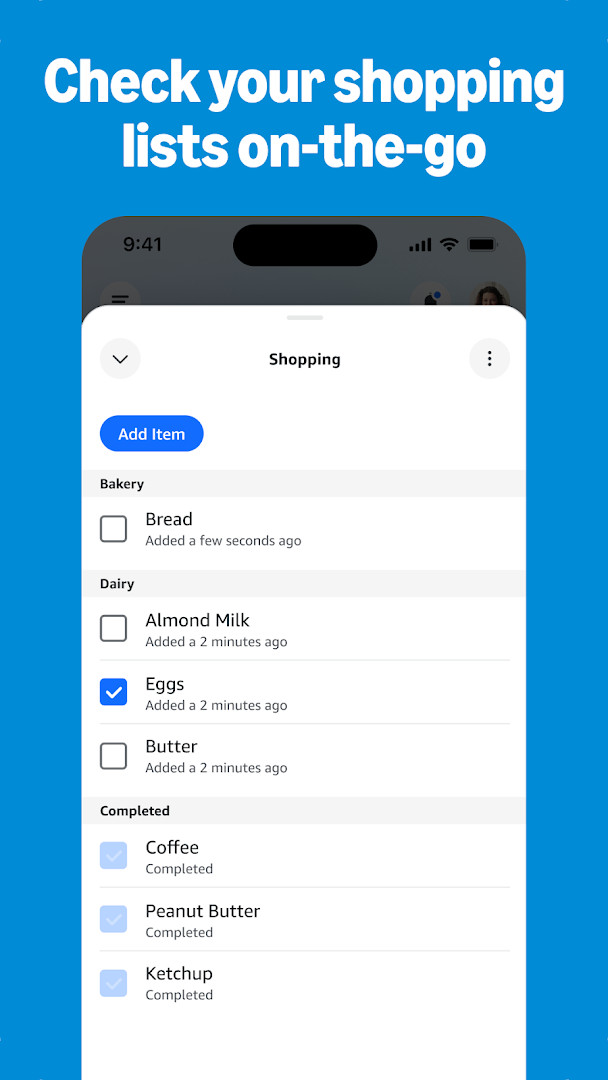
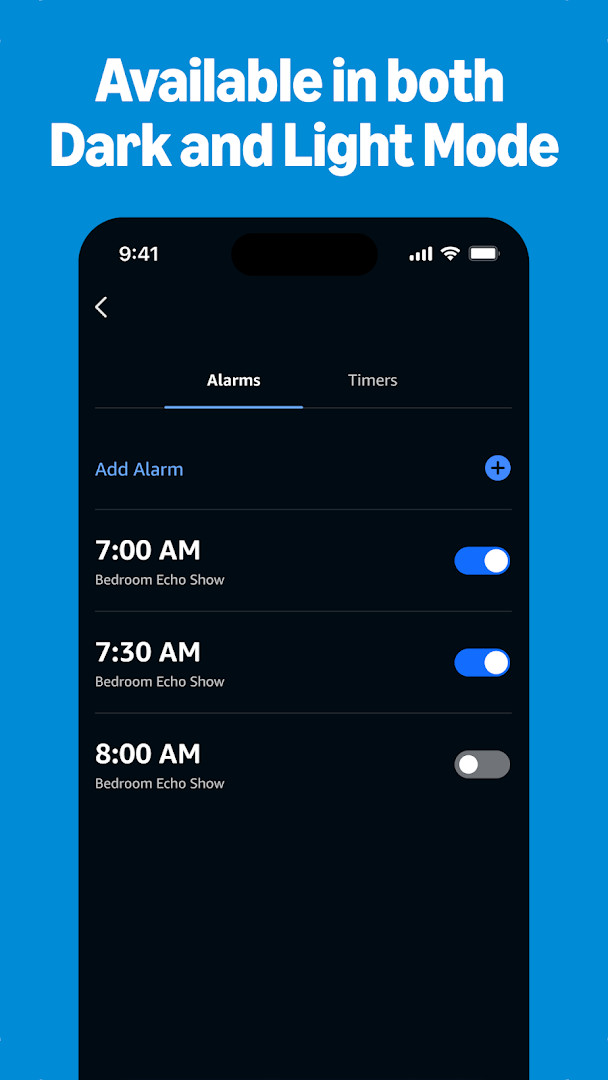
Amazon Alexa is a Lifestyle app by Amazon Mobile LLC that lets you set up, manage, and interact with Alexa-enabled devices directly from your Android phone. It serves as the central companion for Echo speakers and compatible smart home gadgets, offering a way to control lights, locks, thermostats, and more while also providing access to music, news, lists, and communication features. The app is designed for anyone who owns an Alexa-compatible device and wants to manage it without needing to be physically near the hardware.
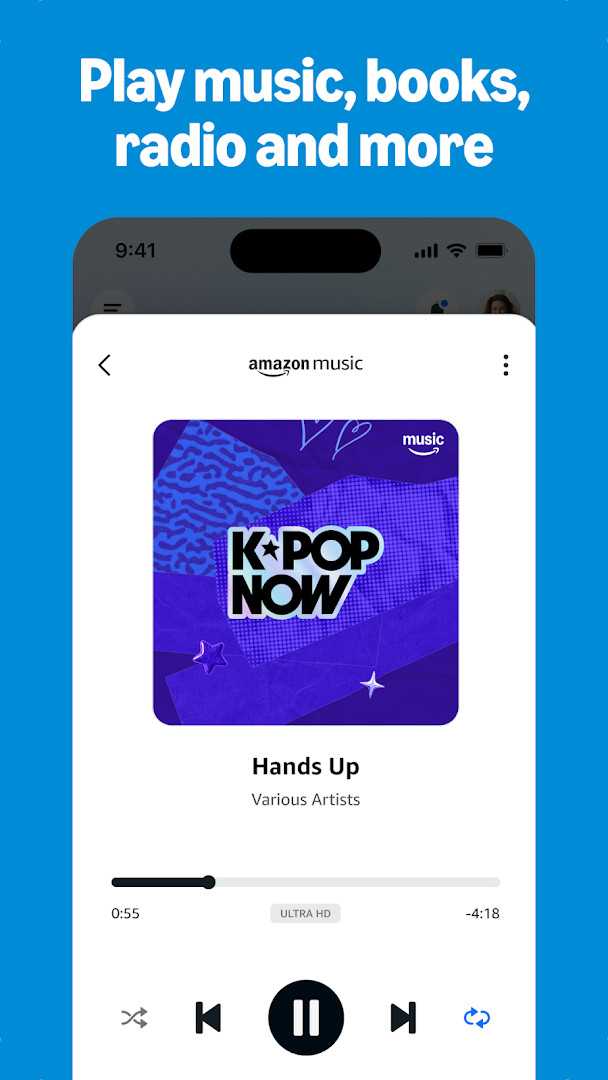
Beyond basic device control, the app acts as a daily organizer and entertainment hub. You can create and edit shopping and to-do lists, check weather updates, set timers and alarms, and manage your schedule. For music lovers, it connects to services like Amazon Music, Pandora, Spotify, TuneIn, and iHeartRadio, letting you choose songs or playlists and stream them to your Echo devices. You can also group speakers for multi-room audio, making it easy to fill your home with sound.
The app also emphasizes communication and automation. With Drop In, you can use your phone as a two-way intercom to connect instantly with compatible Echo devices. Calling and messaging supported Alexa devices is available at no extra cost. You can create routines that automate your smart home devices, and the app learns your voice, vocabulary, and preferences over time to personalize responses and recommendations. The latest design update simplifies access to favorite features, with a Home page for quick smart home controls and a Devices page for customizable device management.
For whom is this intended? It is primarily for existing Echo or Alexa device owners who want a portable remote control and management tool. It is also useful for smart home enthusiasts who want to automate routines and monitor compatible devices from anywhere. Whether you are setting up a new device, managing daily tasks, or staying connected with family through intercom features, the app serves as a practical companion for everyday use.
Key features
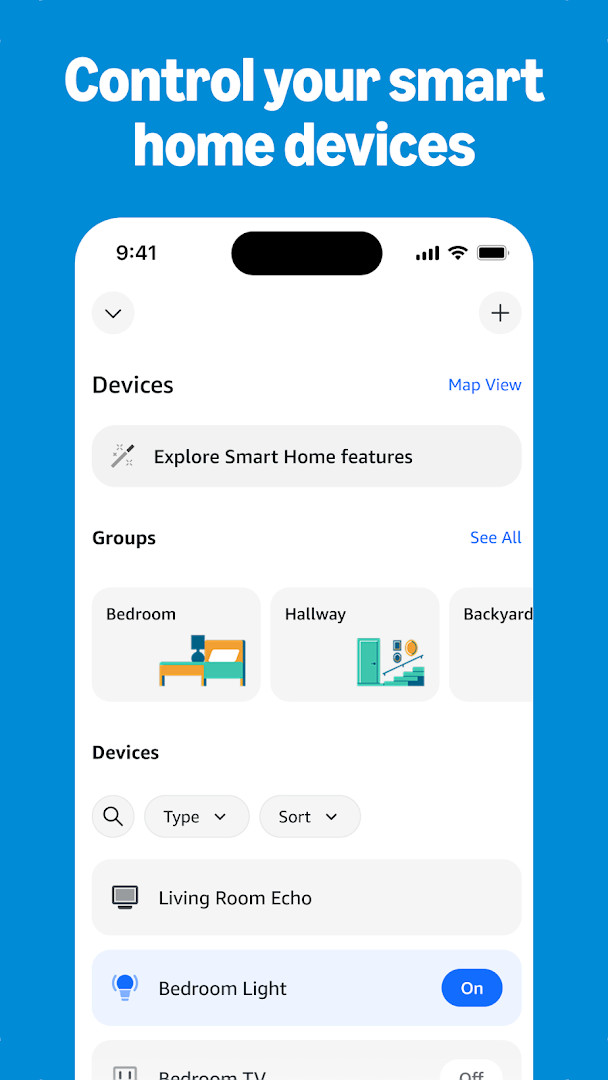
- Set up Alexa-enabled devices and control compatible smart lights, locks, and thermostats from home or on the go
- Create routines to automate your smart home devices
- Connect to music services including Amazon Music, Pandora, Spotify, TuneIn, and iHeartRadio, and play songs or playlists on your Alexa devices
- Create speaker groups for multi-room music across compatible Echo devices
- View and edit shopping and to-do lists, get weather and news updates, and manage timers and alarms
- Use Drop In to connect instantly with compatible Echo devices as a two-way intercom
- Call or message supported Alexa-enabled devices at no additional cost
- Discover and enable recommended Alexa skills and receive personalized feature recommendations for your Echo device
How to install
- Tap the download button on this page to get the APK file. The file size is not specified, and the app requires Android 10 or higher.
- When Android asks, allow your browser or file manager to install apps by enabling the 'Install unknown apps' setting for that source.
- Open the downloaded APK file from your notifications or file manager.
- Tap Install and wait for the installation to complete.
- Open the app from your home screen or app drawer after installation.
- Sign in with your Amazon account to start setting up and managing your Alexa devices.
Pros
- Free to use with no ads and no in-app purchases
- Comprehensive smart home control and routine automation
- Multi-room music support with popular streaming services
- Free calling and messaging to supported Alexa devices
- Personalized recommendations and adaptive learning
- Regular updates with design improvements for easier navigation
Cons
- Requires many permissions, including contacts, location, SMS, phone, camera, microphone, and storage, which may raise privacy concerns
- Only works with Alexa-enabled devices, so it is not useful for those without compatible hardware
- Content rated for Teens, which may not be suitable for younger children without supervision
Latest changes · 2.2.718227.0
Version 2.2.718227.0 introduces a redesigned interface. The Home page now provides quicker access to smart home controls, Echo management, and other Alexa features. The Devices page has been updated with customizable views, allowing users to organize and manage their devices more effectively. The update focuses on streamlining navigation and making frequently used functions more accessible.
Version history
| Version | Size | Requires Android | Updated |
|---|---|---|---|
| 2.2.718227.0 | — | 10 | Oct 8, 2026 |
| 2.2.527420.0 | 173 MB | 8.0 | May 30, 2025 |
| 2.2.418281.0 | 87 MB | 5.1 | Jul 16, 2022 |
| 2.2.462157.0 | 97 MB | 6.0 | Jun 3, 2022 |
| 2.2.245855.0 | 89 MB | 5.0 | Dec 31, 2018 |
This app is for owners of Echo or other Alexa-enabled devices who want a convenient way to manage their smart home, play music, organize daily tasks, and stay connected with family through intercom-style features from their Android phone.
To get the most out of the app, set up routines for your most frequent smart home actions, such as turning off lights at bedtime. Use the Devices page to customize views for quick access to your most-used controls. For multi-room audio, create speaker groups with compatible Echo devices. Regularly check the home feed for personalized skill recommendations that can expand what Alexa can do. Remember to review and adjust app permissions in your device settings to align with your privacy preferences.
Permissions
FAQ
How does the Alexa app adapt to my usage over time?
According to the app description, the more you use Alexa, the more she adapts to your voice, vocabulary, and personal preferences, helping personalize your experience.
Can I control smart home devices from the app when I'm away from home?
Yes, the app lets you set up Alexa-enabled devices and control or check the status of compatible smart lights, locks, and thermostats either at home or on the go.
Which music services can I connect through the app?
The app connects to services like Amazon Music, Pandora, Spotify, TuneIn, and iHeartRadio, allowing you to choose songs or playlists and listen on your Alexa-enabled devices.
What does the Drop In feature do?
Drop In lets you connect instantly with compatible Echo devices from the app, functioning like a two-way intercom. The app also supports calls and messages to supported Alexa-enabled devices at no additional cost.
What changed in the latest app update?
The newest version introduces a redesigned interface. The Home page provides quick access to smart home controls, Echo management, and various Alexa features, while the Devices page offers customizable views for managing your devices.
Amazon Alexa is a practical and feature-rich companion app for managing your Alexa ecosystem. It simplifies device setup, automates your smart home, provides entertainment options, and keeps you connected, all from your Android device. While it requires a compatible device and several permissions, its free nature and broad functionality make it a valuable tool for everyday use.
Similar apps



Updated: Nov 8, 2026