Magazine Lockscreen XOS: Lock Screen Gallery
Magazine Lockscreen XOS is a free lock screen service tool by Transsion Holdings that lets you view HD pictures and articles on your locked screen.
Magazine Lockscreen XOS has version 15.1.2.26115 and requires Android 10 or newer. The app includes ads but no in-app purchases, and it was released on 2023-05-06. It is designed for Infinix mobile phone users who want a curated exhibition of images and related articles each time they lock their device.
Screen gallery
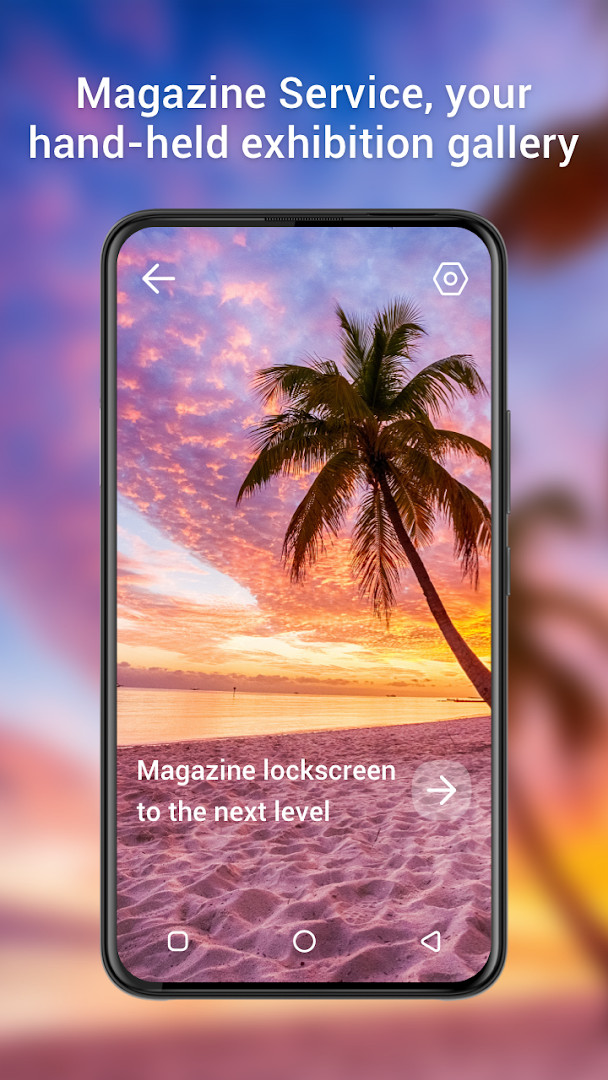
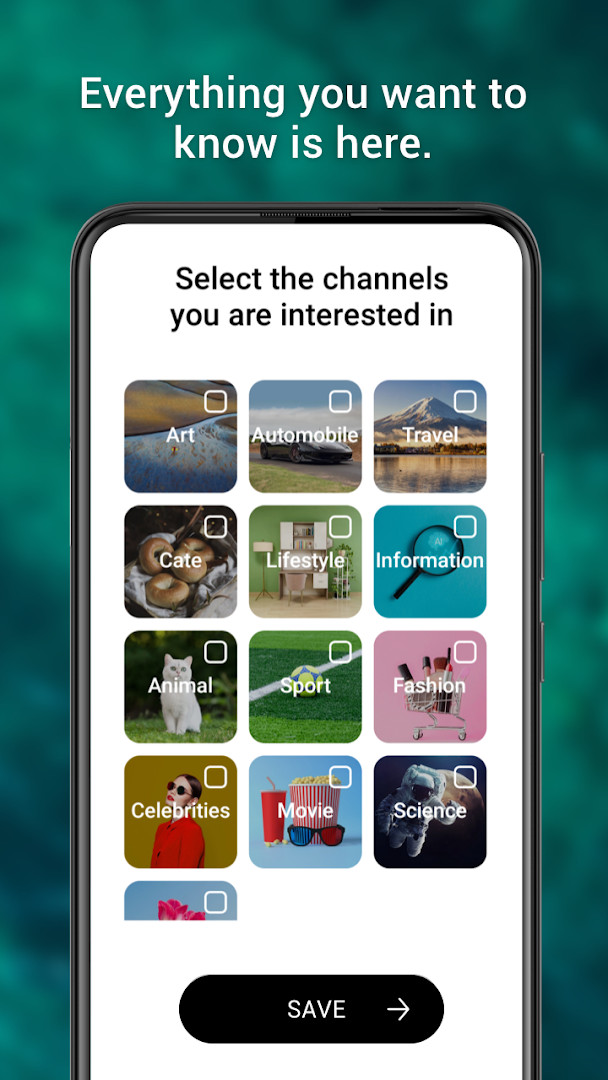
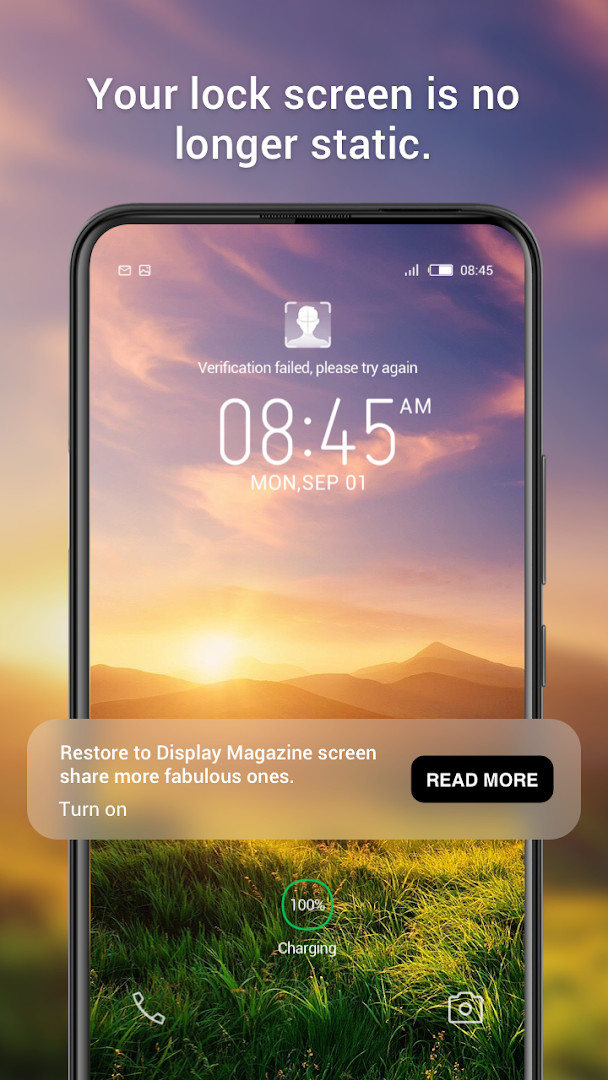
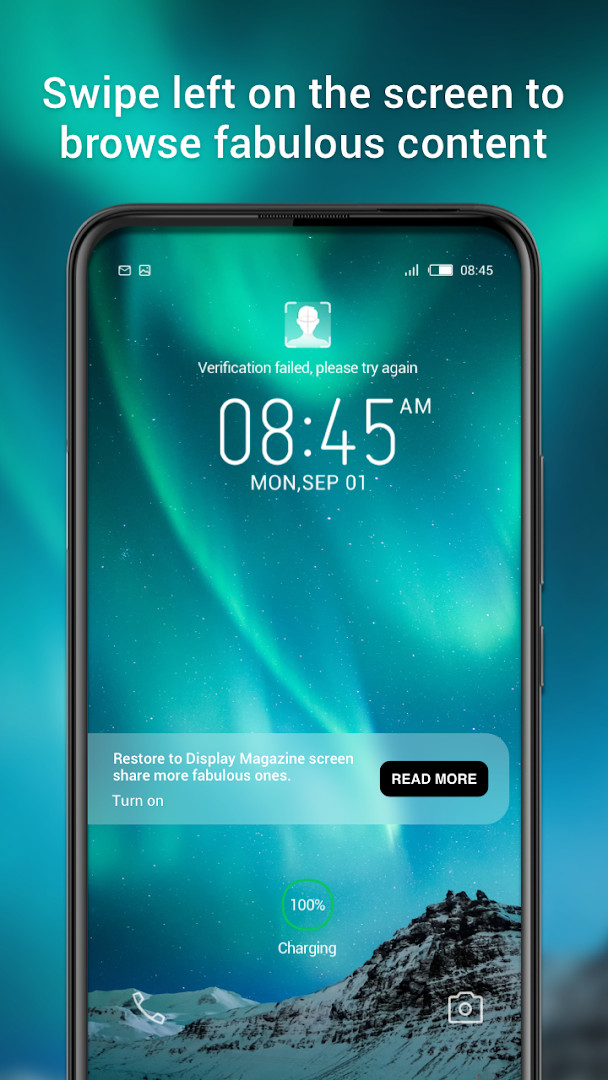
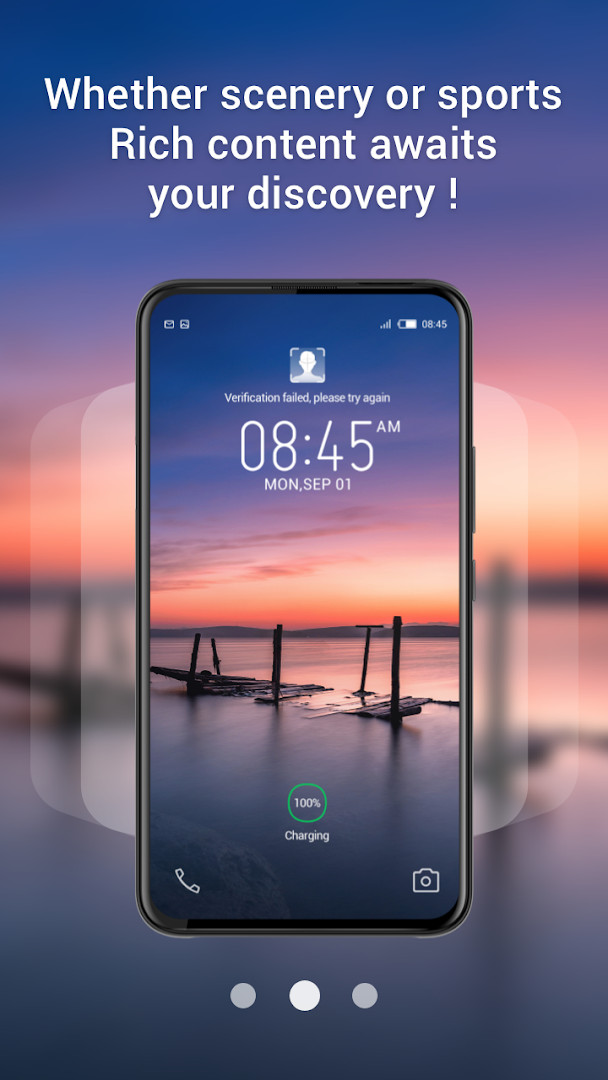
Magazine Lockscreen XOS is a lock screen service tool by Transsion Holdings that provides Infinix mobile phone users with curated HD images and related articles each time the screen is locked. It addresses the monotony of a static lock screen by transforming that moment into a brief window onto engaging content, acting as a handheld exhibition hall for visual and editorial material. The app delivers fresh pictures and articles automatically upon locking, so users get a small dose of inspiration or information without needing to open another app. It is designed specifically around the lock screen experience, making the act of unlocking feel less routine and more like a quick browse through a magazine-style feed.
Key features
- Delivers HD pictures and related articles on the lock screen whenever the device is locked
- Acts as a lock screen service tailored for Infinix mobile phone users
- Provides a window into lifestyle content, with visuals paired to short reads
- Optimized user experience in the latest update, version 15.1.2.26115
- Requests only Wi-Fi connection information permission, keeping the footprint minimal
- Free to use with no in-app purchases, though ads are present
- Content rated for Everyone, making it suitable for all ages
- Updated on 2026-09-10 with a release history dating back to 2023-05-06
How to install
- Tap the download button on this page to get the APK file.
- When Android prompts you, allow your browser or file manager to install apps by enabling the 'Install unknown apps' setting.
- Open the downloaded APK file from your notification bar or file manager.
- Tap Install and wait for the installation to finish; the file size is not specified here.
- Open the app from your app drawer or the Install confirmation screen.
- Ensure your device runs Android 10 or higher, as that is the minimum OS version required.
Pros
- Refreshes lock screen with new images and articles automatically
- Tailored to Infinix devices, likely integrating well with their system
- Very light on permissions, only asking for Wi-Fi connection information
- Free with no in-app purchase pressure
- Content is family-friendly with an Everyone rating
- Frequent updates indicate active maintenance
Cons
- Contains ads, which may interrupt the visual experience
- Limited to Infinix phones, excluding other Android users
- Lock screen content could distract from quick access to the device
- Requires Android 10 or newer, leaving older devices unsupported
Latest changes · 15.1.2.26115
Magazine Lockscreen XOS version 15.1.2.26115, updated September 10, 2026, brings a refined user experience for your lock screen. As an Infinix lock screen service, it continues to deliver HD images and related articles each time you lock your device, making it easier to explore engaging content.
Version history
| Version | Size | Requires Android | Updated |
|---|---|---|---|
| 15.1.2.26115 | — | 10 | Sep 10, 2026 |
Magazine Lockscreen XOS is for Infinix smartphone owners who enjoy discovering new imagery and short articles without actively searching for them. It suits people who like a bit of variety each time they glance at their phone, whether that is a stunning landscape photo or a brief news snippet. Because it is free and ad-supported, it appeals to casual users who do not mind occasional promotions in exchange for a constantly changing lock screen. It is not meant for those who prefer a completely clean, static lock screen or who use non-Infinix devices.
To minimize distractions, consider adjusting the frequency of content updates if the app provides such a setting, and be aware that ads will appear as part of the free service. Since it uses Wi-Fi information, keeping Wi-Fi on may help the app fetch fresh content more reliably, but it is not required for basic function.
Permissions
FAQ
What does Magazine Lockscreen XOS do when you lock your device?
When you lock your screen, the app displays high-definition pictures and related articles, acting as a lock screen service tool designed for Infinix mobile phone users.
Which phone brand is Magazine Lockscreen XOS intended for?
The app is described as a lock screen service tool specifically for Infinix mobile phone users, per its developer Transsion Holdings.
What is the minimum Android version required to run Magazine Lockscreen XOS?
The minimum operating system version required is Android 10.
Does Magazine Lockscreen XOS include ads or in-app purchases?
The app contains ads but does not offer in-app purchases. It is free to use, with a price of 0.00 USD.
What is the latest version and its release date?
The latest version is 15.1.2.26115, updated on September 10, 2026. The app was originally released on May 6, 2023.
What permissions does Magazine Lockscreen XOS request?
The app requests access to Wi-Fi connection information, as listed in its permissions.
Magazine Lockscreen XOS turns an everyday action into a brief visual break, offering curated content with minimal permission demands. It is a practical choice for Infinix users who want a livelier lock screen, though the ads and device restriction are worth noting.
Similar apps




More from this developer
Updated: Nov 8, 2026