Amazon Shopping for Android
Amazon Shopping is a shopping app from Amazon Mobile LLC for browsing, searching, and buying products on Android.
Amazon Shopping is for Android users who want to browse, search, and purchase from a wide catalog of products while on the go. The app includes real-time delivery tracking, 360-degree product views, and a camera-based search that identifies items by photo or barcode.
Screen gallery
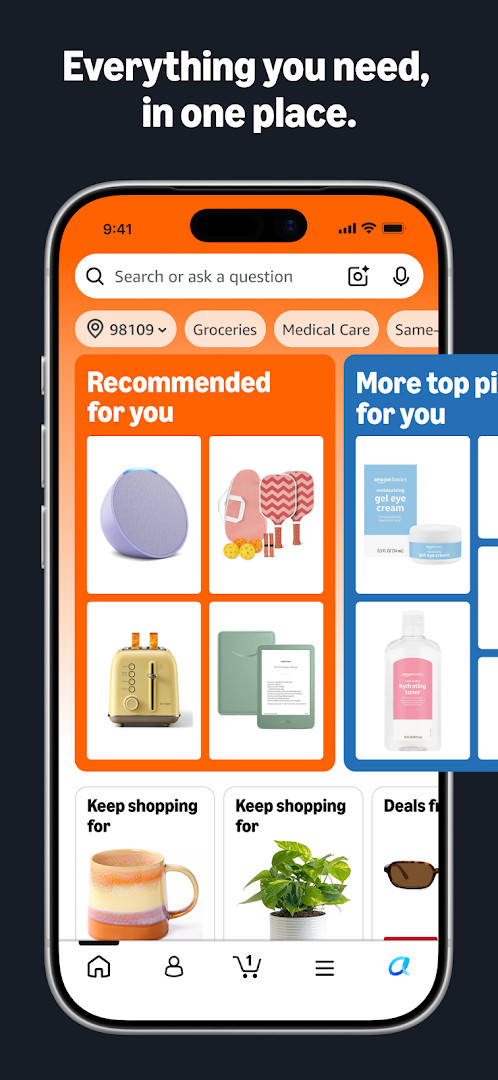
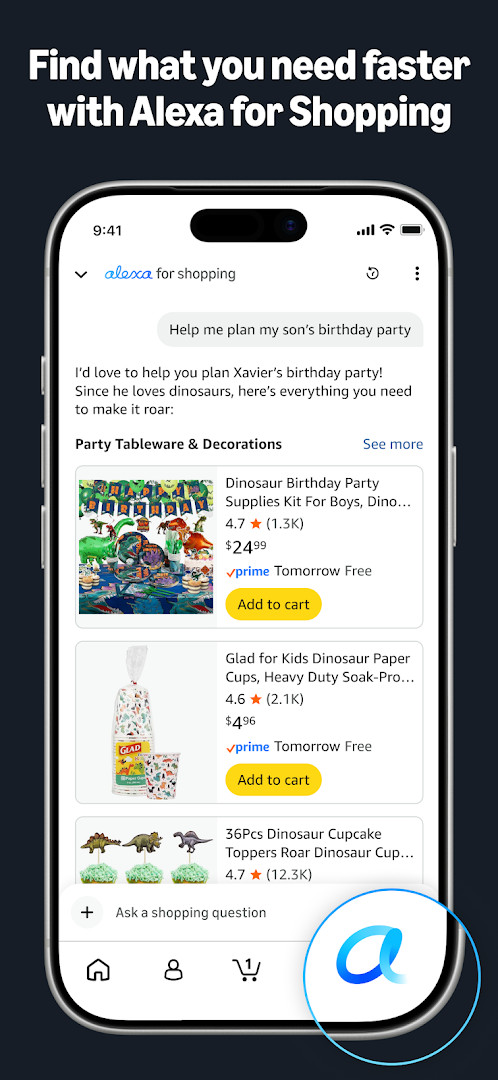
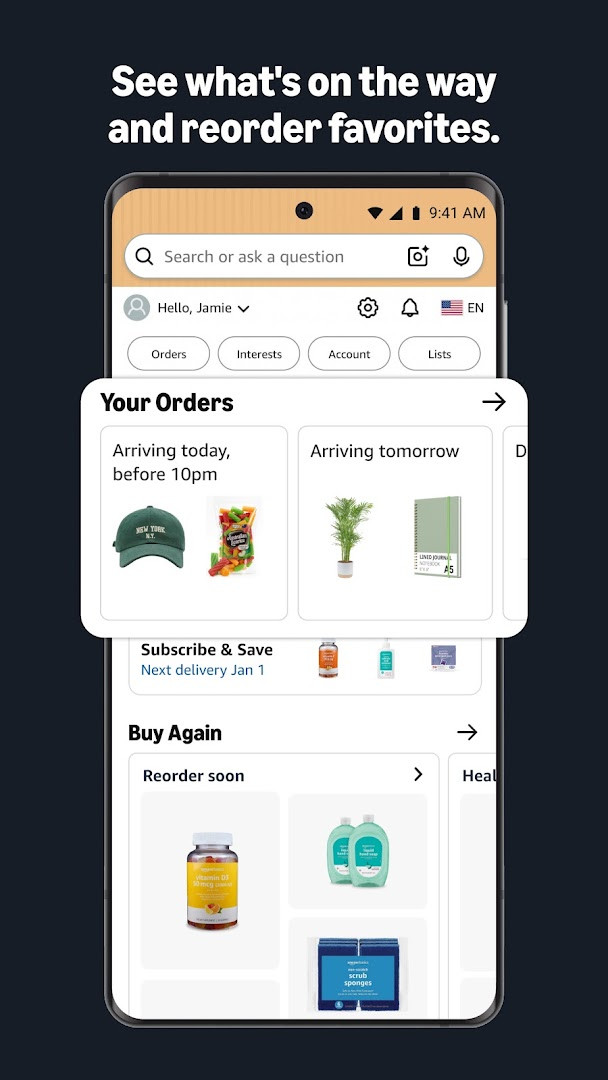
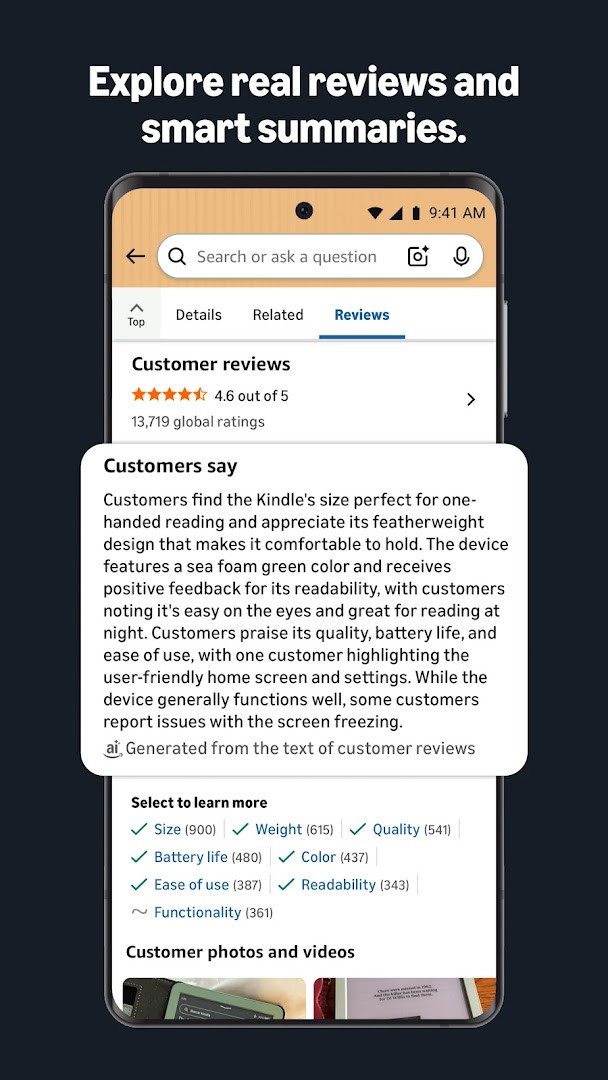
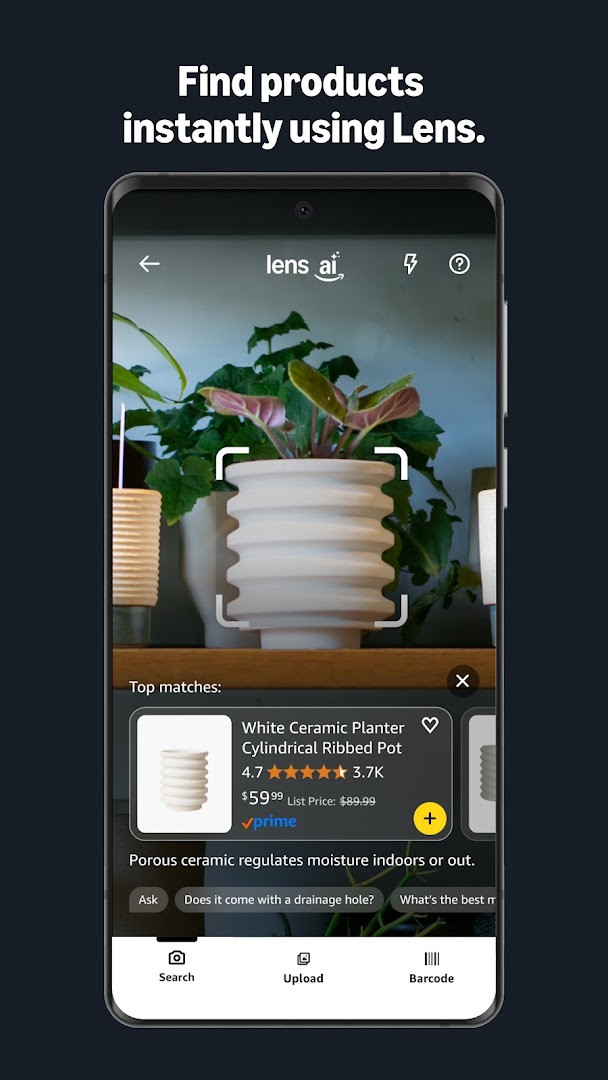
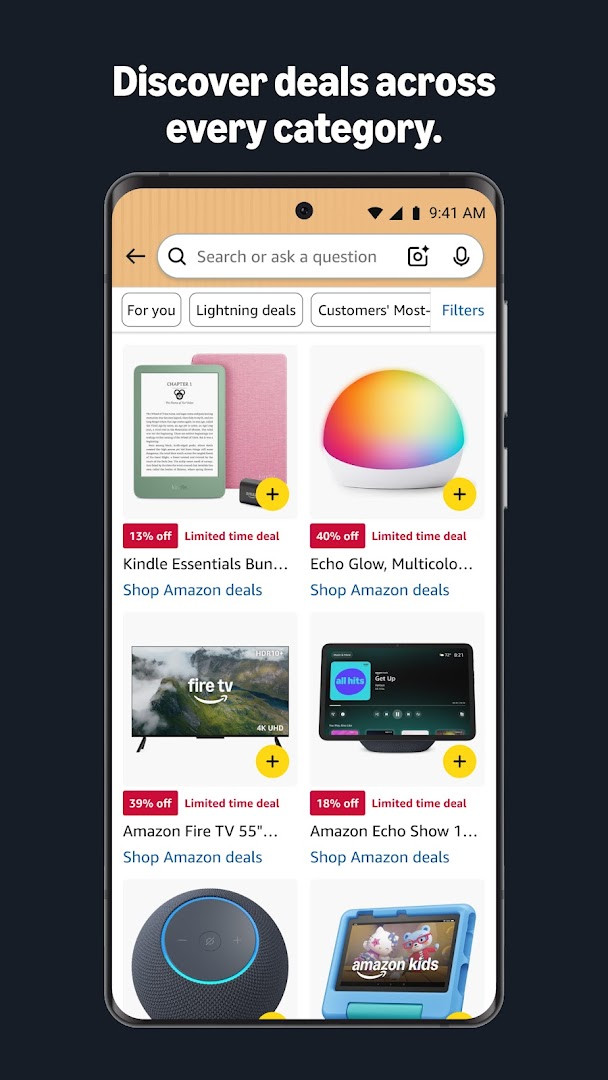
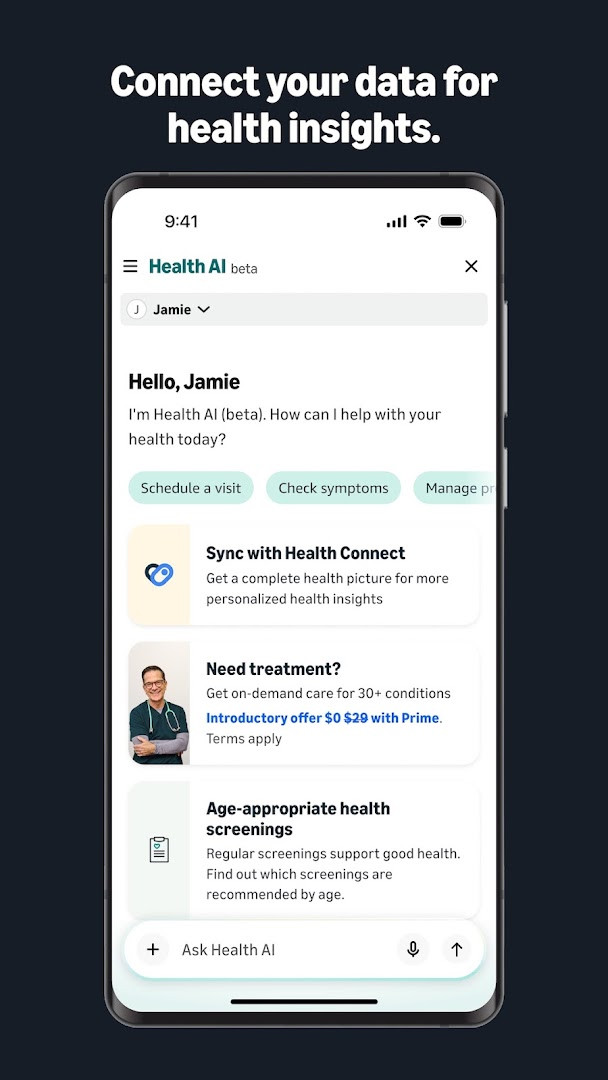
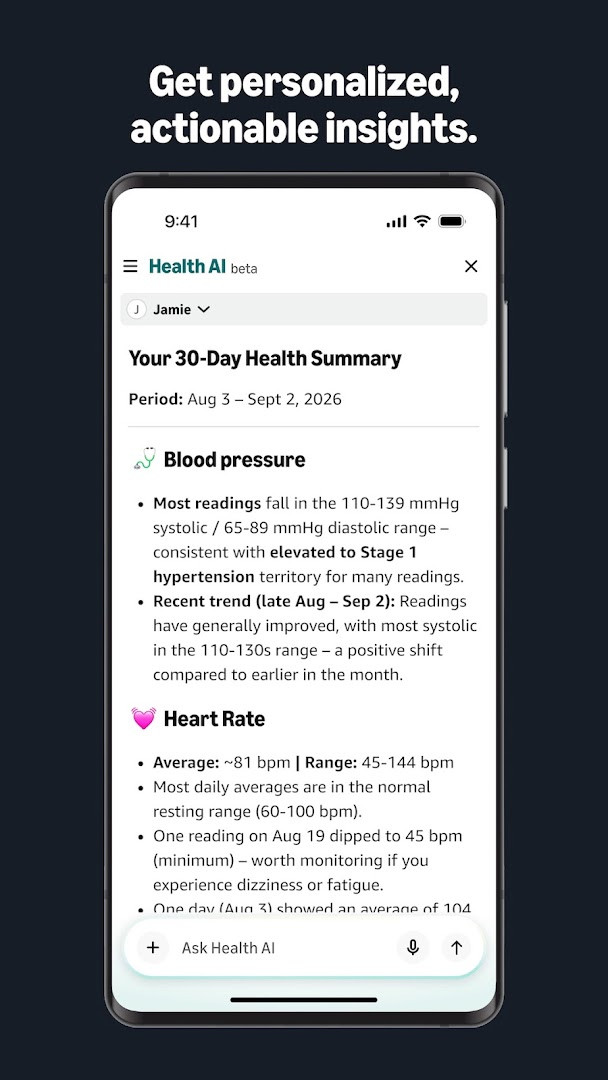
Amazon Shopping is a shopping application by Amazon Mobile LLC that lets users browse, search, and buy a vast catalog of products directly from an Android device. It addresses the inconvenience of desktop-only shopping by providing a mobile-optimized experience with app-exclusive conveniences, such as streamlined order tracking, visual product inspection, and simplified sign-in. The app solves these problems by bundling core retail functions—search, product views, reviews, purchasing, and delivery updates—into a single interface, while adding extras like barcode scanning, price-drop alerts, and 24/7 live chat support to make the shopping process faster and more responsive than using a traditional browser.
Key features
- Real-time package tracking and delivery notifications keep you informed about order status and arrival times.
- A 360-degree product view and a "View in your room" feature use the camera and VR to help you visualize items in your space before buying.
- Tap the heart icon to save items to lists and receive alerts when prices drop.
- Stay securely signed in, or use facial or fingerprint recognition to sign back in if you prefer to log out.
- Live chat support is available around the clock, and chat sessions persist for 24 hours so you can resume without restarting.
- Use the scan icon in the search bar to photograph an item or its barcode to identify and locate it.
- New shortcuts let you press and hold the app icon to jump directly to Orders, Daily Deals, Shopping Cart, or Search.
How to install
- Tap the download button on this page to get the APK file for the app.
- When Android prompts you, allow your browser or file manager to install apps by enabling the "Install unknown apps" setting.
- Open the downloaded APK file from your notifications or file manager.
- Tap Install and wait for the process to finish; the file size is not specified here.
- Open the app after installation and sign in or create an account to begin shopping.
Pros
- No upfront cost; the app is free to download and use.
- Comprehensive shopping features including scanning, price alerts, and product visualization.
- Round-the-clock live chat support with persistent sessions.
- Biometric sign-in options add convenience and security.
- Frequent updates with bug fixes and new shortcuts.
Cons
- Requests access to many sensitive areas including contacts, camera, microphone, location, and phone.
- Contains ads and offers in-app purchases, which may interrupt the experience.
- Requires Android 12 or newer, limiting compatibility with older devices.
- Uses device ID and call information, which some users may find intrusive.
Latest changes · 32.18.0.100
Version 32.18.0.100 introduces app icon shortcuts for quicker access to Orders, Daily Deals, Shopping Cart, and Search via tap-and-hold. The update also includes general bug fixes and performance improvements aimed at a smoother shopping experience.
Version history
| Version | Size | Requires Android | Updated |
|---|---|---|---|
| 32.18.0.100 | — | 12 | Sep 16, 2026 |
This app is suited for frequent Amazon customers who want a dedicated mobile shopping tool with faster access to orders, deals, and support. It also appeals to people who value visual shopping aids like 360-degree views and room previews, or who like to find products by scanning barcodes or photos. Shoppers who appreciate proactive notifications about deliveries and price drops will find it useful, as will those who prefer biometric sign-in over typing passwords. However, users concerned about extensive permissions may want to review the access list before installing, and the Android 12 minimum requirement means it targets relatively recent devices.
Review the permission list carefully during setup and deny any access you are not comfortable with, such as contacts or microphone, if you do not plan to use those features. You can still shop and track orders without granting every permission.
Permissions
FAQ
How do I install the Amazon Shopping APK on my Android device?
To install the APK, download the file and open it from your notifications or file manager. Your device must run Android 12 or higher. If prompted, allow installs from unknown sources, then follow the on-screen steps to complete setup.
What is the current version of Amazon Shopping?
The current version is 32.18.0.100, released on September 16, 2026. This update introduces shortcuts to popular pages and includes bug fixes and general improvements for a smoother experience.
Does Amazon Shopping show ads and include in-app purchases?
Yes, the app contains ads and offers in-app purchases. The app itself is free to download, but you may encounter promotional content and optional paid features or items while using it.
Can I use Amazon Shopping offline?
The app is primarily designed for online use, as it relies on a connection to browse products, track deliveries, and access real-time information. Some cached data, like stored preferences, may load faster, but full functionality requires internet access.
Are there alternative shopping apps in the same category?
Yes, several other shopping apps are available on Android that let you browse, compare, and purchase products from various retailers. These alternatives may differ in product selection, delivery options, and features such as price alerts or visual search.
What permissions does Amazon Shopping require?
The app requests access to identity, contacts, location, phone, photos, storage, camera, microphone, Wi-Fi information, and device ID. These permissions support features like barcode scanning, voice search, local offers, and gift card sending.
What is the app's rating and install count?
Amazon Shopping has a rating of 4.39 based on over 4.7 million ratings, and it has been installed more than one billion times. It was first released in December 2014 and is rated for teens.
Amazon Shopping delivers a robust mobile shopping experience with useful extras like scanning and price alerts, though it asks for broad permissions and includes ads. It is a practical choice for Amazon regulars on compatible Android devices who accept the trade-offs.
Similar apps




More from this developer
Updated: Nov 9, 2026