Marmalade TTS: offline text-to-speech engine
Marmalade TTS is a text-to-speech app by Maxwell Warren that reads aloud from any Android app using natural, private, on-device voices.
Marmalade TTS works as a system-wide text-to-speech engine, letting screen readers, e-book readers, and chat apps speak through it with per-app voice routing. It offers over 70 neural voices across 9 languages, runs fully offline, and includes expressive English voices from Pocket TTS.
Screen gallery
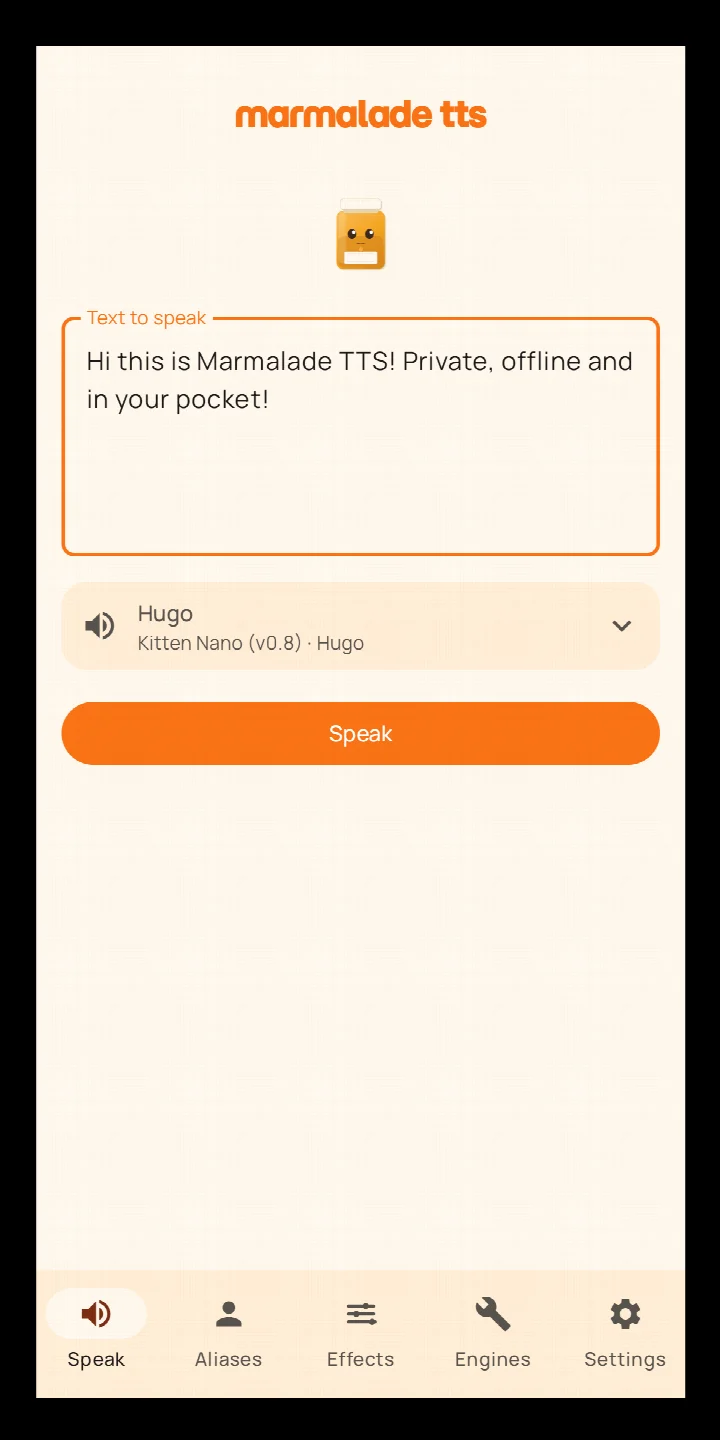
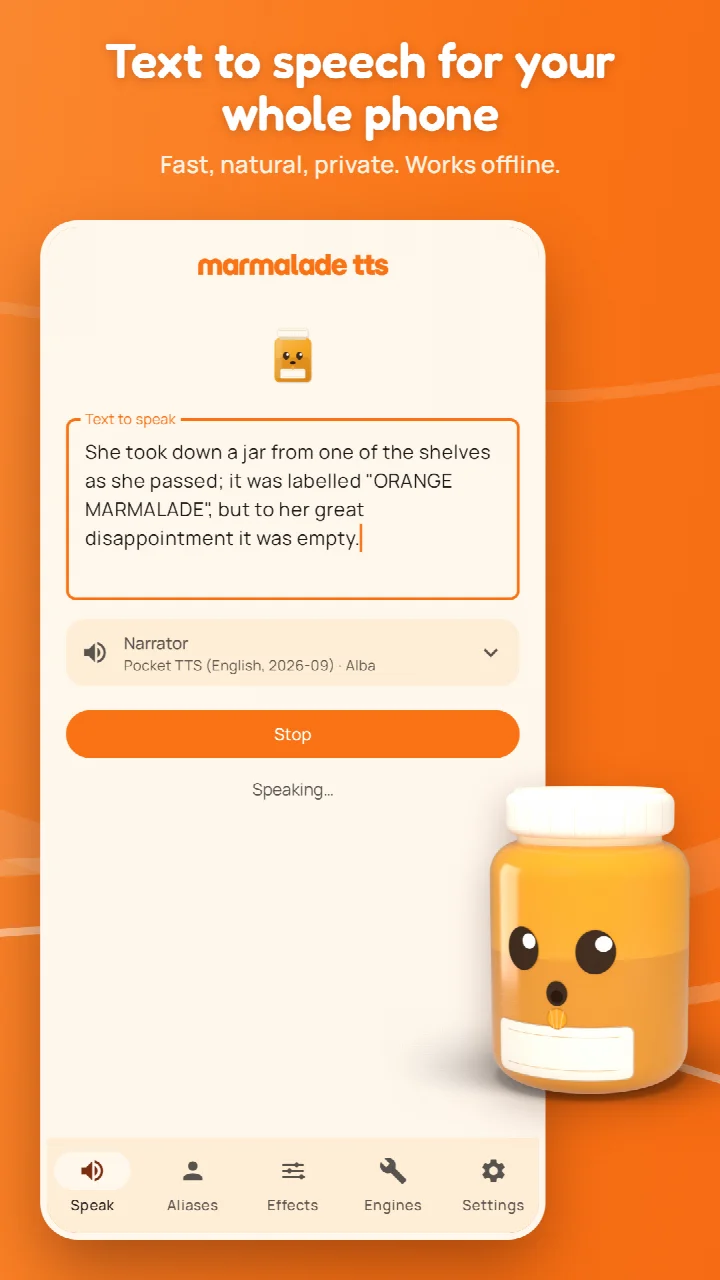
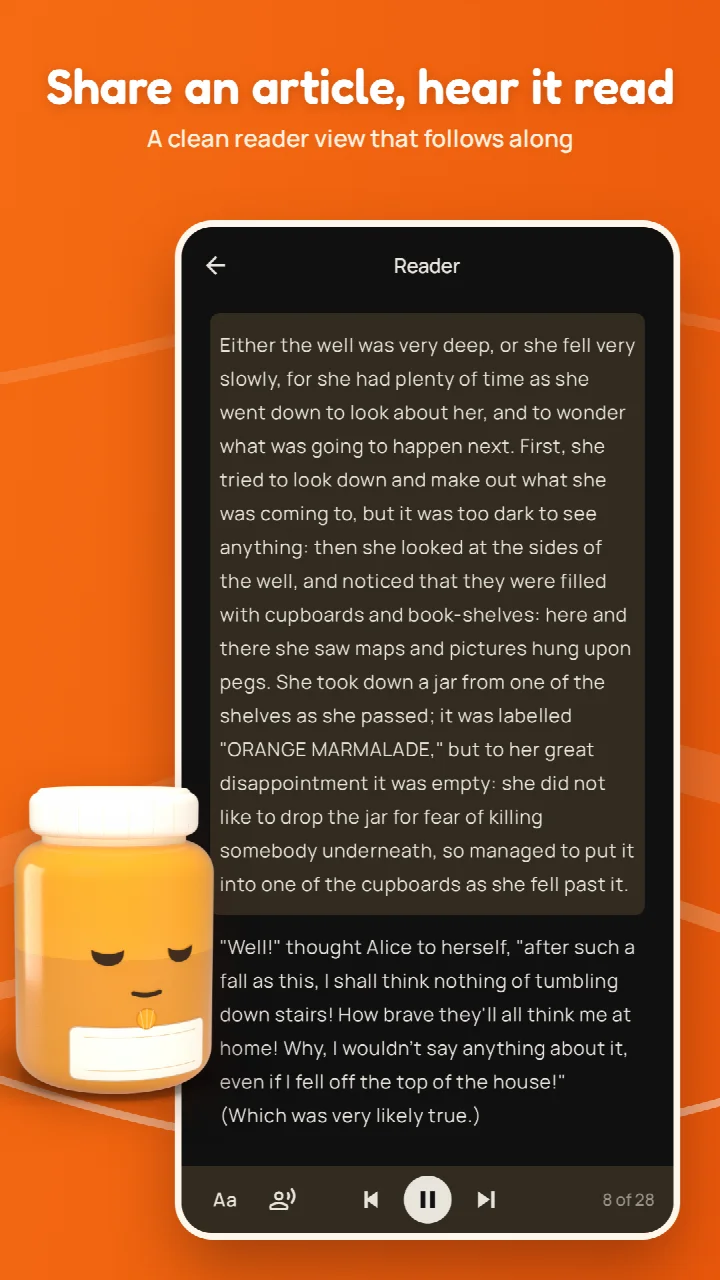
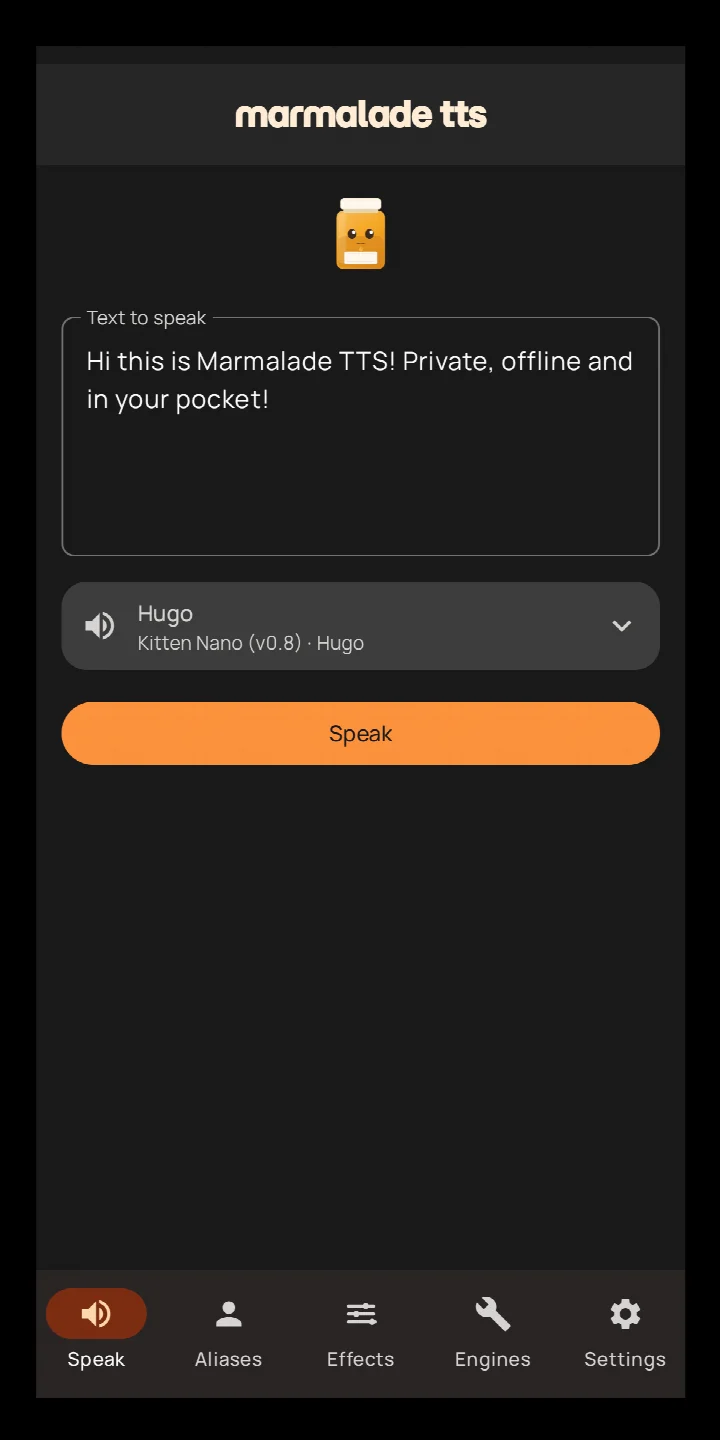
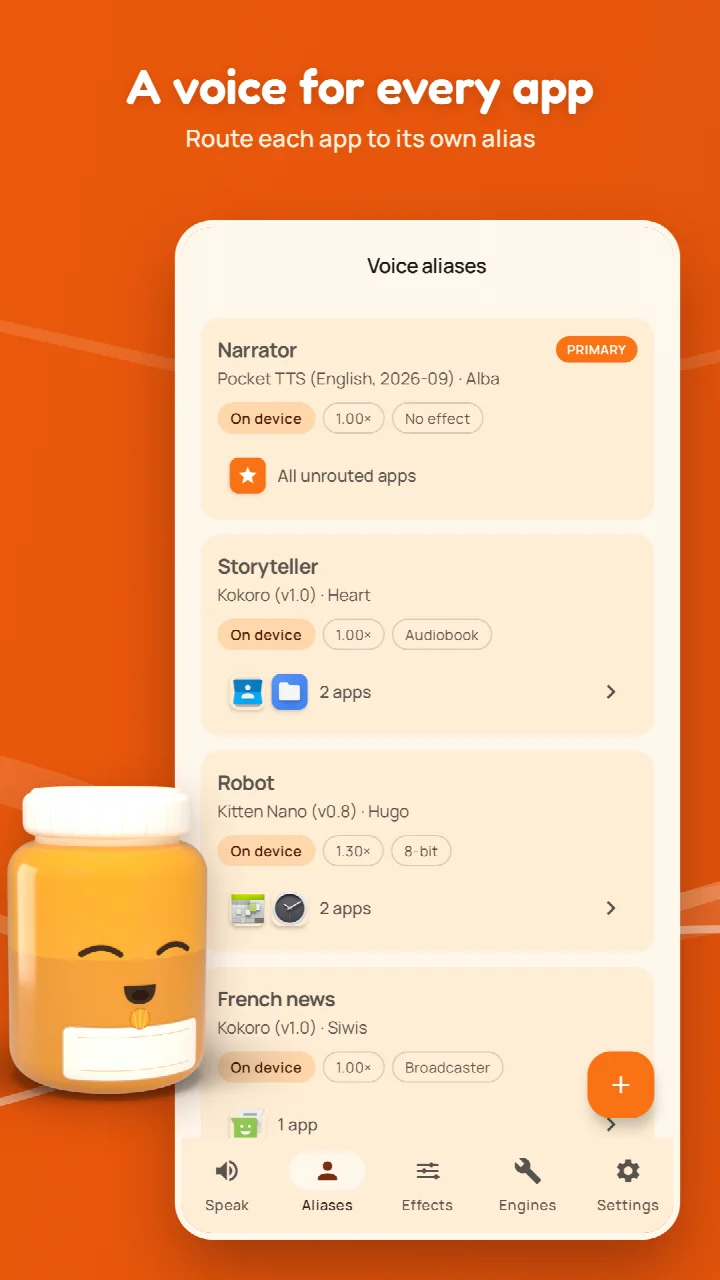
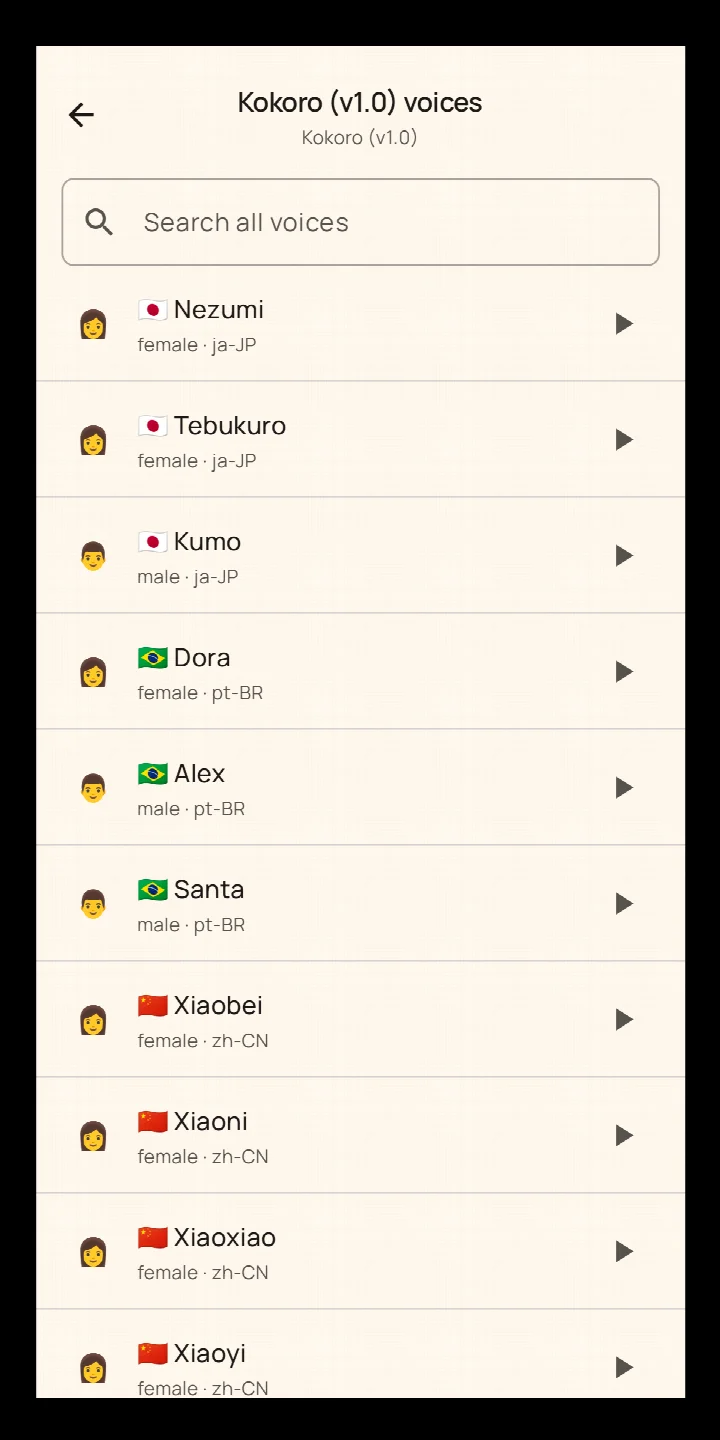
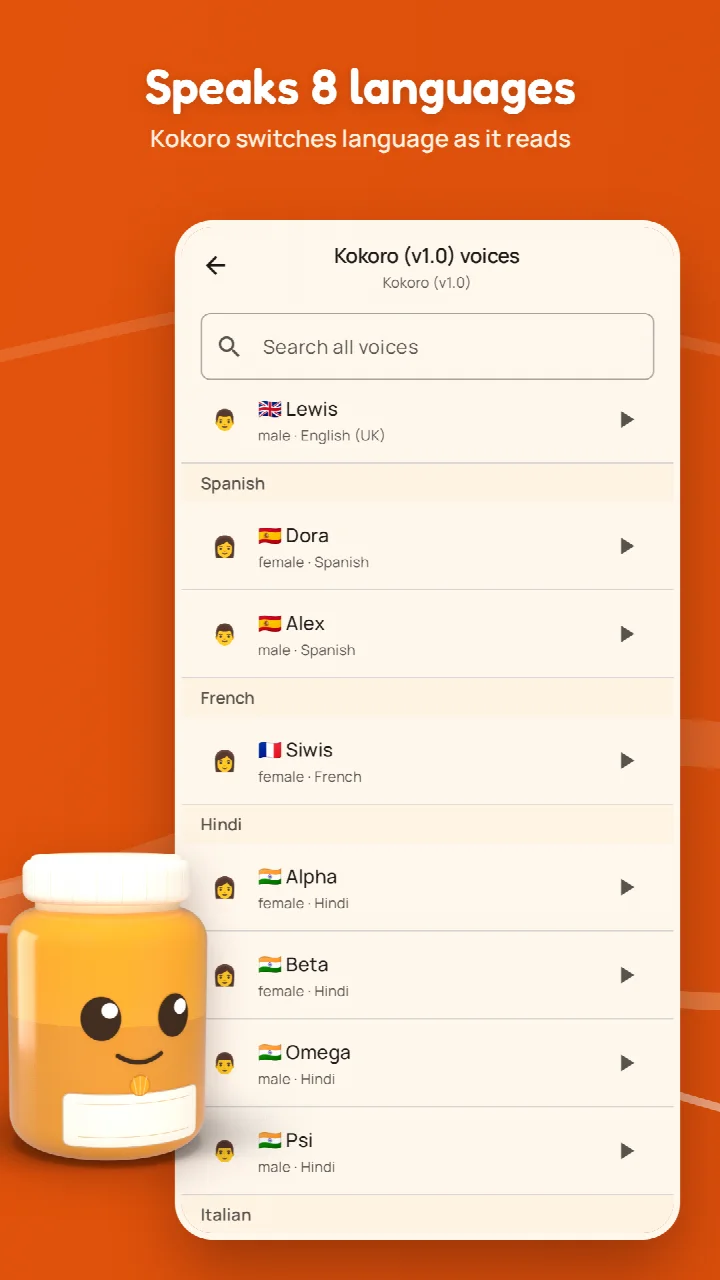
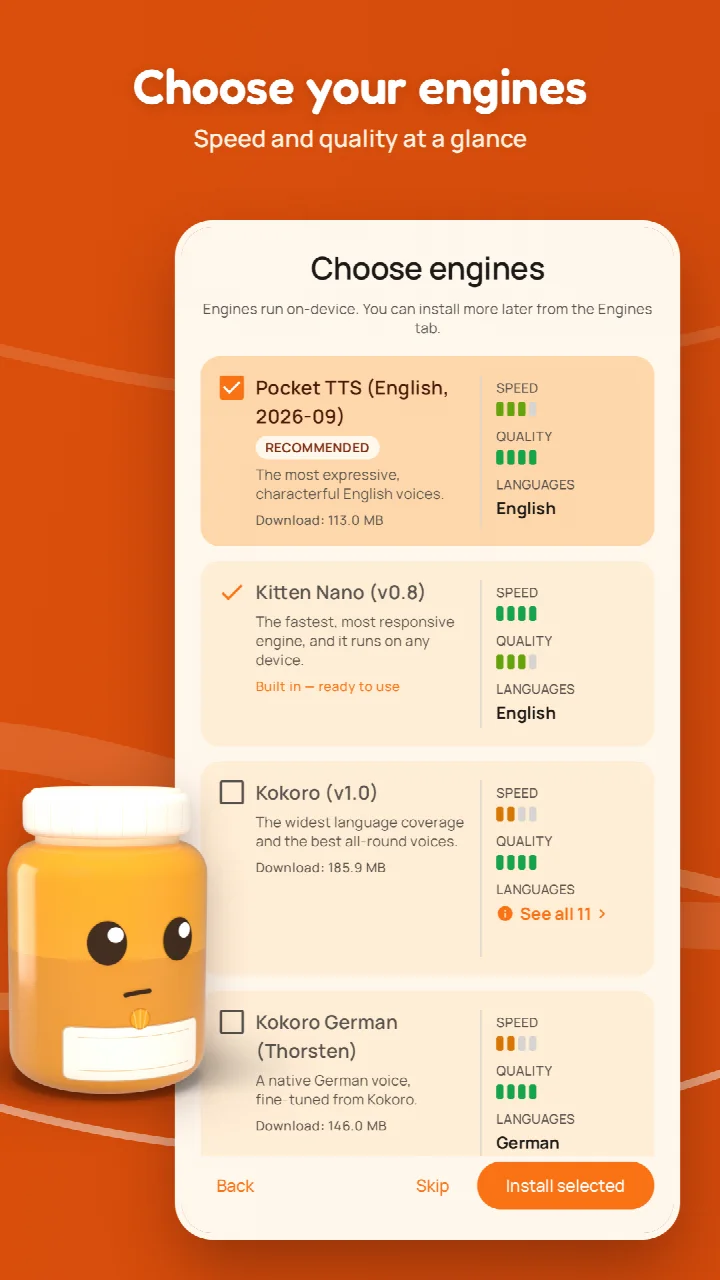
Marmalade TTS is a text-to-speech tool by Maxwell Warren that converts on-screen text into spoken audio across your entire phone. It plugs into Android's standard TTS setting, so any app that reads aloud—screen readers, e-book readers, chat apps, and more—can use Marmalade as its voice engine. The app is designed for people who want fast, natural speech without sending their content to a remote server, and it works offline right after installation.
At its core, Marmalade offers over 70 on-device neural voices, with a fast English voice included so you can start listening immediately. It supports nine languages through the Kokoro engine—English (US and UK), Spanish, French, Italian, Portuguese (Brazil), Hindi, Japanese, Mandarin Chinese, and a native German voice via an optional add-on. The engine detects the language being read and switches pronunciation on the fly, which makes it useful for multilingual documents or mixed-language conversations.
For experienced users, the standout feature is per-app voice routing. You can create aliases—each with its own speed, effects, and voice—and assign different apps to different aliases. Your e-reader might use a calm expressive voice while your messaging app uses a faster one. Everything runs locally by default: no analytics, no telemetry, no accounts, and no backend. Optional cloud voices can be added with your own API key from providers like Venice.ai, but until you configure one, nothing you read leaves your device.
The app also includes a reader view for shared links, over 20 voice effect presets (plus an editor for custom chains), and support for TalkBack with WCAG 2.1 AA contrast. It is free, open source under GPL-3.0-or-later, and contains no ads. Version 1.3.3, updated October 27, 2026, requires Android 9 or newer and installs as a 107 MB APK. This is a solid choice for privacy-conscious users who want fine-grained control over how their phone speaks.
Key features
- Over 70 natural neural voices, with a fast English voice ready at first launch
- Every on-device voice plays a short sample so you can hear before you pick
- Speech responds quickly even on modest phones
- Private by default—everything runs on your device with no analytics or accounts
- Per-app voice routing: assign each app its own voice via aliases
- Speaks 9 languages via Kokoro TTS, with automatic language detection while reading
- Expressive English voices from Pocket TTS, generated on-device
- TalkBack supported and designed to meet WCAG 2.1 AA
- Over 20 voice effect presets plus an editor to create your own
- Optional cloud voices from providers like Venice.ai using your own API key
How to install
- Tap the download button on this page to get the Marmalade TTS APK file, which is 107 MB in size.
- When Android asks, allow your browser or file manager to install apps by enabling the 'Install unknown apps' setting for that app.
- Open the downloaded APK file from your notifications or file manager.
- Tap Install on the confirmation screen and wait for the installation to finish.
- Open Marmalade TTS from your app drawer.
- Go to Android Settings > Accessibility > Text-to-speech output and select Marmalade as your TTS engine to use it across apps.
Pros
- Fully offline operation with no telemetry or accounts
- Per-app voice routing gives precise control over which voice reads what
- Fast English voice works immediately after install
- Supports nine languages with automatic detection
- Accessible design with TalkBack and WCAG 2.1 AA compliance
- Free and open source under GPL-3.0-or-later
Cons
- 107 MB APK size may be large for some users
- Requires Android 9 or newer, excluding older devices
- Expressive Pocket TTS voices may not run smoothly on low-end phones
- Optional cloud voices require a separate API key from a provider
Version history
| Version | Size | Requires Android | Updated |
|---|---|---|---|
| 1.3.3 | 107 MB | 9 | Oct 27, 2026 |
| 1.3.2 | 107 MB | 9 | Oct 22, 2026 |
| 1.1.0 | 115 MB | 9 | Oct 6, 2026 |
| 1.0.0 | 115 MB | 9 | Sep 3, 2026 |
Marmalade TTS is for privacy-conscious Android users who want a fast, natural, offline text-to-speech engine with granular per-app voice control. It suits screen reader users, e-book listeners, and anyone who prefers not to send their reading material to cloud servers.
To get the most out of per-app routing, set up a few aliases with different voices and effects, then assign your e-reader, messaging, and navigation apps to separate aliases. For long articles, share the link to Marmalade to use the reader view, and keep the screen off to continue listening with Bluetooth controls.
FAQ
How does Marmalade TTS handle different languages when reading text aloud?
Marmalade TTS uses the Kokoro engine, which supports nine languages: English (US and UK), Spanish, French, Italian, Portuguese (Brazil), Hindi, Japanese, and Mandarin Chinese. As it reads, it detects the language and switches pronunciation on the fly. A separate German voice is available through Kokoro German.
Can I set a different voice for each app that uses text-to-speech?
Yes. Marmalade TTS lets you create aliases, each with its own voice, speed, and effect settings. You can route specific apps to specific aliases, so your e-reader might use one voice while your chat app uses another. Any app you don't route follows your primary alias.
What happens to my data when I use the on-device voices?
On-device voices run entirely on your phone and only touch the network to download the engines you choose. There are no analytics, telemetry, accounts, or backend servers. Until you set up a cloud voice, nothing you read leaves your phone. If you add cloud voices using your own API key, note that some providers, such as Venice.ai, say they don't store or log requests, while others may, so you should check their privacy policies.
How does the read-the-web feature work?
You can share a link to Marmalade TTS, and it opens the article in a clean reader view. It then reads the text aloud, highlighting the current paragraph as it goes. You can choose which voice reads each article and adjust the speed. Only the page you shared is contacted; no images or trackers are loaded, and nothing is stored.
Is Marmalade TTS suitable for use with screen readers?
Yes. Marmalade TTS can serve as the text-to-speech engine behind TalkBack and other screen readers. The app itself supports TalkBack and is designed to meet WCAG 2.1 AA, with a dark theme that meets AA contrast. When TalkBack is enabled, progress and errors are announced aloud.
Marmalade TTS delivers a rare combination of speed, privacy, and customization. With over 70 offline voices, nine languages, and per-app routing, it is a powerful upgrade over stock Android TTS, and its open-source, no-account design makes it a trustworthy choice for daily use.
Similar apps


Updated: Nov 4, 2026