Gboard - the Google Keyboard: Fast and Smart Typing
Gboard - the Google Keyboard is a free keyboard app by Google LLC that lets you type with Glide Typing, voice, and handwriting.
Gboard - the Google Keyboard is a 9.4 MB app that requires Android 4.4 or higher. It contains no ads and no in-app purchases. The app offers Glide Typing, voice typing, emoji search, GIFs, and multilingual support, and is suitable for anyone looking for a versatile keyboard.
Screen gallery
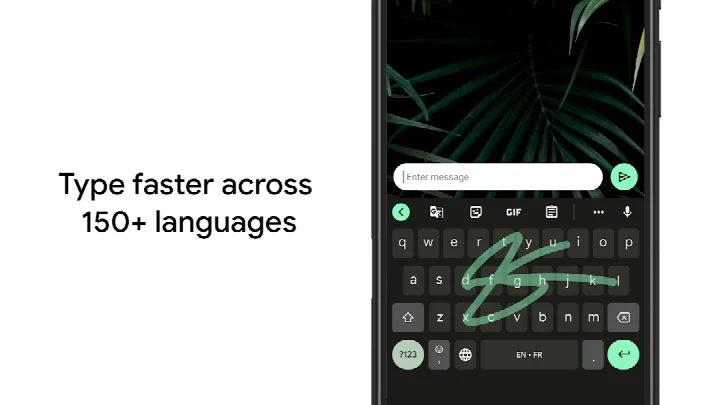
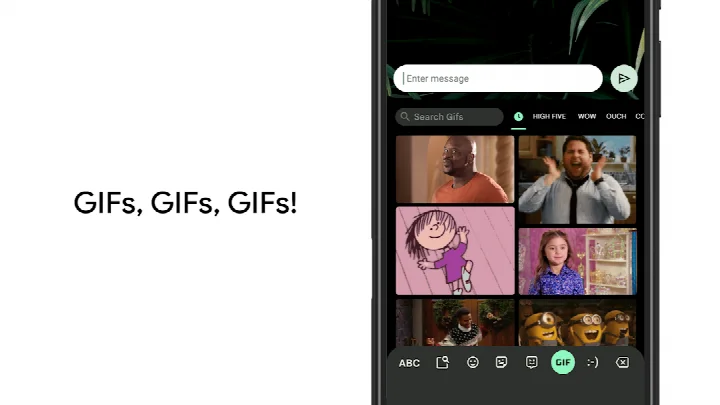
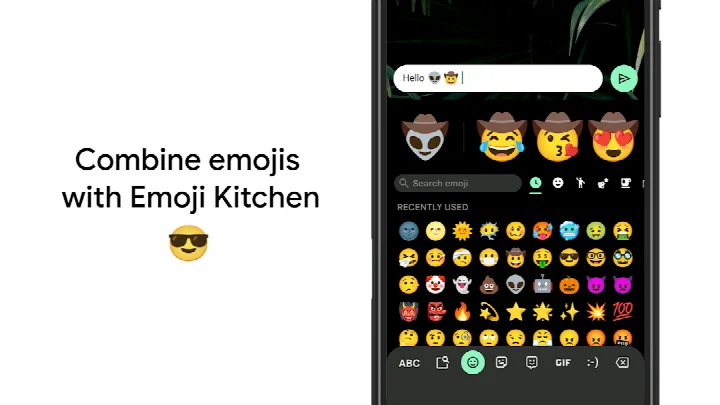
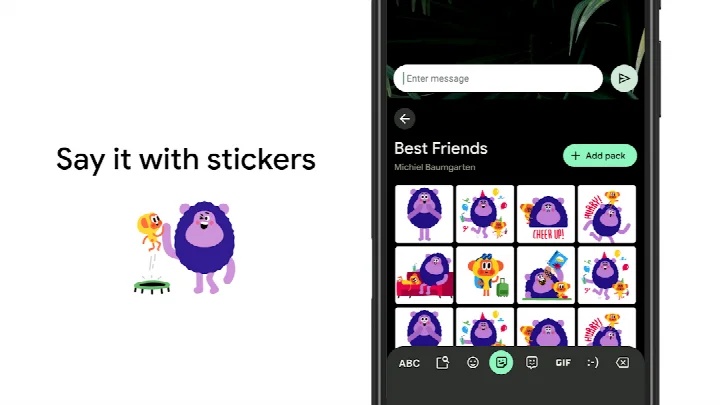
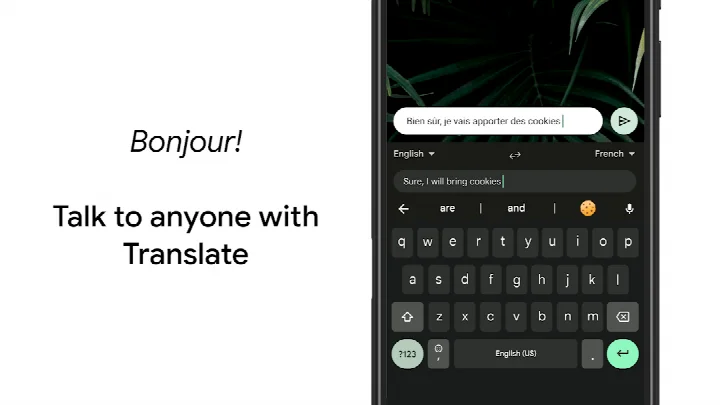
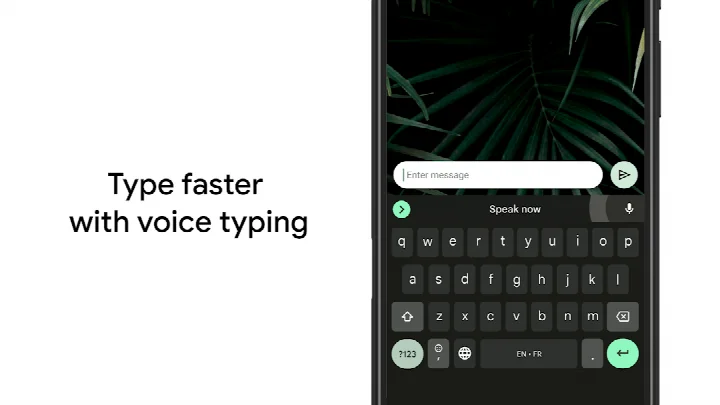
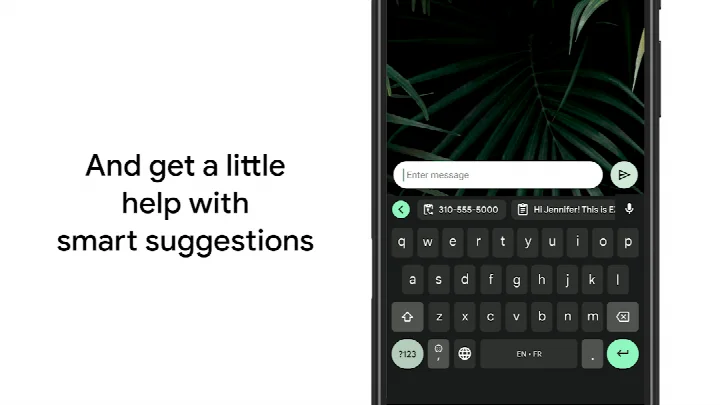
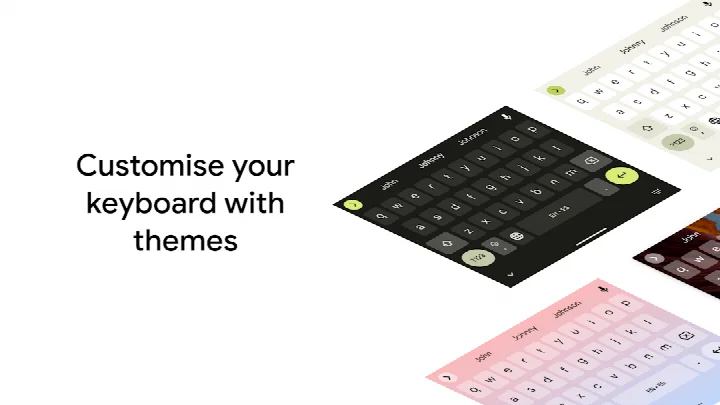
Gboard - the Google Keyboard is a keyboard application by Google LLC that provides fast and smart typing with features like Glide Typing, voice typing, handwriting, emoji search, GIFs, and multilingual support. It serves as the default keyboard for many Android devices but can also be installed on any Android phone or tablet running Android 4.4 or higher. The app aims to make typing more efficient and expressive, offering a range of input methods and customization options to suit individual preferences.
Gboard integrates Google's search and translation capabilities directly into the keyboard, allowing users to search for emojis, GIFs, and even translate text as they type. The app supports hundreds of language varieties, making it a versatile choice for multilingual users. It also includes features like gesture cursor control, gesture delete, and one-handed mode, which are designed to enhance productivity on devices of various screen sizes. The recent update introduces the ability to create and share custom stickers quickly, a feature powered by Pixel Studio, available on Pixel 9+ devices in English, Japanese, and German in selected countries.
Regarding privacy, Gboard requests permissions for identity, contacts, photos/media/files, storage, camera, microphone, and Wi-Fi connection information. These permissions enable features like voice typing, emoji search, and syncing learned words across devices. However, users should be aware that granting these permissions allows the app to access sensitive data, and it is important to review the permissions before installation. The app does not contain ads or in-app purchases, and it is free to use.
Key features
- Glide Typing: Slide your finger from letter to letter to type faster.
- Voice typing: Dictate text easily while on the go.
- Handwriting: Write in cursive and printed letters (not on Android Go).
- Emoji Search: Find the emoji you need quickly.
- GIFs: Search and share GIFs for the perfect reaction.
- Multilingual typing: Automatically correct and suggest from any enabled language, no manual switching.
- Google Translate: Translate text as you type within the keyboard.
- Custom stickers: Create and share custom stickers quickly (Pixel 9+ devices in selected regions).
- Gesture control: Slide across space bar to move cursor; slide left from delete key to delete multiple words.
- Themes: Choose your own theme, with or without key borders.
How to install
- Tap the download button on this page to get the APK file (size: 9.4 MB).
- When Android asks, allow your browser or file manager to install apps by enabling the 'Install unknown apps' setting.
- Open the downloaded APK file from your notification or file manager.
- Tap Install and wait for the installation to complete.
- Open the app from your app drawer and follow the setup prompts to enable Gboard as your keyboard.
- The minimum Android version required is 4.4.
Pros
- Fast and accurate typing with multiple input methods.
- Supports hundreds of languages and dialects.
- No ads and no in-app purchases.
- Customizable themes and layouts.
- Integrated Google search and translation.
- Regular updates with new features.
Cons
- Requests access to many permissions, including contacts, camera, microphone, and storage.
- Some features (like custom stickers) are limited to specific devices and regions.
- Handwriting and emoji search not supported on Android Go devices.
- May require adjusting settings to fully personalize the experience.
Latest changes
The latest release adds the ability to quickly create and share custom stickers directly within Gboard. This sticker feature is powered by Pixel Studio and works on Pixel 9 and newer devices in English, Japanese, and German, in selected countries. The notes also invite users to try the beta version to share feedback on upcoming improvements. Gboard itself offers fast, reliable typing with Glide Typing, voice input, handwriting, emoji search, GIFs, multilingual typing, and Google Translate as you type.
Version history
| Version | Size | Requires Android | Updated |
|---|---|---|---|
| 899.9999.999 | 9.4 MB | 4.4 | Dec 19, 2023 |
Gboard is ideal for people who type a lot on their Android phone and want a fast, reliable keyboard with advanced features. It's also great for multilingual users who need to switch between languages seamlessly, and for those who enjoy expressing themselves with emojis, GIFs, and stickers.
To quickly move the cursor, slide your finger across the space bar—this is much more efficient than tapping precisely in the text.
Permissions
FAQ
Is Gboard free to download?
Yes, Gboard is completely free. There are no in-app purchases or advertisements.
What Android version do I need?
Gboard requires Android 4.4 or higher.
What is the file size of the APK?
The APK file size is 9.4 MB.
Do I need a Google account to use Gboard?
No, you don't need an account to use the keyboard. However, some features like Google Translate may require a connection.
What permissions does Gboard request?
Gboard asks for access to identity, contacts, photos/media/files, storage, camera, microphone, and Wi-Fi connection information. These are used for features like emoji search, GIFs, voice typing, and customization.
How do I update Gboard?
To update, simply download the latest version from this page and install it over your current version.
Gboard is a powerful and versatile keyboard that offers a wide range of features while being free and ad-free. However, its extensive permissions may raise privacy concerns for some users. Overall, it's a solid choice for anyone looking to enhance their typing experience on Android, provided they are comfortable with the permissions it requests.
Similar apps
More from this developer
 Google CalendarGoogle LLC · ★ 4.6 · Productivity · 33 MB
 Google TVGoogle LLC · ★ 3.9 · Entertainment · 40 MB
 GoogleGoogle LLC · ★ 4.0 · Tools · 156 MB
 Google DriveGoogle LLC · ★ 4.3 · Productivity · 124 MB
 YouTubeGoogle LLC · ★ 3.8 · Entertainment · 199 MB
 Android AutoGoogle LLC · ★ 4.1 · Auto & Vehicles · 35 MB
Updated: Oct 24, 2026