WeatherService: accurate weather forecasts
WeatherService is a free weather app by ColorOS that lets you check current conditions and forecasts for 700,000+ cities.
WeatherService has over 1 billion installs and a 3.52 rating from 71,664 ratings. It requires Android 9 or higher, contains no ads or in-app purchases, and offers 15-day forecasts, air quality, and severe weather warnings for a broad audience.
Screen gallery
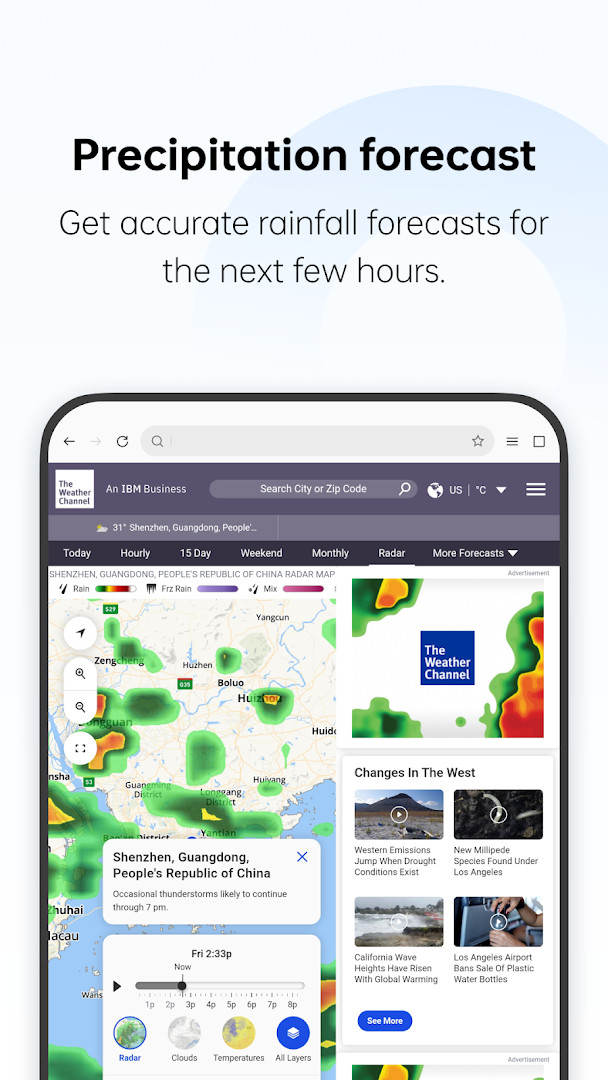
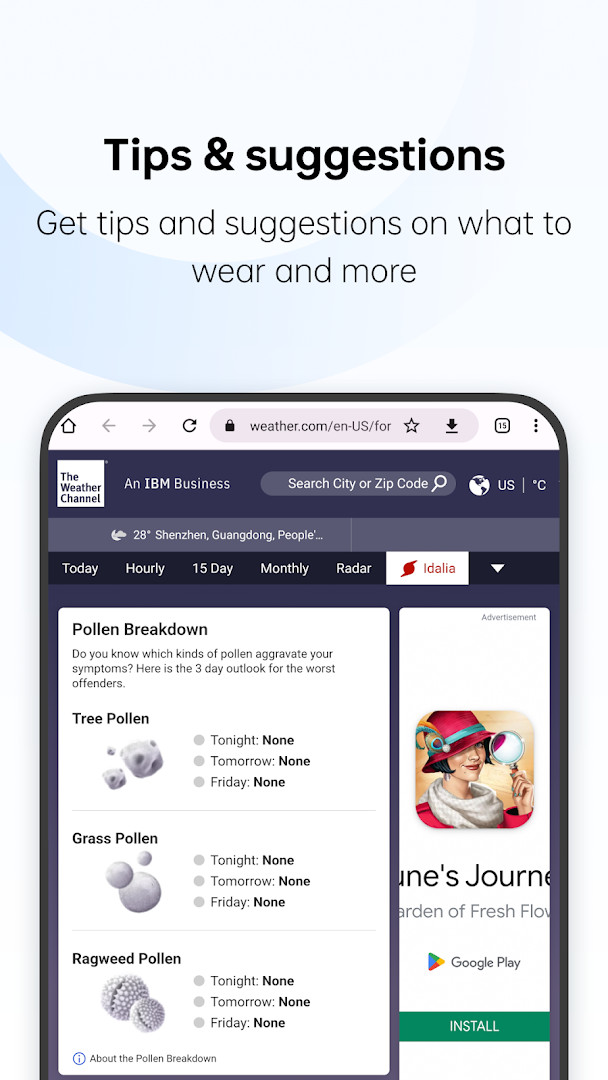
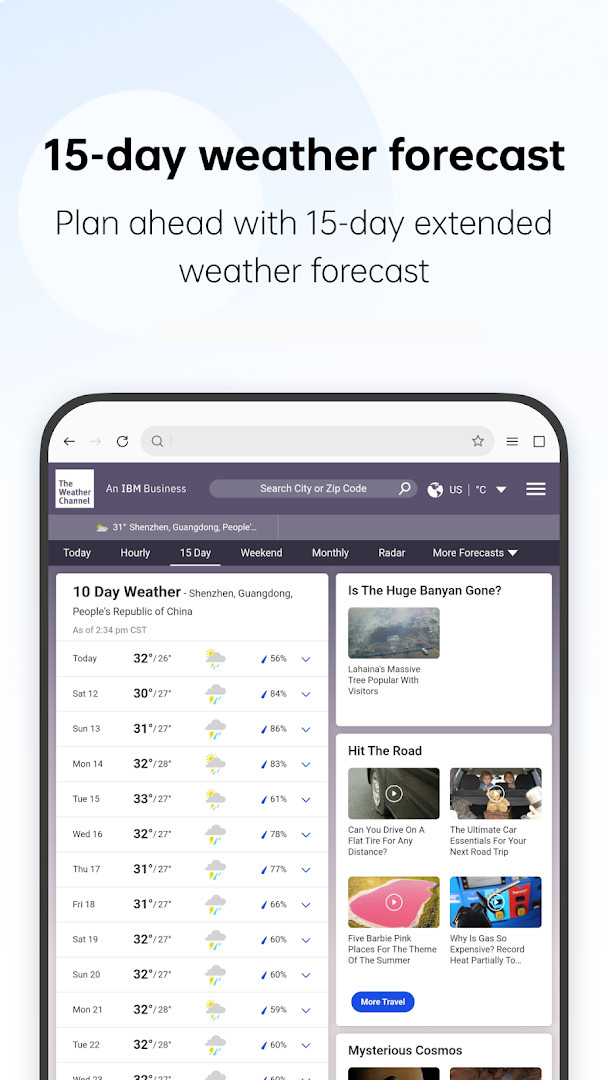
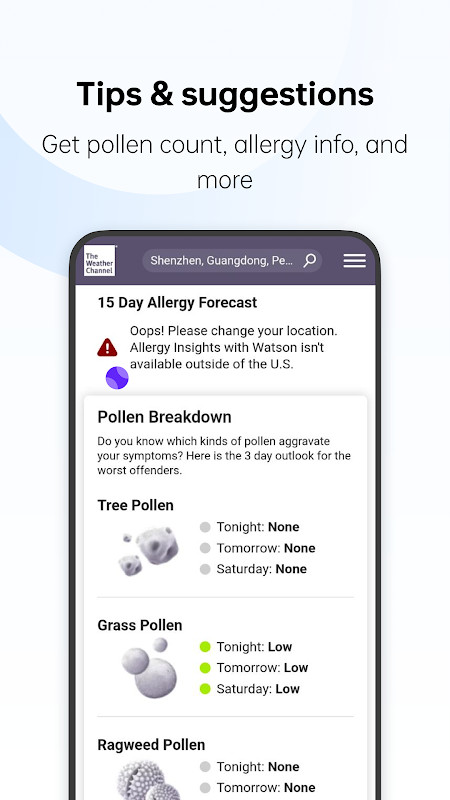
WeatherService is a weather application by ColorOS that provides current conditions and forecasts for locations worldwide. It targets Android 9 and newer and is offered at no cost, with no advertising and no in-app purchases according to the listing details.
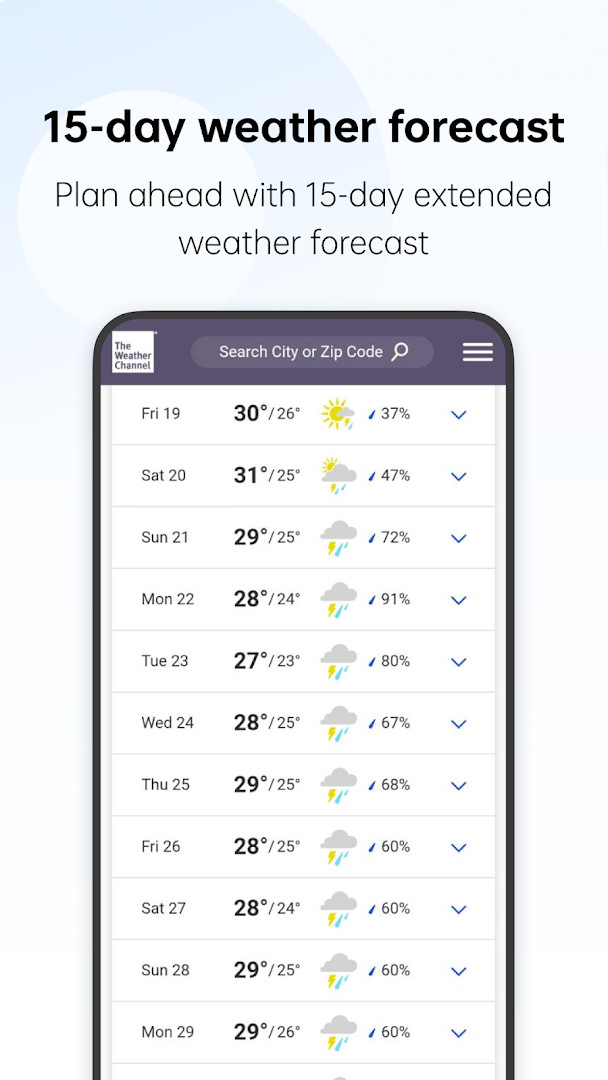
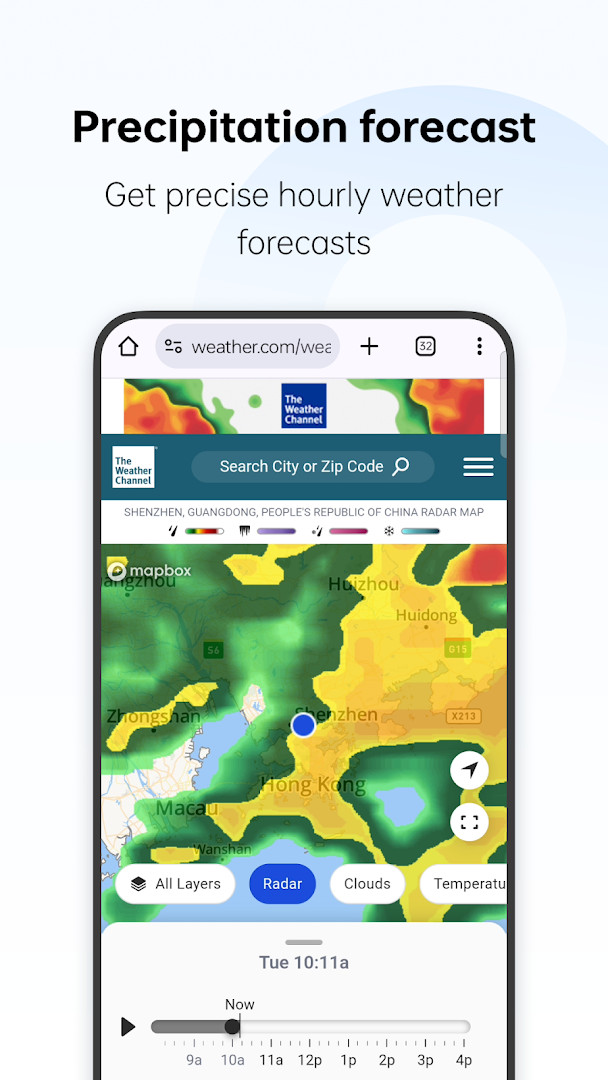
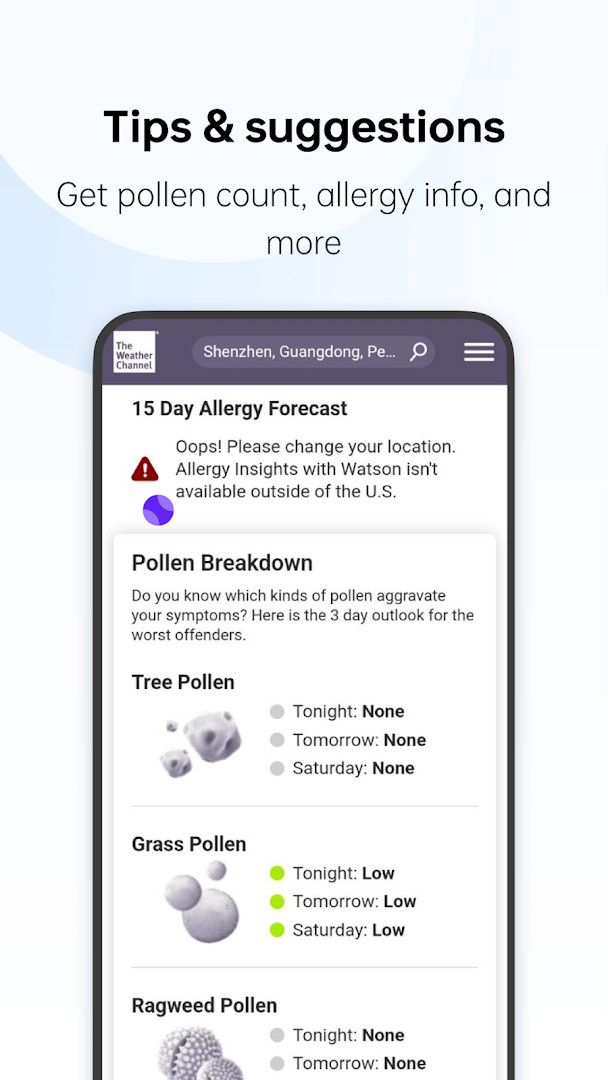
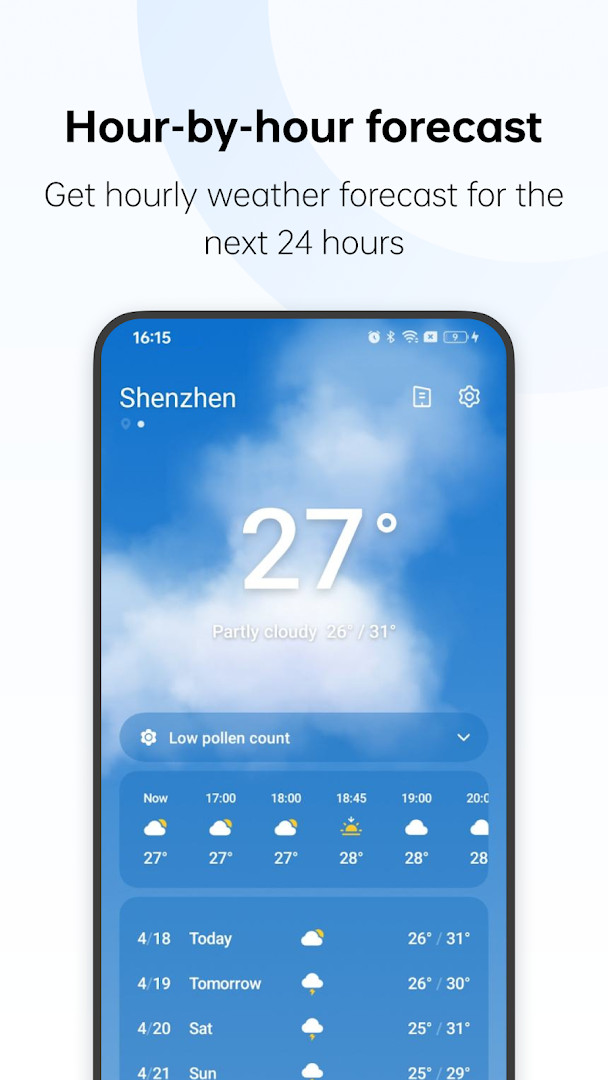
The app covers weather for more than 700,000 cities, so you can look up conditions for a home city, a travel destination, or somewhere you are planning to visit. Forecast data includes hour-by-hour projections and a 15-day outlook, alongside precipitation information and air quality readings. It also supplies weather-based clothing advice, which translates temperature and conditions into practical guidance on what to wear.
Severe weather warnings are part of the package as well, intended to help users prepare and take precautions when conditions turn dangerous. The interface is described as simple and easy to use, which suits people who want a quick daily check rather than deep meteorological analysis. The current version is 16.29.0, and the release history lists builds 16.28.0 and 16.29.0 dated 2026-09-21, with an earlier 4.8.1 from 2024-12-14. The app has accumulated a large install base and holds a rating of 3.52 from 71,664 ratings. It is rated for Everyone and requests only the Location permission.
Key features
- Current weather and forecasts for over 700,000 cities worldwide
- Hour-by-hour forecast view
- 15-day forecast outlook
- Precipitation information
- Air quality readings
- Weather-based clothing advice
- Severe weather warnings
How to install
- Tap the download button on this page to get the WeatherService APK file.
- If Android asks, allow your browser or file manager to install apps by enabling the Install unknown apps setting for that app.
- Open the downloaded APK file from your notifications or file manager.
- Tap Install and wait for the package to be processed. The file size is not listed, so no download size figure is available.
- Open the app once installation finishes. Your device must run Android 9 or newer.
Pros
- Free to use, with no ads and no in-app purchases reported
- Covers a very large number of cities worldwide
- Combines hourly, 15-day, precipitation, and air quality data in one place
- Includes clothing advice and severe weather warnings
- Requests only the Location permission
- Rated for Everyone
Cons
- Rating of 3.52 from 71,664 ratings is moderate rather than high
- Location permission is required for local weather results
- File size is not published, so storage needs are unclear before downloading
Latest changes · 16.29.0
WeatherService 16.29.0, released on 2026-09-21, addresses known issues to improve the user experience. No new features are listed. It follows the previous 16.28.0 release, also dated 2026-09-21. The update covers the weather app for current conditions, forecasts, and severe weather warnings. Location permission remains the only required permission.
Version history
| Version | Size | Requires Android | Updated |
|---|---|---|---|
| 16.28.0 | — | 9 | Sep 21, 2026 |
| 16.29.0 | — | 9 | Sep 21, 2026 |
| 4.8.1 | 7.5 MB | 5.0 | Dec 14, 2024 |
It suits anyone who wants a straightforward daily weather check: commuters, travelers comparing conditions in different cities, and users who want air quality, precipitation, and severe weather alerts in a single app without ads or paid tiers.
Grant the Location permission if you want local conditions without typing a city each time; you can still search for other locations manually. Check the severe weather warning section before trips or outdoor plans, and use the clothing advice as a quick reference when the temperature shifts between morning and evening.
Permissions
FAQ
How do I install the WeatherService APK on Android?
Download the APK file on your device, open it from your notifications or file manager, and confirm the install prompt. You may need to allow installation from unknown sources in your settings first. The app requires Android 9 or later.
What is new in version 16.29.0?
Version 16.29.0 focuses on fixing known issues to improve the overall user experience. It is dated September 21, 2026, the same date as the 16.28.0 release.
Does WeatherService show ads or offer in-app purchases?
No. The app is free and contains no advertising. It also has no in-app purchases, so all features are available without paying or unlocking anything.
Can I use WeatherService offline?
The app is built around live weather data, forecasts and warnings, so an internet connection is needed to load current information. Plan to be online when you check conditions for a location.
What can I check in the app besides the current temperature?
You can view hour-by-hour and 15-day forecasts, precipitation details, air quality, clothing suggestions based on the weather, and severe weather warnings. Coverage spans more than 700,000 cities worldwide.
What other weather apps could I consider?
If you want different features or a different interface, you can compare other apps in the weather category that offer forecasts, radar or alerts. Check their permissions, update history and user ratings before choosing.
How much storage and which permission does WeatherService need?
The app requests location access so it can show weather for where you are. Its size is not listed in the available details, and it runs on Android 9 and above.
WeatherService packs worldwide coverage, hourly and 15-day forecasts, air quality, clothing advice, and severe weather warnings into a free app with no ads. It runs on Android 9 and above and installs from the APK available on this page.
Similar apps

More from this developer
Updated: Nov 4, 2026