Piano - Music Keyboard & Tiles: electric keyboard simulator
Piano - Music Keyboard & Tiles is a music keyboard simulator by Gismart that lets you play virtual instruments and learn chords and notes.
Piano - Music Keyboard & Tiles is a free electric keyboard simulator by Gismart with an 88-key keyboard, Magic Tiles and Magic Keys mini-games, and a recording feature. It offers sounds from nine instruments, from grand piano to electric guitar and harp. The app runs on Android 10 and up and has been installed over 100 million times.
Screen gallery
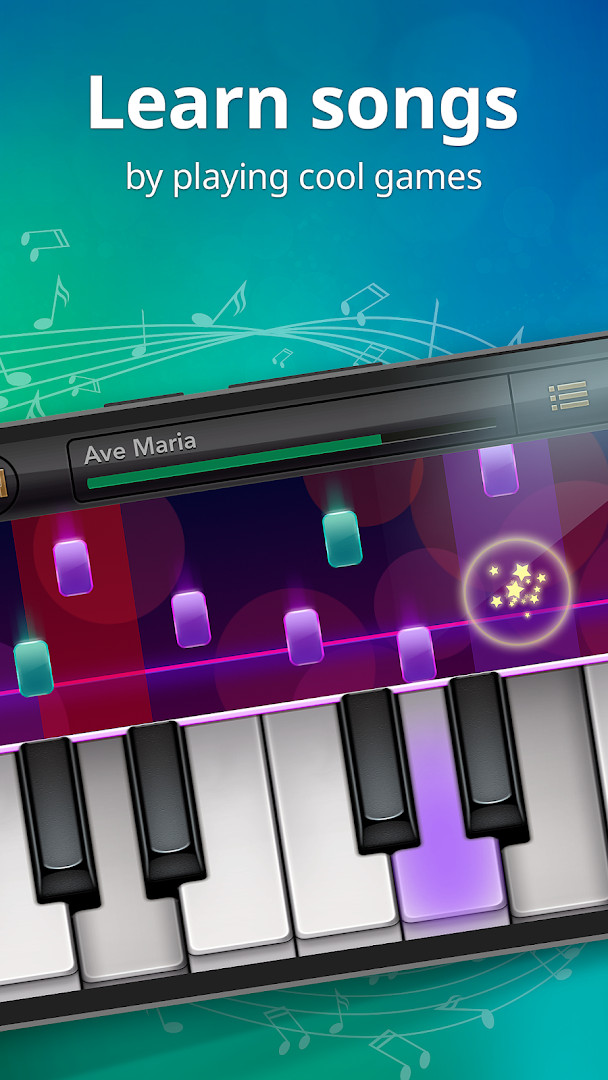
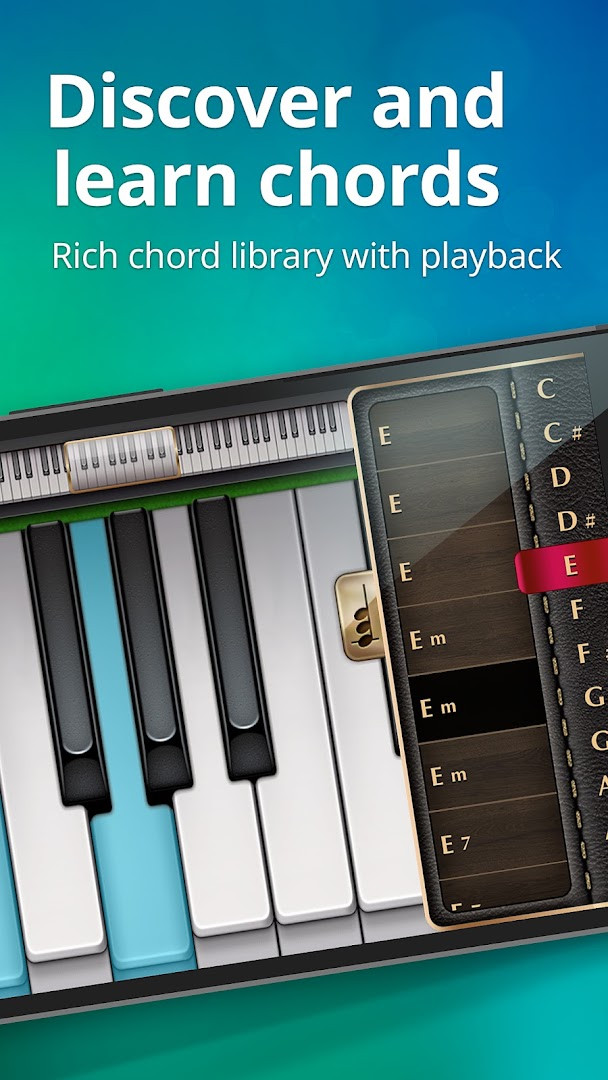
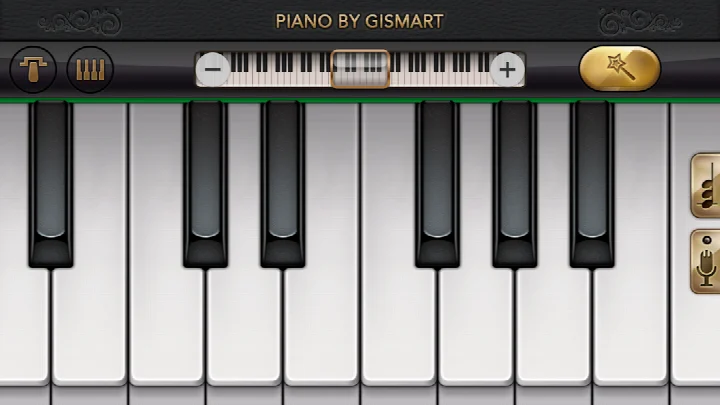
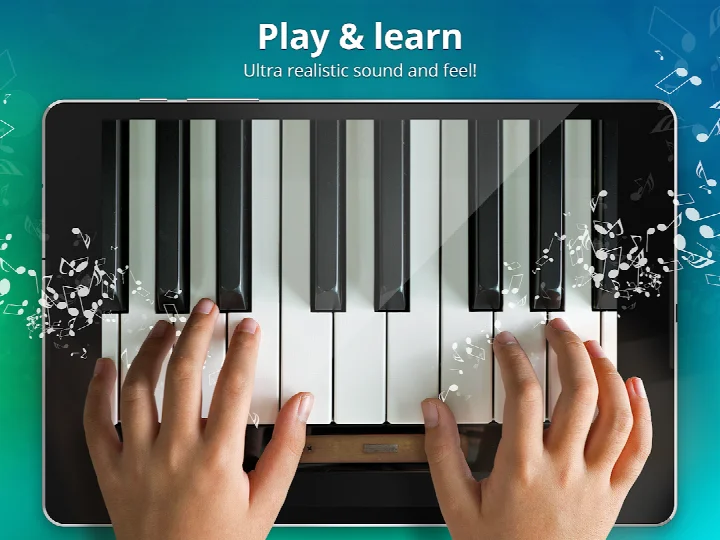
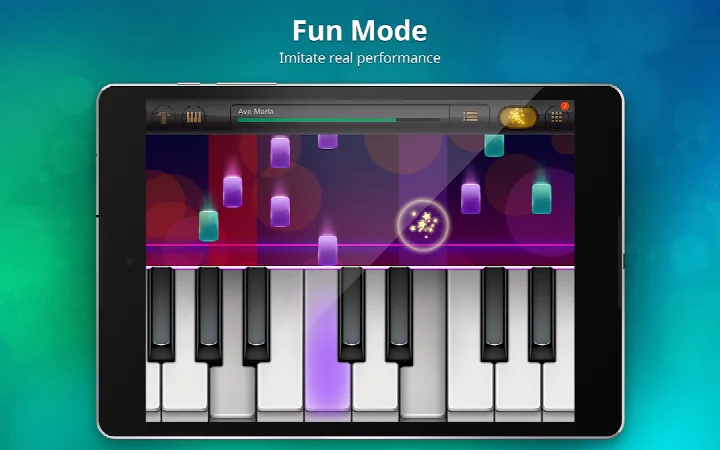
Piano - Music Keyboard & Tiles is a music simulator by Gismart that turns your Android device into a virtual electric keyboard with multiple instruments and mini-games for learning chords, notes, and timing. The app, which has been available since 2014 and is currently at version 1.75, is designed for anyone who wants to practice piano without owning physical equipment or attending formal lessons. It combines a full 88-key keyboard with two rhythm-based games, Magic Tiles and Magic Keys, so you can learn by playing rather than studying theory.
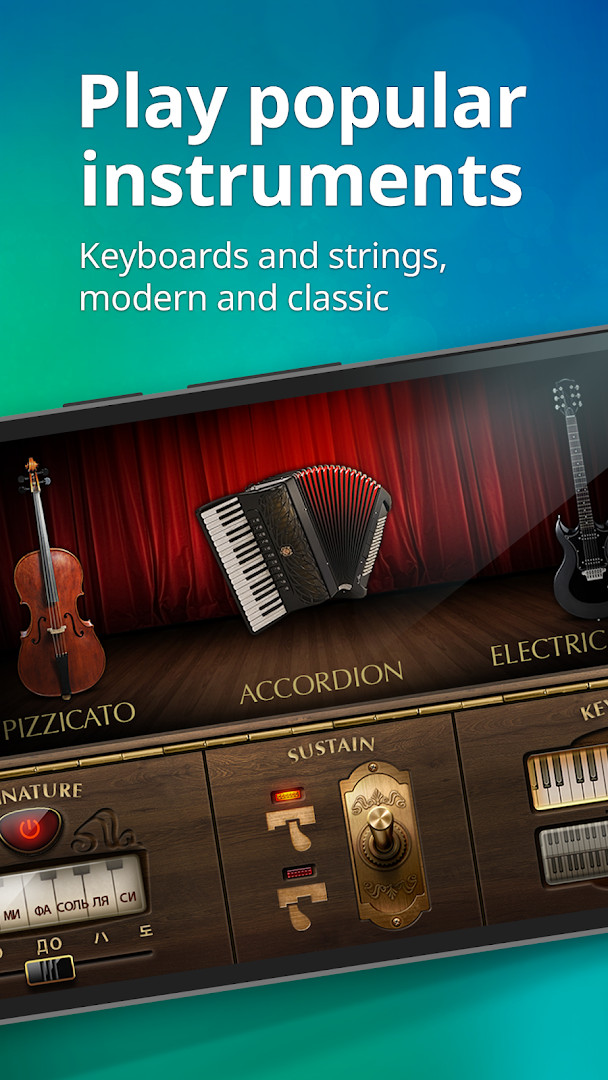
Beyond the core keyboard, the app includes nine different instrument sounds, ranging from a grand piano and organ to a harpsichord, accordion, electric guitar, harp, cello pizzicato, and vintage piano. You can switch between a single or dual scrollable keyboard layout, play free popular and classic songs, and record your performances to listen back or share them. The app also supports sharing on social media, including a child-safe platform called Creatubbles, which makes it appealing for families.
For experienced users comparing alternatives, the main draw is the variety of instruments and the gamified approach to learning. The app is free with ads and in-app purchases, requires Android 10 or higher, and holds a content rating of Everyone. It has accumulated over 100 million installs and a rating of 4.12 from more than 1.3 million reviews, indicating broad popularity, though its dated design and ad presence may be points of consideration for power users.
The app targets beginners and casual players who want a low-friction way to explore piano and music theory, but its multi-instrument support and recording features also give intermediate users something to experiment with. It does not offer advanced editing or MIDI export, so it is not a replacement for a full digital audio workstation, but it serves well as an interactive practice tool and a fun time-killer.
Key features
- Full 88-key keyboard for realistic play
- Magic Tiles and Magic Keys mini-games for rhythm and timing practice
- Nine instrument sounds: Basic Keyboard, Grand Piano, Organ, Harpsichord, Accordion, Electric Guitar, Harp, Cello Pizzicato, and Vintage Piano
- Single or dual scrollable keyboard layouts
- Free selection of popular and classic songs
- Built-in record feature to capture and share your performances
How to install
- Tap the download button on this page to get the APK file for version 1.75. The file size is not specified, so ensure your device has sufficient free storage before proceeding.
- When Android prompts you, allow your browser or file manager to install apps by enabling the "Install unknown apps" setting for that app. This is usually found in the app's permissions or in your device's security settings.
- Locate the downloaded APK file in your Downloads folder or the location your browser uses for file downloads.
- Open the APK file. If asked, confirm that you want to install it, and grant any permission requests, such as access to storage or media files, that the app needs to function.
- Tap Install and wait for the installation to complete. The app requires Android 10 (API level 29) or higher, so make sure your device meets this minimum version.
- Once installed, open the app from your app drawer or home screen. You can then start exploring the keyboard, mini-games, and recording features.
Pros
- Wide variety of instrument sounds, from piano to guitar and organ, all in one app
- Gamified learning through Magic Tiles and Magic Keys makes practice engaging
- Full 88-key keyboard with single or dual scrollable layouts for flexibility
- Free to download with a large library of popular and classic songs
- Recording feature lets you capture and share your performances easily
- Over 100 million installs indicate a mature and widely used app
Cons
- Contains ads and in-app purchases, which may interrupt practice sessions for free users
- Requires access to device and app history, photos/media/files, storage, and Wi-Fi connection information, which may be more permissions than some users prefer
- The app has been around since 2014, and its interface and features may feel dated compared to newer music apps
- No advanced features like MIDI export or multi-track recording, limiting its use for serious music production
Latest changes · 1.75
Version 1.75 focuses on app stability improvements and addresses bugs that users had reported. Keeping the app updated is recommended so you can continue enjoying the latest features.
Version history
| Version | Size | Requires Android | Updated |
|---|---|---|---|
| 1.75 | — | 10 | Dec 24, 2025 |
Piano - Music Keyboard & Tiles is for casual learners, beginners, and families who want a free, gamified way to practice piano and explore different instrument sounds on a smartphone or tablet. It also suits experienced users looking for a lightweight, fun practice tool with a variety of tones and a simple recording feature, though it is not a substitute for professional music software.
To get the most out of the app, start with the Magic Keys mini-game to improve your sense of timing before moving to full songs. Use the dual keyboard layout to expand your reach when playing chords, and experiment with different instrument sounds to find the tone that suits the music you are practicing. If you record a performance, try listening back with a different instrument selected to hear how the arrangement changes.
Permissions
FAQ
How do I install the APK on Android?
Download the APK file and open it. If prompted, allow installation from unknown sources in your device settings. Then follow the on-screen steps to complete the setup.
What is new in version 1.75?
Version 1.75, released on December 24, 2025, includes app stability improvements and fixes for bugs reported by users. It is the current version available.
Does the app contain ads or in-app purchases?
Yes, the app is free to download and includes ads. It also offers in-app purchases for optional content or features.
Can I use the app offline?
The app requires certain permissions like storage and Wi-Fi connection information, and it is designed for online features such as sharing recordings. Offline use is not specified in the available data.
Are there alternatives in the music category?
Yes, there are other music apps that offer virtual keyboards and similar learning tools. You can explore options with different instrument sounds or game-based lessons to find one that suits your needs.
Piano - Music Keyboard & Tiles offers a solid, free entry point for learning piano and exploring multiple instrument sounds in a playful way. While its dated interface and ad-supported model may not appeal to everyone, its extensive song library, recording capability, and engaging mini-games make it a worthwhile choice for casual musicians and beginners alike.
Similar apps


Updated: Nov 11, 2026