Invitation Maker: Cards + RSVP: Event Invitation App
Invitation Maker: Cards + RSVP is an Events app by Photo Studio & Picture Editor Lab that lets you design, send, and track invitations with RSVP management.
Invitation Maker: Cards + RSVP offers thousands of professionally designed templates for birthdays, weddings, baby showers, and corporate events, with tools to customize text, fonts, colors, and photos. It includes built-in RSVP tracking, Google Maps links, PDF export, and sharing via WhatsApp, email, or social media.
Screen gallery


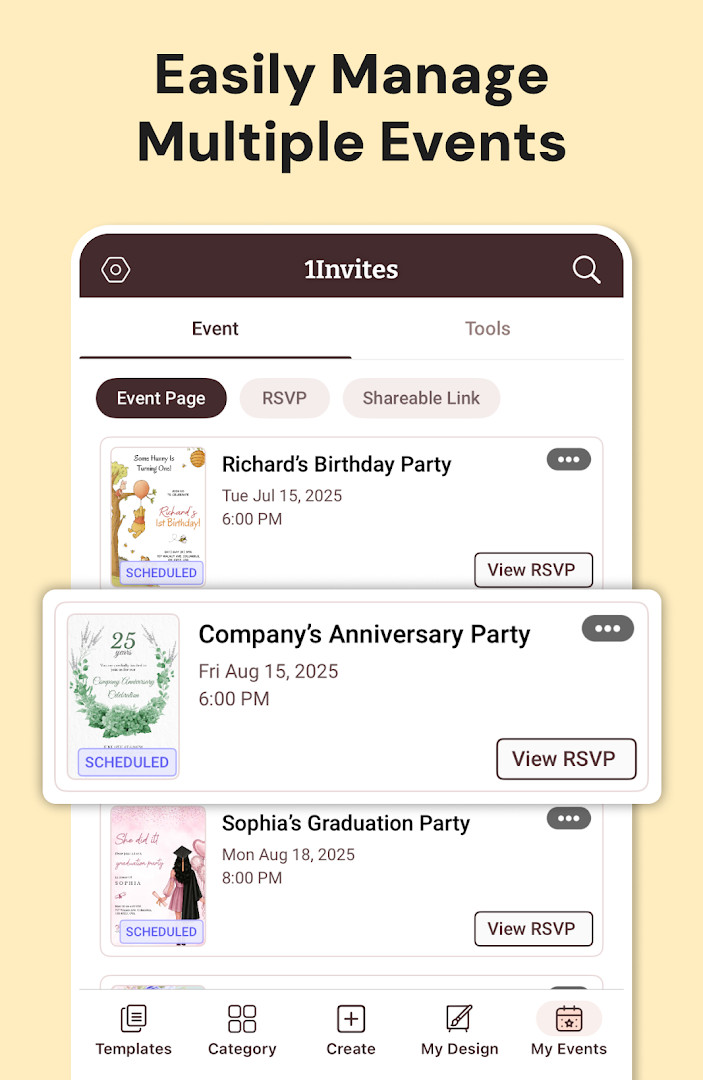
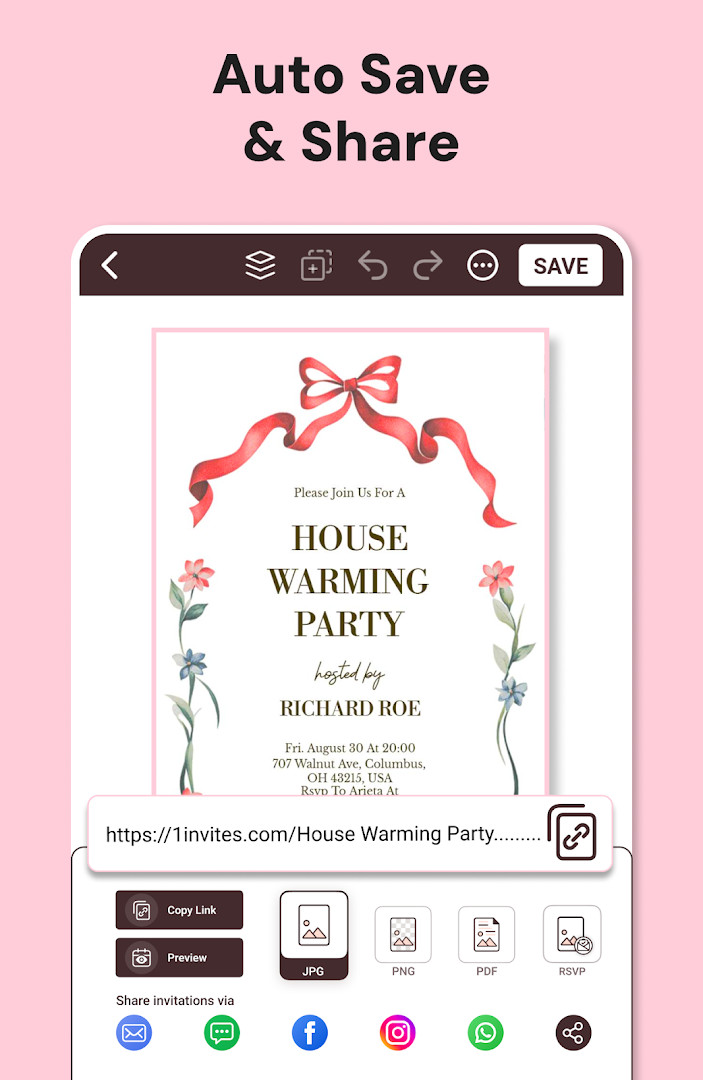
Invitation Maker: Cards + RSVP is an events utility app by Photo Studio & Picture Editor Lab that helps users design digital invitation cards, send them to guests, and manage RSVP responses in one place. Released in February 2018 and updated as of October 2026, the app has accumulated roughly five million installs and a 4.91-star rating from over 149,000 reviews, indicating strong long-term traction among event planners. The tool targets a broad range of celebrations—birthdays, weddings, baby showers, graduations, anniversaries, corporate events, and holiday gatherings—so it functions less as a niche designer and more as a general-purpose invitation workflow.
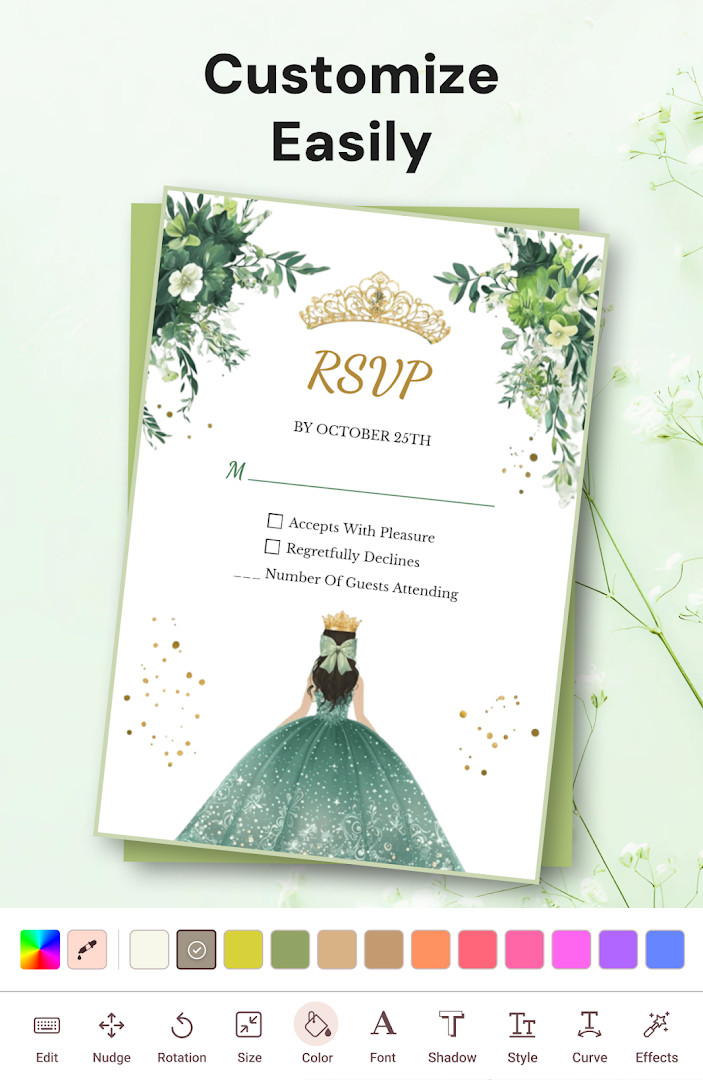
The core workflow is straightforward: pick a professionally designed template from thousands of options, personalize text, fonts, colors, backgrounds, and photos with simple one-tap editing tools, then share the finished card via WhatsApp, email, or social media. Beyond creation, the app doubles as an RSVP manager, letting hosts track guest confirmations, add event date and time, include venue details, and even attach Google Maps locations or website links so attendees can find the venue or access additional information with a single tap. For those who prefer physical cards, the same design can be exported as a high-resolution PDF for home or professional printing, bridging the gap between digital convenience and traditional paper invites.
Version 175.0, the current release, emphasizes a polished invitation-building experience with beautifully designed templates, rapid sharing capabilities, and smarter RSVP tracking that consolidates the entire event management process. The update frames the app as an all-in-one event manager, reinforcing the idea that you can create, distribute, and monitor responses without juggling multiple tools. While the app includes ads and in-app purchases for premium templates, advanced editing tools, fonts, graphics, and PDF export, the free tier still offers substantial functionality for basic invitations and RSVP collection, making it a practical choice for both casual and frequent event hosts.
Key features
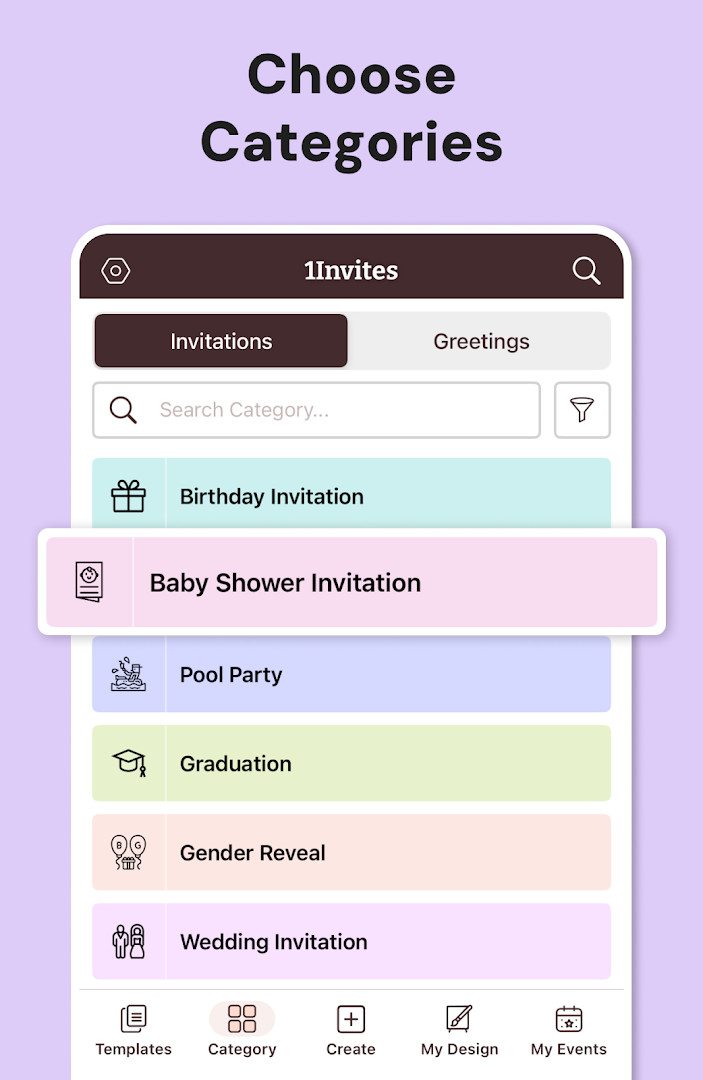
- Thousands of professionally designed invitation templates for birthdays, weddings, baby showers, engagements, graduations, housewarmings, corporate events, and more
- Customizable text, fonts, colors, backgrounds, and layouts with one-tap editing tools
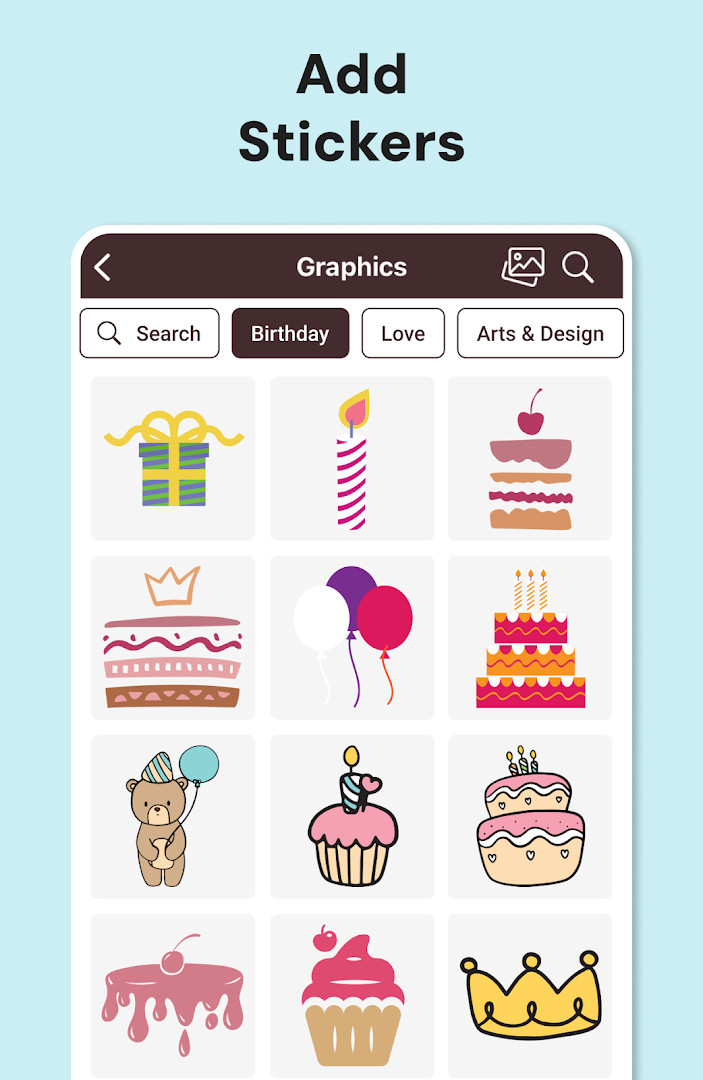
- Add your own photos and graphics to personalize each card
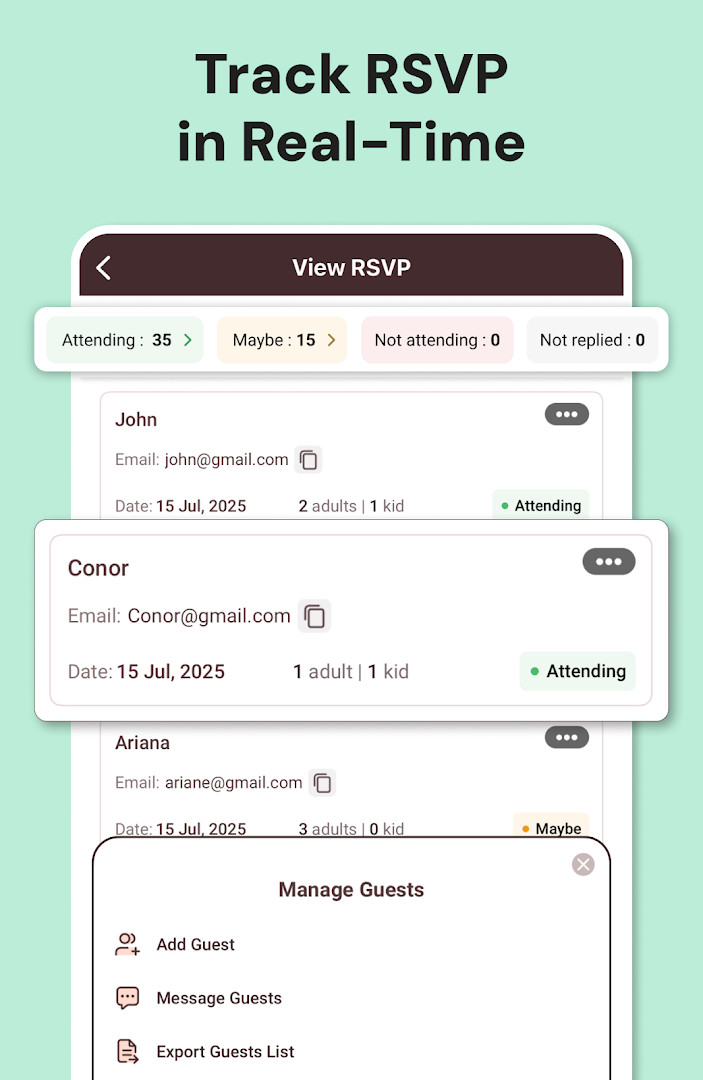
- Built-in RSVP management to collect responses and track guest confirmations
- Add event date, time, venue information, Google Maps locations, and website links
- Share invitations instantly via WhatsApp, email, and social media
- Export invitations as PDF and download high-resolution cards for professional printing
- All-in-one event manager that consolidates creation, distribution, and response tracking
How to install
- Tap the download button on this page to get the APK file for version 175.0; the file size is not specified in the available data.
- When your browser or file manager prompts you, allow it to install apps by enabling the 'Install unknown apps' setting for that source.
- Open the downloaded APK file from your notifications or Downloads folder.
- Tap 'Install' and confirm when the system asks for permission; the minimum Android version required is 8.0.
- Once installation finishes, tap 'Open' to launch the app and start creating your first invitation.
Pros
- Extremely high user rating (4.91) with over 149,000 ratings, indicating strong satisfaction
- Wide variety of templates covering many event types, reducing design effort
- Combines invitation creation and RSVP tracking in one app, saving time
- Supports both digital sharing and printable PDF exports for flexibility
- Free to download with optional in-app purchases for premium features
- Regular updates with version 175.0 released in October 2026
Cons
- Contains ads, which may interrupt the design or sharing experience
- Requires access to many device permissions (calendar, contacts, location, phone, photos, storage, camera, Wi-Fi, and device ID), which could raise privacy concerns for some users
- Premium features like advanced templates and PDF export require a subscription or in-app purchase
- No explicit offline mode mentioned, so some features may depend on an internet connection
Latest changes · 175.0
Version 175.0 introduces a redesigned invitation creation flow with improved templates and faster sharing options. RSVP tracking has been enhanced for better guest response management, and the event manager now consolidates invite sending, responses, and event details in one place. The update also includes performance improvements and bug fixes for smoother overall operation.
Version history
| Version | Size | Requires Android | Updated |
|---|---|---|---|
| 175.0 | — | 8.0 | Oct 12, 2026 |
This app suits busy event hosts who want a quick, no-design-skills solution for birthdays, weddings, or baby showers; small business owners or community organizers planning corporate events or gatherings; and anyone who needs a centralized way to send invitations and track guest responses without juggling separate tools.
Before sending invitations, test the RSVP link with a friend or a second device to confirm that responses are recorded correctly and that any embedded Google Maps or website links open properly for your guests.
Permissions
FAQ
Can I create invitations for events beyond birthdays and weddings, like corporate events or festivals?
Yes. The app includes templates for a wide range of occasions, such as engagement parties, baby showers, bridal showers, anniversaries, graduations, housewarmings, retirement parties, corporate events, holiday celebrations, family gatherings, and community festivals.
How does the RSVP tracking feature work?
The built-in RSVP management lets you send invitations, collect guest responses, track confirmations, and view who is coming. You can add event date and time, include venue details, and keep all guest responses in one place.
Can I add a map or website link to my invitation?
Yes. You can add a Google Maps location, include event website links, and share venue directions so guests can find your event easily with one tap.
What file formats are available for sharing or printing?
You can export invitations as PDF and download high-resolution cards for printing at home or professionally. The same design works for both digital sharing and printed cards.
Do I need design skills to use the templates?
No. The app provides ready-to-use templates with one-tap editing. You can customize text, fonts, colors, backgrounds, add your own photos and graphics, and adjust layouts with simple tools, even without graphic design experience.
Invitation Maker: Cards + RSVP delivers a solid, well-received combination of invitation design and RSVP management, backed by a strong rating and a decade of updates. Its template library and sharing options cover most common occasions, while the PDF export adds practical value for printed cards. The ad-supported model and broad permission requests are worth considering, but for users who regularly organize events, the convenience of an all-in-one tool likely outweighs those drawbacks.
Similar apps



Updated: Nov 8, 2026