Cash App: Send, Invest, and Bank
Cash App is a free finance app by Block, Inc. that lets you send money, buy bitcoin, invest in stocks, and manage banking features.
Cash App has been downloaded over 100 million times and holds a 4.71 rating from roughly 4.55 million ratings. The app requires Android 10 or newer, shows ads, and has no in-app purchases, though its content rating is Mature 17+. It is aimed at individuals and families who want a single platform for peer-to-peer payments, investing, saving, and teen money management.
Screen gallery
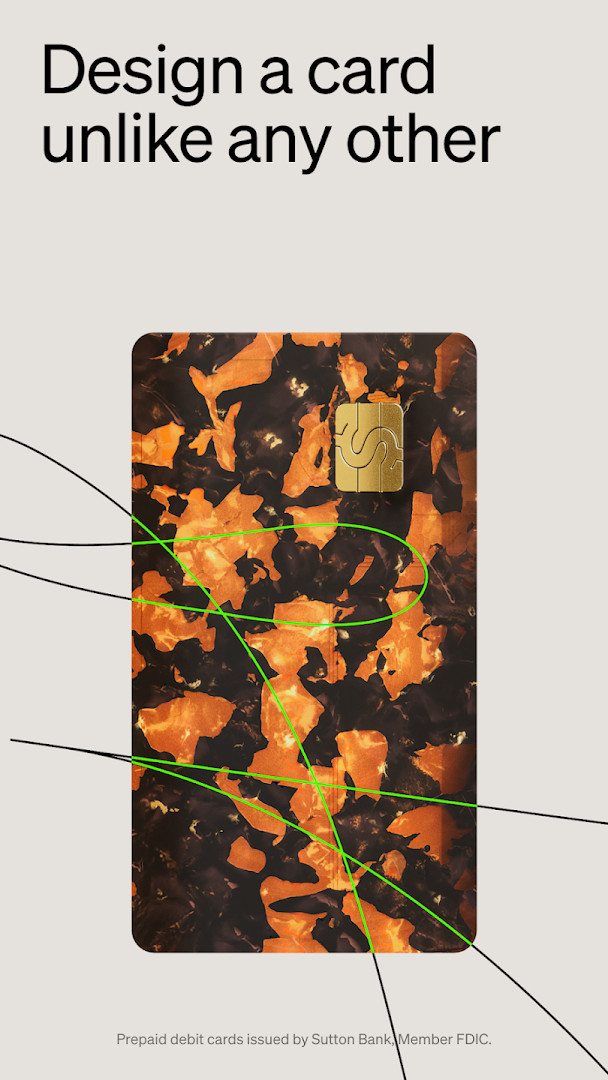
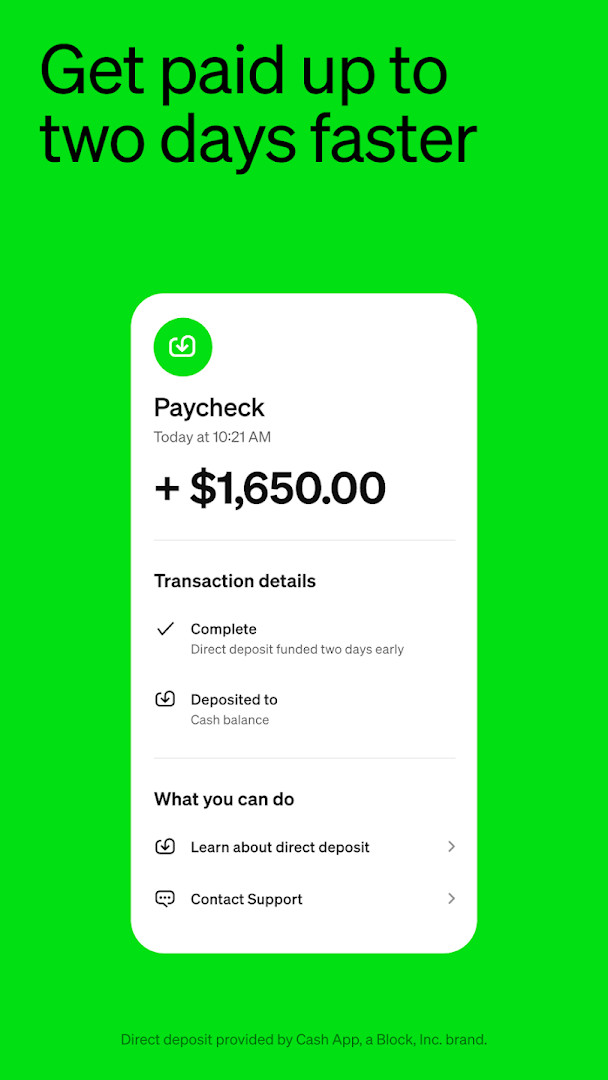
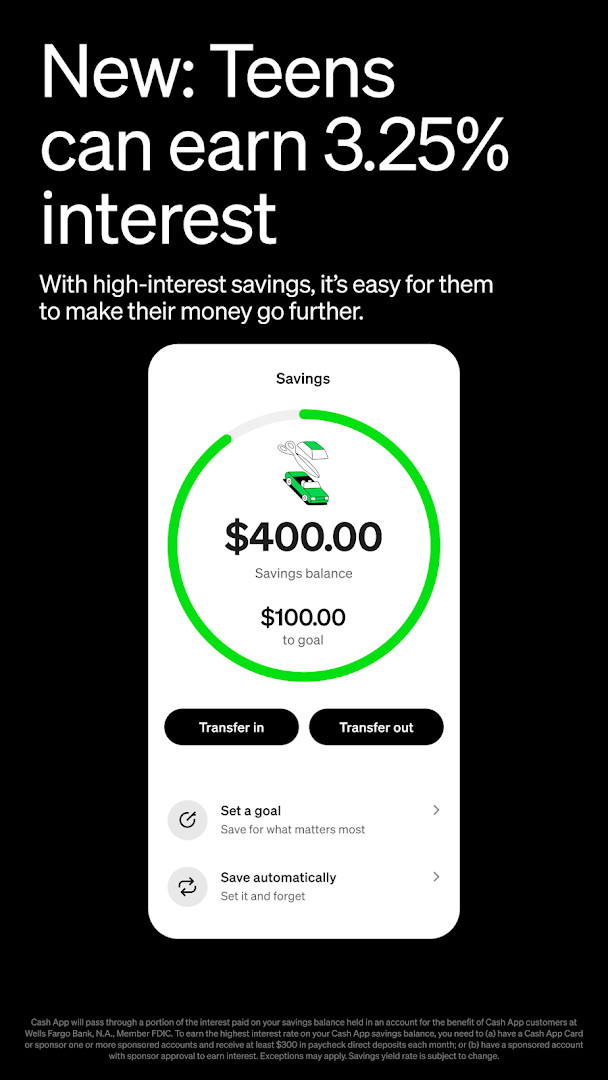
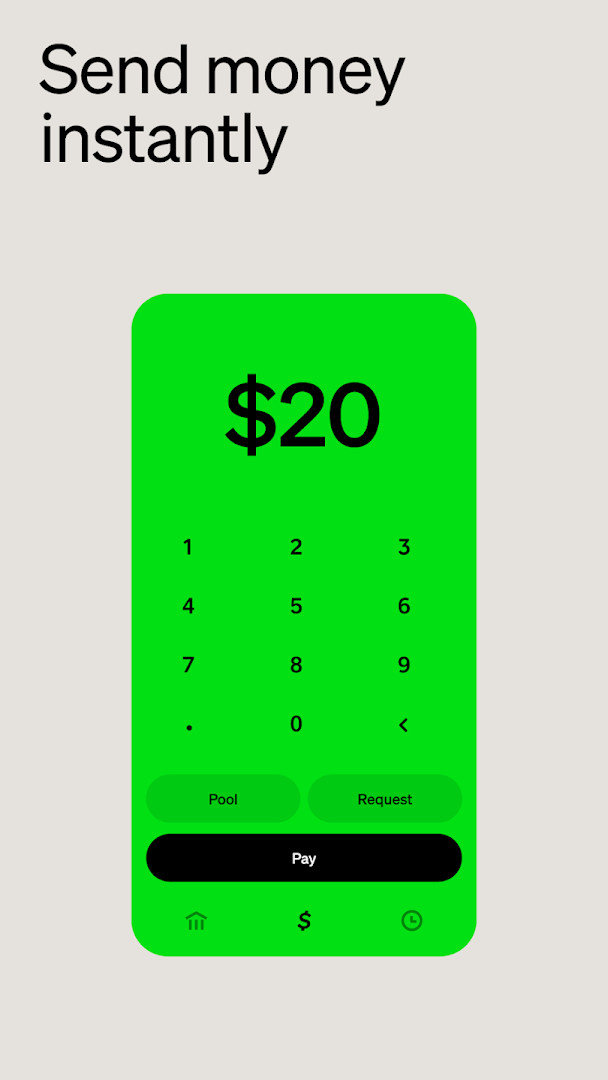
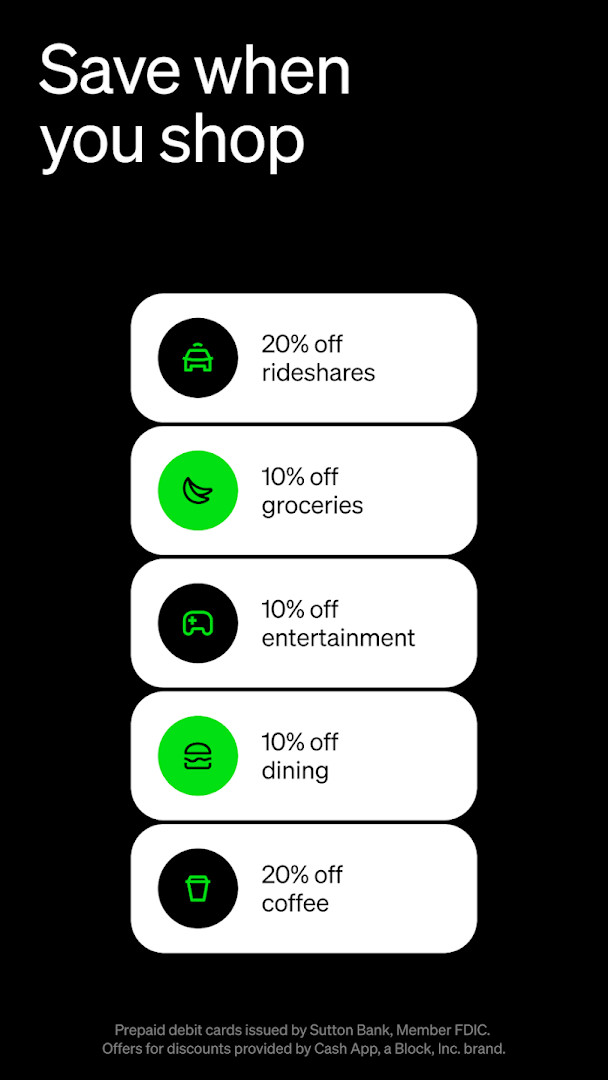
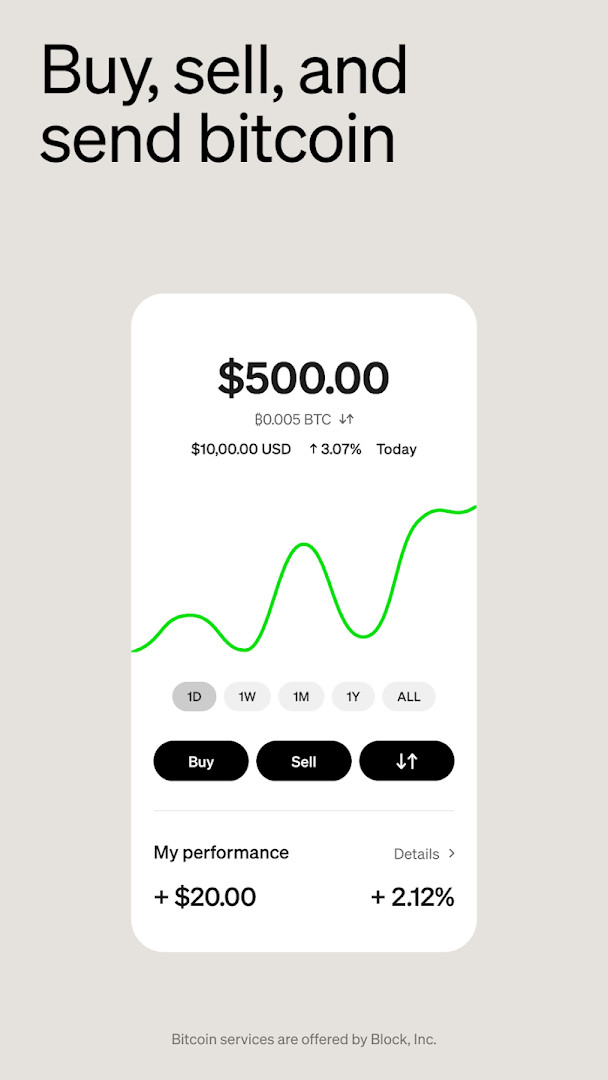
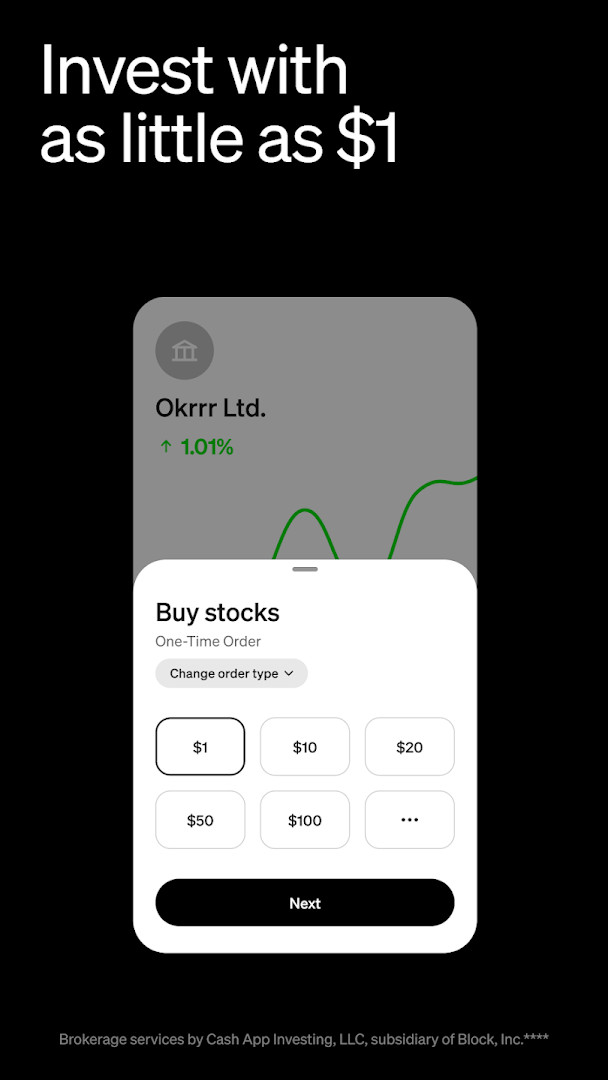
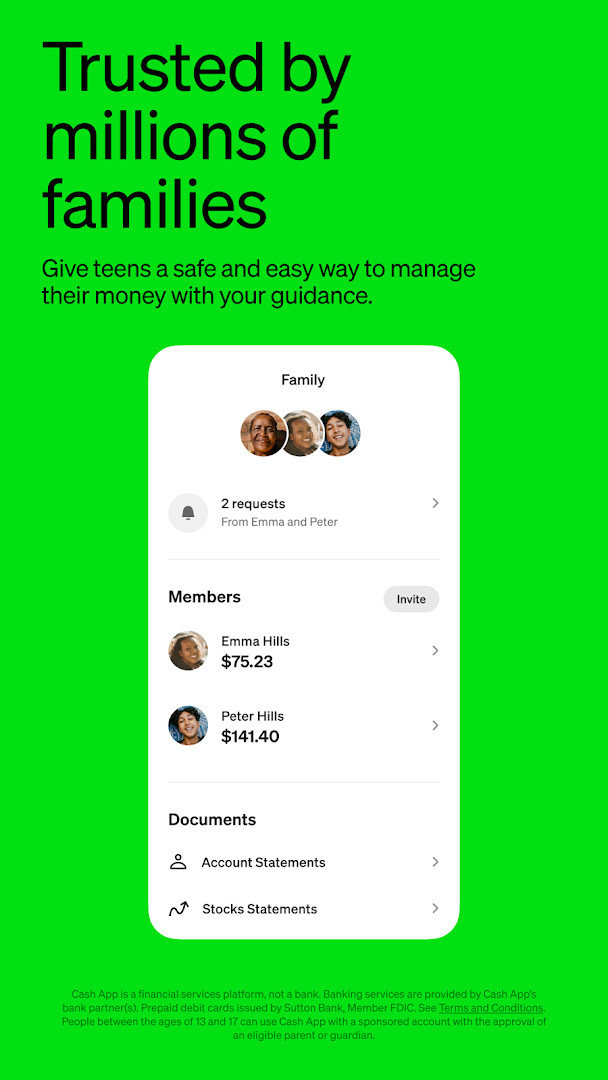
Cash App is a finance app by Block, Inc. that lets users send and receive money, buy and sell bitcoin, invest in stocks, and manage a linked debit card and banking features from one interface. It combines peer-to-peer payments with simplified banking tools, savings options, and investment capabilities, making it a versatile money management platform rather than just a payment sender. The app is aimed at individuals who want a single place to handle everyday transactions, direct deposit, savings, and small-scale investing, as well as families who want to give teenagers supervised access to money. It supports payments via phone number, email, $cashtag, or QR code, and offers a customizable debit card that works wherever Visa is accepted. Banking services are provided by bank partners, and the app is not a bank itself. With over 100 million installs and a 4.71 rating from more than 4.5 million reviews, it is a widely used option for those who value convenience and low fees, though it carries a Mature 17+ content rating and includes ads.
Key features
- Send and receive money instantly for free using phone number, email, $cashtag, or QR code
- Buy and sell bitcoin, with the option to get paid in bitcoin
- Invest in stocks with as little as $1 and no commission fees
- Customizable Cash App Card debit card that works with digital wallets and where Visa is accepted
- Simplified banking with no minimum balance requirements and free in-network ATM withdrawals
- Savings interest up to 3.5% and the ability to round up spare change or split paychecks into savings, stocks, or bitcoin
- Exclusive offers, discounts, and access to concert presales and events
- Teen accounts for ages 13 to 17 when sponsored by a parent or guardian, with parental controls and extra security features
- Proactive scam-avoidance security features and 24/7 fraud monitoring
- Borrow cash and get paid up to 2 days early with direct deposit
How to install
- Tap the download button on this page to get the APK file for Cash App. The file size is not specified, so ensure your device has enough free space for a modern finance app.
- Your Android device must run Android 10 or newer. If you are on an older version, the app will not install.
- When Android prompts you, allow your browser or file manager to install apps from unknown sources. This is the 'Install unknown apps' setting found in your device's security or app permissions menu.
- Open the downloaded APK file from your notifications or file manager.
- Tap Install and wait for the process to finish. You may see a warning about the app requesting access to sensitive permissions; review these before proceeding.
- Open the app from your home screen or app drawer, then sign in or create an account to start using Cash App.
Pros
- Free instant peer-to-peer payments with multiple send methods
- No monthly or hidden fees for the debit card
- Low barrier to investing, with stock purchases starting at $1
- Savings interest and cash-back offers can add value
- Teen accounts with parental controls for family use
- Widely adopted with over 100 million installs and a high rating
Cons
- Mature 17+ content rating may not suit all users
- App includes ads, which can be intrusive
- Requests broad permissions including identity, contacts, location, phone, camera, and storage
- Banking services are provided by partner banks, not the app itself, and eligibility restrictions apply to some benefits
- Bitcoin services are not available in all U.S. states and territories
Latest changes
The latest update to Cash App focuses on overall reliability, with various bug fixes and performance improvements included. These refinements help ensure a smoother experience when sending money, investing, or managing your finances through the app.
Version history
| Version | Size | Requires Android | Updated |
|---|---|---|---|
| 5.72.0 | — | 10 | Oct 9, 2026 |
Cash App is for experienced users who want a multifunctional money app that handles peer-to-peer payments, direct deposit, savings, stock investing, and bitcoin in one place, as well as families seeking supervised teen accounts with parental controls.
To get the most from Cash App, set up direct deposit to receive paychecks up to two days early and qualify for Cash App Green status, which unlocks higher savings interest, free overdraft coverage, and free in-network ATM withdrawals. Review the app's permission requests carefully and disable any you are not comfortable with, and keep parental controls active if you sponsor a teen account.
Permissions
FAQ
Is Cash App free to download and use?
Yes, the app itself is free to download. While the core sending, spending, and investing features are free, some optional services like instant transfers or certain banking features may have associated fees.
What Android version do I need to install Cash App?
Cash App requires Android version 10 or higher to install and run properly.
Do I need an account to use Cash App after installing it?
Yes, you need to create a Cash App account to send, receive, or manage money. The app is designed for use with a personal account linked to your identity.
What permissions does Cash App request during installation?
Cash App requests access to your identity, contacts, location, phone, photos and media, storage, camera, Wi-Fi connection information, and device ID. These permissions are used for features like sending money to contacts, scanning QR codes, and verifying your identity.
How do I update Cash App to the latest version?
To update, simply download the newest version of Cash App from this page and install it over your current version. Your account data and settings will be preserved during the update.
Is Cash App safe to use for sending money?
Cash App includes proactive security features to help avoid scams and offers 24/7 fraud monitoring for its debit card. It is a financial services platform used by millions of people.
Cash App is a solid all-in-one finance tool that combines payments, banking, savings, and investing with no monthly fees, making it a strong choice for users who prefer convenience over a traditional bank. Its broad permissions and ads are trade-offs, but the feature set and scale justify consideration for those comparing alternatives.
Similar apps
 Google WalletGoogle LLC · ★ 4.3 · Finance · 16 MB
 PayPal - Pay, Send, SavePayPal Mobile · ★ 4.2 · Finance · v10.21.1
 easypaisa – a digital bankEasypaisa Bank Limited · ★ 4.6 · Finance · v2.10.11
 Inter Banking & Money TransferBanco Inter SA · ★ 4.4 · Finance · v26.19
 Mercado Pago: cuenta digitalMercado Libre · ★ 4.8 · Finance · v2.462.0
Updated: Nov 21, 2026