Life360: Family Safety & GPS for Android
Life360 is a family safety and location sharing app from Life360 for keeping track of family members and friends on a shared map.
Life360 is for families, friends, and anyone who wants to reduce worry about where loved ones are by seeing their real-time location on a shared map. The app includes crash detection, SOS alerts, place alerts, and location history, with optional memberships adding features like roadside assistance and identity theft protection.
Screen gallery
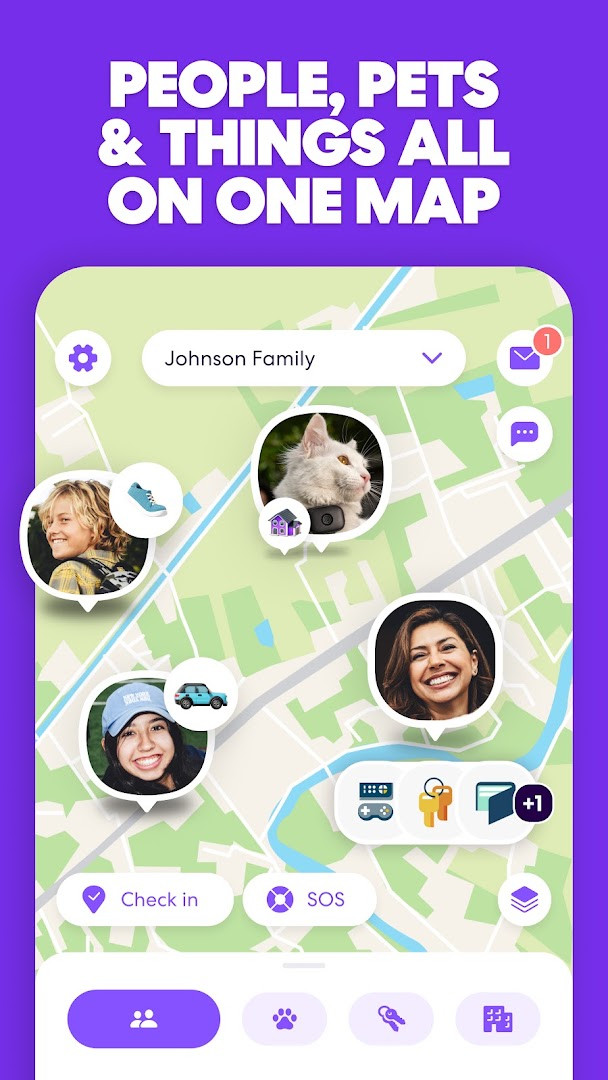
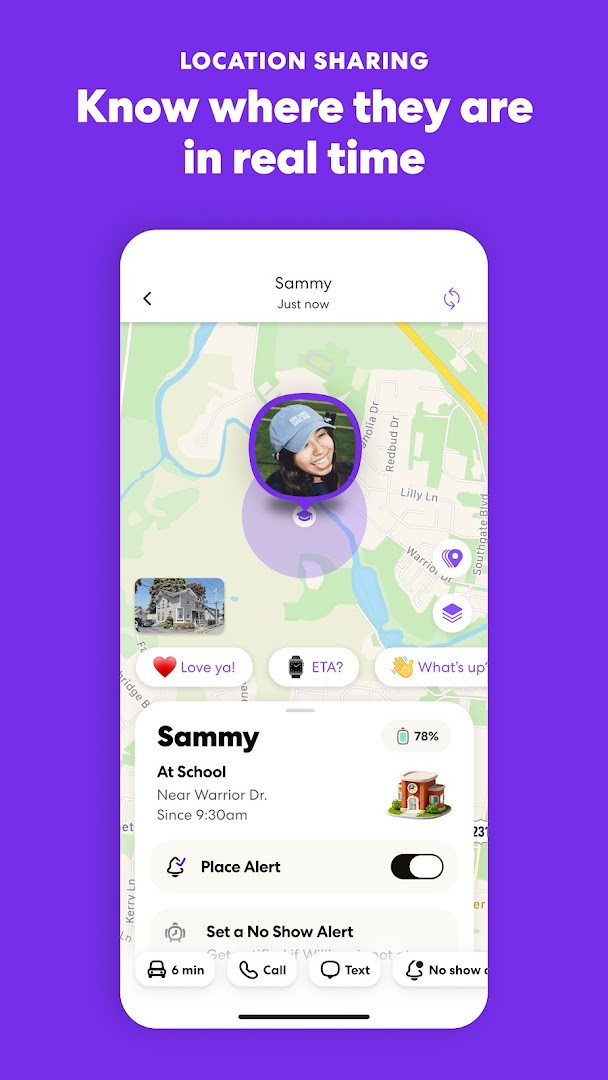
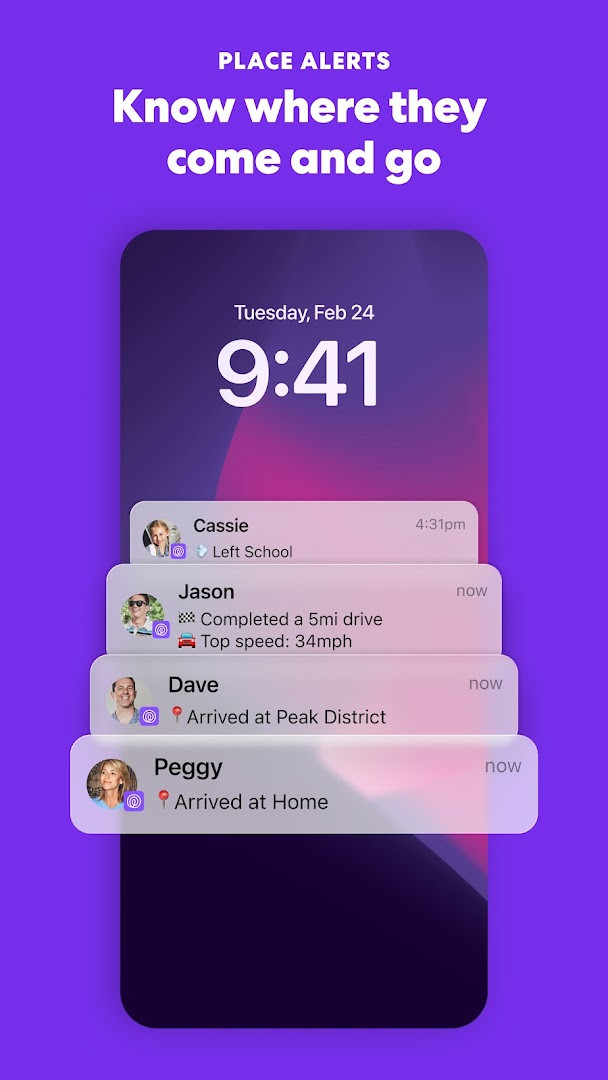
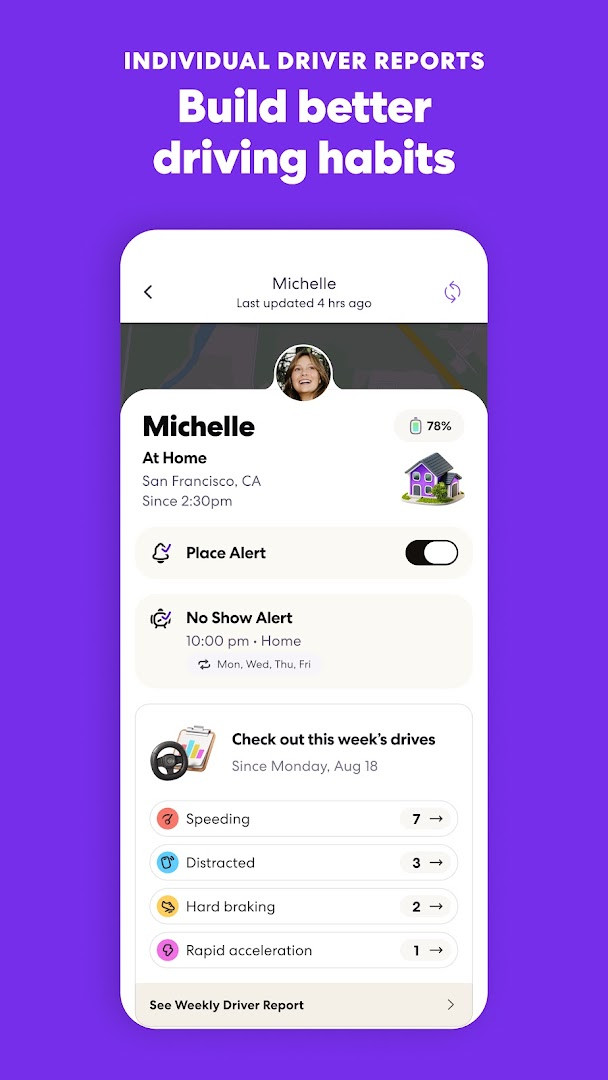
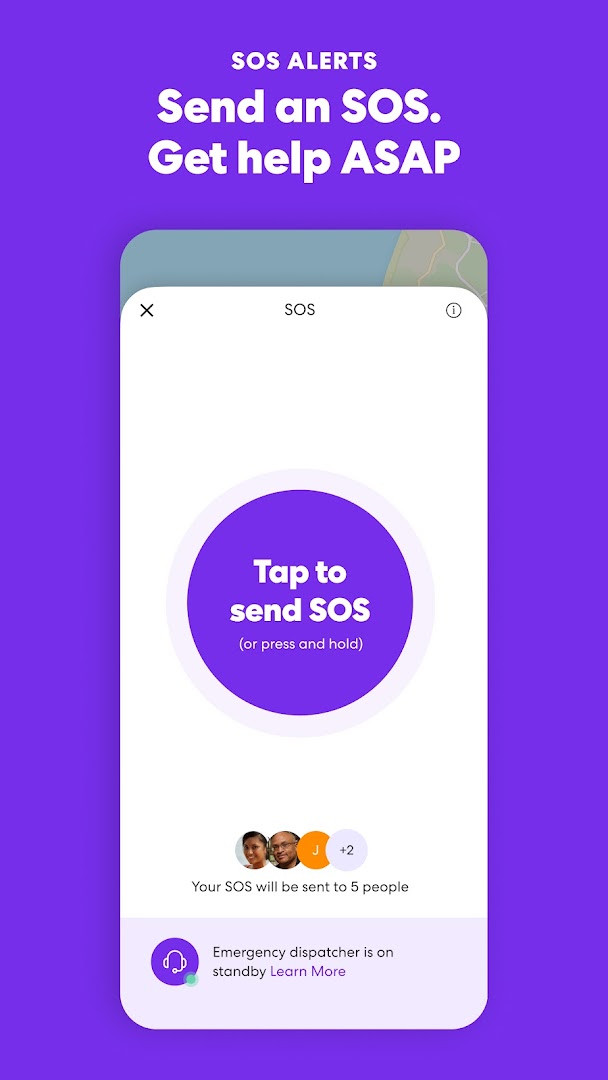
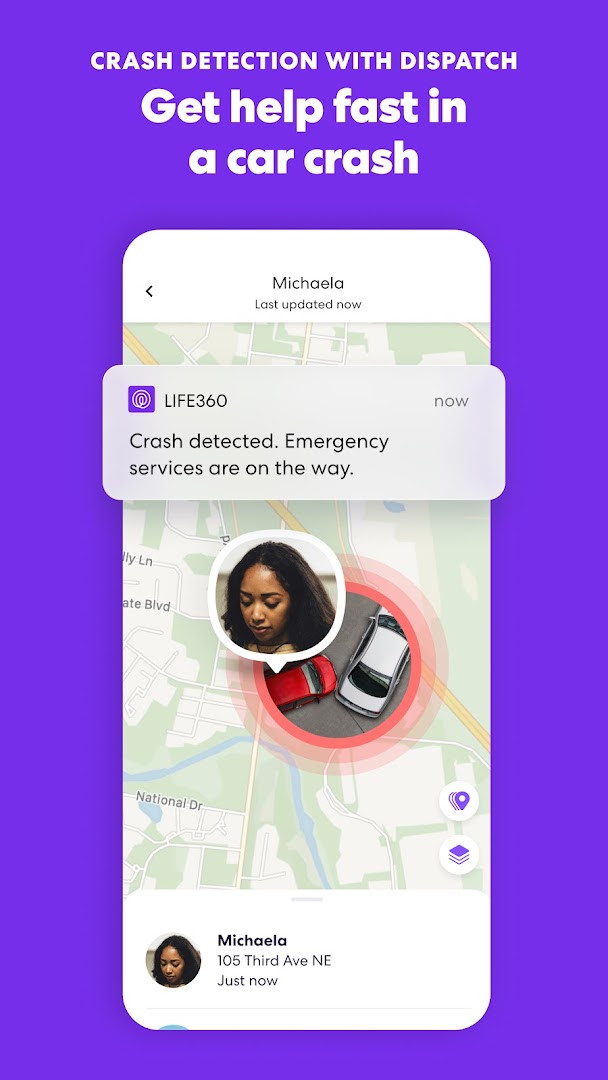
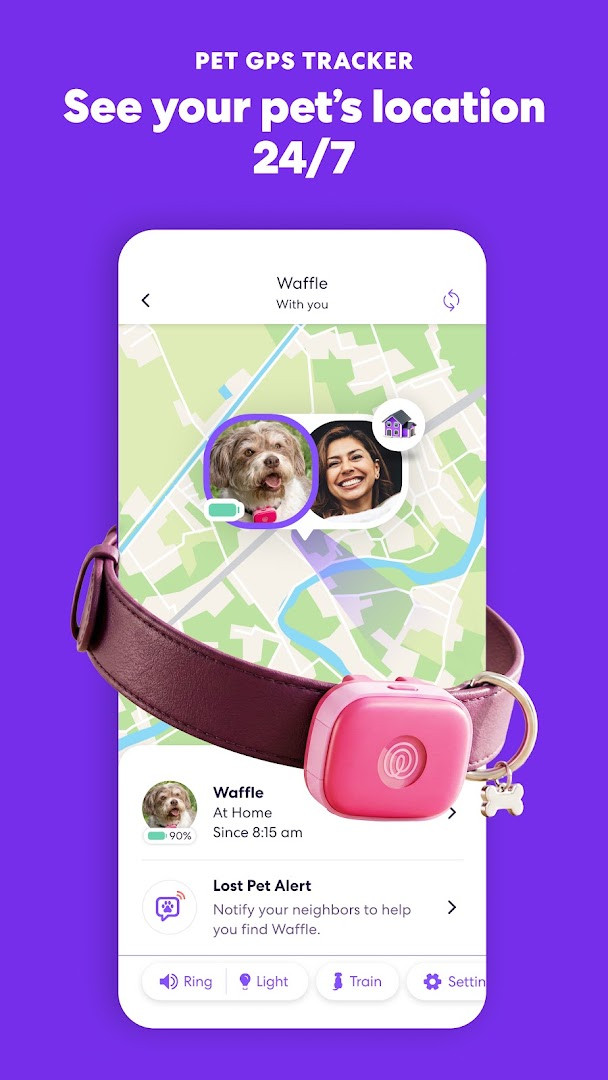
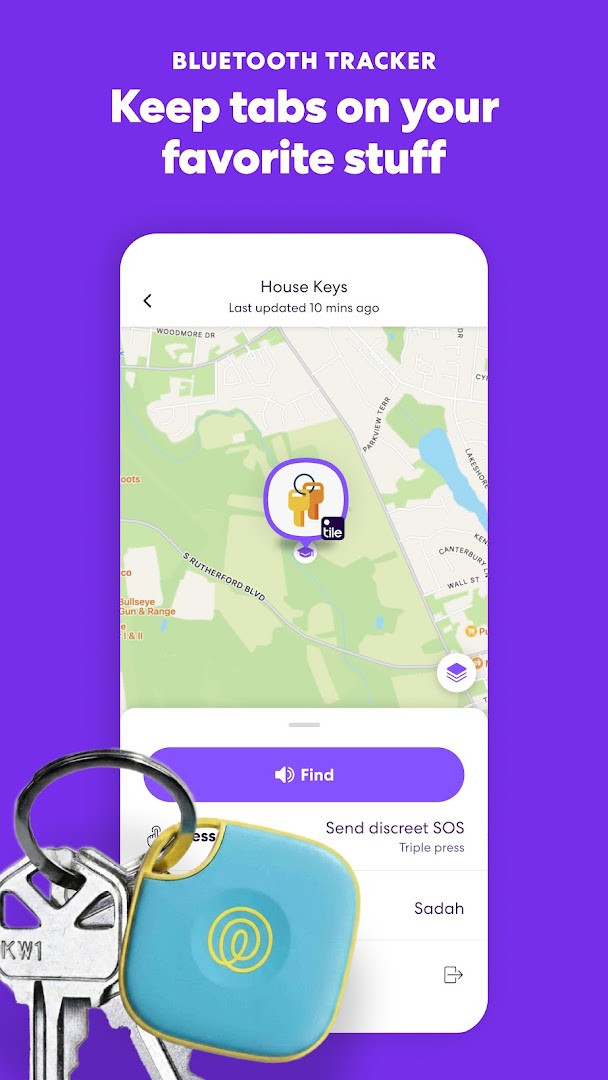
Life360: Family Safety & GPS is a lifestyle app by Life360 that helps families share real-time locations and access safety services such as crash detection and SOS alerts. The app puts every member's whereabouts on one shared map, which reduces the need for constant check-in texts and gives caregivers visibility into daily routines. Beyond location sharing, it offers place alerts for home, school and work, location history, and notifications when a family member's flight lands.
Built for households that want less worrying and more coordination, the app has been installed more than 100 million times and holds a 4.77 rating from roughly 2.5 million reviews since its 2010 release. Users can create a private Circle where everyone opts in and can see each other, and optional Tile trackers extend the same tracking ideas to keys, wallets, luggage, bikes and pets. The latest version is 26.43.0, updated in November 2026.
Core safety features are available through membership tiers. Silver includes crash detection, two days of location history, two places with alerts, a family driving summary and data breach alerts. Gold adds 30 days of history, unlimited place alerts, individual driver reports, 24/7 roadside assistance, ID theft protection and stolen fund reimbursement. Platinum raises the limits further with a higher stolen fund reimbursement, more towing coverage, travel disaster support and medical support. The app is free with ads and offers in-app purchases for these upgraded plans.
Key features
- Real-time location sharing with family and friends on a shared map
- Crash detection that helps get assistance moving after an accident
- Place alerts when someone arrives at or leaves a location like home, school or work
- Location history so you can review where the day went
- SOS help alerts that silently share your precise location with contacts and responders
- Smart notifications and flight landing notifications for key moments
- Tile tracker support to help find keys, wallets, luggage, bikes and pets
- Optional membership extras such as roadside assistance, ID theft protection and 24/7 emergency dispatch
- Private group chat for everyone in a Circle
How to install
- Tap the download button on this page to save the installation file; note that the file size is not specified and version 26.43.0 requires Android 10 or newer.
- When Android asks for permission, allow your browser or file manager to install apps by enabling the "Install unknown apps" setting.
- Open the downloaded APK file from your notifications or file manager.
- Tap Install and wait for the installation to finish.
- Open the app from your app list, sign in or create a Circle, and invite members.
Pros
- Free to download and use, with ads
- High trust reflected in over 100 million installs and a 4.77 average rating
- Wide range of safety tools including crash detection, SOS alerts and emergency dispatch
- Extends tracking to everyday items and pets through Tile trackers
- Tiered plans let you scale from basic alerts to full emergency coverage
Cons
- Many advanced features require a paid membership
- Contains ads
- Requests access to many sensitive permissions, including location, contacts, camera and microphone
- Some features like crash detection depend on optional permissions being granted
Latest changes · 26.43.0
This update focuses on fixing bugs and fine-tuning performance to deliver a smoother, more efficient experience for users. No new features were highlighted in this release.
Version history
| Version | Size | Requires Android | Updated |
|---|---|---|---|
| 26.43.0 | — | 10 | Nov 10, 2026 |
| 26.42.0 | — | 10 | Nov 2, 2026 |
| 26.41.0 | — | 10 | Oct 23, 2026 |
| 26.40.0 | — | 10 | Oct 16, 2026 |
| 26.39.0 | — | 10 | Oct 12, 2026 |
| 26.31.6 | 74 MB | 10 | Oct 6, 2026 |
Parents, caregivers, couples and adult children who want a shared family map, arrival alerts and greater peace of mind about loved ones on the move.
For the most accurate location updates, keep Wi-Fi on even when outdoors, since it improves indoor precision. If a position looks stale, open the app to refresh it, and remember that every Circle member chooses to share their location and can stop at any time.
Permissions
FAQ
How do I install the APK on Android?
Download the APK file, then open it from your file manager or browser downloads. If prompted, allow installation from unknown sources in your system settings, then confirm the install. The app requires Android 10 or newer to run.
What is new in version 26.43.0?
Version 26.43.0, released November 10, 2026, focuses on bug fixes and performance tuning for a smoother, more efficient experience. It follows versions 26.42.0 and 26.41.0 from the same fall update cycle.
Is Life360 free, and does it have ads or purchases?
The app is free to download with a price of $0.00, but it does contain ads. It also offers in-app purchases through Silver, Gold, and Platinum memberships, which add features such as longer location history, roadside assistance, and identity theft protection.
Can I use Life360 without an internet connection?
The provided information does not describe a full offline mode. The app's location sharing, crash detection, and alerts depend on GPS and network data; keeping Wi-Fi on is recommended for more accurate positions, especially indoors.
Are there similar apps in the same category?
Yes, several family safety and locator apps in the Lifestyle category offer real-time location sharing, place alerts, and SOS features. When comparing options, look at membership pricing, included safety tools, and the permissions each app requests.
What Android permissions does Life360 request?
It lists permissions for contacts, location, phone, photos and media files, storage, camera, microphone, Wi-Fi connection information, and device ID and call information. Optional permissions can be denied, but some features may not work without them.
What safety features are highlighted in the current version?
The app highlights SOS alerts, crash detection, place alerts, location history, flight landing notifications, and emergency dispatch support. Higher membership tiers add roadside assistance, stolen phone protection, and stolen fund reimbursement.
Life360 turns a simple location-sharing map into a practical family safety hub. It is free to start, easy to set up, and its optional subscriptions add meaningful protection for daily life, all while keeping everyone in the loop.
Similar apps




Updated: Nov 17, 2026