Launcher OSTM for Android
Launcher OSTM is a personalization app from Apps Genz for making your phone simple and pretty.
Launcher OSTM is for Android users who want a cleaner, more personal home screen experience. The app is free, supports Android 8.0 and up, and its latest version 6.3.15 was released on September 3, 2026.
Screen gallery
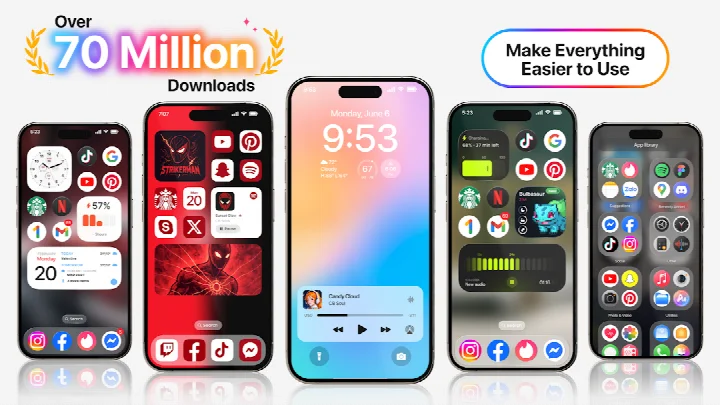
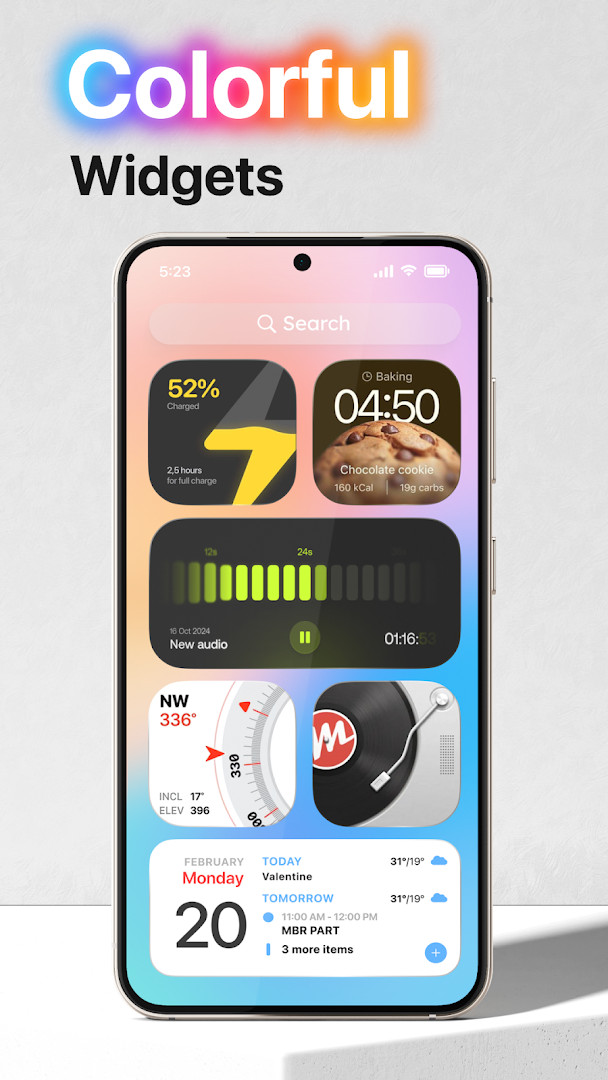
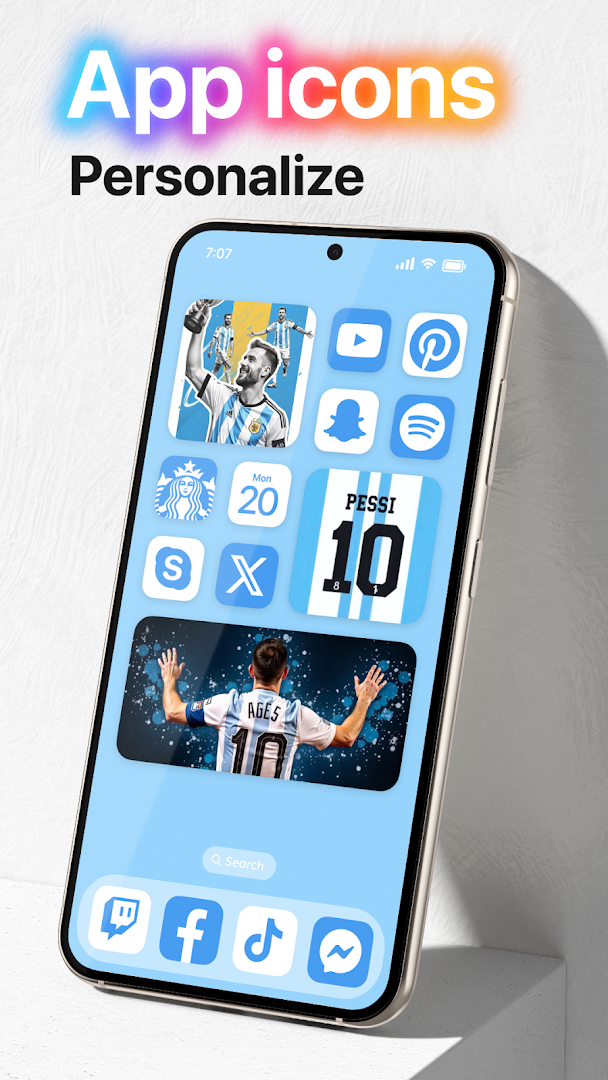
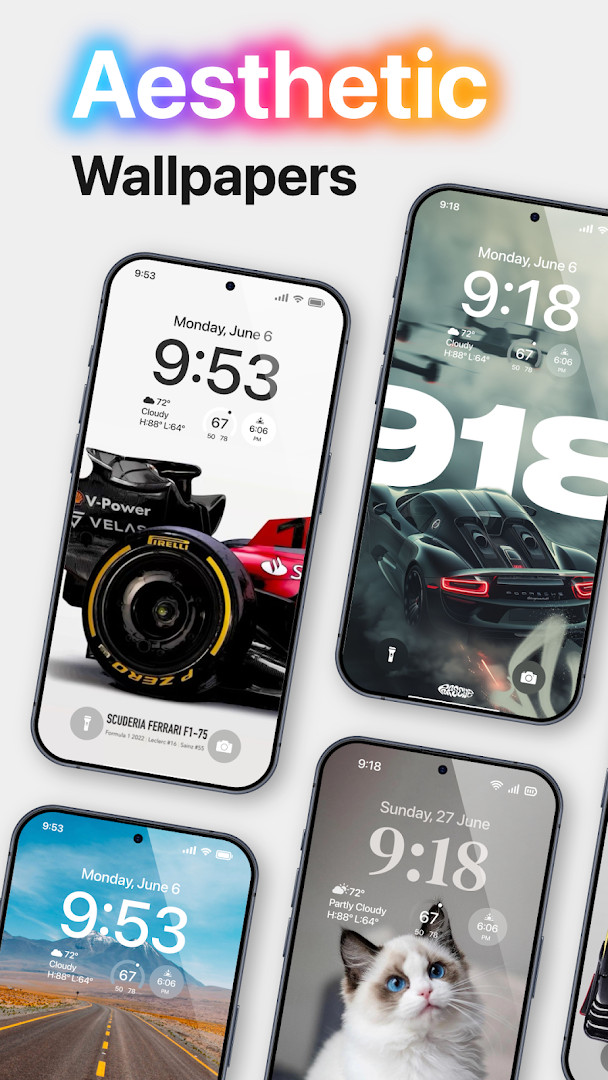
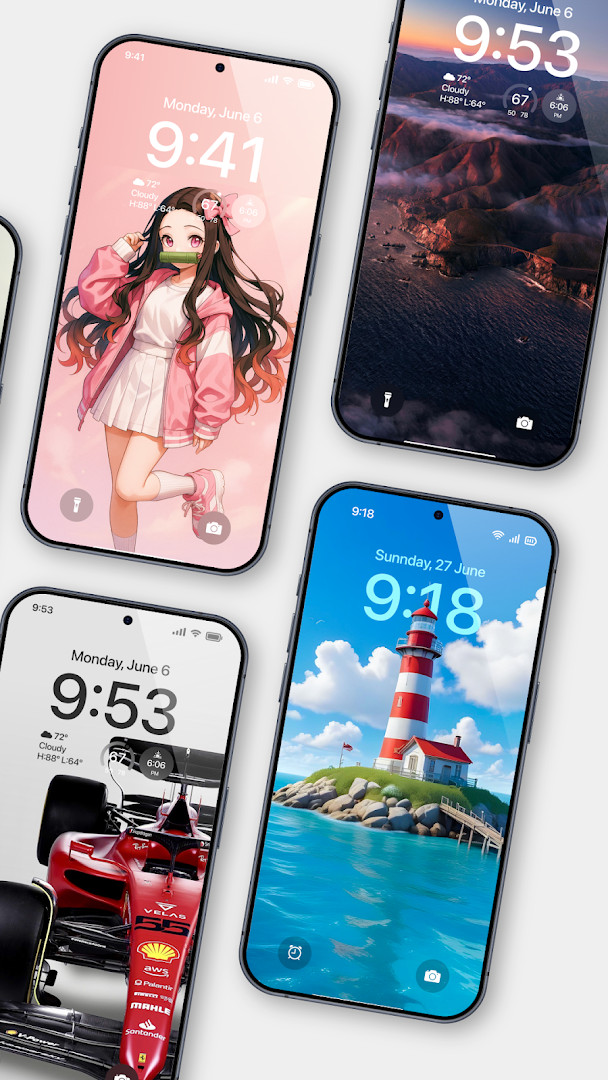
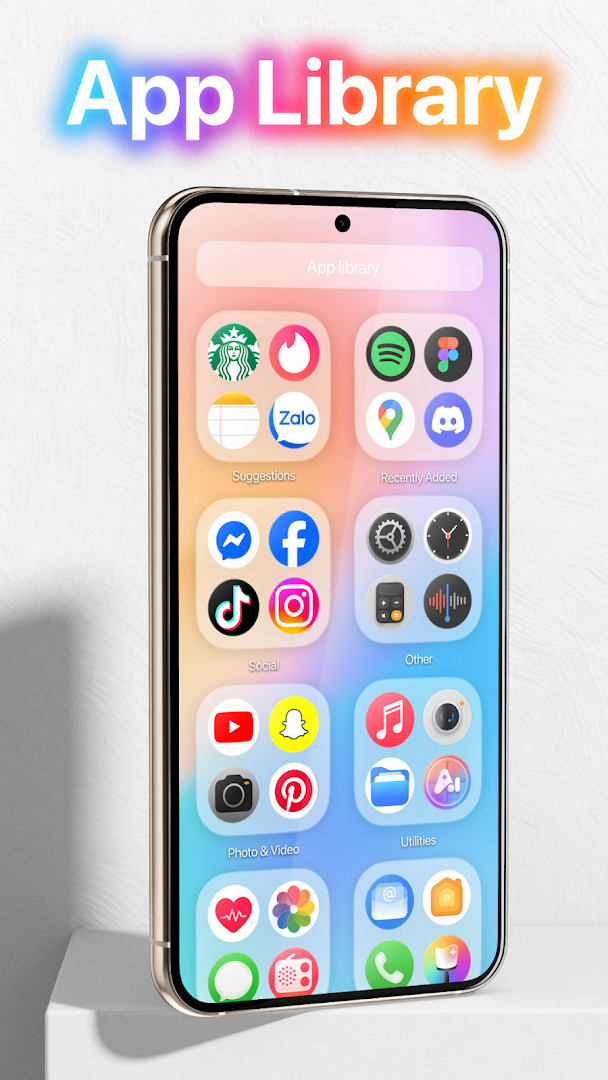
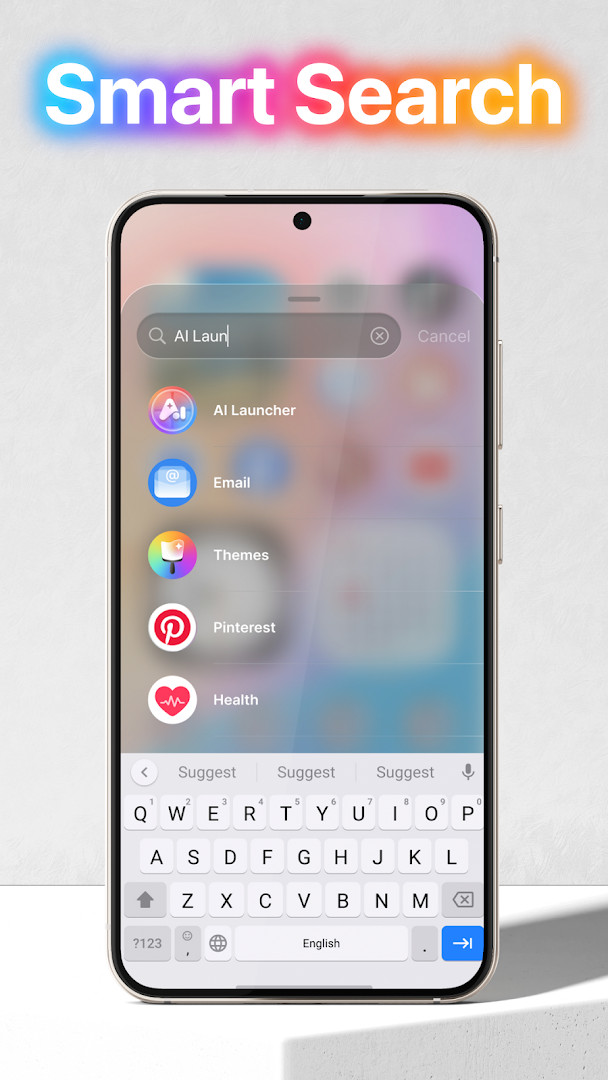
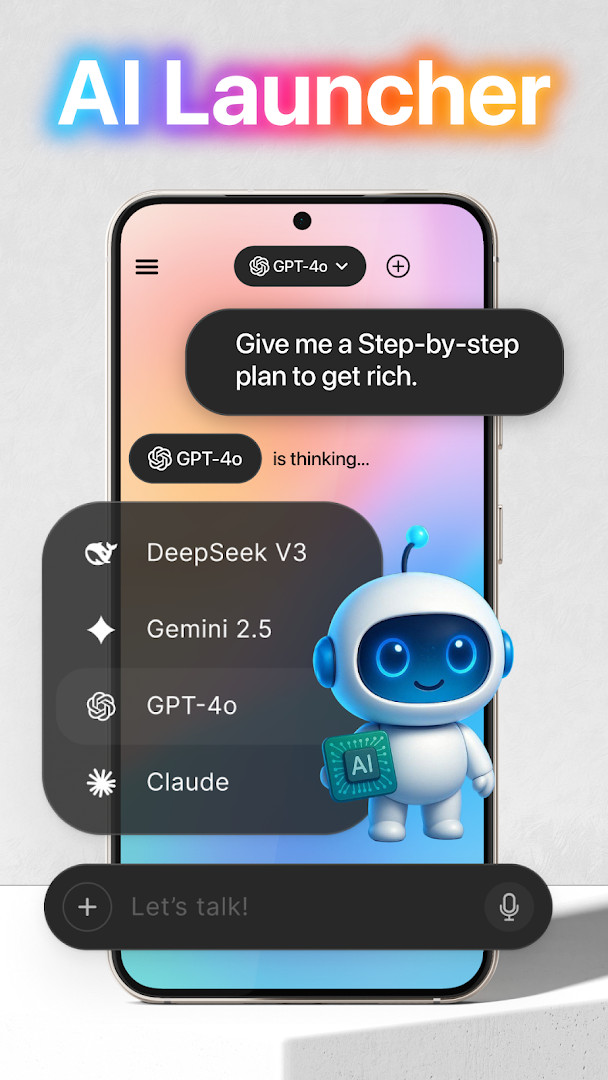
Launcher OSTM is a personalization app by Apps Genz that replaces the default home screen of Android devices with a customizable launcher and lock screen experience. It aims to make the phone simpler and more visually appealing while adding convenience features such as quick camera access, call and notification display on the lock screen, and a universal file search tool. The app is designed for users who want a more polished, feature-rich interface without moving to a different mobile platform. It targets anyone from casual users looking for a cleaner look to power users who appreciate deep customization and quick access to system functions. The launcher requires a set of special permissions to deliver its full functionality, including camera, phone state, notification access, storage, draw-over-screen, and microphone access for AI chat voice input. These permissions enable features like opening the camera from the lock screen, showing incoming calls and notifications, setting wallpapers from storage, overlaying the lock screen on other apps, and converting voice to text. With over 100 million installs and a rating of 4.39 from more than 1.8 million users, it has a substantial user base. The app is free but includes ads and in-app purchases, and it was first released in May 2020 with the latest update arriving in September 2026. It requires Android 8.0 or higher, and its file size is not specified in the available data. The app requests broad permissions, so users should review them carefully before installation, especially the manage external storage and microphone access, which are used for file search and AI chat respectively. This makes it a capable but permission-heavy choice for those who want an all-in-one launcher and lock screen solution.
Key features
- Lock screen camera shortcut: open the camera directly when the screen is locked
- Lock screen call display: show incoming phone calls while the screen is locked
- Lock screen notifications: display notifications on the lock screen
- Wallpaper support: set wallpapers from device storage or from the app's server
- Draw over screen: overlay the lock screen on top of other applications
- Universal file search: built-in tool to quickly find any file on the device
- AI chat with voice input: use the microphone to convert speech to text in the AI chat feature
How to install
- Tap the download button on this page to get the APK file (file size is not specified).
- When Android prompts, allow your browser or file manager to install apps by enabling the 'Install unknown apps' setting for that app.
- Open the downloaded APK file from your notifications or file manager.
- Tap 'Install' on the installation screen and wait for the process to complete.
- Open Launcher OSTM from your app drawer or home screen.
- Ensure your device runs Android 8.0 or higher to meet the minimum requirement.
Pros
- Highly rated with over 100 million installs
- Free to download with optional in-app purchases
- Combines launcher and lock screen features in one app
- Includes a universal file search tool
- Offers AI chat with voice-to-text input
- Regularly updated, with a recent version from September 2026
Cons
- Requires many sensitive permissions, including camera, microphone, and phone state
- Contains ads that may interrupt the experience
- Manage external storage permission could be a privacy concern
- In-app purchases may be needed for full functionality or to remove ads
Latest changes · 6.3.15
Launcher OSTM has been updated to version 6.3.15 (build 380). This release focuses on stability improvements to ensure a smoother and more reliable launcher experience on your device. If you have any issues, the developer encourages you to reach out for support.
Version history
| Version | Size | Requires Android | Updated |
|---|---|---|---|
| 6.3.15 | — | 8.0 | Sep 3, 2026 |
This app is for Android users who want a feature-rich launcher and lock screen replacement, especially those who value quick access to camera, calls, notifications, and file search, and who are comfortable granting broad permissions for a more integrated experience.
Before installing, review the permission list carefully and consider whether you are comfortable with the app accessing your camera, microphone, and storage. If you use the AI chat feature, be aware that voice input requires microphone access. For a smoother experience, you may want to explore in-app purchases to reduce ads, though the core launcher functions are available for free.
Permissions
FAQ
Is Launcher OSTM free to download?
Yes, the app is free to download and use. It does include ads and offers optional in-app purchases, but no upfront payment is required.
Which Android version do I need?
Launcher OSTM requires Android 8.0 or higher. The current version is 6.3.15, updated on September 3, 2026.
Does Launcher OSTM require an account to use?
No account is needed to install or use the launcher. You can download and start using it right away without signing up.
What permissions does Launcher OSTM request?
It requests access to camera, microphone, phone state, notifications, storage, and the ability to draw over other apps. These are used for features like showing calls and notifications on the lock screen, setting wallpapers, and voice-to-text in AI chat.
How do I update Launcher OSTM?
To update, simply download the newest version from this page and install it over your current version. The latest release is 6.3.15, dated September 3, 2026.
Is Launcher OSTM safe for everyone?
The app has a content rating of Everyone and has been downloaded over 100 million times. As with any app, review the requested permissions before installing to ensure you are comfortable with them.
Launcher OSTM offers a compelling blend of launcher and lock screen functionality with a strong track record of user adoption. While its extensive permission requirements and ads may give some users pause, its feature set and customization options make it a solid choice for those seeking a more capable home screen experience on Android.
Similar apps



Updated: Nov 9, 2026