Video Editor & Maker - InShot: Video and Photo Editing App
Video Editor & Maker - InShot is a video and photo editing app by InShot Video Editor that lets users trim, merge, add music, effects, and captions to create vlogs and social media content.
Video Editor & Maker - InShot offers a comprehensive set of editing tools, including AI-powered auto captions, speech-to-text, background removal, and smart tracking, alongside classic features like trimming, reversing, and keyframe animations.
Screen gallery
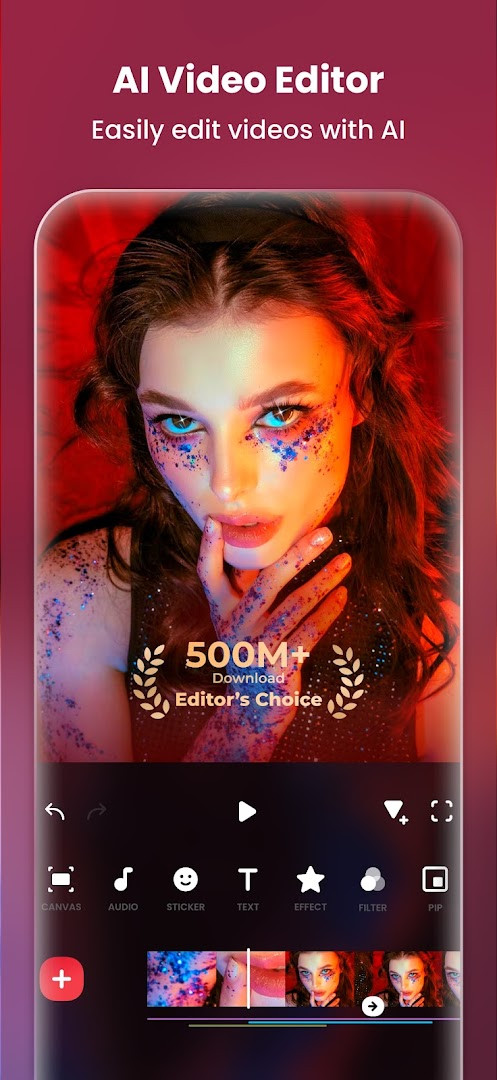
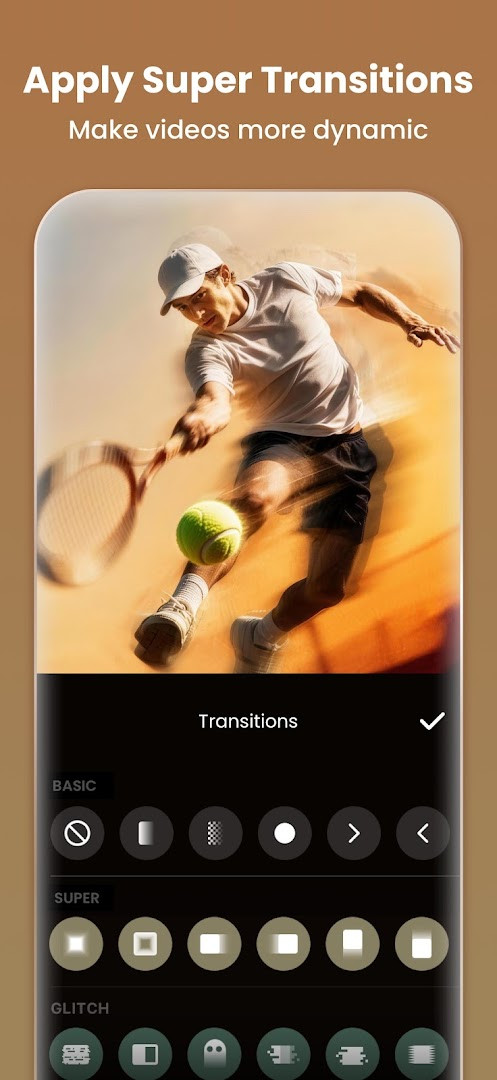
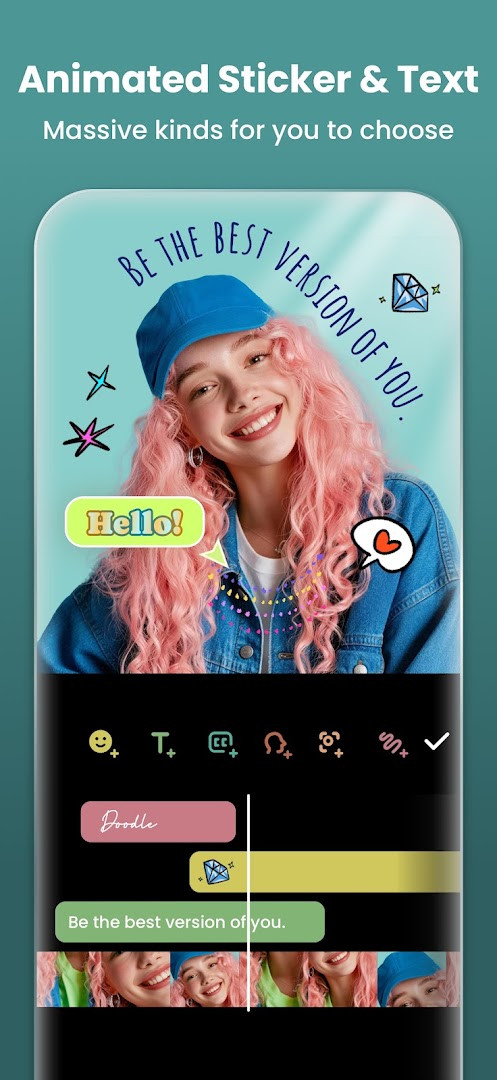
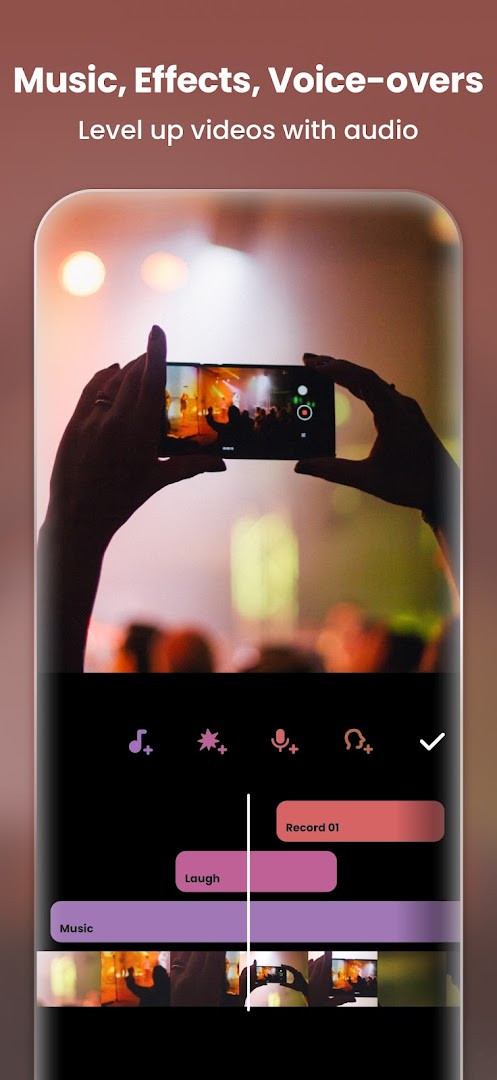
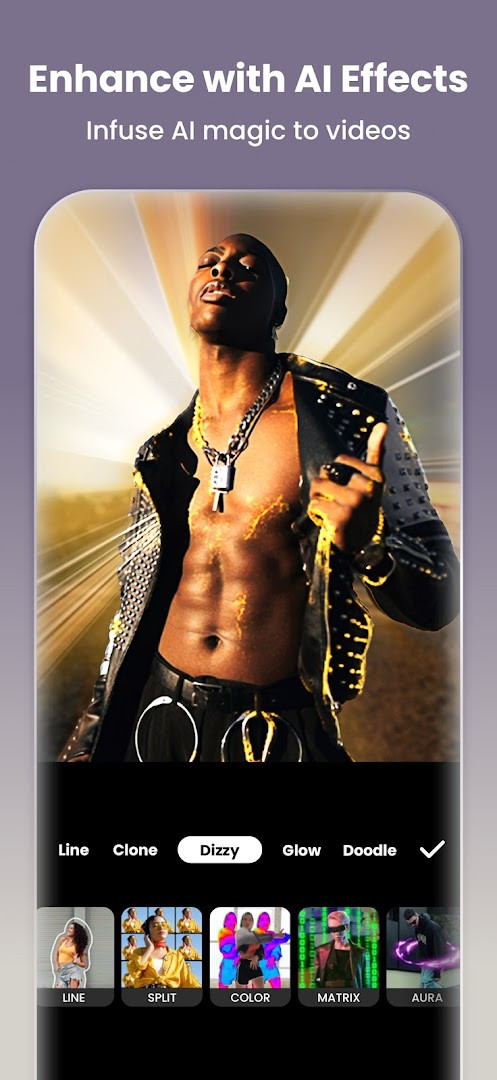
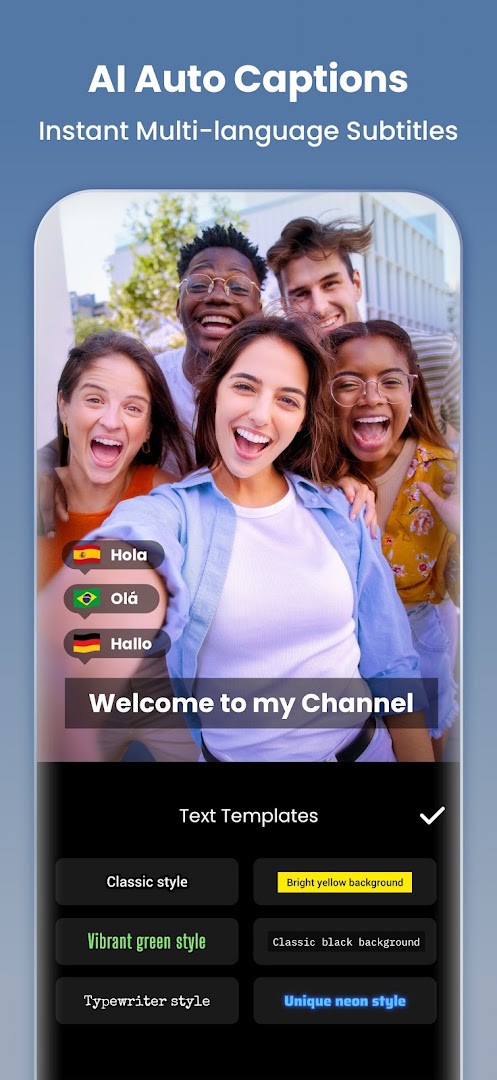
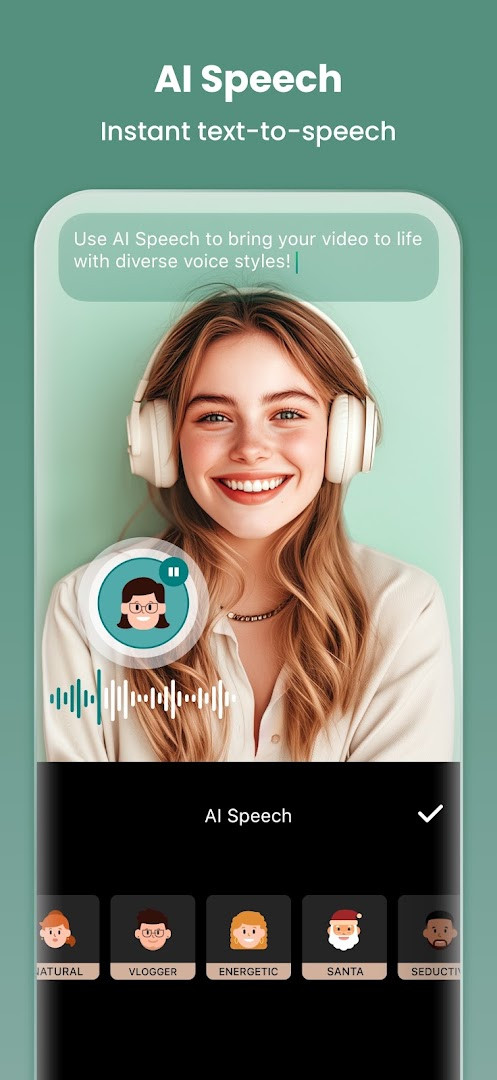
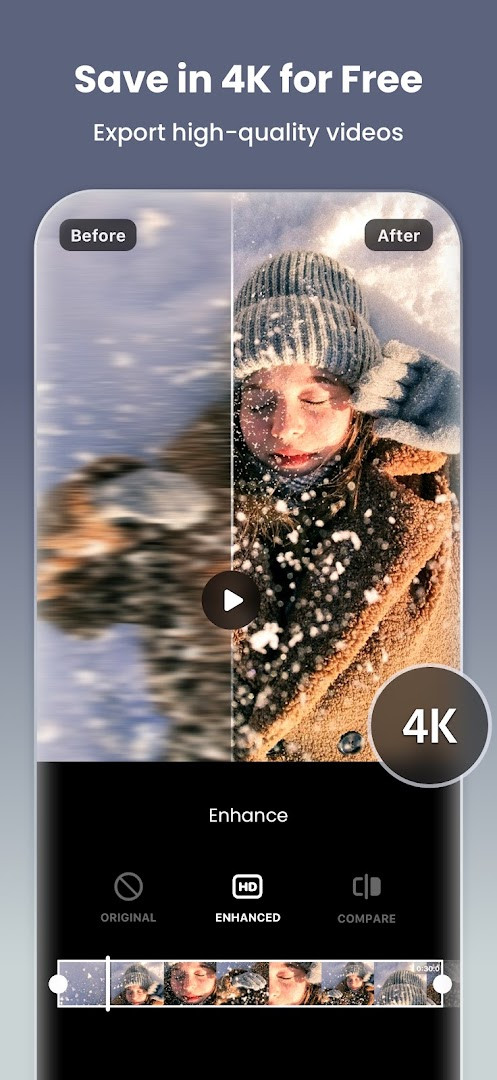
Video Editor & Maker - InShot is a video and photo editing application by InShot Video Editor that combines clip trimming, music, filters, transitions, and AI-assisted tools in a single package. It addresses the need for quick yet capable editing on a phone, letting users assemble vlogs, add captions, remove backgrounds, and export in high resolution without switching between multiple apps. The app solves this by offering a timeline-based editor alongside one-tap AI features, a large library of stickers and effects, and direct sharing options for social platforms.
Key features
- AI Auto Captions convert speech to text for fast subtitle creation
- AI Speech turns typed text into natural-sounding voiceovers with multiple accents
- One-tap Auto Remove Background for videos and photos
- Smart Tracking keeps stickers and text locked to moving objects
- Smooth Slow-mo produces buttery slow-motion clips
- Trim, merge, reverse, and speed-ramp video clips with keyframe animations
- Chroma key, picture-in-picture, and blend modes for layered compositions
- 4K 60fps export with custom resolution and aspect ratio presets
How to install
- Tap the download button on this page to get the APK file.
- When Android prompts, allow your browser or file manager to install apps by enabling the 'Install unknown apps' setting.
- Open the downloaded APK file from your notifications or file manager.
- Tap Install and wait for the process to finish.
- Open the app from your home screen or app drawer; the minimum Android version required is 8.0.
Pros
- Comprehensive toolset covering video, photo, collage, and canvas editing
- AI features like auto captions and background removal save time
- 4K 60fps export supports high-quality output
- Frequent updates with new effects and improvements
- Wide range of filters, transitions, and stickers for creative control
Cons
- Contains ads that can interrupt the editing flow
- In-app purchases are required to unlock the full feature set
- Requests access to photos, media, files, storage, and microphone
- Wi-Fi connection information is collected, which may concern privacy-minded users
Latest changes · 2.231.1551
The latest update of InShot introduces Audio Stickers, letting you add sound effects to stickers for more lively videos, plus Group Edit for Tracks, which allows you to adjust multiple audio tracks simultaneously. A new Hair Glow effect adds a natural shine to hair in your clips. The release also includes bug fixes and other general improvements for a smoother editing experience.
Version history
| Version | Size | Requires Android | Updated |
|---|---|---|---|
| 2.231.1551 | — | 8.0 | Sep 21, 2026 |
| 1.680.2300.yingYongBao | 50 MB | 5.0 | May 1, 2025 |
| 1.950.1411 | 70 MB | 6.0 | Jul 25, 2023 |
| 1.649.1282.HW | 44 MB | 4.3 | May 31, 2020 |
| 1.441.164 | 21 MB | 4.0 | Jun 19, 2017 |
| 1.416.142 | 20 MB | — | Mar 21, 2017 |
| 1.162 | 6.6 MB | — | Jul 11, 2014 |
This app suits experienced users who edit regularly on Android and want a single tool that handles both video and photo work. It appeals to social media creators producing content for Instagram, TikTok, YouTube, or WhatsApp, as well as hobbyists who need advanced features like keyframes, chroma key, and slow motion without jumping between separate editors. The AI tools also attract those who want to speed up repetitive tasks such as captioning or background removal, while the collage and photo enhancement modes broaden its usefulness beyond video.
Use the AI Auto Captions first, then fine-tune the text placement with Smart Tracking for a polished result. For slow-motion clips, record at a higher frame rate if your camera supports it, and experiment with speed ramping to make transitions feel more dynamic.
Permissions
FAQ
Does InShot include AI-powered tools, and if so, which ones?
Yes, InShot includes several AI-driven features. These include Auto Captions, which uses speech-to-text to add subtitles; AI Speech, which converts text into spoken audio with different accents; Auto Remove Background for one-tap background removal; Smart Tracking to make stickers and text follow moving objects; Smooth Slow-mo for fluid slow-motion effects; and AI Body Effects for one-tap presets.
What video export resolutions does InShot support?
InShot supports custom video export resolution, including HD pro video editor support for 4K 60fps export, allowing you to choose settings suited to your needs.
What new features were added in the latest update?
The latest update introduced Audio Stickers, which add sound effects to stickers; Group Edit for Tracks, enabling simultaneous editing of multiple tracks; and Hair Glow, which adds a natural shine to hair. It also included bug fixes and other improvements.
Can I edit photos as well as videos with InShot?
Yes, InShot is also a photo editor and collage maker. You can edit pictures and selfies, remove backgrounds, apply filters, adjust HSL, and create stylish Instagram story covers and posts. It also offers a photo grid collage maker supporting up to 20 photos and over 100 editable layouts, plus Freestyle, AI Blend, and Pic Stitch collage modes.
What permissions does InShot require?
InShot requires access to Photos/Media/Files, Storage, Microphone, and Wi-Fi connection information. These permissions support functions like importing media, recording voice-overs, and sharing content.
Video Editor & Maker - InShot is a feature-rich editing suite that covers most mobile creation needs, from quick social clips to layered compositions. While ads and in-app purchases are present, the depth of tools and AI assistance make it a strong choice for serious mobile editors.
Similar apps



Updated: Nov 9, 2026