Gallery: Photo and Video Gallery
Gallery is a photo and video gallery app by Google LLC that organizes your media automatically and works offline.
Gallery is a free photo and video gallery app from Google LLC, designed for Android users who want a fast and light way to manage their media. It distinguishes itself with automatic nightly organization by categories such as People, Selfies, and Documents, plus one-tap auto-enhance editing.
Screen gallery
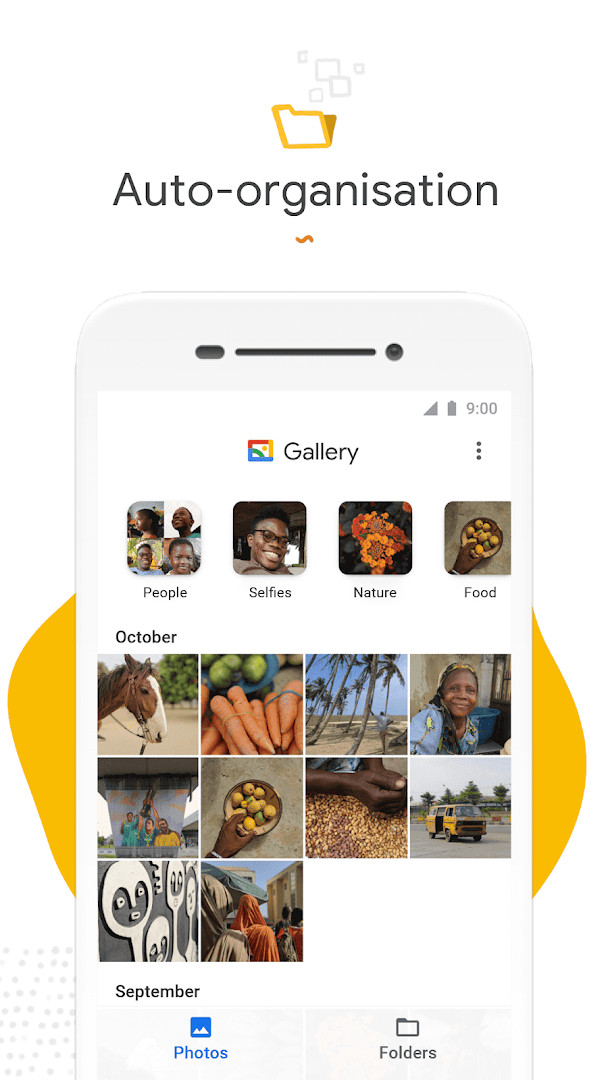
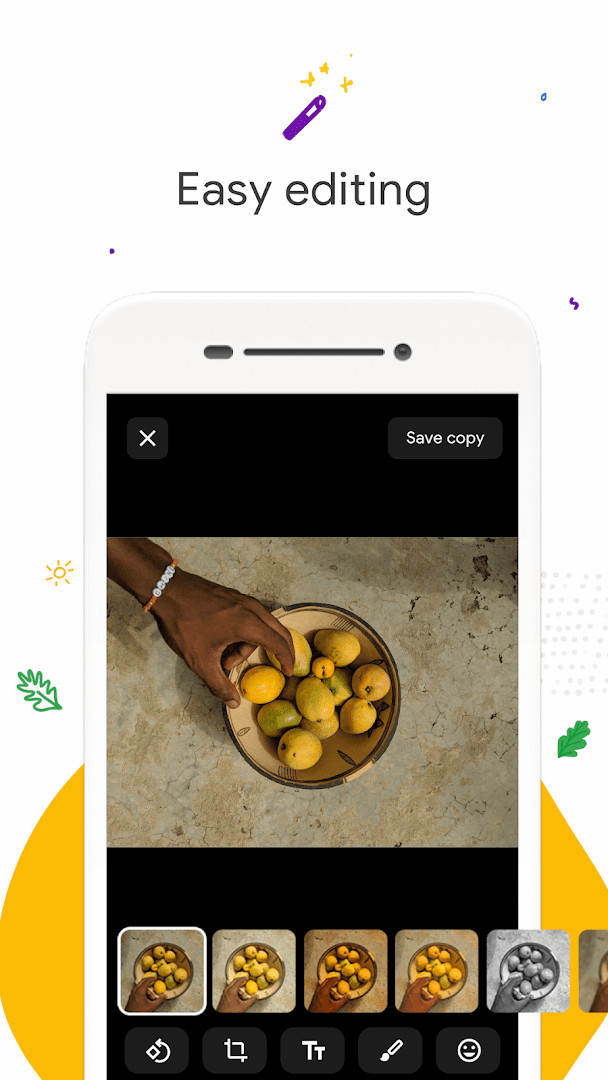
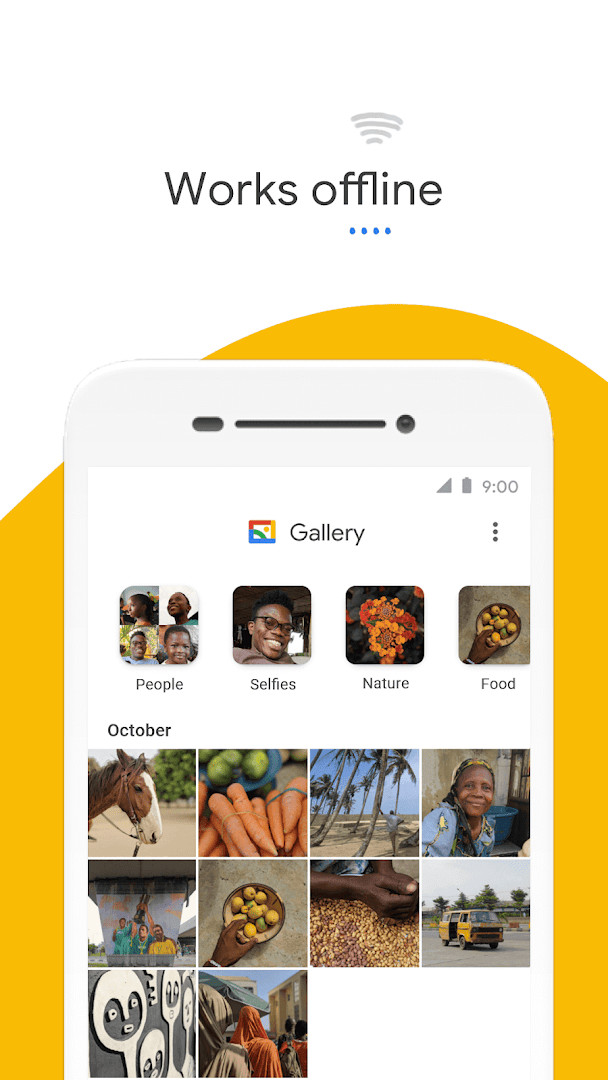
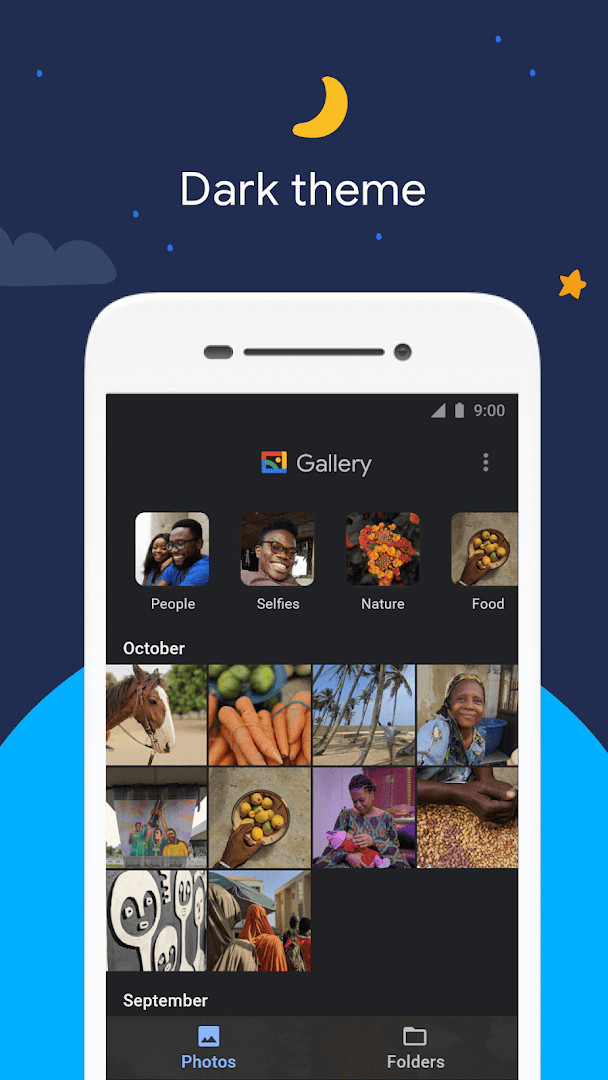
Gallery is a photography app by Google LLC that organizes and displays the photos and videos stored on your device. The everyday problem it addresses is simple but persistent: as a phone fills up with pictures, finding one specific shot turns into a long scroll through a single undifferentiated camera roll. Gallery tackles this by grouping content automatically, so your library is sorted into meaningful collections rather than one endless stream. It also keeps editing light and quick through tools such as auto-enhance, which improves a picture with a single tap instead of a manual adjustment session. Because the app is built to work offline and is deliberately small, it manages and stores your media without leaning on your data plan and without taking up much room on the phone itself. Folder-based organization and support for SD cards round out the experience, letting you arrange photos your own way and move them between internal storage and a memory card. First released on 2019-07-23, the app has since accumulated a large user base and a rating of 4.24 from 648687 ratings.
Key features
- Automatic nightly organization that groups photos by People, Selfies, Nature, Animals, Documents, Videos and Movies
- Face grouping that sorts images of the same person together, though it is not currently available in every country
- One-tap auto-enhance editing that aims to make photos look their best without manual adjustments
- Folder-based organization for arranging photos in whatever structure suits you
- Viewing, copying and transferring files to and from SD cards
- Offline operation, so managing and storing photos and videos does not consume mobile data
- A small file size and reduced memory use, which leaves more room for your own media and helps avoid slowing the phone down
How to install
- Tap the download button on this page to start getting the app.
- When Android asks for permission, allow your browser or file manager to install apps by enabling the Install unknown apps setting for that app.
- Open the downloaded APK file from your notifications or your file manager.
- Tap Install and wait for the process to finish.
- Open the app once installation completes. Note that the file size is n/a and the minimum supported Android version is 8.0.
Pros
- Free to use, with no ads and no in-app purchases
- Automatic grouping reduces the time spent searching for a specific photo
- Works offline, so browsing and managing media does not eat into your data allowance
- Small download and modest memory use suit phones with limited storage
- SD card support makes it easy to move media between internal storage and a memory card
- Rated 4.24 across 648687 ratings, with more than 1000000000 installs
Cons
- Requests access to Photos/Media/Files and Storage, which is necessary for a gallery but still broad
- Face grouping is not currently available in all countries, so results vary by region
- The most recent listed update is described only as bug fixes and minor improvements
Latest changes · 1.9.4.930218541 release
This release of Gallery includes bug fixes and minor improvements to enhance overall stability and performance. The update aims to provide a smoother and more reliable experience for managing and viewing your photos and videos.
Version history
| Version | Size | Requires Android | Updated |
|---|---|---|---|
| 1.9.4.930218541 release | — | 8.0 | Jun 24, 2026 |
| 1.9.2.712403868 release | 0.1 MB | 8.0 | Apr 3, 2026 |
| 1.0.7.280110503 release | 10 MB | 8.1 | Nov 14, 2019 |
This app suits anyone who keeps a growing collection of photos and videos on their phone and wants them sorted with minimal effort. It is a reasonable choice for people on limited data plans or with modest storage, since it works offline and stays small. Those who prefer to organize by folders or keep media on an SD card will find the relevant tools here, while anyone expecting a full professional editing suite should look elsewhere, as the editing side is intentionally simple.
Let the app run in the background so its nightly organization can complete and your collections stay current. If you shoot heavily, check the automatic groups occasionally and move outliers into folders you create yourself. Keep in mind that face grouping depends on your region, so a missing People group may simply reflect where you are.
Permissions
FAQ
How does automatic organization work in Gallery?
Each night, Gallery automatically groups your photos into categories such as People, Selfies, Nature, Animals, Documents, Videos, and Movies. This helps you find photos of friends or family more quickly. Note that face grouping is not currently available in all countries.
What photo editing tools are included?
Gallery includes easy-to-use photo editing tools, including an auto-enhance feature that improves the look of your photos with a single tap.
Does Gallery support SD cards?
Yes, you can use folders to organize photos as you like, and you can view, copy, and transfer photos and videos to and from SD cards.
How does Gallery help save data and storage?
Gallery is optimized to work offline, so you can manage and store photos and videos without using much mobile data. It also comes in a small file size and uses less device memory, helping your phone stay fast.
Can I organize photos into custom folders?
Yes, Gallery lets you use folders to organize photos in any way you want, in addition to the automatic nightly grouping by categories.
Gallery is a lightweight, free way to keep a large photo and video collection in order without spending data or storage. It covers the basics well, and its automatic sorting and simple editing tools make everyday browsing noticeably easier.
Similar apps


More from this developer
 Gboard - the Google KeyboardGoogle LLC · ★ 4.5 · Tools · 9.4 MB
 Google CalendarGoogle LLC · ★ 4.6 · Productivity · 33 MB
 Google TVGoogle LLC · ★ 3.9 · Entertainment · 40 MB
 GoogleGoogle LLC · ★ 4.0 · Tools · 156 MB
 Google DriveGoogle LLC · ★ 4.3 · Productivity · 124 MB
 YouTubeGoogle LLC · ★ 3.8 · Entertainment · 199 MB
Updated: Oct 24, 2026