Samsung Gallery: Photo and Video Viewer
Samsung Gallery is a Photography app by Samsung Electronics Co., Ltd. that lets you view, organize, and manage images and videos on Galaxy devices.
Samsung Gallery offers enhanced security, cloud sync across devices, and fast viewing for Galaxy users. It is free, requires Android 11 or higher, and has a download size of 51 MB. The app supports editing story covers and searching by long-pressing the app icon.
Screen gallery
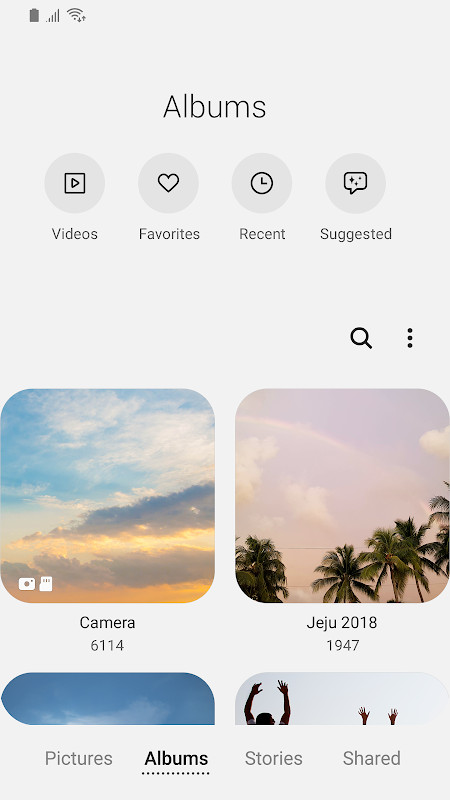
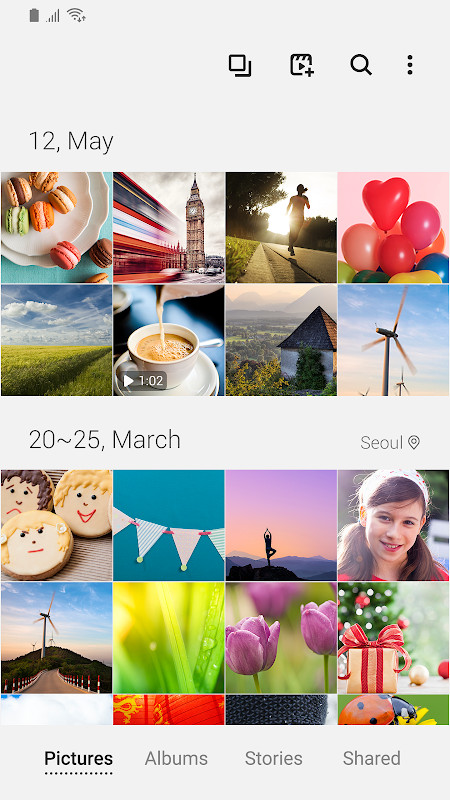
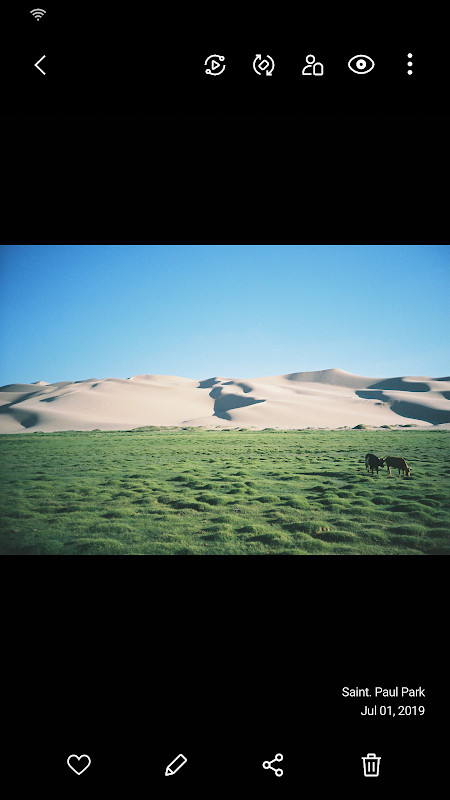
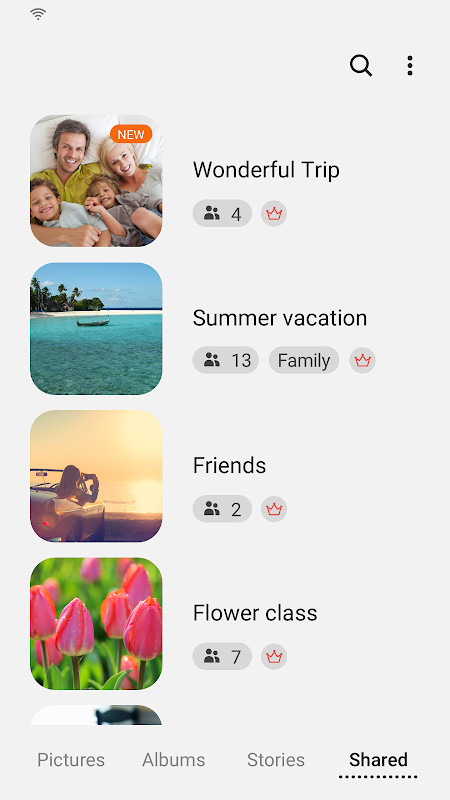
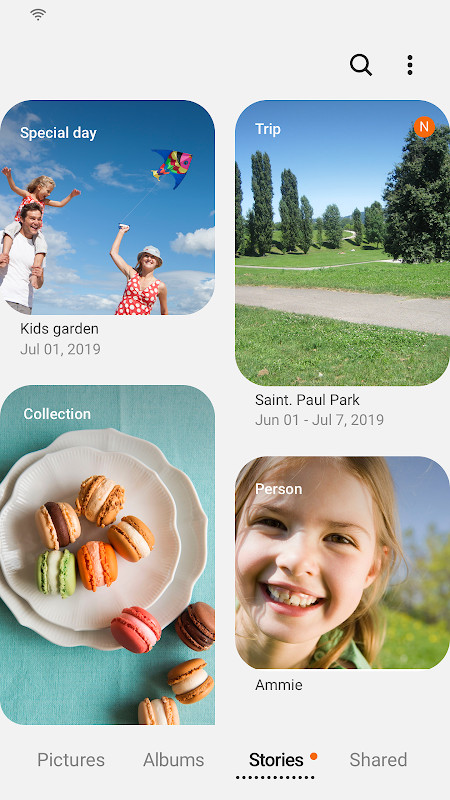
Samsung Gallery is a photo and video management application by Samsung Electronics Co., Ltd. that provides fast viewing, organization, and cloud synchronization for Galaxy device users. It addresses the need for a streamlined media library that can handle large collections of images and videos while offering security and cross-device access. The app solves this by combining local storage management with optional Samsung Cloud sync, allowing users to sign in to the same account to access their media anywhere. It also includes enhanced security features to protect private files, and it can be updated to experience new Gallery capabilities introduced with recent Galaxy devices. Some features may vary depending on country and device, and the app requires storage access to save, load, edit, and delete pictures and videos. Optional permissions cover telephone identification for Samsung Cloud, contacts for People name tags, and location for editing location information. The latest update includes termination of the Story sharing service and adds story cover editing, swipe-up details, and a long-press search shortcut on the app icon.
Key features
- Fast image and video viewing optimized for Galaxy devices
- Enhanced security to help protect images and videos
- Cloud sync via Samsung Cloud when signed in to the same account
- Story cover image editing capability
- View details by swiping up on the detail view screen
- Open the Search menu by touching and holding the Gallery app icon
- Storage permission for saving, loading, editing, and deleting media
- Optional location editing for media location information
How to install
- Tap the download button on this page to get the APK file (51 MB).
- When Android prompts, allow your browser or file manager to install apps by enabling the 'Install unknown apps' setting.
- Open the downloaded APK file from your notification or file manager.
- Tap Install and wait for the installation to complete.
- Open Samsung Gallery from your app drawer.
- Ensure your device runs Android 11 or higher.
Pros
- Designed specifically for Galaxy devices
- Cloud sync for accessing media across devices
- Enhanced security for protecting private files
- Regular updates bring new Gallery features
- Supports fast viewing of images and videos
Cons
- Some features are not available depending on country and device
- Requires storage permission for core functionality
- Optional permissions include location, contacts, and telephone access
- Story sharing service has been terminated
- Large number of permissions requested in the manifest
Latest changes · 15.7.02.0
Samsung Gallery version 15.7.02.0, released on April 15, 2026, introduces a few notable changes. The Story sharing service has been discontinued, so any stories you previously shared will be removed, while unshared stories remain unaffected. You can now also edit story cover images, swipe up on the detail view to see more information, and open the Search menu by pressing and holding the Gallery app icon.
Version history
| Version | Size | Requires Android | Updated |
|---|---|---|---|
| 15.1.00.900 | 35 MB | 9 | May 1, 2026 |
| 15.7.02.0 | 51 MB | 11 | Apr 15, 2026 |
| 15.7.01.0 | 51 MB | 11 | Mar 27, 2026 |
| 15.6.04.2 | 49 MB | 11 | Jun 21, 2025 |
| 10.0.00.16 | 11 MB | 7.0 | Nov 3, 2018 |
This app is intended for Samsung Galaxy smartphone users who want a dedicated gallery application that integrates closely with the Samsung ecosystem. It suits individuals who value fast media browsing, cloud backup through Samsung Cloud, and enhanced security for their photos and videos. It is also useful for those who want to stay current with the latest Gallery features introduced on newer Galaxy devices, though users in certain countries or on specific devices may not have access to all capabilities.
To get the most out of cloud sync, sign in with the same Samsung account on all devices where you want your media available. You can quickly access search by long-pressing the Gallery app icon on your home screen.
Permissions
FAQ
What changed in the latest update of Samsung Gallery?
Version 15.7.02.0, released on 2026-04-15, ends the Story sharing service, so all shared stories are removed while unshared stories remain. It also adds story cover image editing, lets you view details by swiping up on the detail view screen, and opens the Search menu when you touch and hold the Gallery app icon.
Which Android version do I need to run Samsung Gallery?
Samsung Gallery requires Android 11 as the minimum OS version. The current version is 15.7.02.0, the app is about 51 MB in size, and it was first released on 2025-12-03.
What permissions does Samsung Gallery request?
Storage is a required permission, used to save, load, edit, and delete pictures and videos. Optional permissions include Telephone (to check device-unique identification information for Samsung Cloud), Contacts (to get contact info when adding name tags to People), and Locations (to provide current location when editing location information).
Does Samsung Gallery support cloud sync?
Yes, you can access your images and videos anywhere through cloud sync by signing in with the same account, provided Samsung Gallery is installed on the device. Note that some features may not be available depending on your country and device.
How widely used is Samsung Gallery and how is it rated?
Samsung Gallery has been installed 1,000,000,000 times and currently holds a rating of 3.81 based on 384 ratings. It is listed with a content rating of Everyone and is free to use, with an update dated 2026-04-15.
Samsung Gallery offers a solid, feature-rich media management experience for Galaxy users, with cloud sync and security as key benefits. However, its feature availability varies by region and device, and the app requests a broad set of permissions, so users should review them carefully.
Similar apps


More from this developer


Updated: Nov 4, 2026