Google Drive: Cloud File Storage
Google Drive is a free productivity app by Google LLC that lets you store, organize, and share files and folders across devices.
Google Drive occupies 124 MB and runs on Android 8.0 and above. The app is free to use, shows no ads, and offers optional in-app purchases such as Google One storage plans starting at $1.99 per month for 100 GB in the US. Google Drive suits anyone who needs cloud file storage, document scanning, offline viewing, or team collaboration.
Gallery
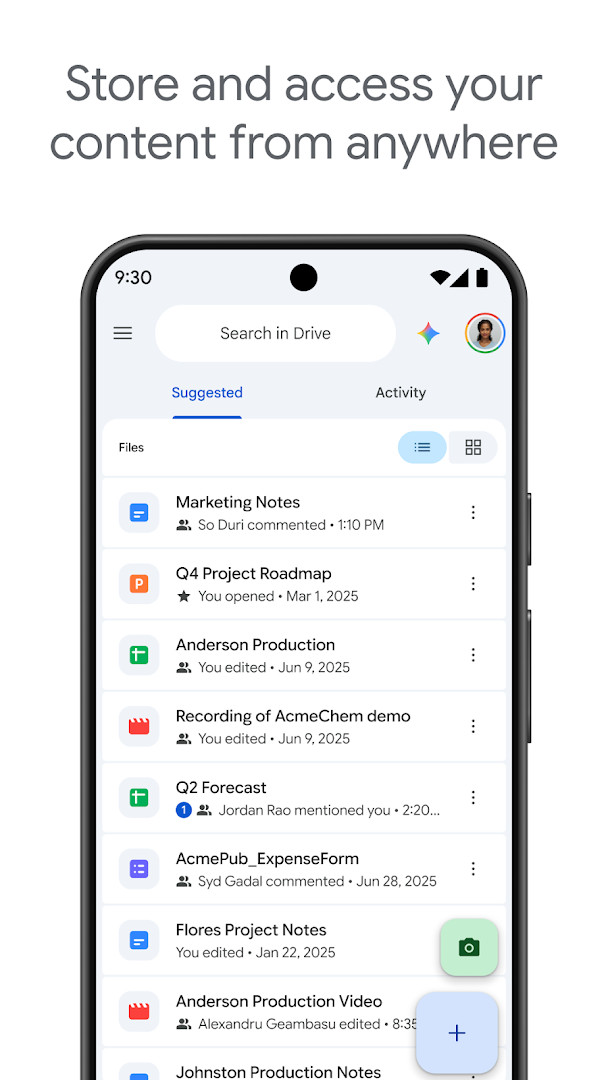
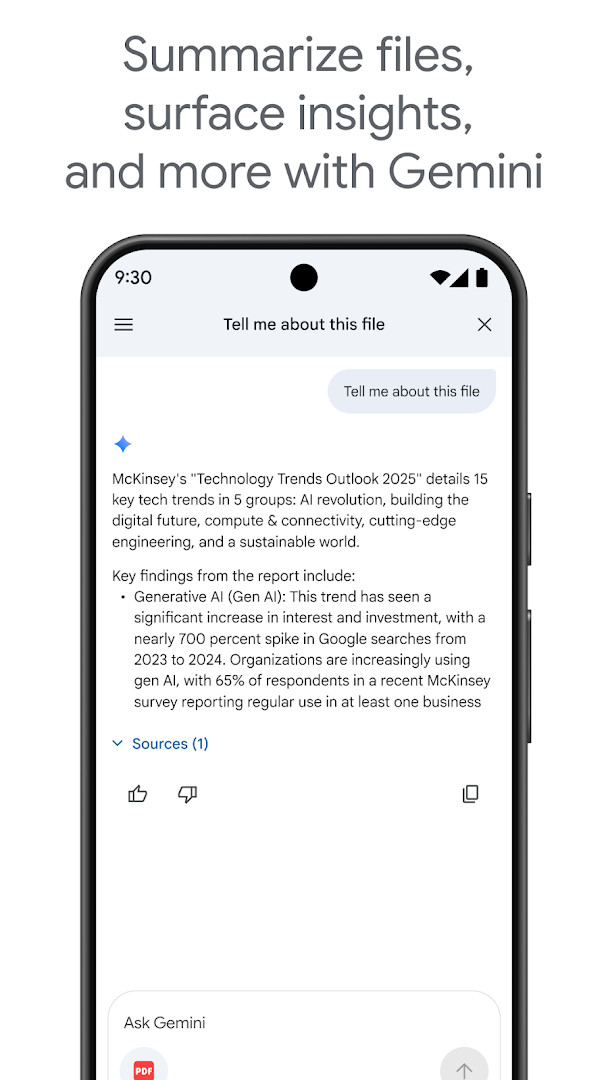
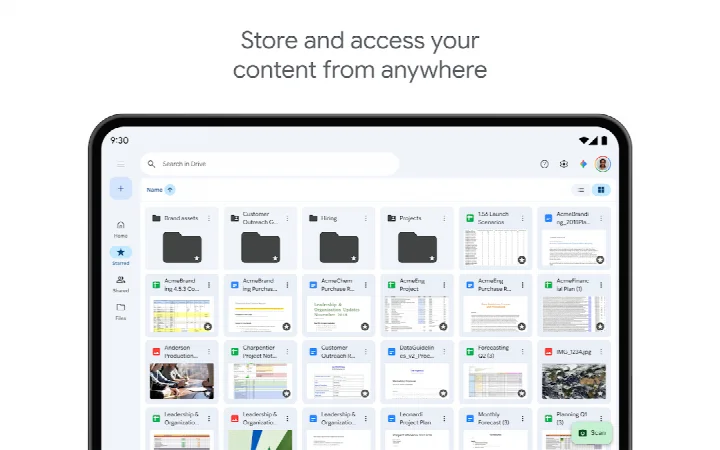
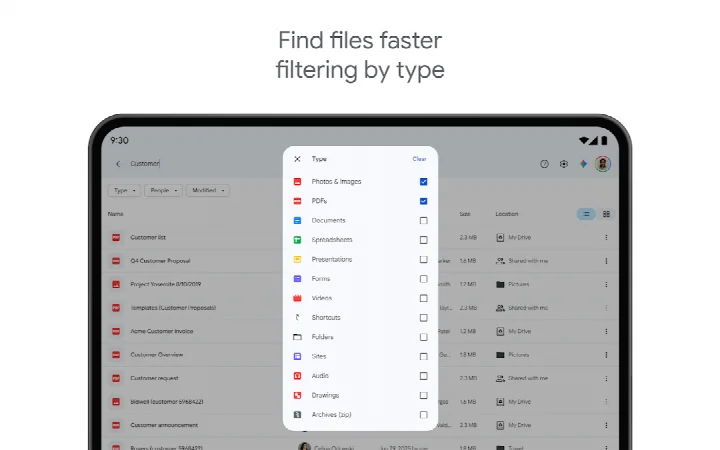
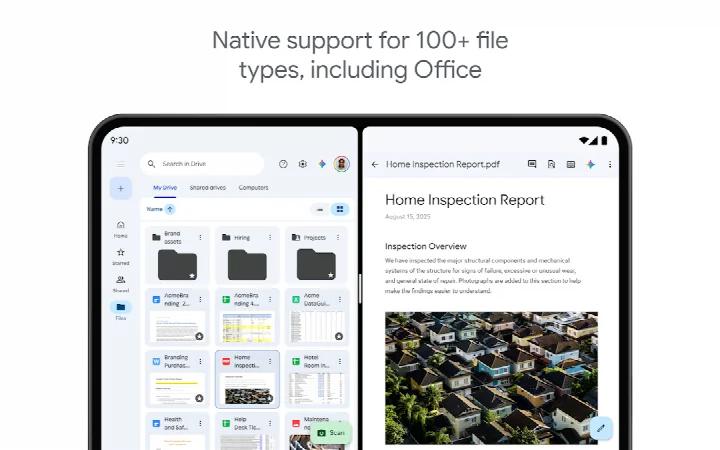
Google Drive is a cloud storage and file synchronization service by Google LLC that lets you store, access, and share files and folders from any device. It is part of the Google Workspace suite and is designed for both personal and professional use, enabling secure storage, organization, and collaboration on documents, images, videos, and more.
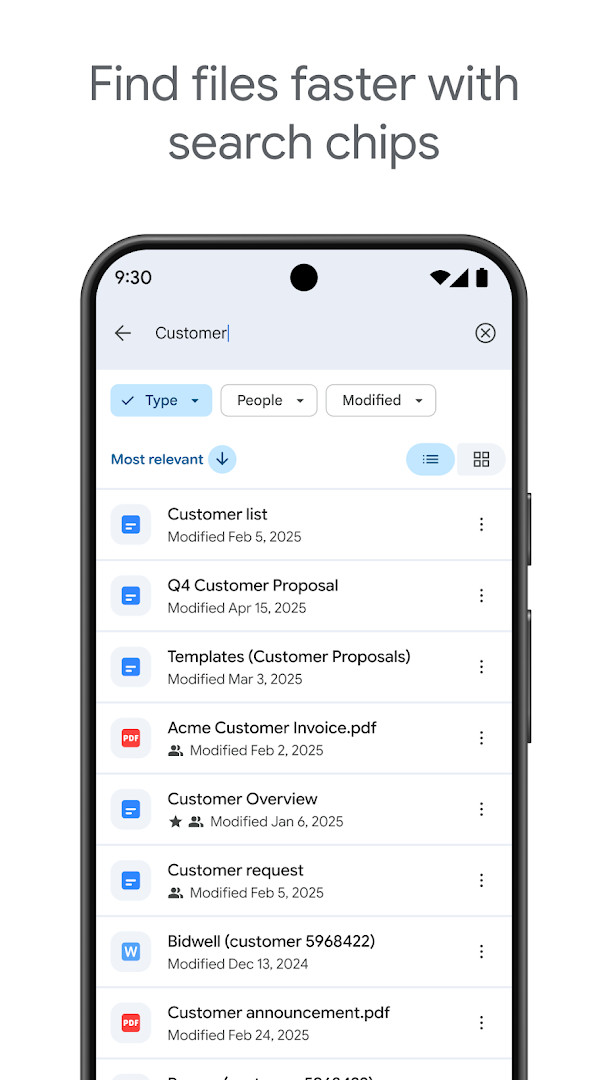
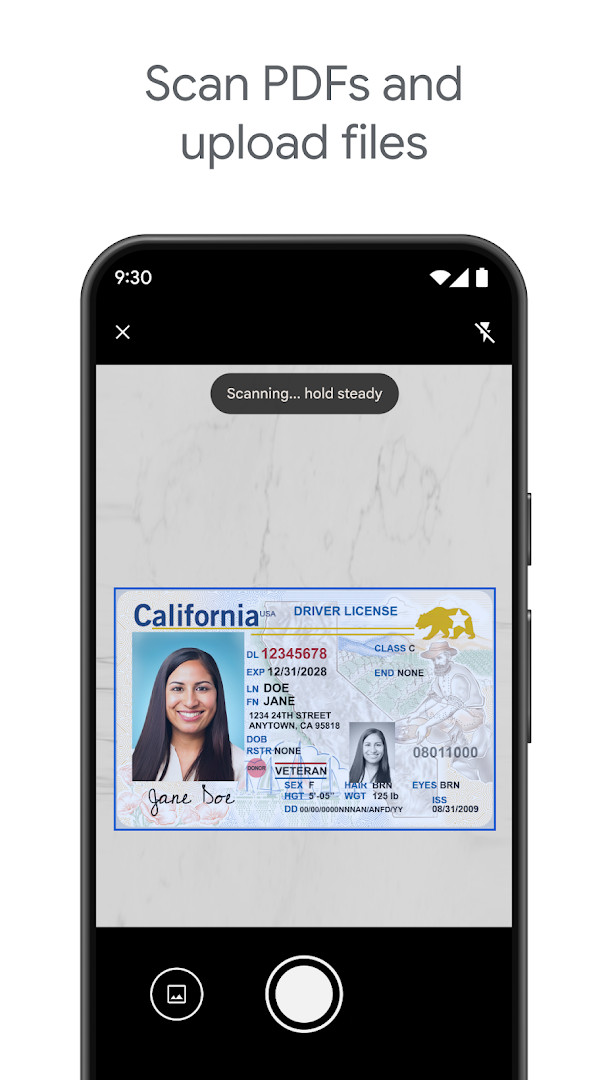
The app supports more than 100 file types, including PDFs, Office files, and videos, and allows you to edit them directly from your device. You can scan paper documents using your camera, quickly access recent and important files, and search by file name or content. Sharing is straightforward: you set permissions for who can view, comment, or edit your files and folders. Notifications keep you informed about activity on shared items, and offline access lets you view content without an internet connection.
For Android tablets, Google Drive offers a side-by-side view and drag-and-drop functionality, making it easier to manage files on larger screens. Google Workspace subscribers gain additional capabilities, such as AI-powered summaries and insights, admin security controls, shared drives, and e-signature requests. A free Google account includes 15 GB of storage shared across Drive, Gmail, and Google Photos, with options to upgrade to Google One for more space (subscriptions in the US start at $1.99/month for 100 GB). The app is free to download, contains no ads, and includes in-app purchases for additional storage.
Key features
- Store and access files securely from anywhere
- Edit and store over 100 file types, including PDFs, Office files, and videos
- Scan and upload paper documents using the device camera
- Quickly access recent and important files
- Search for files by name and content
- Filter files by type, last modified date, and more
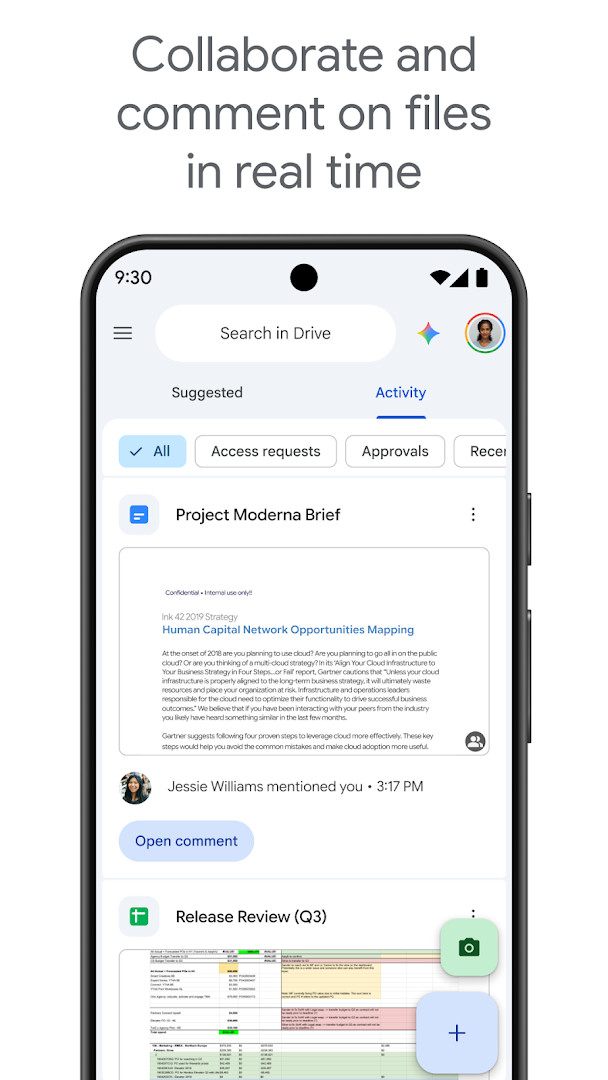
- Share files and folders with customizable permissions
- View content offline
- Receive notifications about important file activity
- Tablet support with side-by-side view and drag-and-drop
How to install
- Tap the download button on this page to get the APK file (124 MB).
- When Android prompts, allow your browser or file manager to install apps from unknown sources by enabling the 'Install unknown apps' setting.
- Open the downloaded APK file from your notification bar or file manager.
- Tap 'Install' when the installer screen appears.
- Wait for the installation to complete, then tap 'Open' to launch Google Drive.
- Ensure your device runs Android 8.0 or higher before installing.
Pros
- Supports a wide range of file types
- Offline access to files
- Seamless integration with Google Workspace
- Free 15 GB storage for all Google accounts
Cons
- Requires a Google account to use
- In-app purchases needed for additional storage
- Permissions include access to contacts, media, and camera
Fresh Updates
The recent update, version 2.26.387.0 from September 24, 2026, addresses bug fixes and performance improvements.
Older Releases
| Version | Size | Requires Android | Updated |
|---|---|---|---|
| 2.26.387.0.all.alldpi | 124 MB | 8.0 | 24.09.2026 |
Google Drive is suitable for individuals, students, and professionals who need reliable cloud storage and file sharing, especially those already using Google Workspace or Android devices.
To make the most of Google Drive, enable offline access for important files before traveling, and use the camera scan feature to digitize paper documents. Consider upgrading to a paid plan if you regularly exceed the free 15 GB storage.
Access Permissions
Common Queries
What does the free storage allowance include and how can I get more?
Every Google account includes 15 GB of storage, which is shared across Google Drive, Gmail, and Google Photos. If you need additional space, you can upgrade to Google One through an in-app purchase, with US subscriptions starting at $1.99 per month for 100 GB, though pricing can vary by region.
Can I work with files that aren't Google's own formats?
Yes, Google Drive supports editing and storing more than 100 file types, including PDFs, Office files, and videos. This means you can keep and even modify a wide range of document formats directly within the app.
Is it possible to access my files without an internet connection?
Google Drive allows you to view your content while offline, so you can still access important files even when you don't have a connection. This makes it easier to work on the go without worrying about being disconnected.
What extra features are available to Google Workspace subscribers?
Subscribers to Google Workspace get additional Drive functionality, such as using AI to summarize information and surface insights from your files, admin security and management controls for data compliance, sharing files directly with groups within your organization, creating shared drives for team content, and requesting electronic signatures for agreements and contracts.
How does the app support working on tablets?
On Android tablets, Google Drive offers a side-by-side view and drag-and-drop functionality, making it easier to view and manage your files on a larger screen.
Google Drive is a robust cloud storage and collaboration tool that integrates well with Android and Google Workspace. With its extensive file type support, offline capabilities, and sharing features, it remains a solid choice for managing digital content. The free tier offers ample storage for most users, and paid upgrades provide additional space and advanced functionality.
Related Apps


Other Apps by Developer


Updated: 24.10.2026