Booking.com: Hotels & Travel - Book Your Trip
Booking.com: Hotels & Travel is a free travel app by Booking.com Hotels & Vacation Rentals that lets you book accommodations, flights, car rentals, taxis, and experiences.
Booking.com: Hotels & Travel requires Android 10 or higher, contains no ads and no in-app purchases, and was updated on November 6, 2026. The app serves travelers who want to book hotels, apartments, flights, and car rentals, with free cancellation at most properties and 24/7 customer service in more than 40 languages.
Screen gallery
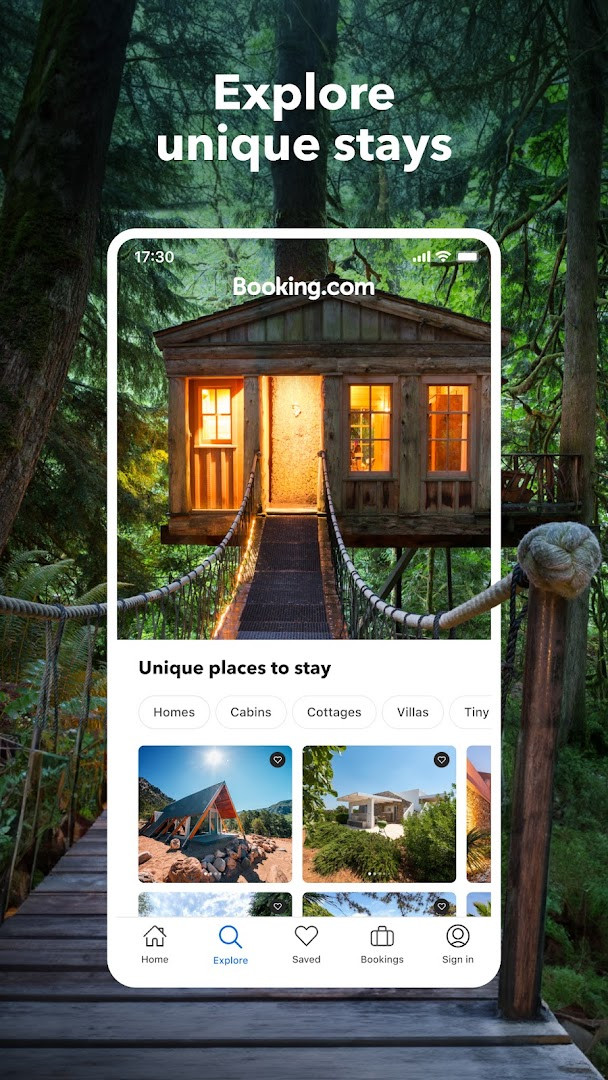
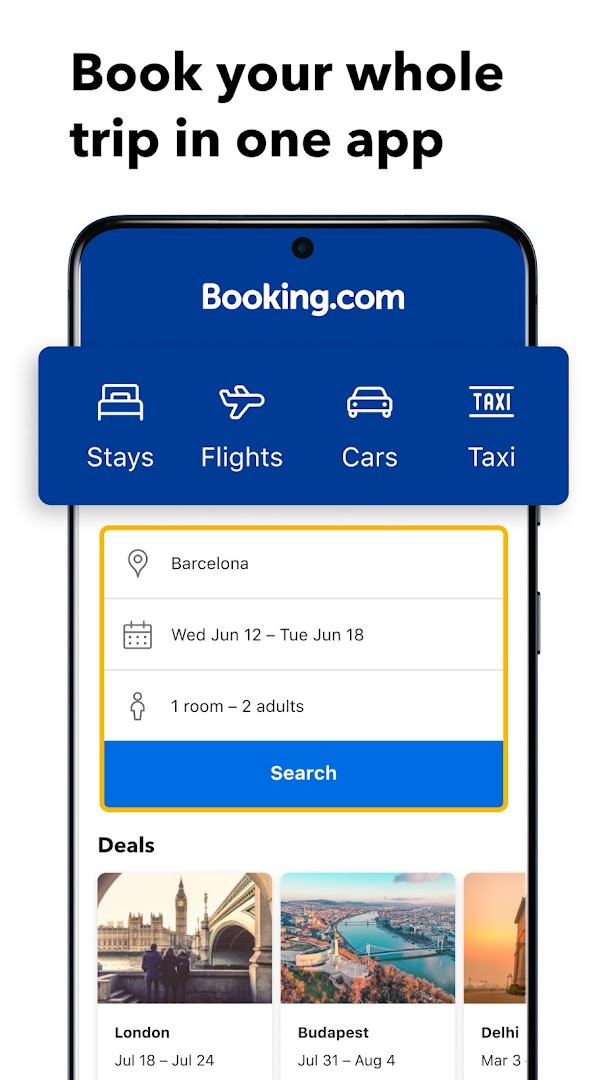
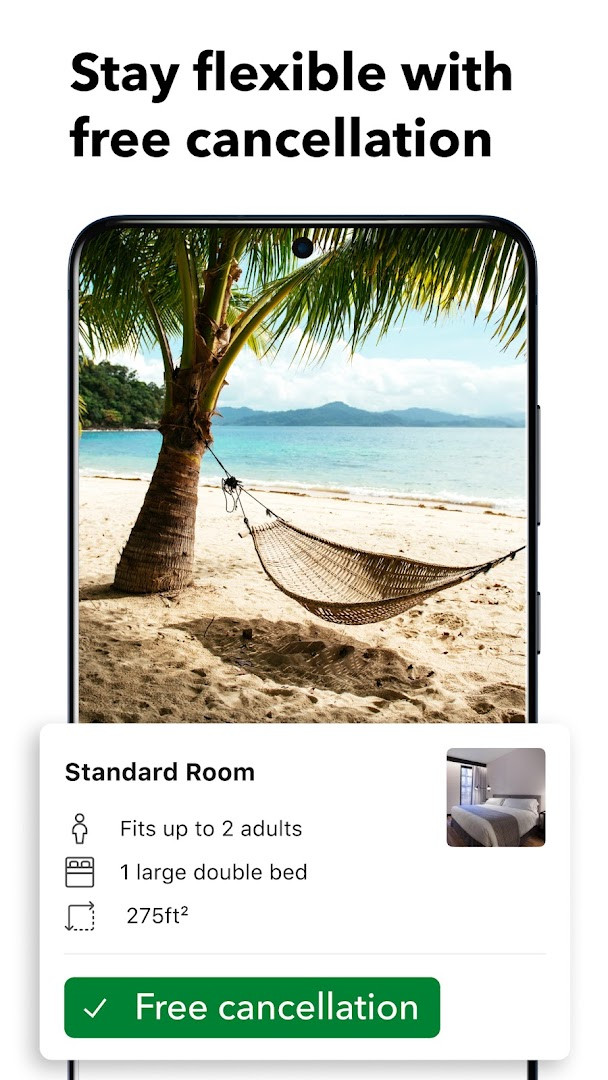
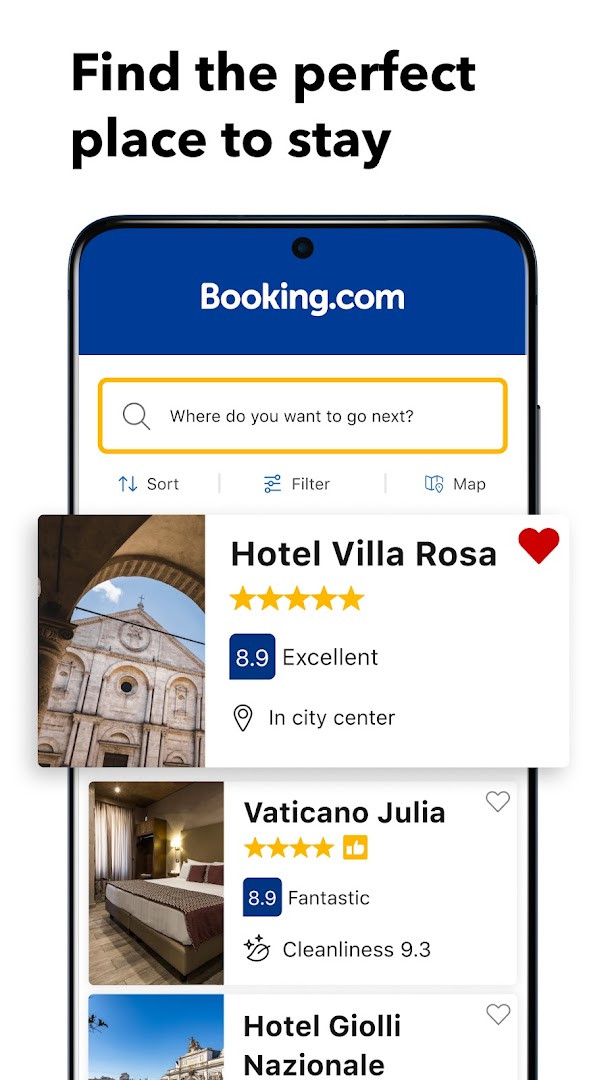
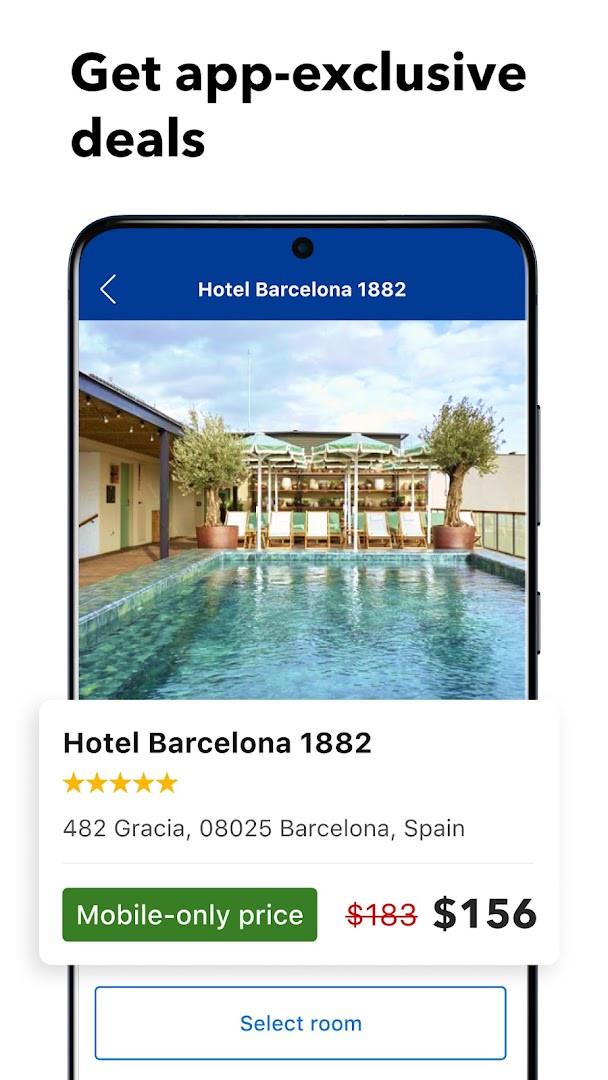
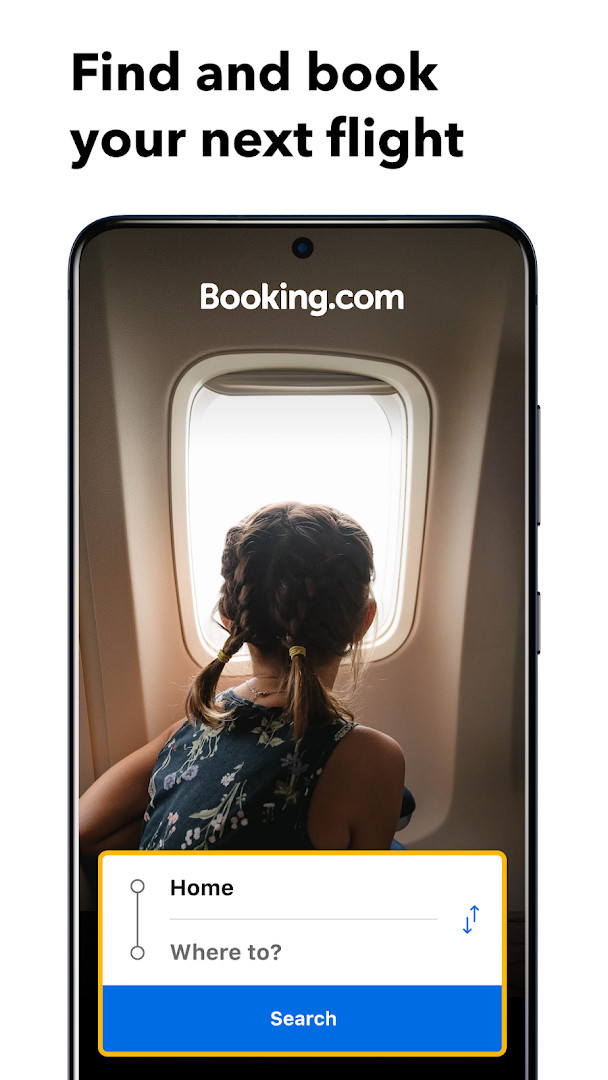
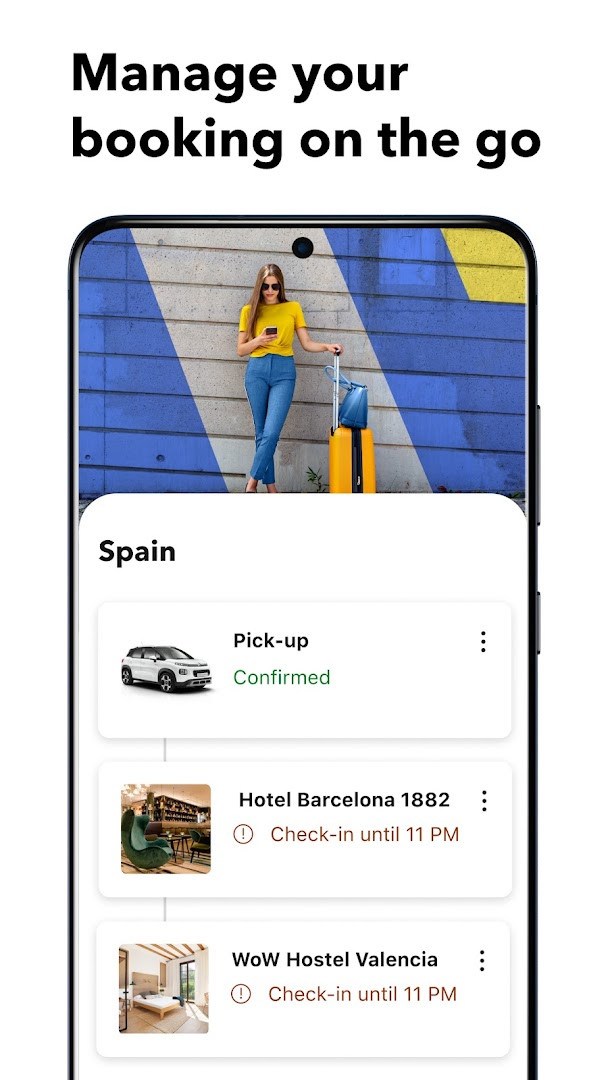

Booking.com: Hotels & Travel is a travel and maps app by Booking.com Hotels & Vacation Rentals that lets you book accommodations, flights, car rentals, taxis, and experiences in one place. Originally released in 2011, the app has evolved into a comprehensive trip planner used by hundreds of millions of travelers. With version 70.8, it targets Android 10 and newer devices, offering a broad range of booking tools for both leisure and business trips. The app is designed to simplify the entire travel workflow: you can search millions of hotels, apartments, homes, villas, and hostels, apply detailed filters, compare options side by side, and complete a reservation in minutes. Beyond lodging, it handles airfare across major airlines, car hire from leading companies, airport transfers, and attraction or tour tickets, so you can manage multiple components of a journey without switching apps. Free cancellation at most properties and 24/7 customer service in over 40 languages reduce the risk of booking, while mobile-only discounts of 10% or more on select stays reward in-app reservations. For experienced travelers who value flexibility and efficiency, the app also provides paperless confirmations, on-the-go booking management, and travel community forums for local advice. The interface is filter-heavy, letting you narrow by price, review score, WiFi quality, pet-friendliness, or specific landmarks, which suits users who know exactly what they want. With no booking fees and no credit card charges, it positions itself as a cost-effective hub for trip planning, though its extensive permission set (identity, location, contacts, camera, microphone, storage, and more) warrants attention from privacy-conscious users. The app's longevity and high install base reflect its maturity, but the current version's bug fixes and performance improvements suggest ongoing refinement rather than major new features. Overall, it is a robust, all-in-one travel companion for those who prefer to organize every leg of a trip from a single mobile interface.
Key features
- Book accommodations, flights, car rentals, taxis, and experiences in one app
- Free cancellation available at most properties
- 24/7 customer service in more than 40 languages
- No booking or credit card fees
- Chat directly with your property within the app
- Mobile-only discounts of 10% or more on select properties
- Filters by price, review score, WiFi quality, pet-friendliness, and more
- Paperless reservation confirmations with no printing required
- Manage, change, or cancel bookings on the go
- Access travel community forums for local advice and tips
How to install
- Tap the download button on this page to obtain the APK file; the file size is not specified in the provided data.
- When Android prompts, allow your browser or file manager to install apps by enabling the 'Install unknown apps' setting for that app.
- Open the downloaded APK file from your notifications or Downloads folder.
- Tap Install and confirm if asked; the app requires Android 10 or newer.
- Open the app after installation and sign in or create an account to start booking.
Pros
- Comprehensive booking for multiple travel needs in one app
- Free cancellation at most properties provides flexibility
- No booking or credit card fees
- 24/7 customer support in over 40 languages
- Mobile-only discounts offer additional savings
- Paperless confirmations and on-the-go booking management
Cons
- Broad permission set includes identity, location, contacts, camera, microphone, and storage, which may raise privacy concerns
- Requires Android 10 or newer, excluding older devices
- No in-app purchases or ads, but the app's data collection practices are not detailed in the provided information
Latest changes · 70.8
Thanks for using Booking.com! Version 70.8 brings several bug fixes and performance improvements to make your travel booking experience smoother. Enjoy the latest and greatest version of our app.
Version history
| Version | Size | Requires Android | Updated |
|---|---|---|---|
| 70.7 | — | 10 | Nov 6, 2026 |
| 70.8 | — | 10 | Nov 6, 2026 |
| 70.6 | — | 10 | Nov 4, 2026 |
| 70.5 | — | 10 | Oct 30, 2026 |
| 70.4 | — | 10 | Oct 28, 2026 |
| 70.2 | — | 10 | Oct 21, 2026 |
| 70.0 | — | 10 | Oct 14, 2026 |
| 69.2.0.1 | 310 MB | 10 | Oct 12, 2026 |
| 17.0.3 | 44 MB | 4.4 | Nov 27, 2025 |
| 51.8.1.1 | 150 MB | 9 | Nov 27, 2024 |
This app is for experienced travelers who want a single tool to book hotels, flights, car rentals, taxis, and experiences, especially those who value flexible cancellation, mobile-only discounts, and the ability to manage reservations from anywhere.
Before granting permissions, review which ones you actually need; for basic booking, location and storage may be sufficient, and you can deny camera or microphone access if not required. Also, check the free cancellation terms on each property before confirming, as they vary, and take advantage of mobile-only discounts by booking directly in the app rather than on a web browser.
Permissions
FAQ
Is Booking.com: Hotels & Travel free to download and use?
Yes, the app is free to download and use. It has no ads and no in-app purchases, and it does not charge any booking or credit card fees.
What Android version do I need to install the app?
The app requires Android 10 (OS version 10) or newer. If your device runs Android 10 or a later version, it should be compatible.
Do I need an account to use the app?
You generally need a Booking.com account to manage bookings, chat with properties, and use features like mobile-only discounts. You can create one directly within the app.
What permissions does the app request?
The app requests access to your identity, calendar, contacts, location, phone, photos/media/files, storage, camera, microphone, Wi-Fi connection info, and device ID. These are used for features like booking management, communication, and personalization.
How do I update the app to the latest version?
To update, simply download the newest version from this page and install it over your current installation. The latest version listed here is 70.8, released on November 6, 2026.
Does the app work for booking more than just hotels?
Yes, in addition to accommodations, the app lets you book flights, car rentals, taxis, and local experiences. You can also manage reservations, cancel bookings, and chat with properties.
Booking.com: Hotels & Travel is a mature, feature-rich travel app that consolidates most trip planning tasks into one interface, offering flexibility and savings. Its extensive permissions and Android 10 requirement are trade-offs, but for users who prioritize convenience and comprehensive booking options, it remains a strong choice.
Similar apps



Updated: Nov 10, 2026