Google Maps Go for Android
Google Maps Go is a lightweight navigation and local search app from Google LLC for real-time traffic, directions and finding places.
Google Maps Go suits people who need maps, routes and local search on phones with limited memory or on slow connections. The app is free and installs at 1.7 MB, needs Android 10 or later, and shows ads while offering no in-app purchases.
Screen gallery
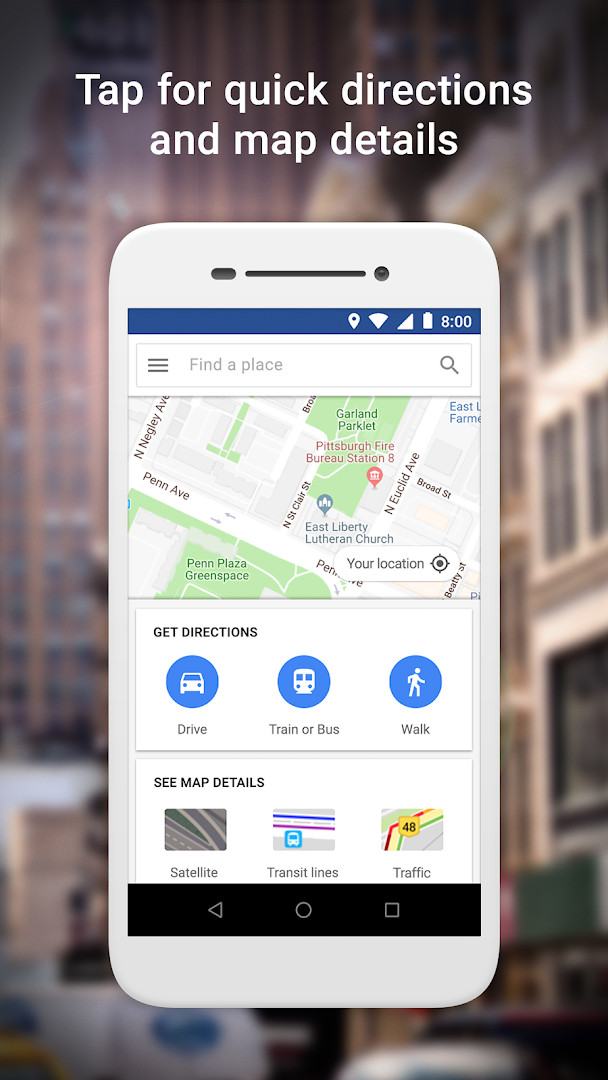
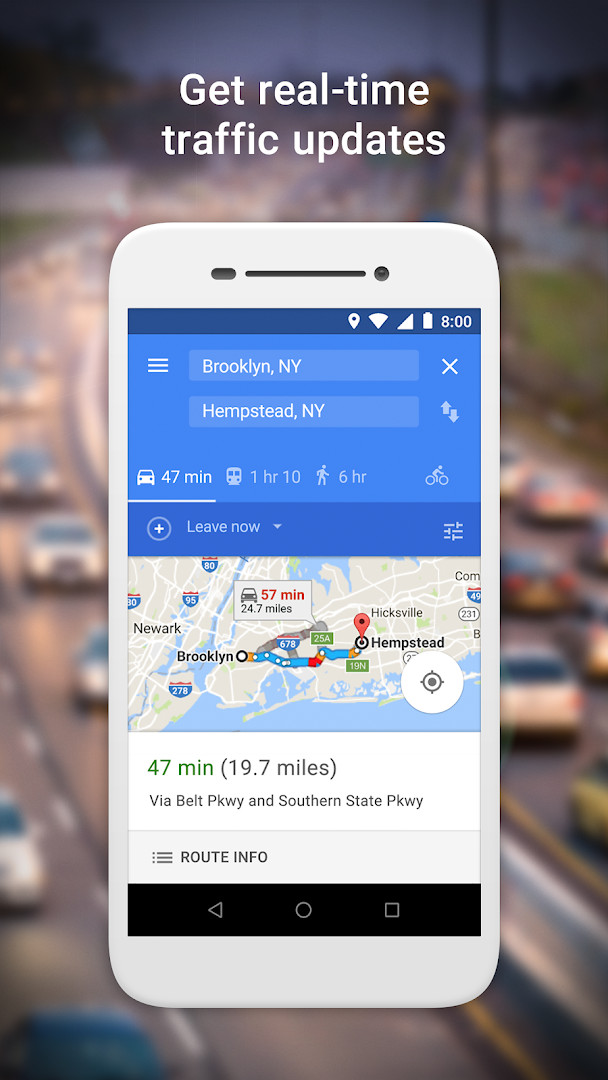
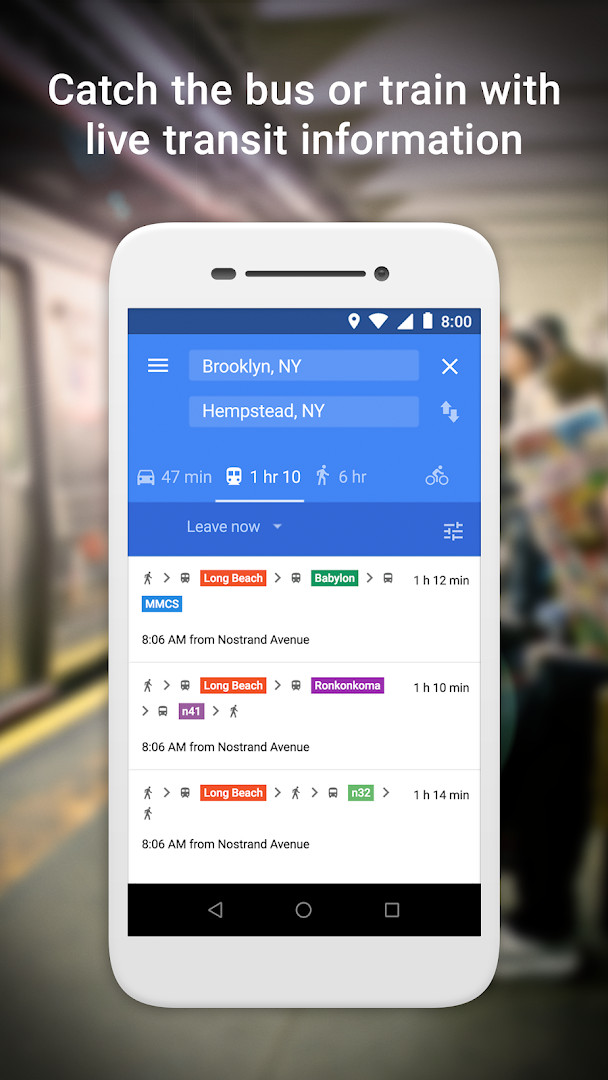
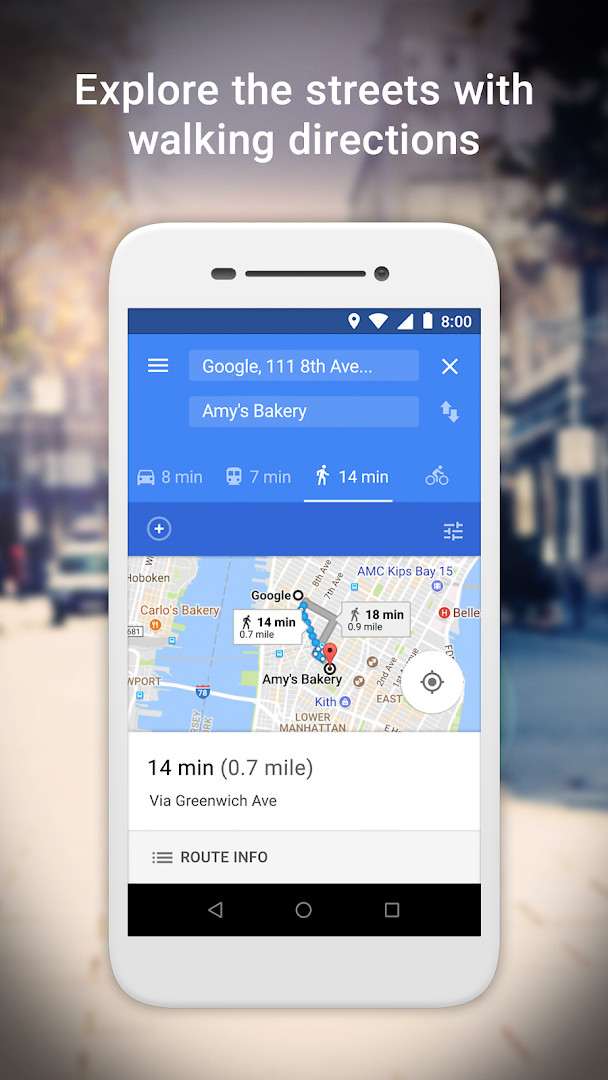

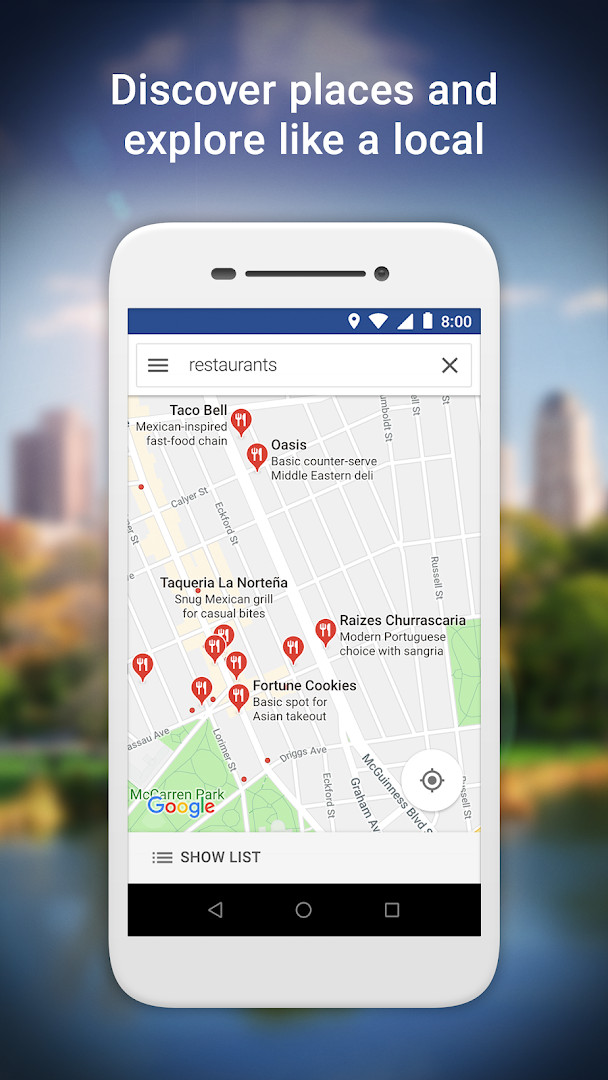
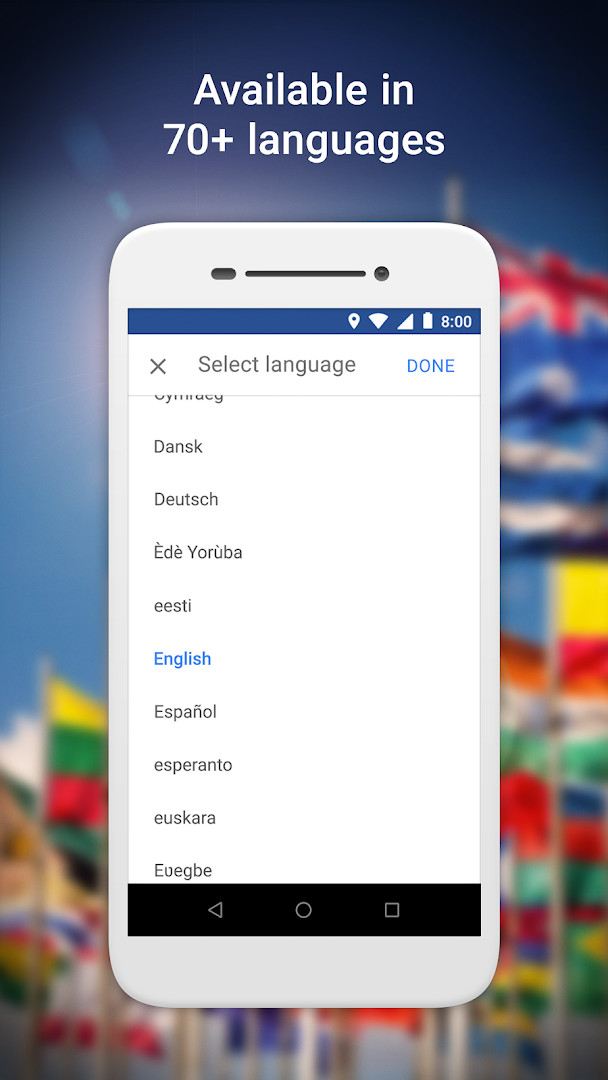
Google Maps Go is a lightweight navigation app by Google LLC that provides essential mapping and location features for devices with limited resources. It solves the problem of heavy, memory-intensive map applications by offering a compact Progressive Web App version that runs smoothly on low-end hardware and unreliable networks. The app delivers real-time traffic updates, turn-by-turn directions, and public transit information while taking up far less storage space than the full Google Maps app. It also allows users to search for places, view business details like phone numbers and addresses, read reviews, and save favorite locations. With support for over 70 languages and maps in 200 countries, it aims to be a practical choice for beginners or anyone seeking a fast, no-frills mapping tool.
Key features
- Find the fastest route combining two-wheelers, metro, buses, taxi, walking, and ferries
- Ride the metro, bus, or train with live city public transport schedules
- Step-by-step directions with route preview to help plan trips ahead of time
- Real-time traffic information and traffic maps to get there faster
- Search and find local restaurants, businesses, and other nearby places
- Read customer reviews and view pictures of food to decide where to go
- Find phone numbers and addresses for places
- Save places you visit often and quickly find them later
How to install
- Tap the download button on this page to get the APK file (1.7 MB).
- When Android asks, allow your browser or file manager to install apps by enabling the 'Install unknown apps' setting.
- Open the downloaded APK file from your notifications or file manager.
- Tap Install and wait for the process to complete.
- Open the app from your app drawer or home screen. Note: this version requires Android 10 or higher and Chrome to run properly.
Pros
- Very small file size (1.7 MB) ideal for low-storage devices
- Runs smoothly on limited memory and slow networks
- Includes essential features like real-time traffic, directions, and transit info
- Supports over 70 languages and maps in 200 countries
- Free to use with no in-app purchases
- Provides detailed business information for over 100 million places
Cons
- Requires Chrome to function, adding an extra dependency
- Contains ads, which may interrupt the experience
- Only requests location permission, but that may limit some features
- Not a full replacement for the complete Google Maps app if you need advanced features
Latest changes
The latest update to Google Maps Go focuses on bug fixes and stability improvements, ensuring a smoother and more reliable experience for navigating, finding places, and checking real-time traffic. This lightweight app remains an efficient choice for devices with limited memory.
Version history
| Version | Size | Requires Android | Updated |
|---|---|---|---|
| 165.0 | 2 MB | 10 | Aug 12, 2026 |
| 167.0 | 1.7 MB | 10 | Jul 4, 2026 |
This app is perfect for beginners or anyone using an older or budget Android phone with limited storage and memory. It's also great for travelers in areas with unreliable internet connections who still need dependable navigation and transit information. If you prefer a simple, fast mapping tool without the bulk of a full-featured app, Google Maps Go is a solid choice.
Since the app requires Chrome, make sure Chrome is installed and updated. You can also save frequently visited places for quicker access later.
Permissions
FAQ
How do I install the Google Maps Go APK on my Android device?
To install Google Maps Go, download the APK file from the download button on this page and open it on your device. You may need to allow installation from unknown sources in your device settings if you haven't already.
What is the current version of Google Maps Go?
The most recent versions listed are 165.0, released on August 12, 2026, and 167.0, released on July 4, 2026. The latest update includes bug fixes and stability improvements.
Does Google Maps Go include ads or in-app purchases?
Google Maps Go is free to download and does not offer in-app purchases. However, it does display ads.
Can I use Google Maps Go offline?
The app is designed to work on unreliable networks, but offline map downloads are not mentioned. Its lightweight design helps it function smoothly even with limited connectivity, though full offline capability is not specified.
Are there alternative apps in the same category as Google Maps Go?
Yes, there are other travel and navigation apps available for Android that provide similar features such as real-time traffic, directions, and place discovery. You can explore options in the same category on this platform.
Google Maps Go is a practical, lightweight alternative for basic navigation and place discovery. It delivers core mapping functions without overwhelming your device, making it a reliable choice for those with modest hardware.
Similar apps


More from this developer
 Gboard - the Google KeyboardGoogle LLC · ★ 4.5 · Tools · 9.4 MB
 Google CalendarGoogle LLC · ★ 4.6 · Productivity · 33 MB
 Google TVGoogle LLC · ★ 3.9 · Entertainment · 40 MB
 GoogleGoogle LLC · ★ 4.0 · Tools · 156 MB
 Google DriveGoogle LLC · ★ 4.3 · Productivity · 124 MB
 YouTubeGoogle LLC · ★ 3.8 · Entertainment · 199 MB
Updated: Oct 24, 2026