AccuWeather: Weather Radar for Android
AccuWeather is a weather app from AccuWeather for local forecasts, storm tracking, and live radar maps.
AccuWeather serves people who need reliable local weather forecasts, severe weather alerts, and live radar to plan their day or prepare for storms. The free app includes MinuteCast precipitation forecasts, RealFeel temperature, and lightning alerts, works on Android 8.0 and up, and takes about 15 MB. It has ads and offers optional in-app purchases for Premium+ features.
Screen gallery
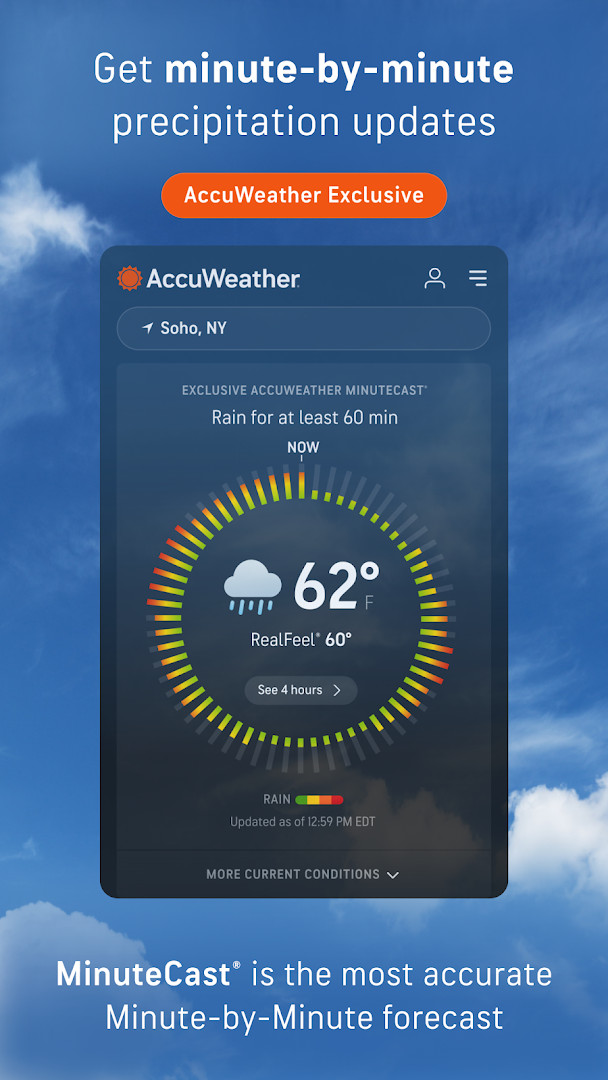
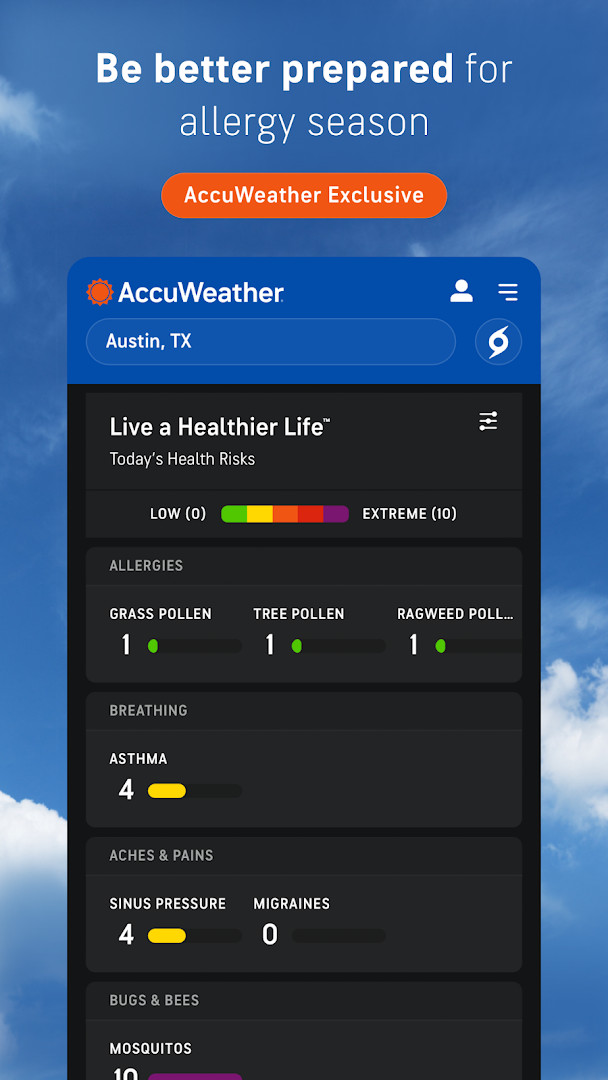
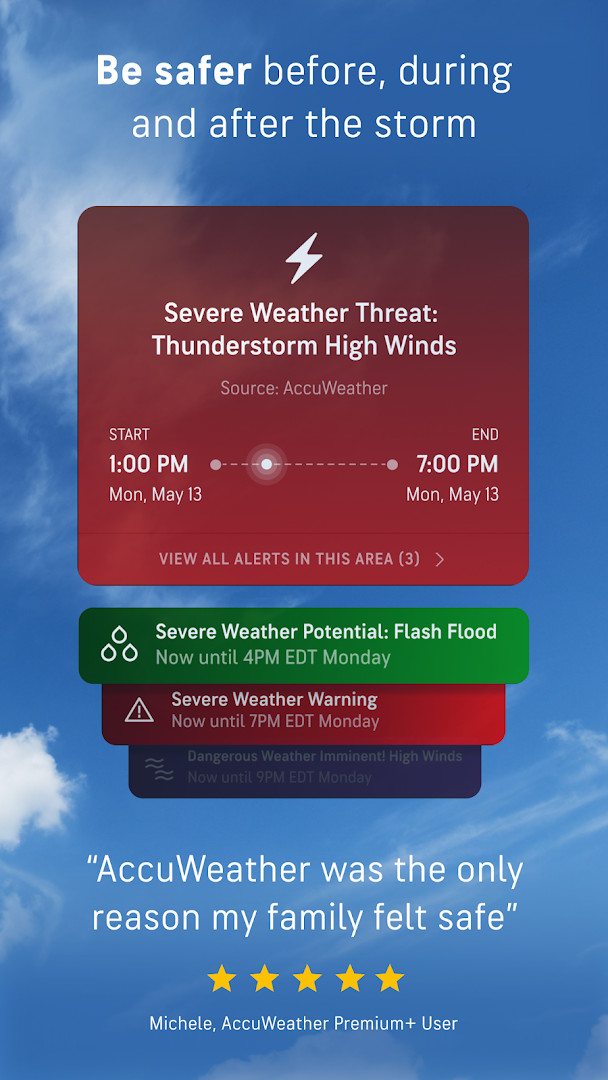
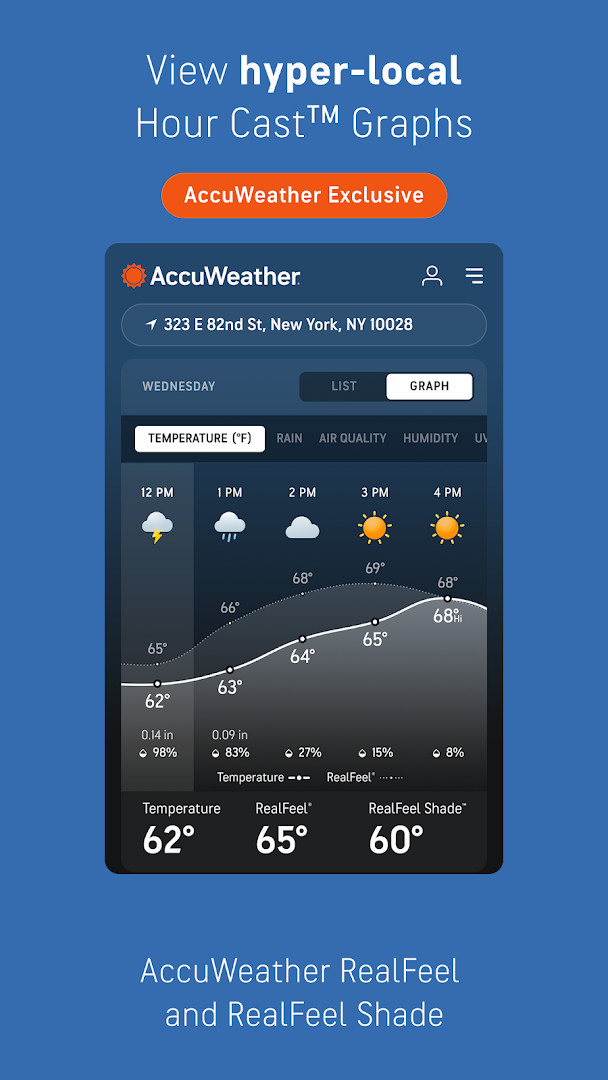
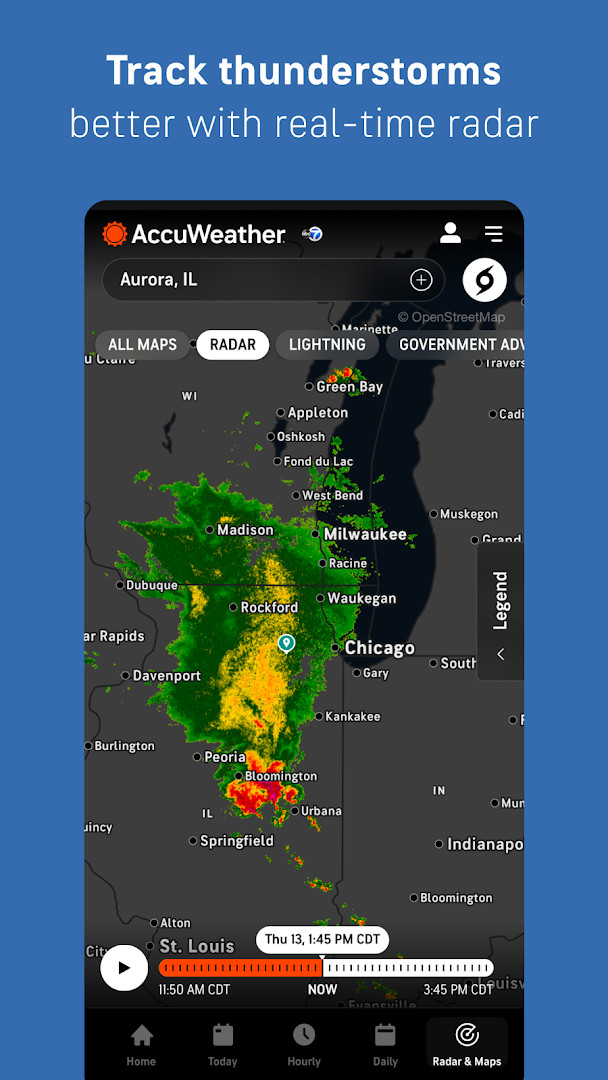
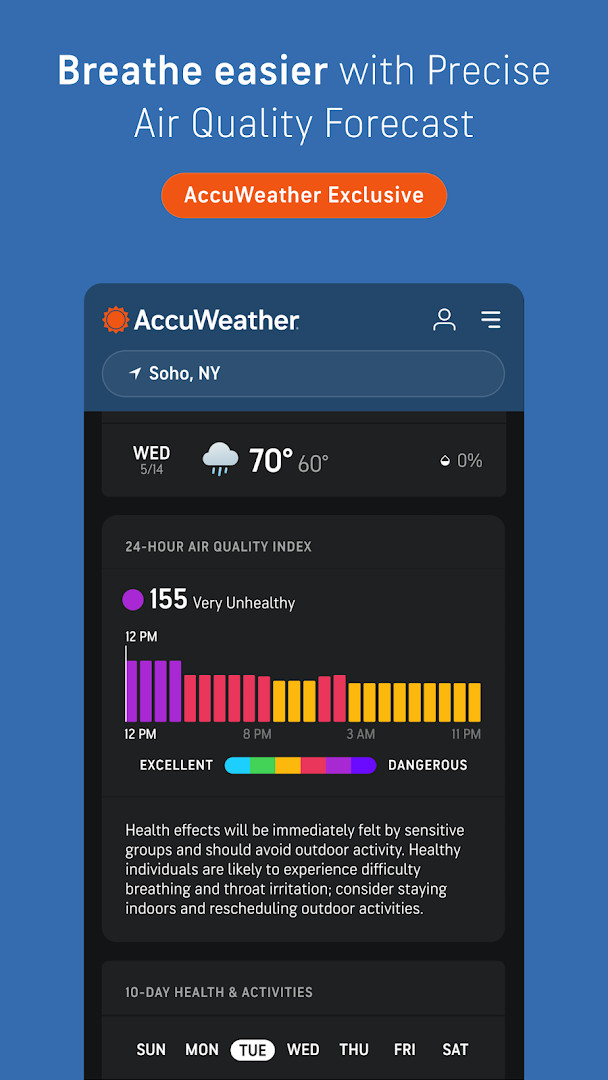
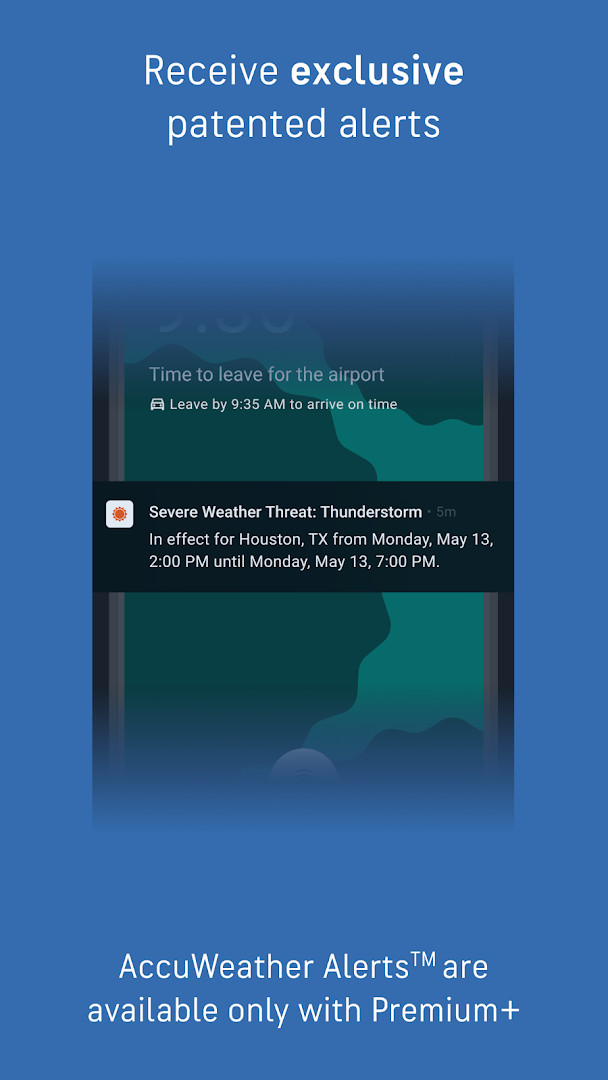
AccuWeather: Weather Radar is a weather application by AccuWeather that provides hyperlocal forecasts, live radar maps, and severe weather alerts for Android users. The app delivers real-time information on precipitation, temperature, wind, and storm tracking, with a focus on helping users plan their day and stay safe during extreme weather events. It includes exclusive tools such as MinuteCast for minute-by-minute precipitation forecasts, RealFeel Temperature for a more accurate sense of how conditions feel, and lightning tracking via AccuLightning. The app also offers personalized experiences based on lifestyle interests, such as school schedules, pet walks, fall foliage, and UV exposure, making it a versatile companion for everyday planning. Designed for a broad audience, from families to outdoor enthusiasts, it aims to keep users informed with reliable warnings for hurricanes, tornadoes, floods, and other hazards. While the core features are free, the app includes advertisements and optional in-app purchases for premium tiers that offer extended forecasts and an ad-free experience. The app requires Android 8.0 or higher and has a file size of 15 MB, making it accessible for most modern devices. With over 100 million installs and a rating of 3.63 from more than 2.5 million users, it is a widely used tool in the weather category. The app was released in 2018 and last updated in October 2026, reflecting ongoing improvements and feature additions.
Key features
- Live radar and storm tracking with real-time weather alerts
- MinuteCast hyperlocal precipitation forecasts for the next 4 hours
- RealFeel Temperature and RealFeel Shade for accurate comfort levels
- AccuLightning for precise real-time lightning strike tracking
- WinterCast for detailed snow and ice storm radar and forecasting
- Air quality index (AQI) tracking and wildfire smoke impact maps
- Personalized experiences based on lifestyle interests like pets, UV, and foliage
- Premium+ Family Plan supporting up to six individual profiles
- 90-day longer range forecasts and hourly forecast graphics with HourCast
- Customizable health and activity views for allergies, asthma, and migraine
How to install
- Tap the download button on this page to get the APK file, which is about 15 MB in size.
- When Android prompts, allow your browser or file manager to install apps by enabling the 'Install unknown apps' setting for that source.
- Open the downloaded APK file from your notifications or file manager.
- Tap Install on the installation screen and wait for the process to complete.
- Open the app from your home screen or app drawer after installation finishes.
- Ensure your device runs Android 8.0 or higher to use the app smoothly.
Pros
- Provides comprehensive severe weather alerts for various hazards
- Offers hyperlocal forecasts pinpointed to street address or GPS
- Includes exclusive tools like MinuteCast and RealFeel Temperature
- Supports personalized experiences based on user interests
- Allows family sharing with up to six profiles in Premium+ plan
Cons
- Contains ads in the free version, which may interrupt the experience
- Requires access to location, phone, and device ID for full functionality
- Some advanced features are locked behind in-app purchases
- Large user base may lead to mixed reviews on performance and accuracy
Latest changes
This update introduces beta experiences for planning pet walks, fall foliage viewing, sunscreen use, and bus-stop outfits. It also adds Premium+ Family Plans, Today & Tomorrow notifications, and Expert Analysis from the Hurricane Center. Additionally, you can now spot nearby lightning activity starting today.
Version history
| Version | Size | Requires Android | Updated |
|---|---|---|---|
| 21.1.15-3-rc | 15 MB | 8.0 | Sep 9, 2026 |
This app is for anyone who wants reliable weather forecasts and severe weather alerts, including families, commuters, outdoor enthusiasts, and travelers who need to plan around storms, air quality, or extreme temperatures. It also suits users who value hyperlocal details and personalized weather insights for daily activities like school runs or pet walks.
Review the app's privacy policy and manage location permissions carefully, as the app requests access to your device's location, phone, and Wi-Fi information. You can also adjust notification settings to receive only the severe weather alerts that matter most to you, reducing unnecessary interruptions.
Permissions
FAQ
How do I install the APK on Android?
To install the APK on an Android device, download the file and open it from your notifications or file manager. If prompted, allow installation from unknown sources in your device settings, then follow the on-screen steps to complete the setup.
What is the current version of the app?
The latest version is 21.1.15-3-rc, released on September 9, 2026. The app was last updated on October 23, 2026.
Does the app contain ads or in-app purchases?
Yes, the free version shows ads and offers in-app purchases. You can upgrade to Premium+ for an ad-free experience and additional features like longer-range forecasts and customizable alerts.
Can I use the app offline?
The app is designed for real-time data, so most features like live radar and alerts require an internet connection. Offline use is not supported for core weather tracking, though some saved data may remain accessible.
Are there alternatives in the same weather category?
Yes, several other weather apps offer forecasts, radar, and alerts. These alternatives vary in accuracy, interface, and premium tiers, so you can compare them based on your needs for local forecasts or severe weather tracking.
What are the minimum requirements for installing the app?
The app requires Android 8.0 or higher. It needs about 15 MB of storage and requests permissions for location, phone, Wi-Fi connection info, and device ID.
Is the app free to download?
Yes, the app is free to download with a price of $0.00. However, it includes ads and optional in-app purchases for premium features.
AccuWeather: Weather Radar offers a robust set of tools for tracking weather and staying prepared for severe conditions, backed by a large user community and frequent updates. While the free version includes ads and some premium features require payment, the core radar and alert functions provide solid value for daily use. For those seeking a detailed and customizable weather companion, this app is a practical choice, though users should weigh the privacy implications of its extensive permissions.
Similar apps


Updated: Nov 19, 2026