FlipaClip: Draw 2D Animation for Android
FlipaClip: Draw 2D Animation is a 2D animation and cartoon drawing app from Visual Blasters LLC for creating frame-by-frame animated videos, cartoons, and flipbooks.
FlipaClip: Draw 2D Animation suits beginners and professionals who want to sketch characters, build storyboards, or turn drawings into short animated movies. The app is free to use, runs on Android 7.0 and above, and offers frame-by-frame animation with up to 10 layers, onion skin, glow effects, blending modes, and exporting to MP4, GIF, or PNG.
Screen gallery
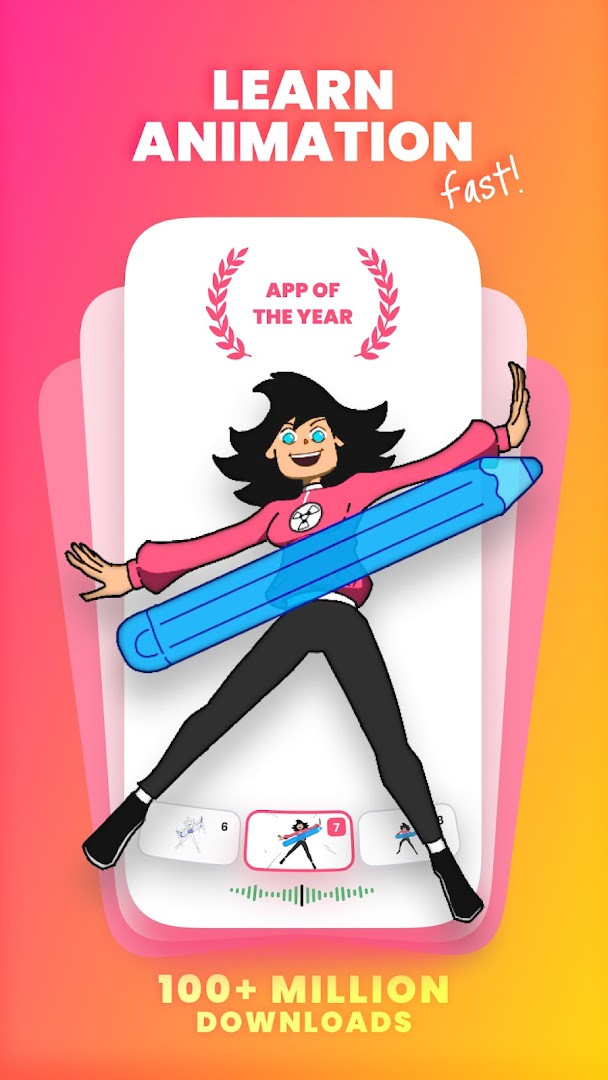
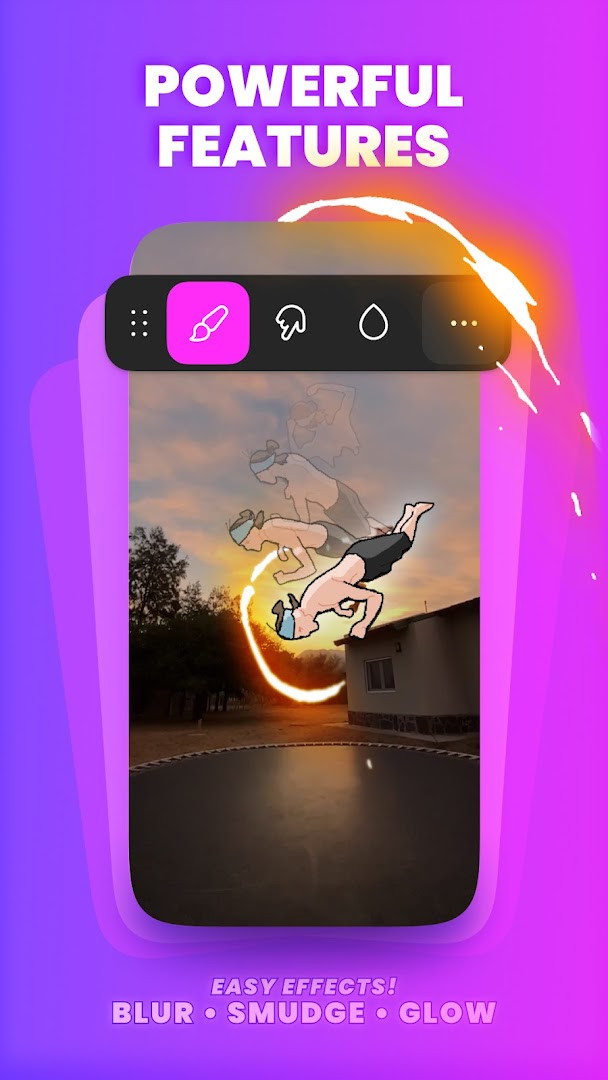
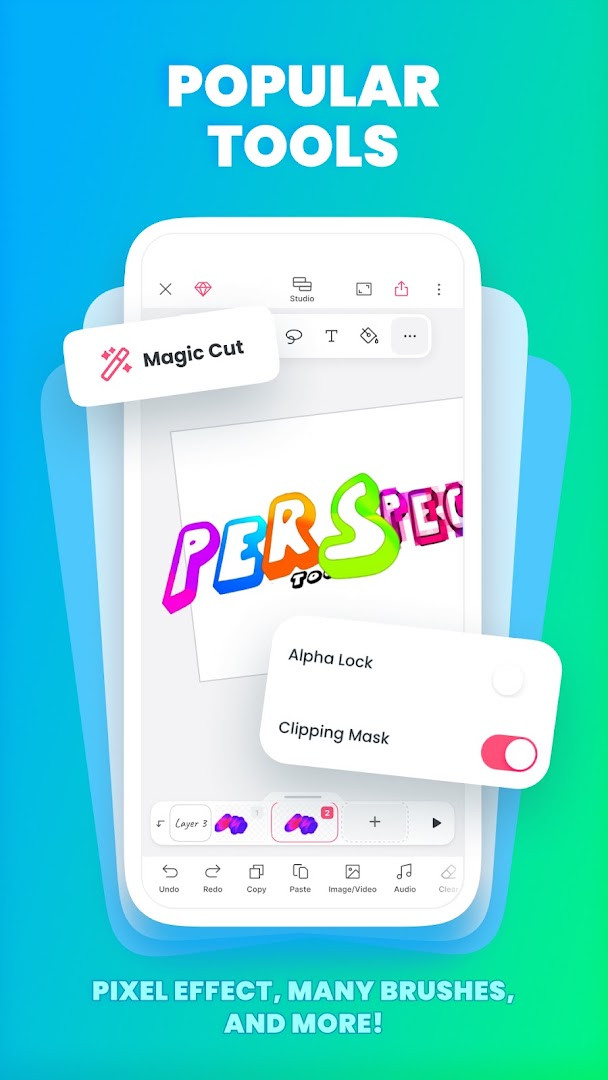
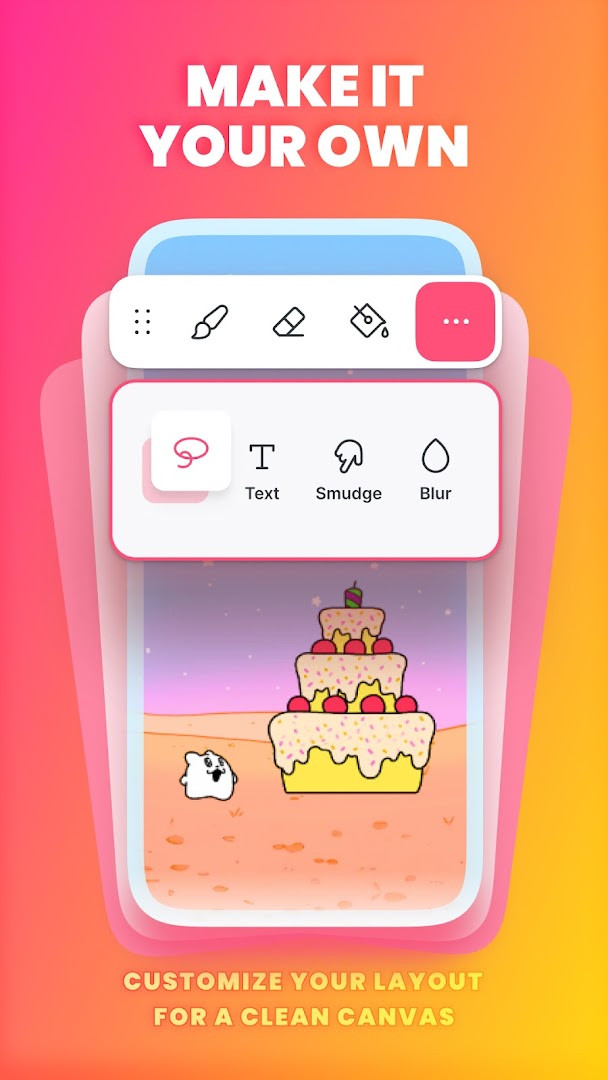
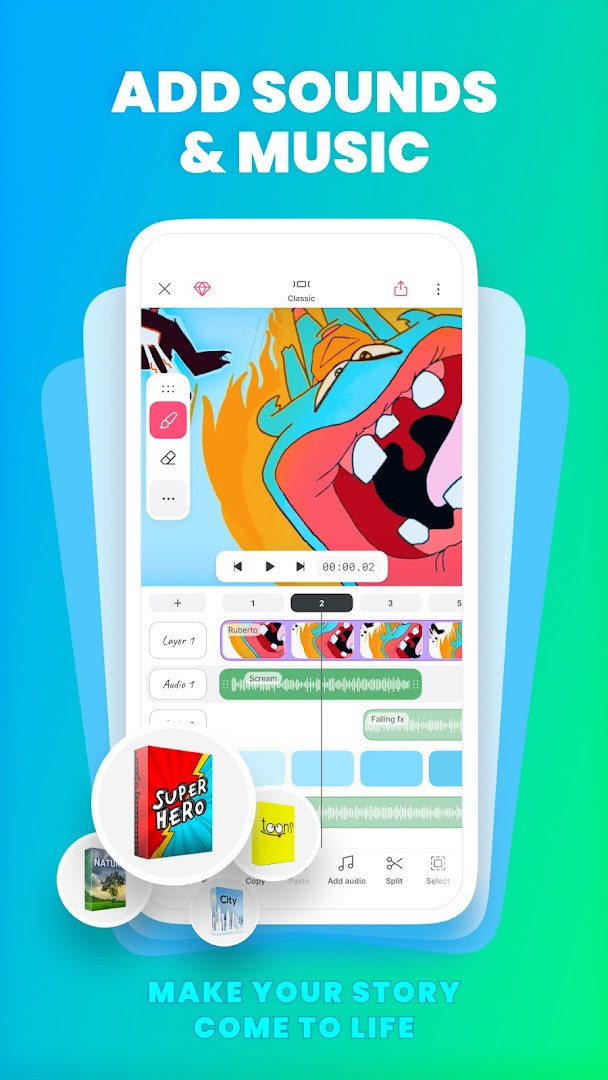
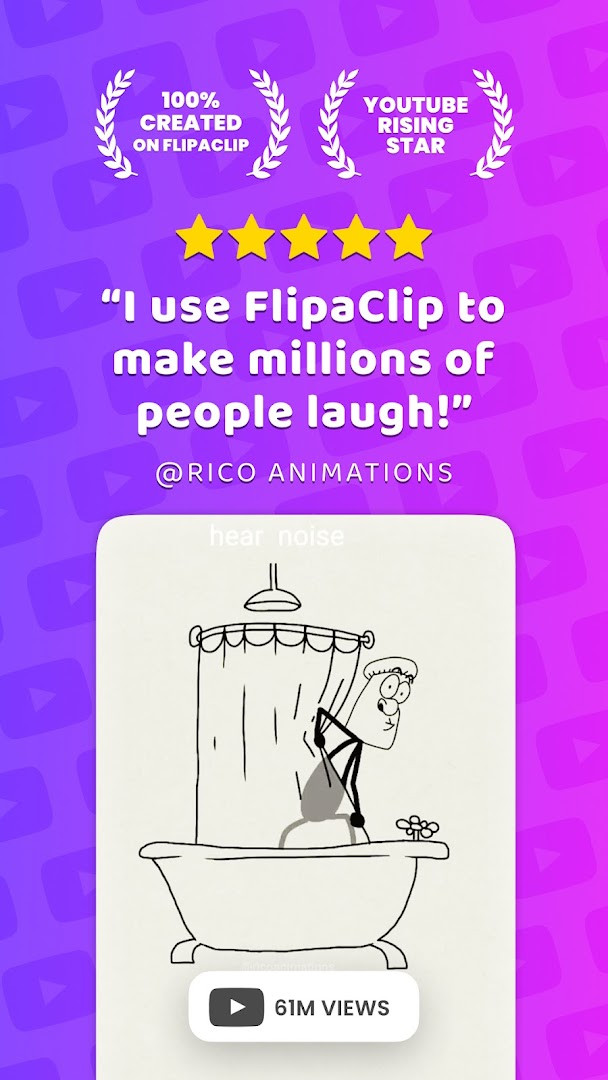
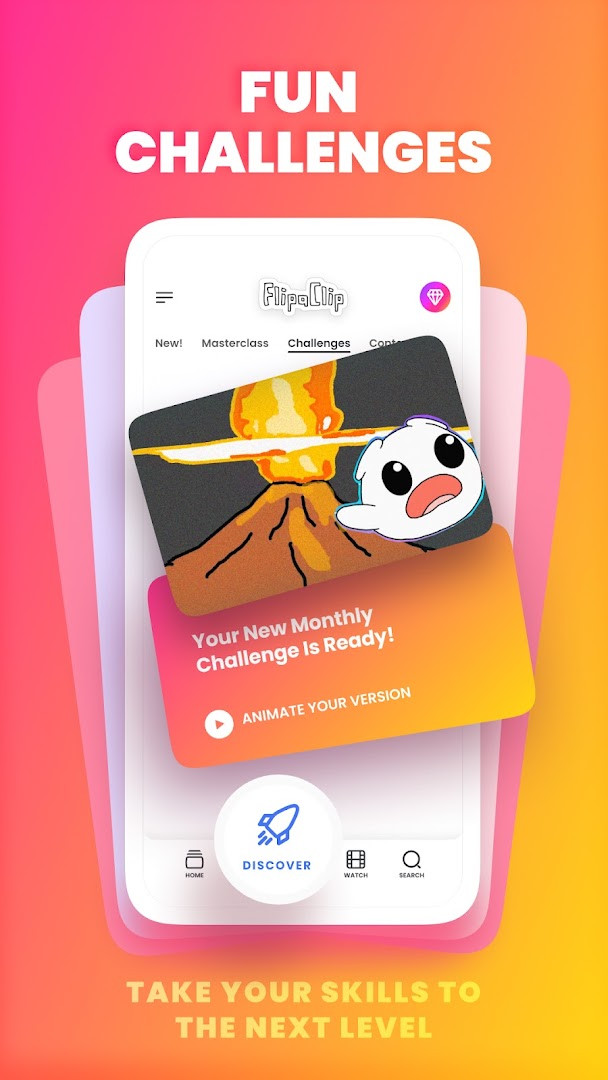
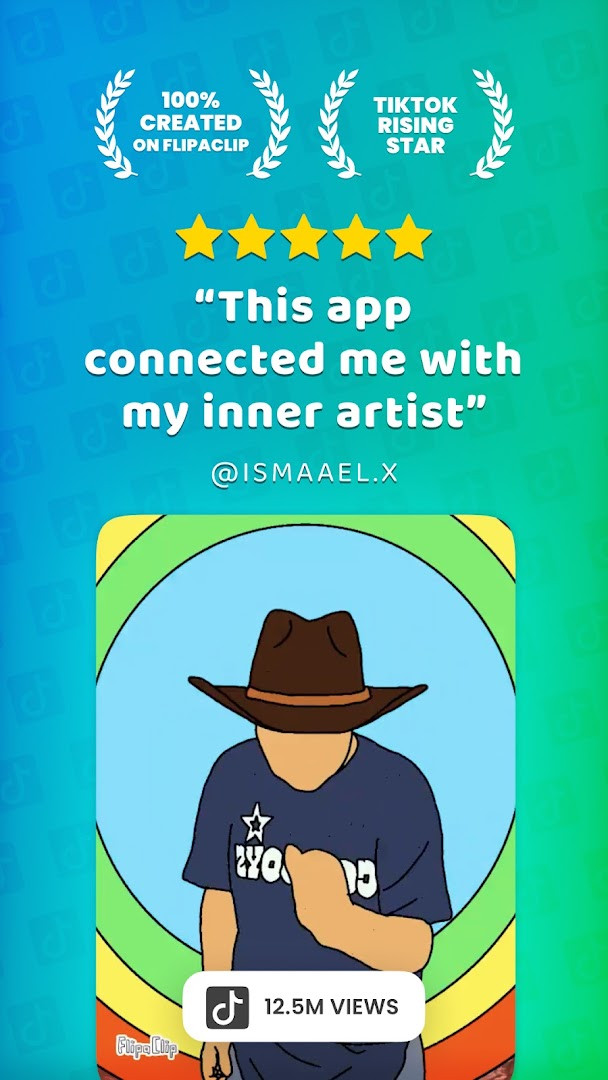
FlipaClip: Draw 2D Animation is a 2D animation and drawing app by Visual Blasters LLC that lets users create frame-by-frame cartoons, flipbooks, and short animated videos. It addresses the challenge of turning static sketches into moving stories by combining a simple flipbook-style workflow with a layered timeline, onion skinning, and a full set of drawing tools. The app solves both learning and production needs: beginners can experiment with basic doodles or stick figures, while more advanced users can build multi-layer scenes, import photos or video for rotoscope work, and add music or voice tracks. Its approach is to keep the core interaction intuitive—draw on a canvas, advance frames, preview motion—while layering in professional features like blending modes, a glow effect, and up to ten layers. The app also includes AI-assisted tools for voice narration and image slicing, plus export options for MP4, GIF, or PNG with transparency, making it a versatile choice for hobbyists and creators who want to publish animations on social platforms. With over 80 million monthly users cited, it positions itself as a community-driven tool with contests and shared projects, though the app does include ads and in-app purchases.
Key features
- Frame-by-frame animation timeline with onion skin tool for smooth transitions
- Up to 10 layers (3 free) for complex drawings, plus glow effect and blending modes (free)
- Drawing tools including brushes, fill, lasso, eraser, ruler, text, and shapes, with pressure-sensitive stylus support for Samsung S Pen and SonarPen
- Import photos or videos to create rotoscope animations
- Export animations as MP4, GIF, or PNG with transparency
- AI-powered Magic Cut tool to slice images and objects from frames, plus AI Voice Maker for narration
- Add up to 6 free audio tracks, import custom sound effects or songs, and sync audio to the timeline
- Layer picker with previews, faster frame loading, and reduced memory usage in the latest version
How to install
- Tap the download button on this page to get the APK file for FlipaClip version 5.1.0.
- When Android prompts you, allow your browser or file manager to install apps by enabling the 'Install unknown apps' setting for that app.
- Open the downloaded APK file from your notifications or file manager.
- Tap Install and wait for the process to complete; the file size is not specified, but the minimum Android version required is 7.0.
- Open the app from your home screen or app drawer and start creating animations.
Pros
- Free to download and use with no upfront cost
- Supports up to 10 layers, with 3 available for free
- Includes AI tools for voice and image cutting
- Offers multiple export formats including MP4, GIF, and PNG with transparency
- Pressure-sensitive stylus support for precise drawing
- Active community with contests and shared projects
Cons
- Contains ads that may interrupt the creative flow
- In-app purchases are present, likely for additional layers or premium features
- Requires access to identity, contacts, photos/media/files, storage, microphone, and Wi-Fi information, which may raise privacy concerns for some users
Latest changes · 5.1.0
FlipaClip version 5.1.0 brings a more streamlined and responsive animation experience. The layer picker now displays a thumbnail preview of each layer, making it easier to see your work at a glance. The Studio itself is faster and lighter, with frames loading more quickly and using less memory—especially noticeable when using the fill tool. Copy-and-paste actions, the Onion Loop feature, and flickering frame thumbnails have also been smoothed out, along with several stability improvements to help prevent app crashes. This update focuses on making your drawing and animating workflow more efficient and reliable.
Version history
| Version | Size | Requires Android | Updated |
|---|---|---|---|
| 5.1.0 | — | 7.0 | Nov 9, 2026 |
| 5.0.2 | — | 7.0 | Oct 10, 2026 |
FlipaClip is suited for a wide range of users, from complete beginners who want to learn basic animation and drawing to experienced artists and content creators producing cartoons, anime clips, memes, or storyboards. It appeals to students, hobbyists, YouTubers, TikTok creators, and influencers who need a mobile-friendly tool to quickly turn sketches into shareable videos or GIFs. The app's layered timeline and rotoscope import features also make it useful for educators teaching animation principles or for professionals doing rough storyboards on the go. However, given the permissions requested—including contacts, microphone, and storage—it may be less ideal for privacy-conscious users who prefer minimal data access, though the core drawing and animation functions do not obviously require all of these.
To avoid losing work, regularly export your animations as MP4 or GIF files, since the app relies on device storage. If you are concerned about the permissions, consider denying access to contacts and microphone unless you plan to use the voice narration feature, as many drawing functions may still work without them.
Permissions
FAQ
How do I install FlipaClip on an Android device?
To install, download the APK from the download button on this page, then open the file and allow installation from unknown sources if prompted. The app requires Android 7.0 or higher.
What is the current version of FlipaClip?
The latest version is 5.1.0, released on November 9, 2026. It includes faster frame loading, layer previews, and fixes for copy-paste and Onion Loop.
Does FlipaClip contain ads or in-app purchases?
Yes, FlipaClip is free to download but shows ads and offers in-app purchases. You can use many tools for free, while optional paid features expand your options.
Can I use FlipaClip offline?
Yes, you can draw and animate offline. The app stores your projects locally, and you only need an internet connection for features like importing media or sharing exports.
Are there alternatives to FlipaClip for 2D animation?
Yes, other 2D animation apps exist for Android, but FlipaClip stands out with frame-by-frame tools, up to 10 layers, onion skin, and AI features like Magic Cut and Voice Maker.
What Android permissions does FlipaClip request?
FlipaClip asks for access to identity, contacts, photos and media, storage, microphone, and Wi-Fi connection information. These support importing media, adding audio, and saving your projects.
Is FlipaClip suitable for beginners?
Yes, it is designed for both beginners and professionals, offering an intuitive interface with brushes, shapes, and a frame-by-frame timeline, plus tutorials and community challenges.
FlipaClip offers a solid balance of accessibility and depth for mobile animation, with a generous free tier and useful AI additions. It is a practical choice for casual creators, though the ads and broad permissions mean you should weigh convenience against privacy.
Similar apps
 SketchbookSketchbook · ★ 4.1 · Art & Design · 69 MB
 ibis Paint Xibis inc. · ★ 4.5 · Art & Design · v14.1.6
 Canva: AI Photo & Video EditorCanva · ★ 4.8 · Art & Design · v2.385.0
 PENUP – Drawing-sharing SNSSamsung Electronics Co., Ltd. · ★ 4.5 · Art & Design · 97 MB
 Adobe Express: AI Photo, VideoAdobe · ★ 4.6 · Art & Design · v31.0.1
Updated: Nov 12, 2026