PENUP – Drawing-sharing SNS for Android
PENUP is a drawing-focused social network from Samsung Electronics Co., Ltd. for sharing artwork and communicating through pictures.
PENUP is for artists and casual doodlers who want to share drawings and connect with a global community of creators. It solves the problem of finding an audience and feedback for your art, offering coloring pages, templates, Live Drawing follow-along videos, Photo Drawing aids, and themed challenges.
Screen gallery
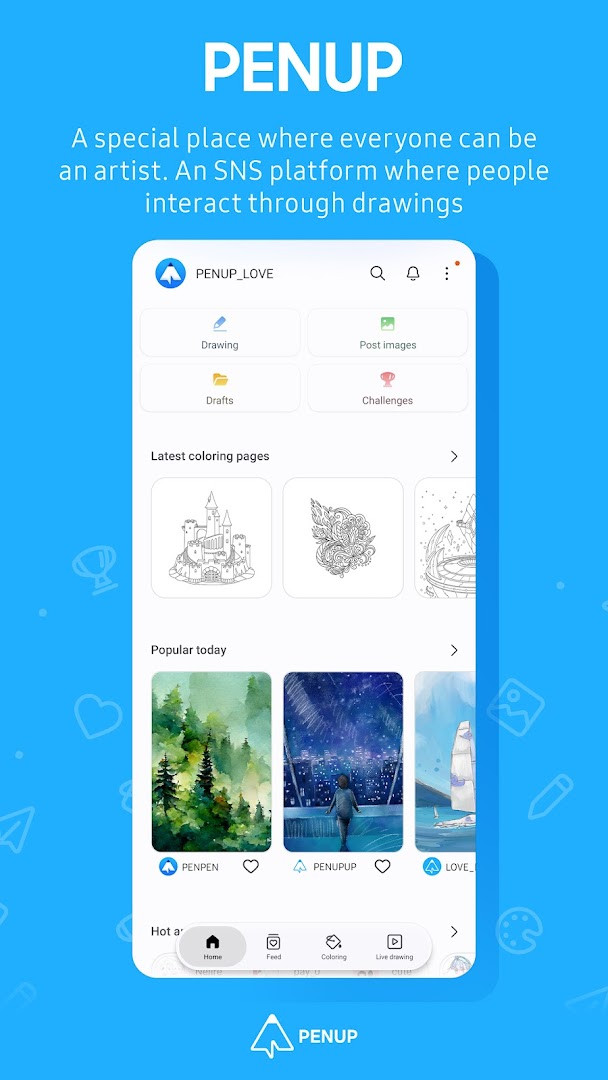
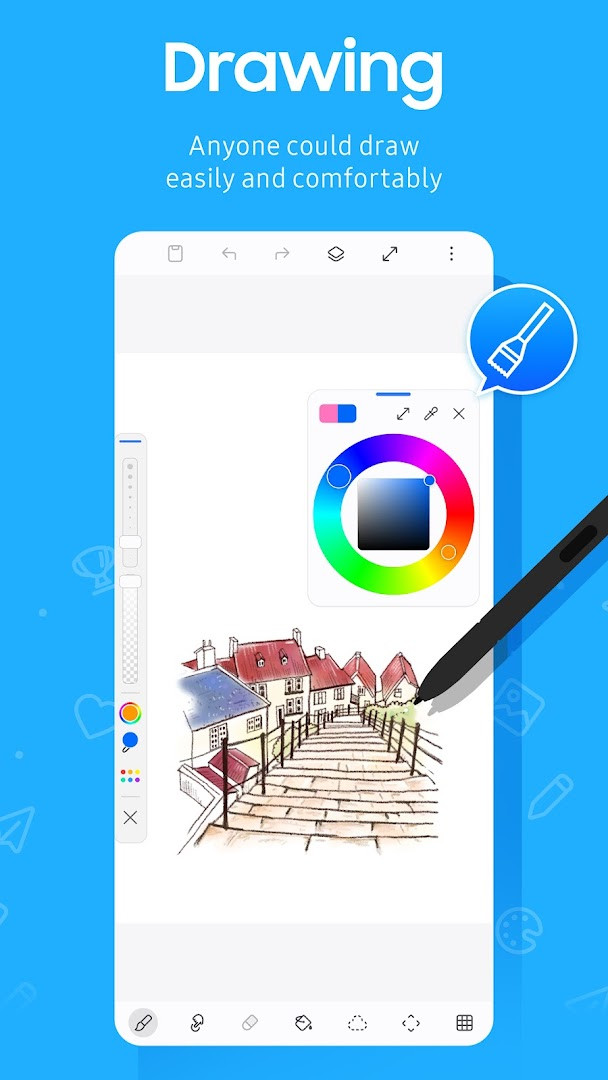
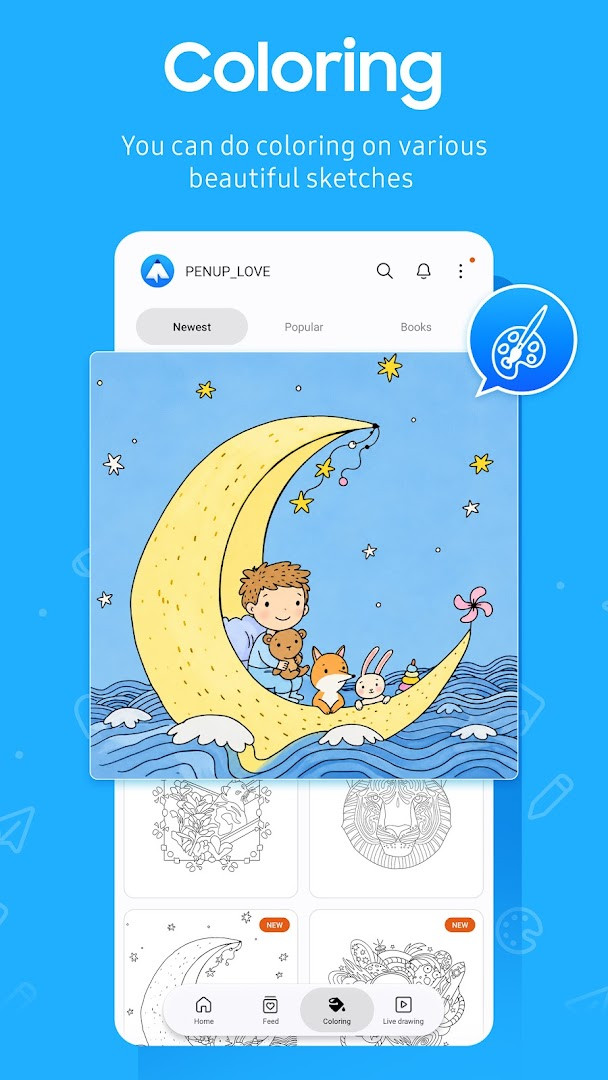
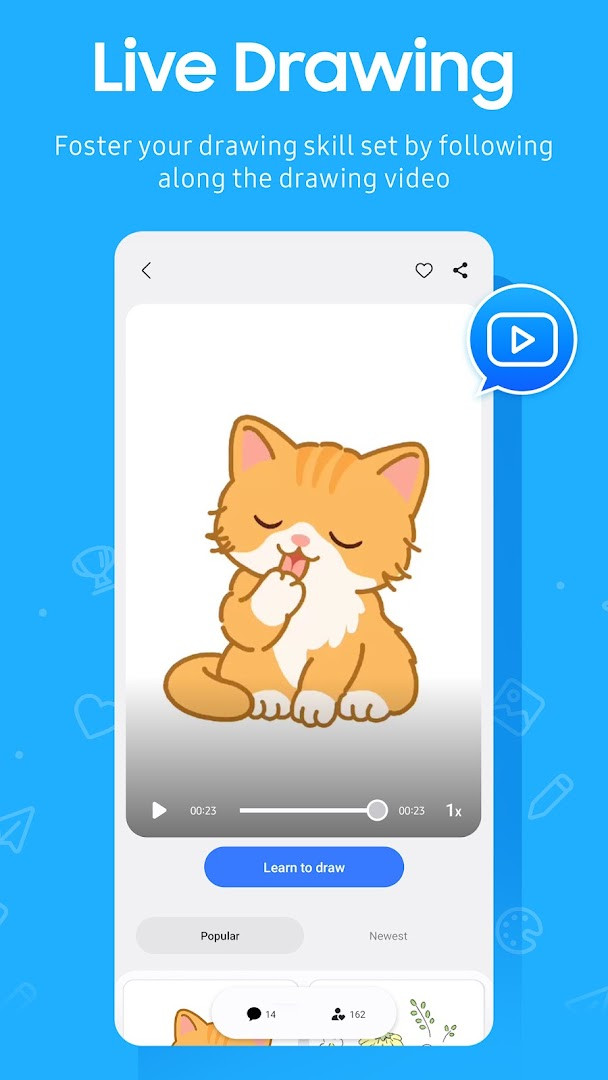
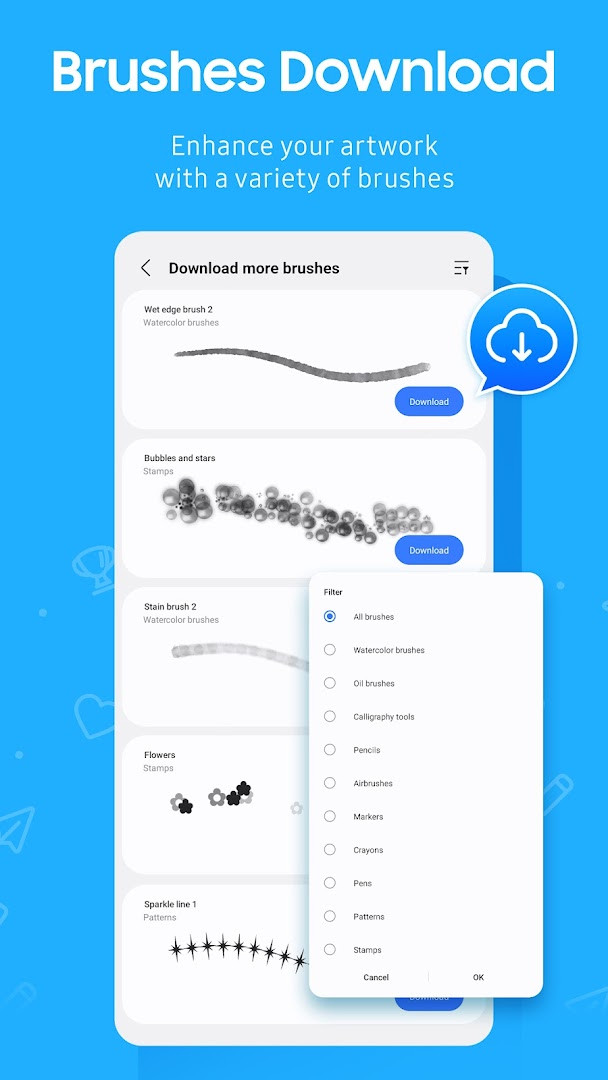
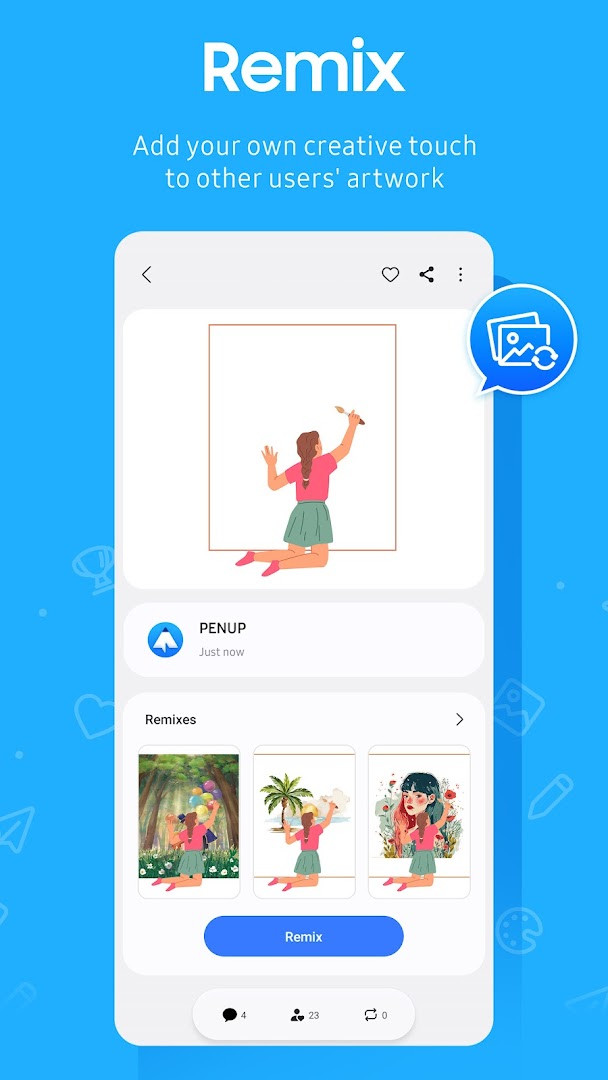
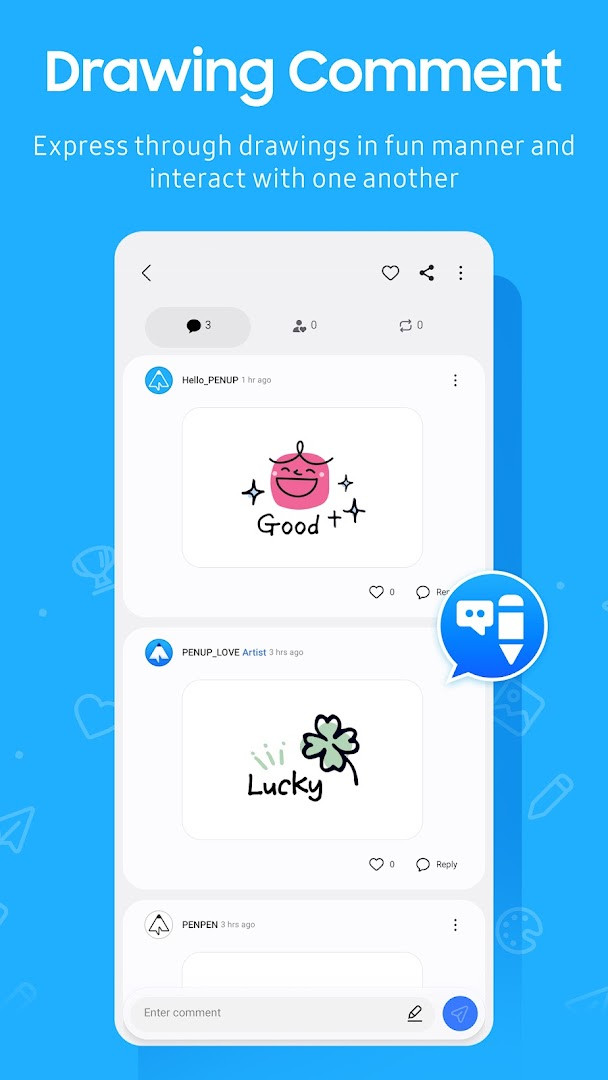
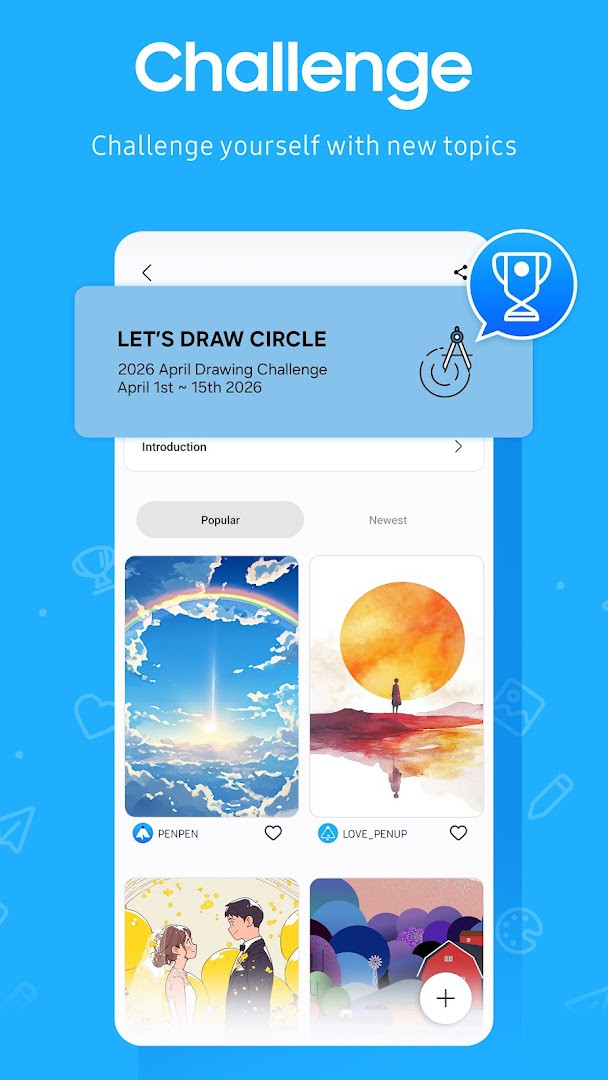
PENUP is a drawing-sharing social network by Samsung Electronics Co., Ltd. that lets users communicate through artwork instead of text. Built around pen-drawn content, the app creates a space where people from around the world post sketches, coloring pages, and photo-based drawings and then react to one another's creations. Rather than a professional illustration tool, it is a community-focused platform designed to make visual expression accessible to casual users, hobbyists, and anyone who enjoys seeing how others interpret the same prompt or template. The core loop is simple: create something, share it, browse Trending Works, and leave comments or receive feedback on your own pieces. A recently added brush expands the drawing toolkit, giving artists one more option for line work and shading. The app also includes Live Drawing, which plays video follow-along sessions to help users improve technique, and Photo Drawing, which uses a photograph as a guide for creating a new illustration. Coloring book pages and templates lower the barrier for beginners, while drawing challenges provide structured ways to test skills and engage with the community. On the privacy side, the app requests optional permissions for storage—used when uploading or downloading drawings on Android 9 or lower—and for notifications on Android 13 and above, so activity alerts about followers and comments are only sent if you allow them. Identity, contacts, and media permissions are listed as well, so it is worth reviewing exactly what you grant during setup. The latest update, dated September 18, 2026, focuses on adding a new brush, and the most recent version available is 3.9.24.3 from October 1, 2026.
Key features
- A variety of drawing tools including a newly added brush
- Coloring book pages and ready-made templates for quick starts
- Live Drawing video follow-along sessions to practice technique
- Photo Drawing mode that uses a photo as a drawing guide
- Drawing challenges to test and improve your skills
- Trending Works feed to browse and appreciate other users' creations
- Commenting and communication on drawings to interact with the community
How to install
- Tap the download button on this page to get the APK file, which is about 97 MB in size.
- When Android asks, allow your browser or file manager to install apps by enabling the 'Install unknown apps' setting for that app.
- Open the downloaded APK file from your notifications or file manager.
- Tap Install and wait for the process to complete.
- Open PENUP from your app drawer and sign in or create an account to start drawing.
- The app requires Android 9 or higher, so make sure your device meets that minimum version.
Pros
- Free to use with no ads and no in-app purchases
- Strong community features for sharing and feedback
- Multiple guided drawing modes for learning
- Regular updates with new tools and brushes
Cons
- Requests several permissions including identity and contacts
- Storage permission needed on older Android versions
- Large download size of 97 MB
Latest changes
The latest update adds a new brush to the drawing tool set. This is the only change noted in the current release. The app remains a social network centered on sharing drawings, offering coloring pages, templates, Live Drawing, and Photo Drawing. Users can share work, view trending pieces, and comment on others' creations. Optional permissions cover storage for uploads/downloads on older Android versions and notifications on Android 13 and above.
Version history
| Version | Size | Requires Android | Updated |
|---|---|---|---|
| 3.9.24.3 | 97 MB | 9 | Oct 1, 2026 |
| 3.8.00.18 | 27 MB | 6.0 | Sep 29, 2026 |
| 3.9.23.13 | 97 MB | 9 | Sep 18, 2026 |
| 3.9.22.32 | 97 MB | 9 | Aug 14, 2026 |
| 3.9.21.33 | 124 MB | 9 | Jun 20, 2026 |
| 3.9.12.77 | 40 MB | 8.0 | Nov 13, 2025 |
| 3.2.01.1 | 21 MB | 5.0 | Jun 1, 2019 |
PENUP suits casual doodlers who want a low-pressure social space, coloring enthusiasts who enjoy pre-made pages, and beginners looking to improve their drawing skills through guided video sessions and photo-assisted practice.
If you are on Android 13 or newer, you can skip the notification permission during setup and still use all drawing features; enable it later only if you want alerts about comments and followers.
Permissions
FAQ
What drawing tools and learning features are included in PENUP?
PENUP offers a new brush that was added as a drawing tool. The app includes coloring book pages, templates, Live Drawing (a video follow-along feature), and Photo Drawing (drawing with a photo aid). You can also take part in various drawing challenges to test your skills.
How does the app's notification permission work on different Android versions?
On Android 13 or above, notifications are an optional permission used to alert you about activities related to your drawings, followers, and people you follow. On Android 9 or lower, storage is the optional permission needed to upload or download drawings. If your system is below Android 6.0, update the software to configure permissions.
Can I interact with other users' drawings on PENUP?
Yes. You can share your own drawings and view other users' creations in the Trending Works section. You can also comment on other users' drawings and communicate about your own creations.
What is the app's size and minimum Android version requirement?
The app is 97 MB in size and requires a minimum Android OS version of 9.
Does PENUP include ads or in-app purchases?
No, PENUP does not include ads and does not offer in-app purchases. The app is free, with a price of 0.00 USD.
PENUP offers a friendly, free environment for sharing drawings and learning new techniques, with a solid feature set and active community. The permission list is broader than strictly necessary, so privacy-conscious users should review settings carefully, but for most people it is a rewarding way to connect through art.
Similar apps
 SmartThingsSamsung Electronics Co., Ltd. · ★ 4.6 · Lifestyle · 227 MB
 Canva: AI Photo & Video EditorCanva · ★ 4.8 · Art & Design · v2.381.0
 SketchbookSketchbook · ★ 4.1 · Art & Design · 69 MB
 Adobe Express: AI Photo, VideoAdobe · ★ 4.6 · Art & Design · v31.0.1
 ibis Paint Xibis inc. · ★ 4.5 · Art & Design · v14.1.2
More from this developer


Updated: Nov 10, 2026