Amazon Kindle: Reading App for Android
Amazon Kindle: Reading App is a books and reference app from Amazon Mobile LLC for reading ebooks, magazines, comics, and more.
Amazon Kindle: Reading App is for readers who want a large ebook library on their Android phone or tablet, solving the problem of carrying physical books. It is free to download, requires Android 9 or higher, and takes up 147 MB of storage. The app supports offline reading, lets you sample books before purchase, and syncs your progress, bookmarks, and notes across devices.
Screen gallery
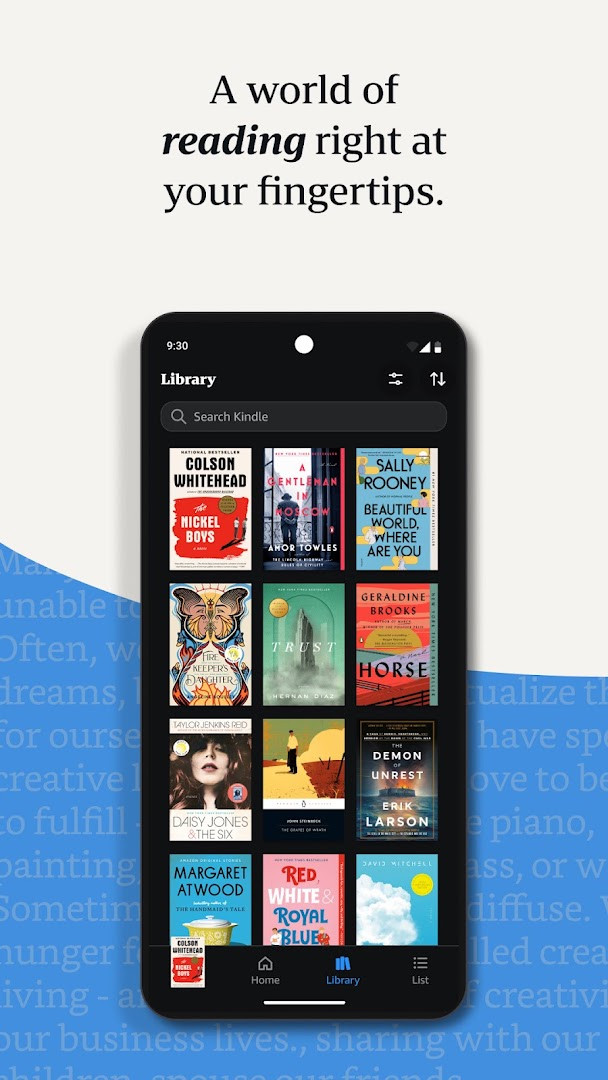
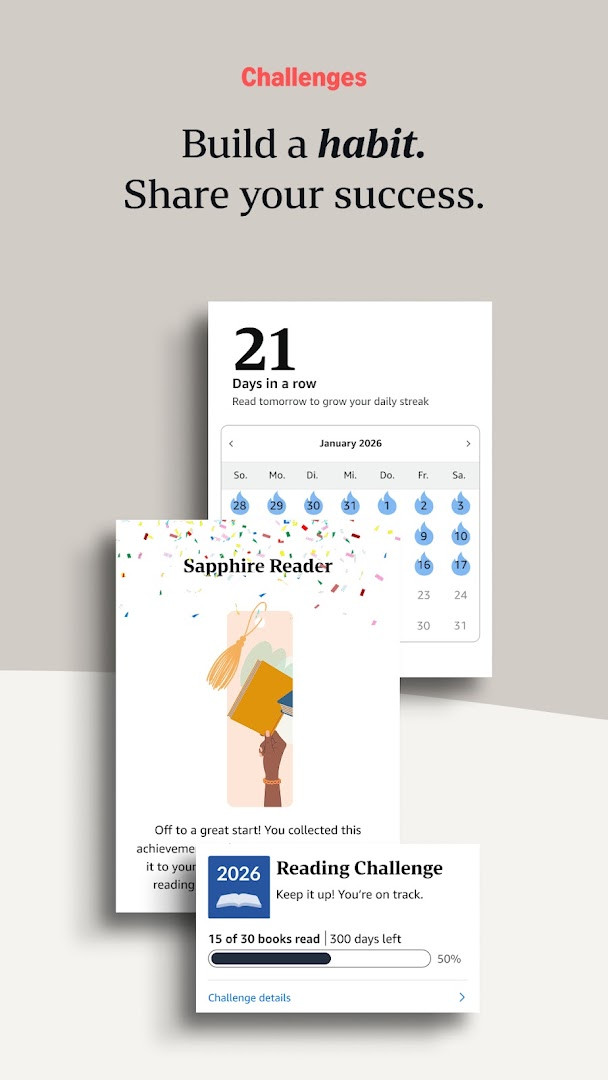
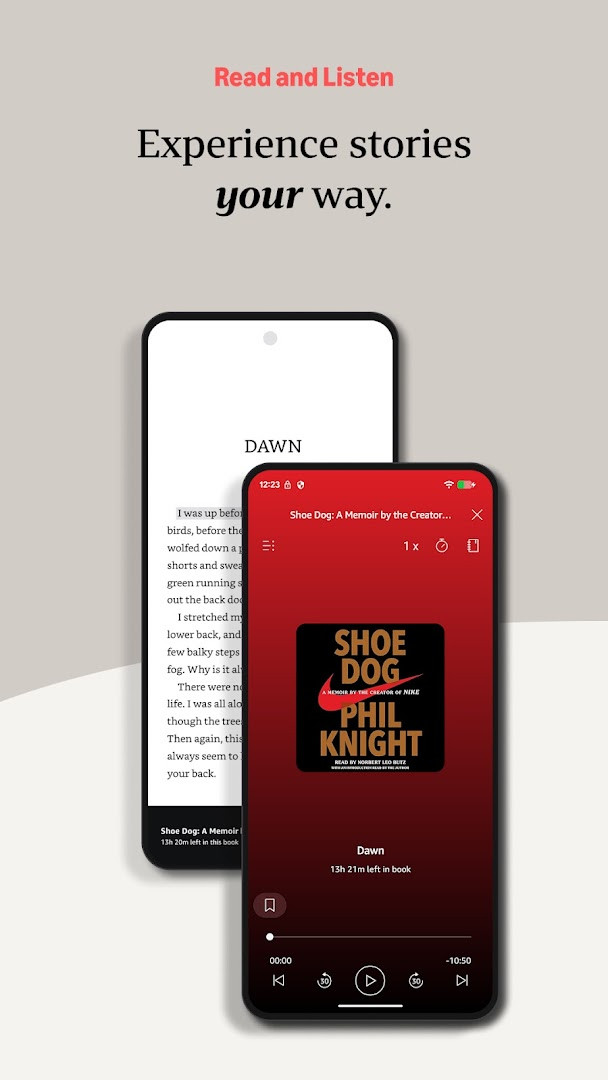
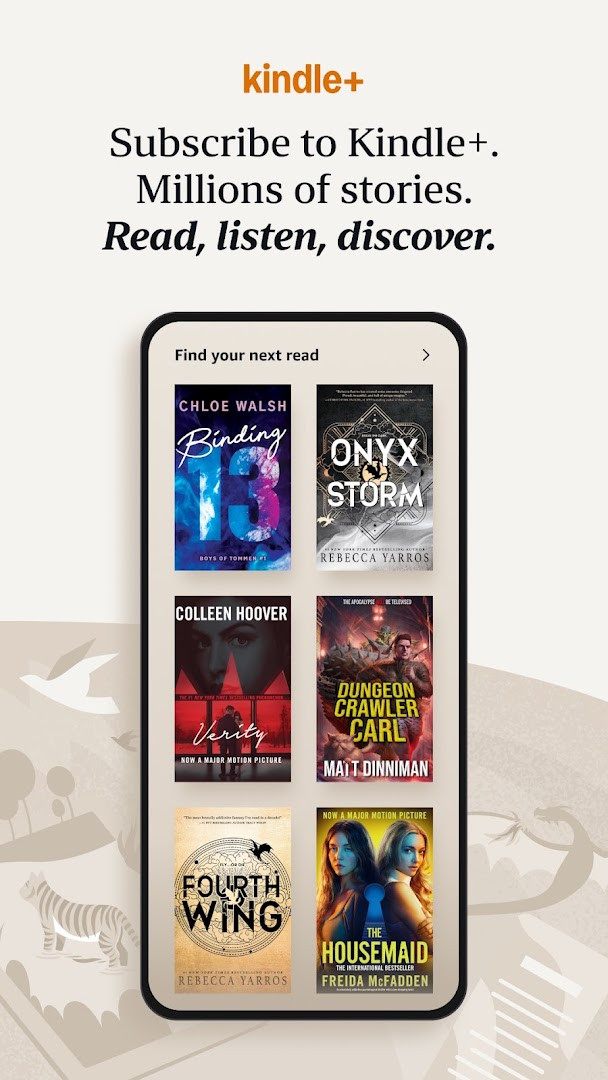
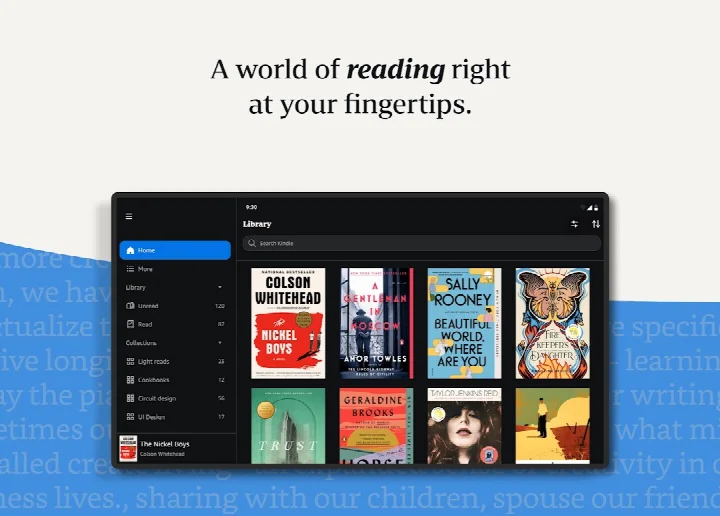
Amazon Kindle: Reading App is an e-reading application by Amazon Mobile LLC that turns your phone or tablet into a portable library for books, magazines, newspapers, comics, and manga. It lets you read anytime and anywhere, whether you are commuting, taking a break, or relaxing in bed. The app provides access to millions of titles, including Kindle books with Audible narration, audiobooks, and current magazines, so you can always find something to read. It is designed for casual readers and dedicated book lovers alike, offering tools to customize your reading experience and track your progress.
With the Kindle app, you can explore new releases, best sellers, and titles across many genres, from romance and science fiction to self-help and nonfiction. You can try any book with a sample before deciding to purchase, and members of Kindle Unlimited can enjoy unlimited reading and listening across over one million titles and thousands of audiobooks. Prime members also get access to thousands of included books and magazines. The app goes beyond paper by letting you adjust text size, font, margins, and orientation, look up words with a built-in dictionary, and even switch seamlessly to listening with Audible.
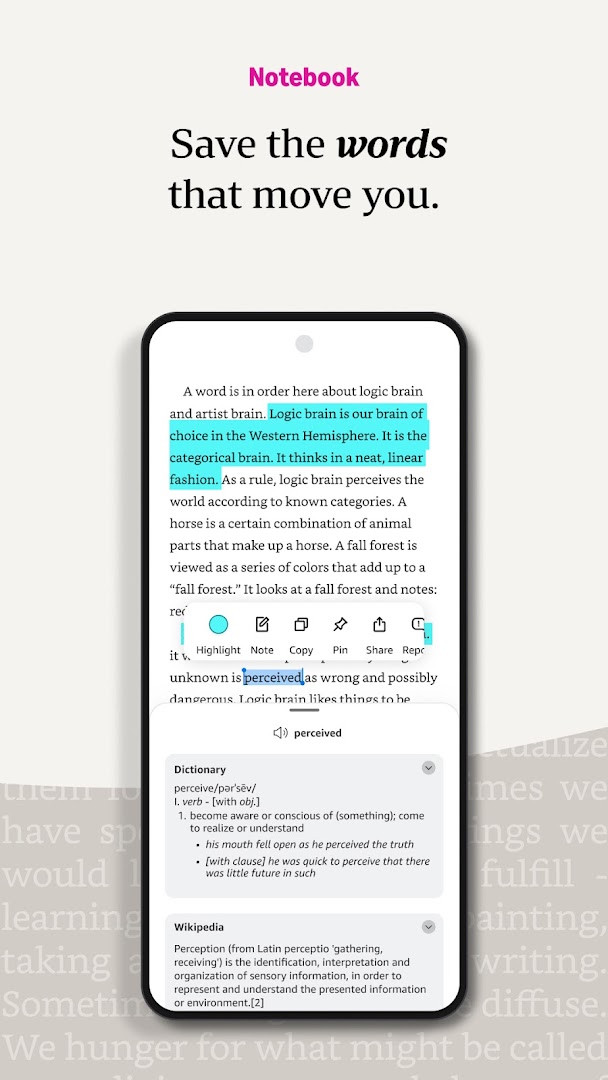
The app syncs your reading position, bookmarks, highlights, and notes across devices, so you can start reading on one device and pick up right where you left off on another. You can also bookmark pages, make highlights, take notes, and view them all in My Notebook. Page Flip lets you skim or jump through a book while saving your place, and you can zoom into high-definition color images in comics and manga. For those who prefer listening, the app allows you to switch from reading to the Audible version without leaving the app. Notifications alert you when authors you follow release new books. This version is free to download, includes ads, and offers in-app purchases, with a content rating of Teen. It requires Android 9 or higher and takes up about 147 MB of storage. The app has been updated recently with experience improvements and bug fixes, and it has been available since 2010.
Key features
- Access millions of Kindle books, magazines, newspapers, comics, and manga
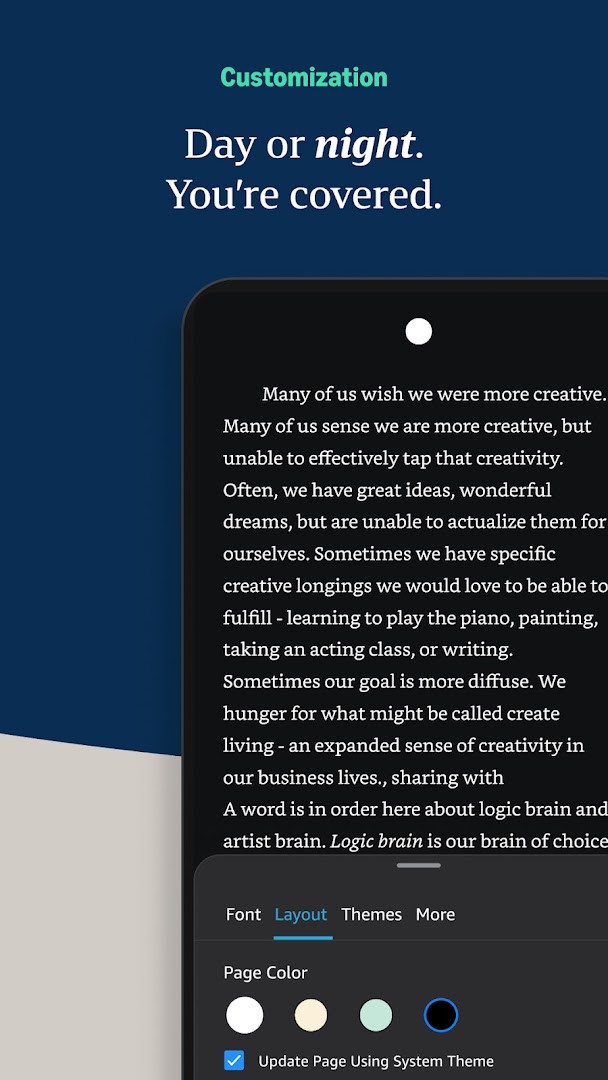
- Customize text size, font type, margins, alignment, orientation, brightness, and background colors
- Use built-in dictionary, X-Ray, Wikipedia lookup, instant translations, and search within a book
- Track reading progress with percent read, real page numbers, and time left in chapter or book
- Bookmark pages, make highlights, and take notes, all viewable in My Notebook
- Page Flip feature to skim or get a bird's-eye view while saving your place
- Zoom in on high-definition color images in books, magazines, comics, and manga
- Sync reading position, bookmarks, highlights, and notes across devices
- Switch seamlessly between reading and listening with Audible narration
- Get notified when authors you love release new books
How to install
- Tap the download button on this page to get the APK file for Amazon Kindle: Reading App. The file size is about 147 MB.
- When Android asks, allow your browser or file manager to install apps by enabling the 'Install unknown apps' setting for that app.
- Open the downloaded APK file from your notifications or Downloads folder.
- Tap Install on the confirmation screen. If prompted, review the permissions and accept them to continue.
- Wait for the installation to finish, then tap Open to launch the app.
- Ensure your device runs Android 9 or higher for the app to work properly.
Pros
- Free to download and use
- Huge selection of books and magazines
- Customizable reading experience with fonts, brightness, and orientation
- Syncs progress across devices
- Built-in dictionary and reference tools
- Option to listen with Audible
Cons
- Contains ads
- Offers in-app purchases
- Requires Android 9 or higher
- Requests several permissions like location and phone information
Latest changes
The latest update to Amazon Kindle: Reading App, released on 2026-10-22, focuses on several experience improvements and bug fixes to make reading smoother. While the core library of millions of ebooks, magazines, comics, and manga remains, this version aims to refine the overall app performance and reliability for a more seamless reading experience. If you've encountered any glitches or minor issues in previous builds, this update is designed to address those and keep your reading sessions uninterrupted.
Version history
| Version | Size | Requires Android | Updated |
|---|---|---|---|
| 8.159.0.100(2.0.115180.0) | 129 MB | 11 | Nov 12, 2026 |
| 8.158.0.100(2.0.109808.0) | 127 MB | 11 | Oct 9, 2026 |
| 8.51.1.0(1.3.272119.0) | 62 MB | 5.0 | Oct 9, 2026 |
| 8.157.0.100(2.0.104818.0) | 128 MB | 11 | Oct 8, 2026 |
| 8.154.0.100(2.0.95887.0) | 125 MB | 10 | Sep 22, 2026 |
| 7.8.1.5 | 53 MB | 4.1 | Nov 12, 2025 |
| 14.122.100(2.0.41248.0) | 147 MB | 9 | May 30, 2025 |
| 14.121.100(2.0.40027.0) | 146 MB | 9 | May 11, 2025 |
| 14.113.100(2.0.29451.0) | 168 MB | 9 | Jan 30, 2025 |
| 14.34.100(1.3.228187.0) | 43 MB | 5.0 | Oct 28, 2020 |
Amazon Kindle: Reading App is for anyone who enjoys reading on the go, from casual readers looking for a convenient way to carry books to avid readers who want advanced tools like note-taking, syncing, and listening options. It suits people who want access to a vast library of ebooks, magazines, and comics, whether they are new to e-reading or already familiar with the Kindle ecosystem.
Start by downloading a free sample of any book you are curious about before buying, so you can see if it fits your taste. Use the Aa menu to adjust font size and background color for comfortable reading in different lighting. Try Page Flip to quickly skim a book without losing your place, and enable sync to continue reading on another device later.
Permissions
FAQ
Does the Kindle app require an Amazon account or a Kindle device to read books?
You don't need to own a Kindle device to use the app. The app is designed to let you read on your phone or tablet, and it syncs your reading position, bookmarks, notes, and highlights across devices automatically using Whispersync technology.
Can I customize the reading experience for comfort, such as text size or background color?
Yes. The app lets you adjust text size, font type, margins, text alignment, and orientation (portrait or landscape). You can also choose between page-turn or continuous scroll, and adjust brightness and background colors for daytime or nighttime reading. These options are available through the Aa menu within a book.
How can I look up words, people, or places while reading without leaving the book?
Tap and hold a word to view its definition using the built-in dictionary. You can also access X-Ray, Wikipedia lookups, instant translations, and search within the book. Links to Google and Wikipedia provide additional information without interrupting your reading.
What reading progress and time-tracking features are available?
The app shows the percentage of the book you've read, real page numbers for most top titles, and estimates of time left in the chapter or book based on your actual reading speed. You can also bookmark places, highlight text, take notes, and view all of them together in My Notebook.
Does the app support listening to books and syncing across devices?
Yes. You can switch seamlessly from reading a Kindle book to listening to its Audible narration within the app. The app also automatically syncs your furthest page read, bookmarks, highlights, and notes across devices, so you can continue where you left off on another device.
Amazon Kindle: Reading App offers a comprehensive and flexible way to read on your Android device, with millions of titles and a range of helpful features. It is a solid choice for beginners and experienced readers alike, making it easy to build a portable library and enjoy books wherever you are.
Similar apps
 Amazon ShoppingAmazon Mobile LLC · ★ 4.4 · Shopping · v32.19.0.100
 Amazon AlexaAmazon Mobile LLC · ★ 4.1 · Lifestyle · v2.2.734327.0
 Google Play Books & AudiobooksGoogle LLC · ★ 4.7 · Education · 23 MB
 Samsung Global GoalsSamsung Electronics Co., Ltd. · ★ 3.7 · Education · 103 MB
 Duolingo: Learn LanguagesDuolingo · ★ 4.8 · Education · 36 MB
 Wattpad - Read & Write StoriesWattpad.com · ★ 3.7 · Education · v11.43.4
 Bible Offline-KJV Holy BibleBíblia Offline · ★ 4.9 · Education · v6.6.1
More from this developer
Updated: Nov 19, 2026