Google TV: streaming and entertainment app
Google TV is a streaming app by Google LLC that helps you discover, watch, and stream movies and shows in one place.
Google TV aggregates content from your streaming apps, letting you browse over 700,000 movies and TV episodes, get personalized recommendations, and use your phone as a remote. It is free to download, requires Android 6.0 or higher, and the app size is 40 MB. The app supports in-app purchases for renting or buying titles.
Gallery
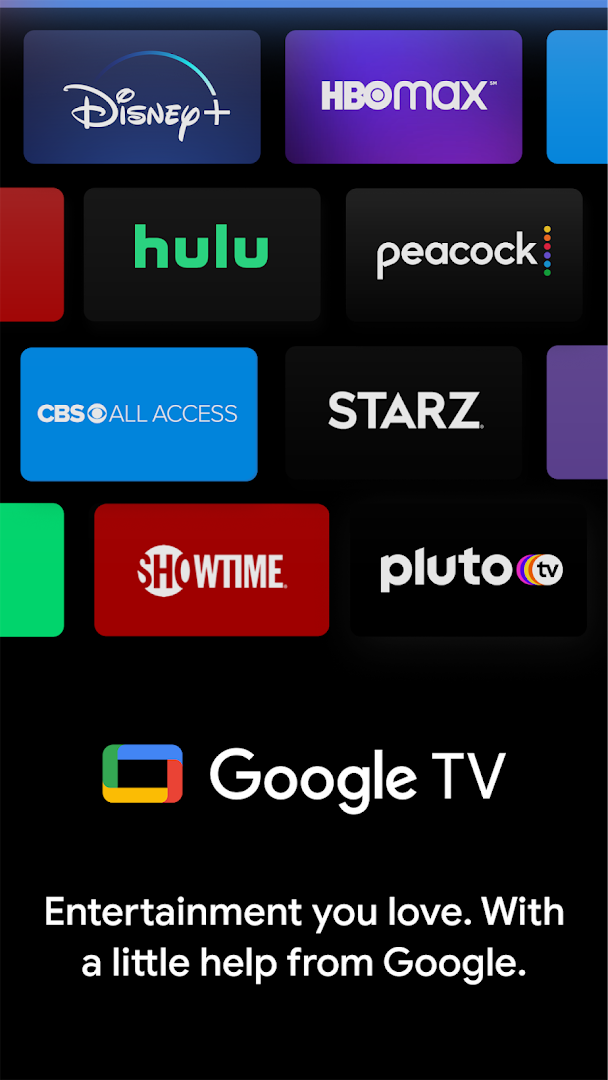
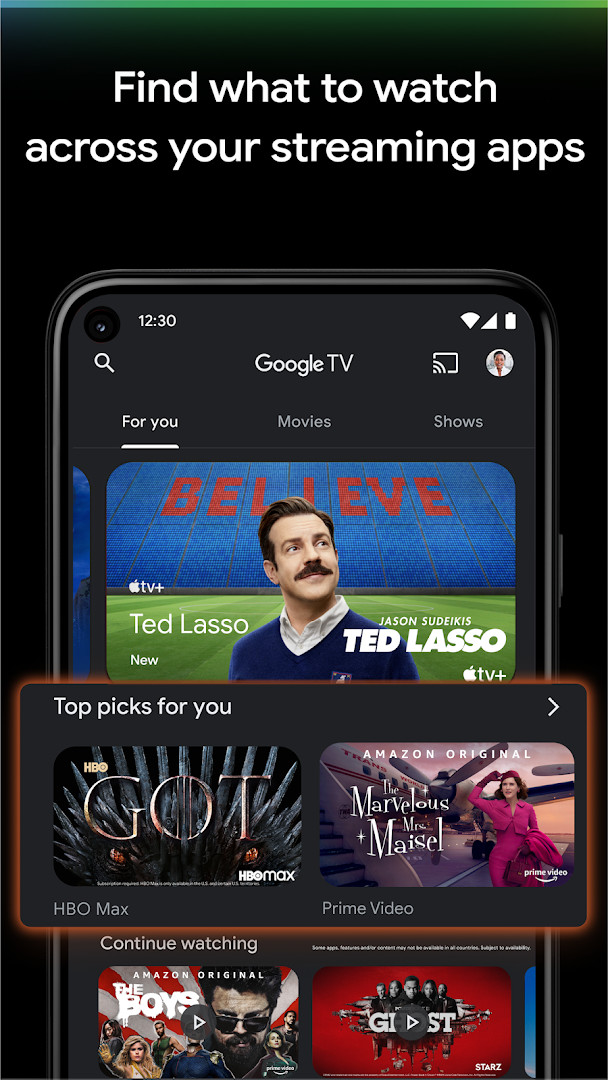
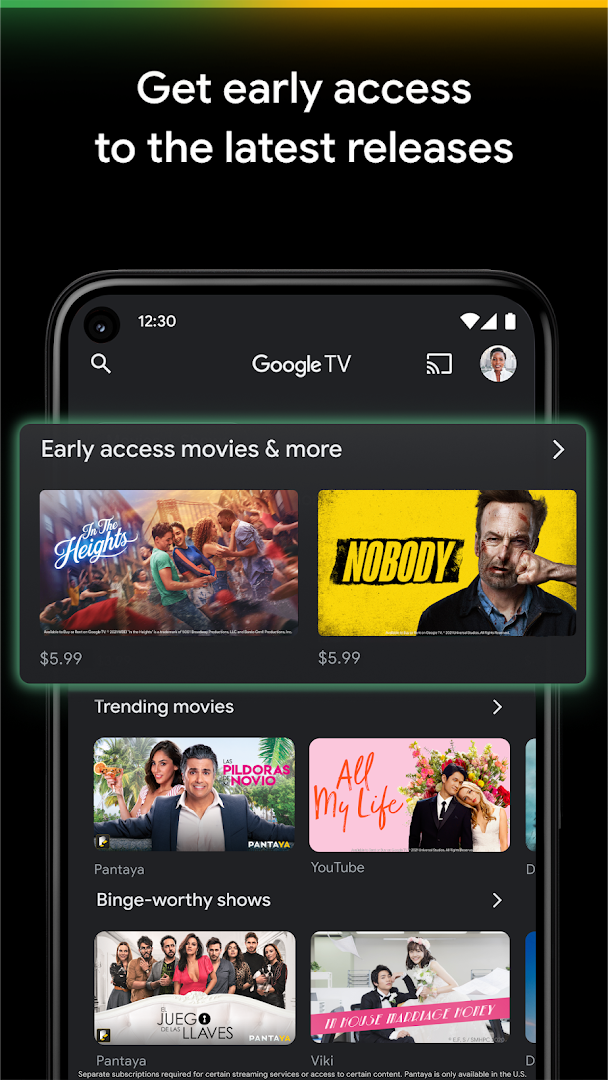
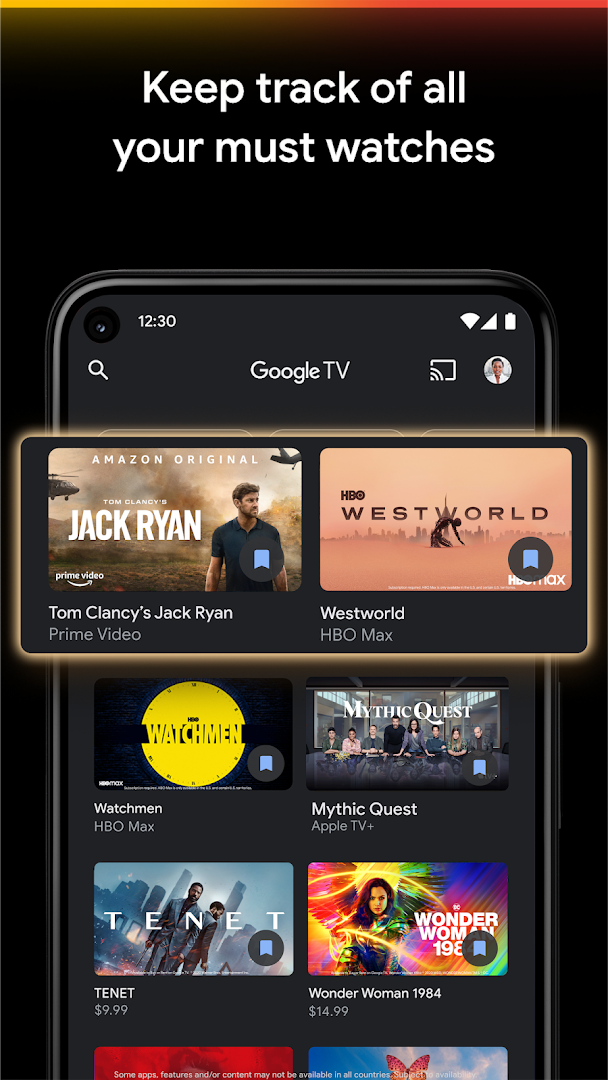
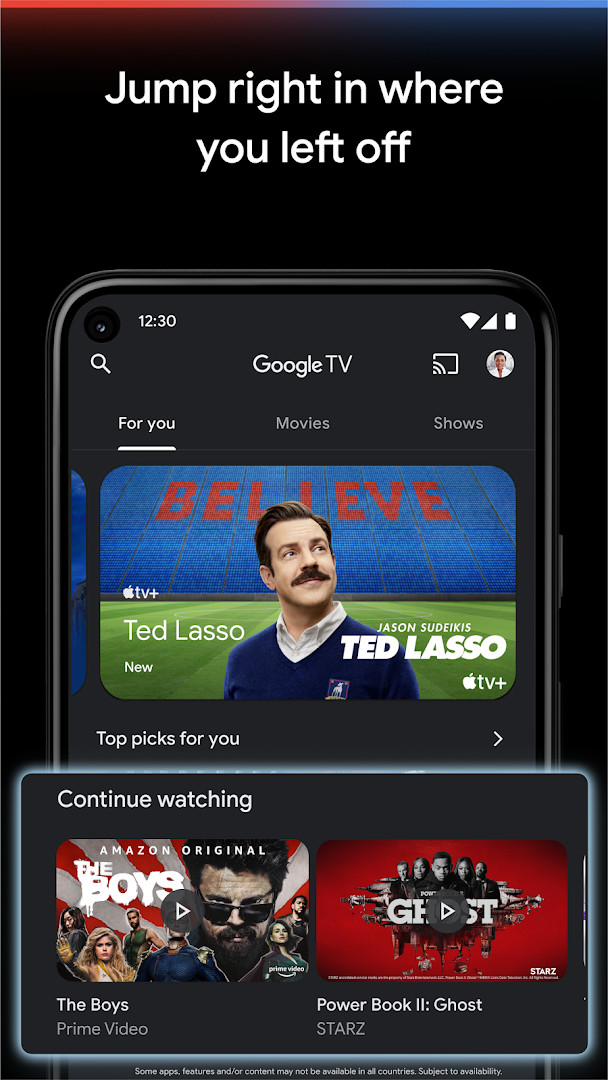
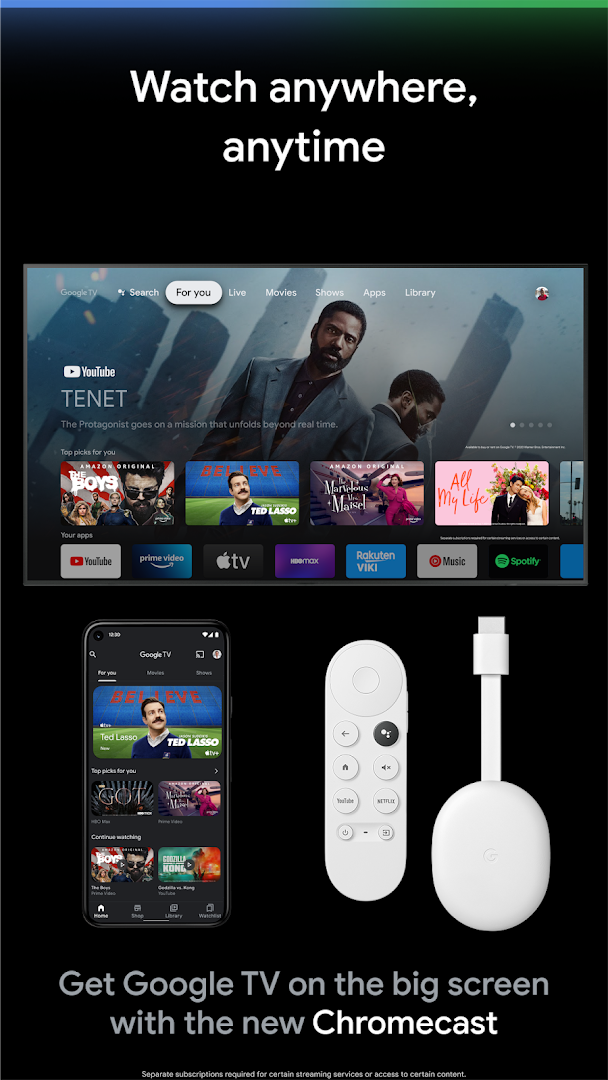
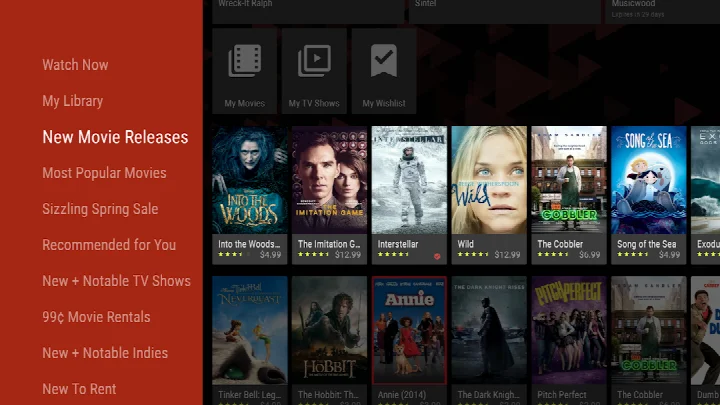
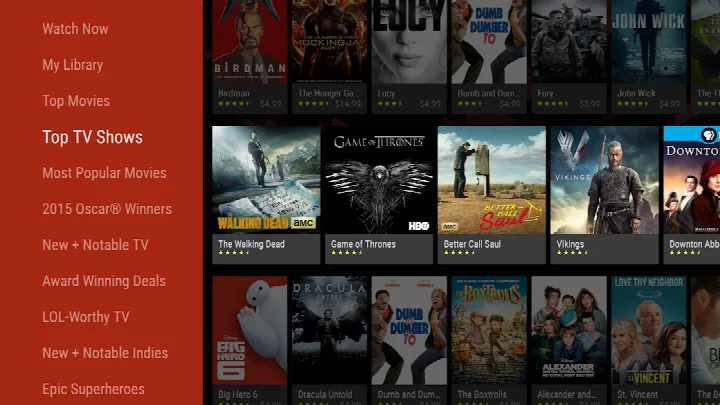
Google TV is an entertainment app by Google LLC that lets you discover, watch, and stream movies and shows from multiple services in one place. Formerly known as Play Movies & TV, it acts as a central hub for browsing a vast catalog of content and keeping track of what you want to see next. The app pulls together titles from across your streaming subscriptions, so you can search once and see which services offer a particular movie or show, then jump straight to watching it. It also includes a Shop tab where you can buy or rent the latest releases, and your purchases are saved in a Library for offline viewing. The app’s Watchlist is synced across devices, meaning you can add a title from your phone and pick it up later on your TV or laptop. A built-in remote feature lets you control your Google TV or Android TV OS device from your phone, and you can use the phone’s keyboard to type passwords or search terms more easily. The most recent update, version 4.39.2486.665854892.9-release from July 2026, focuses on helping you find where your favorite shows and movies are streaming, with a few taps to discover something new and the ability to give thumbs up or down to refine personal recommendations. The app also shows which streaming apps offer the title you’re interested in, making it simpler to decide where to watch. With over 700,000 movies and TV episodes available to browse, the app organizes content into topics and genres, and its recommendations are based on what you love and what’s trending across the services you already have access to. It requires Android 6.0 or higher and takes up about 40 MB of space. While the app itself is free to download and contains no ads, some features and content require separate subscriptions to streaming services.
Key features
- Browse over 700,000 movies and TV episodes from across your streaming apps in one place, organized by topics and genres
- Get recommendations based on your viewing history and what’s trending on services you already use
- Search for titles to see which streaming apps offer them, so you know where to watch
- Buy or rent the newest releases from the Shop tab, with purchases stored in your Library for offline download
- Maintain a shared Watchlist that syncs across all your devices, accessible even from a browser on your laptop
- Use your phone as a remote control for your Google TV or Android TV OS device, including a keyboard for easier typing
- Give thumbs up or down to titles to improve your personal recommendations
How to install
- Tap the download button on this page to get the APK file (about 40 MB) for Google TV.
- When Android asks, allow your browser or file manager to install apps by enabling the 'Install unknown apps' setting for that app.
- Open the downloaded APK file from your notifications or file manager.
- Tap 'Install' on the installation screen and wait for the process to finish.
- Open the app from your app drawer or home screen. You can sign in with your Google account to sync your library and watchlist. The app requires Android 6.0 or higher.
Pros
- Aggregates content from multiple streaming services, saving you time searching each app separately
- Watchlist syncs across devices, so you can plan your viewing from anywhere
- Built-in remote feature is handy when you lose the physical remote
- Recommendations improve as you rate titles with thumbs up or down
- No ads in the app, and the base app is free to use
Cons
- Requires separate subscriptions for many streaming services to fully use its features
- Some permissions, like contacts and microphone, may feel excessive for an entertainment app
- The content rating is Teen, which may not suit younger children without parental controls
- In-app purchases are available, which could lead to accidental spending
Fresh Updates
This update makes it easier to see where your favorite shows and movies are available to stream. You can quickly discover new content in just a few taps, rate titles with a thumbs up or down to receive personalized recommendations, and check which streaming apps currently offer the show or movie you're interested in.
Older Releases
| Version | Size | Requires Android | Updated |
|---|---|---|---|
| 4.39.2486.665854892.9-release | 40 MB | 6.0 | 10.07.2026 |
This app is ideal for cord-cutters who juggle multiple streaming subscriptions and want a single place to search for movies and shows. It also suits movie buffs who like to buy or rent new releases, and families who want a shared watchlist to coordinate what to watch on TV.
Use the thumbs up and down buttons on titles you already know you like or dislike to help the app refine its recommendations, so you spend less time scrolling and more time watching.
Access Permissions
Common Queries
How large is the Google TV app installation file, and what Android version does it need?
The download is about 40 MB, and the app requires Android 6.0 or later to run.
What is the most recent version of Google TV listed here, and when was it published?
The current version is 4.39.2486.665854892.9-release, dated 2026-07-10. The app itself was last updated on 2026-09-14.
How many movies and TV episodes can I browse inside Google TV?
You can explore more than 700,000 movies and TV episodes pulled together from the streaming services you already use, sorted by topic and genre.
Can I keep watching purchased titles without an internet connection?
Yes. Movies and shows you buy or rent are saved in your Library, where they can be downloaded for offline viewing.
Does the app turn my phone into a remote control?
It includes a built-in remote, so you can operate a Google TV or other Android TV OS device from your phone, and use the phone keyboard to enter passwords or search terms.
Is the Watchlist shared across my devices?
The Watchlist is synchronized between all your devices, so a title added from one device shows up on the others, and it can also be updated through Search in any browser.
Google TV is a practical companion for anyone who frequently switches between streaming apps, offering a unified search and watchlist that can simplify your viewing routine. While it depends on having subscriptions to other services and asks for a fair number of permissions, its core features are solid and the recent update makes finding where to watch even easier. If you’re tired of jumping between apps to decide what to stream, this is worth a try.
Related Apps
Other Apps by Developer
 GoogleGoogle LLC · ★ 4.0 · Tools · 156 MB
 Google DriveGoogle LLC · ★ 4.3 · Productivity · 124 MB
 YouTubeGoogle LLC · ★ 3.8 · Entertainment · 199 MB
 Android AutoGoogle LLC · ★ 4.1 · Auto & Vehicles · 35 MB
 Google WalletGoogle LLC · ★ 4.3 · Finance · 16 MB
 Google Play Books & AudiobooksGoogle LLC · ★ 4.7 · Education · 22 MB
Updated: 24.10.2026