Spotify: Music and Podcasts: Streaming App
Spotify: Music and Podcasts is a music and audio streaming app by Spotify AB that lets you play songs, podcasts, and audiobooks for free.
Spotify: Music and Podcasts is a free-to-download streaming service that offers over 80 million songs, 4 million podcasts, and more than 300,000 audiobook titles, with optional Premium subscriptions for offline listening and ad-free playback.
Screen gallery
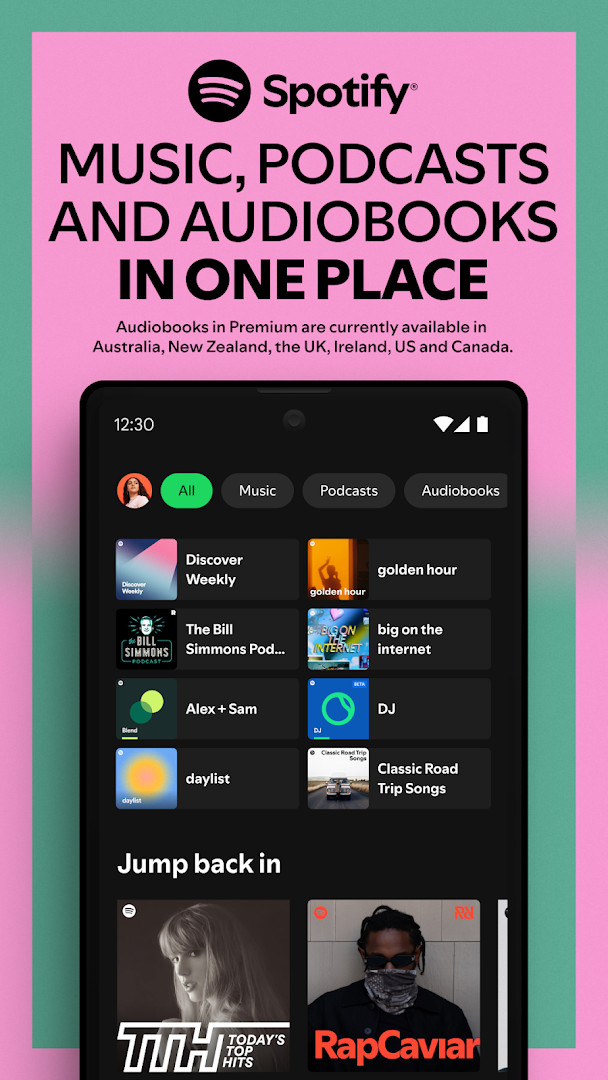
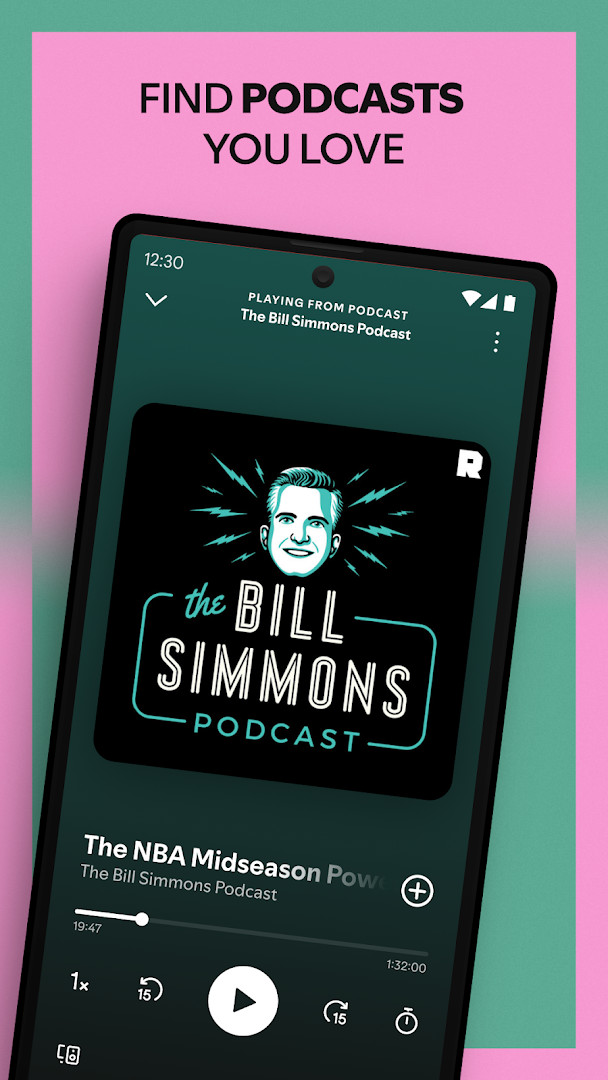
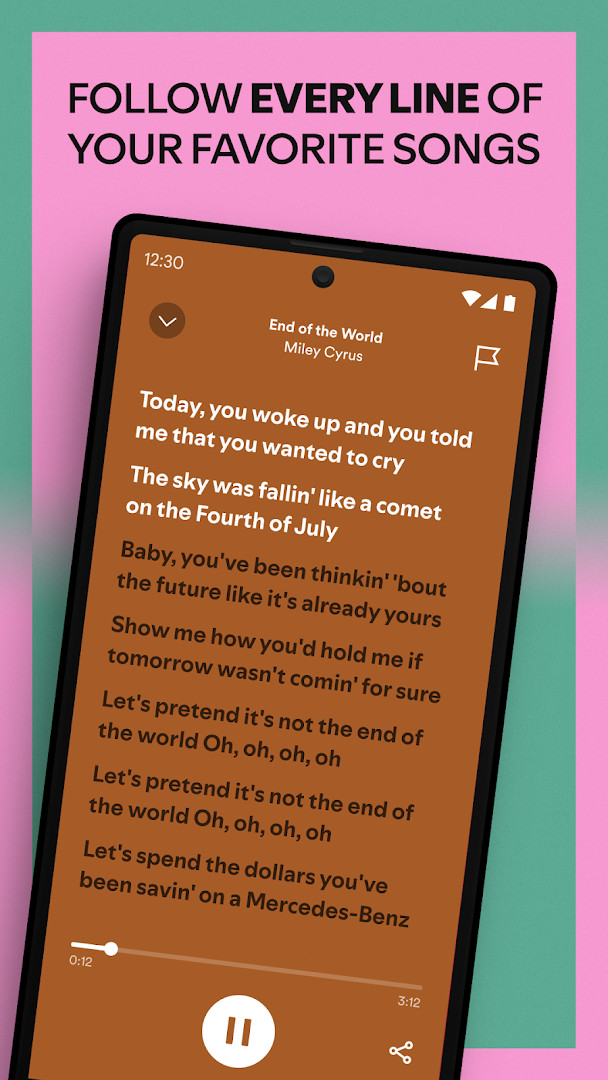
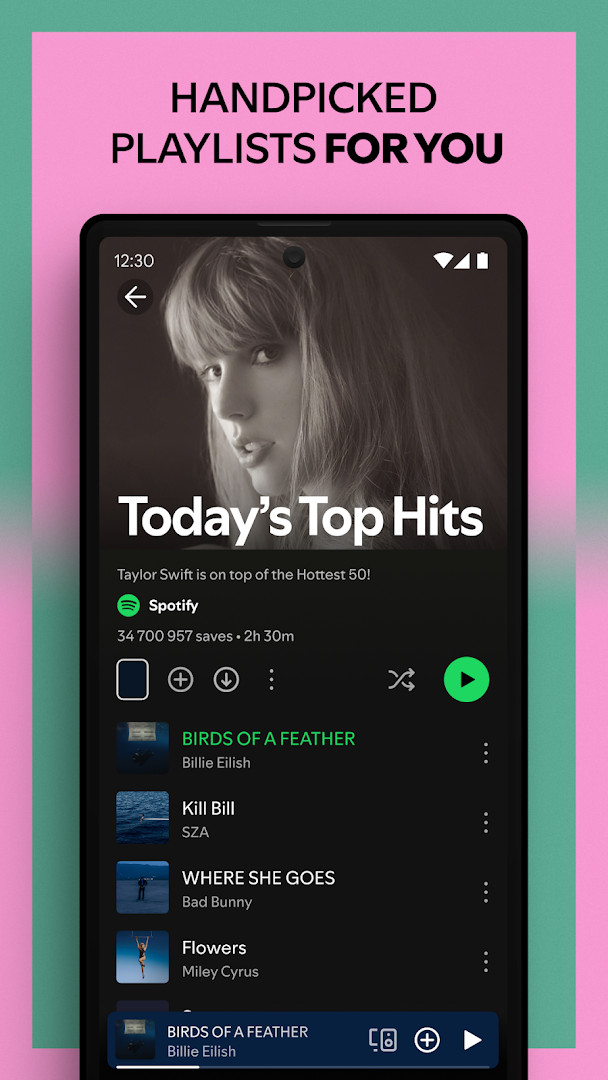
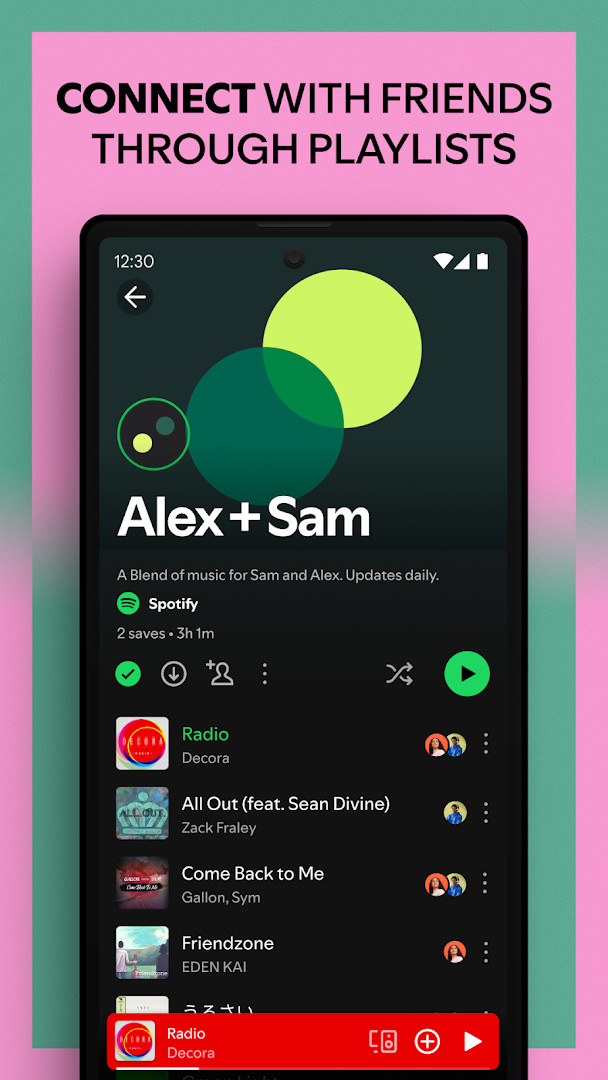
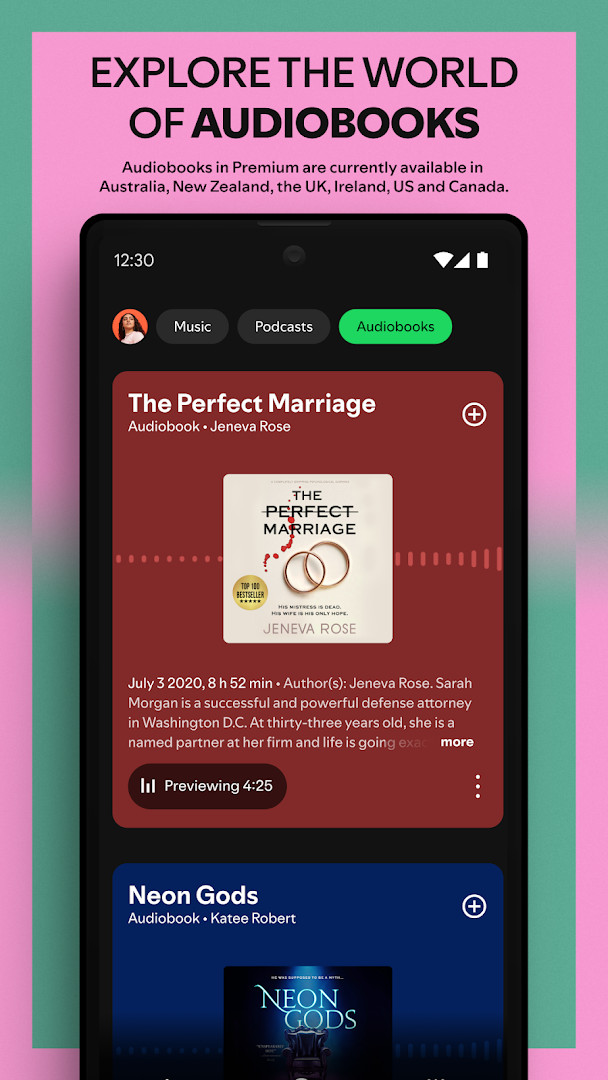
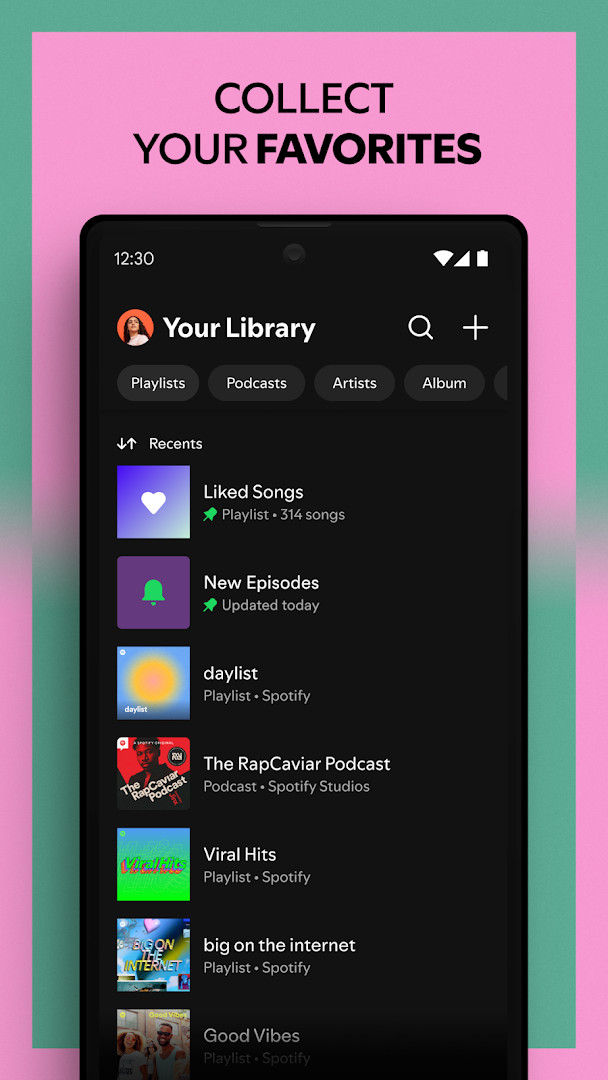
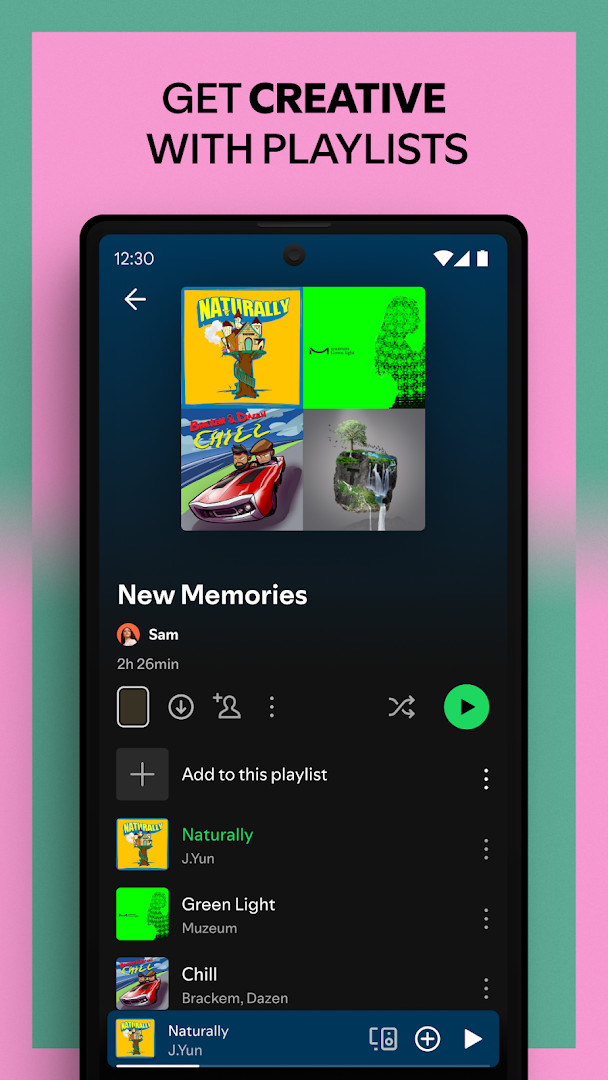
Spotify: Music and Podcasts is a music and audio streaming app by Spotify AB that lets you play songs, podcasts, and audiobooks on your Android device. The app gives you access to a vast catalog of over 80 million songs and 4 million podcasts, plus more than 300,000 audiobook titles, all available to browse and play without a paid subscription. You can search for tracks by typing a lyric, explore curated playlists across dozens of genres, and listen to daily mixes tailored to your tastes. For people who want an ad-free experience or offline playback, a Premium subscription adds downloads, on-demand playback, and a choice of four plans.
The app is designed for casual listeners and dedicated fans alike. You can create and share your own playlists, subscribe to favorite podcasts, and bookmark individual episodes into custom lists. It also works across many devices, including phones, tablets, desktops, TVs, and Wear OS wearables, so you can start listening on one screen and continue on another. The free tier includes ads, and the app offers in-app purchases for Premium, which unlocks offline listening and removes interruptions.
Spotify has been around since 2014 and is one of the most widely used entertainment apps, with over a billion installs. It is rated for teens and asks for a range of permissions, including access to your identity, contacts, location, phone, storage, camera, and microphone. Some of these are used for features like casting to other devices or controlling playback, while others support audience measurement, which you can opt out of in the app settings. If you want a single app for music, podcasts, and audiobooks, this is a solid choice, though the permissions are worth reviewing before you install.
Key features
- Listen to over 80 million songs and 4 million podcasts, with numbers growing over time
- Access more than 300,000 newly added audiobook titles
- Search for a song or artist by typing a lyric you remember
- Create and share your own playlists, or discover playlists made by others
- Get daily music mixes personalized to your listening habits
- Explore top songs by genre, country, or decade across over 40 categories
- Subscribe to favorite podcasts and build your own podcast library
- Bookmark individual podcast episodes into playlists
- Play on mobile, tablet, desktop, PlayStation, Chromecast, TV, Wear OS, and other devices
- Premium adds ad-free listening, offline downloads, and on-demand playback
How to install
- Tap the download button on this page to get the APK file, which is about 4.3 MB in size.
- When Android asks for permission, allow your browser or file manager to install apps by enabling the Install unknown apps setting.
- Open the downloaded APK file from your notifications or downloads folder.
- Tap Install and wait for the process to finish; this should take only a moment.
- Open the app from your home screen or app drawer once installation completes.
- Make sure your device runs Android 7.0 or newer, as that is the minimum version required.
Pros
- Huge library of music, podcasts, and audiobooks in one place
- Free tier lets you listen without paying, though ads are included
- Personalized playlists and daily mixes help you discover new music
- Works across many device types, including wearables and TVs
- Premium plans offer flexibility with Individual, Duo, Family, and Student options
Cons
- Free version includes ads that interrupt playback
- Premium subscription is required for offline downloads and on-demand playback
- Requests a wide range of permissions, including camera, microphone, and location
- Includes audience measurement software, though you can opt out in settings
Latest changes
Spotify version 9.1.84.2231 arrives with the release dated November 9, 2026. This is a maintenance update focused on small changes and improvements rather than new features, so the listening experience stays smooth across music, podcasts and audiobooks. Keeping automatic updates on is the simplest way to receive these fixes as they roll out.
Version history
| Version | Size | Requires Android | Updated |
|---|---|---|---|
| 9.1.84.2231 | 145 MB | 7.0 | Sep 26, 2026 |
| 8.4.90.722 | 4.3 MB | 7.1 | Dec 13, 2019 |
| 1.0.0 | 0.1 MB | — | Jul 16, 2018 |
| 8.4.58.675 | 37 MB | 4.0.3 | Jun 13, 2018 |
Spotify is for anyone who wants a single app to stream music, follow podcasts, and listen to audiobooks on their Android phone or tablet. It suits casual listeners who are fine with ads, as well as dedicated users willing to pay for Premium to get offline access and ad-free playback.
To avoid surprise data use, download music and podcasts for offline listening if you have a Premium subscription. You can also opt out of Nielsen audience measurement in the app settings if you prefer not to participate. Explore the Made for You section to find daily mixes that match your mood, and use the lyric search when you only remember part of a song.
Permissions
FAQ
Is Spotify: Music and Podcasts free to install?
Yes. The app is offered at no cost, and the download is free. It does contain ads and offers in-app purchases, including a Premium option for ad-free and offline listening.
Which Android version do I need?
The minimum requirement is Android 7.0. Make sure your device runs that version or newer before installing.
How large is the download?
The file size is 4.3 MB, so it takes up very little space and installs quickly.
Do I need an account to use the app?
Yes, an account is needed to sign in and stream music, podcasts and audiobooks. You can listen to a large catalog for free, while Premium adds extras such as offline downloads and no ad breaks.
What permissions does the app request?
It asks for Identity, Contacts, Location, Phone, Photos/Media/Files, Storage, Camera, Microphone, Wi-Fi connection information, and Device ID & call information. These are used for features like playback, downloads and account access.
How do I update the app?
Download the newest version from this page and install it over your current copy. Your account and library stay intact, so there is no need to set everything up again.
Spotify: Music and Podcasts is a versatile and reliable way to enjoy music, podcasts, and audiobooks on Android. Its massive catalog and free tier make it easy to start, while Premium adds convenience for those who want offline listening and no ads. Just review the permissions and decide whether the subscription is worth it for your habits.
Similar apps




Updated: Nov 15, 2026