YouTube Music: Music and audio streaming app
YouTube Music is a music and audio streaming app by Google LLC that offers personalized playlists, live performances, covers, remixes, and lyrics.
YouTube Music is a free music streaming service from Google LLC that personalizes playlists and mixes based on your listening habits, including activity mixes for workouts, relaxation, and focus. It suits anyone who wants to explore music by genre or mood, discover global charts, or switch between audio and video.
Screen gallery
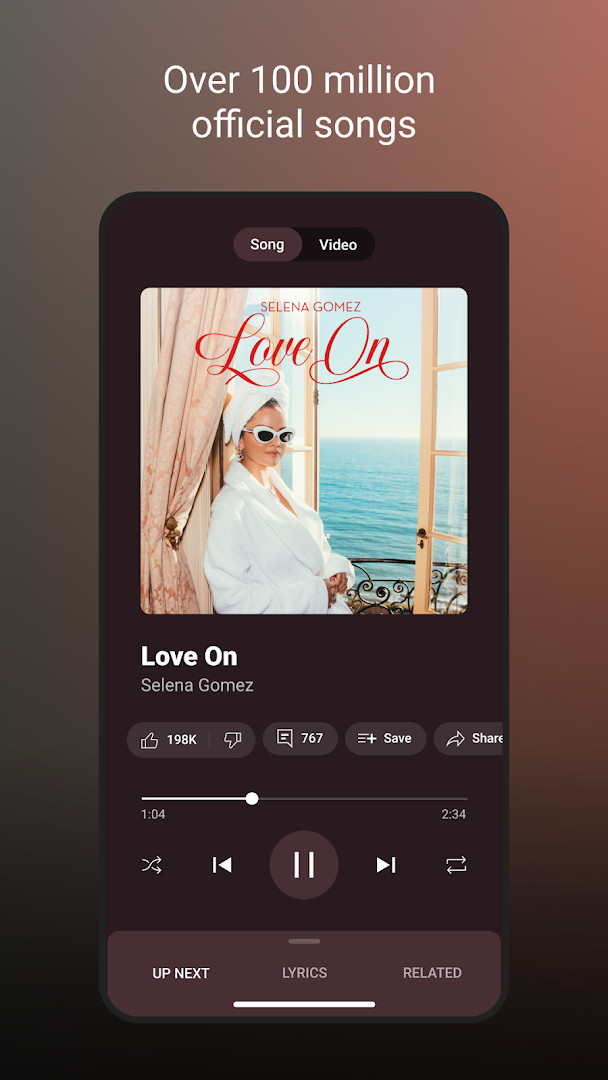
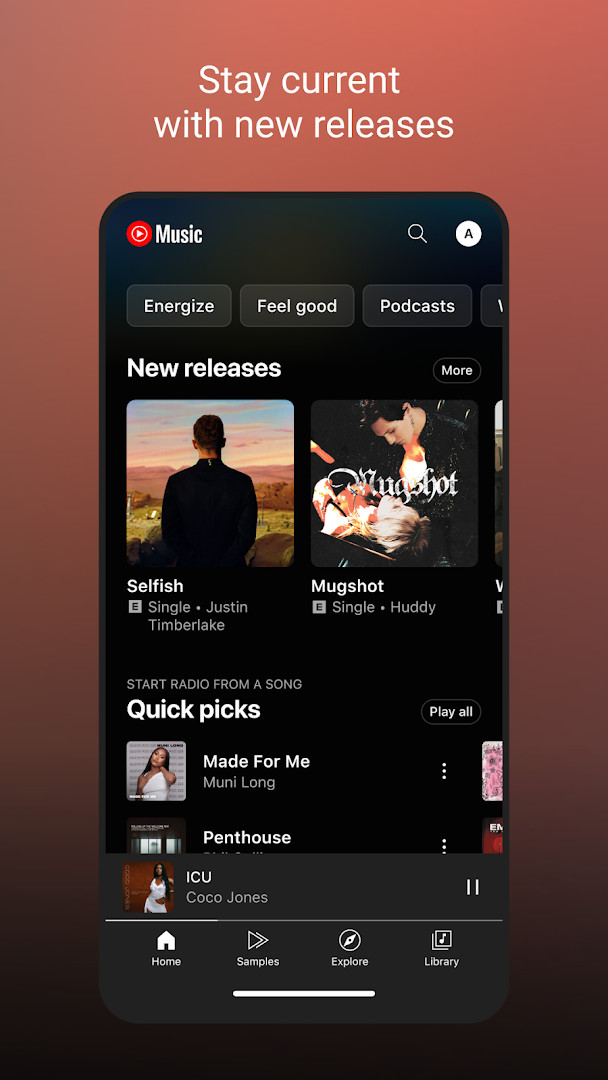
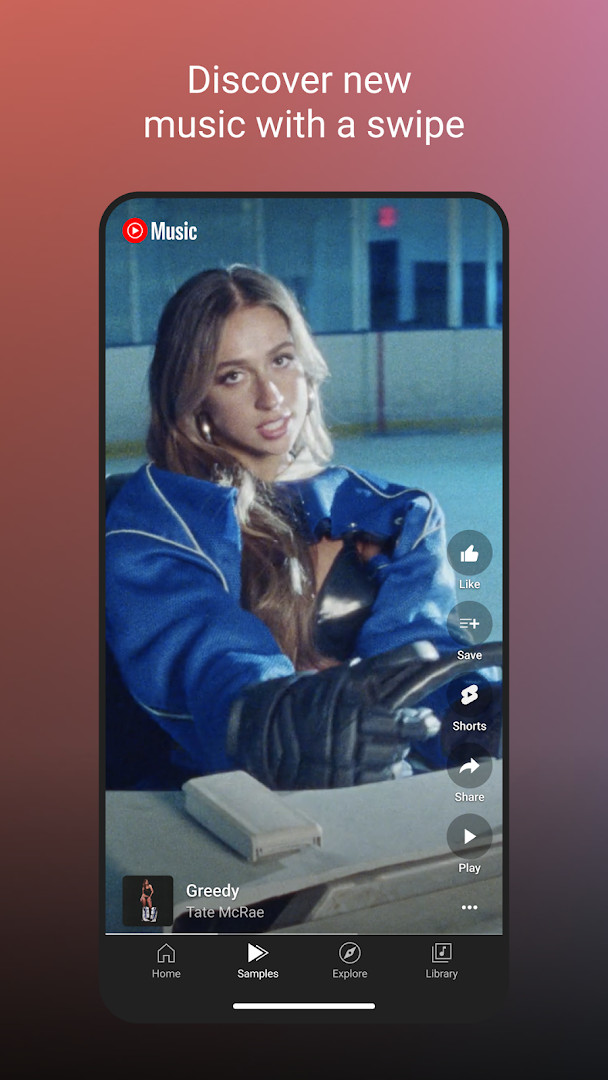
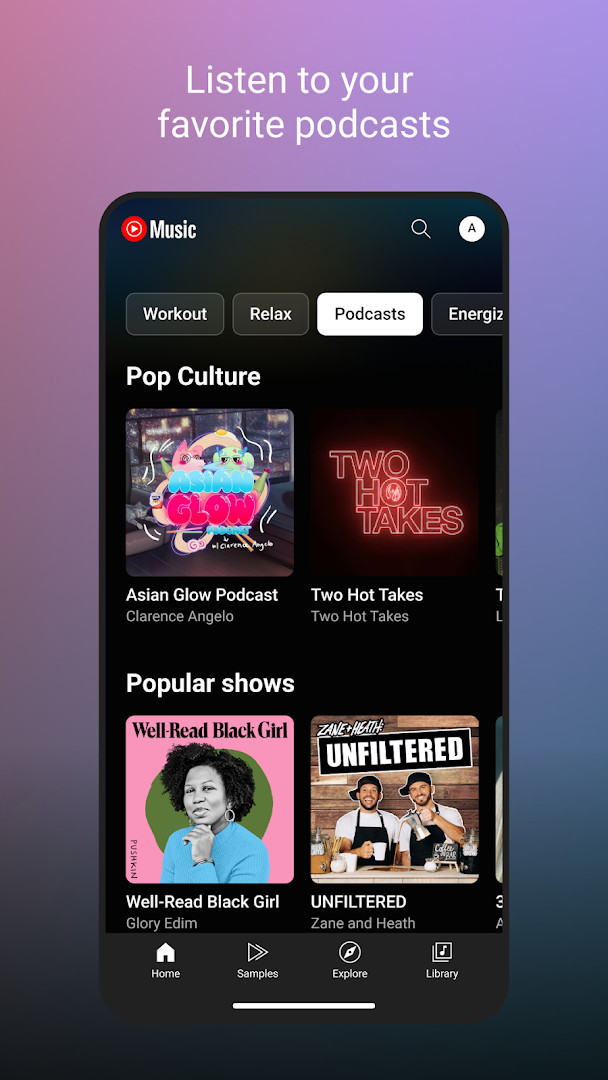
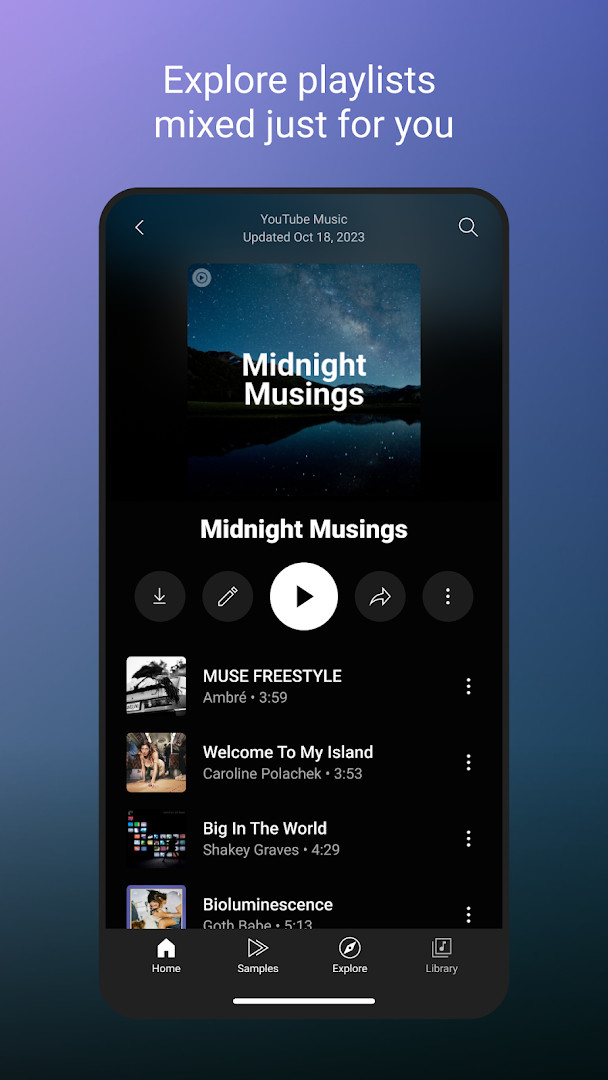
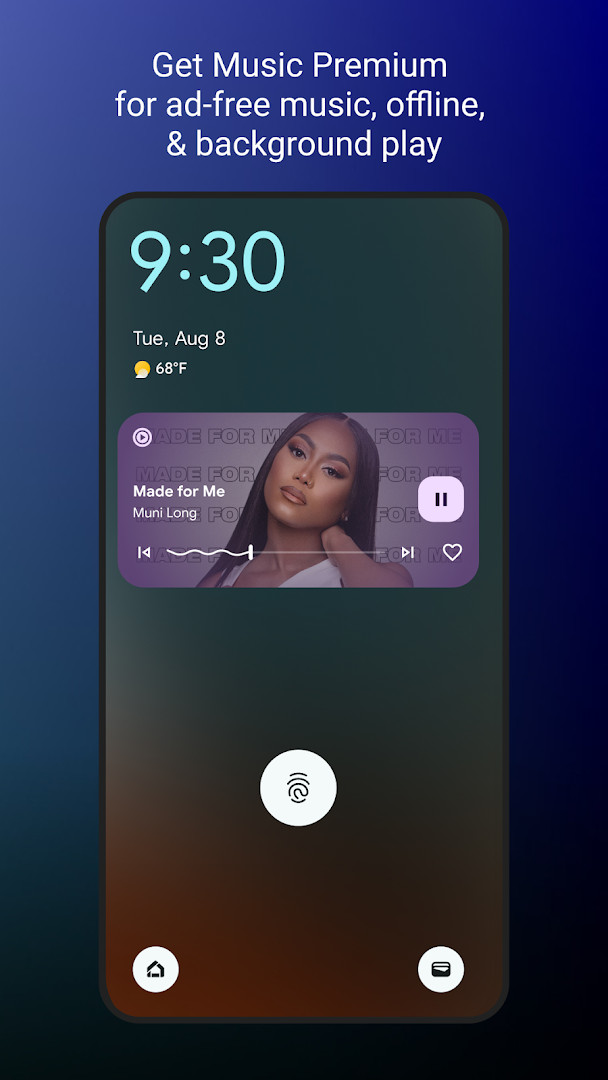
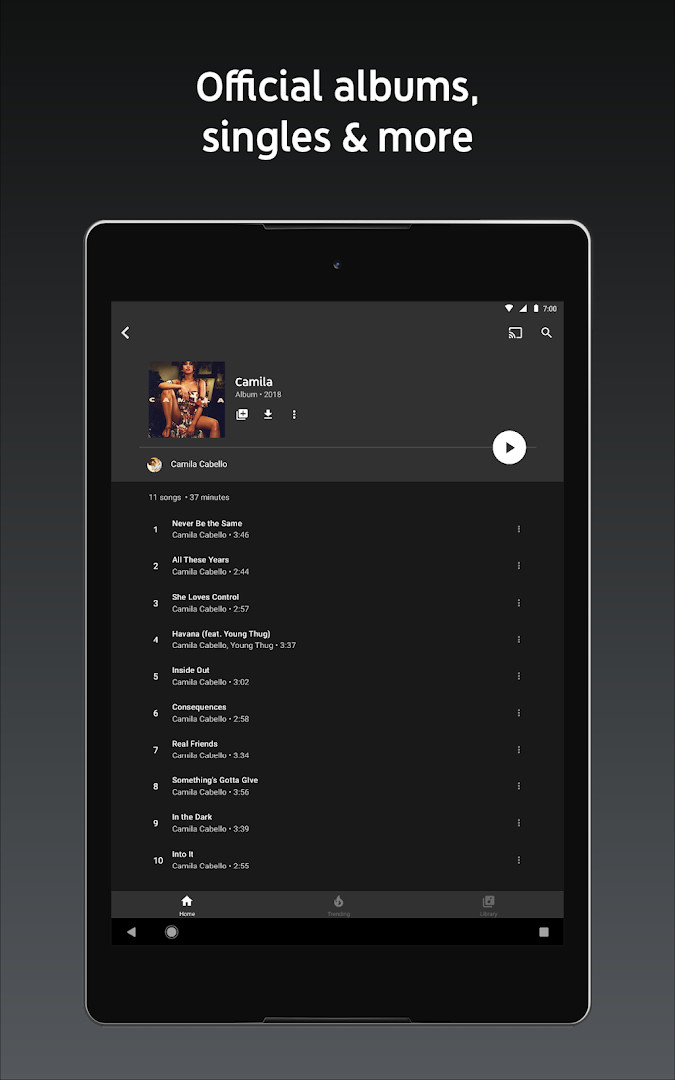
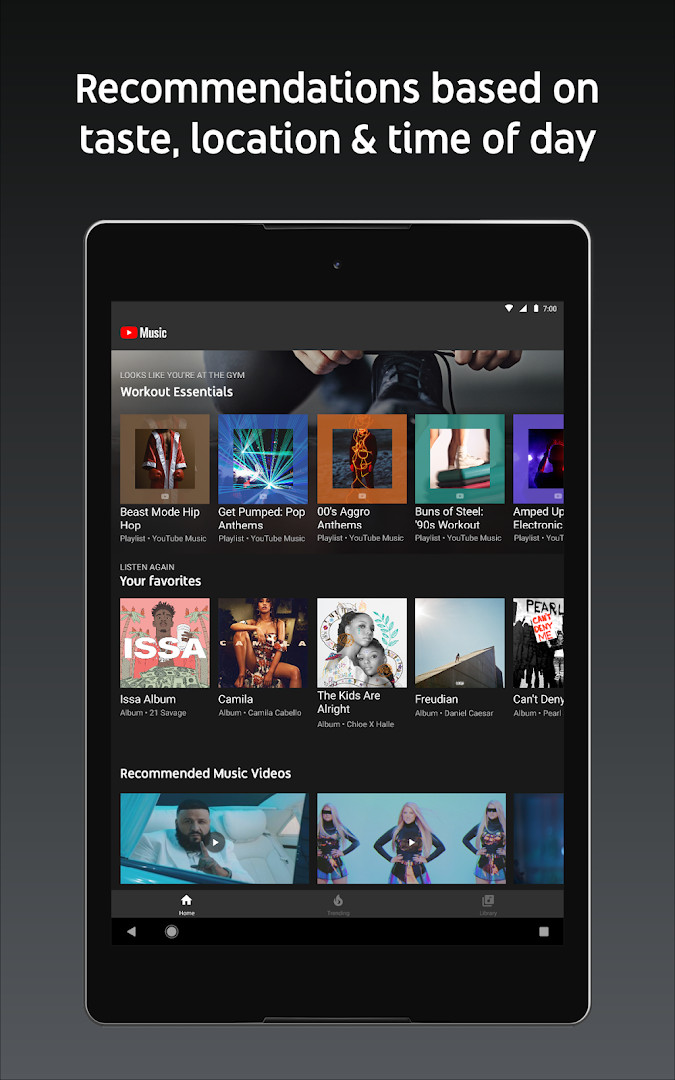
YouTube Music is a music and audio streaming application by Google LLC that connects users to a vast catalog of songs, live performances, covers, remixes, and other music content. It addresses the challenge of discovering and organizing music by offering personalized playlists, activity-based mixes, and curated genre and mood collections. The app solves this by learning from your listening habits to generate tailored recommendations, while also providing tools to create and collaborate on playlists, follow global charts, and switch between audio and video formats for a flexible listening experience.
Key features
- Personalized playlists and Mixes built around your favorite music types
- Curated activity mixes for Workout, Relax, and Focus sessions
- Create playlists with song suggestions or collaborate with other fans
- Discover Mix and New Release Mix for fresh weekly recommendations
- Genre-based discovery across Hip Hop, Pop, Country, Dance & Electronic, Blues, Indie & Alternative, Jazz, Kpop, Latin, Rock, and more
- Mood-based discovery including Chill, Feel Good, Energy Booster, Sleep, Focus, Romance, Workout, Commute, and Party
- Song lyrics to sing along and seamless switching between audio and video
- Compatible with Google Maps, Waze, Google Assistant, and Wear OS Tile for quick access
How to install
- Tap the download button on this page to get the APK file.
- When Android asks, allow your browser or file manager to install apps by enabling the "Install unknown apps" setting.
- Open the downloaded APK file from your notifications or file manager.
- Tap Install and wait for the process to complete; the file size is 68 MB.
- Open the app after installation; it requires Android 8.0 or higher.
Pros
- Extensive catalog including live performances, covers, and remixes
- Strong personalization with activity and mood-based mixes
- Seamless audio/video switching
- Collaborative playlist creation
- Compatible with multiple devices and services
- Regularly updated with new features
Cons
- Contains ads in the free tier
- Offers in-app purchases for Premium features
- Requests broad permissions including identity, contacts, location, camera, and microphone
- Some features like background playback require a paid subscription
Latest changes
This update introduces the new Discover Mix, a personalized playlist that draws on your listening habits to suggest songs you're likely to enjoy. The mix refreshes with a fresh set of tracks every Wednesday, giving you something new to explore each week.
Version history
| Version | Size | Requires Android | Updated |
|---|---|---|---|
| 8.29.52 | 71 MB | 8.0 | Oct 10, 2026 |
| 6.42.52 | 56 MB | 7.0 | Oct 7, 2026 |
| 8.24.52 | 70 MB | 8.0 | Oct 6, 2026 |
| 9.40.51 | 68 MB | 8.0 | Oct 5, 2026 |
| 9.37.54 | 69 MB | 8.0 | Sep 17, 2026 |
YouTube Music is suited for anyone who wants a comprehensive music streaming experience with deep personalization. It appeals to listeners who enjoy discovering new songs through curated mixes, those who like to switch between audio and video content, and users who want playlists tailored to activities like workouts or focus sessions. It is also useful for people who collaborate on playlists with friends or want access to live performances and remixes not typically found elsewhere.
Explore the Discover Mix each Wednesday for a fresh set of personalized songs. Also, consider adjusting app permissions to only grant what you need for core music playback, and use the mood-based playlists for specific activities like sleep or focus.
Permissions
FAQ
Is YouTube Music free to download and use?
Yes, the app is free to download and use. It includes ads and offers optional in-app purchases, such as a Music Premium subscription for an ad-free experience.
What Android version do I need to install YouTube Music?
The app requires Android 8.0 or higher. The current package is about 68 MB in size.
Do I need a Google account to use YouTube Music?
Yes, a Google account is required to sign in and access personalized playlists, your library, and other account-based features.
What permissions does YouTube Music request?
The app requests access to Identity, Contacts, Location, Photos/Media/Files, Storage, Camera, Microphone, and Wi-Fi connection information. These are used for features like playback, personalization, and media handling.
How do I update YouTube Music after installing it?
To update, simply download the newest version available on this page and install it over your current installation. Your playlists and settings will be preserved.
YouTube Music delivers a robust streaming experience with strong personalization and a wide variety of content. While ads and broad permissions are considerations, the core listening and discovery features work reliably for most users.
Similar apps



More from this developer
 Google MessagesGoogle LLC · ★ 4.6 · Communication · 9 MB
 Gboard - the Google KeyboardGoogle LLC · ★ 4.5 · Tools · 9.4 MB
 Google CalendarGoogle LLC · ★ 4.6 · Productivity · 33 MB
 Google TVGoogle LLC · ★ 3.9 · Entertainment · 40 MB
 GoogleGoogle LLC · ★ 4.0 · Tools · 156 MB
 Google DriveGoogle LLC · ★ 4.3 · Productivity · 124 MB
Updated: Nov 7, 2026