Parallel Space - app cloning: run multiple accounts
Parallel Space - app cloning is a free personalization tool by LBE Tech that lets you run multiple accounts of the same app on a single device.
Parallel Space - app cloning is 58 MB in size, requires Android 7.0 or later, and includes ads and in-app purchases for the Pro plan. With the free plan you can run two accounts at the same time, and the Pro plan unlocks support for more. The tool supports 24 languages and suits users who want separate work and personal accounts or multiple game accounts.
Screen gallery
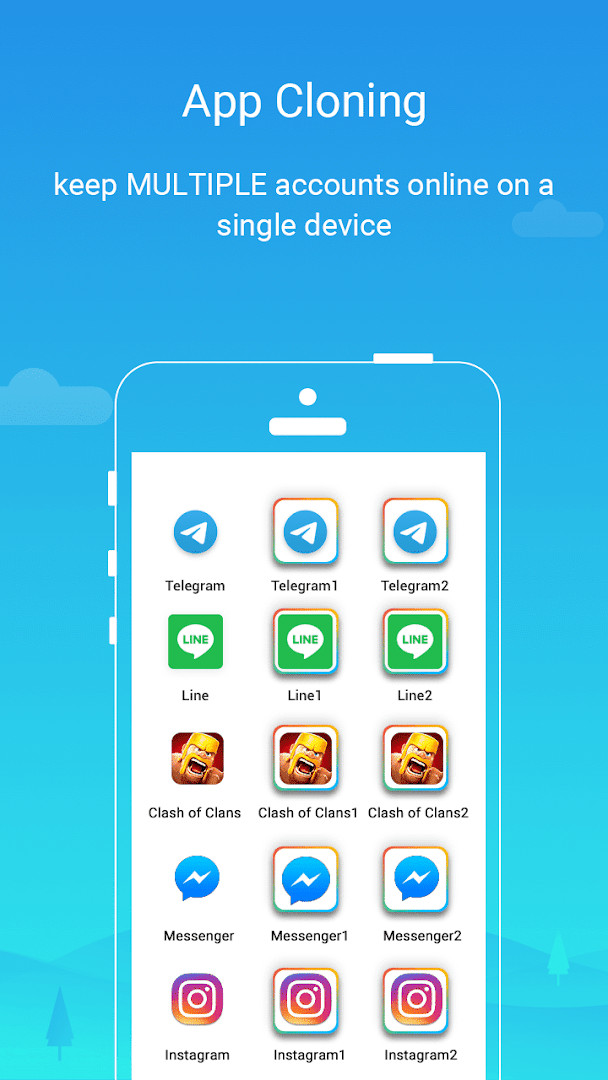
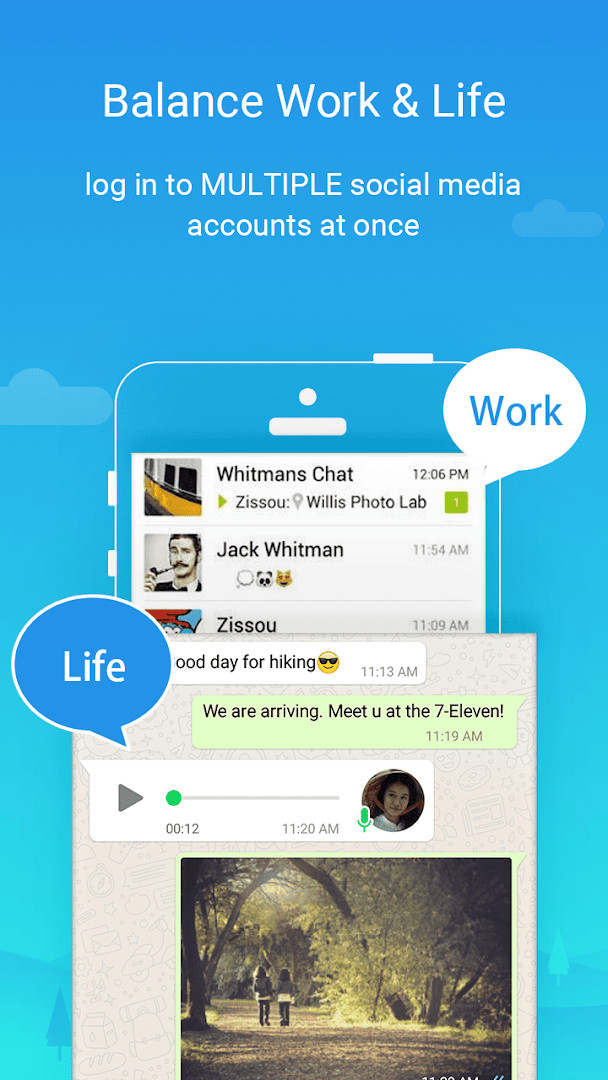
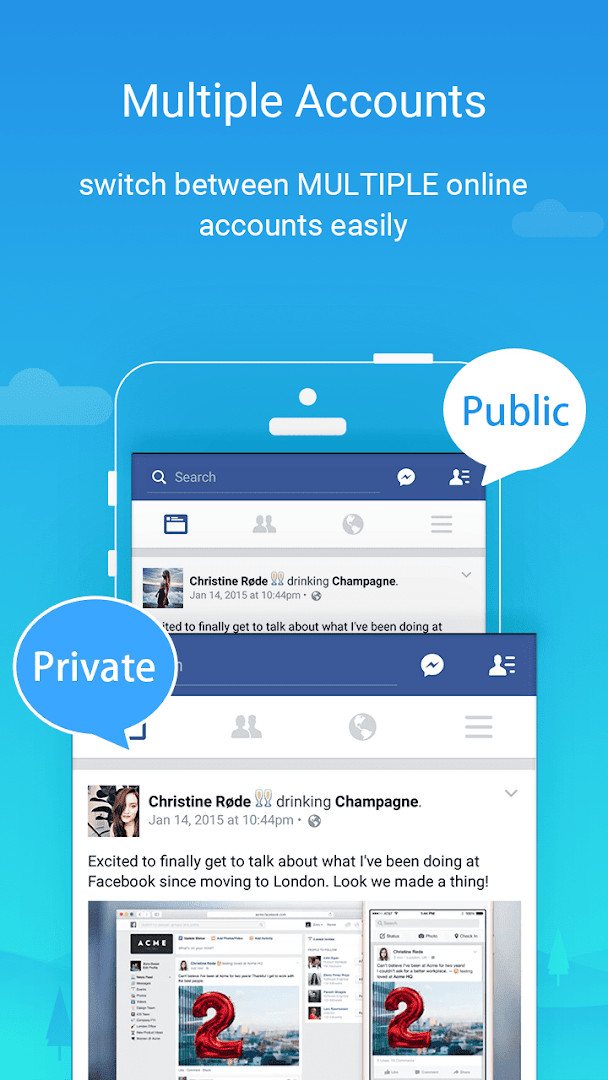
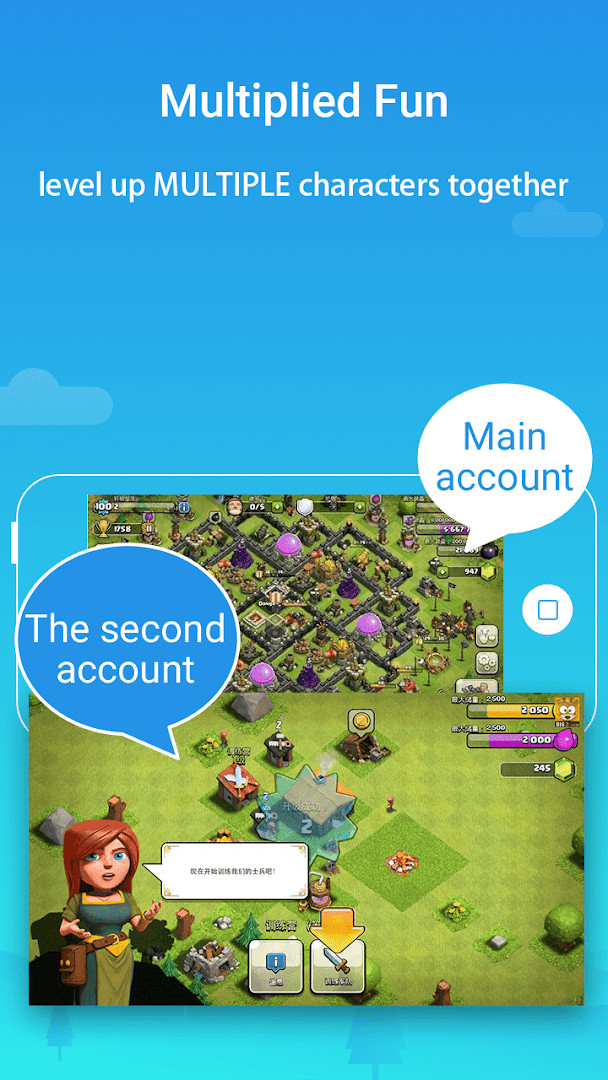
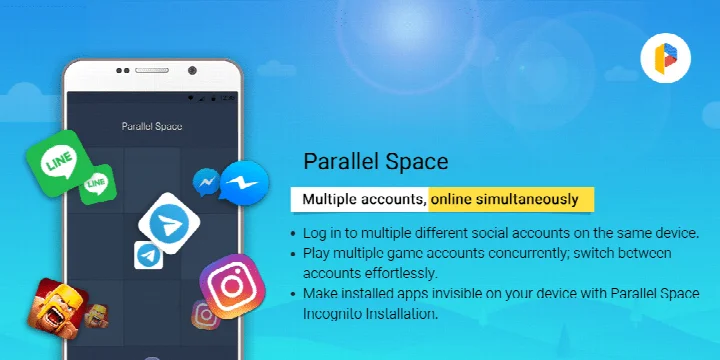
Parallel Space - app cloning is an Android personalization tool by LBE Tech that lets you run multiple accounts of the same app on a single device. It solves the problem of having to log out and back in every time you want to switch between, for example, a work and a personal profile or several game accounts, by keeping separate clones of the same app. The tool is built on the multiDroid application virtualization engine, so each clone runs independently and keeps its own data. An Incognito Installation option can hide selected clones from the device view, and a secure lock helps protect apps placed in a private space. It works with most Android apps, supports 24 languages, and has been updated to be fully compatible with Android 15.
Key features
- Run multiple accounts of the same app simultaneously on one device
- Incognito Installation hides cloned apps from the device view
- Secure lock feature protects apps placed in a private space
- Switch between running accounts with a single tap
- Keeps each account's data separate and organized
- Supports 24 languages and is compatible with most Android apps
- Built on the multiDroid application virtualization engine
- Free plan supports two simultaneous accounts, with Pro allowing more
How to install
- Tap the download button on this page to get the APK file (58 MB).
- When Android asks, allow your browser or file manager to install apps by enabling the 'Install unknown apps' setting.
- Open the downloaded APK file from your downloads folder.
- Tap Install and wait for the process to finish.
- Open the app from your app list and grant the permissions it requests.
- The app requires Android 7.0 or newer to run.
Pros
- Free to download and use
- Simple setup that suits beginners
- Clear separation between personal and work accounts
- Hidden installation and a secure lock add privacy
- Works with a wide range of Android apps
- Single tap to switch between running accounts
Cons
- Contains ads
- Offers in-app purchases, and the free plan is limited to two simultaneous accounts
- Requests access to many device areas, including location, contacts, camera, and microphone
- Some apps cannot be cloned, such as those declaring the REQUIRE_SECURE_ENV flag
- Cloned apps can use noticeable resources; usage can be checked in Storage and Task Manager
Latest changes · 4.0.9631
The latest update adds full Android 15 compatibility and improves overall performance along with several bug fixes. It also drops support for cloning apps that declare the REQUIRE_SECURE_ENV flag, while now letting more than two accounts stay online simultaneously.
Version history
| Version | Size | Requires Android | Updated |
|---|---|---|---|
| 4.0.9631 | — | 7.0 | Nov 12, 2026 |
| 4.0.9544 | 46 MB | 7.0 | Nov 2, 2026 |
| 4.0.9548 | 46 MB | 7.0 | Nov 2, 2026 |
| 4.0.9620 | 58 MB | 7.0 | Oct 21, 2026 |
| 4.0.9614 | 58 MB | 7.0 | Sep 23, 2026 |
| 4.0.9618 | 58 MB | 7.0 | Sep 23, 2026 |
| 4.0.9553 | 46 MB | 7.0 | Mar 18, 2026 |
| 4.0.9274 | 16 MB | 4.4 | Jan 13, 2026 |
| 4.0.9403 | 18 MB | 9 | Dec 1, 2025 |
| 4.0.9001 | 11 MB | 4.0.3 | Dec 1, 2025 |
Parallel Space is a good starting point for anyone who wants to keep two or more online identities on one phone without constantly logging in and out. Beginners will appreciate the straightforward cloning flow, whether the goal is separating work and personal messaging, running several games with different saves, or keeping sensitive apps out of view. People who are comfortable with ads and only need a couple of accounts can use the free version, while those who expect to manage many accounts at once will likely want to consider the paid tier.
Add Parallel Space to the whitelist of any battery saver or task manager app so social apps inside it can still send notifications. For social networks that require verification, keep a separate active phone number for each account. Use the Storage and Task Manager options in settings to see how much resource each cloned app consumes.
Permissions
FAQ
How do I install the APK on Android?
Download the APK file and open it from your file manager. If prompted, allow installation from unknown sources in your device settings, then follow the on-screen steps to complete the setup.
What is new in version 4.0.9620?
Version 4.0.9620 adds full Android 15 compatibility, stops cloning apps that declare the REQUIRE_SECURE_ENV flag, improves overall performance, fixes known bugs, and supports concurrent online for multiple accounts.
Does the app contain ads or in-app purchases?
Yes, the app is free to install but shows ads and offers in-app purchases. With the free plan you can run two accounts at once; upgrading to the Pro plan unlocks multiple simultaneous accounts.
Can I use the app offline?
The app itself does not require a constant connection for basic cloning, but some cloned apps or account verification steps may need internet access. The data block does not specify offline capabilities.
Are there limitations on which apps I can clone?
Yes, some apps are not supported due to policy or technical limits, such as those declaring the REQUIRE_SECURE_ENV flag. Most other Android apps are compatible.
What Android version is required?
The minimum operating system version is Android 7.0. The latest update also ensures full compatibility with Android 15.
Are there other apps in the Personalization category that do similar things?
Yes, the category includes other cloning and multi-account tools, but their features and limits vary. You can compare them based on supported apps, account limits, and privacy options.
Parallel Space does what it promises: it clones apps so you can run several accounts at once with minimal effort. Just be prepared for ads, a fairly long permissions list, and the free plan's two-account limit.
Similar apps
 Microsoft SwiftKey AI KeyboardSwiftKey · ★ 4.3 · Personalization · v9.13.20.4
 HiOS Launcher - FastTranssion Holdings · ★ 4.0 · Personalization · 70 MB
 Zedge™ Wallpapers & RingtonesZedge · ★ 4.7 · Personalization · 24 MB
 Facemoji AI Emoji KeyboardNexileap · ★ 4.7 · Personalization · v3.7.0
 Launcher OS™Apps Genz · ★ 4.4 · Personalization · v7.0.1
Updated: Nov 19, 2026