BeautyPlus-Selfie Photo Editor: Photo and Video Editor
BeautyPlus-Selfie Photo Editor is a photo and video editor by PIXOCIAL TECHNOLOGY (SINGAPORE) PTE. LTD. that retouches selfies with AI beautification tools.
BeautyPlus-Selfie Photo Editor combines AI beautification, makeup filters, body editing, background removal, and video tools in one free app. This photo editor suits selfie enthusiasts who want quick retouching and advanced controls.
Screen gallery
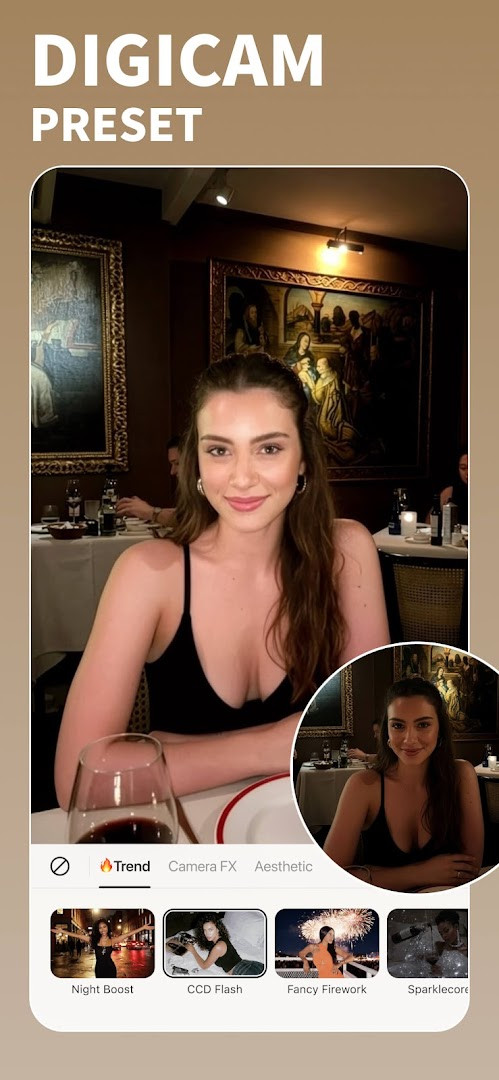
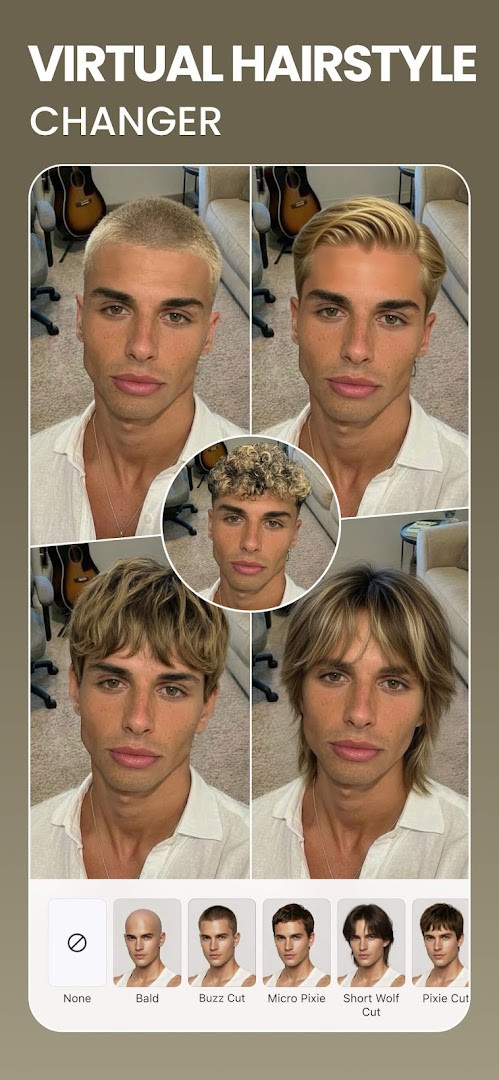
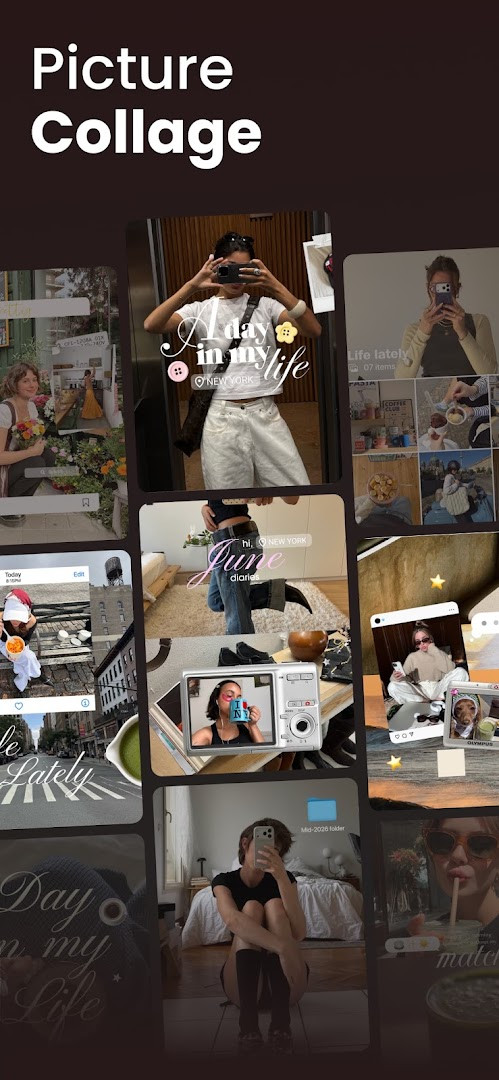
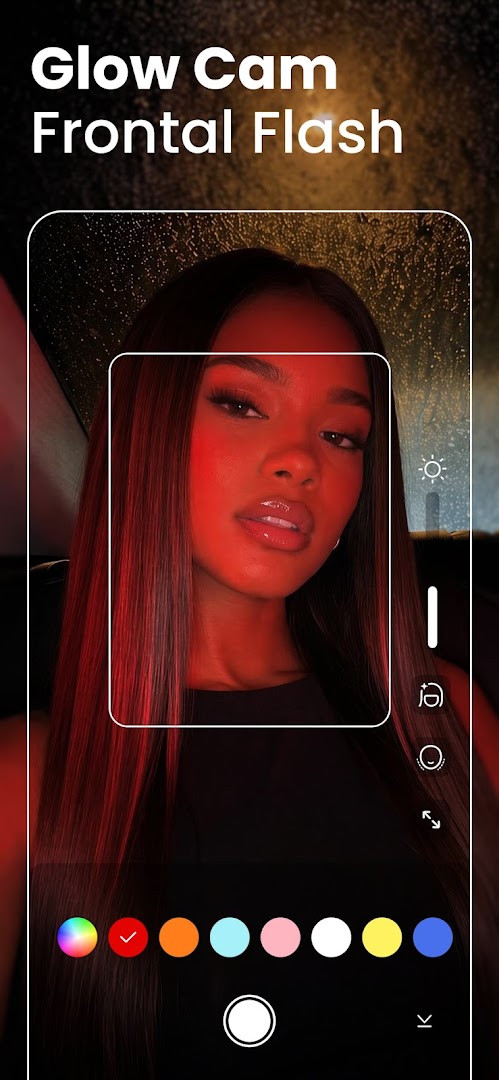
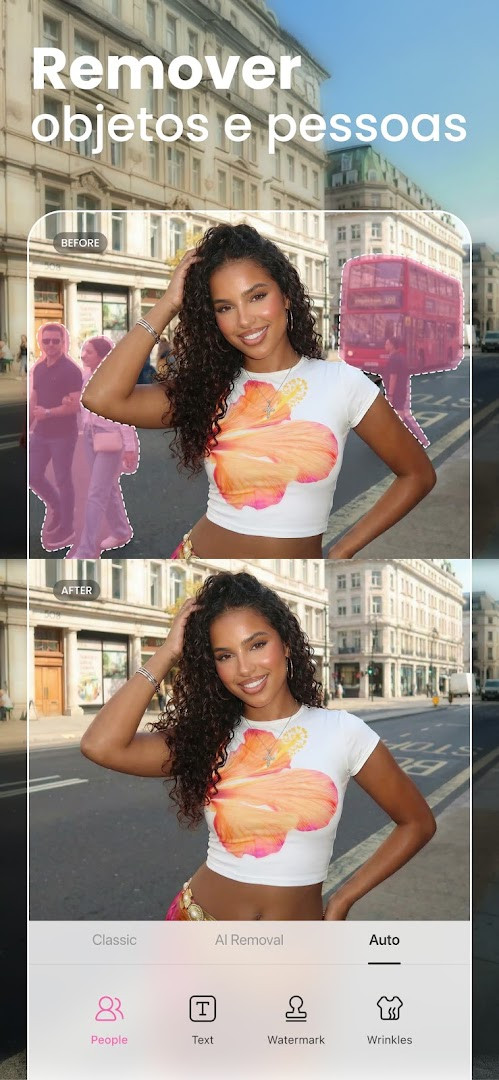
BeautyPlus-Selfie Photo Editor is a photography app by PIXOCIAL TECHNOLOGY (SINGAPORE) PTE. LTD. that combines a beauty camera with a full photo and video editing suite, using AI to retouch faces, bodies, and backgrounds. The app is designed for users who want quick, natural-looking enhancements to selfies and regular photos, with tools ranging from one-tap HD retouch to cartoon filters and background replacement. It also includes a vintage camera feature with six distinct models, a body editor for adjusting height and shape, and a photo enhancer that can restore old or blurry images. With over 50 editing tools and support for adding text, stickers, and music to videos, the app positions itself as an all-in-one creative tool for both casual selfie takers and more dedicated editors.
The app is aimed at a broad audience, from teens to adults, who value appearance-focused editing and want results that look subtle rather than heavily filtered. Its AI features, such as anime camera, avatars, and object removal, appeal to users interested in playful or transformative edits, while the body and skin tools target those seeking more polished portraits. The presence of ads and in-app purchases for premium perks means that the free experience is functional but encourages upgrades for an ad-free interface and access to exclusive filters and templates. The app requires Android 8.0 or higher and has a content rating of Teen, reflecting its focus on photo manipulation and social sharing.
For experienced users comparing alternatives, BeautyPlus stands out for its breadth of features in a single package, though it relies heavily on AI processing and cloud-like effects that may require granting access to location, camera, microphone, and storage. The app has been updated regularly, with version 7.50.0 released on November 11, 2026, following a series of incremental updates. Its long history, dating back to 2013, and high install count suggest a mature product with a large user base, but the number of permissions and the presence of in-app purchases are factors to weigh against simpler, more privacy-focused editors.
Key features
- AI Auto-beautification for flawless selfies with one-tap HD retouch
- Film Cam vintage camera with 6 unique models, each with optional filters and stickers
- Hair color changer, teeth whitener, and makeup editor including lipstick and eyebrows
- Body Editor for height adjustment, waist, arms, face, and bust sculpting, plus skin tone options
- AI Anime camera, AI Avatars, and AI-powered removal of unwanted people or objects
- Photo Editor with 300+ designer fonts, stickers (including custom creation), and filter camera
- Photo Enhancer to restore old photos, unblur, sharpen, and improve overall quality
- Background Eraser & Editor to remove, change, or blur backgrounds, plus crop tools
- Video Editor with music, filters, and face tune for videos
- Premium perks include 100% ad-free experience and access to 50+ premium features, 1000+ exclusive filters, makeup looks, templates, and stickers
How to install
- Tap the download button on this page to get the APK file. The file size is n/a, and the app requires Android 8.0 or higher.
- When your browser or file manager prompts you, allow it to install apps from unknown sources by enabling the 'Install unknown apps' setting in your device's security settings.
- Locate the downloaded APK file in your device's Downloads folder or the location you chose, and tap on it to open it.
- Tap 'Install' when the installation screen appears, and wait for the process to complete.
- Once installed, tap 'Open' to launch BeautyPlus, or find its icon in your app drawer and start using it.
Pros
- Comprehensive all-in-one editor covering photos, videos, and body reshaping
- AI tools like anime filter and object removal add creative flexibility
- Vintage camera feature offers a unique analog aesthetic not common in similar apps
- Regular updates and a large user base indicate ongoing support and refinement
- Free to download with optional premium tier for those wanting more features
Cons
- Requires access to many sensitive permissions including location, camera, microphone, and storage
- Contains ads and in-app purchases, which may interrupt the experience or push toward paid upgrades
- Content rated Teen, which may not suit younger audiences without parental guidance
- Heavy reliance on AI processing may require a stable internet connection for some features, though not explicitly stated
Latest changes · 7.50.0
The latest update introduces a new Fan Merch page, letting you show support for your favorite stars. It also includes bug fixes and performance improvements to keep the app running smoothly.
Version history
| Version | Size | Requires Android | Updated |
|---|---|---|---|
| 7.49.2 | — | 8.0 | Nov 11, 2026 |
| 7.50.0 | — | 8.0 | Nov 11, 2026 |
| 7.47.0 | — | 8.0 | Oct 13, 2026 |
| 6.9.111 | 58 MB | 4.1 | Jun 20, 2026 |
| 7.0.270 | 59 MB | 4.4 | Jan 15, 2020 |
| 6.4.5 | 47 MB | 4.0 | May 20, 2017 |
BeautyPlus is for Android users who enjoy taking selfies and want a single app to retouch faces, adjust body proportions, and add creative effects like anime filters or vintage film looks. It suits both casual users seeking quick one-tap enhancements and more engaged editors who want to experiment with backgrounds, stickers, and video editing, provided they are comfortable with the app's broad permissions and potential for in-app purchases.
For the most natural results, use the HD retouch sparingly and rely on the AI auto-beautification for subtle adjustments. Explore the Film Cam for a distinct vintage style, and consider the premium subscription if you find ads disruptive, but first test the free tools to see if they meet your needs. Always review the privacy policy to understand how your photos and data are handled, given the app's access to camera, storage, and location.
Permissions
FAQ
Is BeautyPlus free to download and use?
Yes, the app is free to download and use. It offers in-app purchases and contains ads, with optional premium perks available for an ad-free experience and additional features.
What Android version is required to install the app?
The app requires Android 8.0 or higher. The current version is 7.50.0, updated on 2026-11-11.
Do I need an account to use BeautyPlus?
No, you can use the app without creating an account. However, you may choose to sign in later if you want to share photos or access certain features.
What permissions does the app ask for?
The app requests permissions for Location, Photos/Media/Files, Storage, Camera, Microphone, and Wi-Fi connection information. These are used for features like taking photos, editing media, and applying location-based effects.
How do I update the app?
To update, simply download the newest version from this page. The latest available version is 7.50.0, released on 2026-11-11.
Does the app work offline for editing photos?
Basic editing tools work without an internet connection, but some features like AI enhancements and sharing may require connectivity. The app also uses Wi-Fi connection information for certain functions.
BeautyPlus-Selfie Photo Editor delivers a robust set of AI-driven editing tools in one package, making it a strong contender for users who prioritize convenience and creative variety. Its main trade-offs are the extensive permissions, ads, and in-app purchases, so weigh those against the feature depth before committing to the premium tier.
Similar apps
 Samsung GallerySamsung Electronics Co., Ltd. · ★ 3.8 · Photography · 58 MB
 GalleryGoogle LLC · ★ 4.2 · Photography
 Picsart AI Photo Editor, VideoPicsArt, Inc. · ★ 3.9 · Photography · v31.2.6
 FaceApp: Perfect Face EditorFaceApp Technology Ltd · ★ 4.3 · Photography · 36 MB
 Video Editor & Maker - InShotInShot Video Editor · ★ 4.8 · Photography · v2.250.1556
Updated: Nov 18, 2026