FaceApp: Perfect Face Editor: Photography app
FaceApp: Perfect Face Editor is a photography app by FaceApp Technology Ltd that applies photorealistic filters and retouching tools to selfies and portraits.
FaceApp: Perfect Face Editor offers over 60 photorealistic filters for changing hair, adding makeup, smoothing skin, and applying fun effects like gender swap and aging. The app is free to download with in-app purchases, requires Android 5.0 or higher, and has a download size of 36 MB. It suits anyone who wants quick, one-tap portrait edits without manual photo editing skills.
Screen gallery
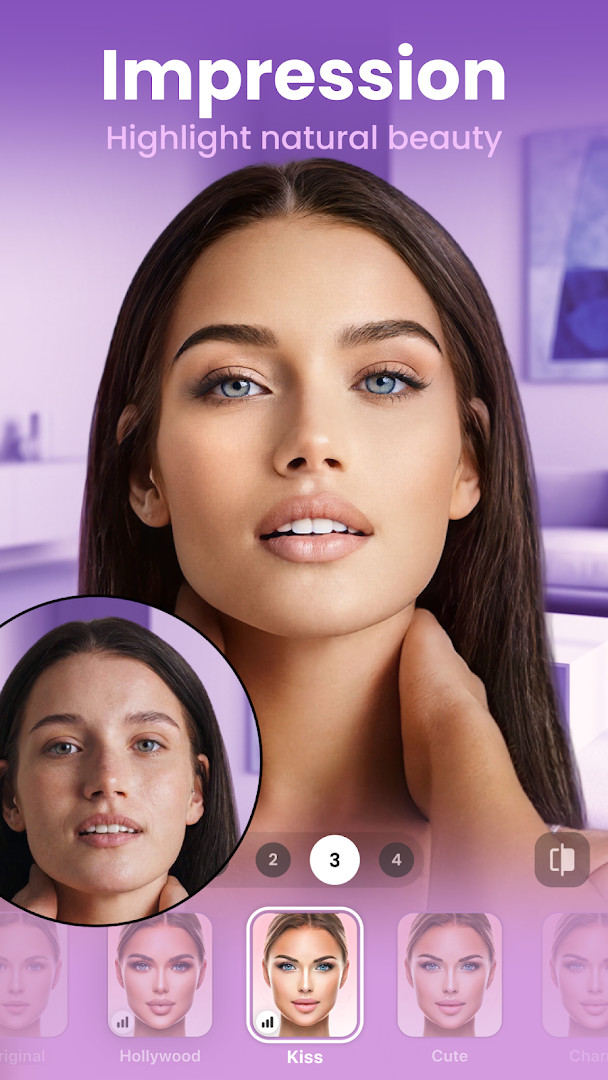
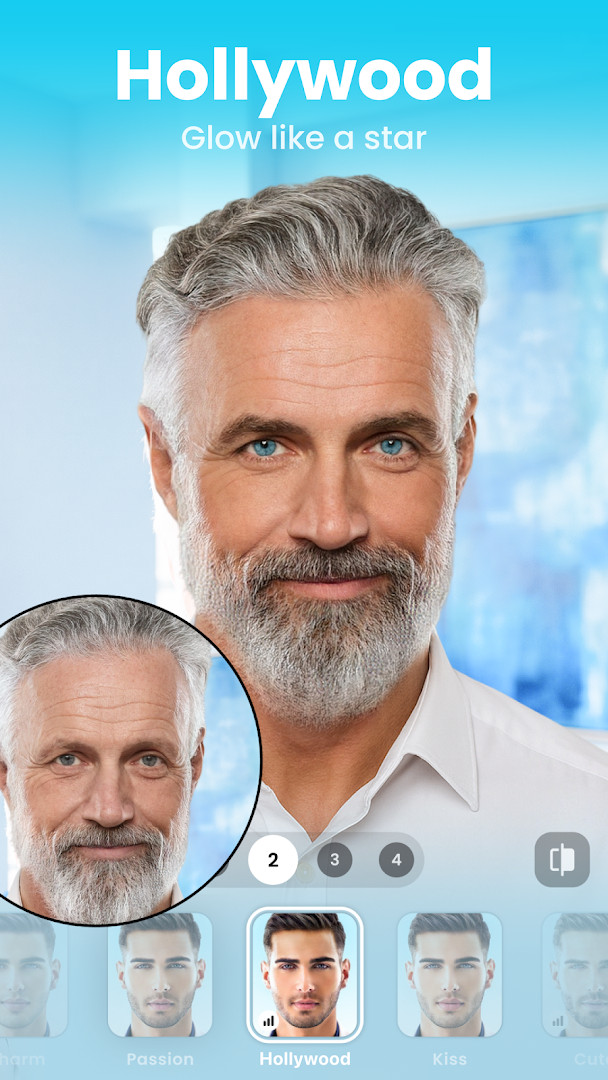
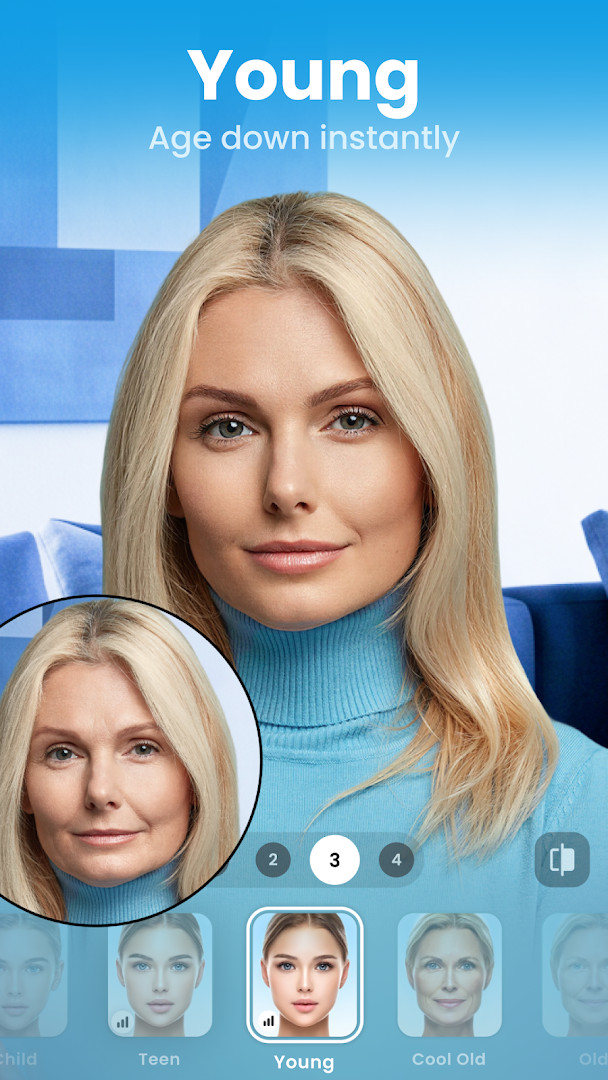
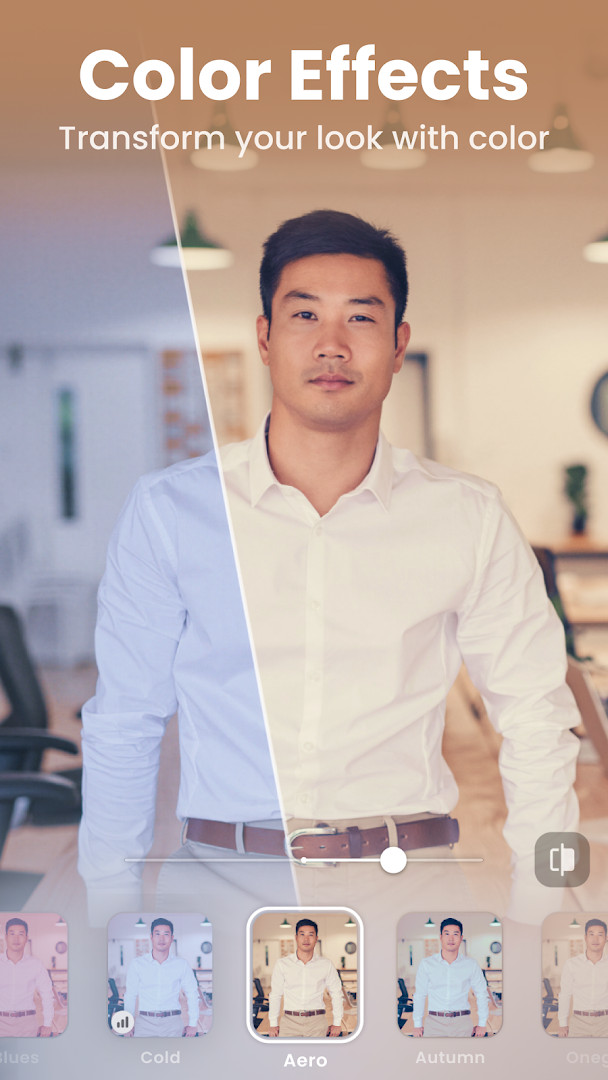
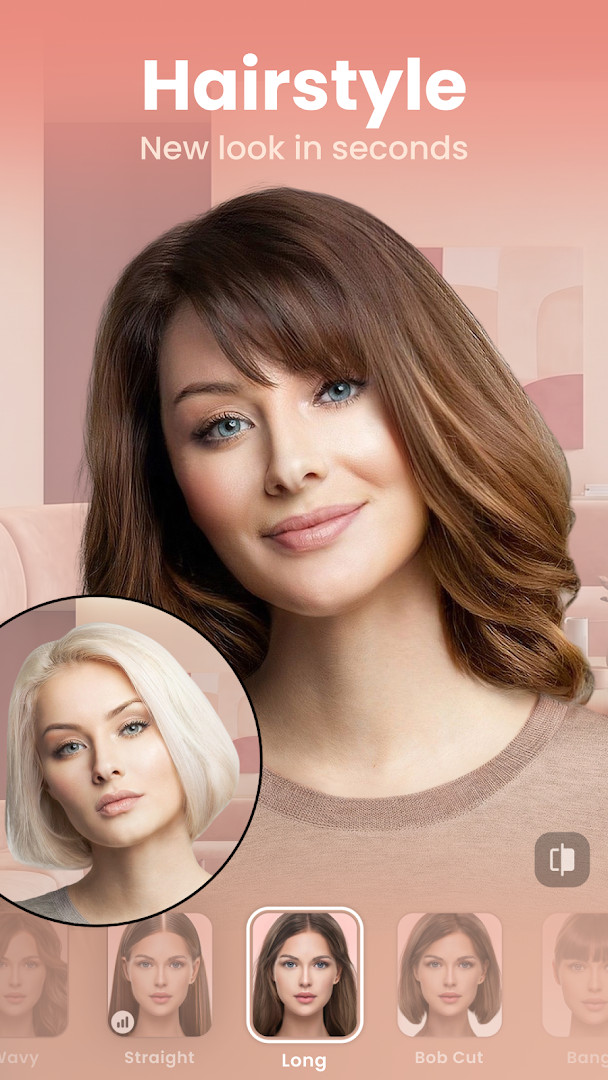
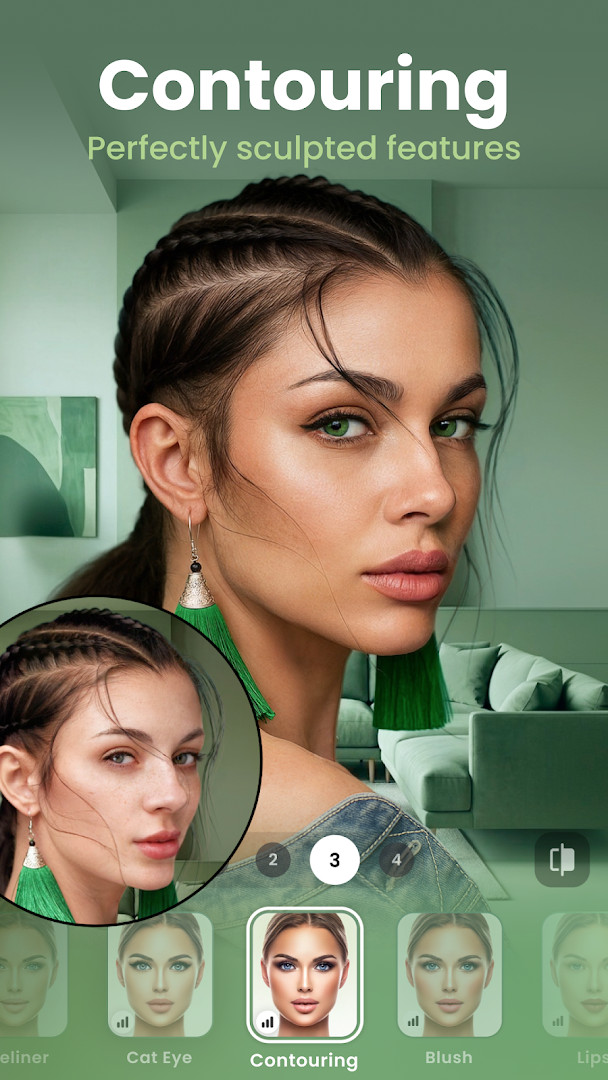
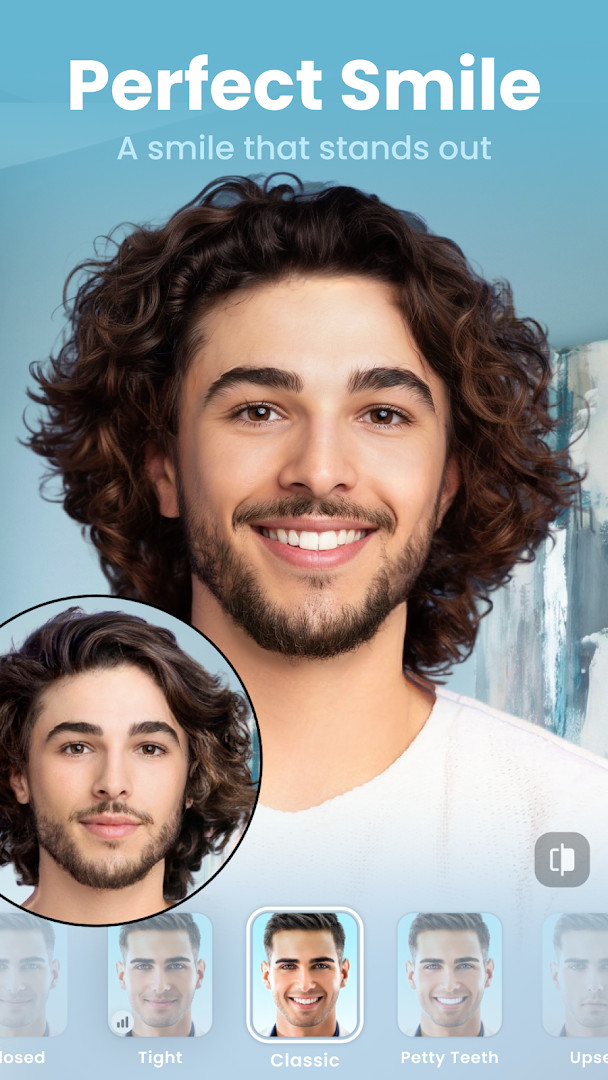
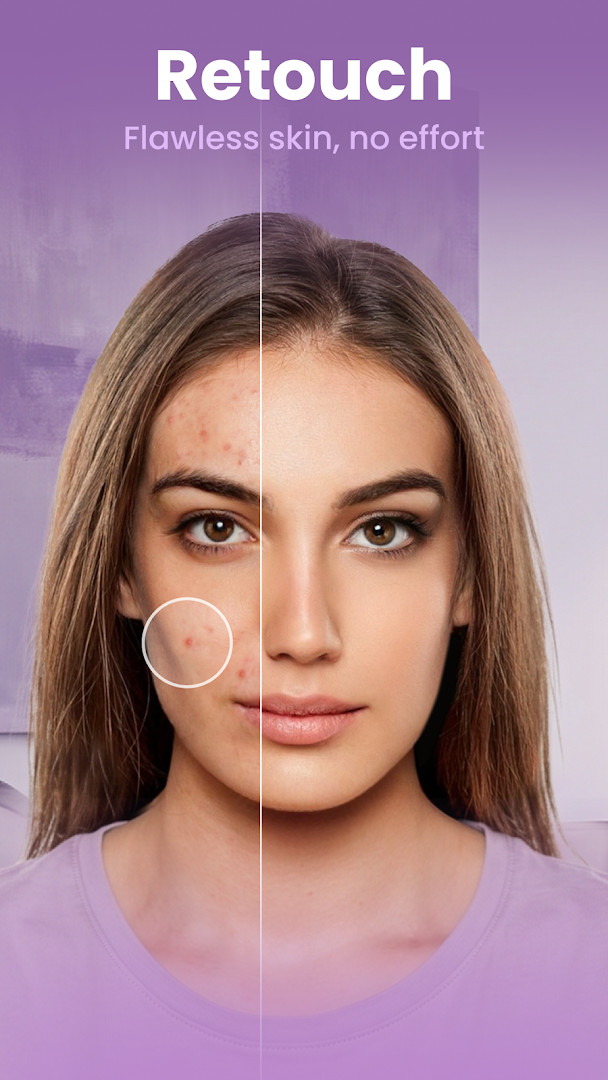
FaceApp: Perfect Face Editor is a photo editing application developed by FaceApp Technology Ltd that specializes in enhancing selfies and portraits with photorealistic filters and effects. The app leverages advanced neural face editing technology to allow users to quickly transform their photos into professional-looking images. Suitable for users who want to achieve natural beauty enhancements, playful transformations, or fun edits, FaceApp offers a wide variety of tools and filters to elevate portrait photography.
The app features an intuitive interface where users can effortlessly apply filters, change facial features, modify hairstyles, and add makeup or effects with a single tap. It also includes functionalities to age or rejuvenate faces, swap genders, and create funny or creative edits. Designed for a broad audience, from casual users to social media enthusiasts, the app supports sharing directly to various platforms, making it easy to showcase edited images or videos.
Key features
- Over 60 highly photorealistic filters
- Perfect your selfies with Impression filters
- Add beard, mustache, or change hair color and hairstyle
- Add volume to hair and apply trendy makeup filters
- Use creative light effects and smooth wrinkles
- Remove acne and blemishes, enlarge or minimize facial features
- Apply color lens and compare before & after edits with an Easy Compare tool
- Includes fun filters like Gender Swap, Aging, and weight modifications
- Share edits directly to social media platforms
How to install
- Tap the download button on this page.
- When Android prompts, allow your browser or file manager to install apps from unknown sources.
- Open the downloaded APK file (size: 36 MB).
- Tap 'Install' to proceed with the installation.
- Once installed, open the app from your device's app menu.
- Enjoy using FaceApp: Perfect Face Editor, compatible with Android 5.0 and above.
Pros
- User-friendly interface with extensive editing options
- Fast and photorealistic results with AI technology
- Wide variety of filters and effects for different styles
Cons
- Requires allowing installation from unknown sources which may pose security considerations
- Contains in-app purchases that can enhance functionality but are not necessary for core features
Latest changes
The latest update for FaceApp: Perfect Face Editor brings minor fixes and stability improvements intended to provide a smoother overall experience. No new features or major changes are included in this release; the focus is on refining existing functionality and addressing small issues.
Version history
| Version | Size | Requires Android | Updated |
|---|---|---|---|
| 4.5.0.10 | 36 MB | 5.0 | Jul 27, 2021 |
| 3.4.2.2 | 12 MB | 4.4 | Jun 21, 2019 |
Anyone interested in enhancing or transforming their selfies and portraits quickly and naturally, including social media users, photographers, and casual selfie-takers.
Ensure you grant permission for storage access to save and share your edited photos.
Permissions
FAQ
Is FaceApp free to download and use?
Yes, the app is free to download and use. While the base app costs nothing, it does offer in-app purchases for additional features.
What Android version do I need to run FaceApp?
FaceApp requires Android 5.0 or higher. The current version available here is 4.5.0.10, released on 2021-07-27.
How large is the FaceApp APK file?
The file size is 36 MB. This is the complete package you download from this page.
Does FaceApp require creating an account?
No, you do not need to create an account to use the app. You can start editing photos right after installation.
What permissions does FaceApp request?
FaceApp requests access to your photos, media, and files, as well as storage. These permissions allow the app to load and save your edited images.
How do I update FaceApp to a newer version?
To update, simply download the new version from this page and install it over your current installation. The latest version listed here is 4.5.0.10.
FaceApp: Perfect Face Editor is a comprehensive photo editing application focused on photorealistic selfie enhancements, popular among users seeking quick and natural-looking edits. Its ease of use, extensive filters, and editing tools make it a versatile choice for portrait photo customization.
Similar apps
 ChatGPTOpenAI · ★ 4.8 · Productivity · v1.2026.307
 Picsart AI Photo Editor, VideoPicsArt, Inc. · ★ 3.9 · Photography · v31.1.6
 Samsung GallerySamsung Electronics Co., Ltd. · ★ 3.8 · Photography · 51 MB
 GalleryGoogle LLC · ★ 4.2 · Photography
 Video Editor & Maker - InShotInShot Video Editor · ★ 4.8 · Photography · v2.250.1556
Updated: Nov 16, 2026