ChatGPT: AI assistant app
ChatGPT is a productivity app by OpenAI that provides writing help, search, and image generation.
ChatGPT offers image generation, Advanced Voice Mode, photo upload, and tailored advice for learning and professional tasks. It is free to download and includes ads and in-app purchases, requiring Android 7.1 or higher. The app has over one billion installs and a 4.78 rating based on more than 68.5 million ratings.
Screen gallery
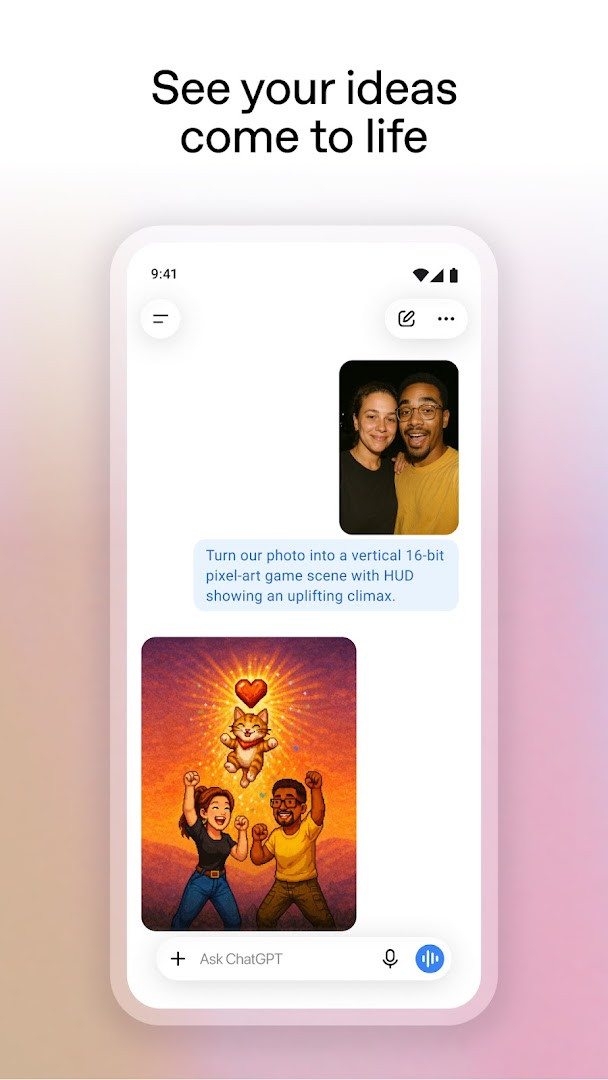
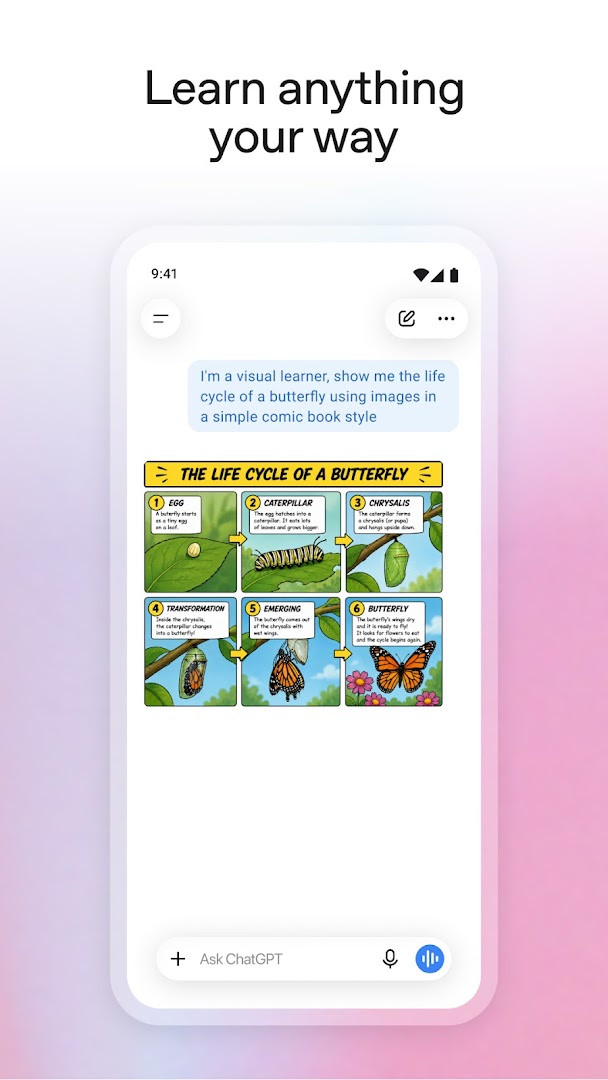
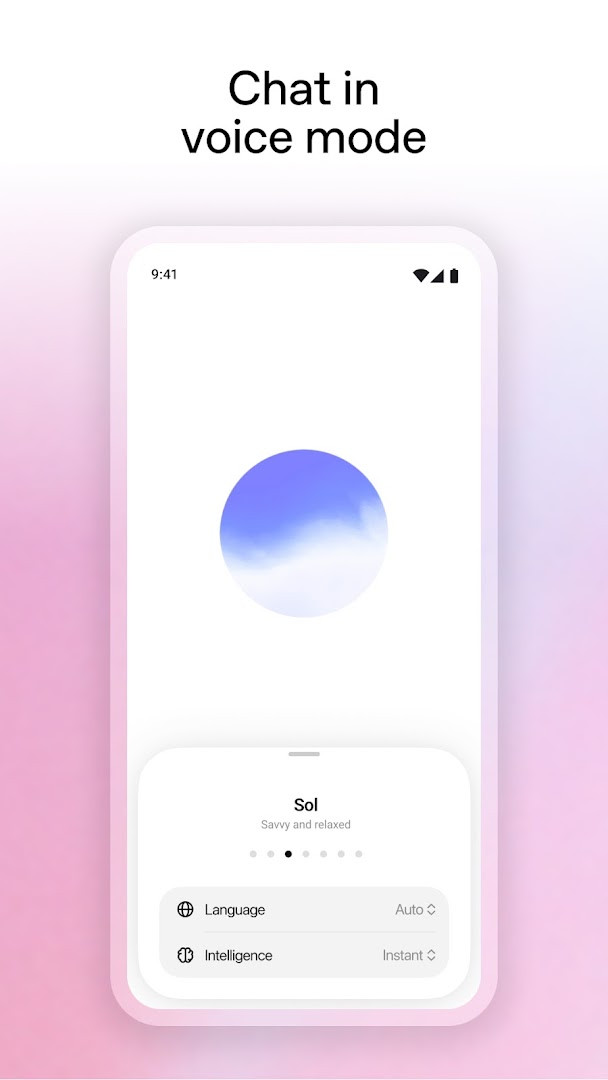
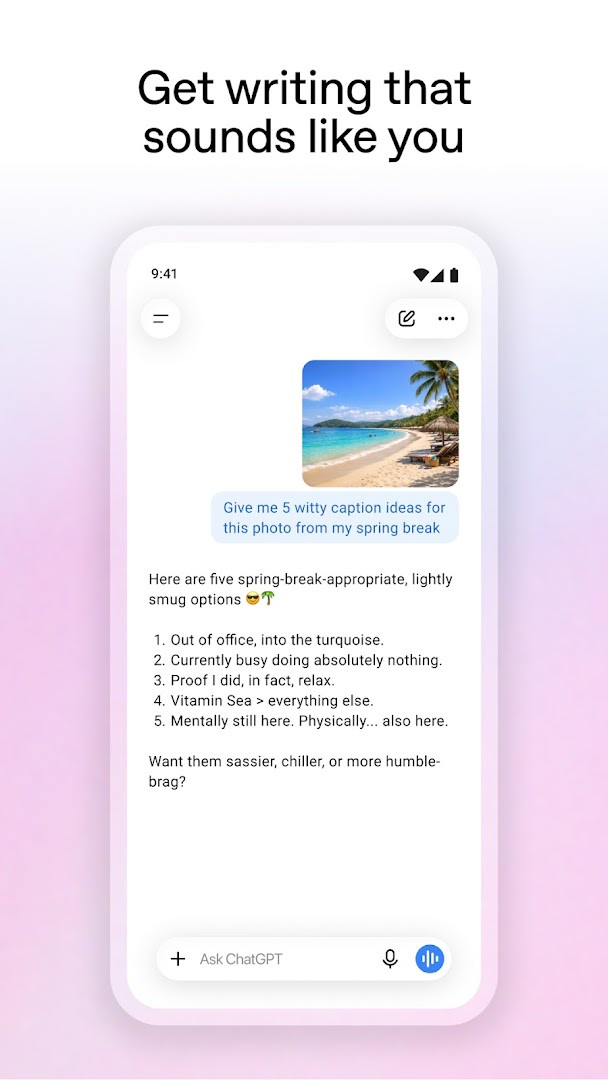
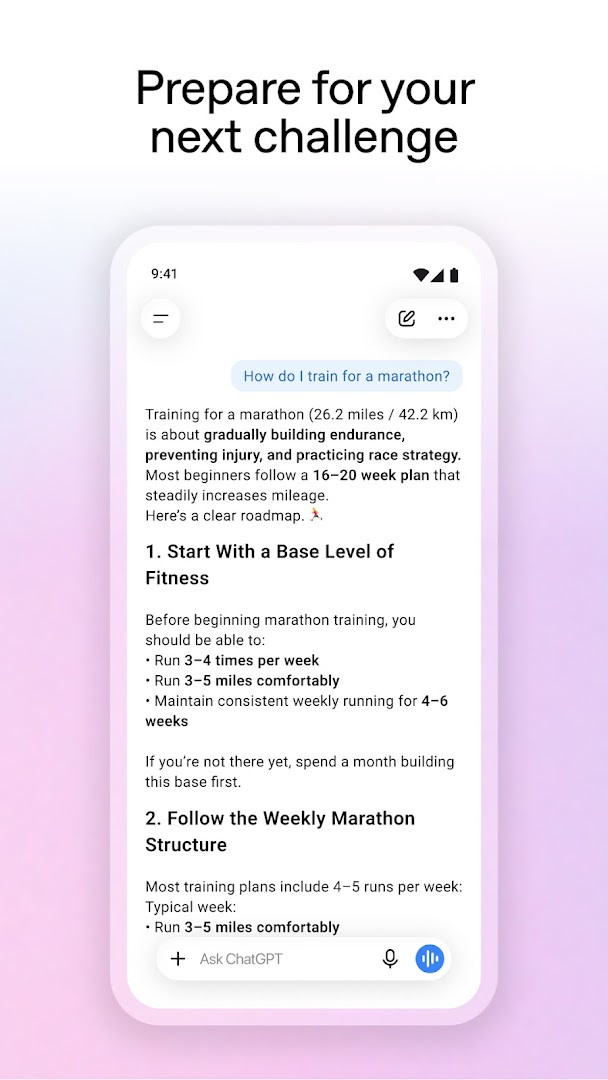
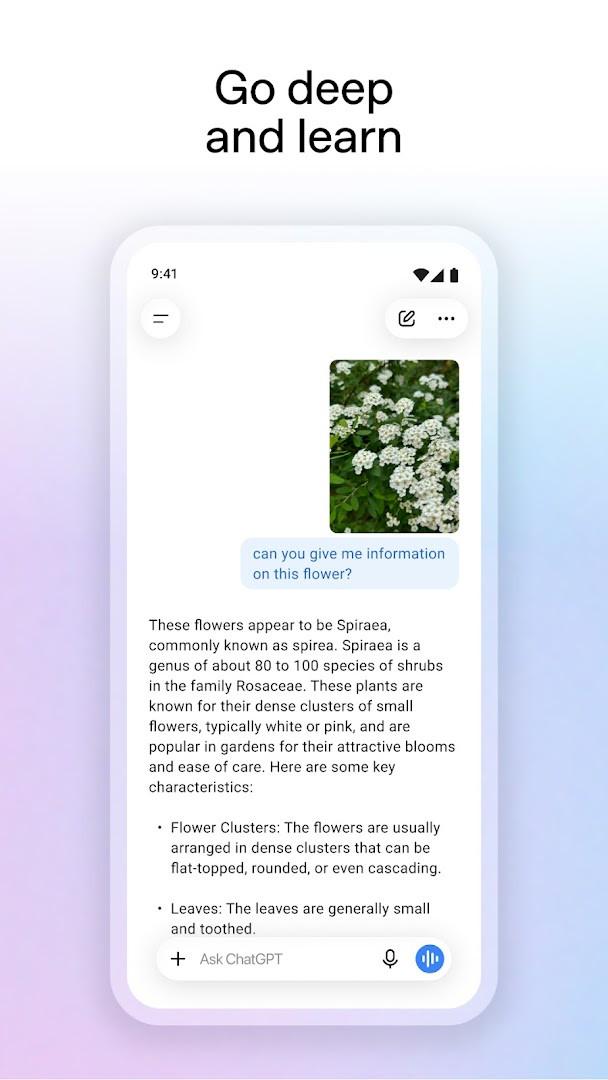
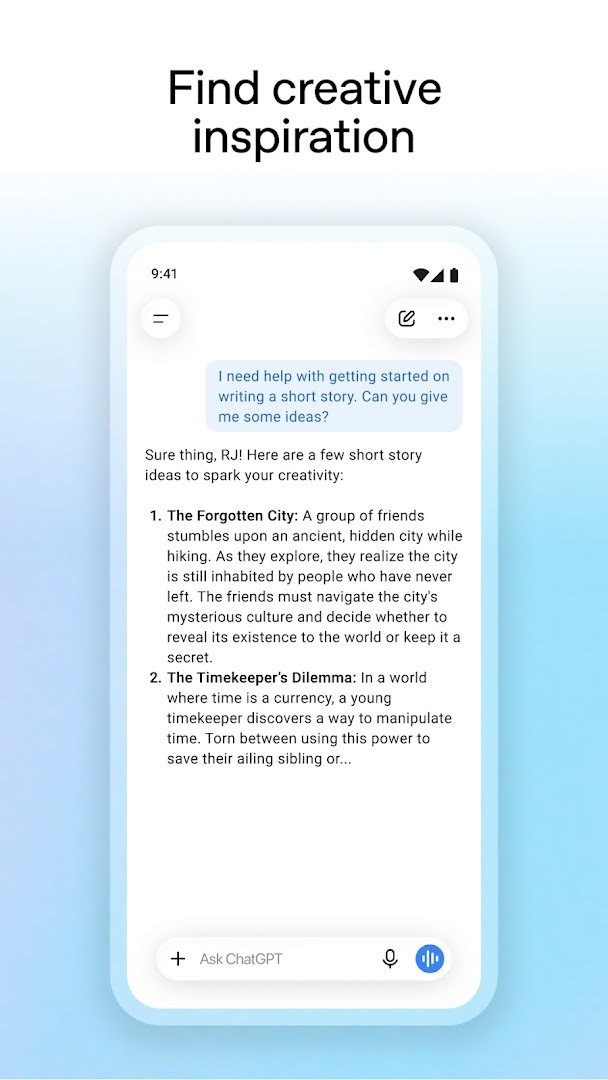
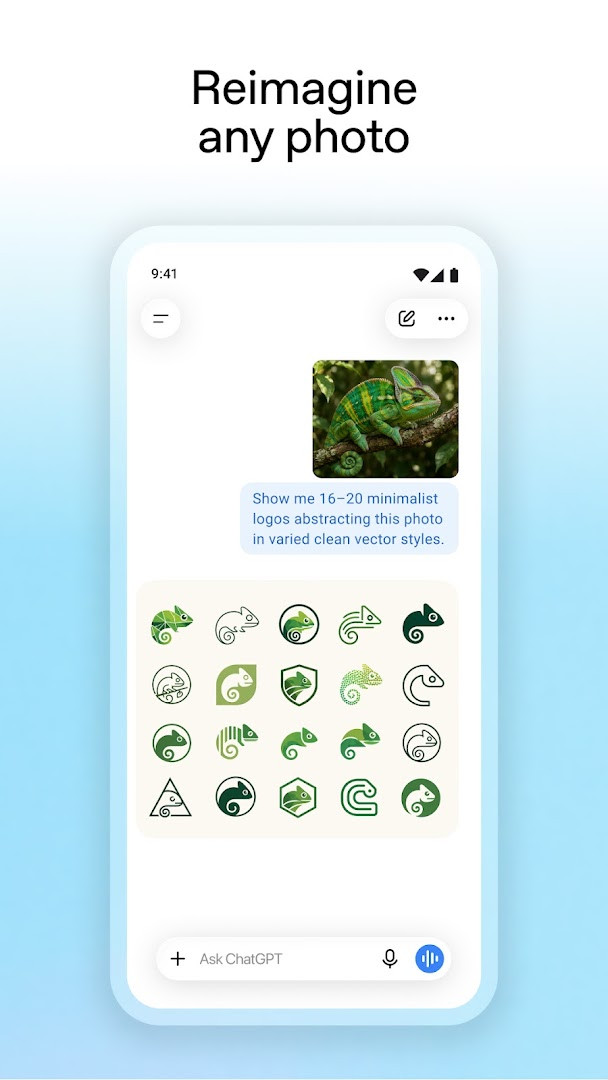
ChatGPT is a productivity app by OpenAI that brings a conversational AI assistant to Android devices. It solves the problem of needing quick, informed help across many everyday tasks by letting users ask questions, generate text and images, and get tailored advice in one place. The app syncs conversation history across devices, so you can start a chat on one phone and pick it up on another. It also includes an image generator that creates original pictures from descriptions or edits existing ones, plus an Advanced Voice Mode for real-time spoken conversations. You can upload photos to transcribe handwritten notes or learn about landmarks, and use it for creative inspiration, personalized learning, professional brainstorming, and instant answers like recipe suggestions. The interface is designed to be straightforward for newcomers, with clear icons for voice, photo upload, and screen sharing (the latter in limited availability via Accessibility Services).
Key features
- Generate original images from text descriptions or transform existing photos with simple words
- Advanced Voice Mode lets you have real-time spoken conversations by tapping the soundwave icon
- Upload or snap a photo to transcribe handwritten recipes or get information about landmarks
- Get creative inspiration such as custom birthday gift ideas or personalized greeting cards
- Receive tailored advice for tough situations, travel itineraries, or crafting responses
- Explain topics in personalized ways, like teaching electricity to a dinosaur-loving kid
- Brainstorm marketing copy or map out a business plan with professional input
- Instant answers for practical needs, like recipe suggestions from limited ingredients
How to install
- Tap the download button on this page to get the APK file (size not specified).
- When Android prompts, allow your browser or file manager to install apps by enabling the 'Install unknown apps' setting.
- Open the downloaded APK file from your notifications or Downloads folder.
- Tap Install and confirm when the system asks for permission.
- Open the app and sign in or create an account to start using it.
- The app requires Android 7.1 or higher, so check your device version first.
Pros
- Free to use with no upfront cost
- Syncs chat history across devices
- Includes image generation and voice mode
- Helpful for a wide range of tasks from learning to professional work
- Regular updates with new features
Cons
- Contains ads within the app
- Offers in-app purchases for additional features
- Requests access to sensitive data like contacts, location, SMS, and phone
- May require microphone and camera permissions for voice and photo features
Version history
| Version | Size | Requires Android | Updated |
|---|---|---|---|
| 1.2026.307 | — | 7.1 | Nov 14, 2026 |
| 1.2026.279 | — | 7.1 | Oct 11, 2026 |
This app is for beginners who want a versatile AI assistant on their Android phone. It suits students needing explanations, professionals brainstorming ideas, parents looking for kid-friendly learning tools, travelers planning itineraries, and anyone who wants quick answers or creative inspiration. The simple interface and guided prompts make it approachable even if you have never used an AI chatbot before, and the voice mode adds convenience for hands-free use.
Start with simple questions to learn how the app responds, and use the voice mode for hands-free conversations. Be mindful of the permissions you grant, and consider using it without sharing sensitive personal information if you are concerned about privacy.
Permissions
FAQ
How do I install the ChatGPT APK on my Android device?
You can install the APK by opening the downloaded file and allowing installation from unknown sources in your device settings. Your device must run Android 7.1 or later to install it.
What is the current version of ChatGPT?
The current version is 1.2026.307, released on November 14, 2026. The previous version was 1.2026.279, released on October 11, 2026.
Is ChatGPT free, and are there ads or purchases?
Yes, the app is free with a price of $0.00. It is supported by ads and offers in-app purchases. The content rating is Teen.
Can ChatGPT be used offline?
The app listing does not mention offline use. It relies on cloud features, and your chat history syncs across devices, so an internet connection is generally expected.
Are there similar AI assistant apps in the Productivity category?
Yes, several other productivity apps provide AI-powered writing help, Q&A, and creative assistance. Explore those alternatives within the same category if you want different options.
What main features does ChatGPT offer?
It includes image generation from descriptions, an Advanced Voice Mode for real-time conversations, photo upload for questions about images, personalized learning, and professional writing support.
What permissions does the ChatGPT app request?
It requests access to your calendar, contacts, location, SMS, phone, camera, microphone, Wi-Fi connection details, and device ID, which relate to features like voice calls, photo uploads, and screen sharing.
ChatGPT offers a broad set of AI tools in one easy-to-use package, making it a practical choice for everyday questions and creative tasks. It is not a magic solution, but it can save time and spark ideas when used thoughtfully.
Similar apps
 FacebookMeta Platforms, Inc. · ★ 4.6 · Communication · 146 MB
 WhatsAppWhatsApp LLC · ★ 4.6 · Communication
 Spotify: Music and PodcastsSpotify AB · ★ 4.4 · Entertainment · 4.3 MB
 PinterestPinterest · ★ 4.2 · Lifestyle
 Duolingo: Learn LanguagesDuolingo · ★ 4.8 · Education · 36 MB
 Google CalendarGoogle LLC · ★ 4.6 · Productivity · 33 MB
 Google DriveGoogle LLC · ★ 4.3 · Productivity · 125 MB
 Google AssistantGoogle LLC · ★ 3.8 · Productivity · 2.4 MB
Updated: Nov 16, 2026