Google Calendar: Productivity App
Google Calendar is a productivity app by Google LLC that helps you organize events, tasks, and schedules across devices.
Google Calendar offers features like automatic event creation from Gmail, shared calendars, customizable views, and task management. It is designed for individuals and teams who want to coordinate schedules and collaborate using Google Workspace tools. The app is free to use, requires Android 8.0 or higher, and has a download size of 33 MB.
Screen gallery
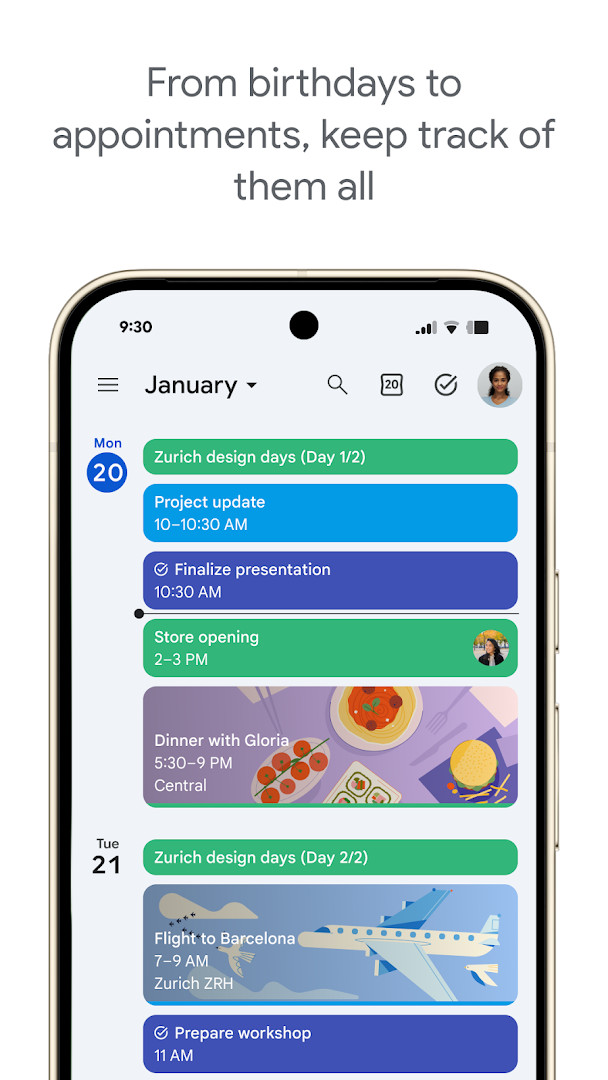
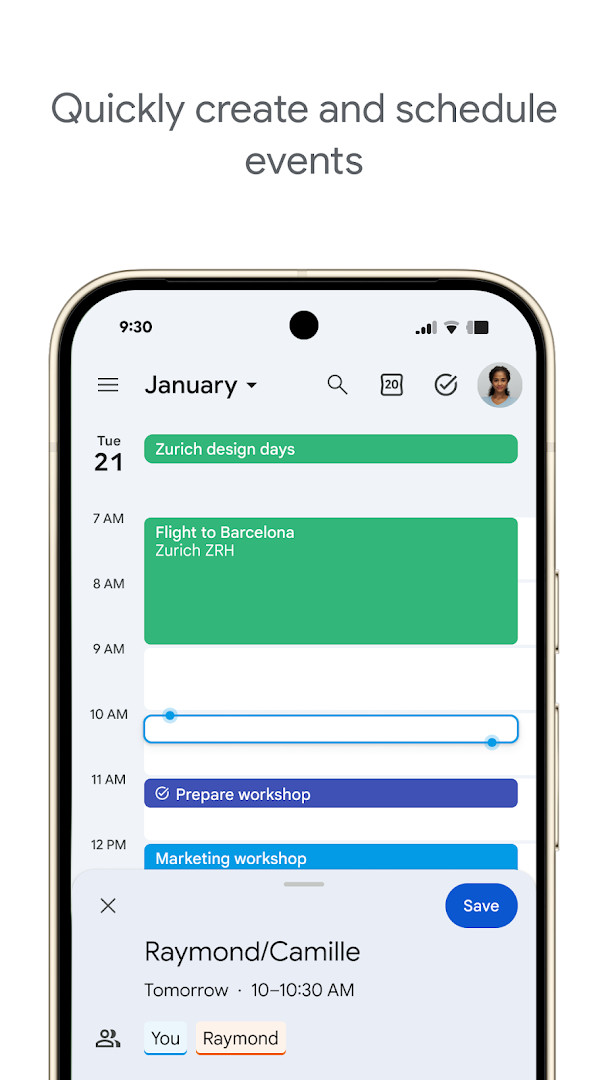
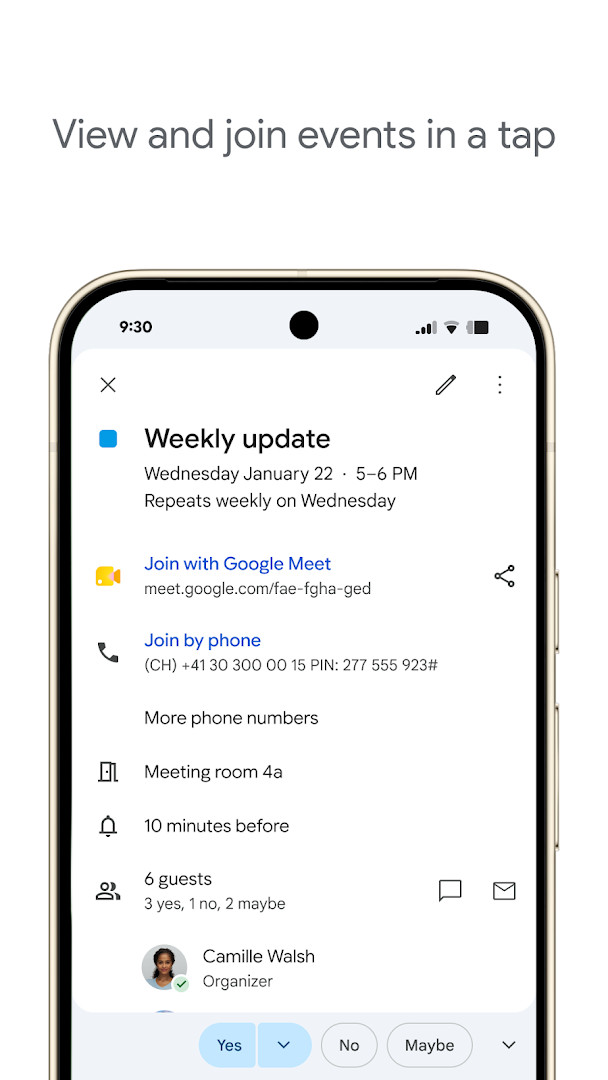
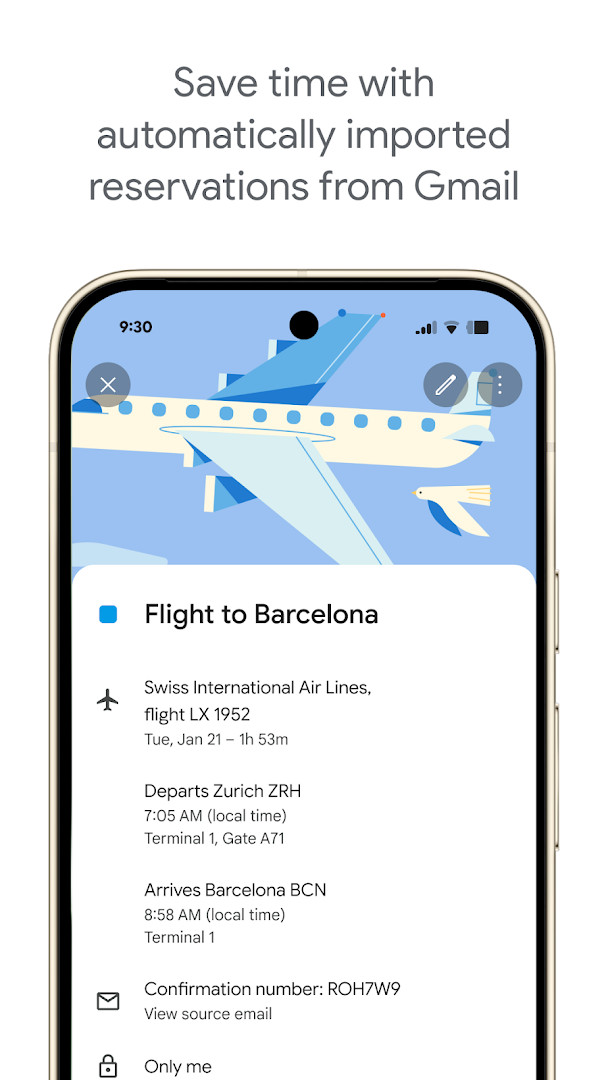
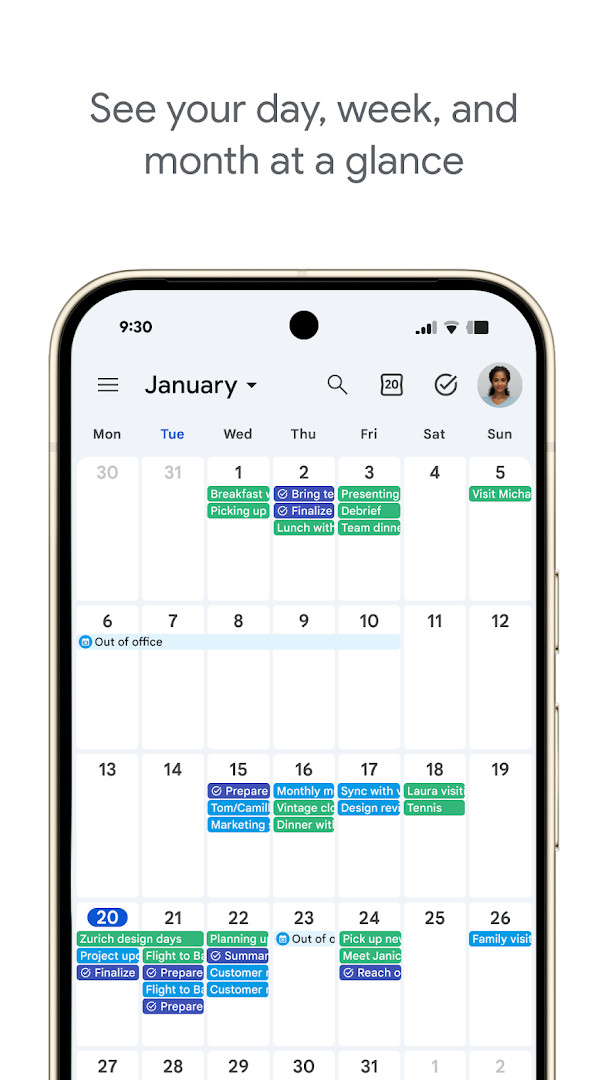
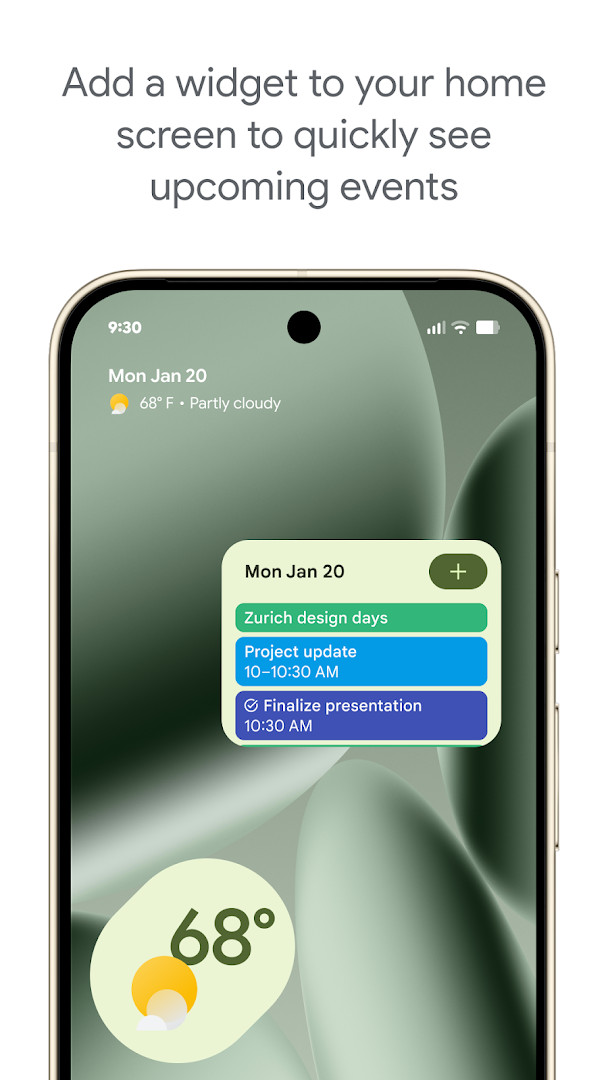
Google Calendar is a productivity app by Google LLC that helps you plan events, keep track of tasks and organize your schedule on an Android phone or tablet. It is the official app for the service of the same name, and it is also part of Google Workspace, the set of tools Google provides for work and collaboration.
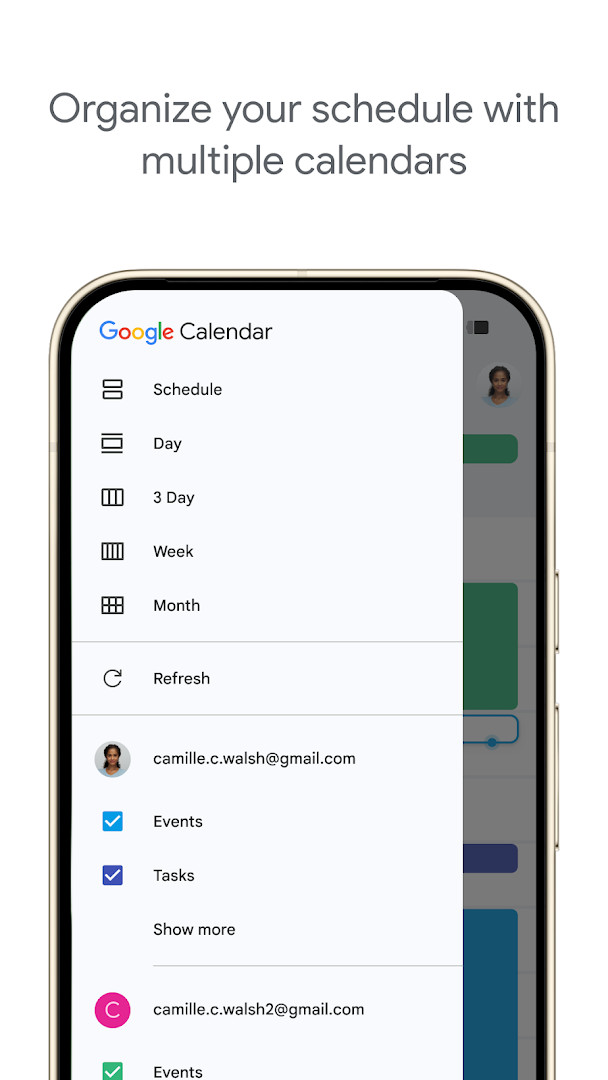
The core of the app is a calendar you can view by month, week or day, and you can move between those views quickly when you need a different level of detail. Events can be added by hand, and reservations such as flights, hotels, concerts and restaurants that arrive in Gmail can be placed on your calendar automatically. You can also keep several calendars in one place, including calendars already on your device such as Exchange, and view them side by side. Shared calendars let family, friends and colleagues see, add or change events, which makes planning with other people simpler.
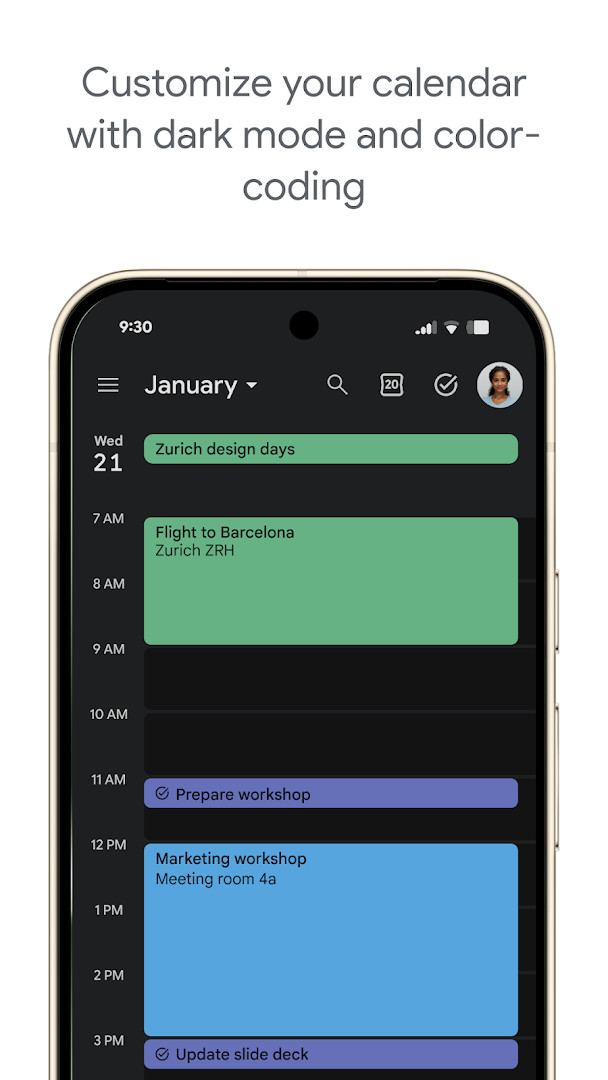
Beyond events, the app handles to-dos. You can create and manage tasks next to your events and open your task lists in a full-screen view. The look can be adjusted with a light or dark theme, and events can be color-coded so different kinds of activities stand out. When you are signed in with the same Google account, your calendar stays consistent across the devices you use.
For teams, the app connects to other Google Workspace tools: you can add a Google Meet video call to an event, check teammates' availability or layer their calendars in one view, attach meeting notes and other documents to an event, and add your working location so others can schedule with you more easily. The app is free, has no ads and no in-app purchases, and it carries an Everyone content rating.
Key features
- Events from Gmail are added to your calendar automatically, including flight, hotel, concert and restaurant reservations
- Month, week and day views that you can switch between quickly
- Several calendars shown side by side, including calendars already on your device such as Exchange
- Shared calendars so family, friends and colleagues can view, add or modify events
- Tasks created and managed alongside your events, with a full-screen view for your task lists
- Light and dark mode plus color-coding for events
- Google Meet video calls can be added to a calendar event
- Meeting scheduling by checking teammates' availability or layering their calendars in a single view
- Meeting notes, pre-read materials and other documents can be attached directly to an event
- Support for Wear OS devices, including tiles and complications
How to install
- Tap the download button on this page to get the APK file. The file is 33 MB, so it is worth checking that you have enough free space and a stable connection.
- When Android asks, allow your browser or file manager to install apps. This is the "Install unknown apps" setting, and it is needed only for apps you install from a file rather than from a preinstalled source.
- Open the downloaded APK file from your notifications or from the Downloads folder in your file manager.
- Tap Install and wait for the process to finish. The app requires Android 8.0 or newer.
- When installation is complete, tap Open to launch the app, or find its icon in your app drawer.
Pros
- Free to use, with no ads and no in-app purchases
- Very widely used, with more than 10 billion installs and a high rating of 4.64 from over 4.8 million ratings
- Handles both events and tasks in one place
- Works with shared calendars and other Google Workspace tools for team planning
- Available on Android phones, tablets and Wear OS devices
Cons
- Requests a fairly broad set of permissions, including identity, calendar, contacts, location, phone, photos and media files, storage and microphone
- Many of the collaboration features are tied to a Google account and to Google Workspace
- The app was last updated on 2026-10-08, so newer features may take time to reach everyone
Latest changes
The latest update includes bug fixes and performance improvements.
Version history
| Version | Size | Requires Android | Updated |
|---|---|---|---|
| 2026.38.0-989268529-release | 33 MB | 8.0 | Oct 3, 2026 |
| 2026.36.0-980779909-release | 33 MB | 8.0 | Sep 20, 2026 |
| 2023.44.0-577681700-release | 27 MB | 5.0 | Jun 21, 2025 |
This app suits anyone who wants a straightforward way to keep a schedule on an Android device, from a single user tracking personal appointments to families and teams who share calendars. It is a good fit for people who already use other Google tools, because events from Gmail and Workspace features such as Meet links, availability checks and attached documents work together with the calendar. Beginners will find the basic actions simple: add an event, switch the view, and share a calendar when needed.
Start by giving your events colors that match their type, such as one color for work and another for personal plans, so a busy week is easier to read at a glance. If you share calendars with other people, agree on who adds what to avoid duplicates. Tasks can be used for small to-dos that do not need a fixed time, while events work better for anything with a start and end. If you want to keep your calendar consistent across your devices, sign in with the same Google account everywhere. Before installing, remember that the download is 33 MB and Android 8.0 or newer is required.
Permissions
FAQ
What Android version do I need to run Google Calendar?
The app requires Android 8.0 or higher.
How large is the Google Calendar download?
The installation package is about 33 MB.
Can I use Google Calendar on a Wear OS watch as well as my phone?
Yes. The app runs on Android phones, tablets, and Wear OS devices, and on Wear OS it offers tiles and complications for keeping an eye on events and tasks.
Does Google Calendar let me manage tasks, not just events?
Yes. You can create and manage tasks next to your events, and open your task lists in a full-screen view inside the app.
Can I see calendars from outside Google in the same view?
The app allows you to consolidate and view Google Calendar events alongside other calendars on your device, including Exchange calendars.
How do I switch between different time ranges in the app?
You can move quickly between month, week, and day views.
Is there a way to make events easier to tell apart visually?
You can personalize the calendar with light or dark mode and color-code your events.
Does Google Calendar cost anything or show advertising?
It is free to use at no charge, and it does not contain ads or in-app purchases. It is rated for Everyone.
Google Calendar is a free, ad-free productivity app from Google LLC that brings events, tasks and shared planning into one place on Android. It is simple enough for a beginner to set up in a few taps and deep enough to support team scheduling, making it a practical choice for keeping your day organized.
Similar apps
More from this developer
 Gboard - the Google KeyboardGoogle LLC · ★ 4.5 · Tools · 9.4 MB
 Google TVGoogle LLC · ★ 3.9 · Entertainment · 40 MB
 GoogleGoogle LLC · ★ 4.0 · Tools · 156 MB
 Google DriveGoogle LLC · ★ 4.3 · Productivity · 124 MB
 YouTubeGoogle LLC · ★ 3.8 · Entertainment · 199 MB
 Android AutoGoogle LLC · ★ 4.1 · Auto & Vehicles · 35 MB
Updated: Oct 24, 2026