Artrace: AR Easy Draw & Sketch - AR Drawing Tool
Artrace: AR Easy Draw & Sketch is a free art and design app by Braly JSC that lets you draw and sketch through your camera using augmented reality.
Artrace: AR Easy Draw & Sketch is free to download, requires Android 7.0 or higher, and includes ads and in-app purchases. Version 2.0.5 holds a 4.56 rating from 401,314 ratings and 50 million installs. The app is aimed at beginners and experienced artists who want to trace real objects and sample photos.
Screen gallery
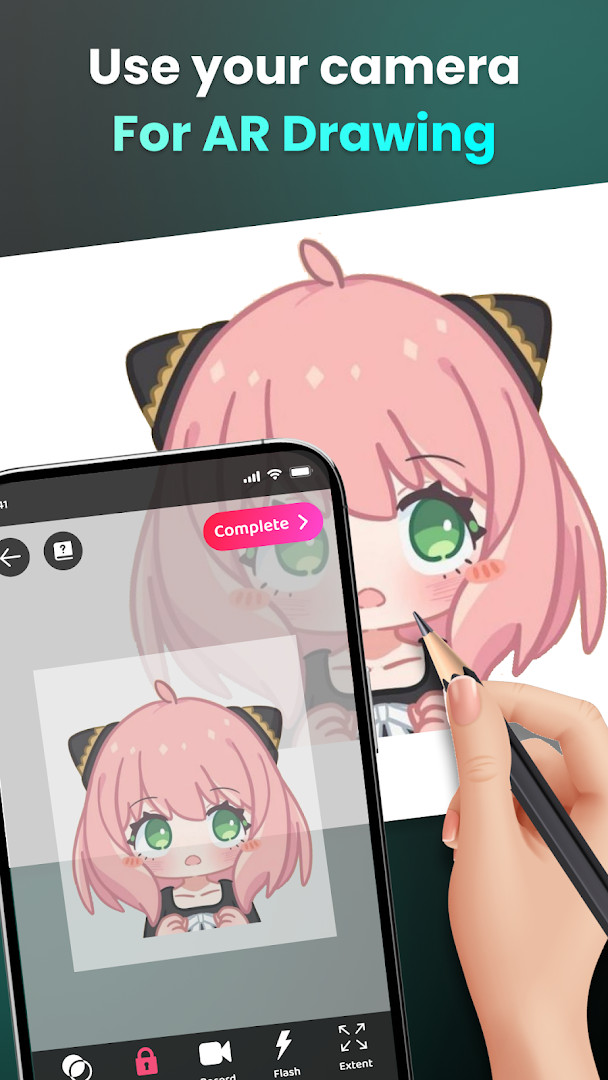
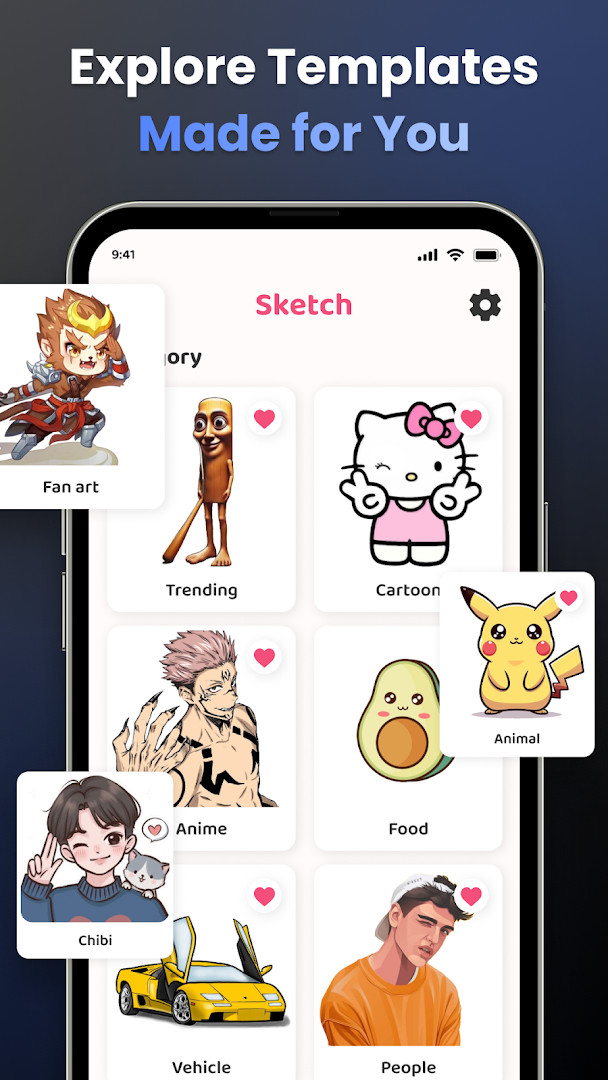
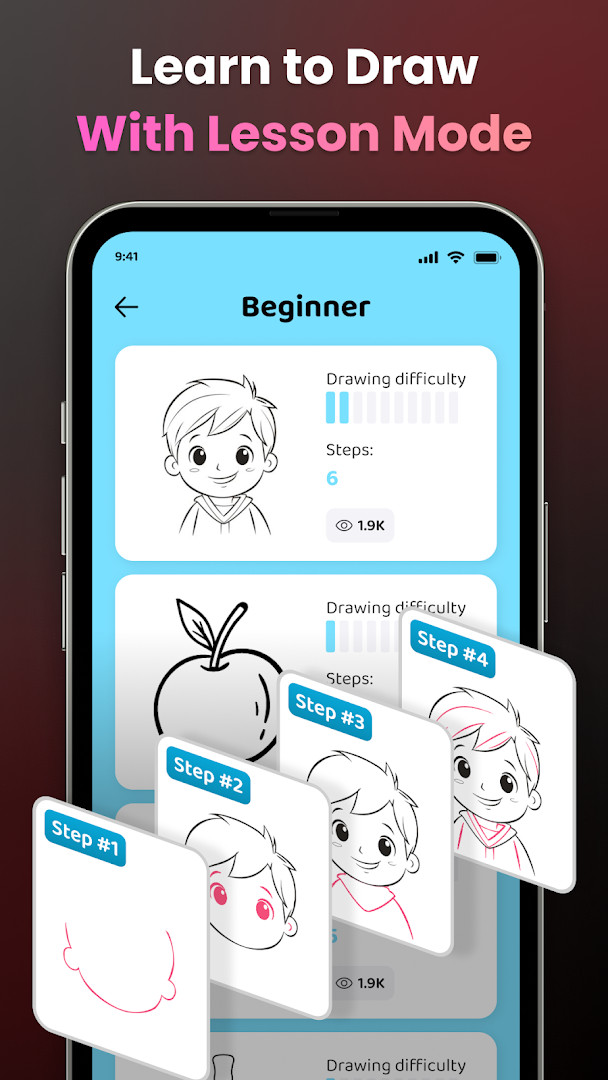
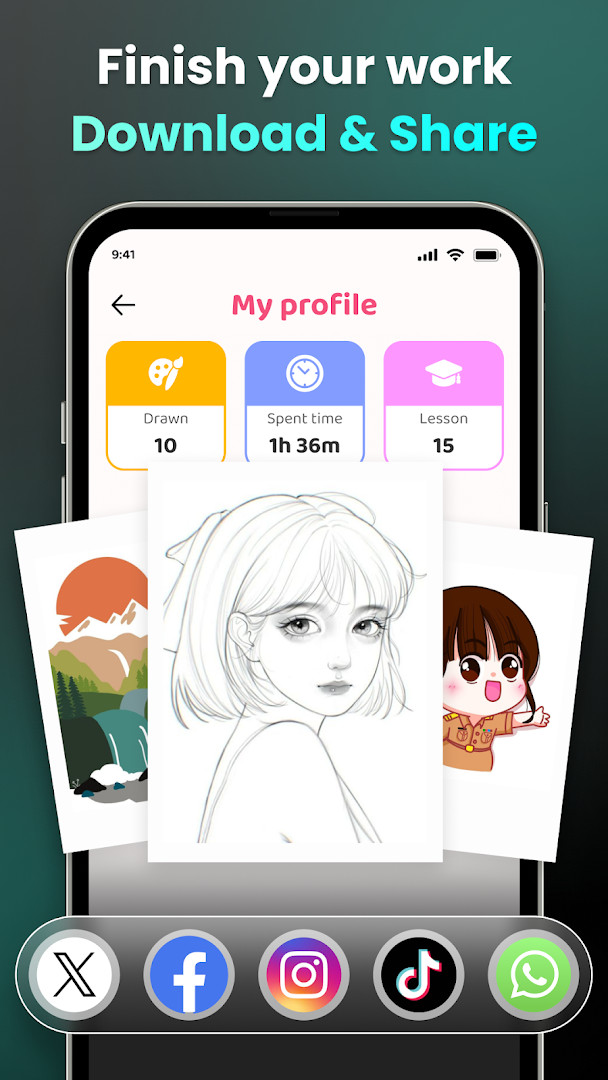
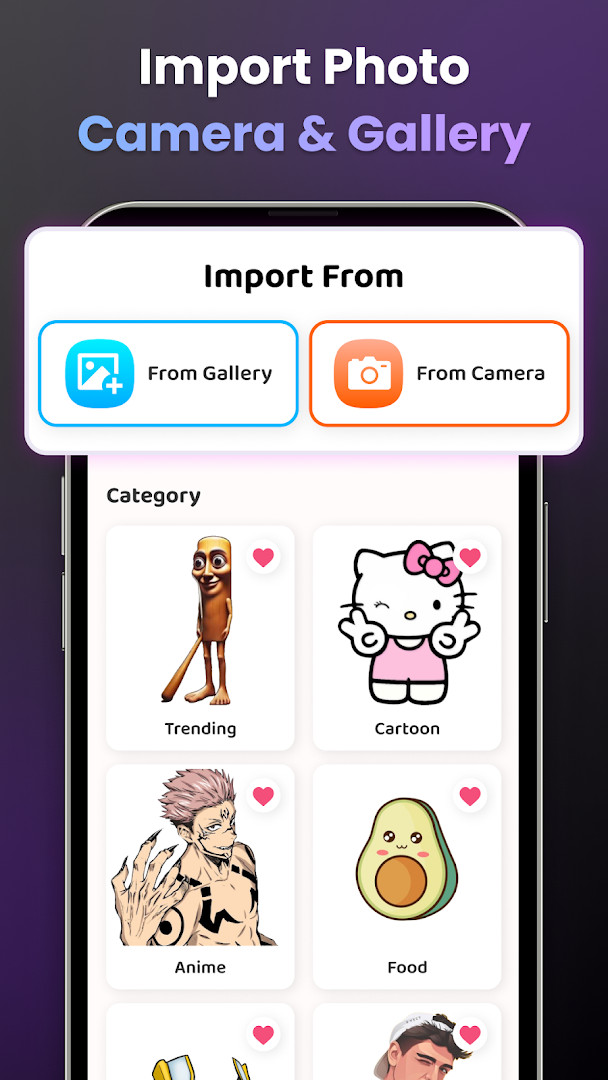
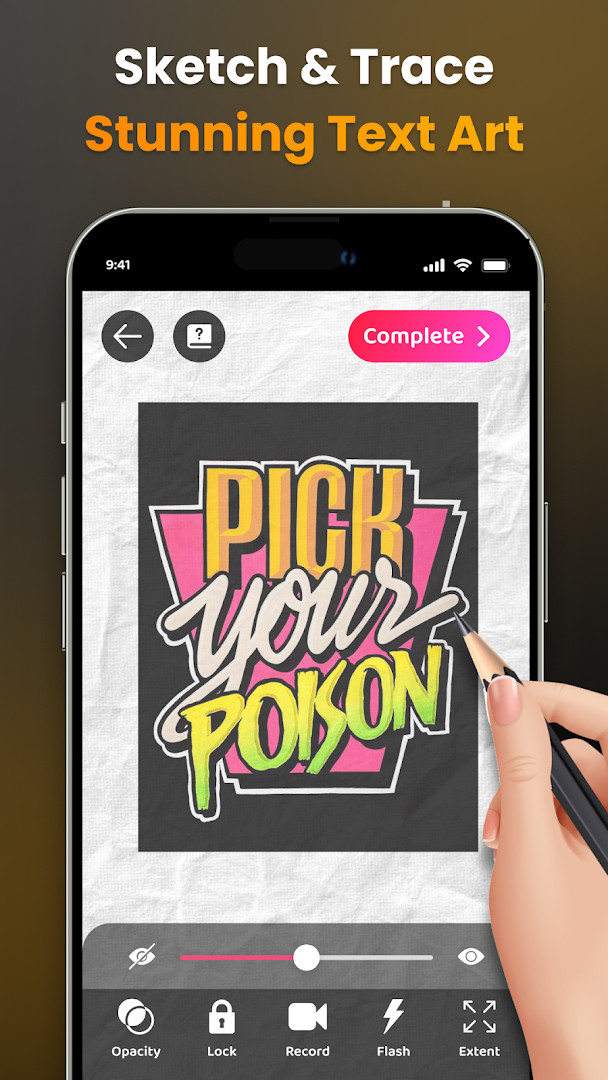
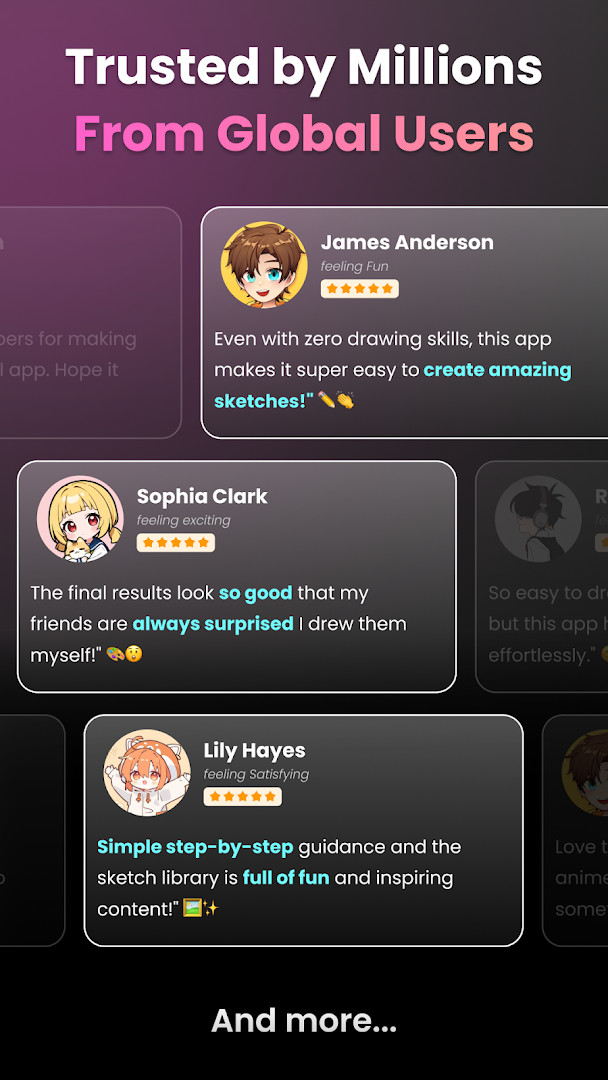
Artrace: AR Easy Draw & Sketch is a drawing application by Braly JSC that uses augmented reality to let users trace and sketch objects, photos, and characters through the phone camera. The app overlays a semi-transparent reference image onto the live camera feed, allowing artists to transfer outlines onto paper or any flat surface. Released in June 2024, it has accumulated roughly 50 million installs and carries a community rating of 4.56 from more than 400,000 ratings. The typical workflow involves placing the device on a stand, pointing the camera at a surface, and then drawing the projected guide by hand. Users can choose from a built-in library covering topics such as Anime, Cartoon, Animal, Food, Chibi, People, Vehicles, Flowers, Nature, and more, or import pictures from their own gallery for tracing. Adjustment tools include opacity control, zoom in and out, a flash toggle, an image extension option, and video recording of the drawing process. Detailed video tutorials accompany many templates, and a three-level difficulty system structures lessons for progressive practice. Version 2.0.5, dated November 2026, centers on performance improvements and bug fixes rather than new functions. The app also maintains a personal profile that tracks time spent drawing and lessons completed, and it offers tailored sketch suggestions based on individual activity. Finished artwork and process videos can be exported and shared with friends or the broader user community.
Key features
- Camera-based AR tracing with a live semi-transparent reference overlay
- Built-in sample library covering Anime, Cartoon, Animal, Food, Chibi, People, Vehicles, Flowers, Nature, and more
- Import of personal photos from the device gallery for tracing
- Adjustable opacity, zoom, flash, and image extension drawing aids
- Video recording of the drawing process for later playback and sharing
- Detailed tutorials across three difficulty levels for structured skill building
- Personal profile tracking drawing time and completed lessons
How to install
- Tap the download button on this page to obtain the APK; the file size is not specified.
- If Android prompts, allow your browser or file manager to install apps through the 'Install unknown apps' permission.
- Open the downloaded APK file from your notifications or Downloads folder.
- Tap Install and wait for completion; Android 7.0 or newer is required.
- Tap Open to launch the app, then grant camera access when requested.
Pros
- Broad template variety across popular art categories
- Helpful tutorials with adjustable difficulty levels
- Practical aids such as opacity, zoom, flash, and image extend
- Built-in process video recording
- Free to download with optional in-app purchases
Cons
- Contains ads
- Requires camera, storage, and location permissions
- A phone stand is recommended for comfortable tracing
Latest changes · 2.0.5
Version 2.0.5 focuses on making the app run more smoothly with general performance improvements. It also includes various bug fixes to address issues and provide a more stable drawing experience.
Version history
| Version | Size | Requires Android | Updated |
|---|---|---|---|
| 2.0.5 | — | 7.0 | Nov 13, 2026 |
| 1.9.73 | — | 7.0 | Oct 7, 2026 |
Beginners learning to draw, hobbyists who enjoy tracing real-world scenes and personal photos, and fans who want to sketch favorite characters from anime, cartoons, and games.
For clean results, use a stand or tripod and align the reference image edges with the paper before starting; beginners should begin with the easiest lesson tier to build confidence.
Permissions
FAQ
Is Artrace: AR Easy Draw & Sketch free to download?
Yes, the app is free and listed with a price of $0.00. Keep in mind that it contains ads and offers in-app purchases.
What Android version do I need?
The app requires a minimum Android version of 7.0. The latest release is version 2.0.5, updated on 2026-11-13.
Does the app require an account before I can use it?
Account creation is not listed as a requirement in the available information. The app focuses on camera-based drawing and tracing features.
What permissions does Artrace ask for?
It requests access to Location, Photos/Media/Files, Storage, Camera, and Wi-Fi connection information. These are used for features like drawing through the camera and importing images from your gallery.
How do I update the app?
Simply download the new version from this page when an update is available. The most recent version is 2.0.5, with a prior version 1.9.73 also listed.
What is the file size of the APK?
The file size is not specified in the available information. You can find the current size in the download section on this page.
Artrace is a practical AR tracing tool that balances guided learning with creative freedom, though ads and broad permission requests are worth noting. It suits users who prefer structured, camera-assisted sketching over fully freehand work.
Similar apps
 Canva: AI Photo & Video EditorCanva · ★ 4.8 · Art & Design · v2.387.0
 PENUP – Drawing-sharing SNSSamsung Electronics Co., Ltd. · ★ 4.5 · Art & Design · 97 MB
 SketchbookSketchbook · ★ 4.1 · Art & Design · 69 MB
 Adobe Express: AI Photo, VideoAdobe · ★ 4.6 · Art & Design · v32.1.1
 ibis Paint Xibis inc. · ★ 4.5 · Art & Design · v14.1.6
 Phonto - Text on Photosyouthhr · ★ 4.7 · Art & Design · v1.7.143
 FlipaClip: Draw 2D AnimationVisual Blasters LLC · ★ 4.3 · Art & Design · v5.1.1
Updated: Nov 26, 2026