Phonto - Text on Photos for Android
Phonto - Text on Photos is an art and design app from youthhr for adding text to photos on Android devices.
Phonto - Text on Photos is for Android users who want to quickly put words on their pictures without learning complex editing tools. The app is free to download, works offline, and does not require an account, so you can start adding text right away.
Screen gallery
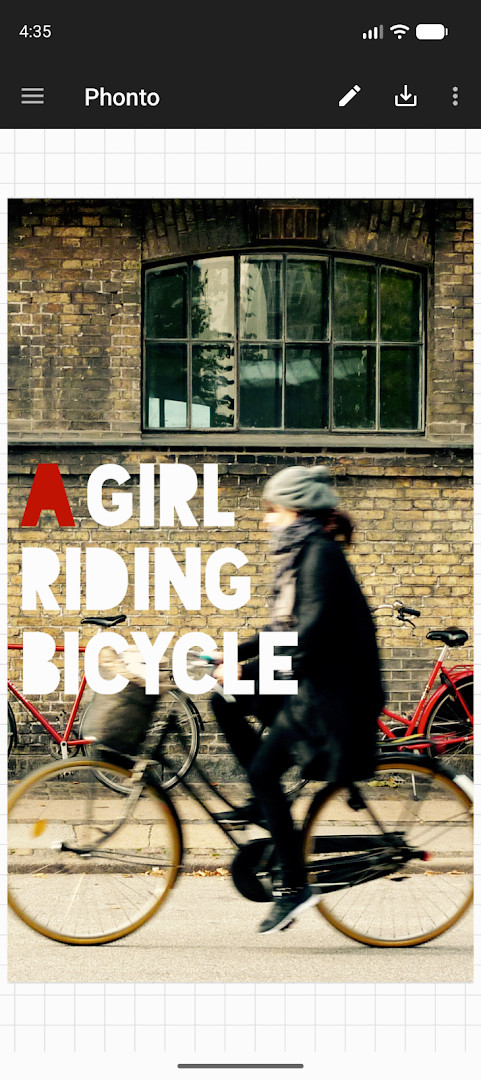
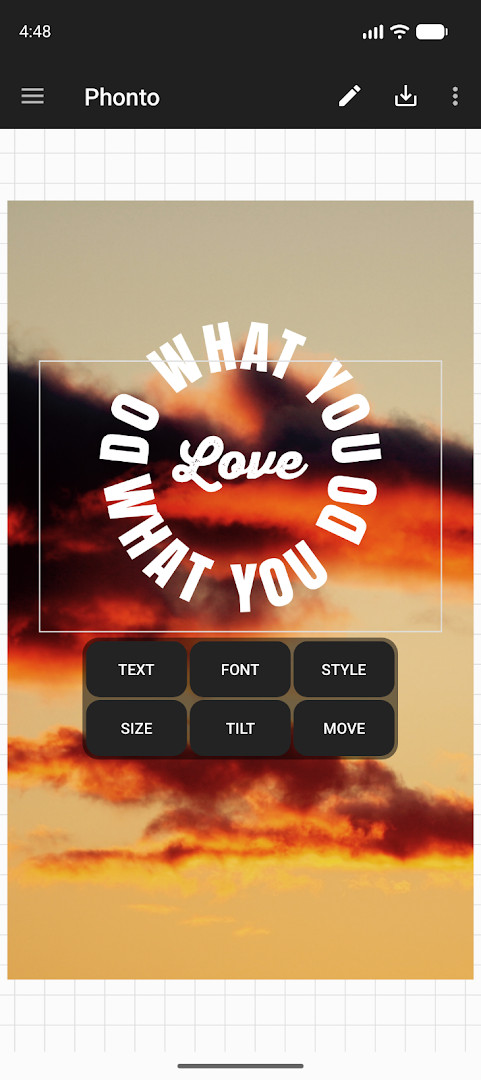

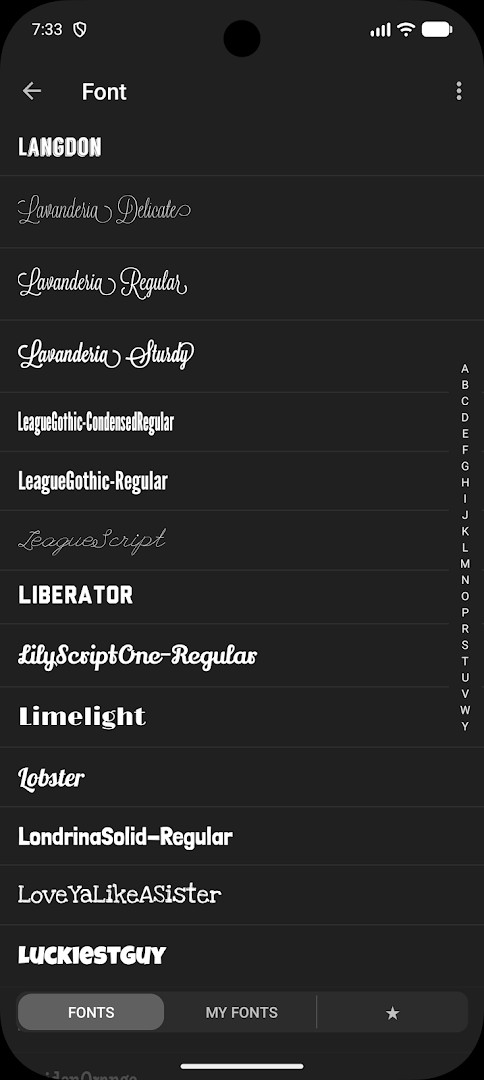
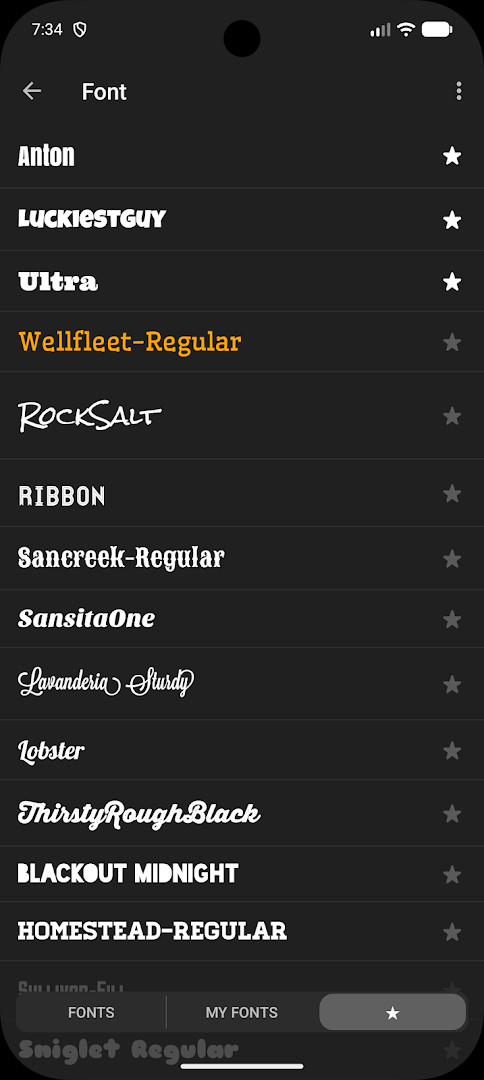
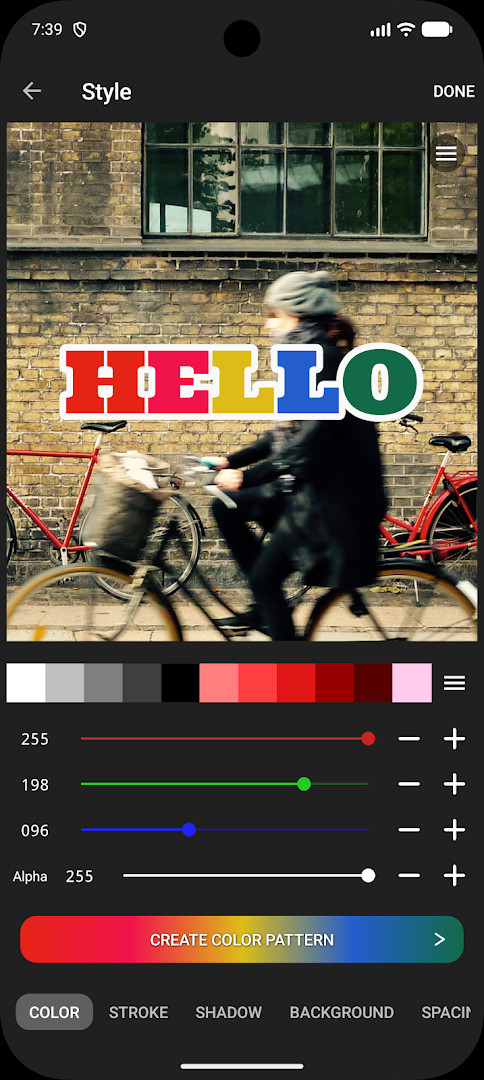
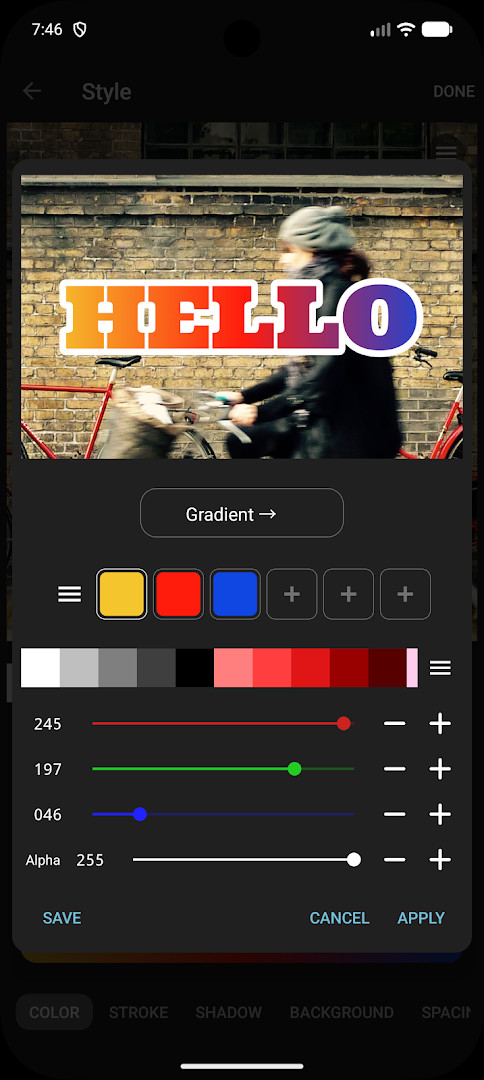
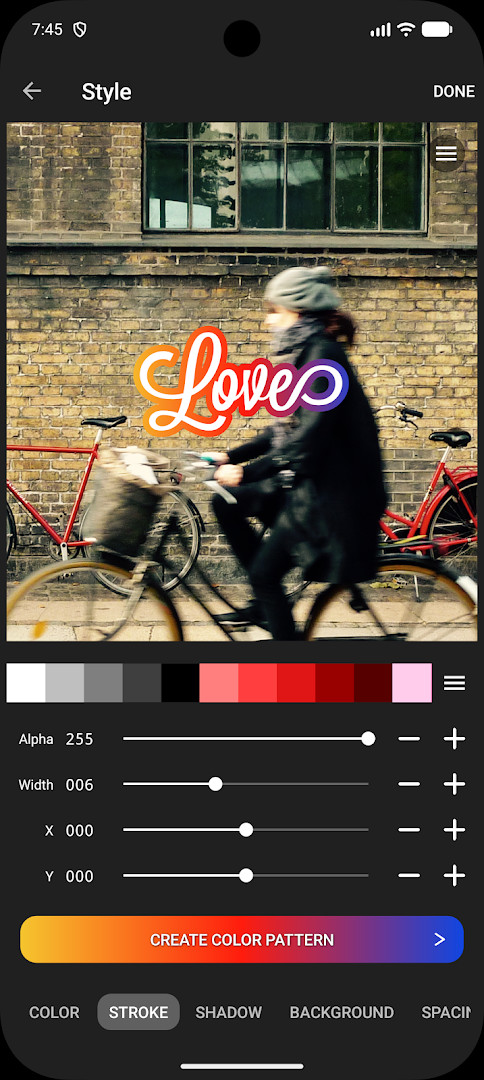
Phonto - Text on Photos is a straightforward photo-editing utility by youthhr that lets you place customizable text onto your pictures. At its core, it solves a simple but popular need: adding captions, quotes, labels, or decorative lettering to an image without requiring any design expertise. You start with any photo from your gallery, pick a font, type your words, and then adjust the look until it feels right. The entire process happens in a few taps, which makes it appealing for people who want quick results rather than a full-featured editing suite.
The app has been around since 2012 and has grown steadily, with version 1.7.143 released on November 7, 2026. This latest update continues the tradition of refinement, though the core experience remains unchanged: a clean, uncluttered interface that puts the focus on text. Over the years, the developer has added more than 200 built-in fonts, the ability to import your own typefaces, and a range of styling controls such as color, shadow, rotation, stroke, and background. These options let you move beyond plain captions into more expressive compositions, like layered quotes or playful stickers.
What sets Phonto apart is its accessibility. There is no steep learning curve, no layers panel, and no confusing toolbars. You simply open a photo, tap where you want text, and start typing. The app is free to download and supports in-app purchases, including an ad-free option for those who prefer an uninterrupted experience. With over 50 million installs and a rating of 4.74 from more than 569,000 users, it has clearly earned a loyal following among casual editors and social media enthusiasts alike.
Key features
- More than 200 built-in fonts to choose from
- Ability to install additional fonts from files like TTF, OTF, or ZIP
- Adjustable text size and color for full control
- Changeable text shadow, stroke color, and stroke width
- Rotate text freely to any angle
- Set a background color behind the text
- Adjust letter spacing and line spacing for precise layout
- Apply blend modes to merge text with the photo creatively
- Simple tap-to-add-text interface that is beginner friendly
- Ad-free option available through in-app purchase
How to install
- Tap the download button on this page to get the APK file for Phonto - Text on Photos. The file size is not specified, so it may vary.
- When Android asks for permission, allow your browser or file manager to install apps by enabling the 'Install unknown apps' setting. This is a standard security step.
- Locate the downloaded APK file in your device's notification bar or Downloads folder.
- Open the APK file to start the installation process.
- Tap 'Install' and wait a few seconds for the process to finish.
- Open the app from your app drawer or home screen. The minimum Android version required is 10, so ensure your device meets this requirement.
Pros
- Extremely easy to use, even for complete beginners
- Huge selection of built-in fonts plus custom font support
- Offers a wide range of text styling options in one place
- Lightweight and fast, no complicated editing tools to learn
- Free to download with an optional ad-free upgrade
Cons
- Contains ads unless you purchase the ad-free option
- Some advanced features, like blend modes, may feel limited compared to full editors
- No built-in tutorials for installing custom fonts, though the process is simple
Version history
| Version | Size | Requires Android | Updated |
|---|---|---|---|
| 1.7.143 | — | 10 | Nov 7, 2026 |
| 1.7.140 | — | 10 | Oct 13, 2026 |
Phonto is ideal for social media users who want to add quick captions or quotes to their photos, casual bloggers looking to create eye-catching header images, and anyone new to photo editing who wants a simple tool to personalize pictures without a steep learning curve.
When installing custom fonts, remember to check the font license before use. Also, try combining a bold font with a subtle shadow effect to make your text stand out against busy backgrounds.
FAQ
Is Phonto free to download and use?
Yes, Phonto is free to download and use. It includes ads and offers an optional in-app purchase to remove them.
What Android version do I need to run Phonto?
Phonto requires Android 10 or newer. The current version is 1.7.143, updated on November 7, 2026.
Does Phonto require me to create an account?
No, Phonto does not require an account. You can add text to photos right after installation without signing in.
What permissions does Phonto ask for?
Phonto needs access to your photos and storage so you can choose images to edit and save the results. It does not request unnecessary permissions beyond what is needed for its core functions.
How do I update Phonto?
To update Phonto, download the new version from this page and install it over your current version. Your existing photos and settings will be preserved.
Can I add my own fonts to Phonto?
Yes, Phonto supports installing additional fonts. You can download font files such as TTF or OTF and open them in the app, but be sure to check the font license before installing.
Phonto - Text on Photos delivers exactly what its name promises: a fuss-free way to put text on images. It is not a professional design tool, but for everyday captions, quotes, and playful edits, it is hard to beat in terms of simplicity and font variety. The presence of ads is a minor drawback, but the optional ad-free purchase solves that for frequent users. If you are looking for a reliable, beginner-friendly text overlay app, Phonto is a solid choice that has proven itself over many years and millions of downloads.
Similar apps
 PinterestPinterest · ★ 4.2 · Lifestyle
 Canva: AI Photo & Video EditorCanva · ★ 4.8 · Art & Design · v2.387.0
 PENUP – Drawing-sharing SNSSamsung Electronics Co., Ltd. · ★ 4.5 · Art & Design · 97 MB
 SketchbookSketchbook · ★ 4.1 · Art & Design · 69 MB
 Adobe Express: AI Photo, VideoAdobe · ★ 4.6 · Art & Design · v32.1.1
 ibis Paint Xibis inc. · ★ 4.5 · Art & Design · v14.1.6
 Artrace: AR Easy Draw & SketchBraly JSC · ★ 4.6 · Art & Design · v2.0.5
 FlipaClip: Draw 2D AnimationVisual Blasters LLC · ★ 4.3 · Art & Design · v5.1.1
Updated: Nov 19, 2026