Netflix: Streaming Entertainment App
Netflix is a subscription streaming service by Netflix, Inc. that lets you watch TV episodes, movies, live events, podcasts, and games.
Netflix offers a subscription-based entertainment service with personalized recommendations, a My Netflix tab for tracking favorites, and a clips feed for discovering upcoming content. It is free to download, requires Android 5.0 or higher, and has a download size of 63 MB. The app is rated for teens and carries no ads or in-app purchases.
Screen gallery
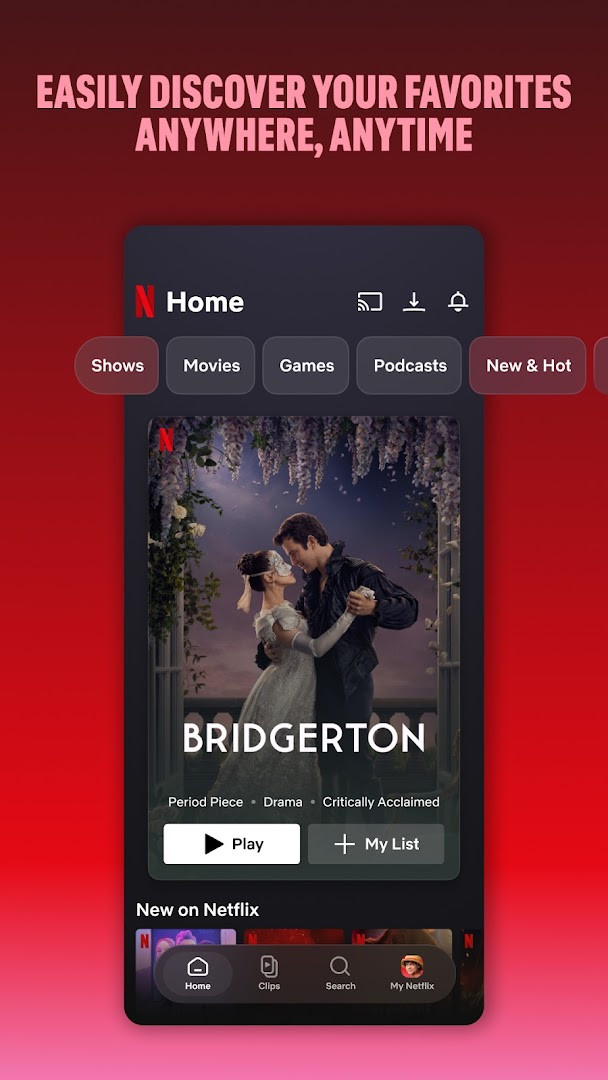
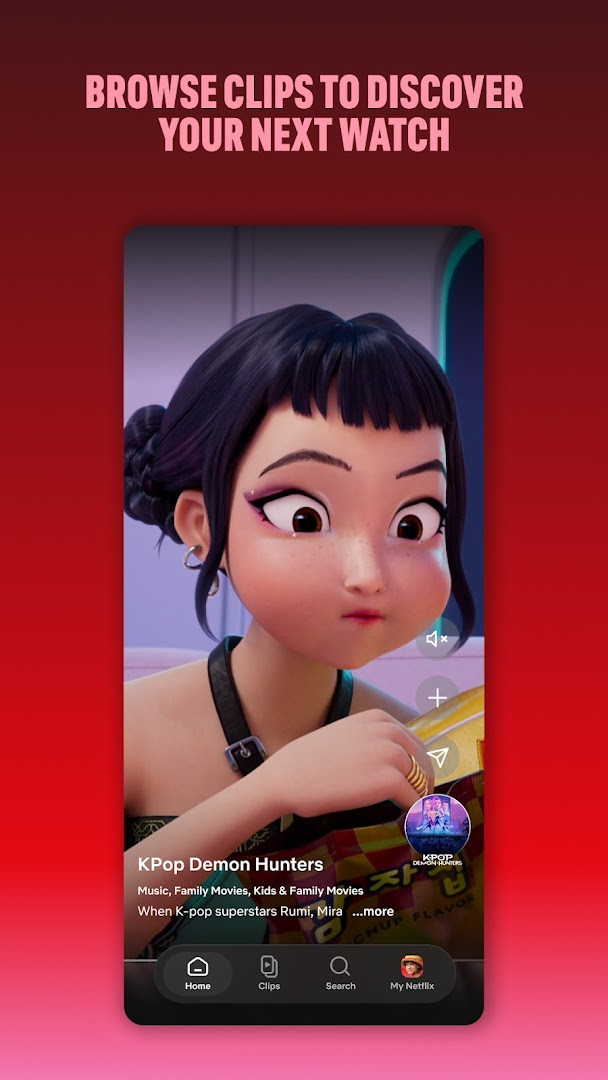
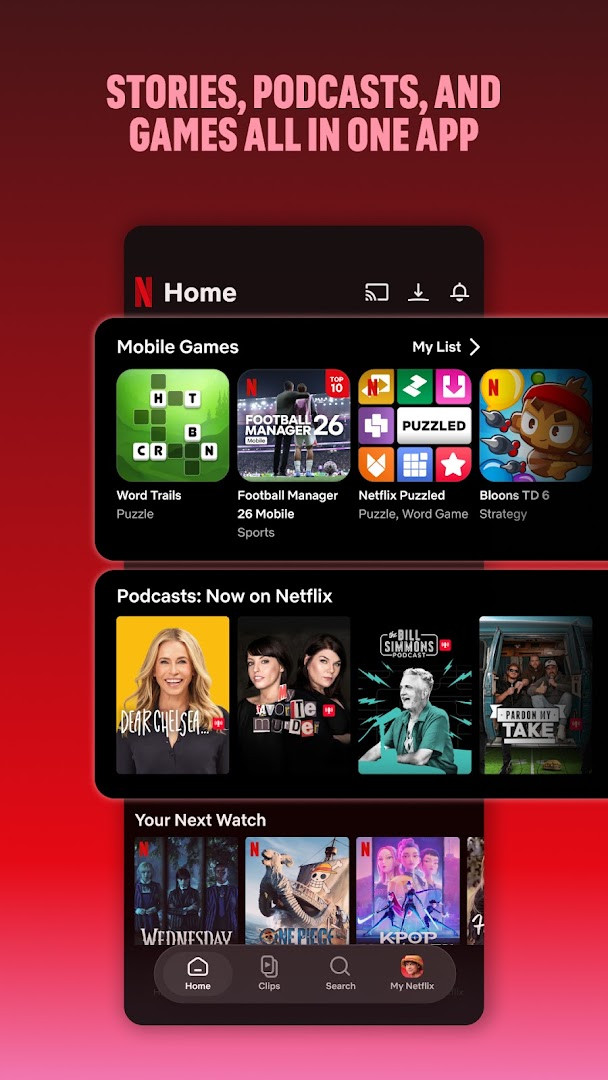
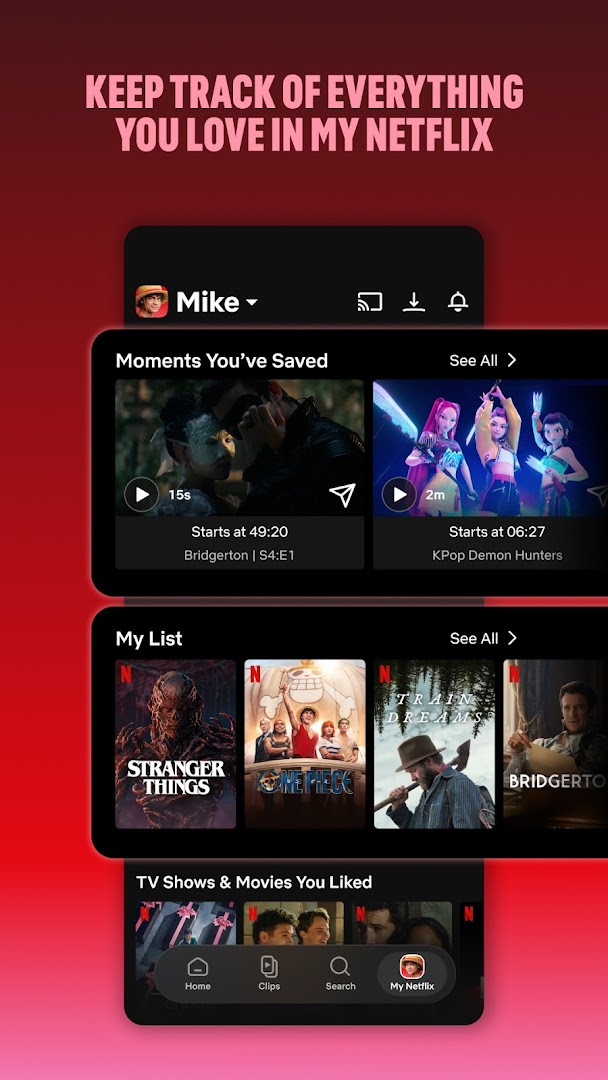
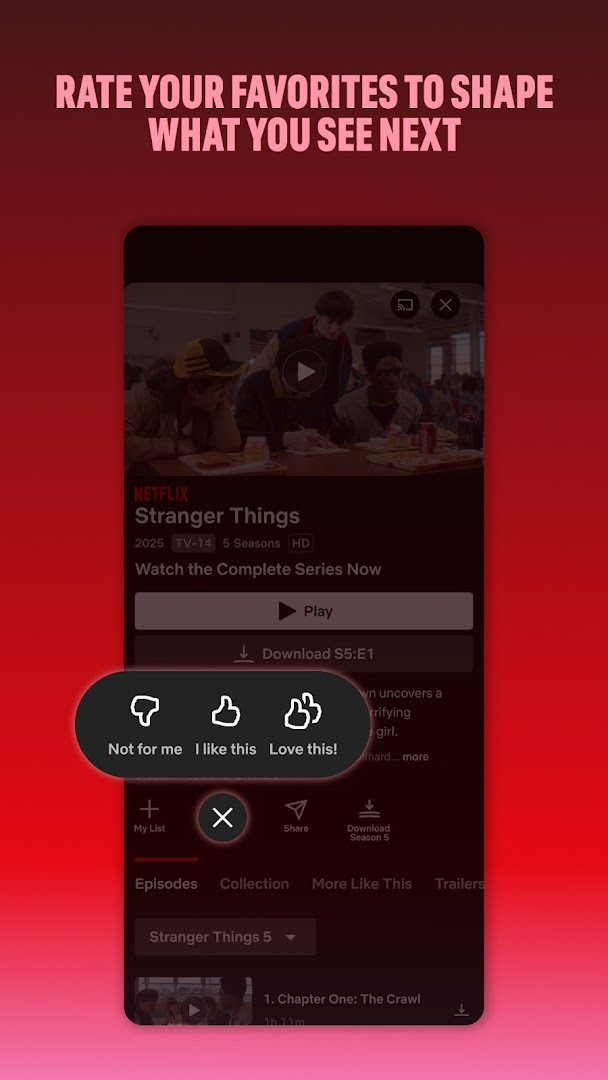
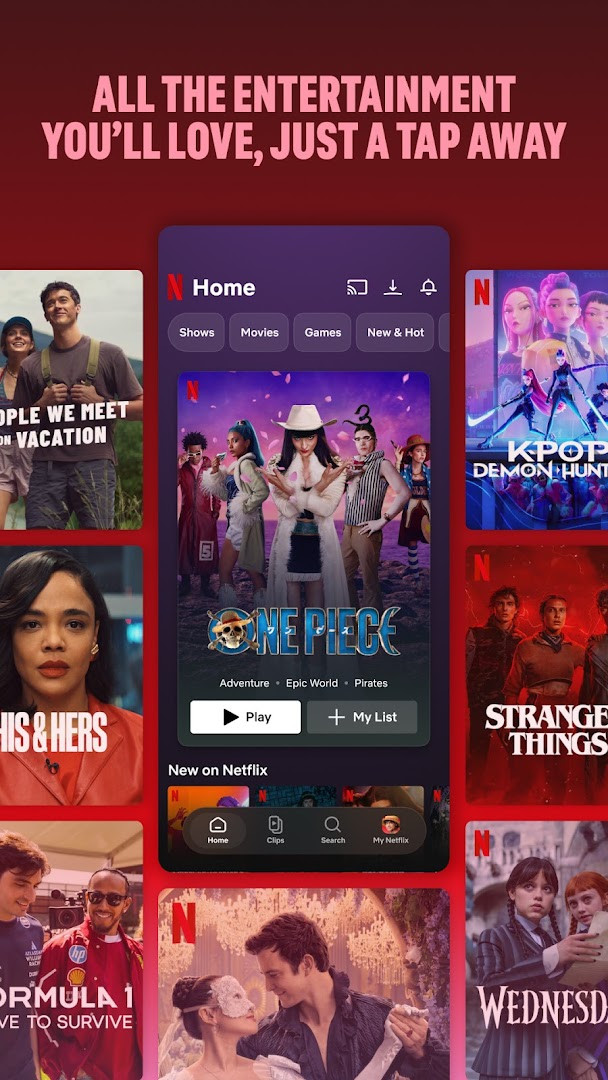
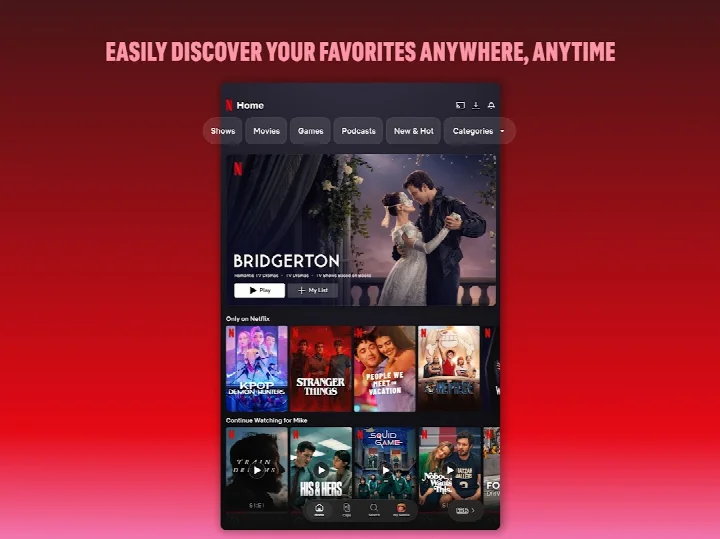
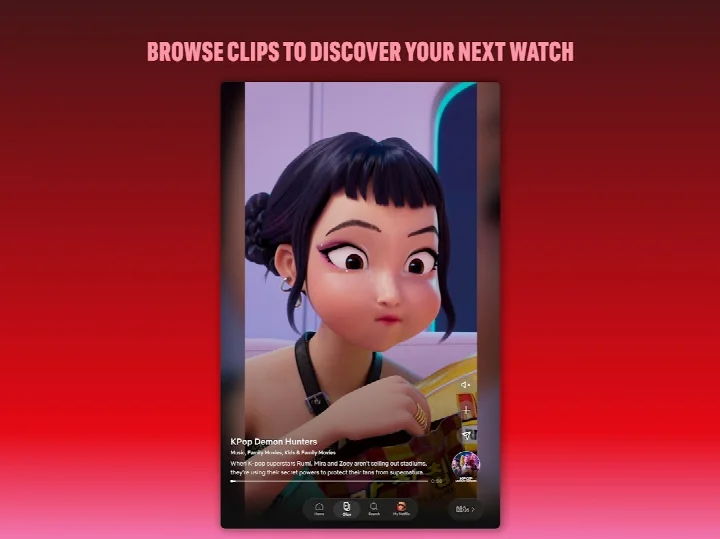
Netflix is a subscription-based streaming application by Netflix, Inc. that delivers television series, films, live events, podcasts, and games directly to mobile devices. The service centers on a vast, continuously updated catalog that includes both licensed productions and original content exclusive to the platform. Users access this library through a paid monthly membership, which requires an account and an active subscription plan, with no long-term contracts or cancellation fees.
The application functions as a portable gateway to the full Netflix experience, allowing members to browse, discover, and play content while traveling, commuting, or at home. Its interface prioritizes smooth navigation through bottom shortcuts, enabling quick access to browsing categories or resuming previously watched titles. A dedicated upcoming clips feed offers a preview-based method for finding new material, while the 'My Netflix' tab consolidates watch history, saved items, and personalized lists in a single location. Recommendations are generated from user ratings and viewing behavior, and notifications alert members to new releases, episodes, and live events.
The most recent update, dated November 2026, focuses on refining the experience for both recent hits and classic titles, with general performance and usability improvements. The application has been available on Android since 2011 and has undergone numerous revisions over the years, with the current build reflecting ongoing optimization for phones and tablets. It is a free download, though viewing requires a paid subscription; the app itself contains no advertisements and no in-app purchases, as all content access is tied to the external membership plan.
Key features
- Smooth bottom navigation shortcuts for quick browsing and resuming favorites
- Upcoming clips feed for discovering new and forthcoming content
- Access to series, movies, live events, games, and podcasts in one place
- Personalized recommendations based on user ratings and viewing history
- 'My Netflix' tab to track favorite moments, watch history, and custom lists
- Instant notifications for new releases, episodes, and live events
- Daily catalog updates with new titles added regularly
- Search functionality with autocomplete to locate specific content quickly
How to install
- Tap the download button on this page to obtain the installation file for the app, which is 63 MB in size.
- When prompted, allow your browser or file manager to install apps by enabling the 'Install unknown apps' setting for that source.
- Open the downloaded APK file from your notifications or file manager.
- Tap the Install button on the installation screen and wait for the process to complete.
- Open the app from your app drawer or home screen after installation finishes.
- Ensure your device runs Android 5.0 or higher, as this is the minimum operating system version required.
Pros
- Extremely large and diverse content library updated daily
- Exclusive original productions not available elsewhere
- No ads or in-app purchases within the application
- Flexible month-to-month subscription with easy cancellation
- Personalized recommendations and notification system
- Supports offline viewing for downloaded content (where available)
Cons
- Requires a paid subscription to access any content
- Large app size may occupy significant storage space
- Streaming quality depends on internet connection and plan tier
- Some features may require recent Android versions for full functionality
Latest changes
The latest Netflix update, released November 16, 2026, refines the mobile experience for phones and tablets, making it easier to jump into your favorite series and movies. Enjoy smoother navigation with bottom shortcuts, an upcoming clips feed for discovering what's next, and quick access to your personal 'My Netflix' tab. Whether you're catching up on recent hits or timeless classics, this version keeps the full world of entertainment—including live events, games, and podcasts—at your fingertips.
Version history
| Version | Size | Requires Android | Updated |
|---|---|---|---|
| 2.2.5 | 2.7 MB | 8.0 | Feb 25, 2026 |
| 7.120.6 build 63 35594 | 63 MB | 5.0 | Sep 15, 2025 |
| 4.16.7 build 15235 | 25 MB | 4.4 | Apr 13, 2023 |
| 3.14.4 build 5440 | 25 MB | 4.0 | Dec 29, 2020 |
This application suits regular viewers who want a broad mix of mainstream and niche entertainment, travelers or commuters seeking portable access to series and films, and fans of exclusive original productions who want to keep up with new releases on the go.
To minimize mobile data usage, download content over Wi-Fi for offline viewing before traveling, and adjust the playback quality settings in the app's streaming preferences to match your data plan.
Permissions
FAQ
Is the Netflix app free to download?
Yes, the app itself is free to download and install. However, watching content requires an active Netflix subscription, which is a month-to-month paid plan that you can cancel anytime online.
What Android version do I need?
The Netflix app requires Android 5.0 or higher. The current version is 7.120.6 build 63 35594, with a file size of about 63 MB.
Do I need a Netflix account to use the app?
Yes, you need to log in with an existing Netflix account or sign up for a subscription after installing the app. The app does not work without an account.
What permissions does the app request?
The app requests access to photos/media/files, storage, camera, microphone, and Wi-Fi connection information. These permissions are used for features like downloading content and casting.
How do I update the app?
To update, download the newest version available on this page and install it over your current installation. The latest listed version is 7.120.6 build 63 35594, updated on 2025-09-15.
Does the app include ads or in-app purchases?
No, the app itself contains no ads and no in-app purchases. All content access is covered by your separate Netflix subscription plan.
Netflix remains a comprehensive and polished streaming solution for Android, offering an unmatched content catalog and reliable mobile performance. The mandatory subscription is a significant commitment, but for those who value consistent access to diverse entertainment, the application delivers a well-rounded experience that justifies its popularity.
Similar apps




Updated: Nov 18, 2026