Photo Lock App - Hide Pictures: Private Photo Vault
Photo Lock App - Hide Pictures is a free personalization app by Battery Stats Saver that lets you hide photos and videos in a locked vault.
Photo Lock App - Hide Pictures requires Android 8.0 or higher, includes ads and in-app purchases, and its download size is not stated. The current version 2.1.14 offers fingerprint unlock, cloud backup, and a replaceable app icon. It suits users who want to keep personal media private when sharing their device.
Screen gallery
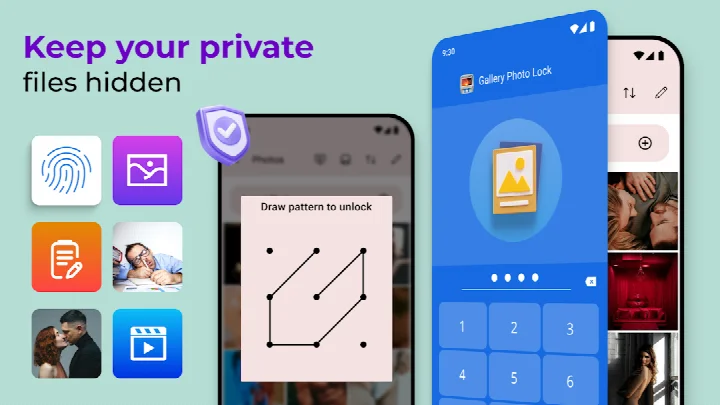
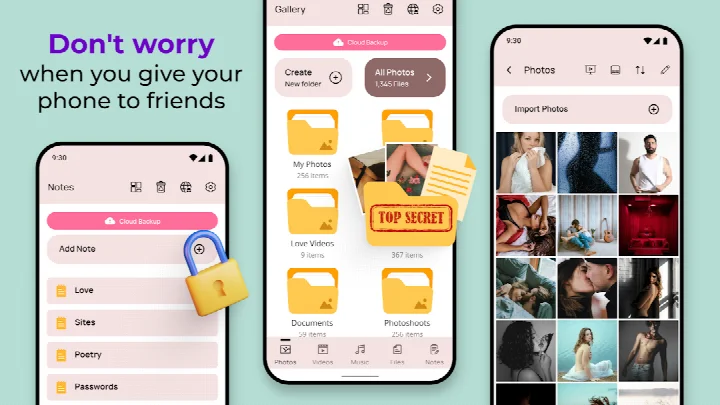
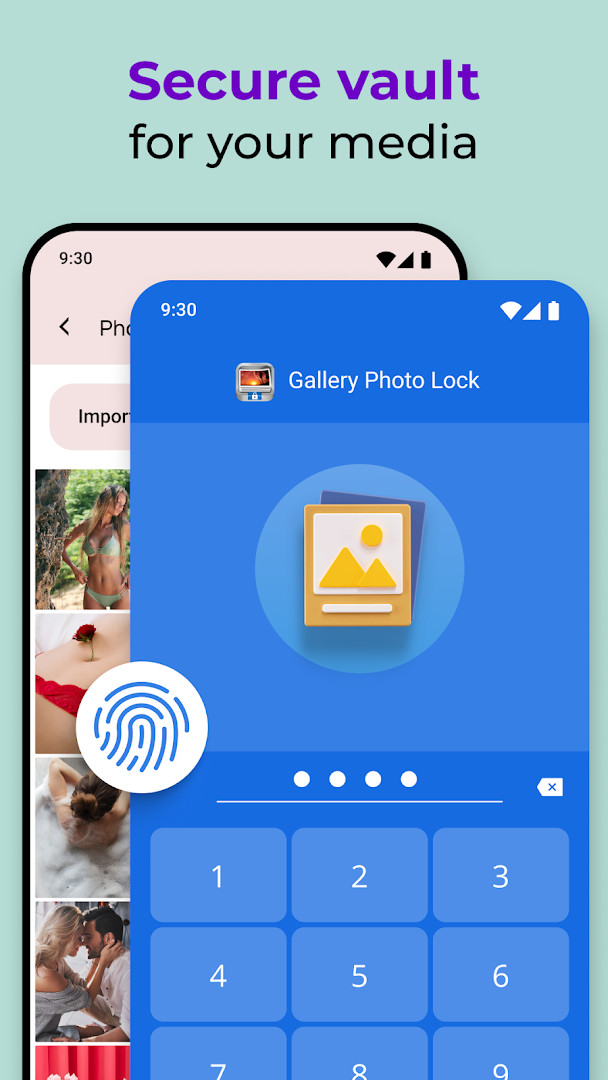
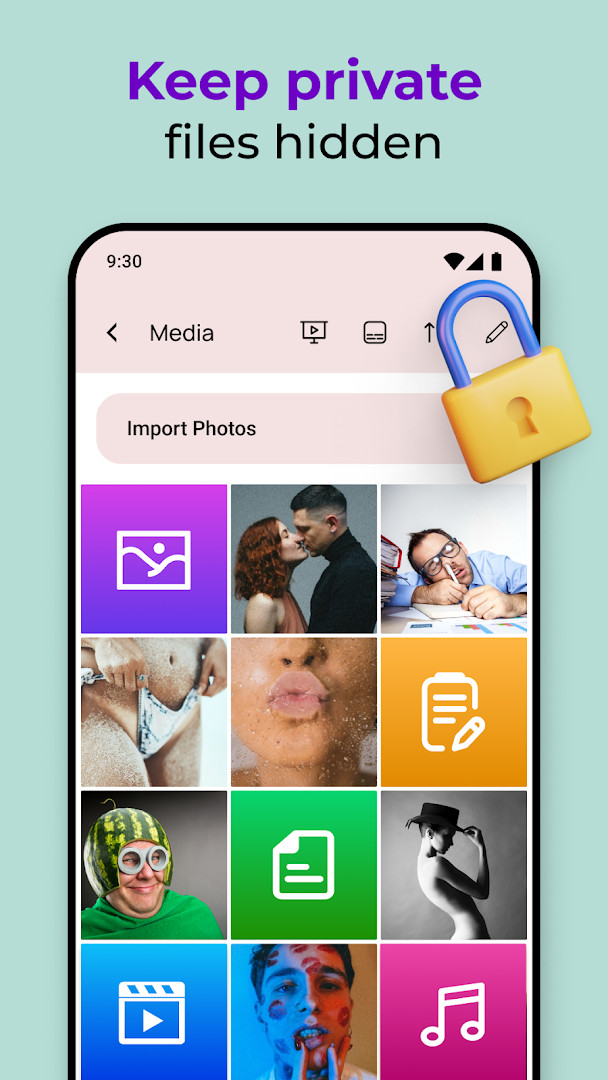
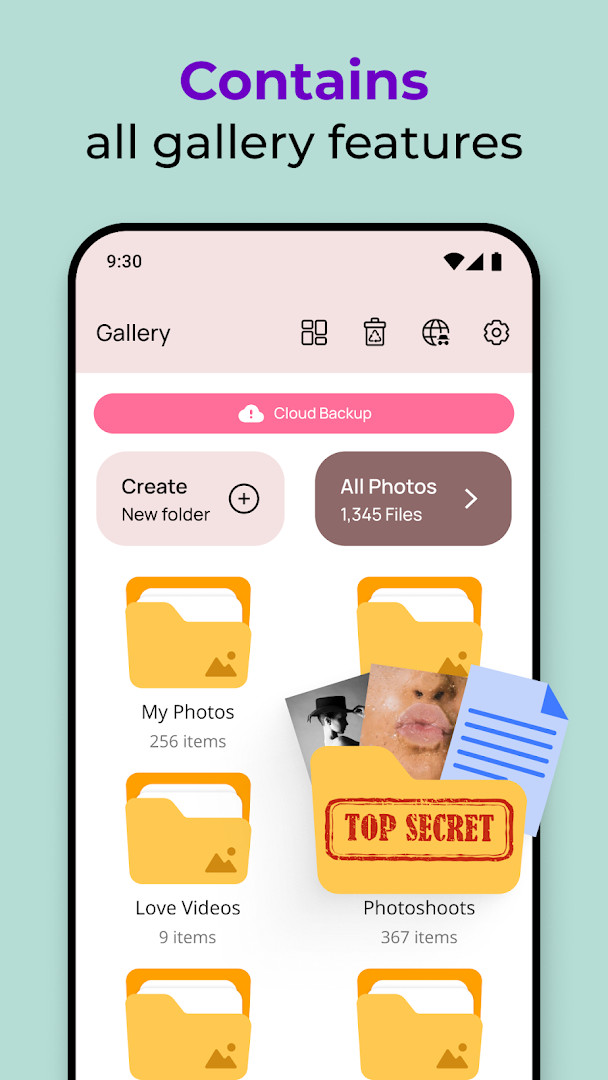
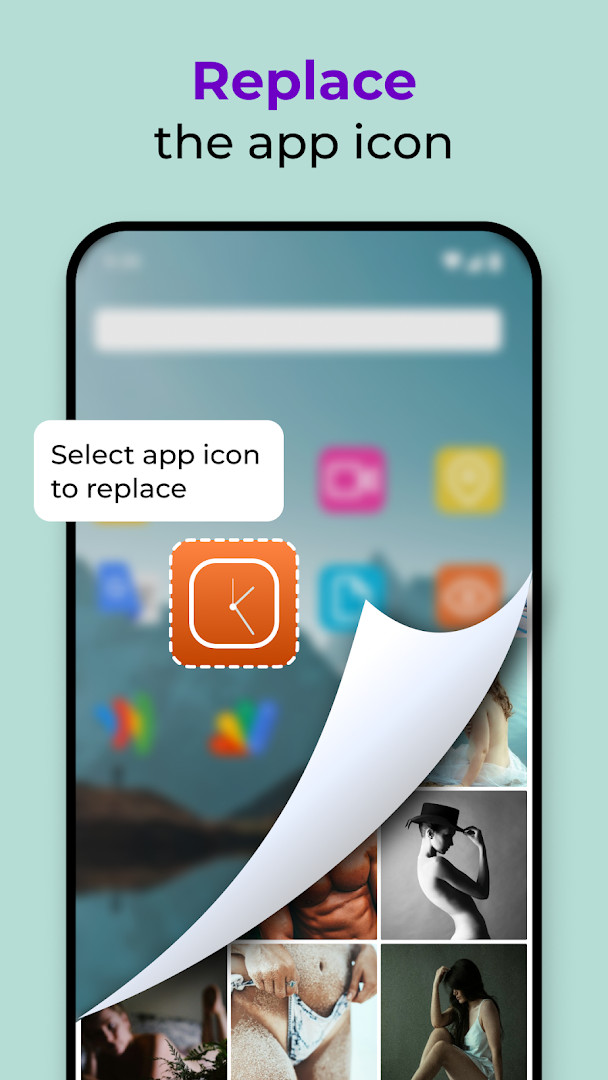
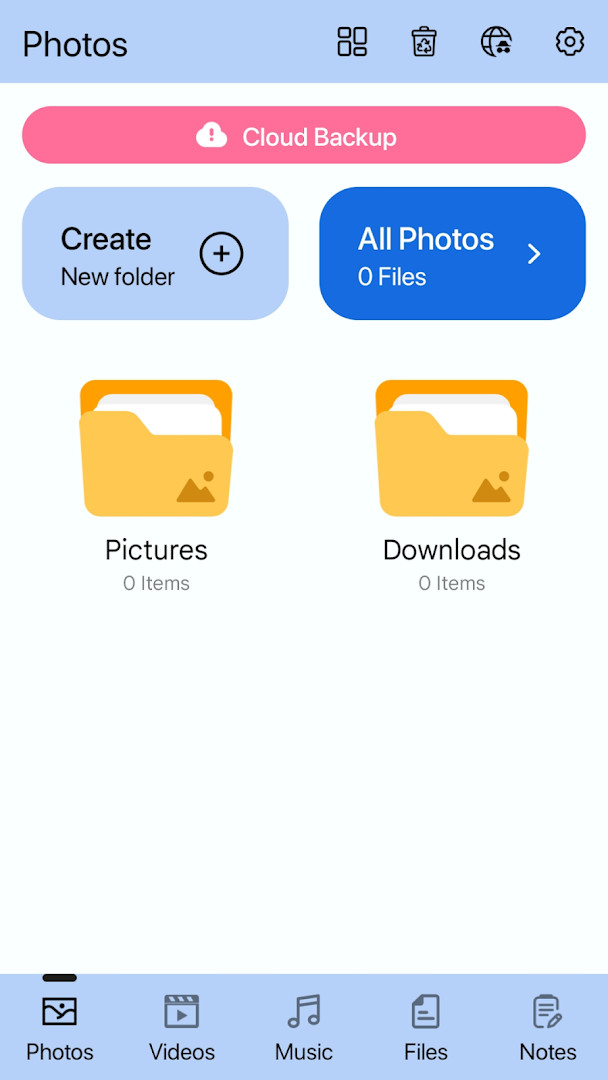
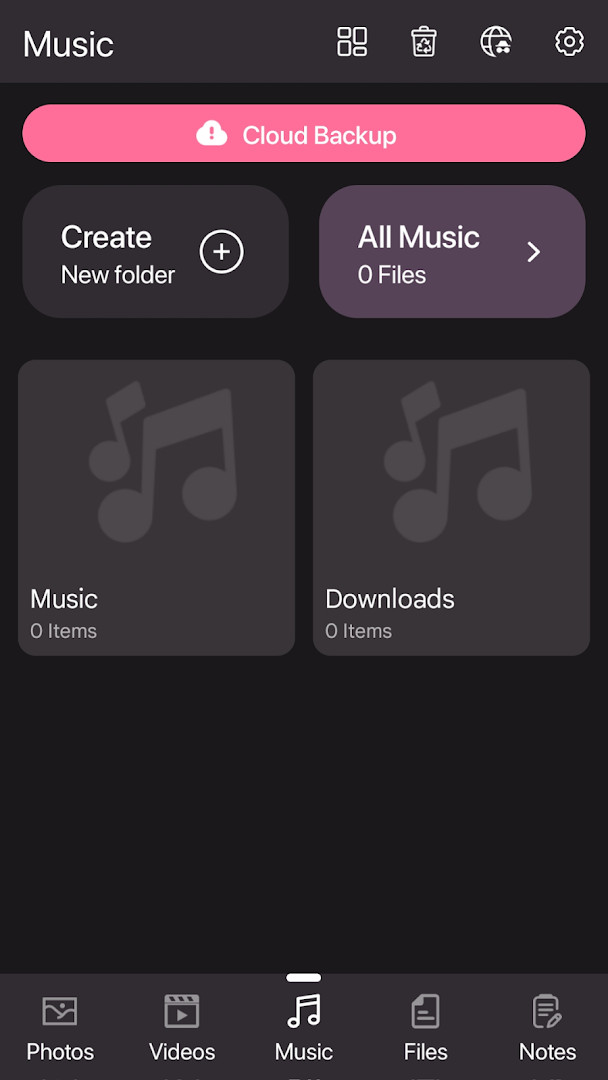
Photo Lock App - Hide Pictures is a privacy utility by Battery Stats Saver that stores photos, videos, and other private files behind a PIN, pattern, or fingerprint lock. The app acts as a hidden vault rather than a simple gallery organizer: media moved inside it disappears from your normal gallery and becomes accessible only after authentication. It has been available since 2016, and the most recent update, version 2.1.14, from May 2026, focuses on general improvements and a crash fix.
Beyond basic hiding, the app doubles as a security suite for everyday phone sharing. A calculator-style disguise hides the real lock screen, a face-down gesture can instantly close the vault, and an intruder camera captures anyone who enters the wrong password multiple times. Users can also lock individual apps, browse through a built-in safe browser whose downloads go straight into the vault, and back up hidden files to the cloud so a reinstall does not necessarily mean losing stored media.
For people who hand their phone to others often, the guest locker feature provides a decoy vault that can be populated with dummy content. The app icon can be swapped for a weather, news, or radio icon to make its presence harder to notice, and themes let you change the look of the lock screen. The current release carries advertising and offers in-app purchases, and the permissions it requests include storage, camera, and Wi-Fi connection information, so privacy-conscious users should review those settings before granting access.
Key features
- Hidden vault for photos and videos with PIN, pattern, or fingerprint unlock
- Share-to-hide: send media from your gallery or SD card directly into the vault
- Built-in image viewer and video player with slideshow support
- App lock for private and social apps, including fingerprint unlock where supported
- Safe browser that saves downloaded photos and videos directly into the vault
- Guest locker with a separate password for decoy content
- Face-down lock that closes the app when the device is placed screen down
- Intruder selfie capture on repeated failed unlock attempts
- Cloud backup for hidden images, videos, files, and notes
- Stealth mode that replaces the app icon with a decoy such as news, weather, or radio
How to install
- Tap the download button on this page to get the APK file; the file size is not specified.
- When Android prompts you, allow your browser or file manager to install apps by enabling the "Install unknown apps" setting.
- Open the downloaded APK file from your notifications or Downloads folder.
- Tap Install and wait for the process to finish.
- Open the app and set up your PIN, pattern, or fingerprint.
- The app requires Android 8.0 or higher, so confirm your device meets this minimum version before installing.
Pros
- Free to download and use
- Multiple unlock methods: PIN, pattern, and fingerprint
- Guest locker and decoy icon add extra layers of discretion
- Intruder capture helps reveal who tried to access the vault
- Cloud backup protects hidden files if the app is reinstalled
- Can lock other apps besides hiding media
Cons
- Free version includes ads
- In-app purchases are present
- Requests broad permissions, including storage and camera
Latest changes · 2.1.14
Version 2.1.14 focuses on improvements and resolves a crash issue. The update aims to enhance overall stability and reliability of the app, ensuring a smoother experience for users who hide pictures and videos. No new features are listed in this release; it is primarily a maintenance update to address reported problems.
Version history
| Version | Size | Requires Android | Updated |
|---|---|---|---|
| 55.0 | 3.4 MB | 4.0 | Jun 17, 2026 |
| 2.1.14 | — | 8.0 | May 6, 2026 |
| 26.0 | 2.9 MB | — | May 30, 2017 |
People who frequently lend their phone to family or friends, privacy-minded users who keep sensitive media, notes, or downloads on their device, and anyone who wants to lock social or messaging apps without installing a separate security tool.
Set up the guest locker first and fill it with a few harmless files, then hand over that password when someone asks to borrow your phone — the real vault stays out of sight.
Permissions
FAQ
Is Photo Lock App free to download?
Yes, the app is listed as free with a price of $0.00. It does include ads and offers in-app purchases.
Which Android version is required?
The app requires Android 8.0 or higher. The currently listed version is 2.1.14, and the listing was last updated on 2026-05-06.
Does the app require an account?
No account is required according to the app listing, so you can start hiding photos and videos right after installation.
What permissions does the app ask for?
The permissions listed for the app are Photos/Media/Files, Storage, Camera, and Wi-Fi connection information.
How do I update the app?
You can update by downloading the newest version from this page. Available versions include 55.0 (2026-06-17), 2.1.14 (2026-05-06), and 26.0 (2017-05-30).
How highly rated is the app?
The app has a rating of 4.62 based on over 1,375,987 ratings and has been installed more than 100,000,000 times. Its content rating is Everyone.
Photo Lock App - Hide Pictures covers most everyday privacy needs in one package: hidden media, app locking, a disguised icon, and intruder detection. It is not a perfect solution given ads, in-app purchases, and fairly broad permissions, but for casual phone sharing it offers a practical and well-rounded way to keep personal files private.
Similar apps
 Microsoft SwiftKey AI KeyboardSwiftKey · ★ 4.3 · Personalization · v9.13.20.4
 HiOS Launcher - FastTranssion Holdings · ★ 4.1 · Personalization · 70 MB
 Zedge™ Wallpapers & RingtonesZedge · ★ 4.7 · Personalization · 24 MB
 Parallel Space - app cloningLBE Tech · ★ 4.1 · Personalization · v4.0.9631
 Facemoji AI Emoji KeyboardNexileap · ★ 4.7 · Personalization · v3.7.0
 Launcher OS™Apps Genz · ★ 4.4 · Personalization · v7.0.1
Updated: Nov 26, 2026