Google Assistant: Voice Assistant App
Google Assistant is a productivity app by Google LLC that lets you manage tasks, calls, messages, and smart home devices hands-free.
Google Assistant is a free voice-controlled productivity tool for Android, aimed at users who want to complete everyday tasks without touching the screen. It can open apps, adjust phone settings, set reminders, send texts, and control compatible smart home devices.
Screen gallery
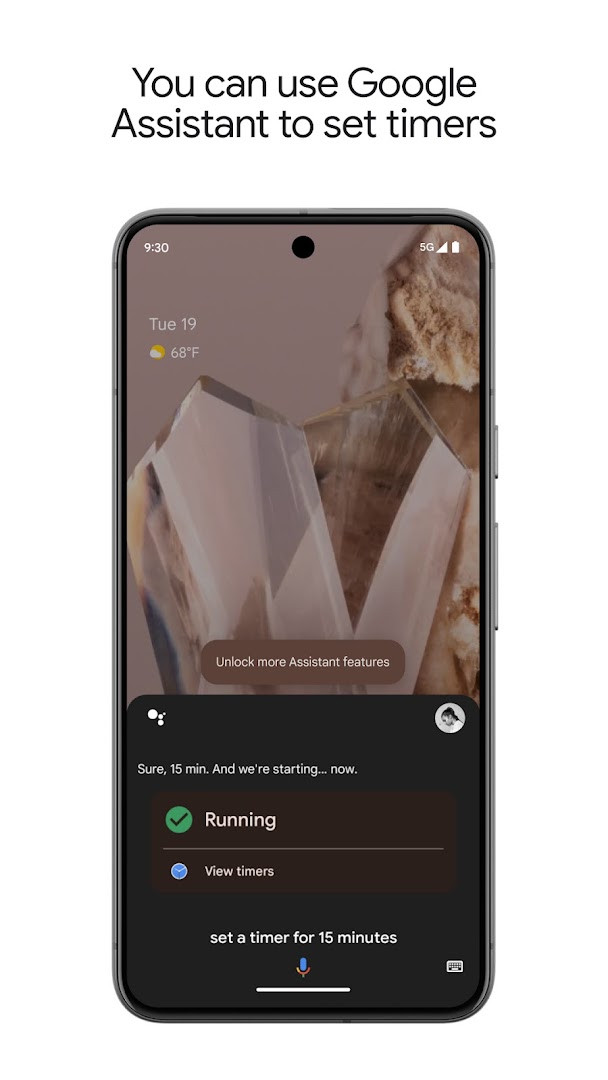
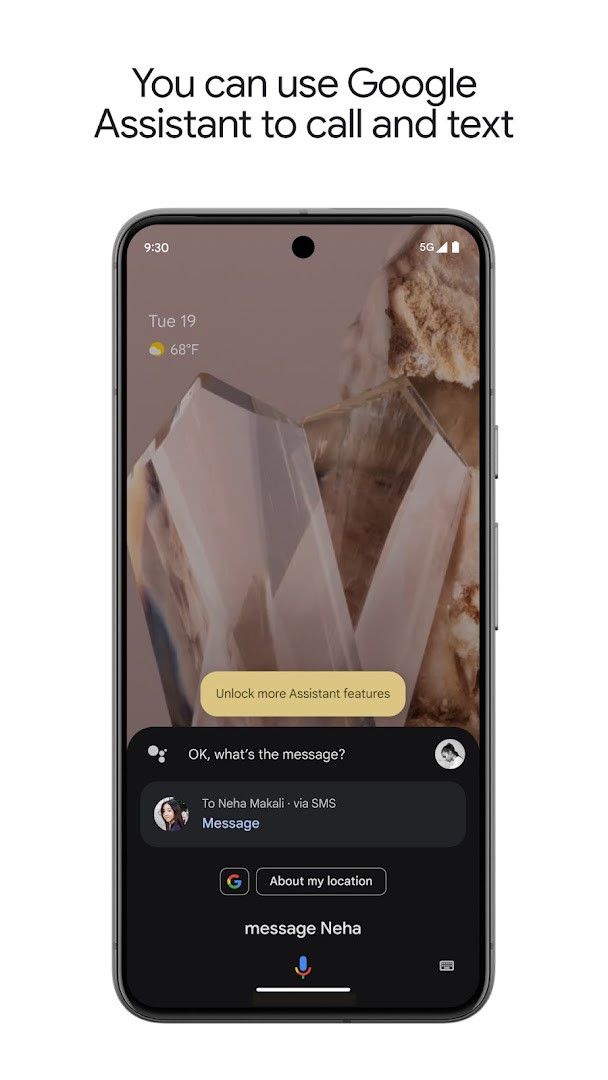
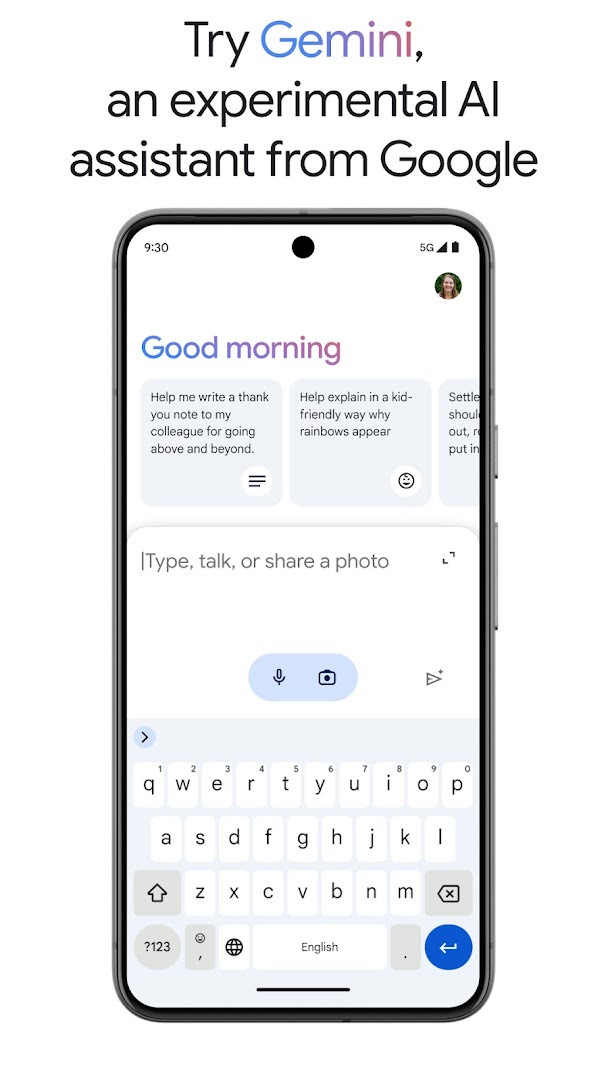
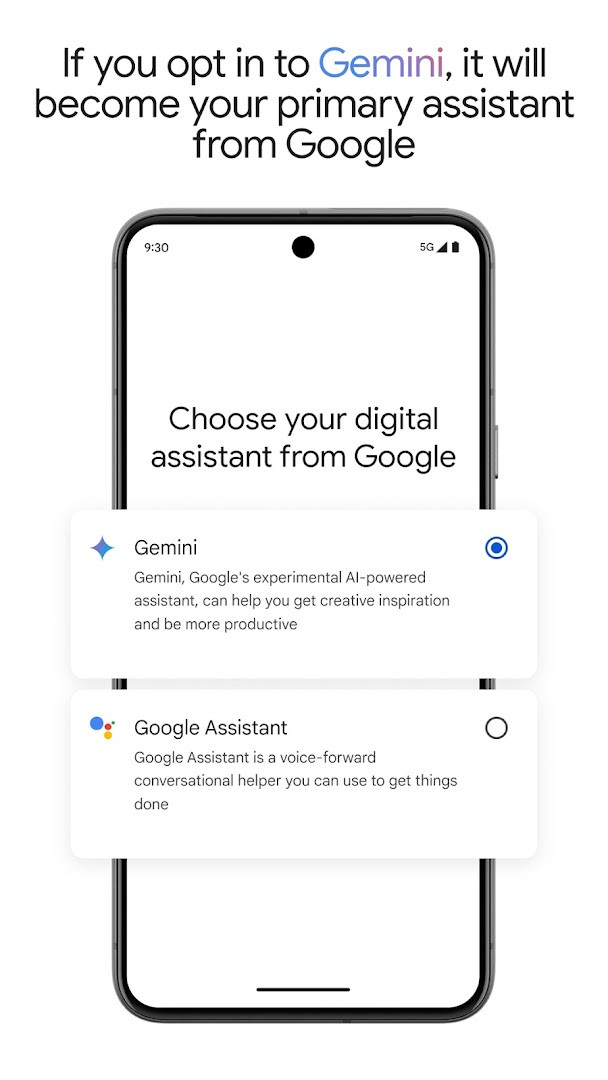
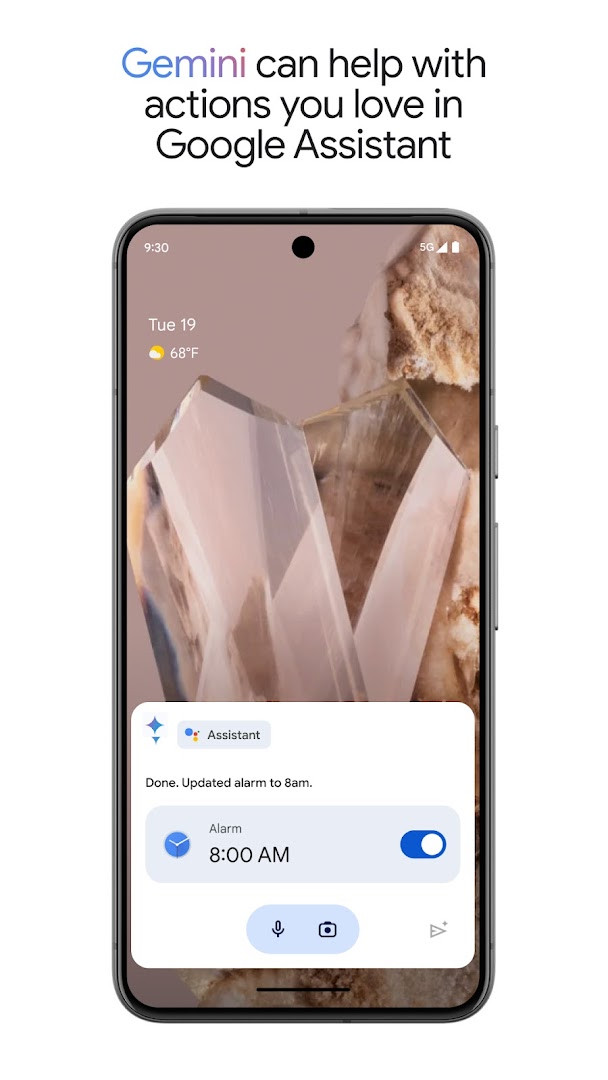
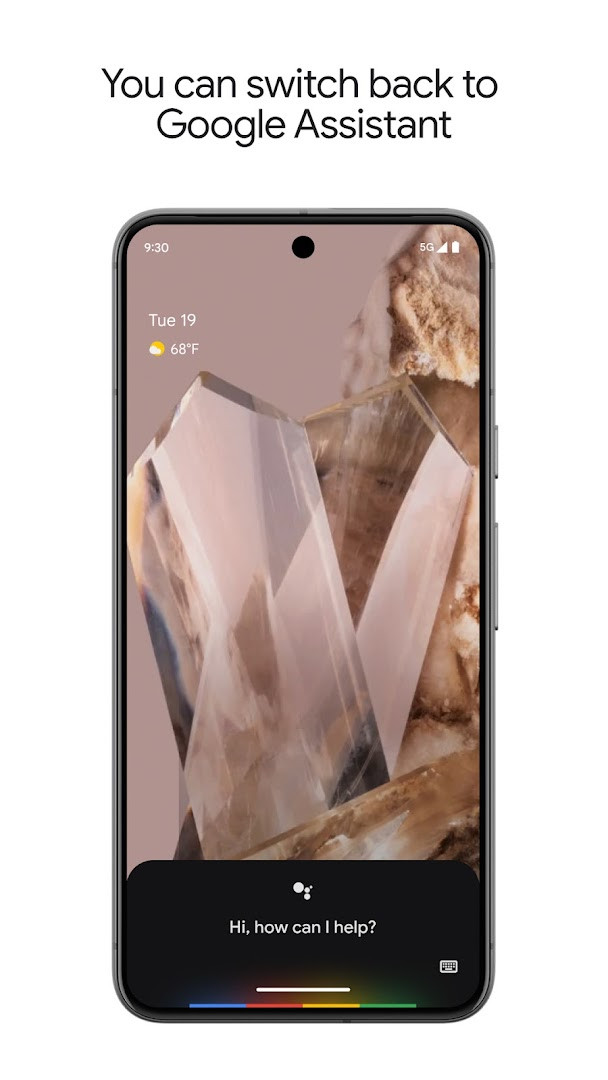
Google Assistant is a productivity app by Google LLC that provides voice-driven assistance for completing everyday tasks on Android devices. It solves the problem of manual phone interaction by letting users control apps, settings, and communications through spoken commands, while also offering proactive information and routines. The app interprets natural language requests to open applications, adjust device settings, send messages, manage schedules, and control compatible smart-home hardware, reducing the steps needed for common actions. It also includes an optional opt-in to Gemini, an experimental AI assistant, which can become the primary assistant and draw on Google's AI models while retaining many of the existing Assistant actions, with the ability to switch back in settings.
Key features
- Voice control to open apps, adjust settings, and toggle the flashlight hands-free
- Make calls, send texts, and manage emails without touching the screen
- Set reminders, alarms, timers, shopping lists, and ask questions or get directions
- Manage compatible smart-home devices such as lights and thermostats from anywhere
- Create automatic routines for recurring actions like morning or evening sequences
- Opt in to Gemini as an experimental AI assistant that can act as the primary assistant
- Receive proactive information and contextual reminders based on your needs
How to install
- Tap the download button on this page to get the APK file, which is 2.4 MB in size.
- When prompted, allow your browser or file manager to install apps by enabling the 'Install unknown apps' setting for that source.
- Open the downloaded APK file from your notifications or downloads folder.
- Tap Install and wait for the process to complete, which requires Android 6.0 or higher.
- Open the app from your app drawer or home screen to start using it.
Pros
- No ads are included in the app
- No in-app purchases are required
- Supports hands-free control of calls, texts, and emails
- Works with compatible smart-home devices
- Offers optional access to the Gemini AI assistant
- Allows switching back to Google Assistant in settings after opting into Gemini
Cons
- Requires network state permission and reads Google services data
- Some Gemini actions may not work immediately and support is rolling out gradually
- Smart-home control needs compatible external devices
- Opt-in availability for Gemini is limited to select devices and countries
Latest changes · 0.1.884448652
Version 0.1.884448652 (released March 23, 2026) introduces an opt-in for Gemini, formerly known as Bard, allowing it to act as your primary assistant from Google on your phone. Gemini leverages Google's advanced AI models to handle many of the familiar Google Assistant actions, with additional capabilities planned. Availability is rolling out gradually to select devices and countries; you can opt in through your Assistant settings or by installing the Gemini app, and you can switch back to Google Assistant anytime.
Version history
| Version | Size | Requires Android | Updated |
|---|---|---|---|
| 0.1.601924805 | 1.2 MB | 5.0 | Jun 30, 2026 |
| 0.1.884448652 | 2.4 MB | 6.0 | Mar 23, 2026 |
| 0.1.766117055 | 2.3 MB | 5.0 | Jun 18, 2025 |
This app is suited for Android users who want to reduce manual interaction with their phone by using voice commands for everyday tasks, including those who frequently make calls, send messages, set reminders, or manage schedules. It also appeals to people with compatible smart-home devices who prefer remote voice control, as well as early adopters interested in trying an experimental AI assistant like Gemini, provided they are in a supported region and meet device requirements.
If you opt into Gemini and find some actions are missing, you can switch back to Google Assistant in the app settings; also ensure your smart-home devices are compatible before relying on voice control.
Permissions
FAQ
What does the latest version of Google Assistant add?
The newest update introduces Gemini, formerly known as Bard, as an opt-in primary assistant. It is being rolled out gradually to select users and countries over the coming weeks. You can switch back to Google Assistant anytime through the app settings.
Can I use Gemini as my primary assistant instead of Google Assistant?
Yes, you can opt in to Gemini from within Google Assistant, or by downloading the separate Gemini app. Once opted in, Gemini becomes your primary assistant from Google, though some actions may not work immediately and more support is planned soon.
What phone controls can I perform hands-free with Google Assistant?
You can use your voice to open apps, adjust settings, turn on the flashlight, enable Do Not Disturb, and change Bluetooth or aeroplane mode. You can also make calls, send texts, and manage emails without touching your phone.
Does Google Assistant work with smart home devices?
Yes, it can control compatible smart home devices such as lights, thermostats, and appliances, even when you are away from home. This requires compatible devices, as noted in the app description.
What are the system requirements and install size for Google Assistant?
The app requires Android 6.0 or higher, has a size of 2.4 MB, and the current version is 0.1.884448652. It is free, contains no ads, and offers no in-app purchases.
Google Assistant delivers a practical, hands-free way to handle common phone tasks and smart-home controls, with the added option of experimenting with Gemini. Its lack of ads and in-app purchases makes it a straightforward utility, though Gemini availability and smart-home compatibility are factors to consider.
Similar apps


More from this developer
 Google MessagesGoogle LLC · ★ 4.6 · Communication · 9 MB
 Gboard - the Google KeyboardGoogle LLC · ★ 4.5 · Tools · 9.4 MB
 Google CalendarGoogle LLC · ★ 4.6 · Productivity · 33 MB
 Google TVGoogle LLC · ★ 3.9 · Entertainment · 40 MB
 GoogleGoogle LLC · ★ 4.0 · Tools · 156 MB
 Google DriveGoogle LLC · ★ 4.3 · Productivity · 124 MB
Updated: Nov 9, 2026