Microsoft Word: Edit Documents - Word Processing
Microsoft Word: Edit Documents is a free productivity app by Microsoft Corporation that lets you create, edit, and share documents on your mobile device.
Microsoft Word: Edit Documents is a 187 MB app that requires Android 13 or higher and contains in-app purchases, with no ads. It has a 4.80 rating from 17.9 million ratings and over 1 billion installs. The app is designed for students, bloggers, journalists, and project managers who need to write and edit documents on the go.
Screen gallery
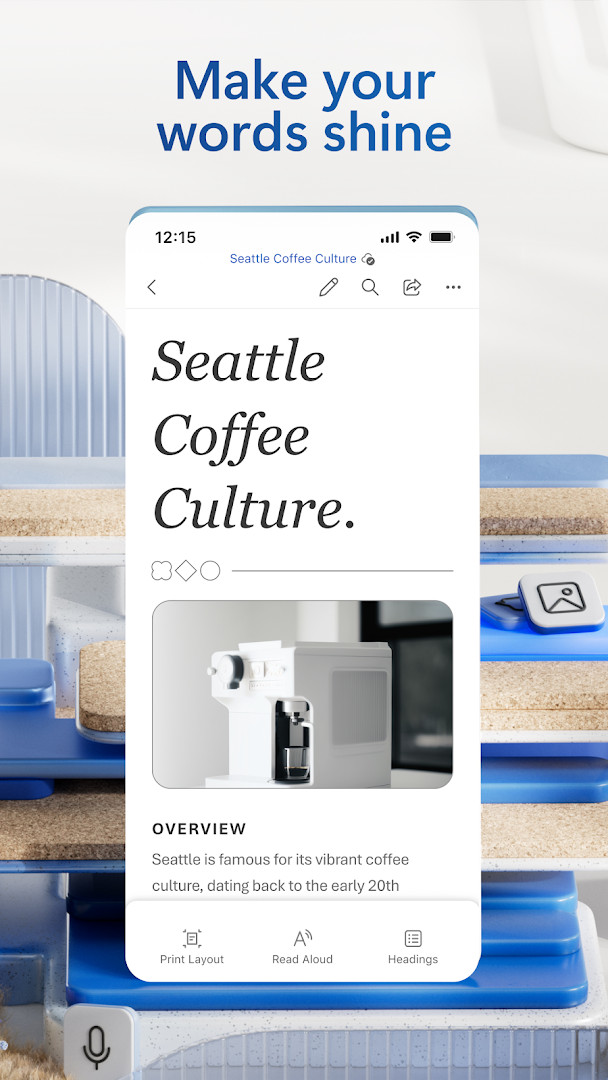
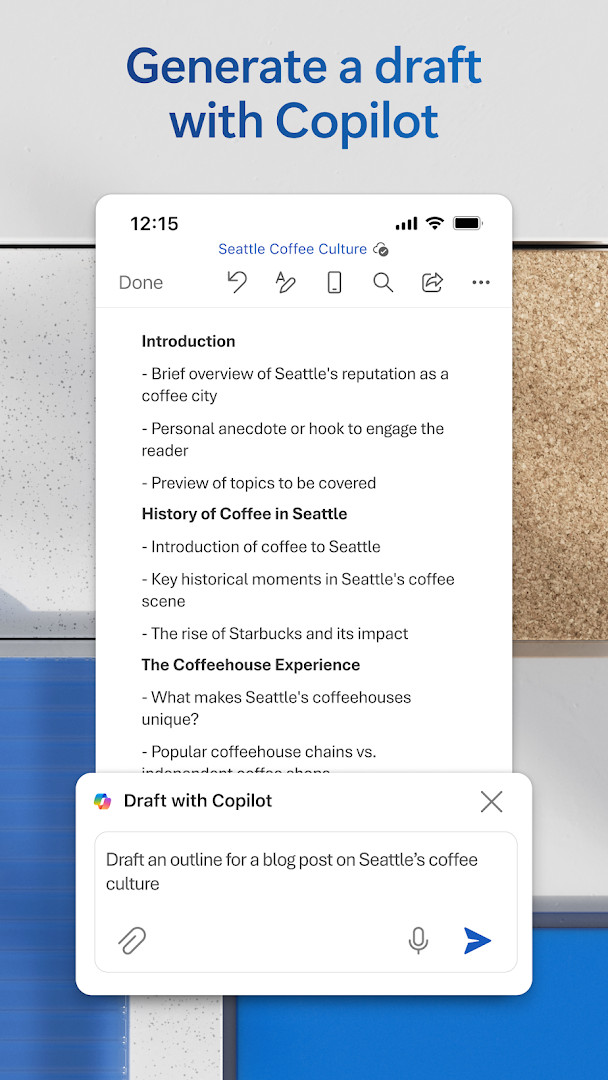
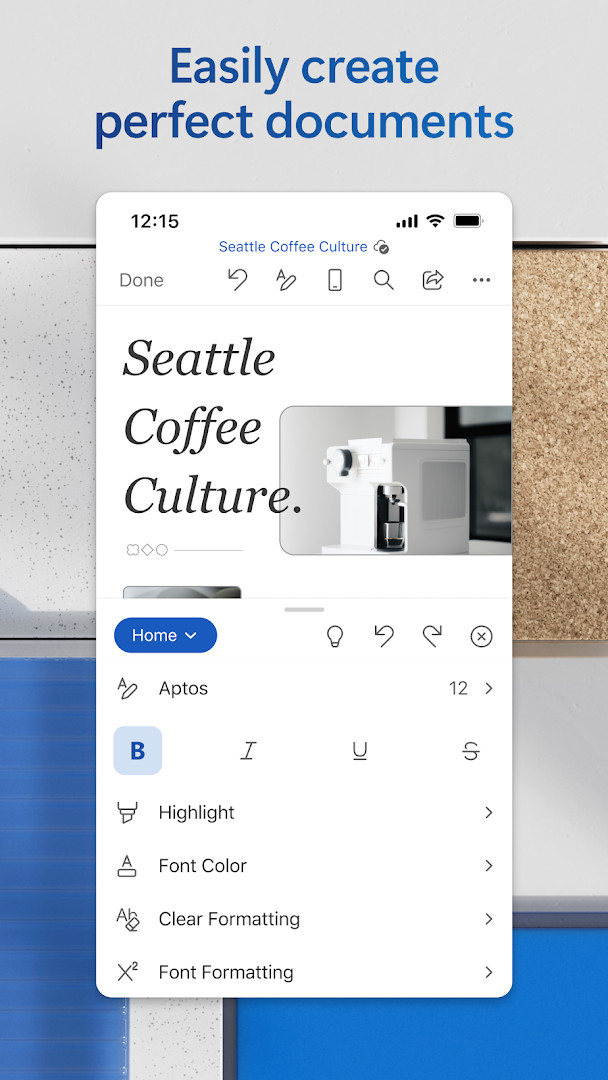
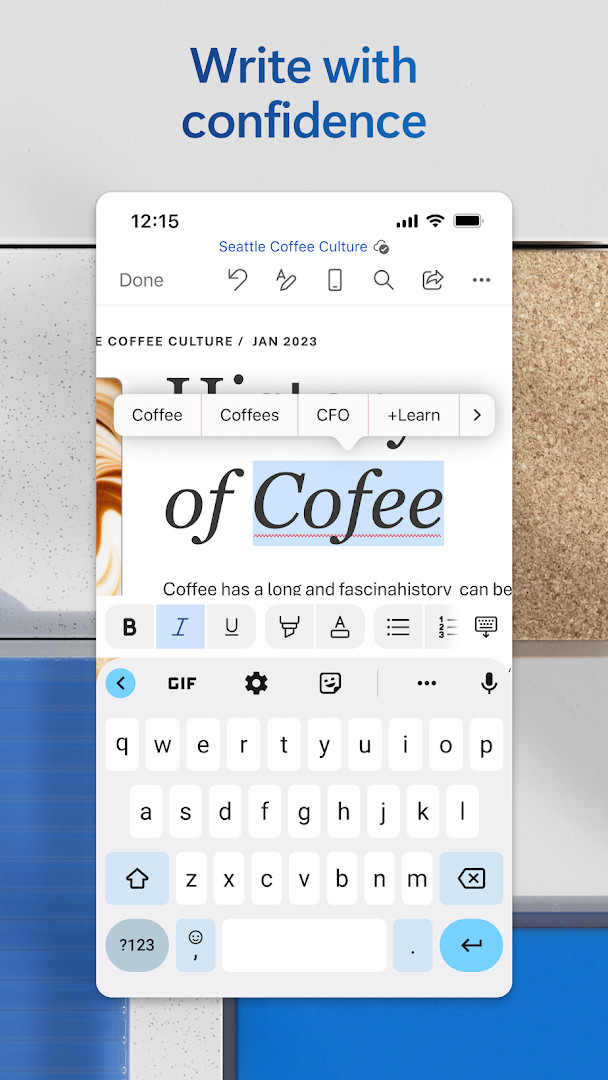
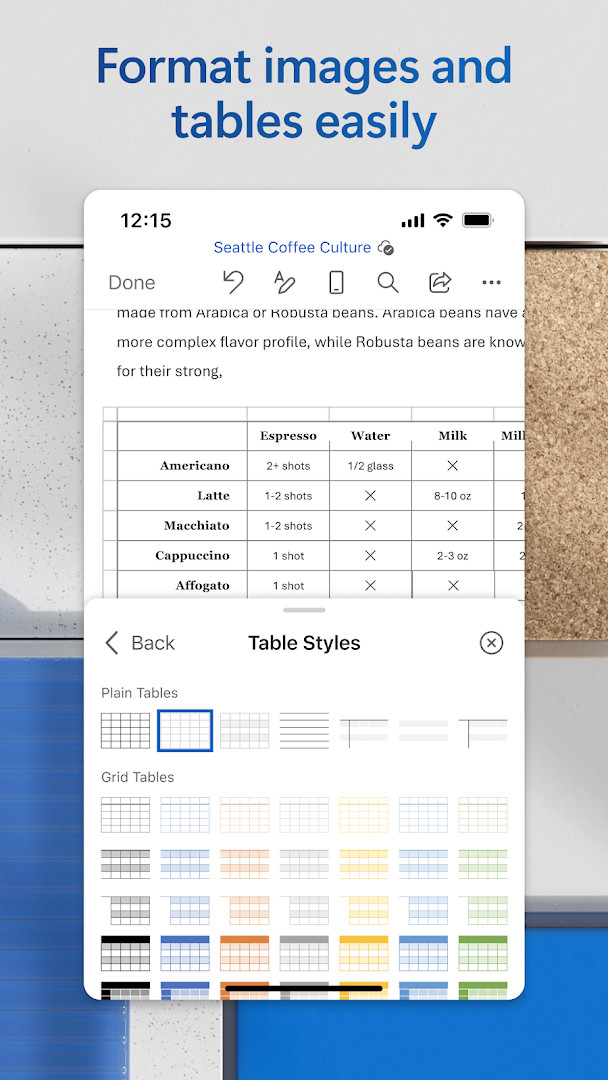
Microsoft Word: Edit Documents is a productivity app by Microsoft Corporation that lets you create, edit, read, and share documents on your Android device. It brings familiar writing and formatting tools to your phone, so a first-time user can open the app, pick a template, and start working on a letter, CV, or set of notes without a steep learning curve. The app includes a built-in document viewer, supports converting PDFs into editable Word files, and keeps the overall experience close to what you would expect from a desktop word processor.
Beyond basic typing, this tool helps you handle common everyday tasks from your mobile device. You can choose from modern templates for letters, CVs, scripts, proposals, invoices, newsletters, and more to jump-start a project. Rich formatting and layout options help you express ideas clearly, and documents are designed to keep their appearance intact across devices. Collaboration is also well covered: you can comment alongside text, work with others in real time, track changes to both text and layout, and use version history to view or restore earlier drafts. Sharing is simplified as well, since you can invite people to edit or view, manage permissions, see who is in the document, and attach files directly to an email with formatting preserved.
The app is updated regularly, and recent releases bring new features along with improvements for speed and reliability, according to the developer. For beginners, the practical requirements are easy to understand: the app needs Android 13 or newer and at least 1 GB of RAM, and the download itself is 187 MB. It is free to use with no ads, though it includes in-app purchases, and some capabilities, such as the full Copilot experience, require a qualifying Microsoft 365 subscription. Data may be transferred to Microsoft or its service providers in the United States or other regions, so it is worth being comfortable with that before installing.
Key features
- Modern templates for letters, CVs, scripts, proposals, invoices, newsletters, and other common documents
- Rich formatting and layout tools to make your writing clear and well organized
- A built-in reader for opening attachments and viewing documents without leaving the app
- Conversion from PDF to editable Word documents
- Commenting alongside text so you can share feedback with others
- Real-time collaboration and tracking of changes to text and layout
- Version history that lets you view or restore earlier drafts
- Simplified sharing with invite options, permission management, and email attachments
- Copilot assistance for drafting, summarizing, refining, and auto-formatting content with a qualifying subscription
How to install
- 1. Tap the download button on this page to save the APK file (187 MB) to your device.
- 2. If your browser or file manager asks, allow it to install apps by enabling the “Install unknown apps” setting.
- 3. Open the downloaded APK file from your notifications or Downloads folder.
- 4. Tap Install and wait for the process to finish. Your device must run Android 13 or newer.
- 5. Open Microsoft Word from your app list and grant any permissions you are comfortable with when prompted.
Pros
- Free to download with no ads displayed
- Very widely used, with over a billion installs and a strong 4.80 average rating
- Familiar editing and formatting tools that feel similar to a desktop word processor
- Templates speed up common tasks like CVs, letters, and proposals
- Solid collaboration options, including comments, real-time editing, and version history
- Track changes and document viewing make it easy to review work
Cons
- Full Copilot and some Microsoft 365 features require a subscription
- The app requests broad permissions, including identity, contacts, camera, microphone, and storage
- At 187 MB, it takes up a noticeable amount of device storage
- Some document data may be transferred to servers in the United States or other regions
Latest changes
Thank you for using Word. This release continues our regular update cadence, adding new capabilities along with performance and stability refinements. As a reminder, a Microsoft 365 subscription unlocks the complete Office experience across your devices, and you can find special offers right inside the app.
Version history
| Version | Size | Requires Android | Updated |
|---|---|---|---|
| 16.0.20228.20090 | 187 MB | 13 | Aug 12, 2026 |
| 16.0.20131.20080 | 189 MB | 13 | Jul 15, 2026 |
| 16.0.19127.20134 | 181 MB | 10 | Jun 18, 2026 |
| 16.0.18827.20066 | 176 MB | 10 | May 29, 2025 |
| 16.0.16327.20262 | 131 MB | 9 | May 25, 2023 |
| 16.0.14026.20298 | 124 MB | 8.0 | Oct 9, 2021 |
| 16.0.13628.20214 | 122 MB | 6.0 | Feb 14, 2021 |
| 16.0.10730.20043 | 124 MB | 4.4 | Aug 29, 2018 |
Microsoft Word is a good fit for students writing assignments and CVs, professionals who need to read and edit documents while on the move, and bloggers, journalists, or project managers who regularly draft content and collaborate with others away from a desk.
Start with a template for the type of document you need, and before making major changes, take advantage of version history so you can easily restore an earlier draft if you change your mind.
Permissions
FAQ
What are the minimum device requirements to run Microsoft Word: Edit Documents?
The app calls for at least 1 GB of RAM and Android OS version 13 or newer. The installation size is listed as 187 MB.
Which version is the latest listed update, and when was it issued?
The most recent version shown is 16.0.20228.20090, updated on 2026-08-12. Earlier listed releases include 16.0.20131.20080 from 2026-07-15 and 16.0.19127.20134 from 2026-06-18.
Is the app free, and does it include ads or paid extras?
The app is free and shows no ad support. It does include in-app purchases, and subscriptions cannot be cancelled during the active period.
How does the Copilot feature assist with writing, and what is required to use it fully?
Copilot can draft items such as CVs, polish proposals and organise ideas in seconds, while also summarising, refining and automatically formatting content and giving intelligent suggestions. The full Microsoft 365 experience through Copilot requires a qualifying Microsoft 365 subscription.
Which permissions does the app request, and what should users know about data handling?
The app requests access to identity, contacts, photos or media and files, storage, camera, microphone, and Wi-Fi connection information. According to the available details, data may be transferred to or stored in the United States or other regions where Microsoft or its service providers operate, and the app has its own privacy statement and terms.
Microsoft Word: Edit Documents is a dependable and full-featured writing tool that beginners can pick up quickly thanks to templates and a familiar interface. It is free to start, though a subscription unlocks Copilot and the complete Microsoft 365 experience. The main trade-offs are the large file size and the fairly broad list of permissions, but for everyday document creation, editing, and sharing, it is a solid choice.
Similar apps
 Google CalendarGoogle LLC · ★ 4.6 · Productivity · 33 MB
 Google DriveGoogle LLC · ★ 4.3 · Productivity · 125 MB
 Google AssistantGoogle LLC · ★ 3.8 · Productivity · 2.4 MB
 Microsoft OneDriveMicrosoft Corporation · ★ 4.6 · Productivity · 104 MB
 Google GeminiGoogle LLC · ★ 4.5 · Productivity
 ChatGPTOpenAI · ★ 4.8 · Productivity · v1.2026.321
 Since UsDerDieDasLian · Productivity · 4.5 MB
More from this developer
Updated: Nov 26, 2026