Google Gemini for Android
Google Gemini is an AI assistant from Google LLC for writing, planning, creating, learning and more.
Google Gemini is for anyone who wants help with writing, planning, creating, and learning on an Android phone. The assistant is free, includes no ads and no in-app purchases, and requires Android 9 or higher. As of its November 2026 update, Google Gemini holds a 4.54 rating from more than 52.8 million ratings.
Screen gallery
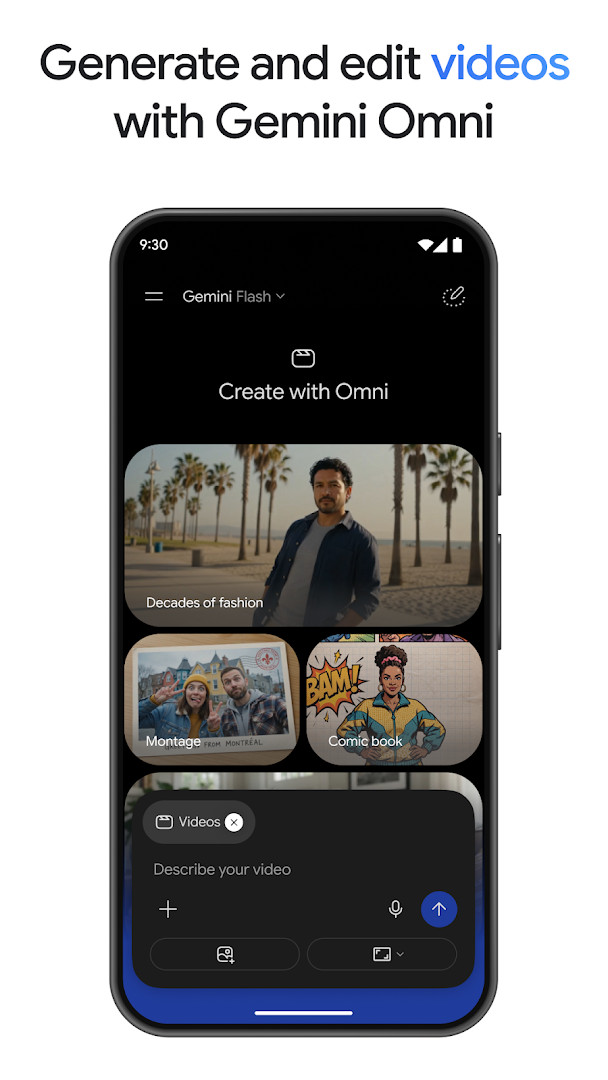
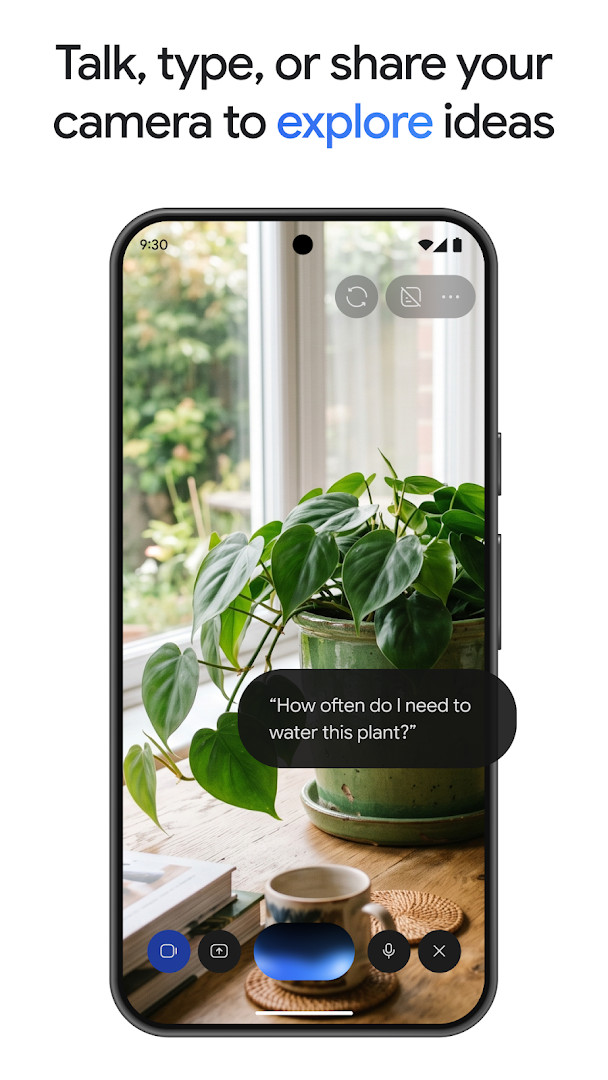
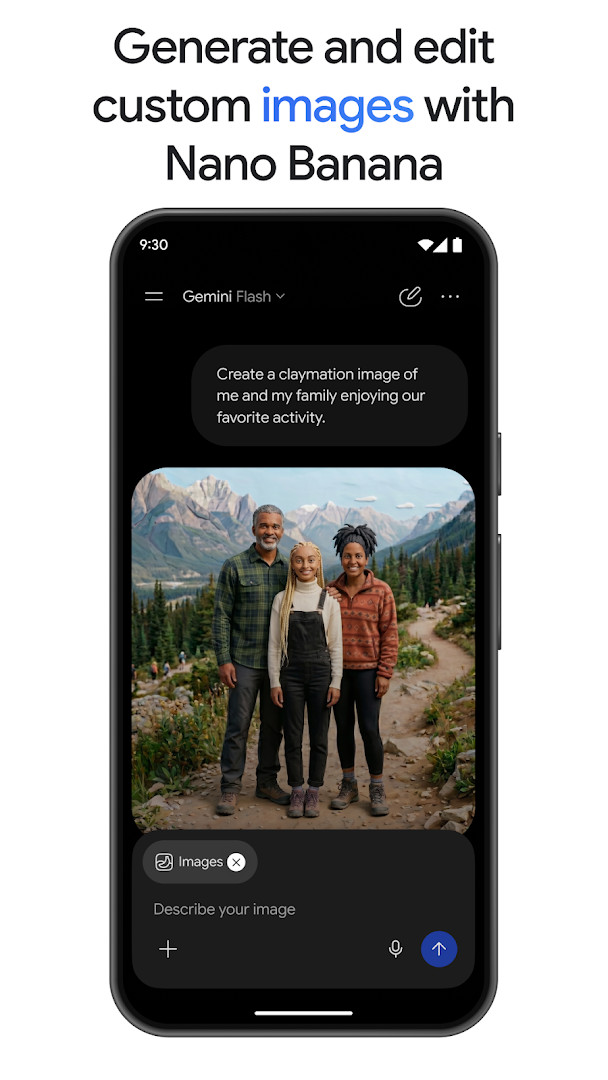
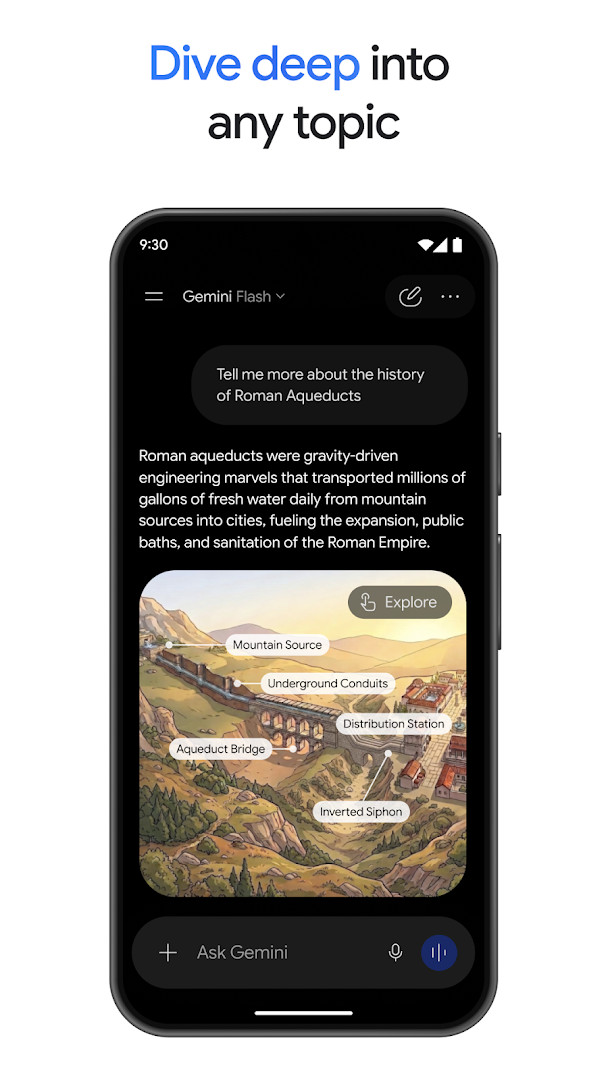
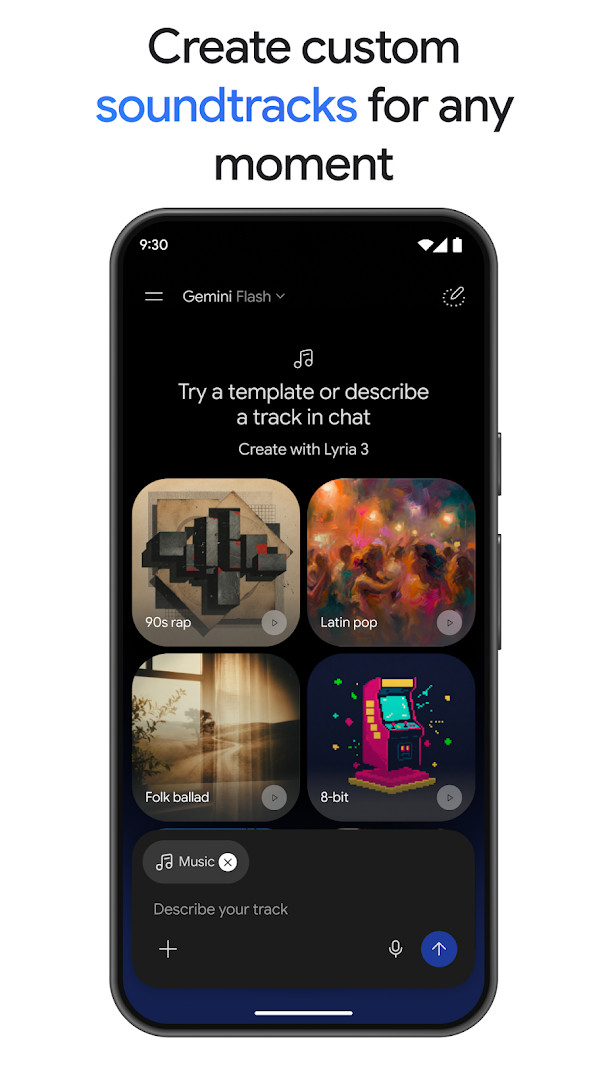
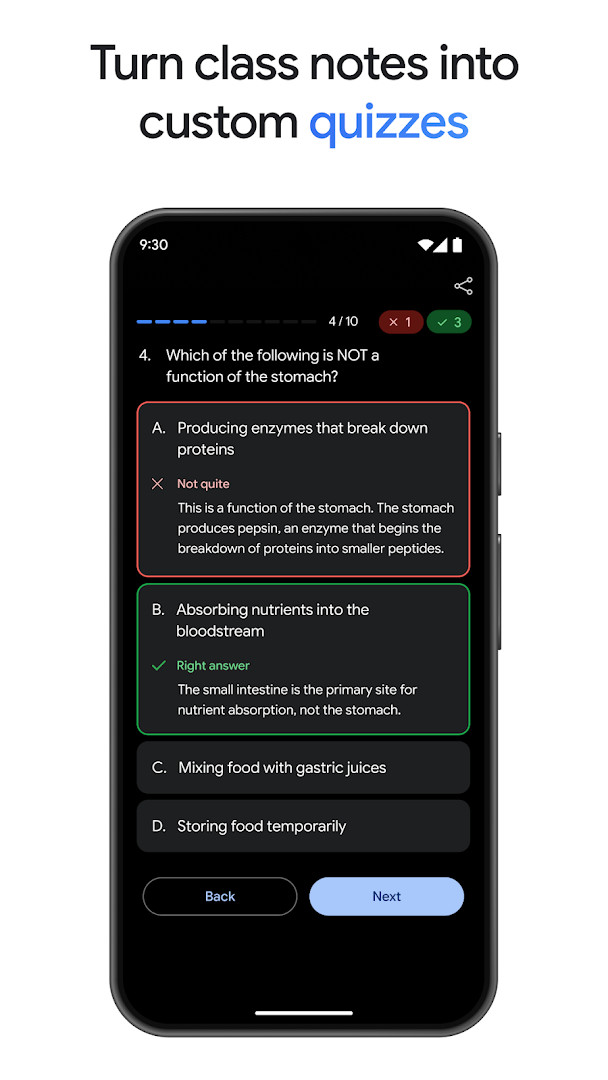
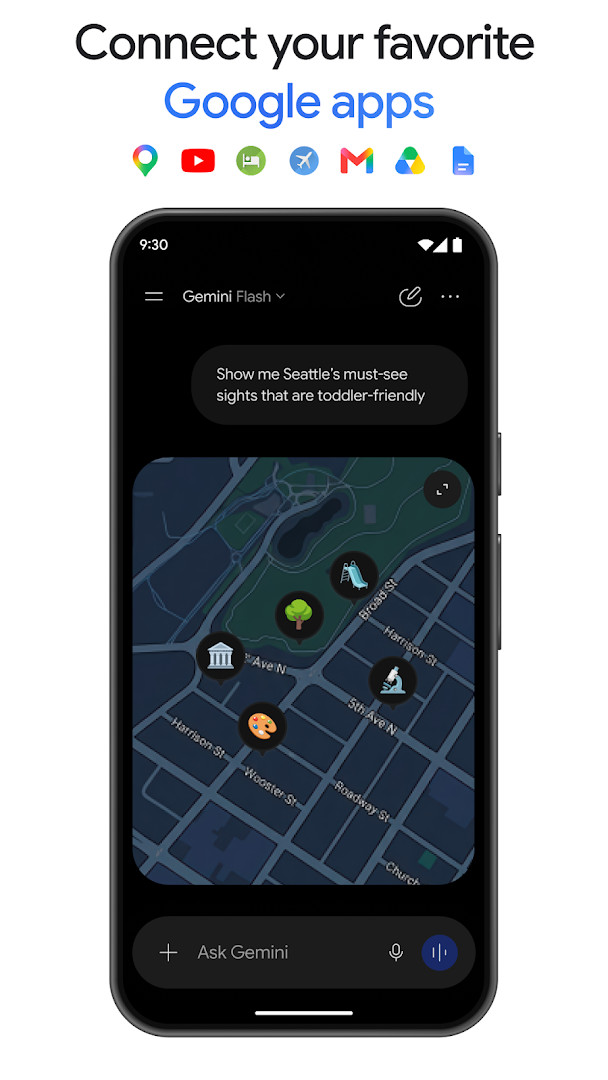
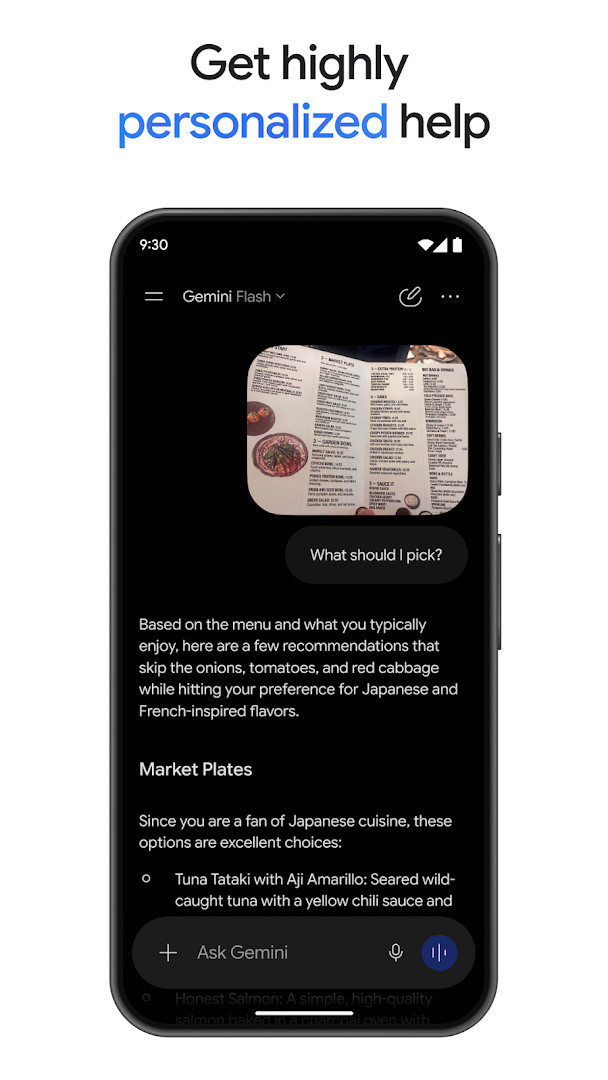
Google Gemini is a productivity app by Google LLC that relies on Google's AI models to assist with writing, planning, creating, and learning in everyday situations. The app turns a phone into a conversational assistant: you can type or talk, ask questions, and request help with tasks, and it answers with step-by-step breakdowns of multi-step workflows. It is designed for anyone from commuters and students to developers and busy professionals who want AI help while on the move.
For practical everyday use, Gemini goes beyond simple chat. The Gemini Live mode lets you brainstorm in real time and can share your screen or camera so the assistant reacts to what you actually see. You can also connect favorite Google services like Gmail, Calendar, Google Photos, YouTube, and Search for more personalized responses. The app accepts uploaded files — documents, spreadsheets, photos, and videos — and can summarize them, pull out insights, or answer questions about their content.
It also includes creative tools: image generation and editing with Nano Banana 2, cinematic video creation with Gemini Omni for subscribers of certain plans, and custom soundtracks with Lyria 3. Productivity helpers include NotebookLM for source-grounded research, custom practice quizzes made from class notes, and the ability to turn a prompt into a web page, game, or dashboard — or even convert files into a podcast-style overview you can listen to.
Key features
- Latest frontier models Gemini 4 Argon and Gemini Omni for advanced reasoning, coding, and data analysis
- Gemini Live for real-time voice conversations, screen sharing, and camera sharing
- Responses that include interleaved images, timelines, and interactive visuals
- Optional connections to Google apps such as Gmail, Calendar, Google Photos, YouTube, and Search
- File upload support for documents, spreadsheets, photos, and videos with summaries and insights
- Nano Banana 2 image generation and editing with lighting, camera, mockup, poster, and diagram tools
- NotebookLM research mode that grounds answers in the sources in your notebook
- Custom practice quizzes from class notes, prototype builders for web pages and dashboards, and podcast-style file overviews
How to install
- Tap the download button on this page to get the APK file — no file size is listed for this build. This version requires Android 9.0 or newer.
- When Android asks for permission, allow your browser or file manager to install apps (the 'Install unknown apps' setting).
- Open the downloaded APK file from your browser's download list or your file manager.
- Tap Install and wait for the installation to finish.
- Open the Google Gemini app, sign in if prompted, and start a conversation.
Pros
- Free to download with no ads and no in-app purchases
- Combines chat, voice, image editing, video creation, and research tools in a single app
- Upload your own files to get summaries, insights, and answers about your content
- Can connect to Gmail, Calendar, and other Google apps for more personalized help
- Gemini Live can share your screen or camera for context-aware assistance
- Regularly updated with new models and features
Cons
- Opting in replaces Google Assistant as the primary assistant, and some Assistant voice features are not yet available in Gemini
- Requests broad permissions, including camera, microphone, location, contacts, calendar, and storage
- Content is rated Teen, so it may not suit younger children
- Some features, such as cinematic video generation, require a paid Google AI plan
- Availability of some capabilities may vary by device, language, or region
Latest changes · 1.0.1009090390
This update brings Gemini 4 Argon, Google's newest and most capable frontier model, built to work through complex, multi-step tasks with deeper reasoning. It also improves advanced coding and data analysis, letting you write, debug, and run code or examine complex data in seconds. And instead of just chatting, you can now take a rough idea and turn it into a polished, ready-to-use project right away.
Version history
| Version | Size | Requires Android | Updated |
|---|---|---|---|
| 1.0.1009090390 | — | 9 | Nov 18, 2026 |
| 1.0.995038376 | — | 9 | Nov 18, 2026 |
| 1.0.971139365 | — | 9 | Aug 31, 2026 |
| 1.0.618909562 | 2.7 MB | 12 | Nov 14, 2025 |
| 1.0.603736800 | 2.6 MB | 6.0 | Mar 12, 2025 |
Aimed at Android users who want a versatile AI companion for everyday tasks — writing help, trip planning, studying, creative projects, and quick research — and who already rely on Google services like Gmail, Calendar, and Search.
For hands-free help, try Gemini Live and share your screen when you need context. Connect Gmail and Calendar to personalize answers, use NotebookLM for research that cites your own sources, and remember you can switch back to Google Assistant in settings whenever you want.
Permissions
FAQ
Which AI models does Google Gemini currently use, and what is new in the latest update?
The app features the Gemini 4 Argon and Gemini Omni models. The most recent update, version 1.0.1009090390 dated 2026-11-18, introduces Gemini 4 Argon as the newest frontier model, adding deep multi-step reasoning, advanced coding and data analysis, and the ability to turn a rough concept into a polished project.
What happens to Google Assistant if I opt in to the Gemini app?
According to the app description, opting in replaces Google Assistant as the primary assistant on your phone. Some Google Assistant voice features are not yet available through the Gemini app, and you can switch back to Google Assistant in settings.
Are there features that require a paid plan?
The description states that cinematic video creation with Gemini Omni is available to Google AI Plus, Pro, Ultra, and Workspace users, and that upgrading to one of those plans helps tackle more complex tasks. The app itself is listed as free at 0.00 USD with no in-app purchases.
What can I do with NotebookLM within the Gemini app?
NotebookLM offers research help with responses grounded in the sources in your notebook. You can upload class notes to generate custom practice quizzes and interactive visuals, and you can convert your files into a podcast-style overview to listen to while on the move.
What permissions does the app request and what is its content rating?
The app requests access to device and app history, cellular data settings, identity, calendar, contacts, location, phone, photos/media/files, storage, camera, microphone, Wi-Fi connection information, and device ID and call information. Its content rating is Teen, and the listing indicates no ads.
Google Gemini packs a wide range of practical AI tools into one free app, making it easy to write, study, create, and get things done from your phone. If you want a capable everyday assistant that understands context and your own content, it is a strong choice.
Similar apps
 YouTubeGoogle LLC · ★ 3.8 · Entertainment · 156 MB
 Google WalletGoogle LLC · ★ 4.3 · Finance · 16 MB
 Google CalendarGoogle LLC · ★ 4.6 · Productivity · 33 MB
 Google DriveGoogle LLC · ★ 4.3 · Productivity · 125 MB
 Google AssistantGoogle LLC · ★ 3.8 · Productivity · 2.4 MB
 Microsoft OneDriveMicrosoft Corporation · ★ 4.6 · Productivity · 104 MB
 Microsoft Word: Edit DocumentsMicrosoft Corporation · ★ 4.8 · Productivity · 187 MB
 ChatGPTOpenAI · ★ 4.8 · Productivity · v1.2026.321
More from this developer
 Google MeetGoogle LLC · ★ 4.4 · Communication · 118 MB
 Google Play servicesGoogle LLC · ★ 4.3 · Tools · 266 MB
 GmailGoogle LLC · ★ 4.1 · Communication · 26 MB
 Digital WellbeingGoogle LLC · ★ 3.6 · Tools
 Speech Recognition & SynthesisGoogle LLC · ★ 4.0 · Tools · 15 MB
 Google ChromeGoogle LLC · ★ 4.1 · Communication · 218 MB
Updated: Nov 25, 2026