Themepack - App Icons, Widgets for Android
Themepack - App Icons, Widgets is a personalization app from YoloTech for customizing the Android home screen with themes, icons, widgets, and wallpapers.
Themepack - App Icons, Widgets is for Android users who want to replace the default home screen look with their own style. The app is free and includes more than 10,000 widgets, icons, and wallpapers, with options for DIY icons and custom widgets. It requires Android 7.0 or higher, contains ads, offers in-app purchases, and carries a Teen content rating.
Screen gallery
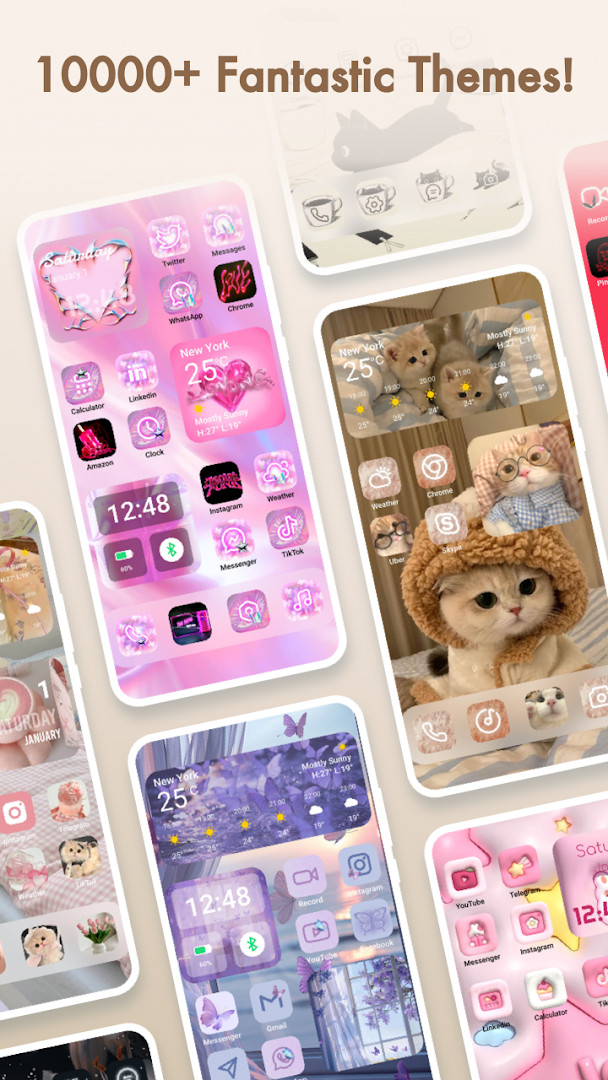
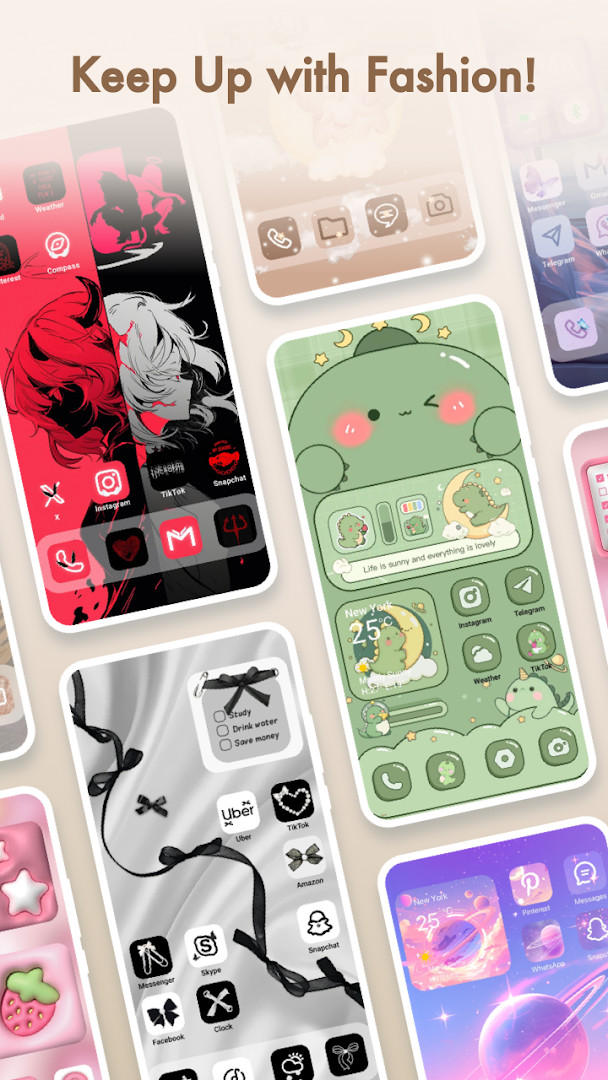
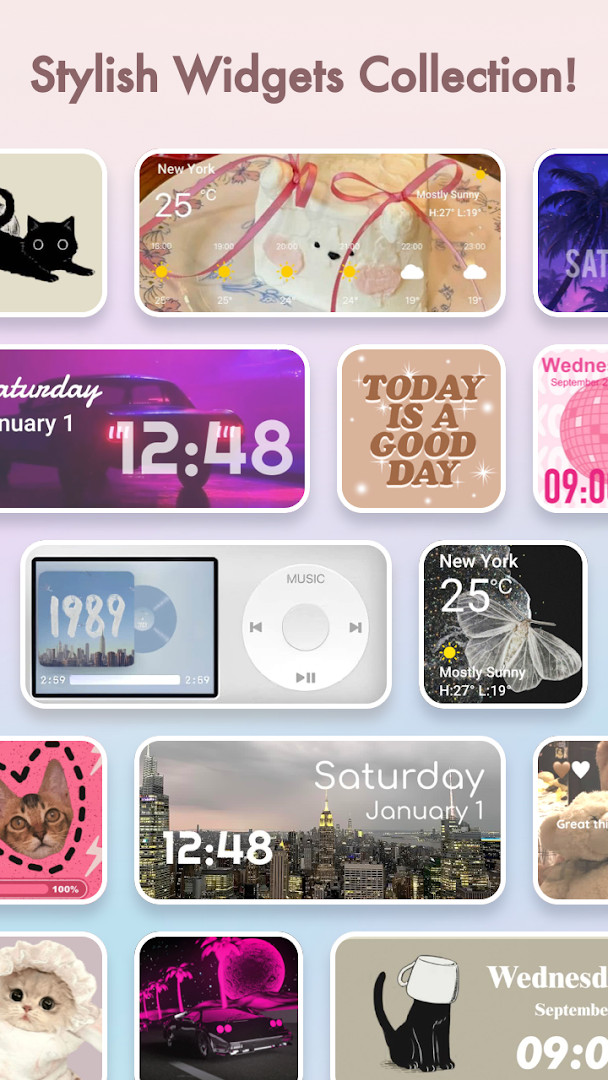
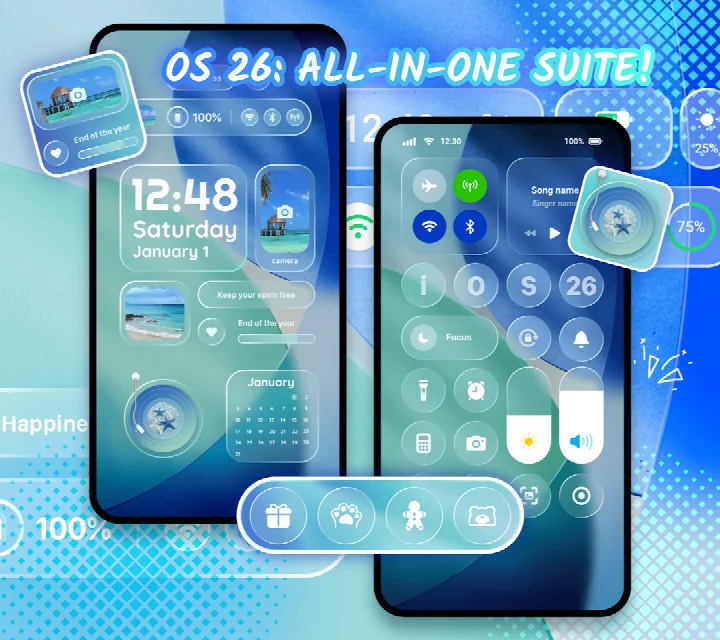
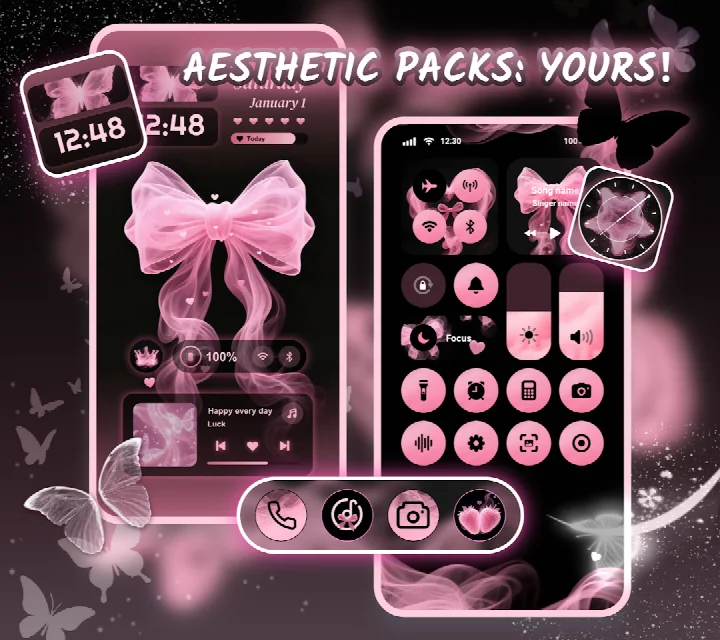
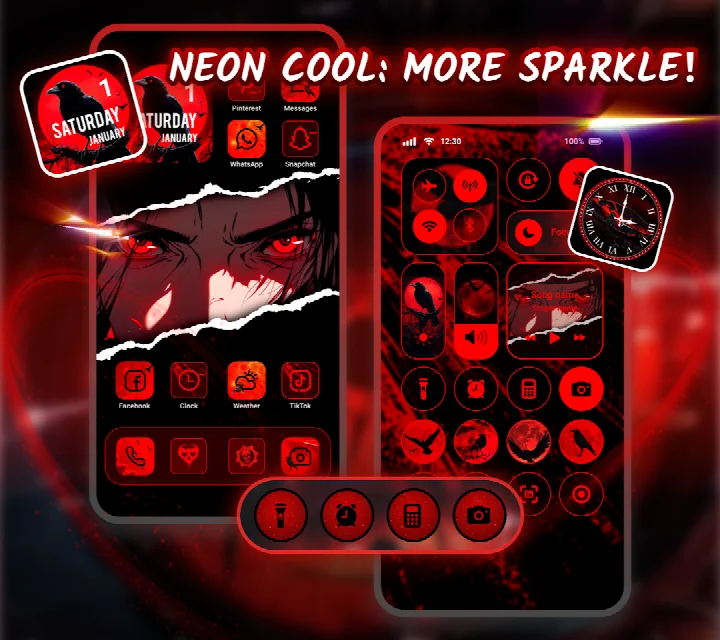
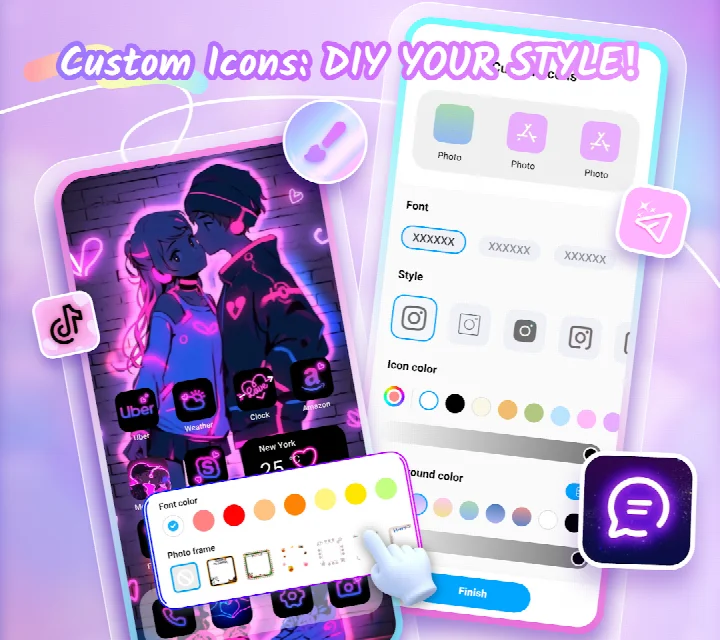
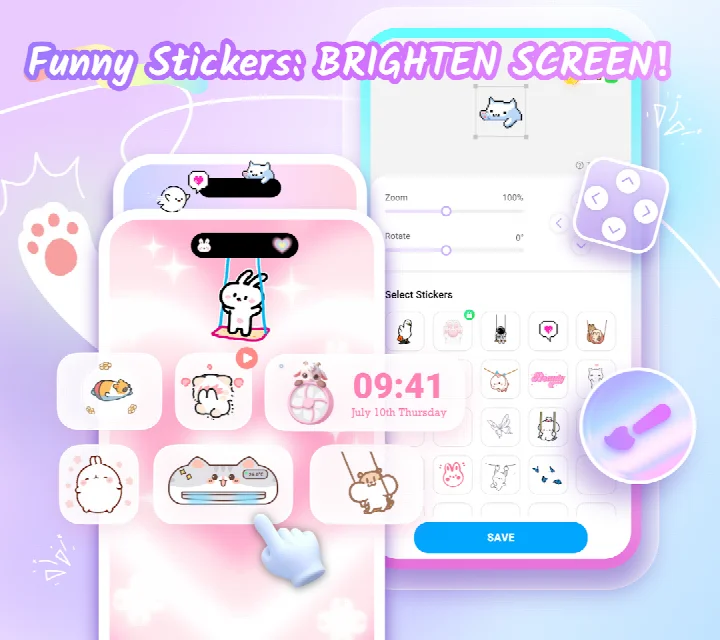
Themepack - App Icons, Widgets is a personalization app by YoloTech that lets you redesign your Android home screen with themes, icon packs, widgets, and wallpapers. It provides a broad toolkit for users who want to move beyond stock launcher looks, offering over 10,000 functional widgets, icons, and wallpapers alongside customization options for both widgets and app icons. Whether you prefer a clean minimal setup or a bold, themed display, the app aims to give you direct control over the visual identity of your device.
At its core, the app focuses on practical home-screen customization. You can choose from battery widgets that show power information, dynamic image effect widgets, calendar, clock, weather, and control panel widgets. Beyond prebuilt options, you can open your gallery and select images to create custom widgets, which adds a personal touch. Icon customization is equally flexible, letting you adjust styles, fonts, colors, transparency, and background colors, and even rename icons with alternative fonts to match your preferences.
For users who want quick visual refreshes, the app includes aesthetic backgrounds, K-pop, anime, neon, sports, and festival themes that can be applied with one click. The design work is credited to top designers, and the app emphasizes fast updates and easy replacement of elements. It is suited for Android users on version 7.0 or higher who enjoy tweaking their device appearance and want a single tool that covers themes, widgets, icons, and wallpapers without juggling multiple apps.
Key features
- Over 10,000 functional widgets, icons, and wallpapers to choose from
- Battery widgets that display device power information
- Dynamic image effect widgets for a lively home screen
- Calendar, clock, weather, and control panel widgets
- Custom widgets created from your own gallery images
- DIY icon customization with styles, fonts, colors, transparency, and background colors
- Rename icons using cool fonts to match your apps
- One-click replacement of themes, icons, and widgets
- Aesthetic backgrounds including K-pop, anime, neon, sports, and festival themes
- Regular updates with new themes, icon packs, and widgets
How to install
- Tap the download button on this page to get the APK file (file size n/a).
- When Android asks, allow your browser or file manager to install apps by enabling the 'Install unknown apps' setting for that app.
- Open the downloaded APK file from your notifications or Downloads folder.
- Tap Install and confirm if prompted about permissions.
- Wait for the installation to complete, then tap Open to launch Themepack - App Icons, Widgets.
- Ensure your device runs Android 7.0 or higher for compatibility.
Pros
- Huge library of widgets, icons, and wallpapers
- Deep customization for icons including fonts and transparency
- One-click theme application saves time
- Regular updates with fresh content
- Supports DIY widgets from personal photos
Cons
- Contains ads and in-app purchases
- Requires accessibility service permission for control center features
- Uses permissions for location, storage, and camera which may be broader than needed for some users
- Content rating Teen may not suit younger audiences
Latest changes · 1.0.0.4399
This update brings a refreshed experience with a broader selection of new themes, icon packs, and widgets to explore. It also includes stability improvements and bug fixes for smoother performance.
Version history
| Version | Size | Requires Android | Updated |
|---|---|---|---|
| 1.0.0.4399 | — | 7.0 | Nov 25, 2026 |
| 1.0.0.4389 | — | 7.0 | Nov 5, 2026 |
| 1.0.0.4348 | — | 7.0 | Sep 24, 2026 |
Themepack is for Android users who enjoy personalizing their home screen and want a comprehensive tool to create custom themes, widgets, and icon packs. It appeals to those who like DIY customization, aesthetic wallpapers, and frequent visual changes, and who are comfortable granting accessibility and storage permissions for full functionality.
To get the most out of the control panel widgets, grant the accessibility service permission when prompted, as it enables features like do-not-disturb and volume controls. For custom widgets, use high-resolution images from your gallery for better visual results. Explore the icon customization options to rename apps with fonts that match your theme. Be aware that the app includes ads and in-app purchases, so check settings if you prefer to minimize interruptions.
Permissions
FAQ
Is Themepack - App Icons, Widgets free to download and use?
Yes, the app is free to download and use. While it contains ads and offers optional in-app purchases, the core features such as themes, widgets, icons, and wallpapers are available at no cost.
Which Android version is required to install the app?
The app requires Android 7.0 or higher. If your device runs Android 7.0 or a newer version, you can install and use Themepack without issues.
What permissions does the app request?
The app requests access to Location, Photos/Media/Files, Storage, Camera, and Wi-Fi connection information. It also requires Accessibility Service permissions for features like control center and do-not-disturb mode, but it does not collect or store user data through that access.
Do I need to create an account to use the app?
No account is required. You can download, install, and start customizing your home screen immediately without signing up or logging in.
How do I update the app to the latest version?
To update, simply download the newest version available from this page. The latest version is 1.0.0.4399, released on 2026-11-25, which includes new themes, icon packs, widgets, and stability fixes.
What is the file size of the app?
The file size is not specified in the available information. You can check the download details on this page before installing, as the size may vary by version.
Themepack - App Icons, Widgets delivers a versatile home-screen customization suite with a vast selection of widgets, icons, and wallpapers. It is a solid choice for users who want hands-on control over their device appearance, though the accessibility permission and ad-supported model are worth considering before installing.
Similar apps
 Facemoji AI Emoji KeyboardNexileap · ★ 4.7 · Personalization · v3.7.1
 Microsoft SwiftKey AI KeyboardSwiftKey · ★ 4.3 · Personalization · v9.13.20.4
 HiOS Launcher - FastTranssion Holdings · ★ 4.1 · Personalization · 70 MB
 Zedge™ Wallpapers & RingtonesZedge · ★ 4.7 · Personalization · 24 MB
 Photo Lock App - Hide PicturesBattery Stats Saver · ★ 4.6 · Personalization · v2.1.14
 Parallel Space - app cloningLBE Tech · ★ 4.1 · Personalization · v4.0.9631
 Launcher OS™Apps Genz · ★ 4.4 · Personalization · v7.0.1
Updated: Nov 27, 2026